Articles / Guidesupdated for DaVinci Resolve 21 and current licensing guidance, September 2026
Artlist for Multi-Platform Client Video Distribution?
Quick answer
Artlist for multi-platform client video distribution works when you use a Pro-level license for client, brand, website, paid, and multi-channel publishing, then Clearlist eligible YouTube work while subscribed. Social is for personal channels, not client projects. Use a custom or enterprise license for broadcast, large teams, or unclear uses.

I treat licensing as part of the edit, not paperwork added after the export. After seven years of professional commercial video editing, we still start with the same question: where will the client publish this finished project? As of September 2026, DaVinci Resolve 21 is the current version covered here, and Blackmagic lists it for Mac, Windows, and Linux on its official product page.
The short answer is simple. A library subscription can make production easier, but it doesn't erase the difference between a personal upload, a client deliverable, a paid advertisement, and a broadcast master. Build the distribution matrix first. Choose the license second.
What does Artlist for multi-platform client video distribution need to cover?
Artlist for multi-platform client video distribution needs to cover the client relationship, the publishing destinations, the commercial purpose, the number of channels, and the date of publication. A music or footage download by itself answers none of those questions.
The important distinction is between a finished project and a raw asset. Artlist's current license describes the finished video as the thing you can deliver to a client. It does not give the client the right to take the music file, footage clip, sound effect, or template out of that video and reuse it independently. The client can receive the completed production, while the subscription and license remain with the account holder.
That distinction matters in DaVinci Resolve because the project folder may contain much more than the final MP4. Your .drp project, source media, downloaded music, template archive, and cache can all sit together on a drive. A client handoff must not accidentally turn a licensed stock item into a reusable asset library.
A finished client video can be deliverable even when the underlying stock asset is not transferable.
The current Artlist license separates Social coverage from Pro and Business coverage. Social is aimed at personal creator channels. It does not cover client projects, brand work, or paid and promoted videos. Pro coverage is the relevant starting point when you are being paid to create work for a client, distributing a brand video, publishing on a website, or supporting broader commercial delivery. Check Artlist's current license terms and plan scope before purchase because names and plan boundaries can change.
This is also why a generic phrase such as "commercial use" isn't enough in a client contract. You need to write down what commercial use means for this project:
- A client-owned YouTube channel
- A company website or landing page
- Organic Instagram, TikTok, Facebook, or LinkedIn posts
- Paid social placements
- A sales presentation or internal training portal
- A trade-show screen or in-store display
- Broadcast, connected TV, or a festival submission
- Re-edits, language versions, cutdowns, and future campaigns
Those destinations don't always share the same rights path. If the client's media plan grows after delivery, your original license decision may not be enough.
How do I map each client video destination to a license?
Map the destination before you download an asset, then keep the matrix with the Resolve project. The matrix turns an ambiguous request into a set of decisions that you can verify with the license provider or the client's legal team.
| Destination or use | What you need to ask | Practical Artlist decision | Delivery note |
|---|---|---|---|
| Your personal channel | Is this genuinely your own content, with no client or brand deliverable? | Social may fit one personal channel per platform. | Don't use this row for paid client work. |
| Client-owned organic social | Is the client receiving a finished project for its own channel? | Start with Pro coverage, not Social. | Record each client channel and the publishing date. |
| Website or landing page | Will the video live on a client-controlled website? | Confirm Pro or Business coverage for websites. | Save the URL and the approved use in the project record. |
| Paid social or promoted video | Will the client spend media budget to distribute the video? | Social is not the safe default. Use coverage that explicitly includes paid or promoted video. | Note the platform, campaign, territory, and flight dates. |
| Several client channels | Does the client control multiple pages or accounts on the same platform? | Pro can cover broader use, but Clearlist channel limits still matter on eligible services. | Clearlist individual videos when a full channel cannot be added. |
| Broadcast or public performance | Is the final work going to television, a public screening, or another special medium? | Ask for Business, Enterprise, or a custom written license before production. | Do not infer broadcast coverage from a social plan. |
| Raw files or stock handoff | Does the client want the standalone song, footage, SFX, or template? | A standard finished-project license does not make raw assets transferable. | Deliver the finished video, not a stock library. |
| Large agency or team | Who will access the account and for whose benefit? | Check Team, Max Business, or Enterprise seat and entity rules. | One individual login is not a team license. |
The table is a decision aid, not a substitute for the live contract. It tells you where to pause. That pause is valuable. It is much cheaper to ask about a paid campaign before the music is cut into twenty deliverables than after the client has scheduled the ads.
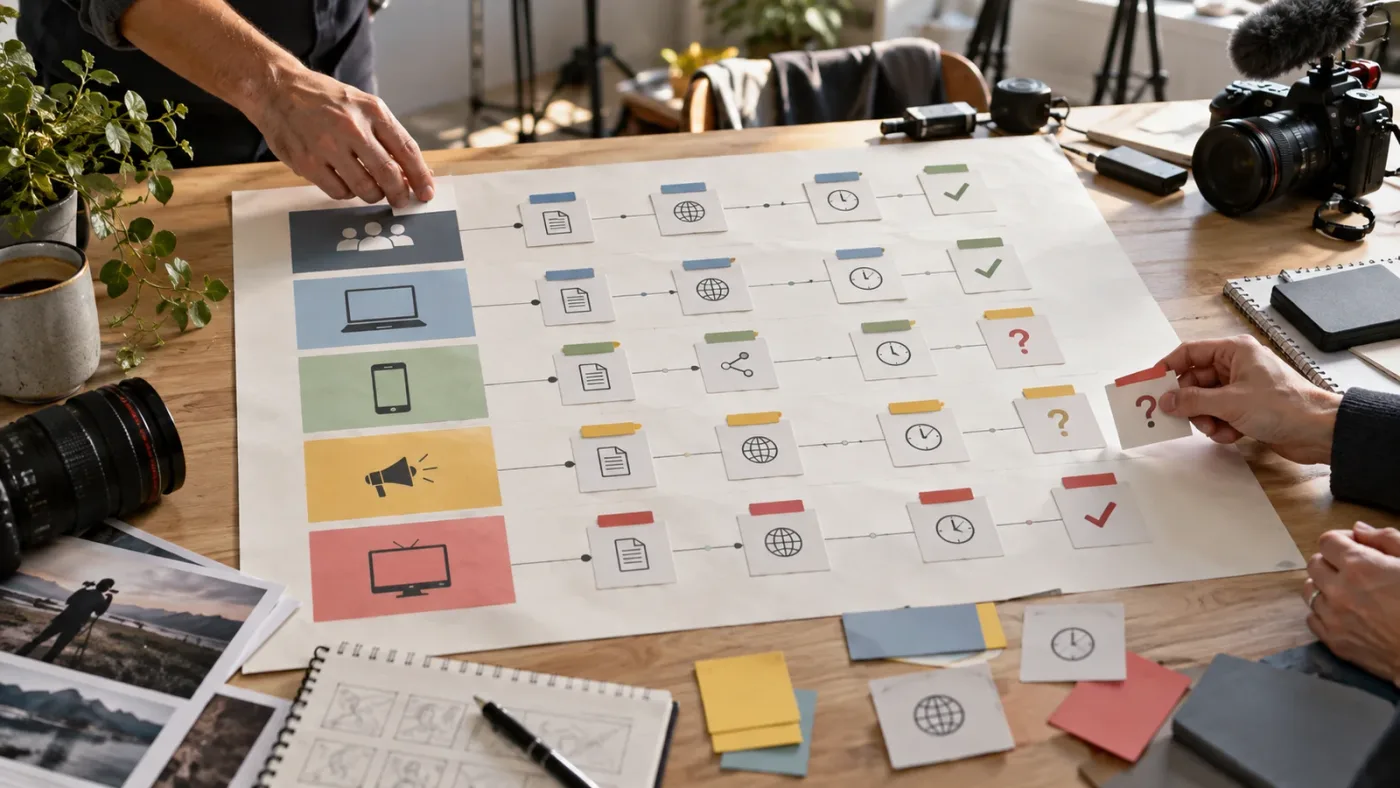
The current Artlist Clearlist guidance gives Pro users up to three channels per platform in Clearlist, Team users up to five, and Enterprise users unlimited channels. The same guidance says Pro users can clear individual YouTube videos for additional channels. That is a useful distinction: publishing coverage and automatic channel registration are related, but they are not identical.
The number of channels you can Clearlist is not the same as the number of places your license may cover.
Which Artlist license fits client, brand, social, paid, and channel distribution?
For most freelancers and small production teams, Pro is the first Artlist tier to evaluate for client video distribution. Social fits personal creator publishing. Team or Business becomes more appropriate when several people, multiple channels, or a larger business entity changes the risk. Enterprise or a custom agreement is the right conversation when the use falls outside the standard plan.
Disclosure: This post contains an affiliate link. If you choose Artlist after checking the scope below, using our link may earn us a commission at no extra cost to you. Check Artlist's current plans and license terms before you buy.
Here is the cleanest way to decide:
- If the client is paying for the production, remove Social from the shortlist. A personal creator plan is not a client-work plan.
- If the client will buy media, require paid-use coverage in writing. This includes boosted posts, paid social campaigns, display placements, and other promoted distribution.
- If the client owns several channels, separate publishing rights from Clearlist administration. A Pro plan may cover broader use while still requiring individual video clearance on channels outside the full-channel limit.
- If more than one editor needs access, count seats and entity size. The current Artlist terms describe individual plans as one seat. Team and Max Business plans can extend access to up to seven members total, while larger teams need an Enterprise discussion.
- If the agency or company has more than 50 employees, ask about Max Business or Enterprise. The current Pro and Business license language calls out that threshold for agencies and companies.
- If the project will be broadcast, screened, or used in an unusual medium, get written confirmation. A standard social workflow is not a reliable basis for a special distribution deal.
The last point is the one editors skip. They hear "client work" and assume the biggest plan available on the pricing page covers every possible use. It may cover the familiar web and social destinations, while a broadcaster, enterprise client, or public-performance context may need a different agreement. Put the unusual use in an email and keep the answer.
We built and run a 100,000-plus-member professional video-editing community, and we have taught more than 100,000 students on Udemy as an official Udemy Business Partner. The advice that survives real production work is boring in the best way: name the client, name the destination, name the asset, and save the proof.
How do I keep a multi-platform delivery package organized in DaVinci Resolve 21?
Keep one master timeline, a small set of named delivery timelines, and a rights record that travels with the project. DaVinci Resolve 21 handles the editorial and finishing work, but it cannot decide whether a client is permitted to publish the music you chose.
I use a structure that makes a later rights question answerable in a few minutes:
| Resolve item | Suggested name | Why it matters |
|---|---|---|
| Master timeline | CLIENT_CAMPAIGN_MASTER | The approved editorial source for all versions. |
| Vertical timeline | CLIENT_CAMPAIGN_9x16 | Keeps reframing and captions separate from the master. |
| Square or feed timeline | CLIENT_CAMPAIGN_1x1 | Allows platform-specific safe areas and text. |
| Paid cutdown | CLIENT_CAMPAIGN_PAID_15S | Makes the media use visible in the project name. |
| Rights bin | 00_RIGHTS_AND_LICENSES | Holds receipts, license PDFs, asset IDs, and approvals. |
| Delivery bin | 90_EXPORTS | Keeps upload-ready files separate from source media. |
The exact timeline names aren't a licensing rule. They are a memory aid. A rights problem often appears weeks later, when someone asks for a six-second cutdown or a new paid placement. If your project contains only Timeline 1, you have already made that question harder.
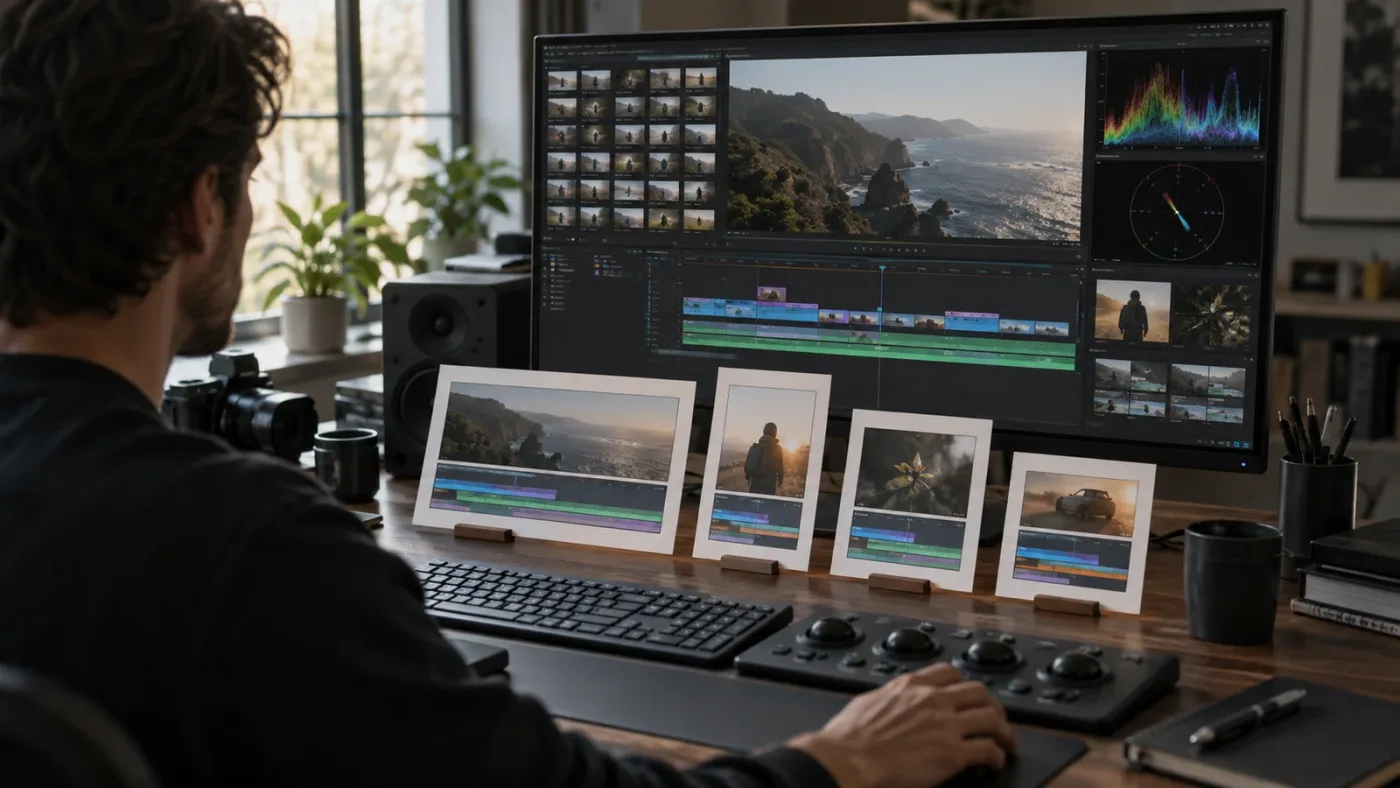
Before you export, make a one-page rights record with these fields:
- Client legal name and project name
- Your Artlist account or license holder
- Asset title, creator, asset ID, and download date
- Asset type: music, SFX, footage, template, LUT, or AI output
- First publication date
- Every known destination and whether it is organic or paid
- Client channel URLs or YouTube video URLs
- Clearlist status and the date it was completed
- Any written exception, enterprise approval, or custom term
- The date you checked the live license page
This is not busywork. It separates what you know from what you assume. If the client later asks for a new campaign using the same track, you can see whether that is a new project, a new client, a new channel, or simply another version of the original delivery.
DaVinci Resolve 21 also makes it practical to keep versioning inside one project. Blackmagic presents Resolve 21 as a single application covering editing, color, Fusion, Fairlight, and delivery. That is useful for a multi-platform package, but it doesn't mean one timeline should carry every platform's text, crop, audio mix, and legal assumption. Duplicate the timeline for meaningful delivery differences.
Why is the same client video licensed differently on YouTube, paid social, and a website?
The same finished video can have different licensing questions because the destination changes the audience, payment model, channel owner, and platform rules. The pixels may be identical. The use is not.
Consider a product launch video with Artlist music:
- On the client's YouTube channel, you need client-work coverage and a plan for Content ID clearance.
- On the client's website, you need website coverage and a record of the page or domain.
- In a paid Instagram campaign, you need paid or promoted-use coverage and the campaign's business owner.
- In a sales deck, you need to confirm presentation use and whether the deck will leave the client's organization.
- At a trade show, you need to ask whether the display counts as public performance or another special use.
- On television, connected TV, or a festival screen, you should ask for Business, Enterprise, or custom terms rather than assume a web license extends there.
The license should follow the real media plan, not the first place the editor uploads a review copy. A private Vimeo link for client approval is not the same as a public paid campaign, even if both files are H.264 exports.
The rights-clearance lesson is older than any subscription library. Brooke Wentz, a music-clearance expert quoted by Film Independent, described a client assumption this way: “I had a client who thought ‘My Sweet Lord’ was in the public domain,” Wentz explained. Read the Film Independent interview with Brooke Wentz for the surrounding context. The song in that example is not an Artlist asset. The point is that a client's confidence is not evidence of clearance.
The publishing destination is part of the license decision, even when the rendered file never changes.
What does Clearlist do when a client video gets a YouTube claim?
Clearlist is an administrative step that helps Artlist identify licensed music to YouTube. It is not a promise that a claim can never appear, and it is not a replacement for selecting the correct license.
YouTube automatically scans uploaded videos with Content ID when the relevant copyright owners have supplied reference material. YouTube says a match can lead to a claim that monetizes, tracks, or blocks a video, sometimes differently by geography. A Content ID claim is also different from a copyright strike. That distinction matters when you explain the problem to a client.
For an Artlist client upload, use this workflow:
- Confirm the track came from the correct Artlist account and was used as part of the finished video.
- Confirm the client project was published while the applicable subscription was active.
- Add the client's YouTube channel or the individual video to Clearlist while the account is active.
- If the client has a separate channel, use the client-video invite workflow rather than sharing your login or raw asset files.
- Save the Clearlist confirmation, video URL, license record, and claim details in the rights bin.
- If a claim remains, follow the provider's resolution process and dispute only when your records support the dispute.
Artlist's current Clearlist guidance says client YouTube videos can be added through invite links on Pro, Team, and Business plans. It also says those invite links are valid for 30 days. That is a small number with a practical consequence. Generate the invite when the client is ready to use it, not months before delivery.
If a claim appears, don't tell the client that "royalty-free" means "the platform will never flag it." YouTube's own guidance says a platform cannot know that you bought rights elsewhere just from the upload. The clean explanation is that automated matching can happen, while the license record and Clearlist registration provide the path to resolution.

The related Artlist Clearlist guide for Resolve 21 covers the claim workflow in more detail. Keep this post focused on distribution: Clearlist handles a specific platform administration problem, while the license matrix handles the broader question of where the client can publish.
How do I handle paid social, brand channels, and client-owned accounts?
Treat paid social as a separate row in the matrix, even when the client also publishes the same cut organically. Paid distribution changes the commercial context and can involve different entities, territories, and campaign windows.
The first question is who owns the account. A freelancer posting to a personal Instagram account is not the same as an agency posting on a client's brand account. A client paying to boost a post is not the same as a client sharing an organic post. A platform account can be client-owned even when your agency operates it.
The second question is whether the same music stays in every version. A 30-second organic post, a 15-second paid cut, and a six-second bumper may all come from the same Resolve master. They are still separate deliverables worth recording because each one has a different duration, placement, and campaign purpose.
The third question is whether the client wants the project to outlive the subscription. Artlist's current license says a finished project published during an active subscription can continue to be used after the subscription ends, while new projects are not covered after expiration. That makes the publication date important. If you deliver a finished video today but the client first publishes it months later, don't assume the delivery date alone creates the same protection.
For paid social, I would put these fields in the approval email:
- Campaign or ad-set name
- Client legal entity
- Platforms and account IDs
- Organic, paid, or both
- Countries or regions
- First publication date
- Music and footage asset IDs
- Planned cutdowns and language versions
- Who will handle a platform claim
This also keeps creative approval separate from rights approval. A client can approve the music creatively and still need a licensing answer before launch.
The sibling guide on how to license music for paid social video ads is the better destination for a paid-only question. Here, the useful rule is simple: never let an organic approval email stand in for paid-use coverage.
Is Artlist or Epidemic Sound safer for multi-platform client video distribution?
Neither service is automatically safer for every client. Artlist is the better fit when the project needs music, sound effects, footage, templates, LUTs, or plugins in one production-asset subscription; Epidemic Sound is attractive when the job is mainly audio and its plan scope matches the intended digital or broadcast use.
| Decision factor | Artlist | Epidemic Sound | Who should choose it |
|---|---|---|---|
| Music and SFX first | Available, with broader stock categories on relevant plans. | Audio-first catalog and soundtracking workflow. | Choose Epidemic when audio discovery is the main need. |
| Footage and templates | Available in the stock catalog and relevant combined plans. | Not the main reason to buy it. | Choose Artlist when the editor needs visual assets too. |
| Client social and website work | Pro coverage is designed for client and brand projects. | Epidemic says Pro covers digital commercial work, online ads, branded content, and client projects for social or websites. | Compare the exact scope against the client's plan. |
| Broadcast, festival, or larger production | Ask about Business, Enterprise, or custom coverage. | Epidemic says Enterprise is the path for larger productions, including TV advertising, broadcast, or festival release. | Get written terms before the edit is locked. |
| Multi-channel administration | Clearlist limits vary by plan, with individual video handling for additional YouTube uploads. | The workflow and clearance tools differ by plan. | Choose the process your team will actually maintain. |
| Post-cancellation planning | Published projects can remain covered, but new work is not covered after expiration. | Confirm the current plan's cancellation and clearance rules for the project. | Read the cancellation clause before promising perpetual use. |
Epidemic Sound's official filmmaking guidance describes its Pro plan as a fit for digital commercial work and its Enterprise plan as the route for larger TV, broadcast, or festival productions. That is a useful honest alternative. If the project only needs music and SFX, a focused audio service may be simpler. If the project needs a title template, stock footage, and a few sound effects in the same Resolve workflow, Artlist may reduce the number of vendors you have to track.
The answer changes again when the client wants a per-project agreement. A subscription is not the only valid route. For a one-off national campaign, a well-defined custom license can be easier to explain to procurement than a recurring creator subscription. For a series of weekly social deliverables, the subscription model may be more efficient if the team can maintain the records.
What happens to Artlist assets after cancellation?
Assets used in a project that was completed and published while the applicable Artlist subscription was active can remain covered in that published project, but cancellation does not create a perpetual right to use those assets in new projects.
That difference is central to a client handoff. If a client asks for a new campaign six months after you cancel, you need a new active license or a different asset. If the client reuploads the same already-published project under the relevant coverage, the license may continue to protect that published project. Keep the dates and project identity clear because "same campaign" can become ambiguous after a major re-edit, new client, new brand, or new media use.
Do not promise the client that the subscription makes every downloaded asset theirs forever. The license is permission to use the asset inside covered projects. It is not ownership, exclusivity, or permission to redistribute a music file, footage clip, SFX file, or template archive.
Artlist's current license also describes reasonable download limits of up to 40 songs, 100 sound effects, 40 templates, and 100 footage or animation assets per day. Those numbers are not a target for a production schedule. They are a warning against treating a subscription as a stockpile. Download what the project needs, record it, and avoid a library handoff that leaves the client with raw materials.
Cancellation changes what you can start next; it does not automatically erase a covered project that was published during the active term.
When should I choose a custom license instead of Artlist?
Choose a custom license when the client's use is outside the standard plan, the business needs unusual warranties, the distribution is broadcast or theatrical, or procurement needs a named legal entity and a project-specific grant.
Custom terms make sense when:
- A broadcaster, streaming service, or festival has delivery rules the standard license does not name.
- A client wants the music or footage as a standalone file for a future editor.
- A brand wants to register the finished music or video in a rights-management system.
- The campaign needs territory-specific, term-specific, or category-exclusive rights.
- A company has more staff than the standard team tier supports.
- The client wants indemnity language, a certificate, or a direct agreement with the rights holder.
- The video will be used in a stage performance, app, game, or another special medium.
The WIPO rights-clearance guide tells filmmakers to specify distribution windows, territories, and whether the music is used inside the audiovisual work or separately for advertising. That is a good brief even when you are using a subscription library. It gives the provider enough information to say yes or no to the real use.
The same principle applies to an internal brand video. "Internal" does not always mean "personal." If it plays at a public event, appears on a customer-facing website, or becomes a paid recruitment campaign, write that use down.
If you need a different library, the alternatives have different shapes. Envato's current subscription license uses one license per project, including client projects, so the same item reused for a separate project needs a new license. Storyblocks' client-project guidance says you can use its content in a client project when you have the right coverage and incorporate the asset into an original project, but you cannot hand over the unedited stock file. Those are meaningful trade-offs, not footnotes.
How do I document a client delivery so the rights survive the handoff?
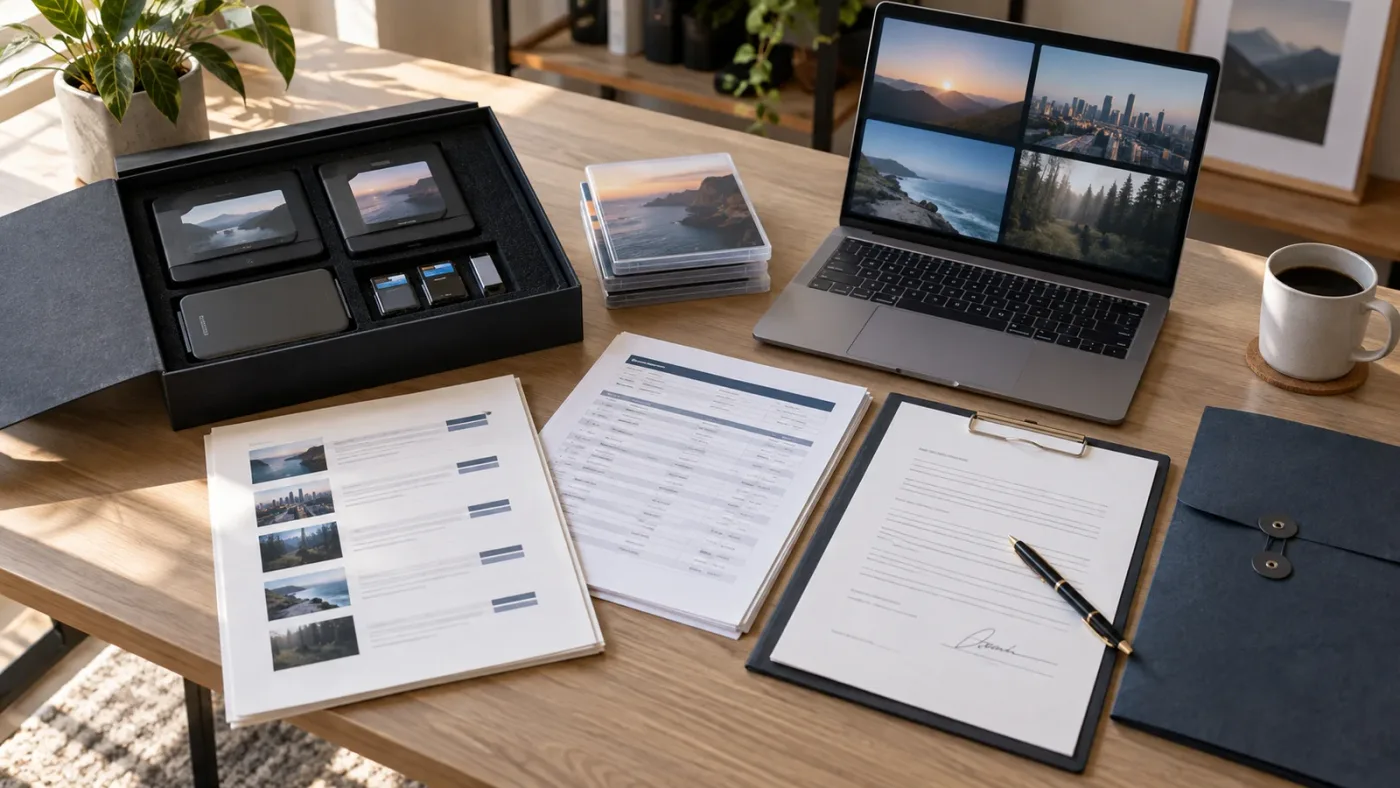
Deliver a finished project packet with the video files, a plain-language rights note, and the records needed to resolve a claim. The client should understand what is covered, where it may be published, and who owns the next licensing decision.
My minimum packet would contain:
- A delivery manifest. List every filename, duration, aspect ratio, frame rate, language, and destination.
- A rights manifest. List each stock asset, provider, asset ID, license holder, download date, and active-subscription status at publication.
- A channel sheet. List client channel URLs, website URLs, campaign names, and Clearlist status.
- A use note. State whether the package covers organic social, paid social, websites, presentations, broadcast, or another use.
- A limitation note. Say that standalone stock files and templates are not being transferred for independent reuse.
- A support owner. Name the person who will handle a future Content ID claim or scope question.
- An approval record. Keep the client's final approval and the date it was given.
Give the client the final video files and the rights note. Give them the information needed to publish the project. Don't give them your Artlist login, and don't include a folder of unused music and footage just because it was downloaded during production.
This is where the earlier Artlist plan guide for DaVinci Resolve client work becomes useful as a companion. It focuses on choosing a plan for client work. This page adds the distribution layer: which account, which channel, which campaign, which date, and which future use.
Should I buy Artlist for this client distribution workflow?
Buy Artlist when you repeatedly need several production-asset types and your client work fits a documented Pro, Team, Business, or Enterprise scope. Don't buy it just because a personal Social plan looks cheaper, or because the phrase "royalty-free" sounds like universal permission.
Artlist is a sensible candidate for a freelancer or agency that wants one place for music, SFX, footage, and Resolve-compatible templates. It is less attractive when you need a single famous song, a custom broadcast agreement, exclusive ownership, or a client-controlled raw-asset library. In those cases, a direct clearance, per-project license, or custom agreement may be safer.
My buying checklist is short:
- The client is named.
- Every destination is named.
- Organic and paid use are separate.
- The plan covers client work.
- Channel and Clearlist limits are understood.
- Team seats match the people accessing the account.
- Broadcast or unusual use has written approval.
- Publication will happen while the subscription is active.
- The final handoff contains finished videos, not standalone stock files.
- The license record will still make sense six months from now.
If all ten answers are clear, Artlist can be a practical part of a DaVinci Resolve 21 delivery pipeline. If even one answer is vague, pause before downloading the music. The safest workflow is not the one with the most assets. It is the one whose rights matrix still makes sense when the client asks for the next version.
Frequently asked questions
- Can I use Artlist Social for a client video?
- No. Artlist Social is for a creator's personal channels and does not cover client projects, brand work, or paid and promoted videos. Use a plan with Pro coverage or a custom license that explicitly covers the delivery.
- Does Artlist Pro cover paid social ads for client videos?
- Artlist's Pro coverage is intended for client work and paid or promoted videos, but you still need to confirm the current plan and any special campaign terms before publishing.
- What should I do if licensed Artlist music gets a YouTube claim?
- Check that the active Artlist account and the correct client video or channel are on Clearlist, then dispute or resolve the claim with your license records if needed.
- Can a client keep using an Artlist video after I cancel?
- A project published while the applicable subscription was active can remain covered after cancellation, but new projects and newly published work are not automatically covered.
- Is Artlist or Epidemic Sound better for multi-platform client video distribution?
- Artlist is the stronger fit when you want music plus footage, templates, and other assets in one subscription; Epidemic Sound is worth considering when the workflow is mainly audio and its Pro or Enterprise scope matches the campaign.
Sources
- Artlist license model, client use, platform coverage, and post-cancellation rules
- Artlist Clearlist channel limits and client-video invite workflow
- Artlist template support and DaVinci Resolve version guidance
- DaVinci Resolve 21 official product page
- How Content ID works
- Dispute a copyright claim
- Music licensing for filmmakers, with Brooke Wentz
- Epidemic Sound licensing for filmmakers and client digital work
- Envato subscription license and one-project rule
- Storyblocks client-project licensing
- WIPO rights clearance guide for independent filmmakers
Keep reading
Guides · Aug 30, 2026 · 8 min
Artlist Plan for DaVinci Resolve Client Work: Choose Pro
Choosing an Artlist plan for DaVinci Resolve client work? Compare Social, Pro, Team, Max, licensing, Clearlist, templates, and cancellation rules.
Guides · Aug 28, 2026 · 8 min
Artlist Clearlist YouTube Claims: Fix Them in Resolve 21
A practical guide to Artlist Clearlist YouTube claims from DaVinci Resolve 21: prevent claims, dispute them, and choose the right license.
Guides · Sep 13, 2026 · 15 min
How to License Music for Paid Social Video Ads
Learn how to license music for paid social video ads, clear the right rights, document permission, and finish the audio safely in DaVinci Resolve 21.