388 articles · updated with every release
Browse every DaVinci Resolve 21 guide.
Guides, reviews, comparisons and fixes — search by symptom, feature or keyword and open the exact answer you need.
Latest first
Comparisons · Oct 6, 2026 · 15 min
Best alternative to Casey Faris DaVinci Resolve course
Compare Casey Faris, Blackmagic training, practice tools, and Resolve assistants to choose the best way to learn DaVinci Resolve 21.

Fixes · Oct 6, 2026 · 39 min
DaVinci Resolve 21 Fusion Controls Missing for Keyframes
DaVinci Resolve 21 Fusion controls missing for keyframes? Identify the selected object, expose the right parameters, and fix the editor mismatch.
Fixes · Oct 6, 2026 · 29 min
DaVinci Resolve 21 H.265 Playback Worse on Apple Silicon?
Fix DaVinci Resolve 21 H.265 playback that got worse on Apple Silicon. Find the real bottleneck, update safely, and choose the right proxy workflow.
Fixes · Oct 6, 2026 · 31 min
DaVinci Resolve 21 Loading Color Page Stuck? Fix It
DaVinci Resolve 21 stuck on Loading Color Page? Follow this decision-based fix for GPU, cache, plug-in, project, UI, and version problems.
Fixes · Oct 6, 2026 · 17 min
DaVinci Resolve 21 Viewer Overlays Not Visible? Fix Them
DaVinci Resolve 21 viewer overlays not visible? Restore onscreen controls, marker overlays, Fusion handles, and playback display with this fix.
Guides · Oct 6, 2026 · 19 min
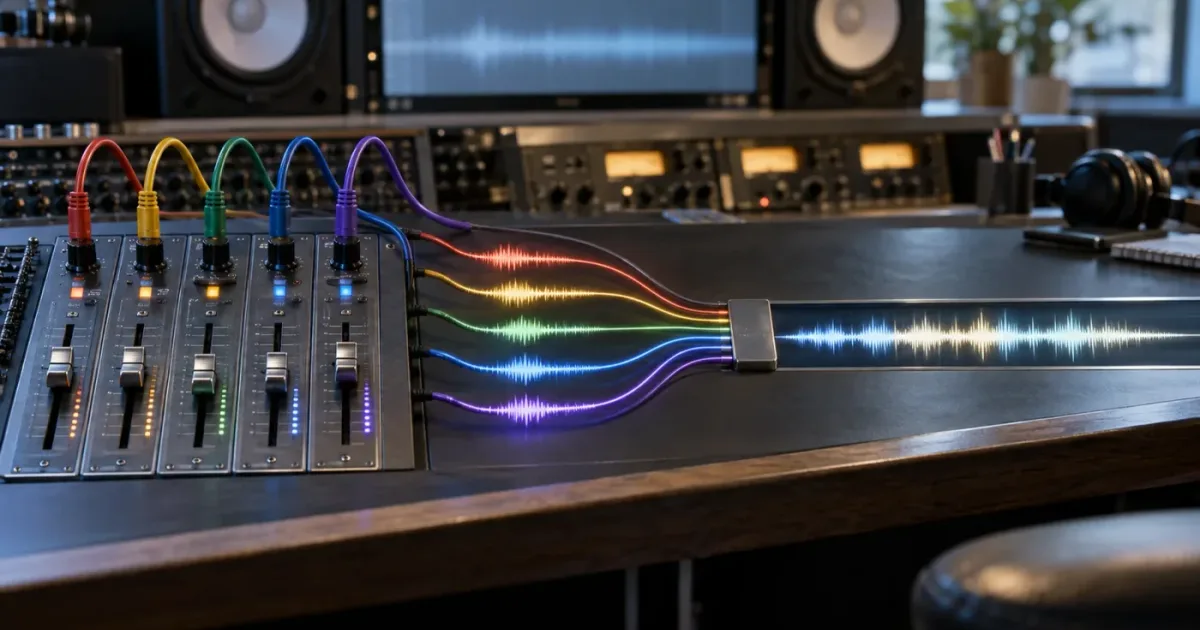
DaVinci Resolve Adaptive 5 Audio Track Type Explained
What the DaVinci Resolve Adaptive 5 audio track type means, how to create it, map five channels, edit it, and know when to split it apart.
Guides · Oct 5, 2026 · 33 min
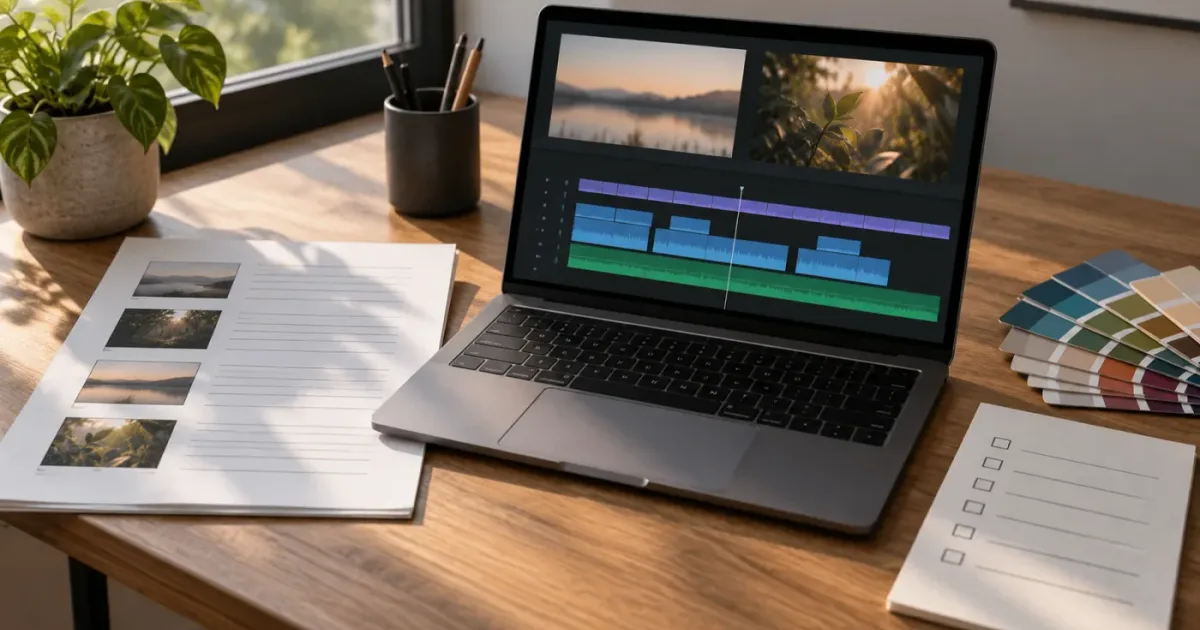
Best Way to Practice DaVinci Resolve With a Client Brief
The best way to practice DaVinci Resolve is to turn a client brief into a timed edit, review, revision, and delivery exercise.
Fixes · Oct 5, 2026 · 17 min
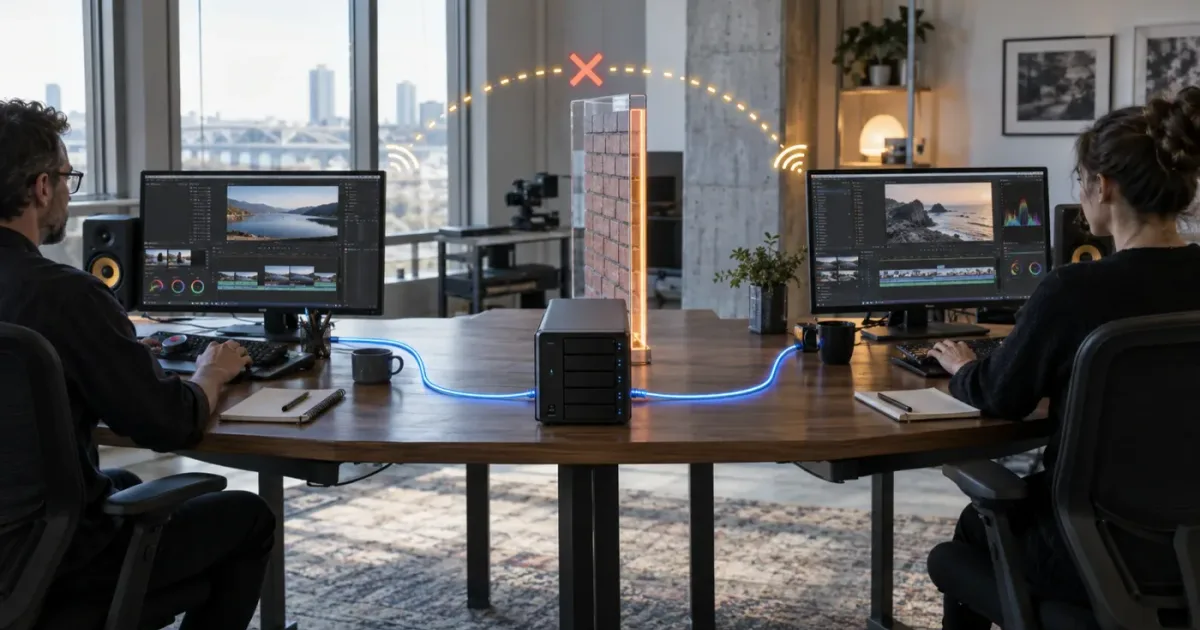
DaVinci Resolve 21.1 Cannot Communicate With Collaborators
Fix the DaVinci Resolve 21.1 collaborator error by checking the project mode, TCP 50059, firewalls, subnets, NAT, and advertised IP addresses.
Guides · Oct 5, 2026 · 13 min
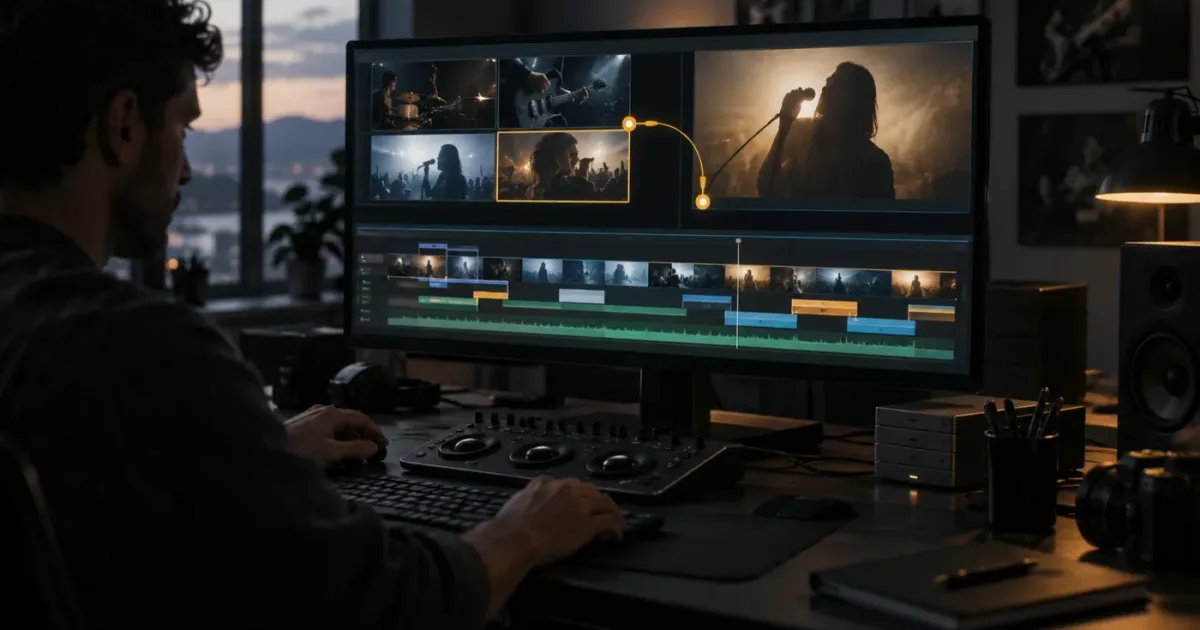
DaVinci Resolve 21.1 Multicam Timeline Viewer Mode: How It Works
Find and use DaVinci Resolve 21.1 multicam timeline viewer mode to switch angles, preview source clips, and keep your edit in sync.

Guides · Oct 5, 2026 · 16 min
DaVinci Resolve 21.1 Split at Timecode Gaps: Full Guide
Learn how DaVinci Resolve 21.1 split at timecode gaps works, when to use it for multicam sync, and how to avoid broken takes and bad angles.