Articles / Guidesupdated for DaVinci Resolve 21.0.3 (September 2026)
How to Choose DaVinci Resolve Transition Templates
Quick answer
To choose DaVinci Resolve transition templates, match the template to your edit style, then verify Resolve version, Free or Studio requirement, plugins, media and font dependencies, performance, controls, and license. In Resolve 21, preview the transition on representative clips before buying a pack.
Templates can save hours, but a flashy demo can hide a bad fit. After seven years of professional, commercial video editing, we judge a transition by its edit style, compatibility, controls, speed, and license. We also run a 100,000+ member professional video-editing community, where the preview rarely tells you what will happen in your timeline. As of September 2026, DaVinci Resolve 21.0.3 is the current maintenance point listed by Blackmagic Design.
What should you decide before you search for a transition template?
Choose the editorial job first. A transition template is a pre-built effect or animation sequence designed to be used inside DaVinci Resolve, but the right choice depends on what the cut needs to communicate, not on how busy the preview looks. Storyblocks defines Resolve templates as pre-built effects, animation sequences, and motion graphics that can include titles, transitions, and more.
| Editorial job | Look for | Avoid |
|---|---|---|
| Preserve continuity | Dissolves, soft blends, subtle pushes, and transitions that hide a cut | A large graphic that calls attention to an interview edit |
| Show movement | Directional wipes, whip-style motion, zooms, or transitions that follow camera movement | A direction that fights the subject's motion |
| Mark time or place | A clean flash, shape change, dip, or restrained stylized transition | Repeating the same loud effect at every cut |
| Reinforce a brand | A small set of colors, shapes, and durations that match your graphics | A pack with controls you cannot change |
A wedding highlight, product video, documentary interview, and gaming montage can all need transitions, but they rarely need the same visual language. Start with the cut, then search for the template.
The best transition template is the one that preserves the edit's meaning and leaves you in control.
For genre-specific inspiration, compare the criteria here with our guide to the best DaVinci Resolve wedding transition templates. A wedding pack may be a poor choice for a restrained corporate film even when both listings use words such as cinematic and professional.
How do I check whether a template works in DaVinci Resolve 21?
Check the product listing before you download: Resolve version, Free or Studio, plugin requirements, fonts, included media, installation method, and editable controls. DaVinci Resolve 21.0.3 is a maintenance update, but a template can still depend on a specific version or feature.
Resolve 21 makes the distinction between template types useful. Blackmagic's Resolve 21 New Features Guide says the Macro Editor can save a macro as a Title, Generator, Effect, or Transition template. A listing called a transition may actually be an effect, generator, or title designed to sit over a cut. Confirm what you are buying.
Use this compatibility check:
- Read the version line. Look for Resolve 21 support and a stated minimum version. Do not assume an older template has been updated just because it imports.
- Check Free versus Studio. A template can use a Studio-only effect, plugin, or control. If the listing is vague, treat that as a risk.
- List every dependency. Note OpenFX plugins, fonts, footage, sound effects, macros, and scripts. A template that needs five separate downloads is not a simple transition.
- Check the editable controls. Look for duration, direction, color, scale, crop, or blend controls. Blackmagic explains that Fusion creators choose which controls appear on the Edit page.
- Check the format and install instructions. The listing should explain whether you are importing a project, macro, or template package and where the assets belong.

Compatibility is a purchase requirement, not a technical detail to solve later.
Blackmagic also documents a useful Resolve 21 behavior for custom Fusion work: animation curve modifiers can retime animations when the composition duration changes. That is a reason to prefer a template built for adjustable timing when your edit length changes often. It is not a guarantee that every third-party template will retime cleanly.
Why is my DaVinci Resolve transition template slow or broken?
A DaVinci Resolve transition template is usually slow or broken because it has a missing dependency, uses a feature your edition does not include, or contains a heavy Fusion composition. Isolate the dependency before judging the template itself.
Check the failure in this order:
- Nothing appears in the Effects Library: confirm the installation path and restart Resolve. Recheck the package type.
- The template appears but shows an error: look for missing fonts, media, macros, or plugins. Replace a missing dependency only when the license and instructions allow it.
- The transition works but plays poorly: test a shorter section, lower the viewer quality temporarily, and render a small proof. If the proof is still unsuitable, choose a lighter template.
- The controls do not behave as expected: verify the template type and the controls promised by the listing. A transition need not expose every Fusion parameter.
- The edit point looks wrong: check whether the clips have enough handles and whether the template expects media on both sides of the cut. A transition cannot invent every missing frame.
Do not use a marketplace preview as a performance test. Your footage, timeline resolution, GPU, and other effects change the result. Test on your own media.
Should I choose a Free or Studio-compatible transition template?
Choose a Free-compatible template unless a Studio-only feature clearly solves a recurring problem. Blackmagic publishes DaVinci Resolve 21 and DaVinci Resolve Studio 21 as separate editions, so the word Resolve alone does not settle compatibility.
| Your situation | Better choice | Why |
|---|---|---|
| You edit in the free edition | A listing that explicitly says Free compatible | It removes a major failure point before installation |
| You own Studio and want advanced effects | A Studio-aware template with documented requirements | You can use the feature, but still need version and plugin checks |
| You deliver client work across machines | A template with few dependencies and clear install notes | Fewer dependencies make handoff easier |
| You are still learning Fusion | A simple transition with visible controls | You can adapt the result instead of treating it as a black box |
If you are evaluating Artlist specifically, our Artlist DaVinci Resolve templates free version guide is the better place to inspect that narrower compatibility question. The same rule applies to every marketplace: the individual template page beats the library badge.
A transition should support the cut before it advertises the template.
How do I compare Artlist, Envato Elements, and Motion Array?
Compare template compatibility first, then compare the library and its license model. Artlist suits mixed asset needs, Envato Elements offers a broad design library with project-specific licensing, and Motion Array centers its subscription on templates and motion graphics.
Affiliate disclosure: this section contains an affiliate link. If you subscribe through it, we may earn a commission at no extra cost to you. The link does not change the criteria or the verdict.
| Library | Choose it if | Licensing or workflow check |
|---|---|---|
| Artlist Resolve templates | You also need music, sound effects, footage, LUTs, or plugins in one production-asset subscription | Check each template's Resolve version and Studio requirement. Choose the license tier for your channel or client work, and do not assume downloaded assets cover new projects after cancellation. |
| Envato Elements | You need templates within a wide design library that also covers graphics, fonts, and other creative assets | Envato says subscription items use a project-specific commercial license, with one license per project. An active subscription is required to download and license items. |
| Motion Array | You want a template-led library with video templates, presets, and motion graphics, with optional footage and audio | Motion Array says projects finished during paid membership remain covered forever, while new projects after cancellation require an active subscription again. |
Artlist wins when one subscription replaces several asset searches. Envato wins when project-specific licensing and a broad design catalog fit. Motion Array wins when templates and motion graphics matter most. Inspect the individual Resolve listing either way.
A license that covers a download may not cover your next project.
What is the fastest way to test a template before you commit?
Use a duplicate timeline and three representative cuts before you buy a pack. The test should answer four questions: does it fit the edit, can you control it, does it play acceptably, and can you use it under the license?
- Pick one static cut, one cut with camera or subject movement, and one cut where the incoming shot changes the meaning.
- Apply the candidate at its advertised duration. Resolve lets you change transition duration by dragging the edges in the timeline or adjusting it in the Inspector, according to Blackmagic's Edit page documentation.
- Change only the controls the listing promises. Look for broken edges, unwanted cropping, bad direction, or a flash that overwhelms the shot.
- Scrub across the edit and play a short proof. Check the first and last frames, not only the middle of the effect.
- Save the template name, dependencies, and license record with the project notes.
Grant Petty, Blackmagic Design's CEO, wrote in the Resolve 21 New Features Guide, “With this release, we hope to inspire creativity by letting you work in a comfortable, familiar way.” That is a useful standard for templates too. The best pack reduces friction inside the edit. It should not force you to rebuild the edit around the pack.
If your projects are mainly YouTube explainers, compare this workflow with DaVinci Resolve title templates for YouTube. The same compatibility and licensing checks apply, even though a title sits on a clip and a transition sits across an edit point.
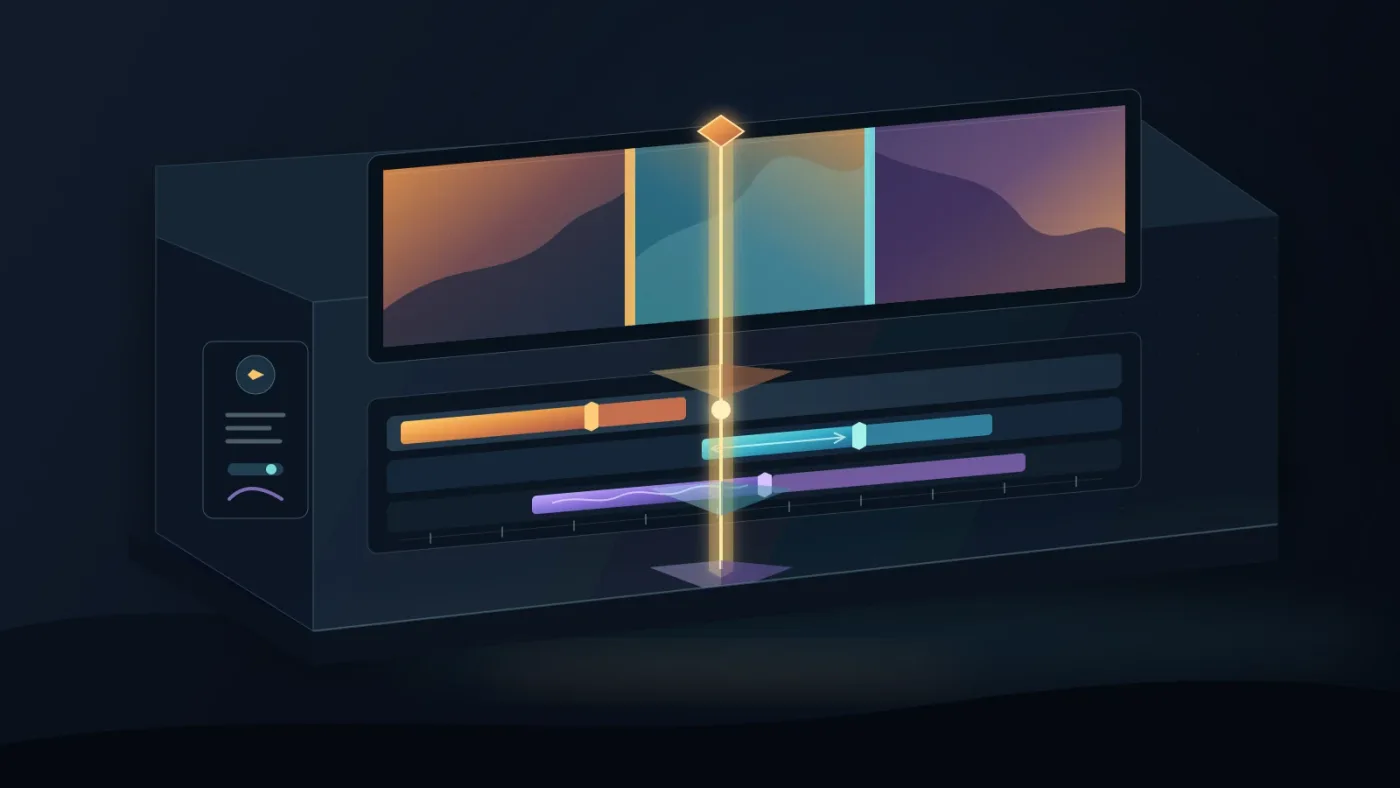
Previewing a template on your own footage is the fastest honest compatibility test.
The buying decision is simple. Choose the editorial job, reject unclear requirements, test the surviving template on real cuts, and read the license before you download. If a template fails any one of those gates, skip it and choose a smaller, clearer pack.
Frequently asked questions
- How do I choose a transition template in DaVinci Resolve 21?
- Choose the editorial job first, then check the template's Resolve version, Free or Studio requirement, plugins, fonts, media, exposed controls, and license. Test one candidate on representative clips before buying a pack.
- Why is my DaVinci Resolve transition template not working?
- The usual causes are a version mismatch, a Studio-only feature, a missing plugin, missing fonts or media, or an installation that did not place the template where Resolve can find it. Start with the seller's requirements and test in a duplicate project.
- Do DaVinci Resolve transition templates work in the free version?
- Some do and some do not. A template can require DaVinci Resolve Studio even when the library supports Resolve generally, so check the individual listing for Studio effects, plugins, and version requirements.
- How do I compare Artlist, Envato Elements, and Motion Array transition templates?
- Compare the template's actual Resolve compatibility first, then compare library scope and licensing. Artlist suits mixed asset needs, Envato uses project-specific licensing, and Motion Array is strong for template-led workflows with projects finished during a paid membership covered under its license.
Sources
- Blackmagic Design DaVinci Resolve 21 support and updates
- Blackmagic Design DaVinci Resolve Edit page
- Blackmagic Design Fusion 21
- DaVinci Resolve 21 New Features Guide
- Storyblocks explanation of DaVinci Resolve templates
- Envato Elements correct usage and project licensing
- Motion Array pricing, assets, and licensing
- Motion Array project license
- Artlist templates and licensing
Put this guide to work with TryUncle.
Ask about the step you’re on. TryUncle sees your screen and points at the control you need, so you can keep learning in your own project.
Get TryUncle for Mac or WindowsKeep reading

Guides · Sep 5, 2026 · 8 min
Best DaVinci Resolve Wedding Transition Templates (2026)
Compare the best DaVinci Resolve wedding transition templates for Resolve 21, including free Fusion builds, version checks, Studio limits, and licensing.
Guides · Aug 27, 2026 · 8 min
Artlist DaVinci Resolve Templates Free Version Guide
Can Artlist DaVinci Resolve templates work in the free version? Check Resolve 21 compatibility, Studio requirements, .dra installs, and fixes.

Guides · Aug 29, 2026 · 8 min
DaVinci Resolve Title Templates for YouTube: What to Choose
Choose DaVinci Resolve title templates for YouTube by checking format, safe areas, version support, animation, and licensing before you edit.