Articles / Guidesupdated for DaVinci Resolve 21.0.3 and Artlist template guidance (August 2026)
Artlist DaVinci Resolve Templates Free Version Guide
Quick answer
Artlist DaVinci Resolve templates can work in the free version, but only when the individual template supports Resolve Free. Artlist says Resolve 18 or newer is the baseline, while some templates require Studio. Check the asset page, restore the .dra archive, and install its fonts before editing.
Artlist templates can save a good afternoon, but the free-versus-Studio label decides whether the download is useful. We run a 100,000+ member professional video-editing community, and this compatibility question comes up whenever a polished Fusion project meets a beginner's Resolve install. As of August 2026, Blackmagic lists DaVinci Resolve 21.0.3 in its current support notes, so check the template against your installed version before you restore anything.
Are Artlist DaVinci Resolve templates compatible with the free version?
Some Artlist DaVinci Resolve templates work in the free version, but compatibility belongs to the individual asset, not to the Artlist name. Artlist identifies DaVinci Resolve 18 or newer as the general baseline, while its troubleshooting guidance says some templates are intended for Studio. Read the software, version, and edition requirements before you download. Affiliate disclosure: We may earn a commission if you subscribe through the Artlist link in this guide; that relationship doesn't affect the compatibility test. Artlist's current template guidance explains the software and version checks.
The free version of DaVinci Resolve can open a template only when that individual template supports Resolve Free.
The wording matters because DaVinci Resolve Free and DaVinci Resolve Studio 21 are separate editions. Blackmagic says the free edition supports up to 60 frames per second at resolutions up to Ultra HD 3840 x 2160, while Studio adds more advanced effects and tools. Those general product limits don't make every third-party template compatible with Free.
The fastest check is simple:
| Check on the template page | Resolve Free 21 | Resolve Studio 21 | What you should do |
|---|---|---|---|
| Software | Must say DaVinci Resolve | Must say DaVinci Resolve | Do not select an After Effects, Premiere Pro, or Final Cut Pro download |
| Version | Resolve 18 or newer is Artlist's general baseline | Same baseline, with possible stricter requirements | Match the listed version to your installed Resolve version |
| Edition | The asset must explicitly support Free | Studio-only assets are supported here | Treat a Studio label as a hard requirement |
| Project format | Usually a .dra archive | Usually a .dra archive | Restore it through Project Manager |
| Fonts and media | Required fonts and placeholders still need attention | Same | Install fonts and relink missing media if needed |
A template that requires Studio is incompatible with the free version, even when both products are called DaVinci Resolve.
Blackmagic currently lists DaVinci Resolve Studio 21 at $295. That price is useful context, but it isn't a reason to upgrade blindly. If you only need a title or transition, look for a Free-compatible asset or build the effect with Resolve's native tools first.
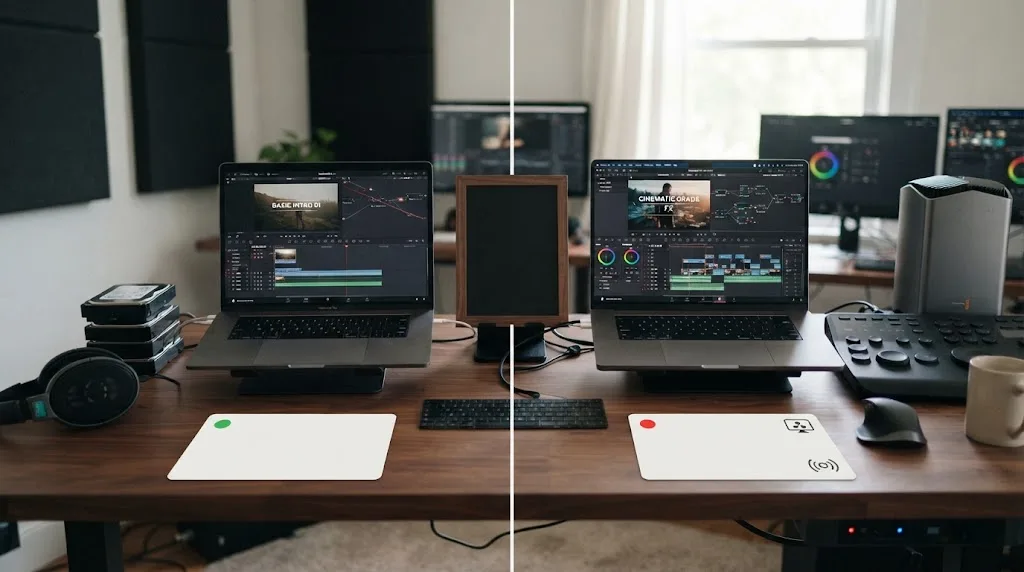
How do I check an Artlist template before downloading it?
Check the asset page's software filter, technical format, version, and edition notes before you click download. Artlist's catalog guidance says its template filters include software and formats such as HD, 4K, vertical, and square, while the download package can include the project, fonts, and help files.
Use this order:
- Select Stock Catalog, then Templates.
- Set the software filter to DaVinci Resolve.
- Read the asset's compatibility panel instead of relying on the preview thumbnail.
- Confirm whether the asset is marked for Resolve Free or Studio.
- Check the project format and technical format against your timeline.
- Download only after you know the required Resolve version and fonts.
The template page, not the marketplace thumbnail, is the compatibility checklist that matters.
This check also prevents a common category mistake. A template can be a DaVinci Resolve project and still depend on Studio-only effects. Another can open in Free but show missing text because the package expects a font that isn't installed. A third may load but play slowly because it contains dense animation, high-resolution media, or several effects.
The word “free” can mean three different things here:
- Resolve Free, the no-cost edition of Blackmagic's application.
- A free template download, if Artlist or another publisher makes that asset available without a paid plan.
- A subscription asset that costs nothing extra after you have access to the relevant catalog.
Those are not interchangeable. A free Resolve install doesn't grant access to every Artlist asset, and a paid Artlist plan doesn't remove a Studio requirement. Keep the application edition, asset access, and usage license as three separate checks.
If you decide Artlist's catalog fits your workflow, check Artlist's current template catalog and plan access only after confirming that the specific asset supports your Resolve edition.
How do I install an Artlist .dra template in DaVinci Resolve 21?
Install an Artlist .dra template by restoring its project archive through Resolve's Project Manager, then replacing its placeholder media. Artlist's instructions describe a package with a project folder, a Fonts folder, and a Help folder, so opening the ZIP as if it were a normal effect is the wrong starting point.
- Confirm your version. Open Resolve and choose Help > About DaVinci Resolve. Write down the version and whether you have Free or Studio.
- Extract the download. Unzip the template to a local folder. Keep the folder structure intact.
- Read the font document. Open the Fonts folder and install each required font. Restart Resolve if the template still shows missing type.
- Open Project Manager. If a project is open, use the project manager control to return to the project list.
- Restore the archive. Right-click an empty area in Project Manager and choose Restore Project Archive.... Select the
.draarchive and confirm. - Open the restored project. The project should appear in Project Manager. Open it, find the placeholder timeline, and replace the example clips with your own media.
- Adjust the Inspector. Select each replacement clip and set Zoom, Position, and Rotation so the media fits the composition.
A .dra download is a project archive that you restore through Resolve's Project Manager.
This is also why you shouldn't drag the archive straight onto the Edit page. The archive may contain timelines, Fusion compositions, placeholder layers, and project-level settings. Restoring it gives Resolve the structure the template expects.
Grant Petty, Blackmagic Design CEO, described the compositor behind many motion-graphics projects this way in an official Blackmagic release: “Fusion is an incredibly rich and powerful tool that Hollywood’s top visual effects and motion graphics artists have been using for years.” The quote doesn't endorse any marketplace. It explains why a template can be more than a single title preset: it may be a connected Fusion composition inside a full project.
Why is my Artlist template broken, black, or showing Media Offline?
An Artlist template that looks broken usually has a compatibility, font, media-path, or performance problem. Resolve 21 doesn't guarantee that an older or Studio-only project will display correctly, so identify the symptom before changing random settings.
Why is the title missing or the preview black?
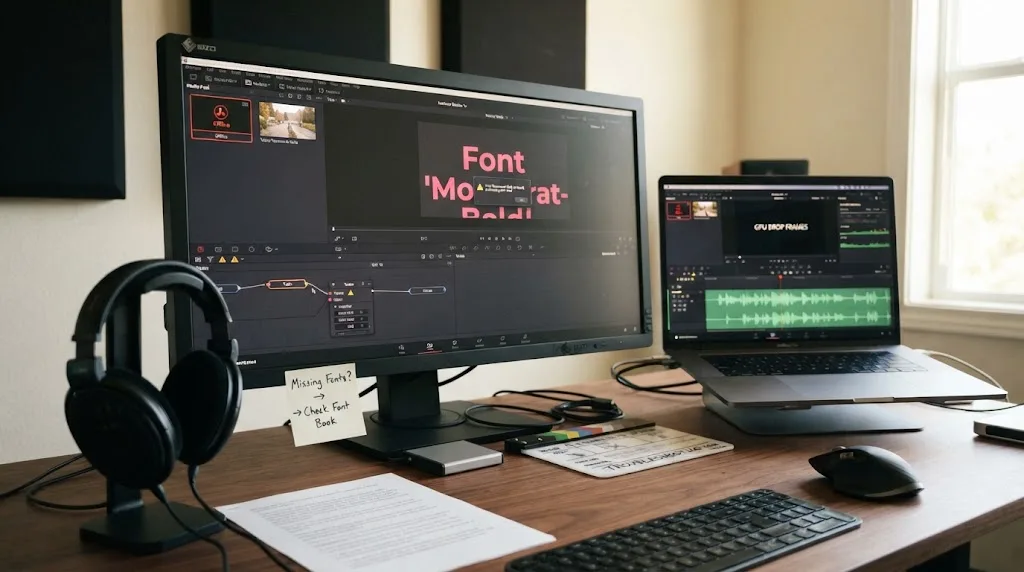
Missing fonts are a common cause of broken template text. Install the fonts listed in the download, reopen Resolve, and then change the affected font in the Fusion controls if the text still does not appear. Artlist also recommends checking the included font information rather than guessing which typeface the project needs.
Why does the template say Media Offline?
Media Offline means Resolve can't find a file path referenced by the project. First confirm that you fully extracted the download. Then right-click the offline media in the Media Pool, choose Relink Selected Clips, and point Resolve to the folder containing the missing files.
Why is playback slow after I add the template?
Complex animation, high-resolution footage, and several effects can make a template feel heavy, especially on lower-powered hardware. Reduce Playback > Timeline Playback resolution to Half or Quarter Resolution, or enable Playback > Render Cache > Smart and wait for the affected section to cache. These preview changes don't lower your final export resolution.
Why are Fusion nodes disconnected?
Open the affected clip on the Fusion page and inspect the node connections. Artlist documents version-specific Fusion issues, including a known problem affecting some Resolve 18 Studio projects. If the asset was built for another version or edition, restoring it in Resolve 21 Free may not be enough to repair every connection.
For a more focused repair path, see our guide to DaVinci Resolve Fusion title templates not working.
Which free alternative should I use if Artlist requires Studio?
Use Resolve's native title, Fusion, and transition tools when you need a no-cost path that stays inside the Free edition. Choose a different template source only after checking its own version, license, and Studio requirements, because “free” does not mean universally compatible.
For a simple title, build the text in Resolve and save your finished setup as a reusable preset or Power Bin asset. For a transition, use native Edit or Fusion controls and keep the project small. That takes longer once, but it avoids a subscription decision for a single effect.
Envato Elements is a broader paid asset library that can make sense when you also need design files, footage, graphics, or other creative assets. Its licensing and per-project registration model differ from Artlist's, so compare the details rather than assuming one subscription covers the same work. Our Artlist versus Envato Elements for DaVinci Resolve comparison covers that buying decision.
If you only need a zoom transition, a native method may be enough. Follow our guide to making a zoom transition in DaVinci Resolve without plugins before paying for a template pack.
One final licensing point matters for client work. Artlist's current license guidance distinguishes projects published while a subscription is active from new projects or new publications after cancellation. It also distinguishes personal-channel coverage from broader client and commercial use. Save the license terms that apply to your project, and don't treat a downloaded .dra file as permission to redistribute its stock assets.
The practical verdict is short: use Artlist with Resolve Free when the exact template says it supports Free, Resolve 21 meets its version requirement, and you can install its fonts and media correctly. If the asset says Studio, choose another template or upgrade for a clear reason. The label on the asset page makes that decision.
Frequently asked questions
- Can I use Artlist DaVinci Resolve templates with the free version?
- Yes, if the individual template supports the free edition. Artlist's general Resolve baseline is version 18 or newer, but some templates require Resolve Studio, so check the template page before downloading.
- Why does my Artlist template require DaVinci Resolve Studio?
- The template may use Studio-only effects, tools, or Fusion features. Resolve Free cannot open a template that is marked Studio-compatible only, even if your installed application is DaVinci Resolve 21.
- How do I install an Artlist template in DaVinci Resolve 21?
- Unzip the download, install the listed fonts, open Resolve's Project Manager, choose Restore Project Archive, select the .dra archive, and open the restored project.
- What version of DaVinci Resolve do Artlist templates need?
- Artlist identifies DaVinci Resolve 18 or newer as the general requirement, but each asset can add stricter version or Studio requirements. Resolve 21 users should still read the individual asset page.
- Can I use Artlist templates after cancelling?
- Do not assume a downloaded template is a perpetual license for new work. Artlist's license terms distinguish projects published while the subscription is active from new projects or publications after the subscription ends.
Sources
Put this guide to work with TryUncle.
Ask about the step you’re on. TryUncle sees your screen and points at the control you need, so you can keep learning in your own project.
Get TryUncle for Mac or WindowsKeep reading
Comparisons · Aug 27, 2026 · 8 min
Artlist vs Envato Elements for DaVinci Resolve: 2026 Verdict
Artlist vs Envato Elements for DaVinci Resolve 21: compare templates, asset breadth, licensing, client work, and cancellation rights.
Fixes · Jul 17, 2026 · 22 min
DaVinci Resolve Fusion Title Templates Not Working: The Fix
DaVinci Resolve Fusion title templates fail for five distinct reasons, from missing files to locked macros to bad fonts. Here's the fix for each one.
Guides · Aug 1, 2026 · 38 min
How to Do a Zoom Transition in DaVinci Resolve Without Plugins
Build a zoom whip transition in DaVinci Resolve using only Transform keyframes and free ResolveFX blur filters. No plugins, no Fusion required, works in free Resolve.