Articles / Reviewsupdated for DaVinci Resolve 21.0.4 (August 2026)
Is Epidemic Sound Worth It for DaVinci Resolve Editors?
Quick answer
Is Epidemic Sound worth it for DaVinci Resolve editors? Yes, when you publish regularly and need cleared music and sound effects on Resolve Studio. Skip it for occasional projects, free Resolve users, or editors who need one track or a broader stock-asset bundle.
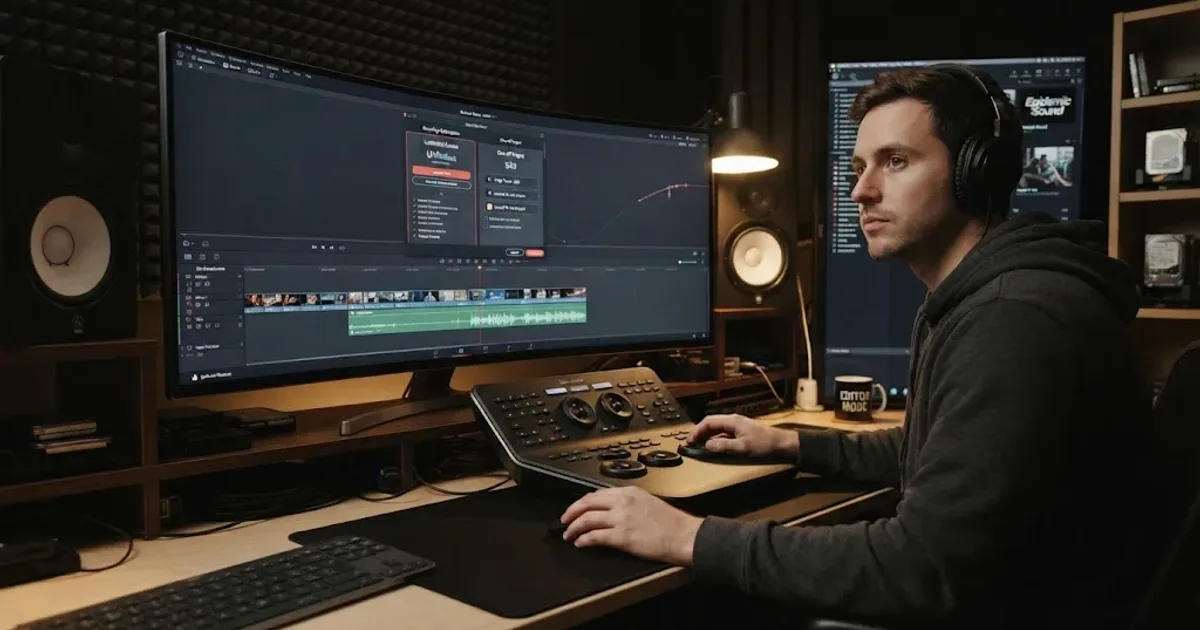
I've paid close attention to the moment when a music search becomes a licensing problem. After seven-plus years of professional commercial editing, we know that the wrong track can cost more time than the edit itself. We also run a 100,000+ member professional video-editing community. As of August 2026, DaVinci Resolve 21.0.4 is the current Resolve 21 point release listed by Blackmagic Design (source).
Is Epidemic Sound worth it for DaVinci Resolve editors in 2026?
Yes, Epidemic Sound is worth it for an editor who publishes often, needs music and sound effects repeatedly, and wants one licensing workflow. It isn't automatically worth it for an occasional editor, a free Resolve user, or someone who needs one track for one finished video.
That verdict is about the workflow, not a claim that every track will suit your taste. Epidemic Sound combines a subscription catalog, stems, downloads, safelisting, and a Resolve Studio plugin. Its official plan guide describes more than 55,000 tracks and 250,000 sound effects, while its pricing page says plans include unlimited downloads within the applicable license (plan guide, pricing).
Epidemic Sound is worth it when licensed sound is a recurring part of your DaVinci Resolve workflow.
How does Epidemic Sound work in DaVinci Resolve 21?
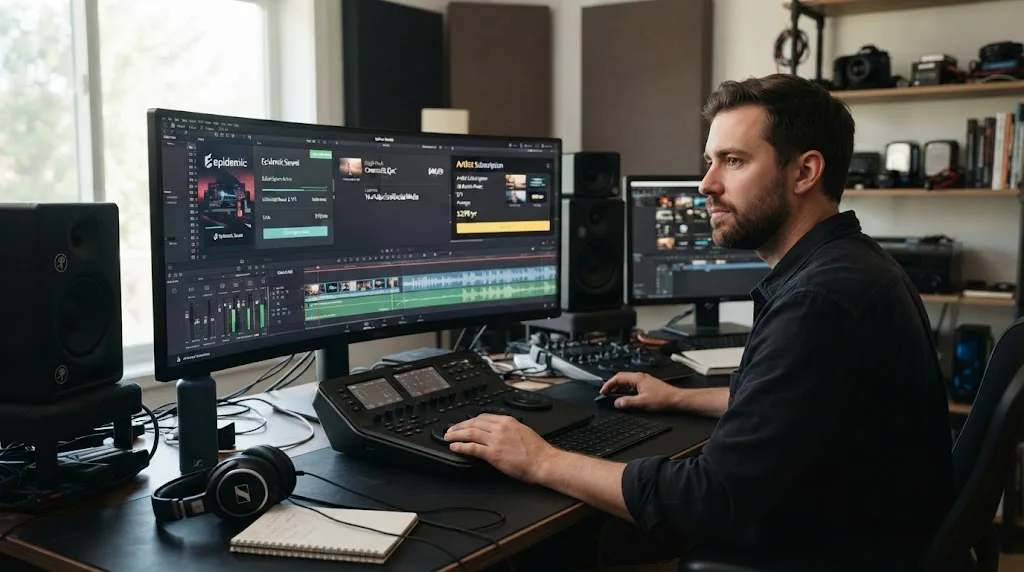
Epidemic Sound works in DaVinci Resolve through a separate plugin opened from Workspace > Workflow Integrations. The plugin lets you search, download, and drag music or sound effects into a timeline, and the Help Center says you can access stems from a track's three-dot menu (plugin guide, plugin Help Center).
That matters when you are cutting to a rough track. The plugin can also expose Epidemic Sound's Studio workflow, which creates a soundtrack draft from video. Studio accepts a selected video section up to four minutes, then returns a layered draft with music, ambience, and effects that you can review before adding it to the timeline (Studio tutorial). Treat that as a starting point, not a finished mix.
There are two compatibility catches. The plugin requires paid DaVinci Resolve Studio, and Epidemic Sound says the Mac App Store version of Resolve Studio lacks Workflow Integrations. In that case, install the Studio build downloaded directly from Blackmagic Design (plugin Help Center).
The Epidemic Sound DaVinci Resolve plugin requires paid DaVinci Resolve Studio.
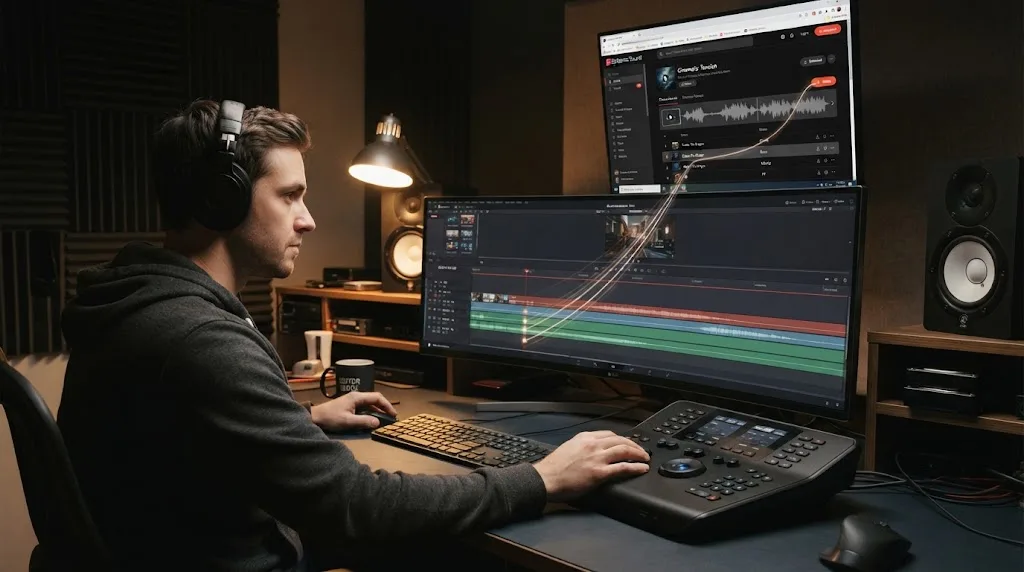
Does Epidemic Sound work with the free version of DaVinci Resolve?
No, the Epidemic Sound plugin does not work with the free version of DaVinci Resolve. Epidemic Sound's own Help Center says the free edition does not support plugins, although you can still work with downloaded audio manually if the selected license covers your project (Epidemic Sound plugin requirements).
If you already own Resolve Studio, Epidemic Sound can remove browser-to-timeline friction. If you use free Resolve, you lose the clearest DaVinci-specific benefit and are paying for a catalog and licensing service, not an integrated plugin workflow. Blackmagic lists DaVinci Resolve 21 as free and Resolve Studio 21 at $295, so the Studio requirement is a real extra consideration (Blackmagic product page).
For free Resolve editors, start with YouTube Audio Library if your distribution is YouTube-centered. Google says the library offers production music and sound effects, includes filters for attribution, and adds new releases twice a month. It also says audio downloaded from that library can be used in monetized videos, subject to its stated license rules (YouTube Audio Library). That is a stronger value than Epidemic Sound when the use case is narrow and the budget is zero.
Which Epidemic Sound plan should a DaVinci Resolve editor choose?
The right plan follows publishing rights, not editing software. Creator is positioned for personal channels, Pro for professionals and freelancers doing commercial online work, and Business or Enterprise for broader business, agency, organizational, or custom requirements (licensing options).
The current public pricing page shows these annual-billing monthly equivalents at the time of writing:
| Plan | Best fit | Published figures and limits | Choose it when |
|---|---|---|---|
| Creator | Personal creator content | $9.99 per month billed annually; 1 channel per platform | You publish on your own channels and don't take client or ad work |
| Pro | Freelancers and commercial online work | $16.99 per month billed annually; 3 channels per platform | You make client videos, digital ads, or monetize several channels |
| Business | Brands, agencies, and client teams | $30 per month billed annually; custom business coverage | The license needs to cover a business or agency workflow |
| Enterprise | Larger or specialized productions | Custom pricing and terms | You need broadcast, streaming, organizational, or bespoke rights |
Confirm regional terms before purchase. Safelisting matters too: Epidemic Sound says an active subscription is required, with channel allowances varying by plan (pricing, safelisting).
Disclosure: This post contains an affiliate link. If you subscribe through it, we may earn a commission at no extra cost to you. That relationship doesn't change the assessment. Check Epidemic Sound's current plans only after confirming the license fits your work.
Creator coverage is for personal channels, not a blanket license for client work.
Is the DaVinci Resolve plugin worth paying for?
The plugin is worth paying for when you repeatedly search, download, and organize licensed audio while editing in Resolve Studio. It is less valuable if you already have a library, use occasional music, or prefer browser downloads.
The workflow benefits are direct search, drag-and-drop to the timeline, stems, and a Studio soundtrack draft. The plugin does not support Timeline Sync in DaVinci Resolve, according to Epidemic Sound's Help Center (plugin limitations).
The licensing workflow is more important than the panel. Keep your account active while downloading and publishing new work, safelist the right channels, and save license records. Epidemic Sound says content correctly published during an active subscription can remain cleared after cancellation, but new content after expiry is not automatically covered (safelisting, plan guide).
Epidemic Sound's CEO and co-founder Oscar Höglund put the product's emphasis plainly: “This is all about the music,” (2026 Epidemic Sound press release). For a Resolve editor, the fair reading is that the service is a soundtracking and rights workflow. It isn't a replacement for editing judgment or Fairlight mixing.
How does Epidemic Sound compare with Artlist, Motion Array, and Soundstripe?
Epidemic Sound is the best fit here when music-first discovery, licensing, stems, and the DaVinci Resolve Studio plugin matter most. Artlist and Motion Array win for broad visual assets, while Soundstripe wins when single-use licensing is central (Artlist plans, Motion Array plans, Soundstripe plans).
| Option | Where it wins | Where Epidemic Sound is stronger | Best decision |
|---|---|---|---|
| YouTube Audio Library | Free YouTube-focused music and effects | Larger recurring workflow and broader plan-based licensing | Choose YouTube Audio Library for zero-budget YouTube work |
| Artlist | Music plus footage, templates, LUTs, plugins, and generative tools on eligible plans | Music-first workflow with a dedicated Resolve Studio plugin | Choose Artlist if video assets matter as much as audio |
| Motion Array | Templates, presets, footage, graphics, photos, LUTs, and plugins alongside audio | Soundtracking and licensing are the center of the product | Choose Motion Array if your edit also needs templates and stock visuals |
| Soundstripe | Subscription access plus single-use licenses and project options | Epidemic Sound's Resolve Studio integration and soundtrack drafting | Choose Soundstripe if one-off or per-track rights are decisive |
If you are comparing only audio, also read our guide to choosing background music for a video. If your bigger issue is the mix after you find the track, our guide to layering sound effects in DaVinci Resolve 21 is the more useful next step. For a direct catalog comparison, see Epidemic Sound vs Artlist for DaVinci Resolve.
How should you test Epidemic Sound before subscribing?
Test the license path, not just the preview player:
- Write down where the finished video will appear: your channel, a client's channel, paid ads, a website, an app, broadcast, or several of these.
- Confirm whether you use paid Resolve Studio 21.0.4 from Blackmagic Design, rather than the free or Mac App Store build.
- Compare the recurring subscription with YouTube Audio Library and a single-track license. Soundstripe documents single-use tiers starting at $49 for Personal, $199 for Digital, and $399 for Expanded, so a one-off project can have a very different cost profile (single-use licensing).
- Safelist the exact channels and read the plan's client and advertising language before downloading assets for paid work.
- Save the invoice, downloaded license information, and project details with the Resolve project archive.
A one-track license wins when one project is the whole problem.
Is Epidemic Sound worth it for your DaVinci Resolve workflow?
Choose Epidemic Sound if you edit and publish often, already use paid DaVinci Resolve Studio, need a steady supply of music and effects, and want stems and licensing in the same soundtracking workflow. Pro is the natural starting point for many freelance editors because Creator is aimed at personal channels, but the final choice depends on the exact client and advertising rights you need.
Skip it if you edit only a few times a year, use free Resolve, need only one song, or want templates and stock footage as much as audio. Start with YouTube Audio Library for YouTube-only work, Soundstripe for a single-use purchase, or Artlist or Motion Array for a wider production-asset bundle.
The verdict is conditional but clear: Epidemic Sound is worth it for a recurring DaVinci Resolve Studio soundtracking workflow. Match the license to the destination, then decide whether the in-editor workflow justifies another subscription.
Epidemic Sound's strongest Resolve advantage is workflow, not ownership of your project files.
Frequently asked questions
- Is Epidemic Sound worth it for DaVinci Resolve editors?
- Epidemic Sound is worth it when you publish regularly and need recurring music, sound effects, stems, and predictable licensing. It is a poor fit for occasional editors, free Resolve users, or one-off projects where a single-track license costs less.
- Does Epidemic Sound work with the free version of DaVinci Resolve?
- No. The Epidemic Sound plugin requires paid DaVinci Resolve Studio, and the free version does not support the plugin. You can still download and import audio manually if your plan permits that use.
- Which Epidemic Sound plan covers DaVinci Resolve client work?
- Creator is aimed at personal creator channels. Pro is positioned for professionals and freelancers doing commercial online work, while Business and Enterprise cover broader brand, agency, organizational, or custom requirements. Check the current license before signing a client project.
- Can I use Epidemic Sound music after cancelling?
- Content correctly published and covered during an active subscription can remain cleared, but cancellation does not give you a blanket right to use downloaded tracks in new content. The exact terms depend on the license and published status.
- Is the Epidemic Sound DaVinci Resolve plugin available on the Mac App Store version?
- No. Epidemic Sound says the Mac App Store build of Resolve Studio lacks Workflow Integrations, so the plugin requires the Studio version downloaded directly from Blackmagic Design.
Sources
- Blackmagic Design Support Center, DaVinci Resolve 21.0.4
- Epidemic Sound DaVinci Resolve Studio plugin
- Epidemic Sound DaVinci Resolve Studio plugin Help Center
- Epidemic Sound pricing and licensing
- Epidemic Sound plan guide
- Epidemic Sound safelisting Help Center
- Epidemic Sound licensing options
- How to use Epidemic Sound Studio
- Epidemic Sound press release with Oscar Höglund quote
- YouTube Audio Library official help
- Artlist pricing plans
- Motion Array pricing plans
- Soundstripe pricing and licensing
Put this guide to work with TryUncle.
Ask about the step you’re on. TryUncle sees your screen and points at the control you need, so you can keep learning in your own project.
Get TryUncle for Mac or WindowsKeep reading
Guides · Aug 24, 2026 · 8 min
How to Choose Background Music for a Video in Resolve 21
Choose background music by story, mood, tempo, dialogue, structure, and license, then mix it cleanly in DaVinci Resolve 21.
Comparisons · Aug 24, 2026 · 40 min
Epidemic Sound vs Artlist for DaVinci Resolve (2026)
Epidemic Sound vs Artlist for DaVinci Resolve 21: compare plugins, music, SFX, licensing, templates, pricing, and the right plan for your edit.

Comparisons · Sep 26, 2026 · 15 min
Artlist vs Storyblocks for Stock Footage: 2026 Verdict
Artlist vs Storyblocks for stock footage in DaVinci Resolve 21, compared on catalog depth, downloads, licensing, templates, and recurring cost.