Articles / Guidesupdated for DaVinci Resolve 21 (September 2026)
Artlist for Real Estate Video Creators: Is It Worth It?
Quick answer
Artlist for real estate video creators is worth considering when you need music, SFX, footage, and templates in one workflow. For client listings, agency channels, websites, or paid promotion, choose a plan with Pro coverage and publish asset-based projects while subscribed. Social is only for your own channels, so it is not enough for client work.

I’ve watched real estate videos fail for ordinary reasons: the music license fits a personal channel, but not the agent’s ad; the template needs Resolve Studio; the finished tour is ready, but the subscription expired. We run a 100,000+ member professional video-editing community and have spent 7+ years cutting commercial work, so we judge a stock service at the client handoff, not at the download button.
As of September 2026, this guide is for a DaVinci Resolve 21 workflow. The short verdict is simple. Artlist can be a practical fit when one creator needs music, sound effects, footage, motion graphics, and sometimes AI tools. The license matters more than the catalog.
Is Artlist for real estate video creators worth it in 2026?
Artlist is worth considering when your real estate work needs several asset categories every month and your projects reach clients, agency websites, social channels, or paid campaigns. It’s a poor fit when you only need one song for an occasional personal video.
Artlist is a strong fit when one real estate video workflow needs music, SFX, footage, and templates.
A property-video creator may need a walkthrough, vertical teaser, agent introduction, neighborhood cutaway, and paid ad from one shoot. Those edits can need music, room tone, footage, titles, lower thirds, and transitions.
Artlist’s current stock offering is split into plans built around music and sound effects, footage and templates, or a combined Max package. Its help documentation also describes LUTs, plugins, and AI tools. Disclosure: this post contains affiliate links. If you subscribe through an Artlist link, we may earn a commission at no extra cost to you. The recommendation still depends on licensing fit. Artlist’s current plan overview is the place to check which catalog and license are paired together before subscribing.
- Your own YouTube, Instagram, or TikTok account is one case.
- A real estate agent’s account is another.
- A brokerage website, listing portal, email campaign, or paid social ad is another.
- A production company serving several agencies may need a team or business conversation.
The more the project moves toward client ownership, brand promotion, or paid distribution, the less sense a Social license makes. If you work for agents, brokerages, developers, or property managers, start by checking Pro or Business coverage. Do not choose a plan based only on whether it includes a song or template you like.
What does a real estate video creator need from a stock library?
A real estate video creator needs four things from a stock library: assets that match the shot list, a license that follows the finished deliverable, a workflow that enters Resolve cleanly, and records that make later claims manageable.
The asset list is straightforward. Music gives a walkthrough its pace. Sound effects can support doors, keys, footsteps, room tone, and transitions without making the tour feel like a trailer. Stock footage can fill a gap when the brief calls for a skyline, coastline, road, or neighborhood context that wasn’t captured on the shoot. Templates can supply a restrained title, agent lower third, location card, or closing call to action.
The editorial rule is equally straightforward: use assets to clarify the property. A wide shot should establish the room. A close-up should explain a material or feature. A title should orient the viewer. A music cue should support the mood without competing with the agent’s voice.
Build the library decision around the next three deliverables, not an imagined future catalog. A luxury walkthrough may need calm music, subtle ambience, clean titles, and neighborhood context. A weekly agent-reel package may need short music options, vertical-friendly templates, captions, and promotion coverage.
The best stock library for a real estate creator is the one that matches the next deliverable, not the biggest catalog.
How do I choose an Artlist license for real estate listing videos?
Choose the license by publication and client relationship first, then choose the asset bundle. Artlist’s Social license is aimed at personal channels, while its Pro license covers professional and client-based work, broader publishing, and paid or promoted videos according to its current license documentation.
Here is the decision matrix I’d use before opening the catalog.
| Your real estate video job | Minimum licensing question | Asset scope to consider | Decision |
|---|---|---|---|
| Personal property-tour channel | Is the video published only on your own registered channels? | Music and SFX, or footage and templates if needed | Social may fit if the use stays personal and unpaid |
| Video for an individual agent | Does the agent own or publish the finished video? | Music, SFX, footage, and titles | Choose a plan with Pro coverage for client work |
| Brokerage website or listing page | Does the license cover websites and the client’s project? | Footage and templates can matter as much as audio | Confirm Pro or Business scope before production |
| Instagram or YouTube ad for a listing | Does the license cover paid media and promoted videos? | Music, SFX, short-form templates, and cutaways | Social is not enough; use the appropriate professional tier |
| Several agents or editors | Can the people touching the work use one shared license? | Team or business asset access may be relevant | Ask about team, business, or enterprise terms |
| One-off project with no ongoing subscription | Can the asset provider sell a license for this exact use? | A single-project alternative may be simpler | Compare a one-off license before taking a recurring plan |
Artlist’s current license documentation says Pro coverage includes client work and paid media. It also says a finished stock-asset project must be published or broadcast while the subscription is active to remain covered after cancellation. Read the current Artlist license terms before you promise a client that a project can be published months later.
Keep the subscription active through final approval, export, and publication. Save the asset certificate, client, publication date, and plan with the project archive.
The client can receive the completed video under an appropriate professional license, but the client should not receive a folder of standalone Artlist songs, footage, or templates for independent reuse. The asset is part of the finished project. It is not a stock handoff.
For the narrower plan question, see Artlist Plan for DaVinci Resolve Client Work: Choose Pro.
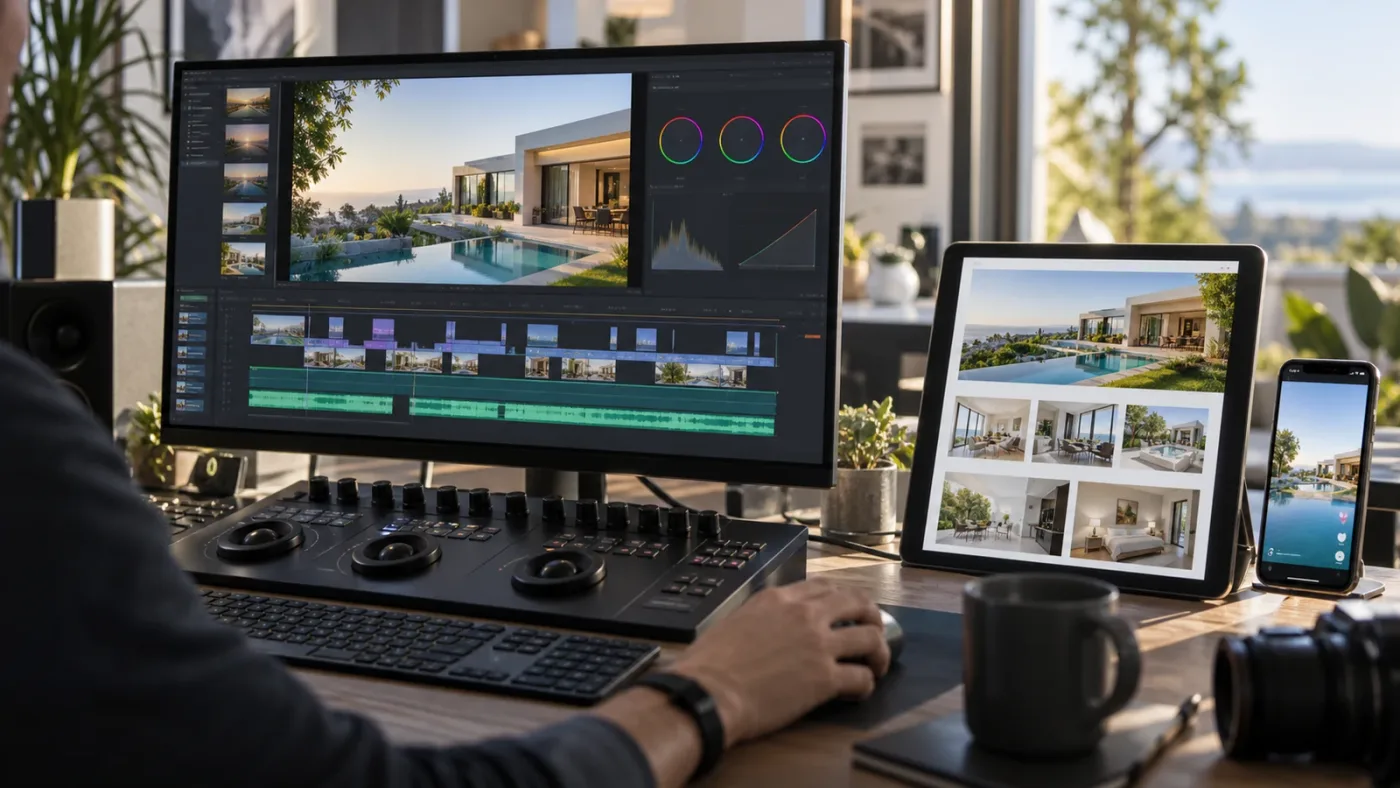
Can I use Artlist for client listings, agency websites, and paid promotion?
Yes, but only when the selected plan covers the destination and the project is published during the active subscription term. Artlist’s current documentation identifies Pro coverage for client work, websites, wider publishing, and advertising or paid media; Social coverage is restricted to personal channels and does not cover client projects or paid promotion.
In real estate, a video on your portfolio is different from one embedded on an agent’s property page, and an organic agent reel is different from an ad campaign.
Use this quick test:
- Write down the account, website, or platform that will publish the video.
- Mark whether the video promotes a client, listing, brokerage, or paid campaign.
- Check that the plan explicitly covers client work, websites, and paid media where needed.
- Add the channel or video to Clearlist while the plan is active if the platform requires it.
- Publish and archive the project record before canceling or changing plans.
Clearlist is not a magic shield against every claim. It is a registration and clearance workflow for eligible content. Artlist’s current help guidance says Pro, Team, and Business users can clear client YouTube videos through invite links, and that those invite links are valid for 30 days. It also says Pro can add up to 3 YouTube channels per platform, while Team can add up to 5 full channels per platform. Check the current Clearlist process before the client schedules a launch.
For the platform-side steps, see Artlist Clearlist YouTube Claims: Fix Them in Resolve 21.
If YouTube flags a licensed track, first check three things: whether the channel or video was Clearlisted, whether the music was downloaded during an active subscription, and whether the use fits the license. The current Artlist claim guidance says a claim can still happen when a channel or video is not in Clearlist, when a platform misidentifies the music, or when the use falls outside the license. That is why “royalty-free” is not the same as “no admin required.”
One more boundary matters. Standard Artlist stock assets are synchronization assets. They belong inside a broader video project. You cannot deliver the music as a standalone audio package, make a client’s own stock library from downloaded clips, or resell the template files. The finished listing video is the product.
How do I use Artlist templates in DaVinci Resolve 21?
Artlist Resolve templates generally use DaVinci Resolve 18 or newer as the baseline, but individual templates can have stricter version or Studio requirements. A template is often a downloadable project archive rather than a single effect, so you should test compatibility before promising a fast turnaround.
The current template instructions describe a package with a Help folder, a Fonts folder, and a DaVinci Resolve project folder containing a .dra archive. The basic workflow is:
- Filter the asset for DaVinci Resolve and check the listed version and edition.
- Download the package and read the included instructions.
- Install the required fonts before opening the project.
- In the Resolve Project Manager, choose “Restore Project Archive…” and select the
.draarchive. - Open the restored project, duplicate anything you need to protect, and replace placeholder media with the property footage.
- Play the title or transition in the actual deliverable timeline before you promise the client a final date.
The baseline compatibility is useful, but it does not guarantee that every template works in Resolve 21 Free. Artlist’s troubleshooting guidance says templates are often version-specific, warns that some templates are intended for Resolve Studio, and points readers to the compatibility details on each asset page. See the Artlist Resolve template guide and the individual asset requirements before downloading.
Blackmagic’s DaVinci Resolve 21 New Features Guide is the right version reference for Resolve 21 itself. It does not override the template maker’s requirements. The two checks answer different questions: Blackmagic documents the application version, while the asset page documents the project’s compatibility.
For real estate work, restrained templates usually win. A clean address card, an agent name, a room label, and a final contact panel are useful. A title that takes over the frame or uses a dramatic transition can make a property feel less trustworthy. Templates save setup time, but they don’t choose taste for you.
If you use the free edition of Resolve, keep the test short. Restore the archive, check whether the project opens, look for Studio-only effects, and confirm that the font and media paths resolve. The existence of a Resolve download does not mean the template works identically in every edition.
For a side-by-side guide to that specific limitation, read Artlist DaVinci Resolve Templates Free Version Guide.
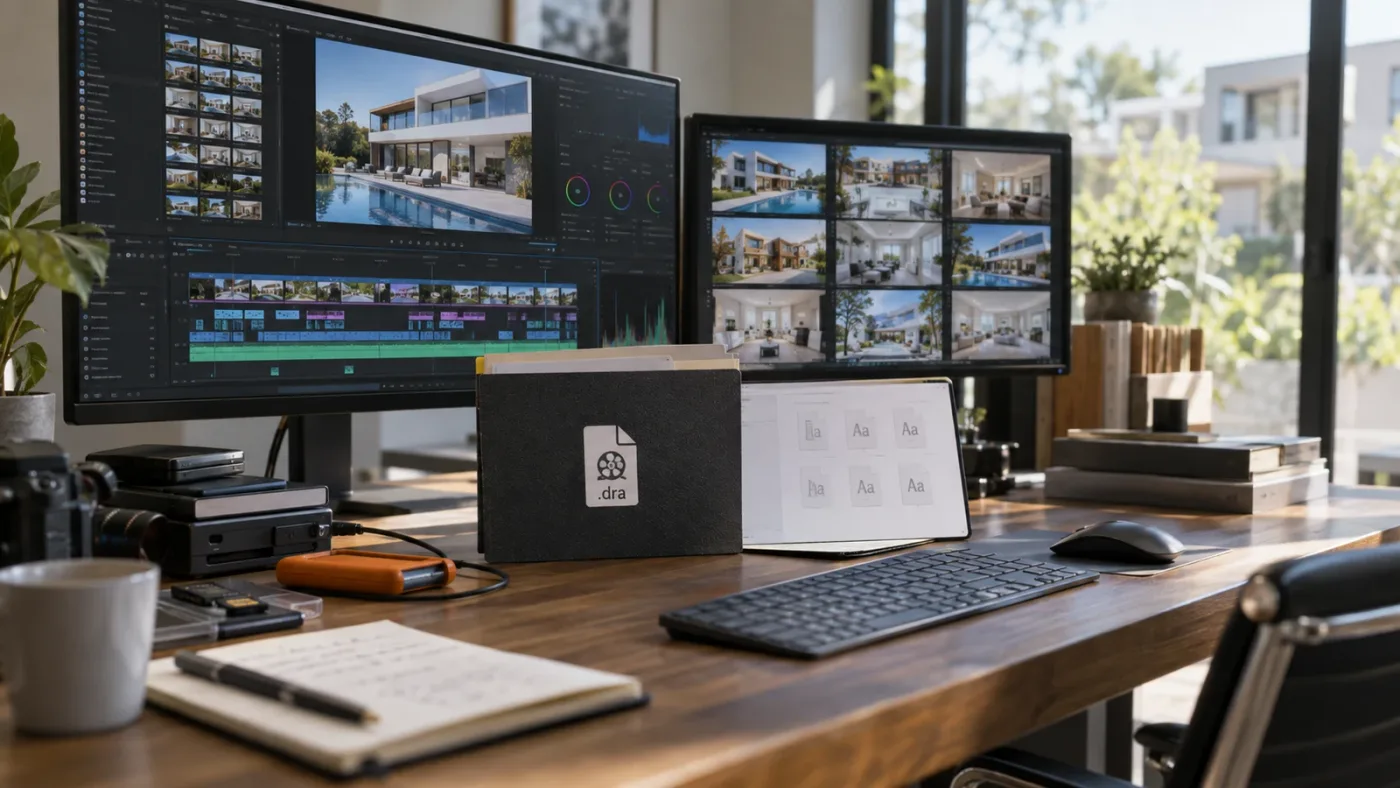
Artlist is a production-asset subscription, not a replacement for DaVinci Resolve 21.
Which Artlist alternative wins for real estate video creators?
Artlist wins when you want a broad bundle. An audio-first service wins when music and sound effects are the only recurring need. A footage-first service wins when your projects depend on large volumes of stock video and you prefer its licensing model.
| Service | Where it is strongest | Real estate use case | Trade-off |
|---|---|---|---|
| Artlist | Music, SFX, footage, templates, LUTs, plugins, and optional AI tools in one product family | A freelancer delivering walkthroughs, reels, agent videos, and paid campaign cuts | You must select the correct Social, Pro, Team, Business, or Enterprise coverage and publish stock-asset projects while subscribed |
| Epidemic Sound | Music, SFX, stems, voiceovers, soundtracking, and plan-specific publishing rights | An editor who already has footage and templates but needs dependable sound for many listings | It is an audio-centered choice, so it is less suited to a buyer specifically shopping for a footage-and-template bundle |
| Envato Elements | A broad design library with video assets, templates, graphics, photos, and other creative categories | A creator making branded listing packs that need design elements beyond video | Per-project registration and the exact license workflow need attention |
| Storyblocks | Human-made stock footage, templates, images, audio, and unlimited-download plans | A footage-led creator who needs frequent property context, neighborhood cutaways, and templates | Check the individual, small-business, or professional license against the client or organization involved |
The alternatives are real alternatives, not straw men. Epidemic Sound’s current plan page separates creator, professional, and business use and identifies client work and digital advertising as plan-dependent. Envato’s current video-creator page presents a wider creative-asset library with commercial licensing and project registration. Storyblocks’ current pricing page lists footage, templates, images, audio, AI tools, and unlimited-download options.
Choose Artlist for one account covering sound, visuals, and Resolve-ready motion assets. Choose Epidemic Sound for an audio-first workflow, Envato Elements for design-heavy listing packages, or Storyblocks when stock footage volume is central.
Compare the license, Resolve compatibility, client handoff rules, and coverage for the platform where the video will actually run.
What are the common Artlist mistakes real estate video creators make?
The most expensive Artlist mistakes are license mistakes. They happen when a personal social subscription quietly becomes a client and advertising workflow.
Here are the traps I’d put on a preflight card:
- Using Social for client work. A personal-channel license is not a shortcut to client coverage. If the agent, brokerage, or developer owns the destination, confirm professional coverage.
- Publishing after expiry. A downloaded track or clip is not a perpetual pass for a future listing. Complete and publish stock-asset projects while the relevant subscription is active.
- Skipping Clearlist. Clearlist the relevant channel or video before launch. Keep the invite-link timing in mind when the client is slow to approve.
- Sharing the asset folder. Give the client the finished video, not an unedited library of songs, SFX, clips, or templates.
- Assuming every template is Resolve 21 Free compatible. Check version, edition, fonts, media, and any Studio-only requirements.
- Treating “royalty-free” as “claim-proof.” A platform can still flag a track, and an incorrect channel or video registration can make the resolution slower.
- Letting the template set the tone. Real estate is a trust-heavy category. Use graphics to orient the viewer and show the property honestly.
Make a one-page project record with the client, destination, license tier, asset IDs, subscription status at publication, Clearlist status, and final URL. Make it part of the delivery checklist.

Is Artlist Max the right choice for a real estate creator?
Artlist Max is the right direction only when you will use its broader stock and AI scope, not because “Max” sounds safer. Artlist’s current plan documentation describes Max as combining stock assets with AI tools and a Pro license, but the plan still has terms, usage limits, and a changing product mix that you should verify at checkout.
For most solo property-video creators, the decision is simple:
- Choose a Music and SFX plan when you already shoot the property, have your own graphics, and mostly need licensed sound.
- Choose Footage and Templates when your work needs stock cutaways, Resolve titles, transitions, slideshows, or LUTs more than a large audio workflow.
- Choose Max when you genuinely need both stock catalogs and AI generation in the same account.
- Ask about Team or Business terms when several people need access or when the client relationship extends beyond your personal freelance work.
Do not buy a combined plan as insurance against a vague future. List the deliverables you expect over the next quarter. If the same bundle solves three recurring problems, the subscription can earn its place. If it only solves one occasional problem, a focused plan or one-off alternative may be more sensible.
Ira Belsky, Artlist’s co-founder and co-CEO, said, “Filmmakers don't want to describe a scene in a paragraph and pray.” That quote comes from his 2026 discussion of Artlist Studio, not from a real estate test, so I won’t turn it into a performance claim. But it captures a useful principle for property work: use tools that let you direct the result, and keep human judgment over what the home actually looks and feels like. Read the full Artlist Studio discussion.
What should you buy for a real estate video workflow in DaVinci Resolve 21?
Buy Artlist when your next property-video package needs multiple asset types, the plan explicitly covers the client and distribution, and you can keep the subscription active through publication. Otherwise, buy less or choose a specialist service.
Here are three worked decisions.
Example one: your own weekly property channel. You film homes, publish only on your own registered social channels, and don’t run paid promotion. Start with the assets you actually use. Social may be sufficient if every use stays within that personal-channel scope. Don’t pay for footage and templates if you only need music.
Example two: you edit for a local agent. The agent publishes the walkthrough on an agency account, embeds it on a listing page, and occasionally promotes it. Treat that as client and paid work. Use a plan with the required Pro or Business coverage, Clearlist the relevant YouTube destination when applicable, publish while active, and deliver the finished video without the standalone assets.
Example three: you make a monthly package for a brokerage. You need four walkthroughs, twelve vertical cuts, agent intros, branded titles, and neighborhood footage. Now a broader asset bundle has a stronger case. Compare Artlist with Envato Elements and Storyblocks. Ask whether a team or business license is needed, and put the publication schedule into the buying decision so the subscription doesn’t end between approval and launch.
Artlist is a good candidate for real estate video creators who repeatedly need music, SFX, footage, and templates, especially when client and paid-media coverage are part of the brief. Social is the wrong shortcut for that work. Licensing and publication timing decide the purchase.
A professional license is part of the real estate deliverable when a client or paid campaign owns the destination.
Affiliate recommendation: If this matches your next three deliverables, check Artlist’s current plans and license options. That relationship doesn’t change the license test or the alternatives above.
TryUncle is the on-screen assistant for DaVinci Resolve on macOS. Ask in plain words and Uncle points at the exact control on your screen.
If Artlist fits the next three deliverables, verify the plan, license, template requirements, and publication date before you pay. If it doesn’t, buy only the asset category you need.
Frequently asked questions
- Is Artlist worth it for real estate video creators?
- Yes, if you regularly need several asset types and publish client or commercial videos. It is a weaker buy if you only need occasional music or only publish on your own social channels.
- Can I use Artlist for real estate client videos?
- Yes, but use a plan with Pro or Business coverage. The Social license is for personal channels and does not cover client projects or paid media.
- Can I use Artlist music in paid real estate ads?
- Use a plan whose license explicitly covers advertising and paid media. Do not rely on Social licensing for paid promotion.
- Do Artlist templates work in DaVinci Resolve 21?
- Many Artlist Resolve templates support Resolve 18 or newer, but each template can have stricter version or Studio requirements. Check the individual asset page before downloading.
- What happens to Artlist assets after I cancel?
- A project using stock assets can remain covered when it was completed and published while your subscription was active. You cannot use those downloaded stock assets in new projects after expiry.
Sources
- Artlist license, client work, paid media, and post-cancellation rules
- Artlist Clearlist and client YouTube invite links
- Artlist DaVinci Resolve templates and .dra workflow
- Artlist plan families and current product scope
- Jose Prada, Pro Tips for Making Real Estate Videos
- Ira Belsky, director's tips for Artlist Studio
- DaVinci Resolve 21 New Features Guide
- Epidemic Sound pricing and licensing
- Envato Elements for video creators
- Storyblocks plans and pricing
Keep reading

Guides · Aug 30, 2026 · 8 min
Artlist Plan for DaVinci Resolve Client Work: Choose Pro
Choosing an Artlist plan for DaVinci Resolve client work? Compare Social, Pro, Team, Max, licensing, Clearlist, templates, and cancellation rules.
Guides · Aug 27, 2026 · 8 min
Artlist DaVinci Resolve Templates Free Version Guide
Can Artlist DaVinci Resolve templates work in the free version? Check Resolve 21 compatibility, Studio requirements, .dra installs, and fixes.

Guides · Aug 28, 2026 · 8 min
Artlist Clearlist YouTube Claims: Fix Them in Resolve 21
A practical guide to Artlist Clearlist YouTube claims from DaVinci Resolve 21: prevent claims, dispute them, and choose the right license.