Articles / Comparisonsupdated for DaVinci Resolve 21 (August 2026)
Artlist vs Soundstripe for DaVinci Resolve: 2026 Verdict
Quick answer
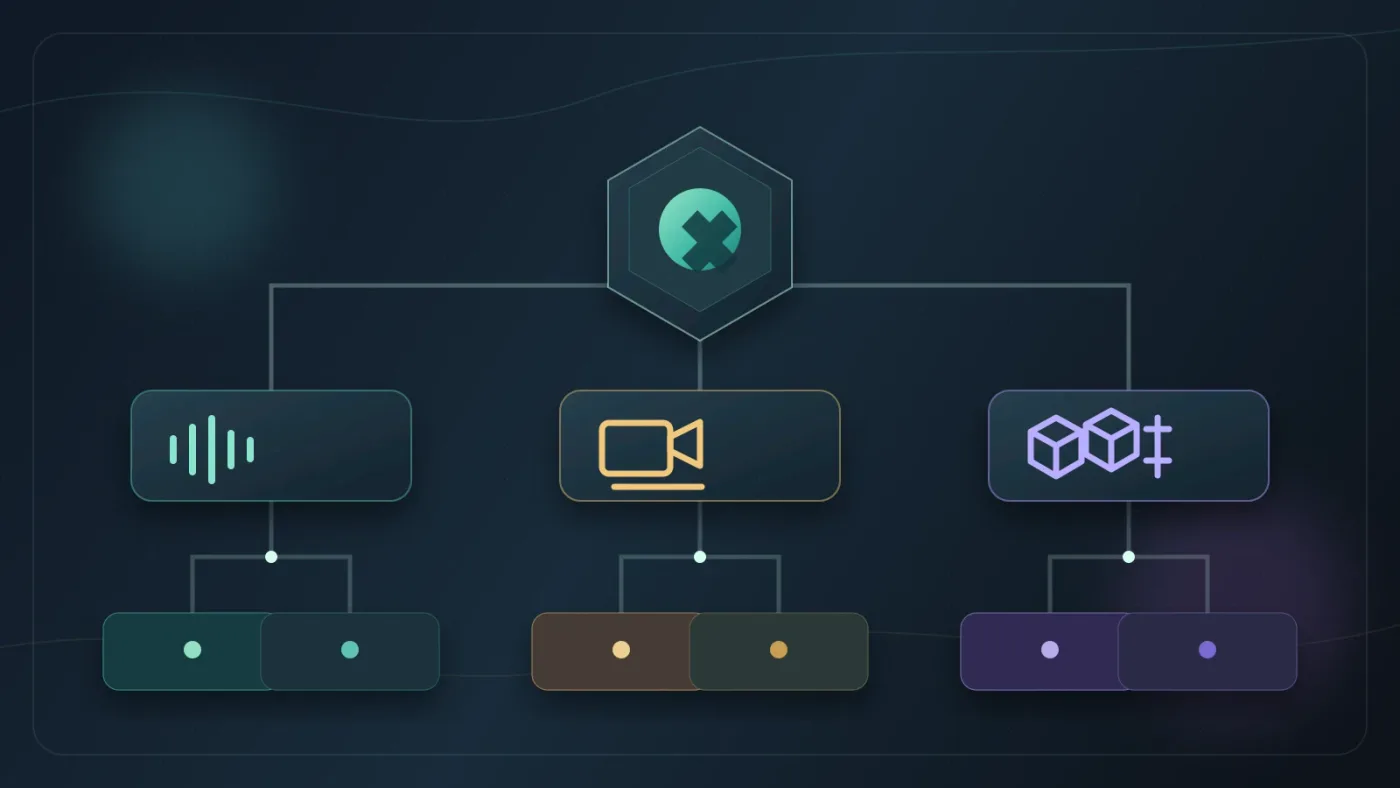
For Artlist vs Soundstripe for DaVinci Resolve, choose Artlist if you need music, SFX, footage, templates, LUTs, or plugins in one production-asset subscription. Choose Soundstripe if you mainly need music and sound effects, want a lower entry price, or need a single-use license for one project.

I’ve used enough asset libraries to know that the hard part isn’t downloading a song. It’s choosing a license that still makes sense when the video becomes client work, paid media, or a recurring series. As of August 2026, this is the practical Artlist vs Soundstripe answer for DaVinci Resolve 21.
We built and run a 100,000+ member professional video-editing community, so we see this decision from both sides: the editor who needs one track tonight and the freelancer building a repeatable production system.
What is the answer to “artlist vs soundstripe for davinci resolve”?
Artlist is the better fit for a Resolve editor who wants one subscription to cover several asset types. Soundstripe is the better fit for an audio-first editor who values music and sound effects, a low advertised starting price, or a perpetual single-use license for one project.
DaVinci Resolve 21 is the application where you edit, color, mix, and finish. Blackmagic’s April 2026 guide describes Resolve as one tool for editing, color correction, Fairlight audio post, Fusion visual effects, and photo editing. Artlist and Soundstripe sit beside that workflow as sources of licensed media, not replacements for Resolve.
Disclosure: if you buy Artlist through a marked link, we may earn a commission at no extra cost to you. That relationship doesn’t decide the comparison.
| Decision | Choose Artlist when... | Choose Soundstripe when... |
|---|---|---|
| Main need | You need music, SFX, footage, templates, LUTs, or plugins from one service. Artlist’s plan information lists those stock categories plus separate AI tools. | You mainly need music and SFX, with stock video available on the Pro Plus offering. Soundstripe’s current plan table lists 58,000+ original tracks, 90,000+ SFX, and 108,000 videos in HD through 8K. |
| Resolve templates | You want downloadable templates that support DaVinci Resolve. Artlist documents Resolve 18 or newer and .dra project archives. Artlist’s template guidance also warns that individual templates can have their own requirements. | You don’t need a Resolve template catalog as part of the purchase. Soundstripe’s pricing page emphasizes its Adobe Premiere Pro extension, not a Resolve template workflow. |
| Audio depth | You want music and SFX alongside visual assets and stems. Artlist’s Music and SFX Pro description says it includes access to available stems. Artlist’s plan explanation lists music and SFX in the same stock plan. | Audio is the center of the decision. Soundstripe lists an AI Search Assistant, reference-track search, and stems for original songs on higher plans. Soundstripe’s feature table shows which plans include those tools. |
| One project | You expect to make more projects during an active subscription and want a broader asset pool. | You want to license one selected track for one designated project. Soundstripe’s four single-use tiers start at $49, $199, $399, and $1,249, depending on distribution scope. See the tier breakdown. |
| Cancellation | You can publish the project while subscribed and keep that published project covered afterward. New projects still need an active plan. Artlist’s license guidance explains that distinction. | You want a subscription for recurring work, or you’ll buy a single-use license. Soundstripe says downloaded subscription content cannot be used in new projects after expiry. Read its current licensing FAQ. |
Artlist wins on production-asset breadth, while Soundstripe wins on audio-first flexibility.
Which service gives a DaVinci Resolve 21 editor more than audio?
Artlist gives a DaVinci Resolve 21 editor more than audio because its stock plans can combine music, sound effects, footage, templates, LUTs, and plugins. Its current plan information also separates AI Suite plans from stock plans and describes Max as the combined option. Artlist’s current plan page is the place to confirm which combination is active before buying.
That breadth matters when one edit needs a music bed, room tone, b-roll, and graphics. It matters less if your footage and graphics are already covered.
Soundstripe is not audio-only. Its current pricing page lists stock video on Pro Plus and advertises a catalog of 108,000 videos from HD through 8K. But its clearest center of gravity remains music, SFX, search, stems, and licensing. That makes it a sensible choice when your visual footage already comes from a camera, a client, or another library.
If you’re also comparing broader design catalogs, our Artlist vs Envato Elements comparison for DaVinci Resolve covers the different trade-off: a production-asset bundle versus a wider design marketplace.
For a footage-led workflow, compare that result with our Artlist vs Storyblocks comparison for DaVinci Resolve, where stock video becomes the main buying decision.
Which service is better for music and sound effects in DaVinci Resolve?
Soundstripe is usually better for an audio-first DaVinci Resolve workflow because its public plan table gives the audio catalog the headline position: 58,000+ original tracks and 90,000+ sound effects. It also lists an AI Search Assistant and popular-song reference search. Soundstripe’s pricing page says individual plans start as low as $9.99 per month, though the final choice still depends on use and billing cycle.
Artlist is competitive when music and SFX are only part of the job. Its Music and SFX plan description says the catalog contains 10,000s of music and sound effects and that available stems can be previewed and downloaded. Artlist’s plan explanation also lists similar-song discovery and Artboards for organizing assets.
Catalog counts shouldn’t decide this by themselves. The useful question is what you’ll do after you find the track. If the answer is “drop it under a talking-head edit and publish to my own channel,” either service may fit. If the answer is “make a client campaign, produce several cutdowns, and add footage and graphics,” the license and asset scope matter more than the largest number on a pricing page.
Can I use Artlist or Soundstripe after cancelling?
You can keep using a published Artlist project after cancellation when the project was completed and published during the active subscription. You cannot use downloaded Artlist music, SFX, footage, or templates in new projects after the plan expires. Artlist’s license rules also say Clearlist updates must happen while the plan is active.
Soundstripe draws a similar line for subscription content. Its current FAQ says subscribers can use songs, SFX, and videos in as many projects as they like during an active subscription, but cannot use that content in new projects after cancellation. Soundstripe’s licensing FAQ gives the same answer for re-downloading or new use after expiry.
The difference is the escape hatch. Soundstripe publishes four single-use licenses: Personal at $49 and up, Digital at $199 and up, Expanded at $399 and up, and All Media at $1,249 and up. The first three describe perpetual terms, while All Media is described as a standard three months in one territory with extension options. Soundstripe’s single-use guide explains the coverage.
Neither subscription gives you a blank check for new projects after cancellation.
That distinction is easy to miss when you’re focused on finishing a timeline. Save the license certificate and check the plan’s usage rules before the edit goes live.

Which license covers client work and paid media?
For client work, compare the license tier before you compare the catalog. Artlist’s Social license is for personal creators and personal channels, while its Pro license is designed for professional creators working with clients and brands and supports broader publishing contexts. Artlist’s license explanation says Pro covers client use and wider platforms, while Social does not cover commercial or client work.
Soundstripe separates individual creator coverage from Business and Enterprise coverage. Its pricing page describes Pro for freelancers producing commercial work for clients, with up to five YouTube channels and additional Content ID features. The same page says Business is for organizations in a local market and Enterprise is for brands, agencies, media, and other users needing national or global coverage.
The legal question is not abstract. Rebecca Rechtszaid, an attorney interviewed by Soundstripe, says, “Influencers and content creators are the next generation of media companies.” Read the full Soundstripe interview. Treat your channel, client deliverables, and paid campaigns as publishing businesses with distinct rights, even if you’re working alone at a desk.
For YouTube, both services describe clearance systems, but clearance isn’t the same as universal protection. Artlist says eligible projects and channels should be added to Clearlist while the subscription is active. Soundstripe describes automatic YouTube clearance and allowlisted channels on its plan table. If a claim appears, follow the service’s process and keep your proof of license.
Our guide to Artlist Clearlist YouTube claims in Resolve 21 goes deeper on the Artlist side. It belongs in your checklist if YouTube monetization is part of the plan.
The correct license tier matters more than the library size for client work and paid media.
Does Artlist’s Resolve template support change the decision?
Artlist has the clearer Resolve-specific template story because its help documentation explicitly supports DaVinci Resolve templates. The current guidance identifies Resolve 18 or newer, and the downloaded package can include a Fonts folder, Help folder, and a .dra project archive. You restore that archive through the DaVinci Resolve Project Manager. Artlist’s template instructions describe the workflow.
That doesn’t mean every template is plug-and-play. Artlist says templates can be version-specific, may require Resolve Studio, and can show missing-font or missing-media problems. Check the individual template’s compatibility notes before you build a client deadline around it.
Soundstripe can still be the better purchase if you already have your graphics workflow handled. Paying for Artlist’s wider categories only makes sense when you’ll actually use them. A template catalog is a reason to choose Artlist, not a reason to pretend its license is automatically right for every project.
How should I choose for one Resolve project or a recurring workflow?
Choose Soundstripe for one Resolve project when you need a specific track and want a published single-use route with defined distribution tiers. Choose Soundstripe’s subscription path when you make recurring audio-led content and want music, SFX, search, and reuse during the active term.
Choose Artlist when your recurring workflow needs more than audio: stock footage, Resolve templates, LUTs, plugins, and music or SFX from a wider production-asset subscription. Choose the license tier carefully, publish covered projects while the plan is active, and check a template’s Resolve requirements before downloading.
If the broader asset bundle matches the way you actually edit, check Artlist’s current plans here.
My verdict is simple. For an audio-first editor or a single finished video, Soundstripe is the more flexible choice. For a Resolve editor building a repeatable production system across audio, footage, and graphics, Artlist is the better fit.
Soundstripe is the better one-project answer; Artlist is the better multi-asset workflow answer.

Frequently asked questions
- Is Artlist or Soundstripe better for DaVinci Resolve 21?
- Artlist is better for a wider production-asset bundle, including music, sound effects, footage, templates, LUTs, and plugins. Soundstripe is better for audio-first work or a one-off track license.
- Can I use Artlist music in DaVinci Resolve after I cancel?
- Yes, if the project was completed and published while the Artlist subscription was active. You cannot use downloaded Artlist assets in new projects after the subscription expires.
- Can I use Soundstripe music in a new project after canceling?
- No. Soundstripe says subscribers cannot use downloaded content in new projects after expiry, but a Single Use License can provide perpetual rights for one designated project.
- Does Artlist support DaVinci Resolve templates?
- Yes. Artlist documents DaVinci Resolve templates for Resolve 18 or newer, delivered as project archives that you restore through the Project Manager.
- What is better for one DaVinci Resolve video, Artlist or Soundstripe?
- Soundstripe is usually the cleaner one-video choice because it publishes Personal, Digital, Expanded, and All Media single-use tiers. Artlist makes more sense when you expect recurring projects or need several asset types.
Sources
- Blackmagic Design, DaVinci Resolve 21 New Features Guide
- Blackmagic Design, DaVinci Resolve 21 What's New
- Artlist plans and pricing
- Artlist Music and SFX plans explained
- Understanding Artlist's license
- Artlist DaVinci Resolve templates
- Soundstripe pricing and licensing
- Soundstripe single-use licenses
- Rebecca Rechtszaid, Creators Are Media Companies Now
Put this guide to work with TryUncle.
Ask about the step you’re on. TryUncle sees your screen and points at the control you need, so you can keep learning in your own project.
Get TryUncle for Mac or WindowsKeep reading
Comparisons · Aug 27, 2026 · 8 min
Artlist vs Envato Elements for DaVinci Resolve: 2026 Verdict
Artlist vs Envato Elements for DaVinci Resolve 21: compare templates, asset breadth, licensing, client work, and cancellation rights.

Comparisons · Aug 28, 2026 · 8 min
Artlist vs Storyblocks for DaVinci Resolve: 2026 Verdict
Artlist vs Storyblocks for DaVinci Resolve: compare footage, templates, music, licensing, compatibility, cancellation, and the best plan.

Guides · Aug 28, 2026 · 8 min
Artlist Clearlist YouTube Claims: Fix Them in Resolve 21
A practical guide to Artlist Clearlist YouTube claims from DaVinci Resolve 21: prevent claims, dispute them, and choose the right license.