Articles / Comparisonsupdated for DaVinci Resolve 21.1 (September 2026)
DaVinci Resolve Course With Live Feedback: What to Choose
Quick answer
A DaVinci Resolve course with live feedback is best when an instructor reviews your own timeline, explains a specific decision and gives you a next exercise. For a structured start, use Blackmagic Design’s free training; add a certified trainer or cohort when you need critique. For questions that arise while editing, use a community or on-screen help alongside your course.

As of October 2026, DaVinci Resolve 21.1 is the current major point release, and the hardest learning problem often starts after a lesson ends: you try the same move in your own project, but your screen or footage doesn't behave like the instructor's. We built and run a 100,000+ member video-editing community, and that gap is why we separate a course that teaches a sequence from feedback that responds to your actual edit.
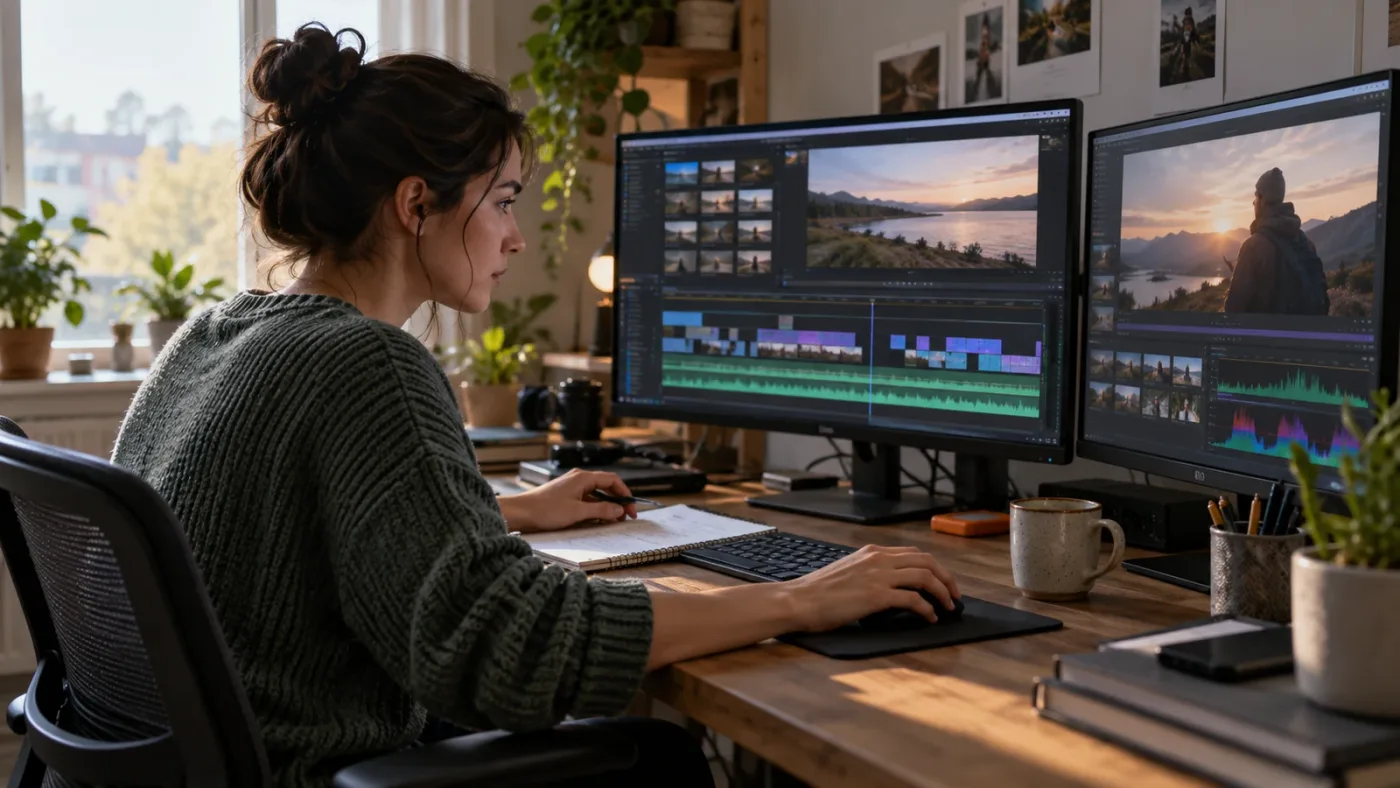
A course teaches the map; useful feedback tells you which turn to take in your own project.
What does “live feedback” mean in a DaVinci Resolve course?
Live feedback means a qualified person responds to your work while you can still use the advice, usually in a scheduled session or a short feedback loop. It is different from watching a teacher edit, posting in a forum and hoping for an answer, or receiving a completion certificate.
The phrase gets used loosely in course marketing. Before paying, ask what the instructor sees, what they review, how long a response takes, whether they demonstrate the correction, and whether you can ask a follow-up. Those details determine whether the offer meets your need.
There are at least four distinct services hiding under “feedback.”
A live class is not the same thing as a live review of your edit.
Treat the distinction as a purchase test. If the page promises “support,” “community,” or “access to the instructor,” ask whether that means a scheduled call, written answers, office hours, a discussion forum, or a real review of project media. If there is no stated response format, don't assume personal critique is included.
What should feedback on an edit actually cover?
Useful feedback identifies a visible decision and gives you a next action. “Make it more cinematic” is a mood, not an instruction. “The reaction shot starts after the speaker has already changed expression; try moving the cut earlier, then compare the pause before the answer” tells you what to inspect and what to test.
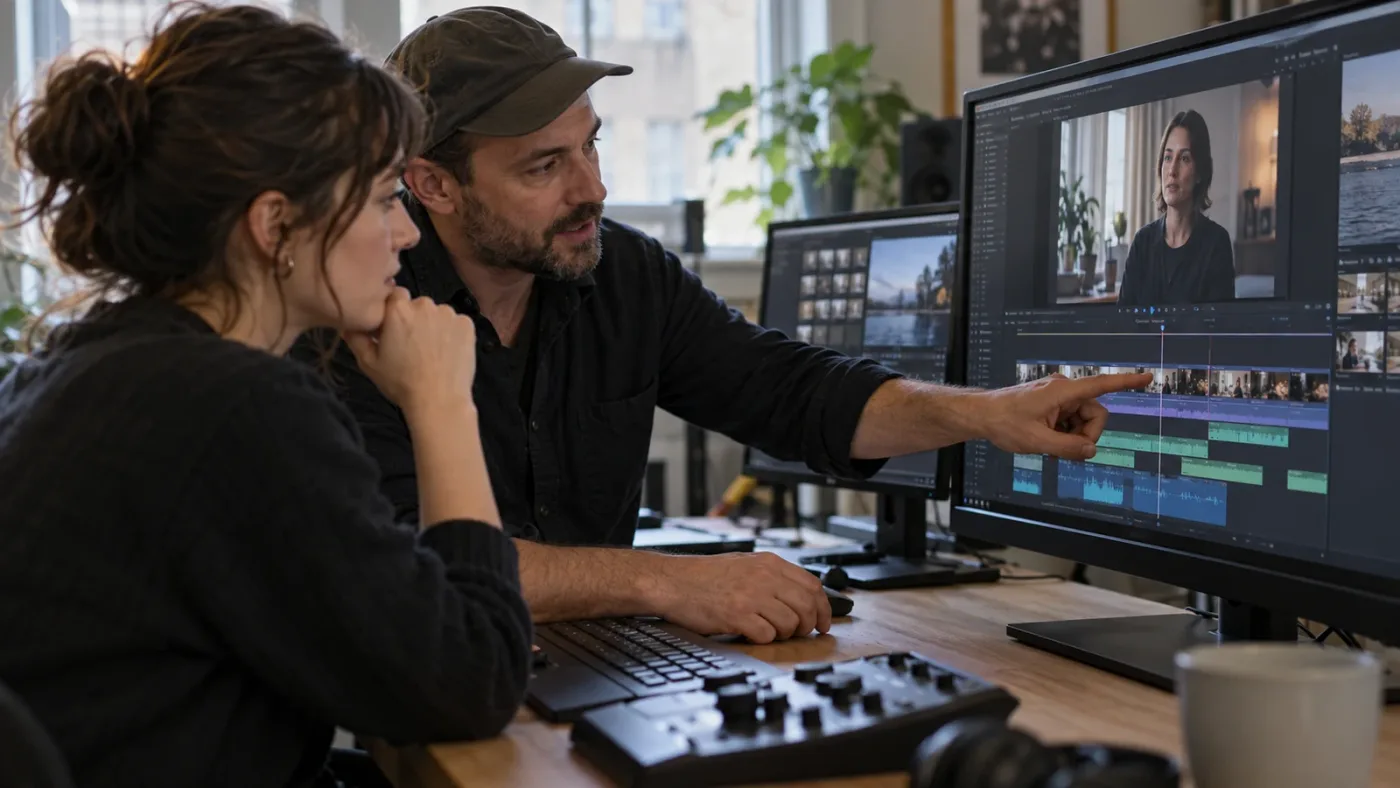
In a color review, useful notes separate a technical mismatch from a creative preference. The reviewer might ask whether the shot is balanced against the previous angle, whether skin tone is consistent, and whether the look supports the scene. In Fairlight, a reviewer should distinguish a level problem from a noisy recording. In Fusion, critique should identify the node or mask that needs attention rather than simply saying the composite looks wrong.
Feedback also needs a scope. A short exercise can receive a precise correction. A full documentary timeline may need a review brief: runtime, audience, intended platform, reference, and the decision you want help with.
If you're buying a session, prepare a small review package. Send the project or a reference export only through the trainer's stated method. Include the Resolve version, operating system, footage format when relevant, and one question per note. If sharing the full project is impractical, make a short export and a screen recording that shows the control or timeline state. Never assume a trainer can open a project that depends on media or plugins you haven't included.
What does “feedback” not promise?
It doesn't promise a guaranteed grade, job, certification, client, or professional result. A trainer can explain craft and software. They cannot make the creative decision for you or guarantee that one look will please every client.
It also doesn't automatically include technical support. A course instructor may be able to answer questions about the lesson while being unable to diagnose a GPU driver issue, a corrupt project library, or a third-party plugin. Read the boundary between course help and software troubleshooting before relying on the offer for production-critical work.
Which DaVinci Resolve course with live feedback should you choose?
Choose a learning format by the kind of correction you need. A structured self-paced course is strong for foundations; a certified trainer or cohort is stronger for scheduled human critique; a community is useful for narrow questions; and an on-screen assistant can help locate a control while you work.
The table compares the service, not the marketing label. It also shows the trade-off: high-touch teaching costs time and usually money, while free and self-paced options ask you to create your own feedback loop.
| Option | What it does well | Feedback you can reasonably expect | Main limitation | Best fit |
|---|---|---|---|---|
| Blackmagic Design official training | Version-grounded curriculum, downloadable lesson files, videos, books and certification pathway | Self-checking exercises, online exam and occasional seminar interaction; not a promise of personal project review | Much of the content is self-paced, and some books on the page are for Resolve 20 | Beginners who want a reliable foundation before spending |
| Casey Faris YouTube lessons | Clear visual walkthroughs and broad beginner coverage; the 2025 beginner course runs just over five hours by its chapter list | Public comments and any separate coaching or paid training only where currently offered | A free video cannot inspect your timeline or adapt its lesson to your project | Learners who want to follow a complete demonstration at no cost |
| Paid on-demand course on Udemy or Coursera | Organized modules, repeatable lessons and a familiar course platform | Course Q&A or assignment review only if specified; replies are generally not the same as a scheduled live session | Course freshness and instructor availability vary by listing | Learners who want a syllabus, exercises and a defined subject |
| Certified trainer, one-to-one or small group | Can diagnose your project and adapt explanations to your goal | Direct discussion and potentially screen or project review, depending on the trainer's offer | Higher scheduling and budget commitment; quality and scope vary | Editors with a deadline, advanced goal or specific recurring block |
| Cohort or bootcamp | A calendar, peer accountability and shared critique | Scheduled instructor sessions if the provider explicitly includes them; peer comments may supplement | A fixed pace can move too quickly or slowly for an individual | Learners who benefit from deadlines and a group learning rhythm |
| Resolve community or forum | Specific answers, peer experience and access to a broad range of workflows | Replies from volunteers and peers; timing and depth aren't guaranteed | Answers may conflict or omit context, and nobody owes a review | Troubleshooting a narrow question or getting a second opinion |
| In-app screen guidance | Help tied to the control visible in your current workspace | Immediate contextual explanation, not a human critique or course curriculum | Doesn't replace editorial judgment, structured practice or instructor review | Finding a setting or understanding a control while continuing a task |
Blackmagic Design's official training page is the most defensible free starting point. It currently organizes videos by Edit, Color, Fairlight and Fusion, and lists practical project-based guides, lesson files and an online exam. The training page also describes a network of more than 250 certified trainers and more than 100 training centers. Those numbers are Blackmagic's own figures, not an independent audit, and the page does not imply that every trainer offers live feedback.
For a scheduled free event, Blackmagic's 2026 online seminar page described six free seminars, each 90 minutes. That format can give learners a live instructor-led overview, but a seminar is still not necessarily a private review. Check the date and registration availability: a past webinar listing won't become a course just because its page remains online.
Casey Faris's free beginner video is another sensible starting point. Its chapter list spans the Media, Edit, Cut, Fusion, Color, Fairlight and Deliver pages and runs to about five hours and five minutes. That's a substantial demonstration, not a promise of individual critique. Faris has also described the appeal and limits of the subject in an interview: “it happens to be a very, very high-end video editing app.” The quote comes from a published interview about teaching DaVinci Resolve, and it captures why learners need both a map of the software and practice making decisions inside it.
Paid marketplaces can add structure, but don't infer live feedback from the word “course.” Coursera currently lists a three-course DaVinci Resolve specialization by Adi Singh. Udemy's course pages vary: one listing describes instructor and peer feedback through Q&A, while Udemy's support documentation explains how learners can ask instructors questions. The platform's own FAQ also says response expectations depend on the instructor's posted availability. That's asynchronous course support unless the individual listing explicitly says there are live calls or scheduled critiques.
We have taught more than 100,000 students on Udemy and are an official Udemy Business Partner, so we know the platform can deliver organized instruction at scale. That credential doesn't make every marketplace course current or turn Q&A into mentoring. Read the actual curriculum, update date, instructor's Resolve experience, project files and feedback terms for the course you're considering.
A course's syllabus tells you what it teaches; its feedback policy tells you whether anyone will respond to your work.
Why does a Resolve lesson not match my screen?
A Resolve lesson may not match your screen because it was recorded in another version, uses another page or workspace, or assumes a selection or panel state that the instructor hasn't explained. Identify those differences before blaming yourself or buying another course.
DaVinci Resolve 21.1 was announced on September 8, 2026. Blackmagic says it adds integration with AI assistants, expanded camera-format support for the Photo page, more than 25 additional Krokodove tools, and over 100 new tools and controls for editing and color workflows. Those changes make a current manual valuable for version-specific details, even though the basic logic of trimming, organizing clips, balancing shots and mixing dialogue carries across versions.
The Resolve 21.1 manual is listed on Blackmagic's support page with a September 8, 2026 date. Resolve's pages and inspectors can present different controls according to selection and context. A viewer may show a clip-level transform while a timeline or node selection opens a different set of controls. A tutorial that says “open the Inspector” may skip the key fact: select the correct clip first.
Try this diagnostic sequence before you abandon a lesson:
- Check the version. Compare the version named in the course with your installed Resolve version. On 21.1, search the current manual when a menu name or feature differs.
- Check the page. Confirm whether the instructor is on Cut, Edit, Color, Fusion, Fairlight, Deliver or Photo. Some operations exist only on particular pages.
- Check the selection. Select the clip, track, node or timeline object the lesson is changing. Controls can disappear when the wrong object is selected.
- Check the workspace. Panels can be hidden, layouts changed, or the interface rearranged. Compare the visible panel headings before repeating clicks.
- Check the example media. The lesson may use camera media, project settings or Studio-only features that differ from yours. Confirm the instructor's source footage and edition before copying a result.
- Ask a precise question. Include the Resolve version, operating system, page, selected item and the exact control name you expected. Attach a still or short screen recording if the course allows it.
If a course is built for Resolve 18, 19 or 20, that doesn't make it worthless. Editing concepts such as continuity, shot selection, story rhythm, cut timing and audio clarity outlast interface revisions. But the closer the subject is to a new feature, the more version match matters. A Fusion node walkthrough from an older release may be conceptually sound and still use a different tool, label or default.
One of the recurring questions in our 100,000+ member editing community is essentially “I followed the lesson, why is my screen different?” The useful answer is usually not “watch another ten hours.” It's to name the state difference: version, page, selected item, workspace, source media or free-versus-Studio feature. That lets a peer or instructor diagnose the mismatch without guessing.
When posting publicly, protect client and personal material. Crop the frame to the relevant panel, obscure names and private clips, and avoid uploading an entire project if a still answers the question. Blackmagic's forum is a valuable community resource, but a public post is still public. For paid training, follow the provider's secure submission route.

Is Blackmagic Design's free training enough?
Blackmagic Design's free training is enough to build a sound first pass through Resolve, especially if you download the lesson material and do each exercise yourself. It is not enough when your main need is a reviewer who will assess your footage, edit choices or delivery requirements.
The official page combines several formats. Its training videos cover core disciplines, and the books provide project-based exercises. It currently lists Resolve 20 editions for several books while Resolve 21 and 21.1 are the current software releases. The material may teach durable workflows without covering every new 21.1 control.
There's a practical way to use the official materials without mistaking self-paced learning for a live class. Pick one outcome, such as a clean interview edit. Watch the relevant lesson in short segments. Recreate the step with the provided media. Then make a second edit with different footage and write down where the instructor's choice depended on the example. Your second attempt creates questions a reviewer can actually answer.
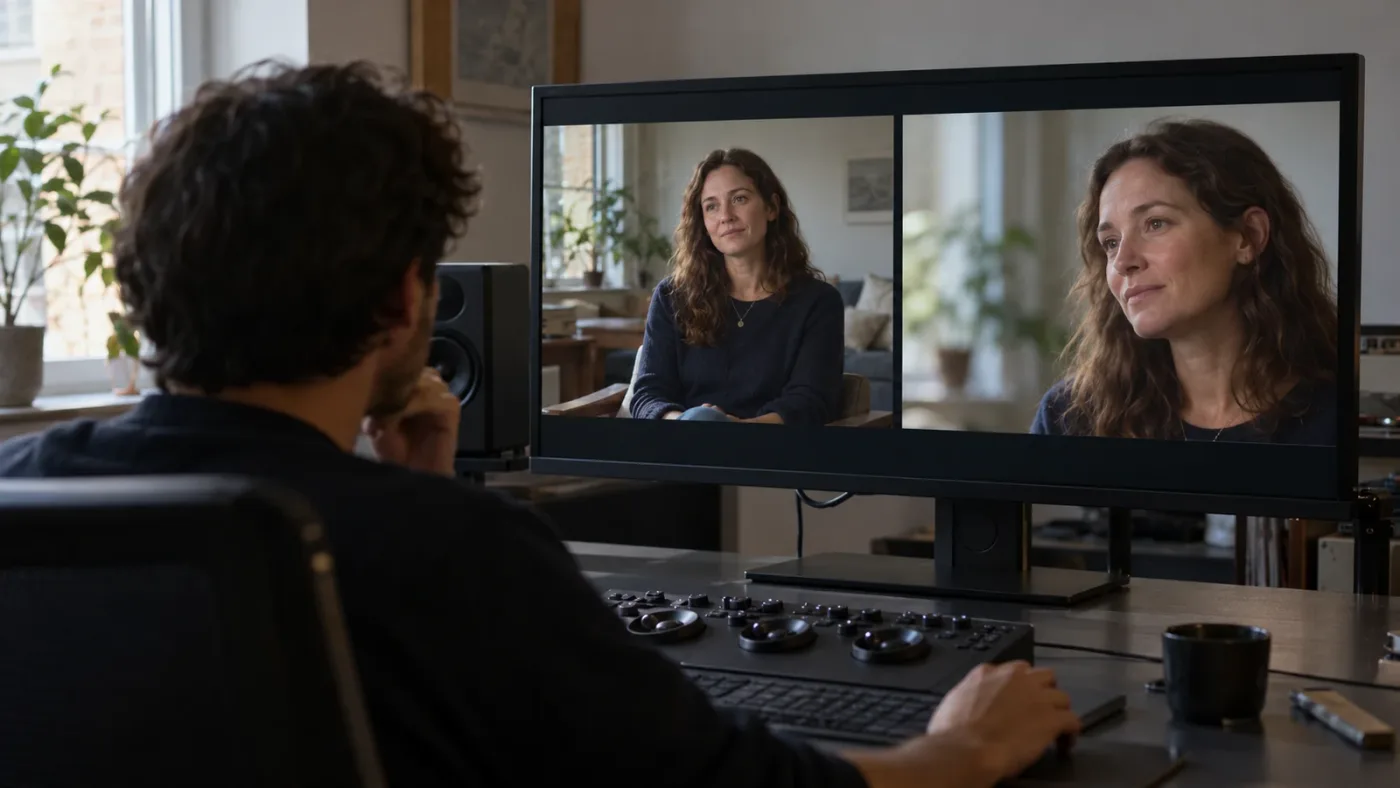
For instance, an Edit lesson can show how to trim an interview. Your exercise could be a 60-second answer with a beginning, one useful detail and a clean ending. Ask a reviewer whether the cut preserves the speaker's thought and where the viewer loses context. That feedback concerns the edit. “Which button did the instructor press?” is a different question, answered by the lesson or manual.
In Color, follow a balance exercise with several shots from the same scene. Ask whether exposure and white balance feel consistent before you discuss a stylized look. For Fairlight, make dialogue intelligible before adding decorative effects. In Fusion, build one simple composite and ask whether the node flow is understandable to another editor. In Photo, Resolve 21's new page gives a current learner a distinct still-image workflow to explore, but its controls should be studied against 21.1-specific material.
How do I learn DaVinci Resolve fast without skipping feedback?
The fastest reliable route is a short curriculum loop: learn one operation, repeat it on your own media, compare the result with a clear criterion, then ask for help on the one part you cannot diagnose. Watching faster is not the same as learning faster.
Set a narrow target for each practice session. “Learn Resolve” is too broad. “Organize interview footage into a selects timeline,” “make two shots match in exposure,” or “export a review file with the right frame size” is testable. Use one course chapter and one task, then stop when you can repeat the operation without following every click.
Record what failed. If the trim feels awkward, name whether you don't know which edit point to change, whether the keyboard shortcut differs, or whether your footage needs a different choice. If a grade looks wrong, distinguish exposure, contrast, white balance, shot matching and style. If a render fails, record the exact error and format. This vocabulary turns a vague request into a productive feedback question.
Build a personal feedback ladder:
- Self-check: compare your work with the exercise brief and the intended result.
- Reference-check: consult the 21.1 manual or a current course chapter for the control's expected behavior.
- Peer-check: ask a community member one concrete question and include enough context to reproduce it.
- Instructor-check: pay for a review if the decision affects a deadline, client delivery or a skill you keep getting wrong.
This sequence doesn't mean you must exhaust free help before buying. It helps you avoid paying a tutor to locate a menu when your real need is judgment, and it helps you avoid asking a forum to provide a private, structured curriculum. For a career transition or a paid project deadline, direct instruction can be the economical choice if it prevents repeated rework. For casual learning, a structured free course and a finished practice piece may be plenty.
Our experience includes more than seven years of professional commercial video editing and teaching for Fortune 500 companies. The useful lesson from that work is simple: critique is most valuable when the learner brings a concrete decision, not an entire software package of confusion. You don't need a perfect first cut. You need a piece of work small enough to discuss clearly.
Do Udemy, Coursera and YouTube provide live critique?
YouTube, Udemy and Coursera can provide strong instruction, but a video lesson or course Q&A is not automatically live critique. Treat personal project review as a separate feature and verify its format on the specific course page.
Casey Faris's free beginner video is broad and useful for seeing Resolve's major pages in action. Its listed chapters total about five hours and five minutes, which makes it a substantial introduction. But public comments are not a scheduled classroom, and a video cannot inspect a learner's project. Choose it for an instructor-led walkthrough you can pause and repeat.
Coursera lists a three-course Resolve specialization taught by Adi Singh. The platform's course catalog is useful when you want a sequence and an identified instructor. Verify current enrollment details, assessment format, version, language, and whether there is personal feedback before paying. A certificate or graded quiz can confirm course completion without showing whether anyone reviewed your creative decisions.
Udemy course listings vary even more. Some describe assignments, peer feedback or an instructor Q&A. Udemy's support guide explains how to search existing answers or ask an instructor, and the help FAQ tells learners to check the instructor's availability if a response is delayed. That is a useful support path, but it's asynchronous. If the offer says “personal feedback,” ask whether it means written notes, a live call, a group review, or comments from peers.
Use this quick checklist on any listing:
- Is the Resolve version named, and is the course updated for a feature you need?
- Are project media and practice files included, or must you create your own?
- Does the instructor review your work, or only answer questions about lessons?
- Is feedback private, group-based, or public in a discussion forum?
- Is there a response-time promise, and does it apply after the course purchase?
- Does the price include one review or repeated access to feedback?
- Is the feedback delivered live, in writing, through Q&A, or in a scheduled cohort?
- Can you ask a follow-up after the instructor responds?
Is a mentor or cohort better than a self-paced course?
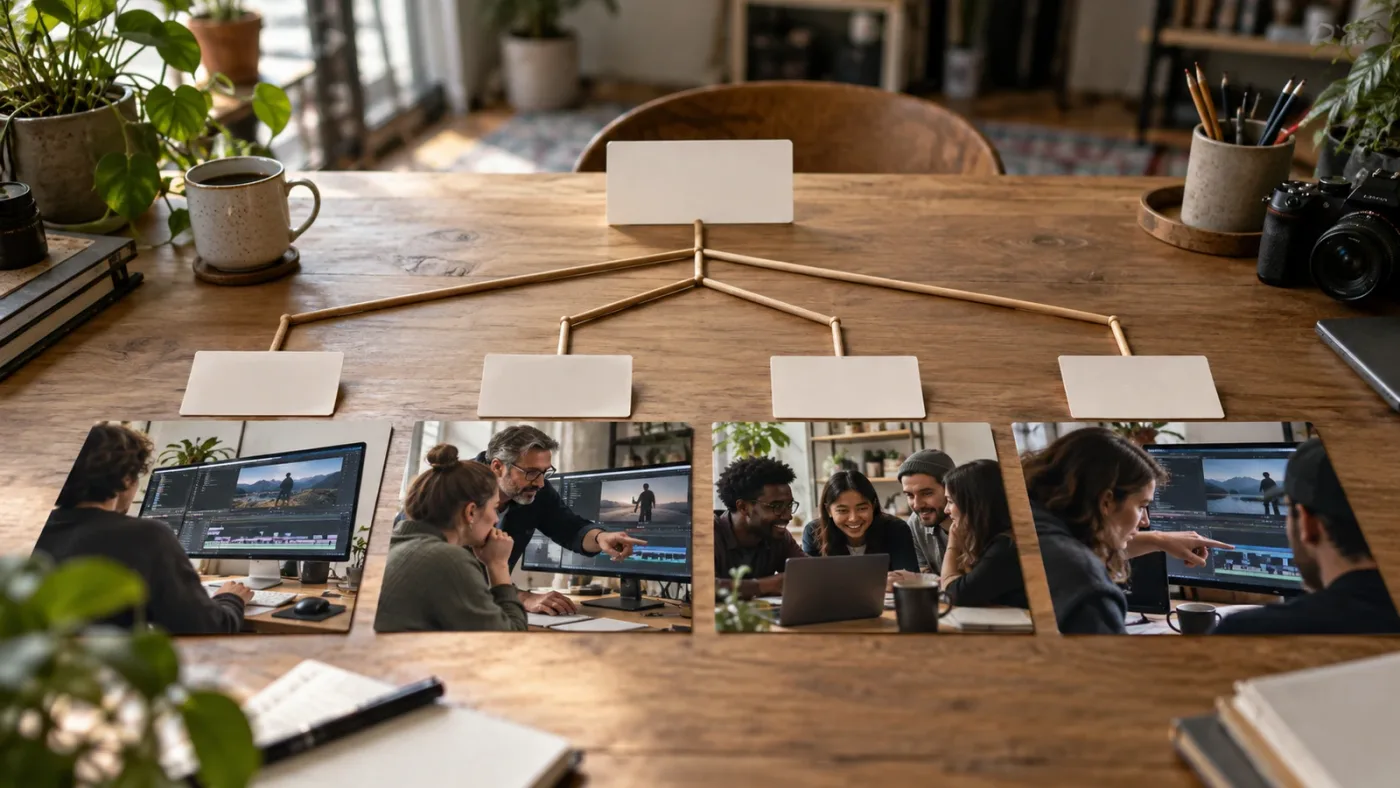
A mentor is better when you need tailored diagnosis; a cohort is better when a fixed schedule and peer accountability help you finish; a self-paced course is better when you want a repeatable syllabus at your own pace. The best choice follows the shape of the problem.
One-to-one lessons are valuable when your question depends on your own media, brief or goal. A mentor can ask why you made a cut, look at the result, and adjust the next exercise. That can make a single hour more relevant than a long general course. It also depends heavily on instructor fit. Ask about experience with the specific area you need: editing, color, Fusion, audio, multicam, delivery or still photography.
A cohort gives you more than a teacher. The calendar creates a reason to practice, peers expose you to decisions you wouldn't make, and group critique can show how different viewers read the same edit. The cost is reduced flexibility. If sessions happen while you're working or the group moves quickly, the schedule may become a source of friction rather than momentum.
A self-paced class gives you control over pace and repetition. You can replay a Fairlight explanation or stop at a Fusion node graph without holding up a group. But nobody notices when you misunderstand an idea unless you check your work or ask for help. Self-paced learning needs a feedback plan, even if that plan is simply exporting a short cut and reviewing it a day later against a written brief.
When interviewing a trainer, ask them to explain how a review works. What files should you send? Can they comment on your timeline or only a rendered video? How do they handle client confidentiality? Do you receive a written summary or a recording? What happens if the problem turns out to be a software bug or hardware issue outside the session? Can they teach the same workflow in your Resolve version?
Blackmagic Design's training directory is a starting point for locating certified trainers and online or classroom partners. Certification is a useful signal about training affiliation, not a guarantee of teaching style or fit. Ask for the actual lesson outline and feedback terms. A specialist in color may be excellent for a grading review and a poor match for a beginner's audio workflow; expertise has a domain.
If you're weighing self-study against a mentor, our related comparison, learning DaVinci Resolve alone vs. with a mentor, examines that broader choice. For a catalog-first scan of structured courses, see the best DaVinci Resolve courses compared. These pages cover adjacent questions; this page is about what the phrase “live feedback” should mean before you buy.
Which DaVinci Resolve community should I ask for feedback?
Use a community for specific, bounded questions and a trainer for reliable critique of your own project. Communities can surface several perspectives, but response time, expertise and privacy depend on the people who see your post.
Blackmagic's forum is a natural place for Resolve-specific questions and official community participation. Reddit's DaVinci Resolve community can be useful for peer recommendations and workflow discussion. Neither is a substitute for a private mentor, and neither guarantees an answer. A public forum is strongest when a question can be answered from a clear screenshot, exact version number and concise description.
Ask for feedback in a way that makes it easy to help:
“I'm using Resolve 21.1 on Windows. This is a two-camera interview. I'm trying to match the close shot to the wide shot before adding a look. The close shot feels warmer to me. Which control or scope should I check first?”
That's more answerable than “How do I color grade?” The question states version, platform, project context, goal and uncertainty. If it is a creative question, share a short sample and describe the intended audience or reference. If it's technical, include the exact message and the action that triggered it.
Separate opinions from facts when you receive conflicting advice. A control's documented function can be checked in the manual. A taste decision should be tested against the brief and viewer. A workflow preference can be compared in your project. A troubleshooting suggestion should be tried on a copy of the project when it could affect media or settings.
Privacy matters. Don't upload a client timeline, unreleased footage or personal material to a public forum without permission. A still image with sensitive areas cropped may be enough. For a paid review, confirm how the tutor receives and stores files. The convenience of feedback should not decide your client's confidentiality obligations.
Is an app that helps you while using DaVinci Resolve a course?
An app that helps you while using DaVinci Resolve is a companion to training, not a replacement for a curriculum or a human critique. It is most useful when the question is about finding or understanding a control in the workspace you already have open.
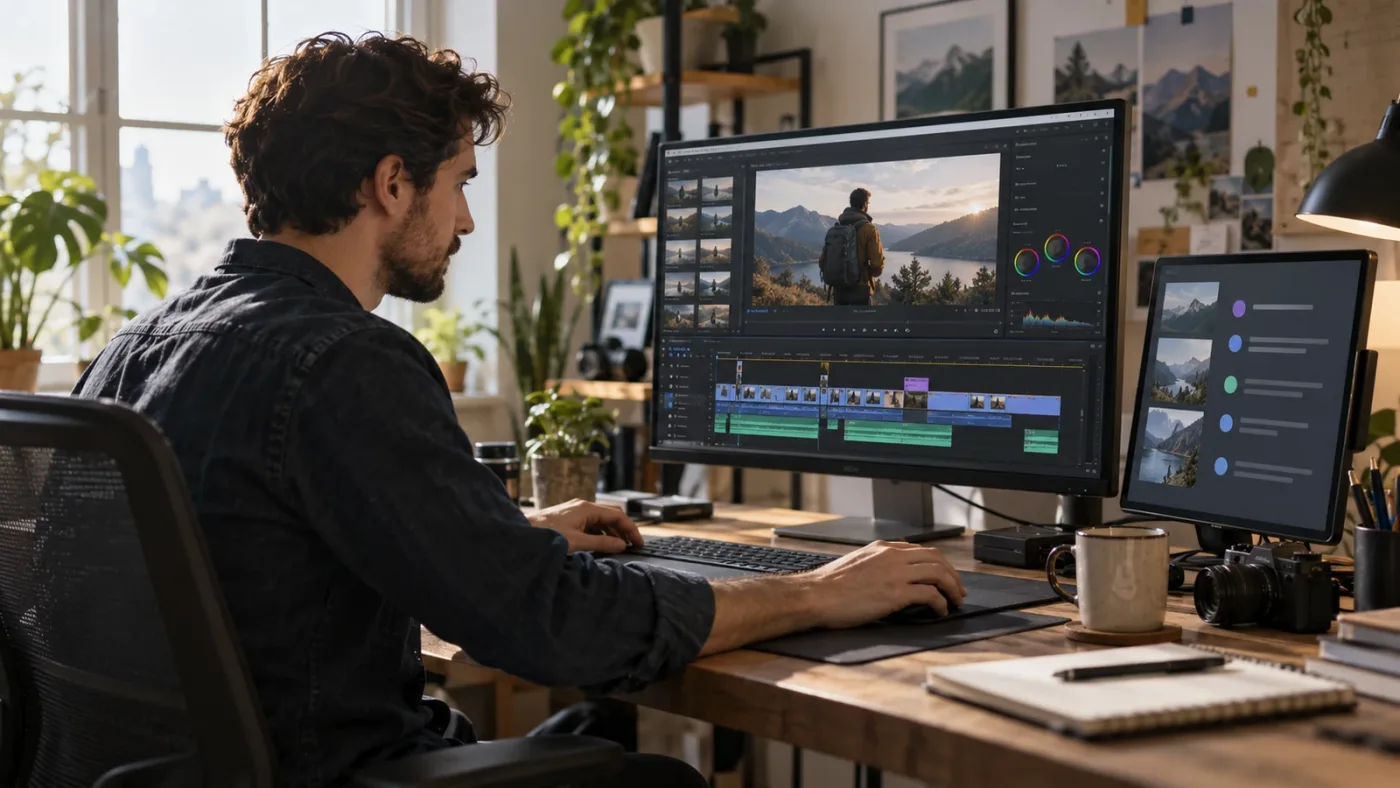
That makes it a different answer to a different stuck moment. A course says, “Here is a path through the Edit page.” An instructor says, “This cut undercuts the reaction.” A community member may say, “Check whether the clip is selected.” On-screen help can reduce the gap between asking what a visible control does and locating it in your current interface. It cannot decide whether your story works or promise that a particular grade is right.
TryUncle is the on-screen assistant for DaVinci Resolve on Mac and Windows — ask in plain words and Uncle points at the exact control on your screen.
If the lesson explains the concept but the interface has moved, TryUncle can offer on-screen guidance while you work in Resolve. Use a course to build a coherent foundation and use contextual guidance for a control you can't locate; use a human reviewer when you want judgment about the finished work.
Resolve 21.1 itself announced integration with external AI assistants for tasks such as analyzing projects, organizing media, adjusting settings and batch rendering. Those capabilities are distinct from a course and from a helper that points to controls for a learner. A version number is not proof that a particular third-party integration is included, enabled or available on every platform; confirm current product details before relying on a workflow.
Other products serve different jobs. Sottocut describes itself as an assistant editor inside an open Resolve project that scores footage, proposes cuts and verifies timeline changes; CutAgent markets agentic editing tasks in Resolve. Eddie AI builds rough cuts from footage and exports to editing applications including Resolve. PremiereCopilot is a text-to-edit product for Premiere Pro, so it is not a Resolve course or an in-app Resolve tutor. These products may help with editing work, but editing automation and screen-specific instruction are different categories. Compare them for the task you want done, not as interchangeable substitutes for course feedback.
What questions are a good fit for on-screen guidance?
On-screen guidance is a fit for concrete interface questions: “Where do I change this clip's scaling?”, “Which panel has the setting the lesson mentions?”, or “What does this visible control affect?” It is less suitable for open creative questions such as “Is this film good?” or for an instructor's detailed review of a full timeline.
The difference is the evidence. A screen question points to an object or control. A creative critique needs the story, target audience, sound, pacing, reference and intent. A bug diagnosis may need logs, project files, footage metadata and a reproducible sequence. A learning plan needs a goal and time budget. One helper cannot infer all of that from a single interface view.
When the software is confusing, the fastest route is often to anchor the question to the thing you're seeing. Name the page and object. If you're asking a human, send a cropped screenshot. If you're consulting documentation, search the exact control name. If you're using a screen assistant, ask about the current visible control and then verify high-impact changes before applying them.
How do I get useful feedback if I can't afford a live course?
You can build a useful feedback loop without buying a live course by setting a small brief, finishing a short edit, reviewing it against a checklist and asking one precise question in a free community. That won't replicate private mentorship, but it will expose weak decisions and give you a next practice step.
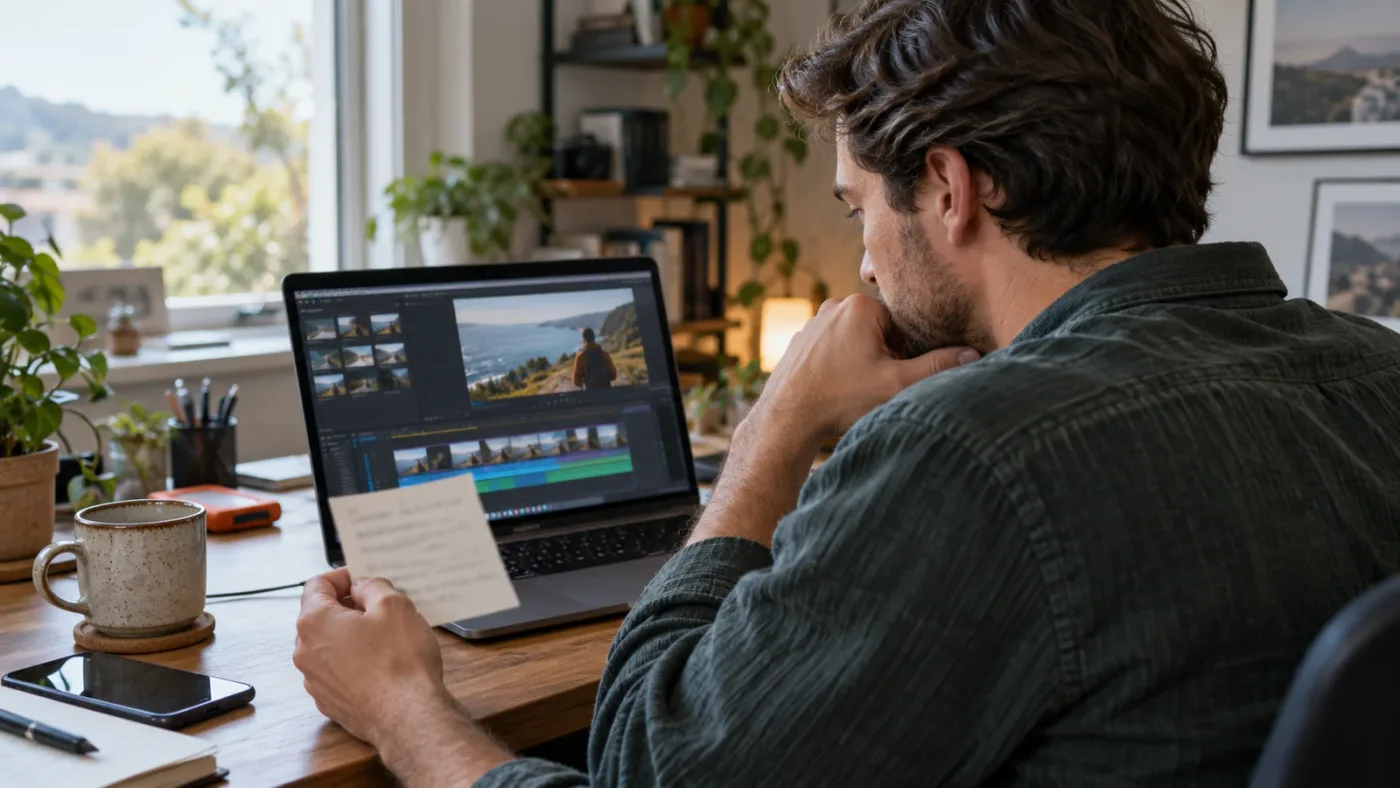
Create a 30-to-60-second practice piece from footage you own or are allowed to share. Write a one-sentence brief: who should watch, what they should understand, and what mood or action matters.
Make the edit, then take a break before reviewing it. Watch once without touching the keyboard. Write down the moment you become confused, bored or distracted. Watch again for picture continuity. Listen once without watching the monitor and note every audio jump. If the piece uses captions or graphics, check them separately for reading time and legibility. These are practical review passes, not an invented scoring system.
Then ask a narrow question. “Where does the story stop making sense?” invites useful feedback. “Is this good?” does not. “Does the close-up arrive too early after the speaker says the key phrase?” gives people a decision to discuss. You can ask a second question after acting on the first, but don't ask a forum to grade every aspect of the work at once.

Use three sources of review, each for what it can answer. The official manual can verify control behavior. A peer can tell you how the cut reads to a viewer. A tutor can explain a workflow and adapt the next exercise. Your own brief decides whether the edit meets its purpose.
If you cannot share footage, describe the shot and cut timing in general terms, use media you can publish, or create a screen capture that hides private material. If you cannot share your project file, a small exported section may be sufficient for story or pacing feedback. For a control question, a cropped still often provides more useful context than a large video upload.
Free help has limits. Volunteers may not answer promptly, peers may have different standards, and open discussions can drift away from your question. Don't treat silence as a judgment of your work. Use a paid review when you need a dependable deadline or confidential individual support; use free resources when the stakes and schedule allow experimentation.
Which option should I choose for my situation?
Choose official Blackmagic training if you're new and want a grounded, no-cost structure; choose a certified trainer or cohort if you need scheduled human critique; choose a marketplace course if its syllabus and Q&A terms match your goal; choose a community for a narrow question; and choose on-screen guidance when you need help with the control in front of you.
Use this decision matrix to make the choice concrete:
| If your situation is... | Start with... | Add this when you hit the limit... |
|---|---|---|
| “I'm brand new and don't know what to learn first.” | Blackmagic Design's official training or Casey Faris's full beginner walkthrough | A small practice brief and peer feedback after the first finished edit |
| “I want to finish a real project, but I keep stopping at controls.” | A structured beginner course with project media | Current Resolve 21.1 documentation or screen-specific guidance for interface questions |
| “I need someone to tell me why my edit feels wrong.” | A trainer, mentor or cohort that reviews your work | A written brief and a short export so the review has context |
| “I'm learning one specialty, like Fusion or color.” | A course with a narrow syllabus and exercises in that page | A specialist review when the basic exercise works but your result still misses the brief |
| “I don't have money for instruction right now.” | Official training, free video lessons and practice projects | A clear forum question, with a version number and a small safe-to-share example |
| “My deadline is close and the project matters.” | A qualified one-to-one trainer with relevant experience | Confirm availability, review format and confidentiality before booking |
| “I mostly need help locating a setting.” | The manual or help tied to the visible control | On-screen guidance while you continue working |
| “I want an official certification path.” | Blackmagic Design's training and exam materials | A certified training partner if you need instructor-led preparation |
The choice should follow the feedback you actually need, not the longest course outline or the biggest promise. If you need structure, buy structure. If you need critique, verify critique. If you need to understand a button, don't pay for an entire mentoring program before checking the manual or a targeted helper.
Human critique is worth paying for when it changes a real decision in your own edit.
What should I do before buying a Resolve course?
Before buying, verify the version, curriculum, feedback channel, instructor, practice materials, schedule and refund terms. If a course doesn't state what “live feedback” means, ask the provider in writing before enrolling.
Use these questions in a short message to the instructor:
- “Will you review my own DaVinci Resolve project or only answer questions about the lessons?”
- “Is feedback live, written, peer-based, or instructor Q&A?”
- “How many reviews are included, and what is the expected response time?”
- “Can I share a short export instead of the complete project?”
- “Which Resolve version and operating system do the lessons use?”
- “Does the course rely on Studio-only features, paid plugins or specific footage?”
- “What happens if my question is a software bug rather than a workflow issue?”
- “How are project files handled if they contain client or unpublished material?”
The answers tell you more than a broad “lifetime access” claim. Access to videos doesn't necessarily mean access to the teacher forever, and the teacher's Q&A availability can change. Save the current terms with your purchase decision.
Check the syllabus for observable outcomes. “Learn professional editing” is vague. “Organize media, build a short timeline, refine a dialogue edit, balance audio and export a review file” is easier to evaluate. For advanced courses, look for the project's constraints and deliverable. A color course should say whether it covers color management and shot matching. A Fusion course should show whether it teaches node relationships and compositing concepts.
Finally, ask yourself what a successful week of learning would look like. One completed exercise, one reviewed cut, or one solved interface problem is a better goal than finishing a playlist. A course earns its place when its structure helps you produce work and notice what to improve next.
What is the best way to learn DaVinci Resolve in 2026?
The best way to learn DaVinci Resolve in 2026 is to combine a trustworthy foundation with repeated project work and feedback matched to the problem. There is no single course that replaces practice, and a live lesson is useful only when its format answers the question you have.
Start with official Blackmagic materials if you want a no-cost route and clear curriculum. Use Casey Faris's beginner course when you learn well by watching a complete edit unfold. Compare paid offerings on their actual feedback promise, not course duration or star count. Choose a certified trainer when a person must inspect your own timeline. Ask a community when you have one reproducible question. Use contextual help when the control itself is the obstacle.
For Resolve 21.1, keep the current manual nearby and note when a lesson uses older labels or workflows. The new Photo page and other 21.1 additions make version awareness relevant, but you can still learn durable editing habits from older lessons. Verify details that affect menus, features, media compatibility or delivery.
The best course for you is the one whose feedback matches the decision you need to make.
If you are choosing today, take one free lesson, finish one small piece, and write down the question you wish a teacher would answer. If it is “what should I learn next?”, choose a structured course. If it is “why does this cut not work?”, book critique. If it is “where is that control?”, use a current guide or contextual help. That simple test keeps your next step tied to the work, and it gives you a much better chance of buying the kind of feedback you meant when you searched for a DaVinci Resolve course with live feedback.
Frequently asked questions
- What is the best DaVinci Resolve course with live feedback?
- Choose a course only after confirming that feedback includes review of your own project, a named instructor or mentor, a stated response format and a clear schedule. Blackmagic Design’s free training is a strong curriculum but is primarily self-paced; a certified trainer or cohort is a better fit when direct critique is essential.
- Can I learn DaVinci Resolve fast with free courses?
- Yes, if you follow a structured lesson, practice in Resolve and review the result instead of collecting unrelated tutorials. Blackmagic Design offers free videos, books, lesson files and online seminars; free resources do not guarantee personal feedback.
- Does Udemy give live feedback on DaVinci Resolve projects?
- Some course pages describe instructor or peer feedback through course Q&A, but Q&A is asynchronous unless the instructor explicitly schedules live sessions. Check the current course description and ask what work the instructor will review before enrolling.
- What should I do when a DaVinci Resolve tutorial does not match my screen?
- Check the Resolve version, page, workspace and selected clip first, then search the current manual or ask with a screenshot and exact version number. Resolve 21.1 changes some controls and adds features, so lessons recorded for older versions may differ.
- Is an app that helps you while using DaVinci Resolve the same as a course?
- No. A course teaches a planned sequence, while an in-app helper answers a question against the controls visible during your current task. Use a course for foundations and in-context help for moments when you cannot find the next control.
Sources
- DaVinci Resolve Training | Blackmagic Design
- DaVinci Resolve Online Seminars | Blackmagic Design
- DaVinci Resolve 21.1 announcement | Blackmagic Design
- DaVinci Resolve 21.1 reference manual | Blackmagic Design Support
- Introduction to DaVinci Resolve - Full Course for Beginners | Casey Faris
- DaVinci Resolve courses | Coursera
- DaVinci Resolve Mastery: The Complete Video Editing Bootcamp | Udemy
- How to Ask a Question About a Course You're Taking | Udemy Support
- Course Help: Frequently Asked Questions | Udemy Support
- Casey Faris interview | The Art of Selling Online Courses
- The way people create has changed | TechRadar interview with Simon Hall
- Find a DaVinci Resolve Training Partner | Blackmagic Design
- Blackmagic Design forum
- Sottocut for DaVinci Resolve
- CutAgent for DaVinci Resolve
- Eddie AI
- PremiereCopilot
Put this guide to work with TryUncle.
Ask about the step you’re on. TryUncle sees your screen and points at the control you need, so you can keep learning in your own project.
Get TryUncle for Mac or WindowsKeep reading

Comparisons · Jul 13, 2026 · 34 min
Best DaVinci Resolve Courses in 2026: 6 Real Options Compared
We compared six real DaVinci Resolve courses for 2026, from Blackmagic's free certification to color grading and Udemy bootcamps, to find the best fit.
Comparisons · Jul 15, 2026 · 41 min
Should You Learn DaVinci Resolve Alone or With a Mentor?
Learning DaVinci Resolve alone vs. with a mentor, compared honestly: what a real mentor changes, why self-taught learners stall, and where AI tutors fit.

Fixes · Oct 3, 2026 · 16 min
DaVinci Resolve 21 Tutorial Controls Do Not Match? Fix It
DaVinci Resolve 21 tutorial controls do not match? Identify the version, page, layout, and edition difference, then find the right control.