Articles / Comparisonsupdated for DaVinci Resolve 21.0 (June 2026)
Should You Learn DaVinci Resolve Alone or With a Mentor?
Quick answer
Learning DaVinci Resolve alone is free but has a real dropout problem, since most self-paced online courses lose the majority of students. A true one-on-one mentor rarely exists for hire, so 'mentor' usually means a paid course, community, or certified trainer. The fastest path combines free material with something that answers you the moment you're stuck.
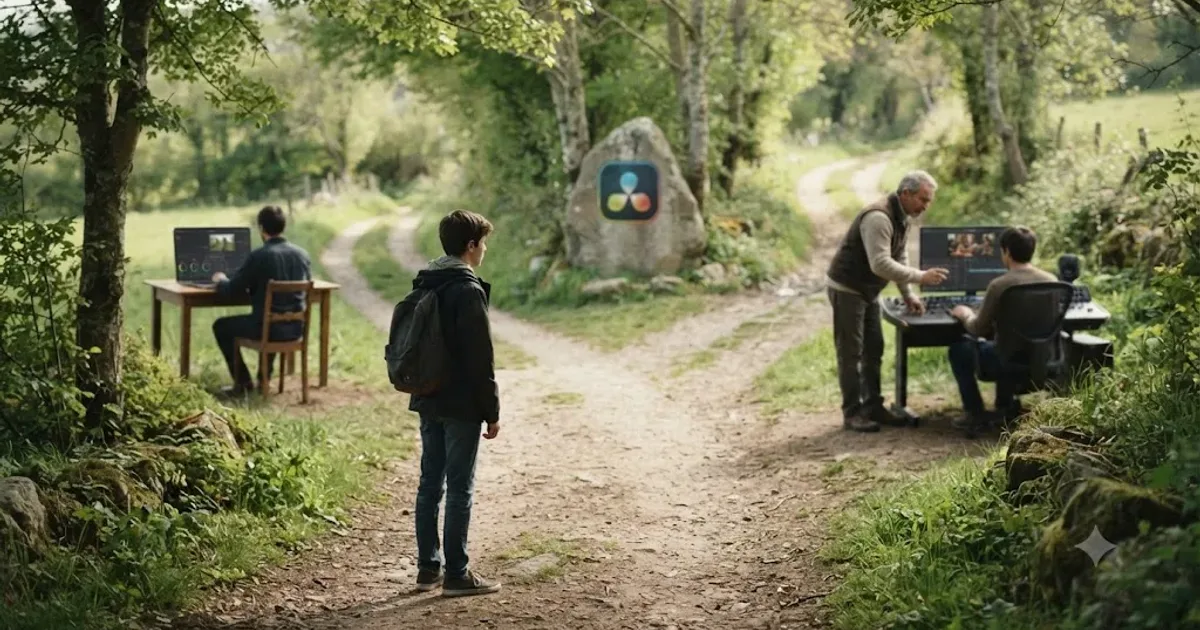
Somebody asks this question every week in a Resolve Discord, a subreddit, a Facebook group: should I just teach myself, or do I need someone showing me? Both halves of that question are messier than they sound. "Alone" doesn't mean nothing, it means a specific stack of free tools. And "a mentor" isn't really for sale the way people picture it. Let's get precise about both, then figure out which one actually gets you cutting real work faster.
What's actually being compared when people ask "alone or with a mentor"?
Two different things get compressed into one question, and separating them changes the whole answer. The first is a resource question: free material versus paid guidance. The second is a structural question: information you find yourself versus a person who watches your work and corrects it before a mistake becomes a habit.
Most people asking "should I learn alone or find a mentor" are really asking the second question while budgeting like the first one. They want someone to catch the bad habit early, but they're picturing a free YouTube channel doing that job. It can't, not structurally, and that mismatch is where most self-taught frustration actually comes from.
A mentor doesn't make you learn DaVinci Resolve faster. A mentor makes you learn the right things in the right order and catches the mistake you can't see yourself making. Speed is a side effect of that, not the mechanism. Keep that distinction in mind through the rest of this comparison, because it's the difference between a fair fight and a rigged one.
So here's the actual shape of the comparison this post runs: what learning alone looks like today, what "a mentor" realistically means for a piece of software nobody runs a mentorship marketplace for, what each path costs in money and in stalled progress, and where a new category of tool, AI tutors that watch your screen, sits in between the two.
What does learning DaVinci Resolve completely alone actually look like?
It's not one thing, it's a stack, and most self-taught editors build it without realizing they've assembled a curriculum. The free version of DaVinci Resolve itself is the floor: full editing, color, Fairlight audio, and Fusion, no watermark, no time limit. On top of that sits Blackmagic Design's own free training program, six downloadable books covering beginner editing through advanced color and visual effects, each with lesson files and a free certification exam at the end, according to Blackmagic's own training page.
Layered on top of the official material is the YouTube layer, led by channels like Casey Faris', which runs free DaVinci Resolve tutorials to a large subscriber base and a free Skool community, "DaVinci Resolve for Beginners!", with thousands of members, per Faris' own community page. Then there's the reactive layer: the official Blackmagic Design forum, Reddit's r/davinciresolve, and Discord servers, all free, all answering whatever question you happen to type in.
That's the honest inventory of "learning alone" in 2026. It's not a void. It's a real, free, reasonably complete curriculum assembled from four different sources with nobody sequencing them for you. Our own free DaVinci Resolve course guide walks through how to turn that pile into an actual six-week plan instead of four unfinished tabs.
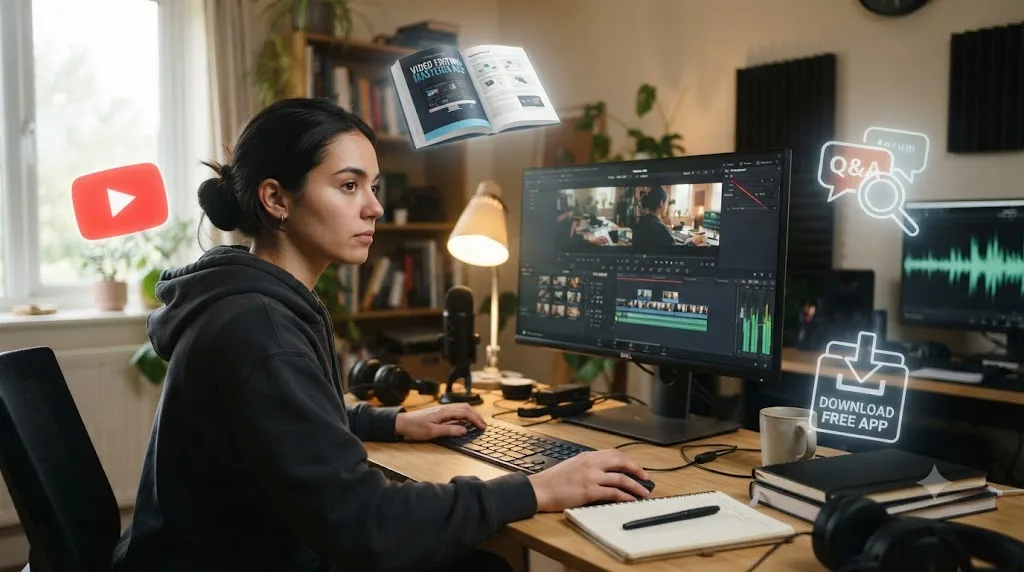
Why does learning alone stall out, even for motivated people?
Not because the information is missing. Every fact needed to learn Resolve's fundamentals sits somewhere in that free stack. Learning alone stalls for a structural reason: nobody is sequencing the material for you, and nobody is watching what you actually do with it.
The completion data backs this up outside of Resolve entirely. Free, self-paced online courses average a 5 to 15 percent completion rate across major platforms, according to a 2026 compilation of online-course completion research by Skillademia, which reports that of roughly 220 million online learners in 2024, only 22 to 33 million actually finished what they started. Paid courses complete at a much higher 60 percent by the same source, and cohort-based courses, where a group and a facilitator create real accountability, hit 72 percent. The gap isn't about difficulty. It's about whether anything is watching.
The average free, self-paced online course loses the vast majority of the people who start it, and DaVinci Resolve's free training sits squarely inside that format. That's not a knock on Blackmagic's material, which is genuinely thorough. It's a warning about the format itself, independent of subject. Nothing you paid for is at risk if you stop, and nobody notices if you do.
Anders Ericsson, the psychologist whose research on expert performance became the foundation for the modern "deliberate practice" framework, described the specific thing a good teacher adds that self-study structurally can't:
"Even the most motivated and intelligent student will advance more quickly under the tutelage of someone who knows the best order in which to learn things, who understands and can demonstrate the proper way to perform various skills, who can provide useful feedback, and who can devise practice activities designed to overcome particular weaknesses."
Notice what's actually in that list. It's not information. A self-taught learner with an internet connection has access to more raw DaVinci Resolve information than any single mentor could recite. What's missing is order, demonstration, feedback, and diagnosis, four things a stack of free videos doesn't do because a stack of free videos can't watch you work. Our own breakdown of realistic DaVinci Resolve learning timelines names the specific place this shows up first: a "hunting plateau" in the first couple of weeks, where you know exactly what you want to do and can't find the control that does it, a stall a five-second answer would dissolve instantly and a search-and-scrub session stretches into twenty frustrated minutes.
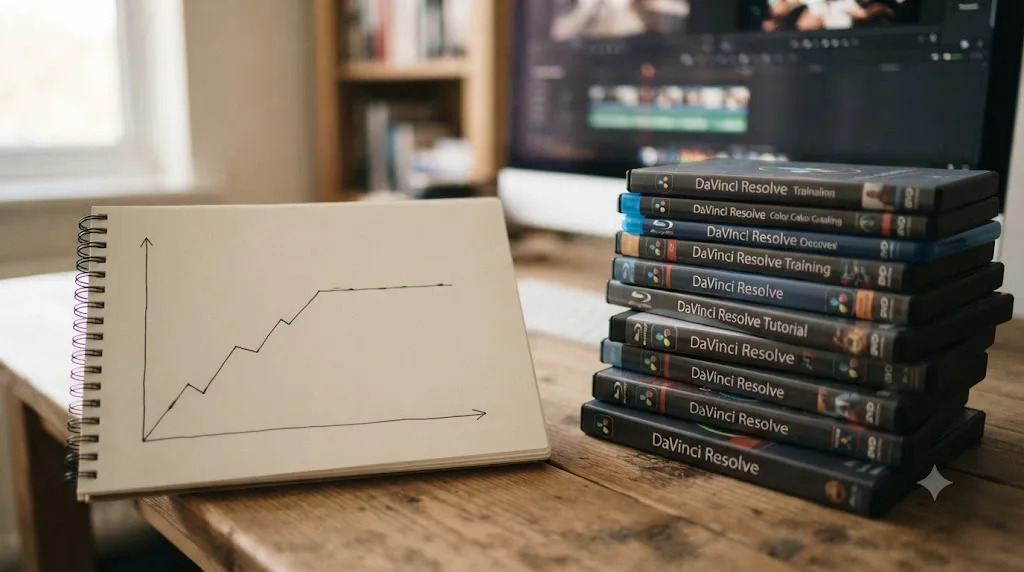
What does "a DaVinci Resolve mentor" actually mean, since almost nobody sells one?
This is the part most articles skip, and it's the part that actually matters. Search "DaVinci Resolve mentor" and you won't find a marketplace of working colorists offering one-on-one coaching by the hour, the way some fields have built formal mentorship platforms. What you'll find instead is a handful of things wearing the word loosely:
- A paid video course from a working professional, like Warren Eagles' color grading training or Ollie Kenchington's MZed course, marketed with the implied promise of a teacher's judgment, delivered as a one-way video.
- Blackmagic's certified trainer network, real people teaching real classes, but scheduled, priced by the center, and structured like a class, not an ongoing relationship.
- An informal arrangement you build yourself: a working editor who agrees to review your cuts, an employer who pairs you with a senior colorist, a community member willing to critique your grades.
- A free community, like Casey Faris' Skool group or the Blackmagic forum, where the "mentor" is really a rotating cast of strangers answering whatever you post.
Nobody sells one-on-one DaVinci Resolve mentorship as a product. The market sells courses and communities, and calls them mentorship when it wants the premium framing without the premium commitment. Once you see that clearly, the "alone vs. mentor" question stops being a binary and starts being a spectrum, with genuinely useful stops along the way even though the far end, a dedicated human who watches only your work, barely exists as something you can simply buy.
Can you actually hire a real, one-on-one DaVinci Resolve mentor?
Sometimes, but you have to build it yourself rather than click a "hire a mentor" button. Three paths get closest to the real thing.
The first is paying a working colorist or editor directly for session-based feedback, arranged privately rather than through a platform. This exists in the wild, usually found through Discord servers, local film communities, or a cold outreach to someone whose grades you admire. It's the closest analog to a real mentor, and it's also the least standardized: no fixed price, no guaranteed quality, entirely dependent on whether the person you ask says yes and turns out to be a good teacher as well as a good colorist.
The second is an employer-arranged pairing. If you're on staff at a post house or agency, ask directly whether a senior editor or colorist will review your work weekly. This is free to you, structurally sound, because someone senior is genuinely watching your output, and entirely dependent on your employer having someone to spare and being willing to spare them.
The third is the certified trainer network covered in the next section, which is the only option on this list you can actually book like a normal service.
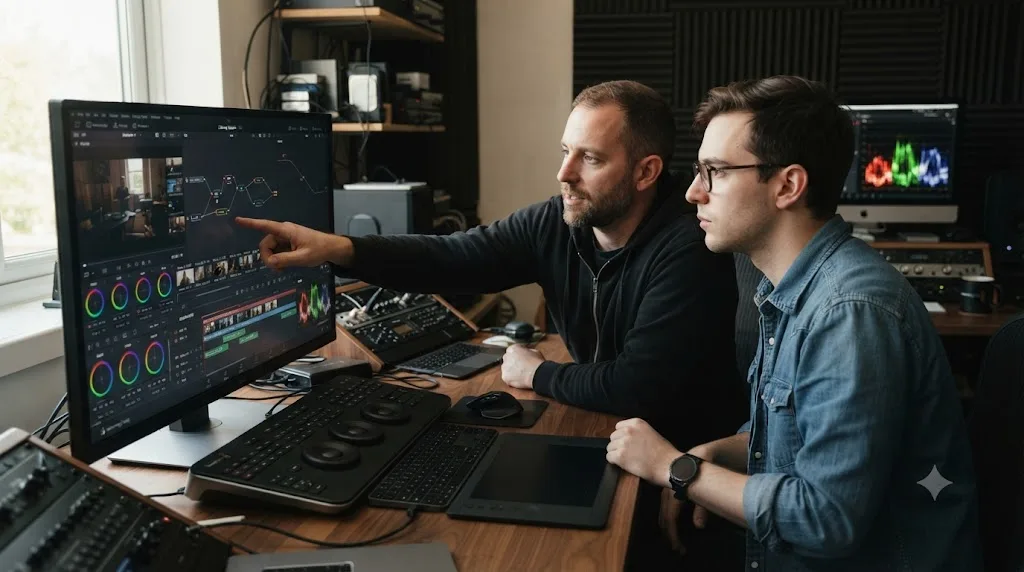
Is Blackmagic's certified trainer network the closest thing to a real mentor?
For most people who actually want a bookable, professional option, yes. Blackmagic Design runs a training network directly, with more than 250 certified trainers and over 100 training centers worldwide, according to its official training page. The site's search tool filters by training type: traditional classroom, online, academic, or one-on-one with a certified trainer, which is the specific option worth knowing exists if the phrase "one-on-one DaVinci Resolve mentor" is what brought you to this page.
The feedback loop is the entire value here, and it's the one thing self-paced video structurally cannot offer. A trainer watching you work catches the mangled node order, the correction stacked on the wrong node, the export preset you've been quietly misusing for months, the exact category of mistake a course video can't see because it never sees you at all. It's real-time diagnosis instead of hindsight.
The tradeoff is cost and access. One-on-one sessions are priced by the individual training center, not published on a single national rate card, and availability depends entirely on whether a certified trainer operates near you or online in your timezone. It's the option that most closely resembles a real mentor, and it's also the option with the least predictable price tag, so check the specific center through Blackmagic's training page rather than trusting a number any single blog post quotes you.
What if there's no certified trainer near you or in your time zone?
Search Blackmagic's own trainer-finder tool from a city with a real production scene and you'll get a short list within driving distance. Search it from a smaller market and the closest in-person option might be a plane ticket away, which turns a modest per-session rate into a genuinely expensive weekend. The tool's own online filter solves the geography problem but not the calendar one: a certified trainer teaching remotely from Los Angeles or London is still teaching on their own clock, and if the nearest available slot sits nine or twelve time zones from yours, "one-on-one" starts to mean a 6am session or a 10pm one, not a casual hour after work.
Three fallbacks handle the gap, in order of how close they get to a live trainer's feedback.
The first is asynchronous critique. Export a short clip or a screen recording of the specific problem, post it to the Blackmagic forum or a Resolve Discord with one narrow, specific question rather than "is this any good," and expect an answer in hours, not seconds. It trades real-time diagnosis for a turnaround you can work around your own schedule, which matters more than the wait once the wait is measured in a day, not a month.
The second is a paid remote session booked deliberately around the time zone gap rather than despite it. A trainer who works evenings in one hemisphere can often take a morning slot in another without either side treating it as an inconvenience, and asking about that fit directly, before you book, filters out the trainers who quietly resent it from the ones who've simply built their week around global students.
The third is the informal option from earlier in this piece: a working editor you find yourself, arranged over Discord or a local filmmaking group rather than a formal platform, where "near you" stops mattering because the whole relationship is remote by design.
None of these fully replaces a trainer sitting next to you at the same workstation. What they replace is the assumption that a live, one-on-one option requires living somewhere with a production industry, which was never actually true, just inconvenient to work around.
Do paid courses function as a mentor, or just a longer video?
Somewhere in between, and the honest answer depends on which course. A pre-recorded video course, however good, is still one-directional. Warren Eagles' training runs 23 to 15 classes across two beginner-to-intermediate courses, built on real camera footage from RED, Blackmagic RAW, Sony, and ARRI, according to Brady Betzel's review at postPerspective, Betzel is an Emmy-nominated online editor and colorist at Margarita Mix. He describes what makes Eagles' teaching land: "Warren stands out because he avoids the gimmicks, no 'buy my LUTs' pitch or rigid 'one true node tree.'"
That's real teaching judgment, encoded into a video you watch alone. It transfers taste and habits the way a mentor would, but it can't watch your specific node tree and tell you what's wrong with it, because the recording was finished before you ever opened the project. Ollie Kenchington's MZed course adds a structural bridge a pure video course doesn't: finishing it makes you eligible to sit Blackmagic's own certification exam, which at least gives the self-directed path an external checkpoint.
Betzel's warning about the free alternative names the actual risk of skipping paid teaching entirely: "YouTube can be great, but it's a gamble. What looks useful in a tutorial can end up being a trap when you're delivering client work." A paid course from a working professional filters out the techniques that fall apart under scrutiny before they reach you. Free material makes you do that filtering yourself, and you can't filter what you can't yet recognize as wrong. Our own comparison of the best DaVinci Resolve courses breaks down which paid options are worth that filtering fee and which aren't.
How do you tell if a course or trainer is worth the money before you pay?
Four checks catch most bad purchases before the money leaves your account, and none of them require inside knowledge of color grading to apply.
Check the instructor's actual client work first, not their marketing copy. Warren Eagles and Ollie Kenchington both have visible, attributable professional credits behind their training, the reason Betzel's review treats Eagles' course as trustworthy rather than just well-produced. A course or trainer whose bio only lists "years of experience" without a single named project, client, or reel to check is asking you to trust a claim you can't verify, which is a different thing entirely from trusting a track record you can.
Ask for a sample lesson or a free preview before paying for the whole thing. Most legitimate paid courses, and every certified trainer worth booking, will show you a few minutes of actual teaching style before asking for a full commitment, because a real teacher knows their delivery is part of the product. A refusal to show any preview at all is a signal worth weighing on its own.
Check the refund or cancellation terms specifically, not just their existence. A course with a real, no-questions 14 or 30-day window lets you judge the content honestly before you're locked in. A trainer or subscription without any stated policy is a bet you can't hedge, which matters more for a recurring subscription than a one-time course, since a bad monthly fit quietly repeats the mistake every 30 days until you notice and cancel.
Finally, match the specific gap you have to the specific thing being sold. A course that's excellent for color grading fundamentals won't fix a Fusion compositing gap, and a certified trainer whose specialty is editing workflow isn't the right person to book for a color-matching problem across four different cameras. The most expensive purchase in this whole comparison is the right kind of help bought for the wrong specific problem. Naming your actual stuck point before you shop for a solution filters out most of the wasted spend before it happens.
Do free communities work as a mentor substitute?
Partially, and unevenly. The official Blackmagic forum, Reddit's r/davinciresolve, Discord servers, and Casey Faris' Skool community all share a mechanic worth naming: they answer questions reactively rather than watching your project develop over time. Post your node tree, and strangers who owe you nothing will tell you what's wrong with your skin tones, often more bluntly than a paid instructor would. That's real value, and it's free.
What it isn't is continuity. A forum thread solves today's problem and forgets you existed tomorrow. A mentor, even an informal one, watches the same person's work improve over months and can say "you're making the same mistake you made in March." No community structured around one-off posts does that by design, even a good one.
The other honest limitation is quality variance. A certified trainer has been vetted by Blackmagic. A random forum reply hasn't been vetted by anyone, and confidently wrong advice reads exactly like confidently right advice to someone who doesn't yet know the difference. Treat communities as a fast, free second opinion, not as the structured feedback loop a mentor actually provides.
Do industry events and conferences work like a mentor?
Partially, and for a narrower window than a course or a trainer. ResolveCon, billed as the world's biggest DaVinci Resolve training event, ran its 2025 edition as four days online: the first two free and live-streamed on YouTube, covering 20 sessions across editing, color, sound, VFX and motion graphics from 14 working instructors, with the final two reserved for paid VIP workshops at $299 that add hands-on, follow-along format over Zoom plus recordings to rewatch. Blackmagic Design periodically runs its own free live webinars covering similar ground to its written training books, per the same official training page cited earlier, but with a presenter taking questions in real time instead of a static page.
What a conference gives you that a course or a forum doesn't is exposure to how working professionals actually think through a problem, live, with room to ask a follow-up question the moment something doesn't land. That's genuinely closer to mentorship than a pre-recorded video, because the instructor is responding to your specific confusion instead of anticipating a generic one.
What it doesn't give you is continuity. A four-day event, however good, ends. Nobody from ResolveCon or a Blackmagic webinar is watching your project three weeks later to see whether you actually applied what you asked about, the same gap that separates a paid course from a real mentor. Treat a conference as a concentrated, high-quality dose of the "professional taste" layer covered earlier in this piece, worth attending for the free days alone, and pair it with something that still answers you after the event ends.
Whether the paid VIP tier is worth it depends on the same math as a paid course: if you're going to sit and watch instead of following along inside your own copy of Resolve, the free days already gave you the professional-taste layer for nothing. Pay for the interactive tier when you specifically want the do-it-alongside-the-instructor format a recording of a course video never offers, because that's the one feature the free tier explicitly doesn't include.
Does a film school or academic program change the calculation?
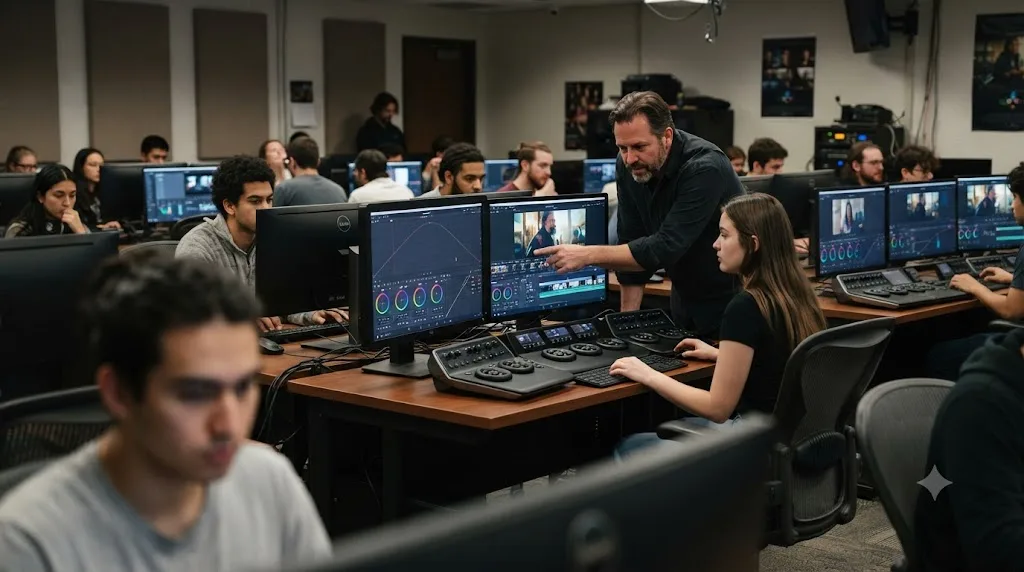
Yes, if you're already enrolled somewhere, because the mentor question gets answered by the institution instead of by you. Blackmagic Design partners directly with training organizations and academic institutions through its own training network, and film schools that hold that partnership typically fold classroom access to DaVinci Resolve Studio in alongside instructor-led coursework, which puts the "professional taste" and "diagnosis" layers into tuition you're already paying rather than a separate purchase.
The catch is that not every film program teaches Resolve specifically, and not every instructor grading your color work is themselves a working colorist rather than an editor or cinematographer who also covers post. Ask directly, before you assume the enrollment solves this question for you: which specific pages does the curriculum cover, and has the person reviewing your grades actually delivered client color work, or just taught it. A film school with a real DaVinci Resolve concentration and working-professional faculty is close to the best version of "a mentor" this whole comparison describes. A film school that mentions Resolve in one elective is barely better than the free stack, just with tuition attached.
If you're not enrolled anywhere and considering school specifically to get this kind of structured feedback, weigh it against everything else in this piece first. A semester of tuition buys a lot more certified-trainer hours, paid courses, and margin for an AI tutor subscription than most programs justify for software training alone. Enroll for the whole craft and the network, not for the Resolve lessons specifically, because you can buy those far more cheaply on their own.
What if the advice you get from a mentor or community conflicts with what you learned for free?
More often than you'd expect, and it's not usually a sign that either source is wrong. Color grading and editing both have more than one defensible way to solve most problems, so a certified trainer, a paid course, and a free YouTube video can each teach a genuinely different node order or workflow for the same result, and all three can be correct at once.
The first thing to check is whether the conflict is about a fact or a preference. "Where in the node tree does a power window belong" has actual wrong answers, since some orders break under specific lighting conditions the other doesn't. "Should you crush blacks this much on this shot" is a taste call, and two working colorists can reasonably land in different places on it. Treat the first kind of disagreement as something to resolve, and the second kind as something to notice and learn from rather than referee.
When it's a genuine factual conflict, the tiebreaker is usually the most specific source: Blackmagic's own documentation and official training books describe how the software is built to work, which outranks a general workflow opinion from a YouTube video or forum post whenever the two actually disagree on a mechanical fact rather than a style choice.
When it's a taste conflict between a paid course and a free community, that's not a bug in either source. It's the exact moment you start developing your own eye instead of just following someone else's, which is arguably the actual goal of every path in this comparison, not just a byproduct of switching between them. Write down which choice you made and why, briefly, so the next time a similar disagreement comes up you're comparing it against your own prior decision instead of starting from zero again.
How do solo paths and mentor-style paths actually compare, side by side?
Here's every option from the last several sections on one screen, so you can weigh them against your own budget and deadline instead of a vague feeling.
| Path | Cost | Feedback loop | Structure | Best for |
|---|---|---|---|---|
| Blackmagic free training | Free | None, self-graded exams only | Six books, self-paced | Complete beginners, budget zero |
| YouTube (Casey Faris and others) | Free | None, community-adjacent | Whatever's trending | Filling specific gaps |
| Reddit, Discord, official forum | Free | Reactive, one-off | None | A second opinion on a stuck point |
| Paid video course (Eagles, Kenchington, Udemy) | $49-$269 or subscription | None, pre-recorded | Structured curriculum | Building taste and habits from a professional |
| Certified trainer, in-person or one-on-one | Varies by center | Real-time, personal | Scheduled sessions | Catching bad habits, fastest correction |
| Informal mentor (arranged yourself) | Free to negotiated | Real-time, ongoing | Whatever you set up | Long-term correction, if you can find one |
| Conferences (ResolveCon, Blackmagic webinars) | Free to $299 | Live Q&A, one-off | Scheduled event, days not weeks | A concentrated dose of professional taste |
| Film school / academic program | Tuition (already committed) | Real-time, instructor-graded | Semester-based | Students already enrolled who want Resolve folded into a broader curriculum |
| AI tutor (see below) | Subscription | Immediate, narrow | None, answers on demand | Getting unstuck mid-project |
Read the feedback loop column first, because it's the column that actually separates "alone" from "mentored," more than price does. Everything free sits in the "none" or "reactive" row. Everything that genuinely watches your work in real time costs money, tuition, or a favor. That's the real trade this whole question is asking you to make.
What does a mentor change that self-teaching structurally can't?
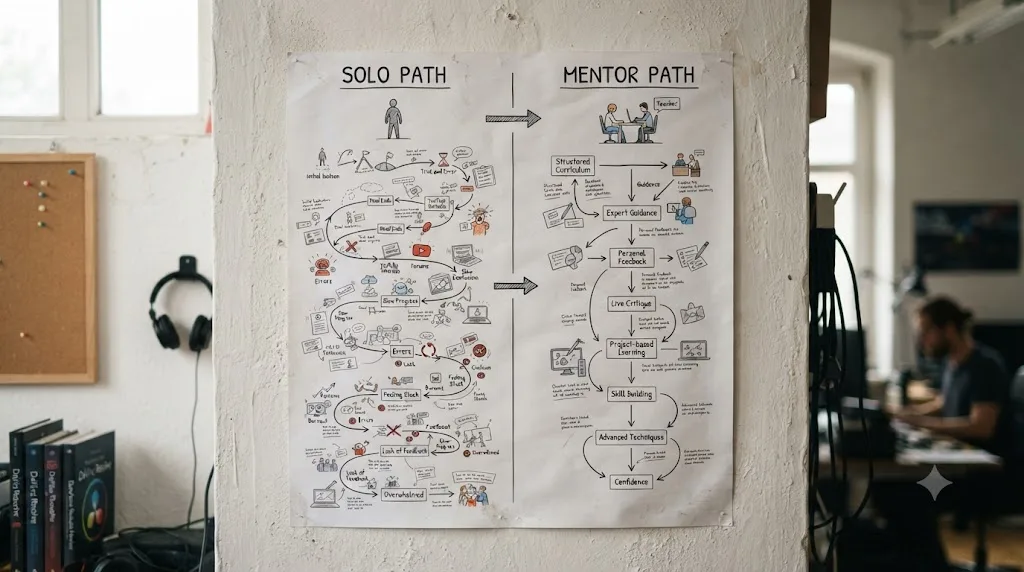
Three things, and none of them is "more information." The first is order. A mentor, or a genuinely well-designed course, decides which skill you learn before which other skill, so you're not building color grading habits on top of an editing foundation you never finished. Self-teaching leaves that sequencing entirely to your own guesses about what matters, and beginners guess wrong constantly, usually toward whatever looks flashiest on YouTube that week rather than whatever their actual next project needs.
The second is diagnosis. This is Ericsson's "useful feedback" line doing its real work. You can watch fifty tutorials on node structure and still build a serial node in the wrong place, because reading about a mistake and recognizing your own version of it live are different skills. A person watching your screen catches it in seconds. Nothing you watch alone catches it at all, until the habit is load-bearing in a client project and something breaks downstream.
The third is calibration. Left alone, most beginners either overcorrect, crushing blacks and cranking saturation until a grade looks like a sports broadcast, or undercorrect, afraid to push anything because nothing tells them when they've gone far enough. A mentor's actual job, more than teaching buttons, is telling you when to stop. Learning alone doesn't fail because the information is missing. It fails because nobody catches the bad habit until it's already load-bearing in a real project. That's the sentence to keep in mind the next time "just watch more tutorials" feels like the obvious answer to being stuck.
What does a real hunting-plateau stall look like, resolved three different ways?
Abstract diagnosis is easy to agree with and hard to picture. Here's a concrete version of the stall this whole piece keeps naming, walked through three different ways someone might actually get unstuck.
Picture a beginner who has cut their timeline and now wants to apply the exact same three-node color correction they built on one clip to every other clip from the same camera in the scene. They know, vaguely, that Resolve has a way to do this without rebuilding the grade forty times, but they don't know what it's called, so searching for it is nearly impossible. That's the hunting plateau exactly as it happens: a real editing goal, a specific existing feature that solves it, and no way to search for a name you don't know.
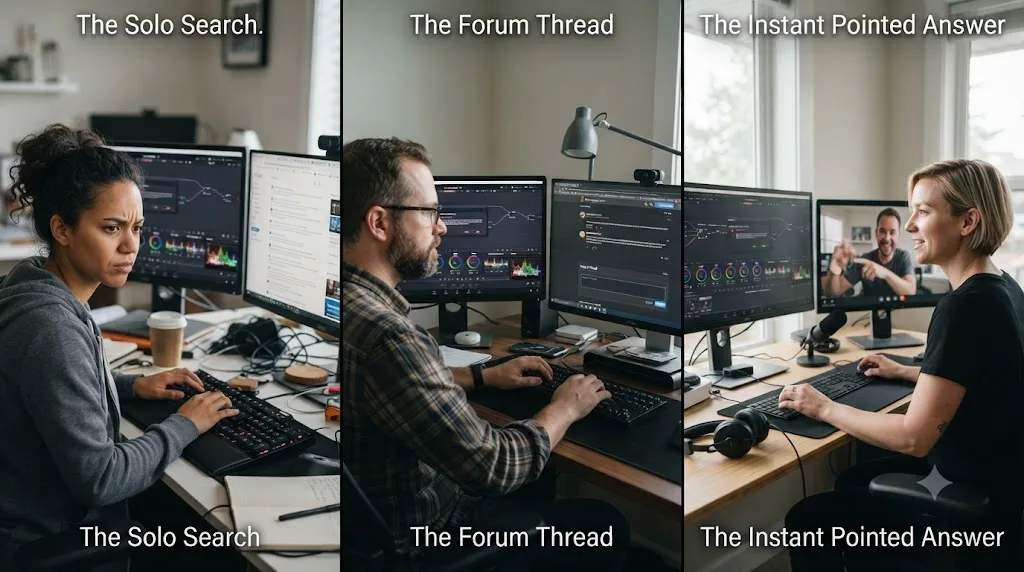
Self-taught alone, the likely path is a search for "davinci resolve copy color grade to multiple clips," which surfaces gallery stills, grabs, and the Color Match tool in roughly that order of confusion, none of which is quite the right answer. Twenty minutes in, still without a working grade copied across the scene, frustration sets in exactly where it always does: not because the feature is missing, but because the vocabulary gap between "what I want" and "what it's called" has no shortcut when you're searching alone.
In a free community, the same question posted to the Blackmagic forum or a Resolve Discord gets a correct answer, eventually: select the clips in the timeline, right-click the graded one, and use Apply Grade to push it across the selection. The gap here isn't accuracy, forum answers to a precise question are usually right. It's latency: minutes to hours depending on who's online, which turns a five-second fix into a task you queue and come back to, breaking the editing session's momentum in the meantime.
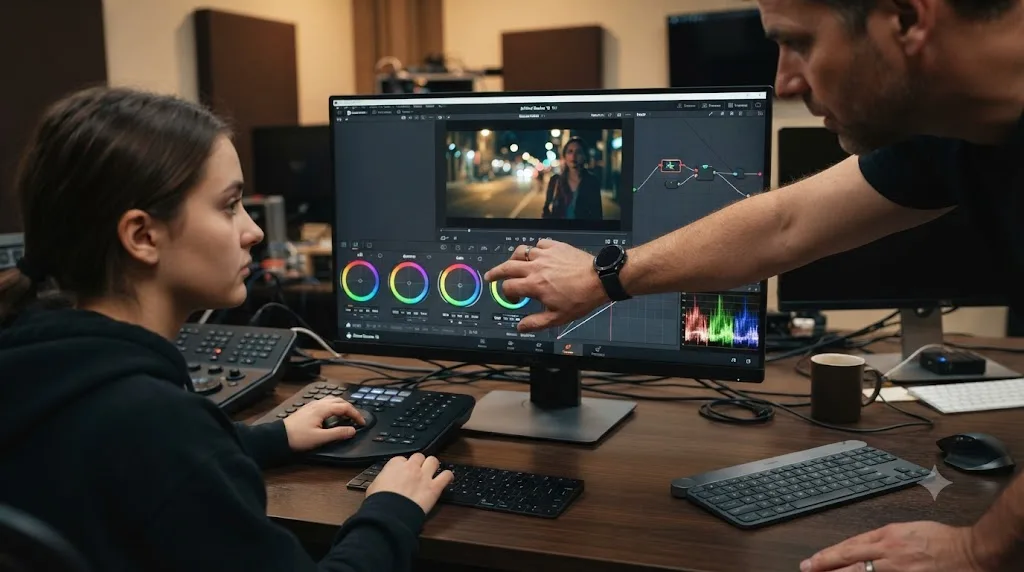
With a mentor, a trainer, or a tool built to watch the screen, the same stall resolves in the time it takes to ask: select the clips, right-click, Apply Grade, done, back to editing inside the same minute the question came up. That's not a claim that the underlying feature is hard, it's the opposite. The DaVinci Resolve feature that solves most hunting-plateau stalls already exists and is usually one right-click away, which is exactly why the problem is diagnosis speed, not difficulty. Whoever or whatever answers fastest wins this specific kind of stall, every time, because the task itself was never actually hard.
Run that same three-way comparison against your own most recent stuck moment. If it took you longer than five minutes to find the answer, the delay wasn't the software's difficulty. It was the gap between having the question and finding whoever, or whatever, already knew the five-second answer.
What's the real cost of learning DaVinci Resolve alone?
Not money. Time, and specifically wasted time you can't get back by working harder later. The hunting plateau costs real hours: a wrong setting three steps back can cost an hour of confused troubleshooting, a cost our own how-long-to-learn guide puts at roughly one hour in five during a beginner's early months, spent on problems that aren't skill gaps at all, just missing information nobody was there to hand you in the moment.
There's also a compounding cost that only shows up later: bad habits nobody caught early. A colorist who spent six months grading with the wrong node order doesn't just relearn the correct order, they have to consciously unlearn a year of muscle memory built on the wrong one, which takes longer than learning it right the first time would have. Betzel's earlier warning about YouTube being "a trap when you're delivering client work" is describing exactly this: techniques that look fine in isolation and fail specifically under professional scrutiny, discovered only once a client or a portfolio review points it out.
And there's the completion cost covered above: the majority of people who start a free, self-paced path never finish it. That's not a moral failing, it's what the format does to most people regardless of subject. If you've started and abandoned Resolve training twice already, that's data about the format, not about you specifically.
What's the real cost of finding a mentor?
Mostly availability, and unevenly, money. A certified trainer's one-on-one rate varies by center and isn't published on a single page, so budgeting for it means calling around rather than reading a price list. An informal mentor arranged yourself costs nothing but the awkwardness of asking, and the real risk that nobody says yes. A paid course sits in a known, comparable range, $49 to $269 for most of the structured options on the market, per the pricing our own best courses comparison tracks across six major options.
The subtler cost is scheduling. Self-teaching happens whenever you have a free hour, at 11pm, on a Sunday, in fifteen-minute fragments between other work. A human mentor operates on their own calendar, which means the moment you're stuck isn't the moment help arrives, it's the moment you book help for later, if a session is even available before your deadline.
And there's a quality risk nobody advertises: not every willing mentor is a good teacher. Working colorists have taste. Not all of them can articulate it in a way that transfers, and a session with someone who shows you rather than explains to you leaves you no better equipped for the next stuck moment on your own.
What does year one actually cost, path by path?
Every cost mentioned so far in this piece has been discussed one path at a time. Here's what a full year actually looks like, side by side, for someone taking each approach seriously rather than dabbling in it.
Pure self-teaching costs $0 in cash and, per the completion data cited earlier, a real risk of abandoning the free training before finishing it. A paid course from a working professional runs $49 to $269 as a one-time purchase, per the pricing tracked in our best courses comparison, which amortizes to under a dollar a day across a year even at the top end. An informal mentor arranged yourself is free if someone says yes, though "free" here is doing a lot of work covering the awkwardness and uncertainty of the ask.
The certified trainer path is the widest range on this list because it's priced per center rather than nationally. A single one-on-one session isn't published on Blackmagic's own site, so budget for a phone call to the nearest center before committing to a number. Hiring a working colorist directly for private feedback sessions runs closer to freelance market rates. The average freelance colorist in the US earns around $41 an hour, with a typical range of roughly $31 to $57, according to Glassdoor's 2026 salary data, so budget a single hour-long feedback session at something close to that range if you're paying someone directly rather than through a training center.
An AI tutor like TryUncle runs at a flat, predictable subscription rate, currently $29.99 a month at the founder rate, which works out to roughly $360 a year if you keep the subscription running the whole time, a number worth comparing against a single hour of freelance colorist time rather than against free options that solve a different problem.
| Path | Year-one cost | What that number actually buys |
|---|---|---|
| Free self-teaching | $0 | Full curriculum, no feedback loop, real dropout risk |
| Paid course (one-time) | $49-$269 | Structured curriculum and professional taste, no live feedback |
| Informal mentor | $0, if someone says yes | Real-time feedback, entirely dependent on finding a willing person |
| Certified trainer session | Varies by center, call to confirm | Real-time, vetted feedback |
| Private colorist feedback | Roughly $31-$57/hour | Real-time feedback from a working professional, informally arranged |
| Conference (ResolveCon-style) | Free-$299 | A concentrated, dated dose of professional taste |
| AI tutor (TryUncle) | About $360/year at founder pricing | Instant, narrow answers to the hunting-plateau problem specifically |
Read that table by what each number solves, not by which is cheapest. Free options solve the fundamentals. Paid, one-time options solve taste and habits. Anything with a real-time human solves diagnosis and calibration. And the AI tutor row solves the one problem none of the others answer instantly: the moment you're stuck and everything else on this list requires either research or a wait.
If your actual constraint is time rather than money, a full year of any of these paths still has to fit around whatever else is already on your calendar. Our guide to learning DaVinci Resolve around a full-time job walks through realistic weekly schedules for exactly that constraint, whichever path from this table you end up choosing.
Where do AI tools fit between "alone" and "a mentor"?
Right in the gap this whole comparison keeps circling: available the moment you're stuck, but without a human's taste or long-term memory of your habits. This is a genuinely new category, distinct from both a video course and a forum post, and it splits into two different jobs worth telling apart before you search for an app that helps you while using DaVinci Resolve and end up with the wrong kind of tool.
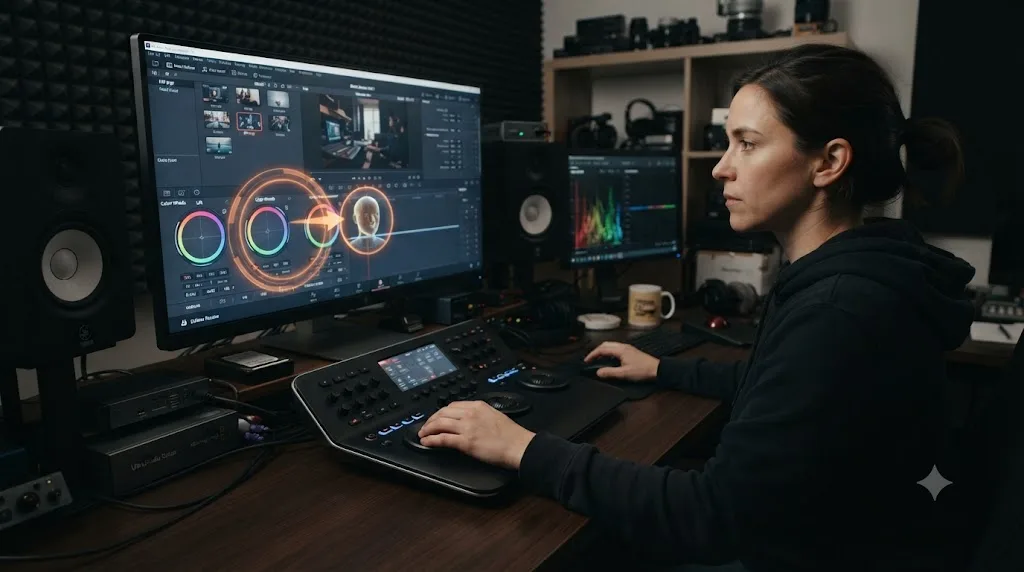
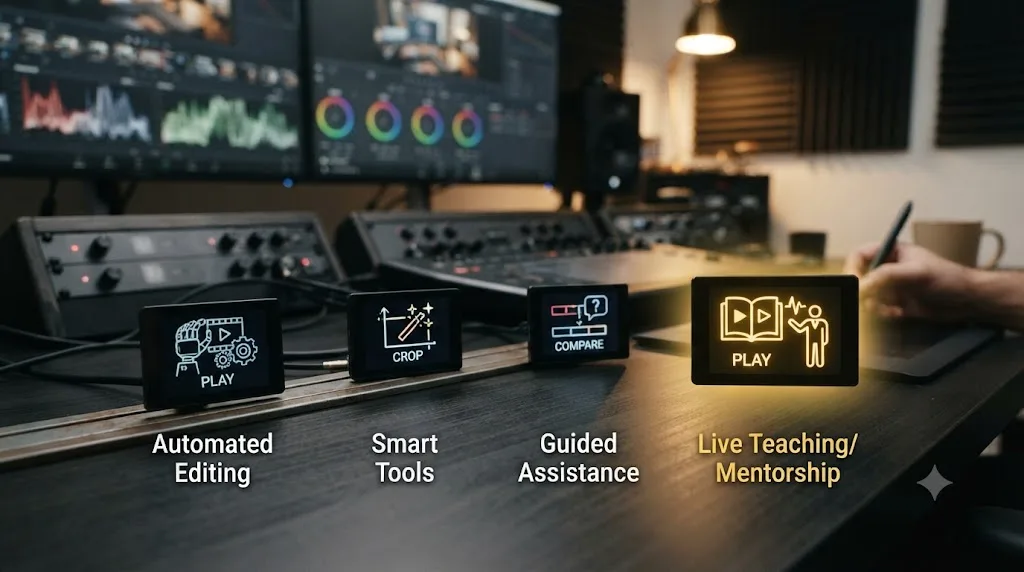
One group of tools automates the edit itself. You hand them footage or a rough cut, and they produce cuts, captions, or a story structure without your hands ever touching the timeline for that step. The other group, much smaller, watches you work and teaches you the move instead of making it for you. TryUncle is an AI tutor for DaVinci Resolve on macOS: ask in plain words and Uncle points at the exact control on your screen. That's a mentor's core function, live diagnosis of your specific stuck moment, delivered by software instead of a person.
Guided practice inside DaVinci Resolve beats watching courses about DaVinci Resolve. That's the actual case for this category over the free stack covered earlier, and it's also the honest limit of what it can promise: Uncle doesn't have taste about whether your finished grade looks good, the way a real colorist reviewing your reel would. It has speed about pointing at the control you're hunting for, which is the specific failure mode self-teaching handles worst.
How does TryUncle compare with AI tools that edit for you instead of teaching you?
Honestly, and with real names attached, because pretending the category has only one player doesn't help anyone choosing between them. Four tools show up whenever someone searches for an AI tool to learn DaVinci Resolve or an app that helps you while using DaVinci Resolve, and they solve different problems.
Sottocut is an AI assistant editor built specifically inside DaVinci Resolve Studio 21 on Apple Silicon Macs. It scores your footage, proposes cuts, reorders moments into a narrative sequence, and generates captions, with a chat interface that shows its plan before executing changes, per its own product site. It automates the edit itself, running from $15 a month with your own AI key up to $119 a month on a managed plan.
heyeddie.ai (Eddie) is trusted by more than 40,000 video professionals for turning raw interviews into rough cuts, logging footage with smart summaries, and syncing multicam audio, exporting into Premiere, Final Cut, or DaVinci Resolve. By its own description it doesn't handle color correction or add effects, sticking to dialogue-driven rough assembly, starting around $25 a month.
CutAgent is an AI agent that takes a natural-language description of an edit and carries out the corresponding operations directly inside DaVinci Resolve, showing every planned change before the timeline updates. It works with both the free and Studio versions on macOS, with Windows support planned.
PremiereCopilot sits outside Resolve entirely, an AI copilot bundle for Adobe Premiere Pro with 12 tools including text-to-edit prompting, silence removal, and animated captions, starting at $7.99 a month. It's worth naming here only because it shows up in the same searches, and switching to it means switching editors.
| Tool | What it does | Platform | Starting price |
|---|---|---|---|
| Sottocut | Scores footage, proposes cuts, builds a narrative sequence for you | DaVinci Resolve Studio 21, Apple Silicon | $15/mo (BYOK) |
| heyeddie.ai (Eddie) | Turns interviews into rough cuts, logs footage, syncs multicam | Exports to Premiere, FCP, Resolve | $25/mo |
| CutAgent | Executes natural-language edit requests as DaVinci Resolve operations | DaVinci Resolve, macOS | See site |
| PremiereCopilot | Text-to-edit, captions, silence cuts, for a different NLE | Adobe Premiere Pro only | $7.99/mo |
| TryUncle | Watches your screen and teaches you the control, live | DaVinci Resolve (Edit, Color, Fusion), macOS | $29.99/mo founder rate |
The dividing line across that whole table is simple once you see it: Sottocut, Eddie, and CutAgent all make the edit happen for you, at varying levels of automation. TryUncle makes the edit happen through you, by pointing rather than doing. If your goal is to skip the mechanical labor of a rough cut, the automation tools are built for that job. If your goal is to actually learn Resolve, the mentor-shaped gap this whole post is about, only one of these tools is built for it, because it's the only one that leaves your hand on the mouse.
TryUncle is a paid subscription, founder pricing at $29.99 a month for the first 100 seats, macOS only, currently covering the Edit, Color, and Fusion pages rather than Fairlight audio. It's not free, and it's not pretending to replace a working colorist's trained eye for a finished grade. What it does is close the specific gap self-taught learners hit hardest, the hunting plateau, on the pages where most stuck moments actually happen. Our full TryUncle review covers the setup, the privacy model, and where it currently falls short in more depth than this comparison has room for.
Is there a hybrid path that beats both extremes?
Yes, and it's what most people who actually finish learning Resolve end up doing, whether or not they planned it that way. Pure self-teaching stalls on order and diagnosis. A pure mentor relationship is hard to find, harder to schedule, and sometimes expensive. The path that avoids both failure modes stacks three cheap layers instead of betting everything on one.
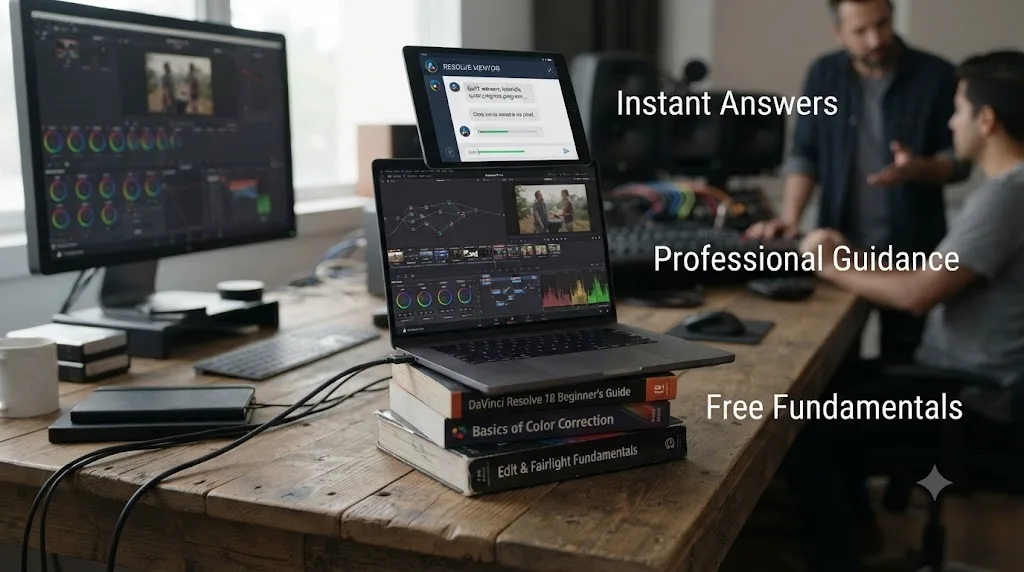
Layer one is free, structured fundamentals: Blackmagic's own training books, which solve the order problem a scattered YouTube diet doesn't. Layer two is a source of taste and judgment, either a paid course from a working professional like Eagles or Kenchington, or a community willing to critique your finished work, which solves the calibration problem free material can't. Layer three is something that answers the moment you're stuck, closing the gap between "I have a question" and "I have an answer" from hours down to seconds.
The fastest real path to learning DaVinci Resolve isn't picking a side. It's pairing free structure with something that answers you at the exact moment self-teaching usually stalls. That's not a hedge, it's the actual mechanism: each layer covers a failure mode the other two don't, and none of the three costs more than a working editor's hour rate to add.
Who should learn DaVinci Resolve completely alone?
Three groups, honestly. Hobbyists cutting a few family videos a year have the clearest case: the free stack covers everything a birthday video or a vacation edit needs, and paying for structured guidance solves a problem you don't actually have yet. Complete beginners with genuine budget zero also belong here, at least at first, because Blackmagic's free training and certification are thorough enough to reach real competence without spending a cent.
The third group is people who've already proven they can finish something self-directed before, in any field. If you've completed a free course end to end once in your life, whether it was Resolve or something else entirely, you're statistically the outlier the 5-to-15-percent completion number describes, and the format that fails most people might genuinely work for you.
Everyone in this group should still treat the free path seriously rather than casually, following our free DaVinci Resolve course guide's six-week structure rather than four open tabs and good intentions, because the format's weakness is sequencing, and a plan fixes that for free.
Who should actively look for a mentor or a course?
Anyone whose income depends on the outcome. Freelance editors and colorists billing client hours have the clearest financial case: a stuck moment or a bad habit that survives into delivered work costs real money, in redo time or in a client who doesn't come back, and that cost dwarfs a course's price or a trainer's hourly rate almost immediately. Wedding and corporate videographers working under hard deadlines fall in the same bucket, because a hunting plateau on delivery day isn't a learning inconvenience, it's a missed deadline.
Anyone aiming specifically at colorist work should treat mentorship as close to mandatory rather than optional, because color grading is the discipline on this whole list most dependent on a trained eye correcting yours, the exact thing self-paced video structurally can't do. And anyone who has already tried self-teaching twice and stalled twice should read that as a signal about the method, not about talent, and switch approaches rather than trying the same free stack a third time.
What if you can't afford a mentor or a paid course?
Then build the closest free substitute for each of the three things a mentor actually provides, rather than giving up on structure entirely. For order, Blackmagic's free training books already solve this, since they're written by the company with every incentive to sequence things correctly. For diagnosis, post your work in the Blackmagic forum, a Resolve Discord, or Reddit, and ask specifically what's wrong rather than whether it's good, since a specific question gets a specific, usable answer where a vague one gets vague encouragement.
For calibration, the cheapest fix is comparison rather than critique: find a reference grade or a reference cut you admire and match your work to it directly, frame by frame if you have to. It's slower than a mentor telling you when to stop, but it's free and it works, because it externalizes the judgment call instead of asking you to develop taste from nothing.
And if the specific gap is speed, the exact moment of "I know what I want and can't find the control," a subscription tool solves that narrower problem for less than a single hour of most freelance rates, a math our TryUncle review walks through in detail against different hourly rates.
What if you already tried alone and stalled?
That's more common than the completion statistics make it sound like a personal failure, and the fix usually isn't more willpower, it's a different mechanism. If you stalled during the first few weeks, on the hunting plateau specifically, the problem was almost certainly diagnosis speed, not motivation, and the fix is a faster way to get unstuck rather than a longer course to restart.
If you stalled months in, once projects started looking "off" in a way you couldn't name, that's the calibration problem, and it needs an outside eye, a course from a working professional, a community critique, or a real mentor, because no amount of additional self-study fixes a blind spot you can't see by definition.
If you stalled from sheer lack of structure, bouncing between topics with no finished project to show for any of them, go back to the free stack, but follow a written plan this time instead of your own instincts about what to watch next. The specific mechanism matters more than the general advice to "try again," because trying the same failed approach a second time predictably produces the same result.
Does prior editing experience change the alone-vs-mentor math?
Yes, and mostly in favor of learning alone, at least for the Edit page specifically. Editors switching from Premiere Pro or Final Cut already have trimming, timeline logic, and J-K-L playback, all of which transfer almost directly, so the fundamentals-ordering problem a mentor solves for a total beginner barely exists for a switcher on that one page. Our beginner's guide covers the furniture differences, pages instead of panels, nodes instead of a stacked effect, that actually trip up switchers.
That advantage evaporates on Color and Fusion. Node-based grading and node-based compositing don't exist in the same form in either competing app, so a ten-year Premiere veteran and a total beginner start those two pages from close to the same place, and the diagnosis problem a mentor solves is exactly as real for the veteran as for the newcomer. If your prior experience is entirely on a timeline-based editor, weight your self-teaching confidence toward Edit and your mentor-or-tool budget toward Color and Fusion specifically, rather than applying one confidence level across the whole app.
Does experience in a different creative tool transfer the same way editing experience does?
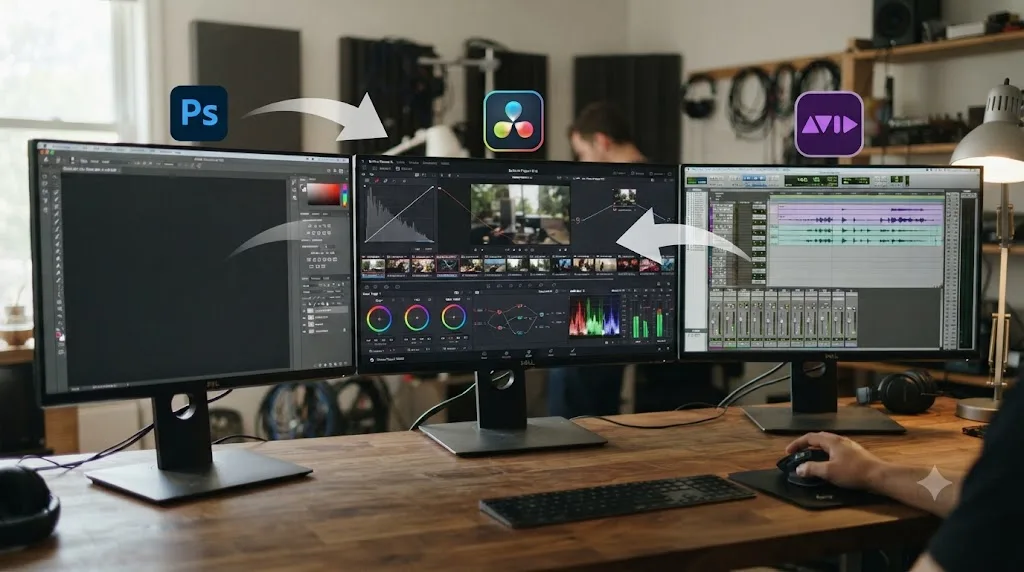
Only partly, and it depends heavily on which tool and which Resolve page you're asking about. A Photoshop background transfers real value to Resolve's Color page specifically: curves, layers-as-nodes thinking, and qualifiers built on hue, saturation and luminance ranges all map onto skills a Photoshop user already has, even though the interface looks nothing alike. Someone coming from years of retouching often grasps node-based color logic faster than a total beginner, for the same reason a Premiere editor grasps Resolve's Edit page fast: the underlying mental model, not the buttons, is what actually transfers.
Pro Tools experience transfers cleanly to Fairlight, Resolve's audio page, since both are built around the same professional mixing concepts: buses, sends, automation lanes, and a signal flow a music or post-audio background already trained. The furniture is different enough to cause a week of friction, but the underlying skill, understanding what a compressor or a de-esser actually does to a signal, doesn't need to be relearned from zero.
After Effects experience is the trickiest transfer on this list. Fusion's node-based compositing shares After Effects' underlying compositing concepts, alpha channels, keying, tracking, but expresses them through a visual node graph instead of a layer stack, which is close enough to cause real confusion rather than a clean handoff. Expect the Fusion page specifically to feel like starting over even with years of After Effects behind you, the same node-graph learning curve a total beginner faces, just with a head start on what the underlying operations are supposed to do once you find the right node.
The practical rule: weight your confidence in self-teaching toward whichever Resolve page maps most directly onto a tool you already know, and weight your mentor-or-tool budget toward whichever page requires you to learn both a new interface and a genuinely new way of thinking about the problem at the same time. That second category is where a mentor's real-time correction earns its cost fastest, because two unfamiliar things at once is exactly where self-taught learners lose the thread.
What's the fastest way to learn DaVinci Resolve, whichever path you pick?
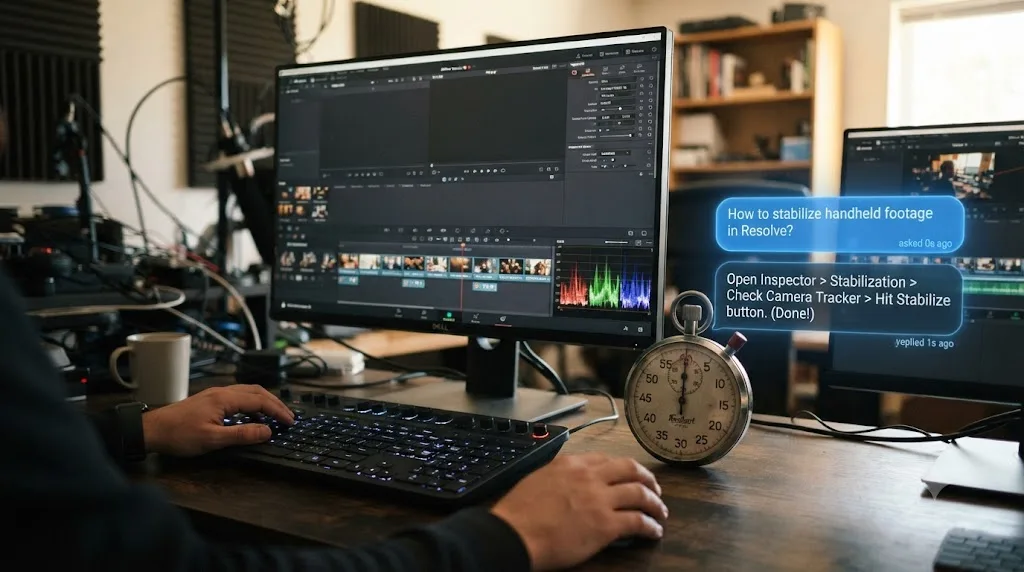
Speed comes from closing the gap between "I have a question" and "I have an answer," not from watching more content faster. That single mechanism explains why deliberate practice research keeps pointing at feedback specifically, why a mentor's real value is diagnosis rather than information, and why the hunting plateau, not talent, is what actually stretches most self-taught timelines.
Concretely, that means three habits regardless of which path this post has you leaning toward. Look up the exact answer the moment you're stuck instead of guessing past it, because a wrong setting three steps back costs an hour of confused troubleshooting later. Finish something every week rather than watching without producing, since a finished project is the only unit of progress that actually compounds. And get eyes on your work on a real schedule, whether that's a paid trainer, a free forum post, or a tool that watches your screen, because the calibration problem never fixes itself from the inside.
A finished, ugly project reviewed by someone else teaches more in a week than a polished one nobody ever sees. That's the whole mechanism behind every fast path on this list, self-taught or mentored: expose the work, get the feedback, fix the next one.
So, alone or with a mentor?
Neither one, cleanly, and both, honestly. Learning alone is free, real, and enough for a hobbyist or a patient complete beginner willing to follow a plan instead of their own instincts. A mentor, in whatever form you can actually get one, a certified trainer, a working professional's course, or someone you talked into reviewing your cuts, fixes the two things self-teaching structurally can't: catching the mistake you can't see, and telling you when to stop.
If your income depends on this skill, weight your budget toward feedback, a course from a working colorist at minimum, a trainer session if you can find and afford one. If it's a hobby, start with Blackmagic's free training and don't feel behind for skipping the rest. And whichever side you land on, close the specific gap that stalls almost everyone, the moment you know what you want and can't find the control, with something built to answer it instantly, whether that's a forum post, a mentor's five-second glance, or TryUncle pointing at your actual screen. The debate was never really alone versus mentor. It was always about how fast you can get from stuck to unstuck, and that's the part worth spending money on first.
Frequently asked questions
- Is it better to learn DaVinci Resolve alone or with a mentor?
- Neither wins outright. Learning alone is free and works fine for hobbyists and complete beginners cutting simple projects, but self-paced online learning has a documented dropout problem. A mentor, in whatever form you can actually get one, shortens the path once you're stuck on judgment calls rather than facts. Most people who progress fastest blend both: free structured material for fundamentals, plus a faster way to get unstuck.
- Can I actually hire a real, one-on-one DaVinci Resolve mentor?
- Rarely, and not in the way the word implies. Nobody runs a marketplace of individual DaVinci Resolve mentors the way some fields have mentorship platforms. What exists instead is Blackmagic Design's certified trainer network, paid courses from working colorists like Warren Eagles or Ollie Kenchington, and informal mentorship you build yourself by asking a working editor to review your cuts.
- What's the best way to learn DaVinci Resolve fast if I can't afford a mentor or a course?
- Start with Blackmagic Design's own free training books and certification exams, since they're built by the company that makes the software and cost nothing. Pair that with Casey Faris' free YouTube channel and Skool community for the parts a manual explains but doesn't demonstrate. Then use a tool that answers your specific stuck moment instead of sending you back to a ten-minute video.
- Is there an AI tool to learn DaVinci Resolve that acts like a mentor?
- TryUncle is the closest thing on the market to that description. It's an AI tutor for DaVinci Resolve on macOS that watches your actual screen and points at the exact control you need, live, rather than teaching from a pre-recorded lesson. It isn't a human mentor and doesn't claim to catch every bad habit a person would, but it answers the moment you're stuck, which is the part self-teaching handles worst.
- Why do so many self-taught DaVinci Resolve learners give up partway through?
- Not because the software is unusually hard. Free, self-paced online courses across every subject have a well-documented completion problem, and DaVinci Resolve's free training and YouTube tutorials are exactly that format. Nobody is checking in on you, nothing you paid for is at risk, and the two forces that keep people finishing, accountability and sunk cost, are both absent by design.
- Do YouTube channels and Reddit count as learning with a mentor?
- Not really, though they're better than nothing. A channel like Casey Faris' publishes whatever topic is trending, not the order a beginner actually needs, and Reddit and Discord communities answer questions reactively rather than watching your specific project develop over time. They're a real supplement to structured material, not a substitute for someone who watches your work and corrects it before a bad habit sets in.
- How much does it cost to get real feedback on your DaVinci Resolve work?
- It depends entirely on the source. A paid course runs $49 to $269 once, but doesn't watch your specific project. A certified trainer's one-on-one rate varies by training center, so call ahead rather than budgeting blind. Hiring a working colorist privately tracks closer to freelance market rates, roughly $31 to $57 an hour by 2026 salary data. An AI tutor like TryUncle runs about $360 a year at founder pricing, for narrower, instant answers rather than a human's trained eye.
- Do conferences like ResolveCon count as mentorship?
- Partially. ResolveCon's 2025 edition ran four days online, two free and live-streamed with real Q&A, two paid VIP workshops at $299. That's genuine access to working professionals' judgment, live, which beats a pre-recorded course for that narrow window. It doesn't replace a mentor's continuity, though, since nobody from a conference is reviewing your project weeks later. Treat it as a concentrated dose of professional taste, not an ongoing relationship.
- Is TryUncle a replacement for a real DaVinci Resolve mentor?
- No, and it isn't trying to be one. A human mentor can look at your finished cut and tell you the pacing drags, which requires taste an AI tool doesn't have. TryUncle solves a narrower problem: the moment you know what you want to do and can't find the control that does it. Use free structured material or a course to build the fundamentals a mentor would teach, and use TryUncle for the stuck moments in between.
Sources
- Anders Ericsson, Peak: Secrets from the New Science of Expertise (quoted)
- Skillademia: Online Course Completion Statistics 2026
- DaVinci Resolve - Training (Blackmagic Design)
- Casey Faris - YouTube channel
- Skool - DaVinci Resolve for Beginners! (Casey Faris community)
- postPerspective: Review - Warren Eagles' DaVinci Resolve Color Grading Training (Brady Betzel)
- MZed - Color Correction with DaVinci Resolve (Ollie Kenchington)
- Blackmagic Forum - DaVinci Resolve section
- Sottocut (product site)
- PremiereCopilot (product site)
- Eddie AI (heyeddie.ai product site)
- CutAgent (cutagent.ai product site)
- TryUncle (product site)
- TryUncle FAQ
- MentorCliq: 40+ Definitive Mentorship Statistics and Research
- RESOLVECON - The World's Biggest DaVinci Resolve Training Event
- Glassdoor: Freelance Colorist Salary & Pay Trends 2026
Put this guide to work with TryUncle.
Ask about the step you’re on. TryUncle sees your screen and points at the control you need, so you can keep learning in your own project.
Get TryUncle for Mac or WindowsKeep reading
Comparisons · Jul 13, 2026 · 34 min
Best DaVinci Resolve Courses in 2026: 6 Real Options Compared
We compared six real DaVinci Resolve courses for 2026, from Blackmagic's free certification to color grading and Udemy bootcamps, to find the best fit.

Guides · Jul 7, 2026 · 32 min
How Long Does It Take to Learn DaVinci Resolve?
How long DaVinci Resolve actually takes to learn: a first rough cut in an afternoon, Color and Fairlight in weeks, Fusion in one to three months.
Reviews · Jul 19, 2026 · 39 min
TryUncle Review: An AI Tutor for DaVinci Resolve
An honest review of TryUncle: the macOS AI tutor that watches your DaVinci Resolve screen, its founder pricing, and where it actually falls short.