Articles / Fixesupdated for DaVinci Resolve 21.0.3 (July 2026)
DaVinci Resolve: 'Unable to Connect to License Server' Fix
Quick answer
"Unable to connect to license server" means DaVinci Resolve Studio can't reach Blackmagic's activation servers over the internet, usually a firewall, antivirus, VPN, or ISP block, not a broken key. Whitelist blackmagic.hostedactivation.com and licensing.blackmagicdesign.com in your firewall, disable network-monitoring tools like Little Snitch, or activate once on a phone hotspot.
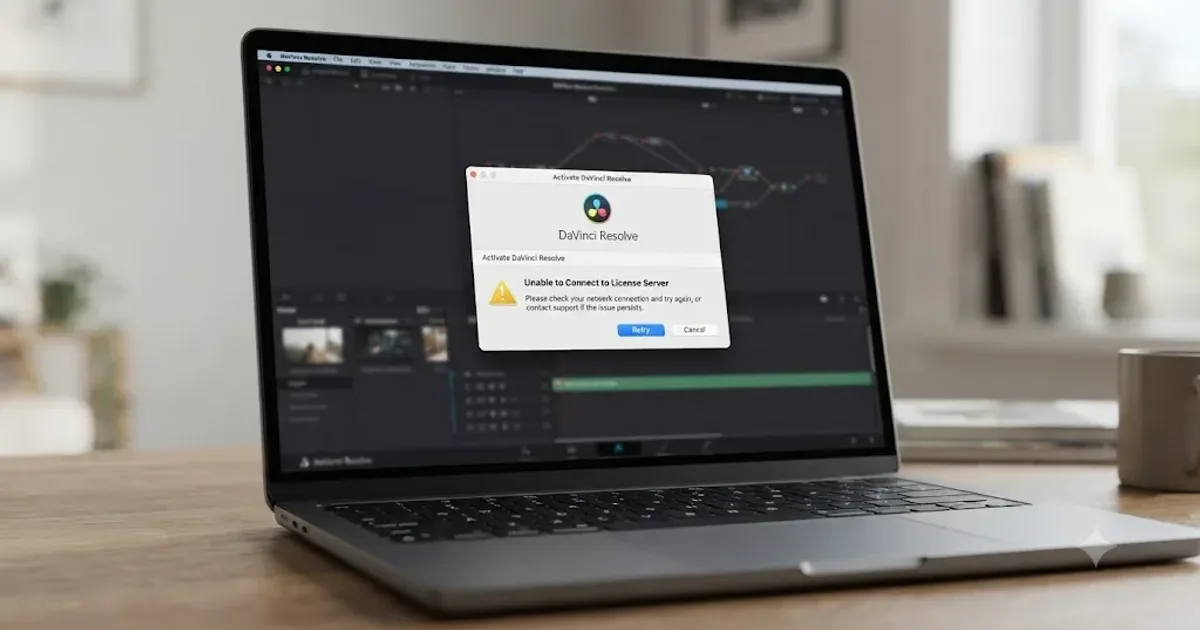
Your internet is fine. You can stream video, load every other website, and your team's Slack is pinging away in the background. Then you open DaVinci Resolve, type in your key, and it tells you it can't connect to the license server. As of July 2026, this is one of the most common activation complaints on Blackmagic's own forum, and almost none of the fixes involve your internet connection actually being broken.
Here's what's really going on: activation isn't a general "are you online" check. It's a specific request to two Blackmagic-owned domains, and something between your machine and those two addresses is getting in the way. Find that something, and this error usually clears in minutes.
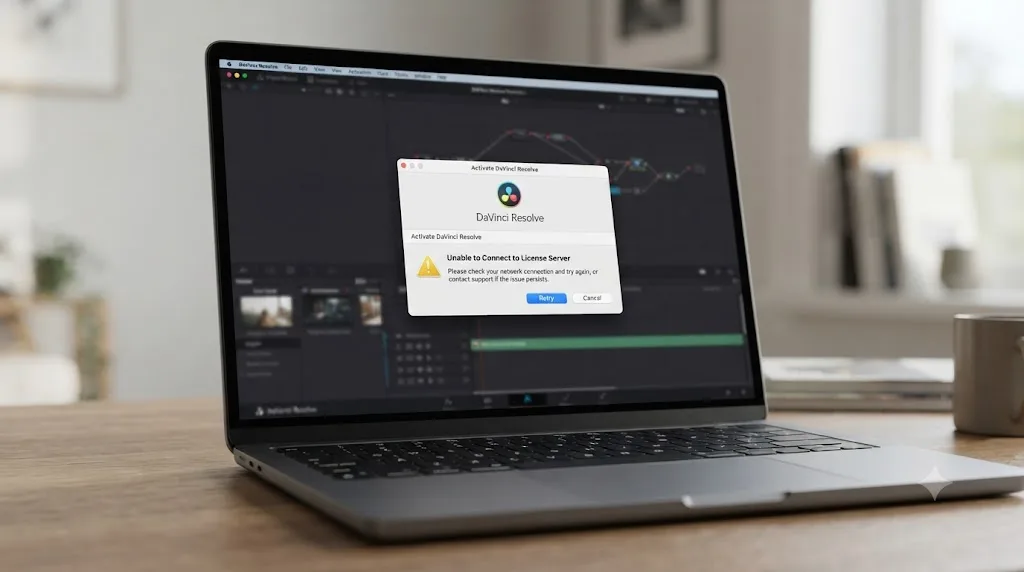
What does "unable to connect to license server" actually mean?
It means DaVinci Resolve Studio tried to reach Blackmagic Design's activation servers during your one-time activation check and got nothing back. DaVinci Resolve Studio performs exactly one online check per activation, not a running connection it maintains afterward. That single request either completes or it doesn't, and this error is what you see when it doesn't.
That distinction matters because it rules out a whole category of worry. Your key isn't wrong. Your purchase isn't invalid. Blackmagic hasn't flagged your account. The request to verify your key simply never arrived at the server, or the server's reply never made it back to you, somewhere on the path between your computer and Blackmagic's licensing infrastructure.
This is also a genuinely different problem from two other license errors that get confused with it constantly. "License already in use" means your request reached the server just fine, and the server rejected it because your key's two activation slots are already full elsewhere, a scenario covered in full in our guide to DaVinci Resolve's license already in use error. "License file not found" means activation already happened at some point, and now the local file Resolve needs at launch is missing or unreadable, which our license file not found guide walks through separately. Both of those are problems that happen after a successful connection. This one happens before the server ever sees your key.
| What you're seeing | What it's actually about | Where to go |
|---|---|---|
| "Unable to connect to license server" during activation | The activation request never reached Blackmagic's servers | This page |
| "License already in use" during activation | Your key reached the server and both activation slots are full | See our license already in use guide |
| "License file not found" at launch | A previously activated local file is missing or unreadable | See our license file not found guide |
| No activation prompt appears at all | You may be running the free version, not Studio | Check your installer download |
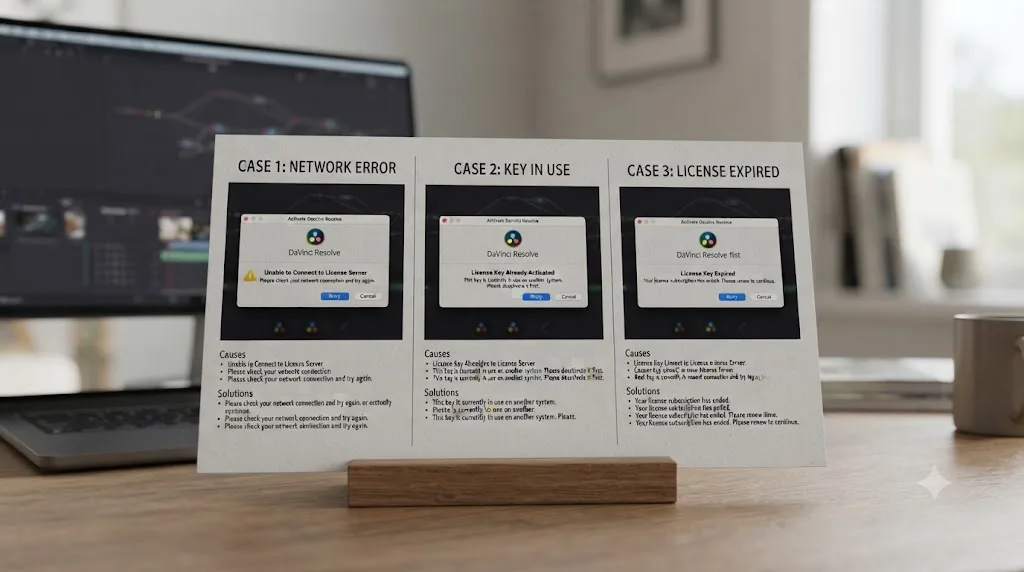
Why does this happen even when your internet connection is obviously fine?
Because "unable to connect to license server" is about one specific request reaching one specific pair of domains, not about your internet connection in general. A working internet connection and a working path to Blackmagic's activation servers are two different things, and it's entirely possible to have one without the other.
Across Blackmagic's own forum, the reported causes cluster into a handful of repeat offenders. A Blackmagic Forum thread titled "unable to connect to the server" documents users hitting this exact message while trying to activate Resolve 16 Studio, with the thread eventually tracing one case to the third-party network monitoring tool Little Snitch silently filtering the activation request without ever surfacing an alert that it was doing so. A separate thread on Unable to activate Davinci Resolve Studio reaches the same conclusion independently, with a user finding Little Snitch was the culprit even though the app wasn't visibly running at the time, and the fix was uninstalling it rather than just toggling a setting.
Windows users report a parallel pattern with the built-in firewall instead of a third-party tool. A thread on Studio Activation Issue, unable to connect to server describes the error appearing despite a demonstrably fine network connection, with the actual cause traced to an outbound "not allow" rule for Resolve sitting in Windows Firewall's advanced settings, invisible unless you go looking for it specifically.
Corporate and institutional networks add their own layer, covered in depth further down this page, and in rarer cases the problem sits entirely on Blackmagic's side. That same "unable to connect to the server" thread notes a period where the activation server itself was reported offline, resolving once Blackmagic brought it back online, a reminder that not every instance of this error is something you can fix from your end at all.
Which two URLs does DaVinci Resolve's activation system actually need to reach?
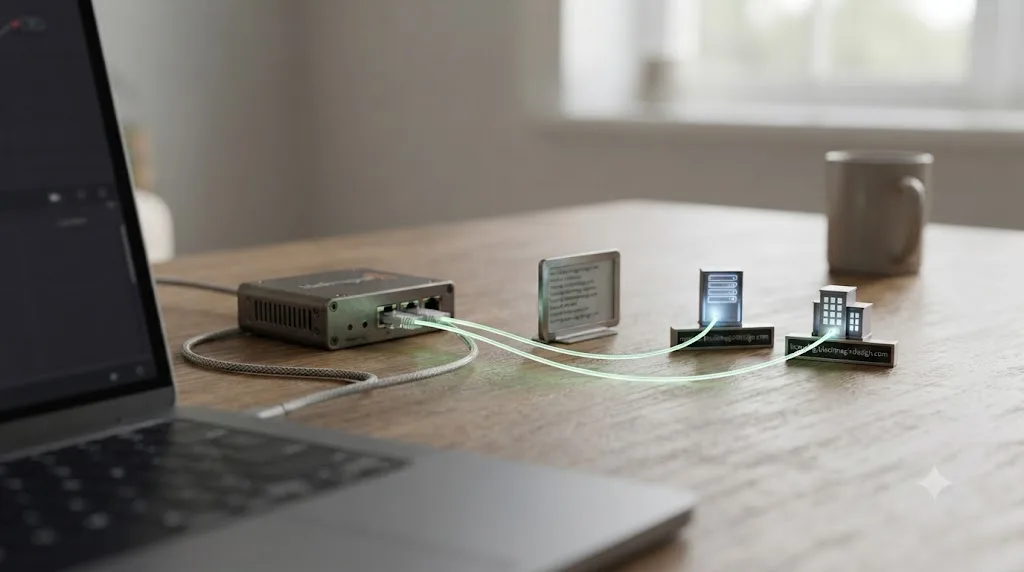
Two specific domains, not a general internet connection: blackmagic.hostedactivation.com and licensing.blackmagicdesign.com. That detail comes from a Blackmagic Forum thread on a Digital License Key blocked, where the guidance for anyone stuck behind a firewall is to whitelist those exact two addresses rather than trying to open a broad internet allowance.
The same thread makes a practical point worth passing straight to whoever manages your network: don't ask for a specific port range, because Blackmagic's own ports change over time, and a firewall rule locked to today's port can quietly break again after a future update. Whitelisting by domain name rather than by IP and port is the more durable approach, and it's consistent with what a separate thread on Resolve Activation - IP addresses & ports?? found when trying to pin down a fixed IP list for a Palo Alto firewall: activation attempts reached four different IP addresses across attempts, with no single stable address to whitelist instead.
That instability has a technical explanation worth understanding, since it explains why some corporate filters block this traffic even after allowing Blackmagic's main site. The activation domain blackmagic.hostedactivation.com runs on infrastructure from Reprise Software, whose own description of the service explains that it's "a web-based license dispenser built on industry standards" designed to deliver activation keys to software customers, per Reprise's hosted activation service page. In plain terms, Blackmagic didn't build its own licensing server from scratch. It uses a third-party licensing platform, hosted on a domain that has nothing to do with blackmagicdesign.com and that most corporate web filters have never seen before, which is exactly the kind of unfamiliar destination default-deny firewall policies are built to block.
A corporate firewall that already trusts blackmagicdesign.com can still block activation completely, because the actual license server lives on a different domain it's never been told to allow. That single fact explains more "my IT department already whitelisted Blackmagic" cases than anything else on this page.
| Domain | What it's for | Why it gets blocked |
|---|---|---|
| blackmagic.hostedactivation.com | Reprise-hosted license dispensing for activation keys | Unfamiliar third-party domain, not blackmagicdesign.com itself |
| licensing.blackmagicdesign.com | Blackmagic's own licensing endpoint | Sometimes missed even when the main site is allowed |
| Specific ports | Not published, since they change | Locking a firewall rule to today's port breaks after updates |
How do you fix it on Windows?
Work through these in order. Most Windows cases clear at the firewall or antivirus step, without ever needing to touch a router or contact support.
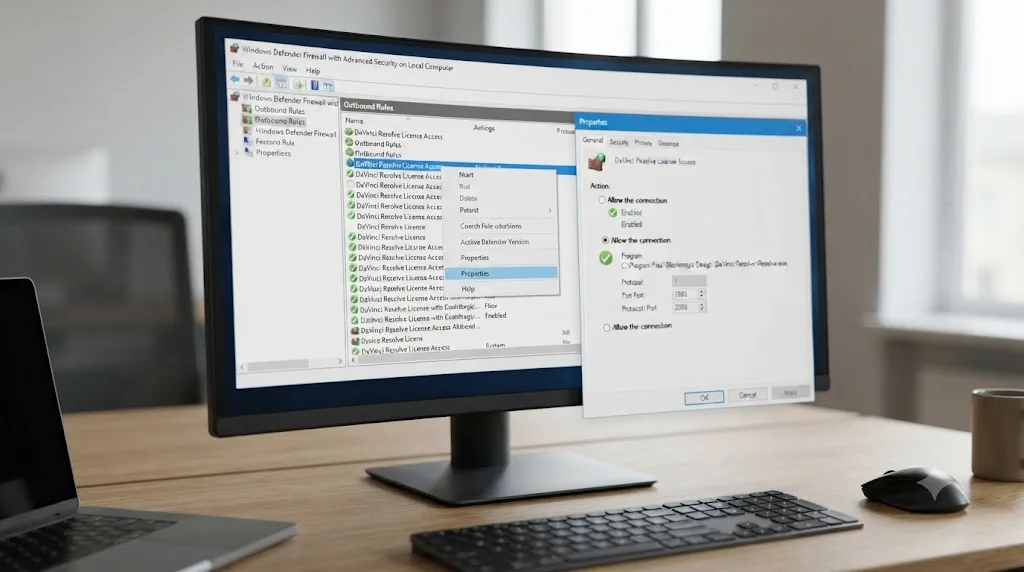
- Check Windows Defender Firewall's advanced outbound rules. Open Windows Security, go to Firewall & network protection, then Advanced settings, and look specifically at Outbound Rules for anything referencing DaVinci Resolve set to "Block." The Blackmagic Forum case covered above found exactly this: an outbound rule quietly set to disallow, invisible unless you check that specific list rather than the general firewall toggle.
- Check your antivirus suite's quarantine and network filtering sections separately from Windows' own firewall. Third-party security software layers its own network rules on top of Windows Defender, and a rule in one doesn't show up in the other. TechBloat's troubleshooting guide for Resolve crashes and blocks names Avast, Bitdefender, Norton, McAfee, ESET, and Malwarebytes specifically, advising you to "check its quarantine and application control sections for blocked Resolve components," per TechBloat's DaVinci Resolve troubleshooting guide.
- Add an exclusion rather than disabling protection entirely. TechBloat's own recommendation is to "add exclusions for the Resolve application folder, project database location, cache folder, and media folders you actively use" rather than turning off real-time protection for an extended period. That keeps you protected everywhere except the one path Resolve genuinely needs.
- Investigate a Microsoft Defender-specific interference pattern if the app itself seems to hang or vanish from Task Manager. A Blackmagic Forum thread on Microsoft Defender Blocks DaVinci Resolve Application describes a case where Antimalware Service Executable's CPU usage spikes the moment Resolve launches, followed by the Resolve process disappearing from Task Manager entirely. The same thread notes the problem sometimes doesn't reproduce under a non-administrator account, and can relate to Controlled Folder Access blocking Resolve from writing where it needs to.
- Retry activation after each change, one at a time, rather than disabling everything at once. That way, when activation succeeds, you know exactly which rule or exclusion was actually the problem, and you can re-enable everything else with confidence.
On Windows, "unable to connect to license server" is usually a firewall or antivirus rule doing precisely what it was configured to do, just against the wrong target. The fix is rarely disabling protection. It's telling that protection to make an exception for one specific, legitimate destination.
How do you fix it on Mac?
Mac cases concentrate around one specific category of software far more than any single Apple setting: third-party network monitoring and firewall utilities that filter traffic silently, without necessarily showing an alert that they're doing it.
- Check for Little Snitch first, whether or not it appears to be actively running. This is the single most documented Mac-specific cause across Blackmagic's own forum. The thread on Unable to activate Davinci Resolve Studio describes a case where the front-end app wasn't visibly running and Little Snitch never surfaced a filtering alert, yet it was still the actual cause, confirmed only once the user uninstalled it and activation succeeded immediately.
- Pause any other network monitoring or ad-blocking utility that filters outbound connections, not just Little Snitch by name. Any tool built around the same idea, inspecting or blocking outbound requests app-by-app, can produce the identical symptom, since the mechanism is the same regardless of which specific product you're running.
- Check your Mac's own firewall settings under System Settings > Network > Firewall, and confirm DaVinci Resolve isn't listed with incoming or outgoing connections explicitly blocked, though this is a less common culprit on Mac than a dedicated third-party tool.
- Restart Resolve after each change rather than assuming a setting took effect immediately. Some network monitoring tools cache a decision for the current app session, so a rule change won't apply until Resolve fully quits and relaunches.
- If nothing local turns up anything, move to the network-level causes covered in the next two sections, since Mac users on managed corporate or school networks hit exactly the same firewall and web filter problems Windows users do, just without the OS-specific rule you'd check first.
A Mac blocking DaVinci Resolve's activation request is far more often a third-party network tool you installed for a completely different reason than anything wrong with macOS itself. Little Snitch, and tools like it, exist specifically to intercept outbound connections silently. That's the whole point of the product, and it's exactly why it's the first thing to rule out here.
Why is this so common on corporate, school, or government networks?
Because those networks are built around the opposite default from your home Wi-Fi. A home router lets everything out unless you specifically block it. A managed corporate, campus, or government network typically blocks everything by default and only allows destinations someone has specifically approved, and a niche third-party licensing domain is exactly the kind of address that never makes it onto that approved list without someone asking for it by name.
A Blackmagic Forum thread on needing a VPN to activate Davinci Resolve lays out a genuinely instructive case. A user could activate fine from home and while connected to a VPN back to their home network, but not while connected directly to their employer's network. Their own IT team suspected a Sophos firewall was filtering the request and excluded the license server's IP address from filtering as a fix, and the error persisted anyway, exactly the kind of frustrating result you'd expect once you know the request actually resolves across four different IPs rather than one fixed address, as documented in the ports thread covered earlier. Excluding one IP does nothing when the next attempt routes through a different one.
This is a pattern we recognize from the other side of the table too. In our 100,000+ member professional video-editing community, IT-related activation friction on managed networks is one of the recurring questions members bring up, right alongside export settings and codec confusion, and it almost always traces back to the same root cause: a web filter treating an unfamiliar licensing domain exactly the way it's designed to treat any address nobody has pre-approved.
On a locked-down network, "unable to connect to license server" is rarely a bug. It's the firewall correctly doing its job against a domain it was never told to trust. That reframing changes the conversation with IT entirely. You're not reporting a broken firewall. You're requesting one specific, narrow exception for two named domains.
| Network type | Typical default | What usually needs to change |
|---|---|---|
| Home router | Allow outbound by default | Rarely an issue on its own |
| Corporate hardware firewall (Sophos, Palo Alto, etc.) | Block unfamiliar destinations by default | Whitelist blackmagic.hostedactivation.com and licensing.blackmagicdesign.com by domain, not IP |
| School or campus network | Aggressive web filtering, often shared with student device policies | Same two domains, requested through IT or lab management |
| Government or secure facility network | Default-deny, sometimes fully air-gapped | Dongle license instead of activation key, covered further down |
Does a VPN or phone hotspot actually fix it, and why?
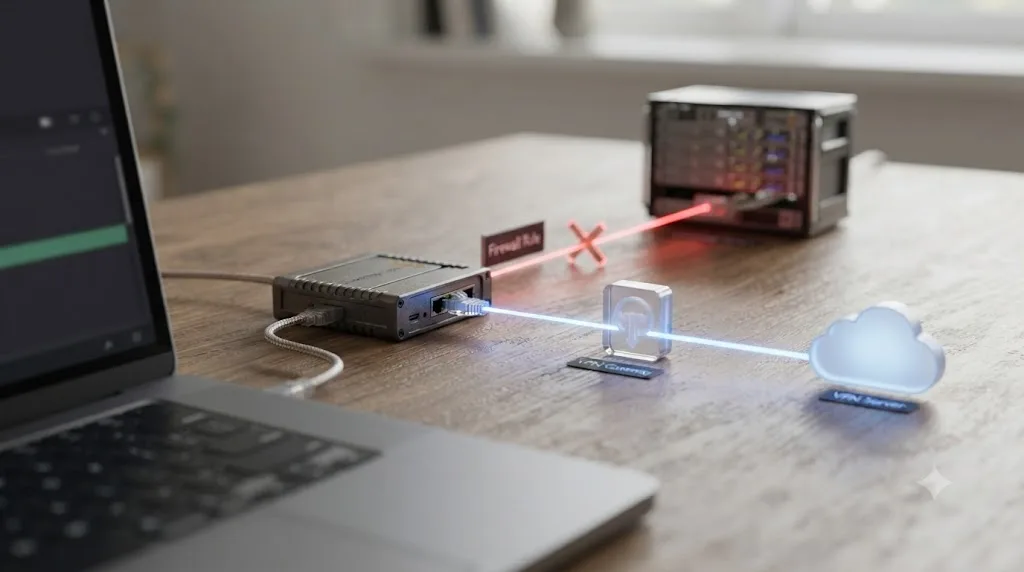
Often, yes, and understanding why clarifies what a VPN is actually doing here: routing your activation request around whatever is blocking it on your regular connection, not repairing that block.
Multiple Blackmagic Forum threads land on this same workaround independently. The Need VPN to activate Davinci Resolve case above succeeded specifically while tunneled through a VPN back to a home network, even though the same request failed directly on the corporate connection sitting right next to it. A separate thread on Can't Activate Davinci resolve, can't connect to the server describes a case where a user's ISP itself had blocked access to Blackmagic's server, resolved by connecting through a VPN to a portal within the United States instead.
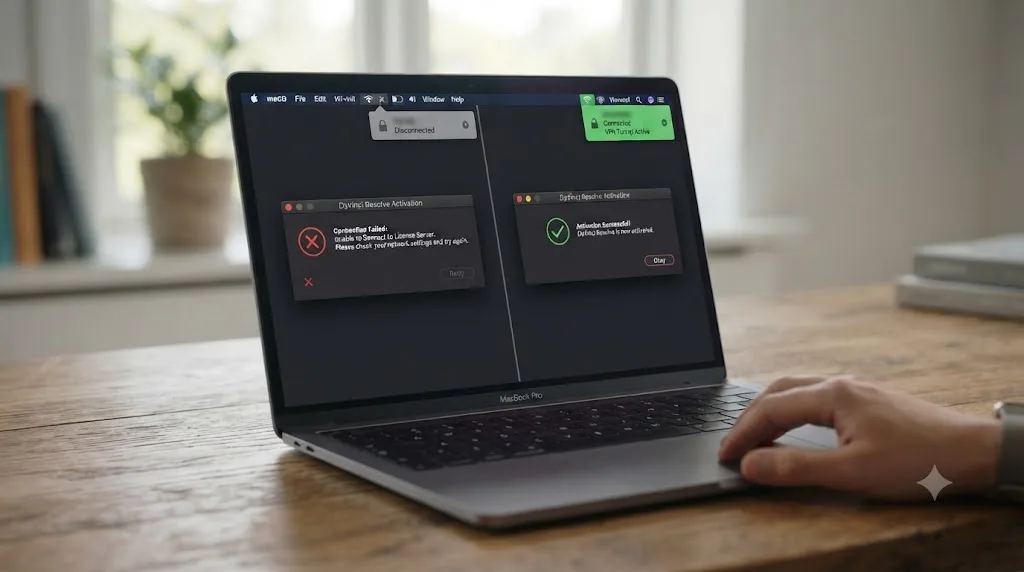
Both cases share the same underlying logic. A VPN, or a phone's mobile hotspot standing in for your regular internet connection entirely, sends your activation request out through a completely different network path, one that never passes through whatever firewall rule, ISP-level block, or web filter was stopping it before. Since activation only needs to succeed once, a temporary network switch is often all it takes, even if you have no intention of using that network day to day.
A VPN that fixes this error is confirming the diagnosis, not curing the disease. If switching networks makes activation succeed, you've proven the problem was never your key or your general internet connection. It was specifically your regular network's path to Blackmagic's licensing domains. That's useful information whether or not you ever use the VPN again, since it tells you exactly what to ask your IT department, ISP, or router settings to fix permanently.
- Connect to a VPN service, or tether your computer to a phone's mobile hotspot.
- Launch DaVinci Resolve Studio and attempt activation again with the same 25-digit key.
- If it succeeds, you've confirmed the problem is network-specific to your regular connection, not your key or Resolve itself.
- Disconnect from the VPN or hotspot once activation completes. Since only the one-time activation check needs internet access, you don't need to stay on the alternate network afterward.
- Take what you learned back to whoever manages your regular network, whether that's your home router, your ISP, or your company's IT department, and request the two specific domain exceptions covered earlier in this page.
Could your ISP simply be blocking Blackmagic's servers?
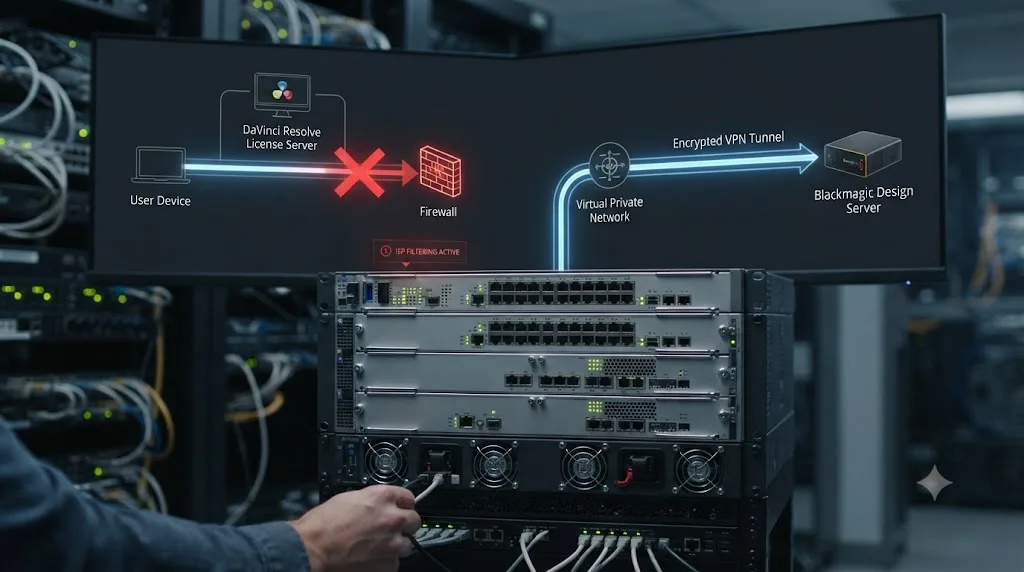
Yes, and this is worth ruling out before you spend an evening digging through firewall settings on a machine that isn't actually the problem. The Can't Activate Davinci resolve, can't connect to the server thread describes exactly this scenario: a user's own internet service provider had blocked access to the licensing server at the network level, entirely outside anything configurable on the user's own router or computer, and the working fix was a VPN connection through a portal located in the United States.
This is more likely to affect you if you're on a smaller regional ISP, a mobile carrier's data network with its own content filtering policies, or an internet connection in a country where certain international services see inconsistent routing or throttling. It's also worth testing directly rather than guessing: try loading blackmagicdesign.com itself in a browser on the same network. If the main site loads instantly but activation still fails, that's a point in favor of a specific block on the licensing subdomain rather than a broad connectivity problem your ISP would also show elsewhere.
An ISP-level block looks identical to a local firewall problem from where you're sitting, but nothing on your own machine can fix it. If the VPN workaround above succeeds and you've already ruled out Little Snitch, antivirus exclusions, and your own router's firewall, an ISP-side block is the next most likely explanation, and a VPN or a different network entirely is the practical answer rather than more local troubleshooting.
Can you activate DaVinci Resolve Studio with zero internet access at all?
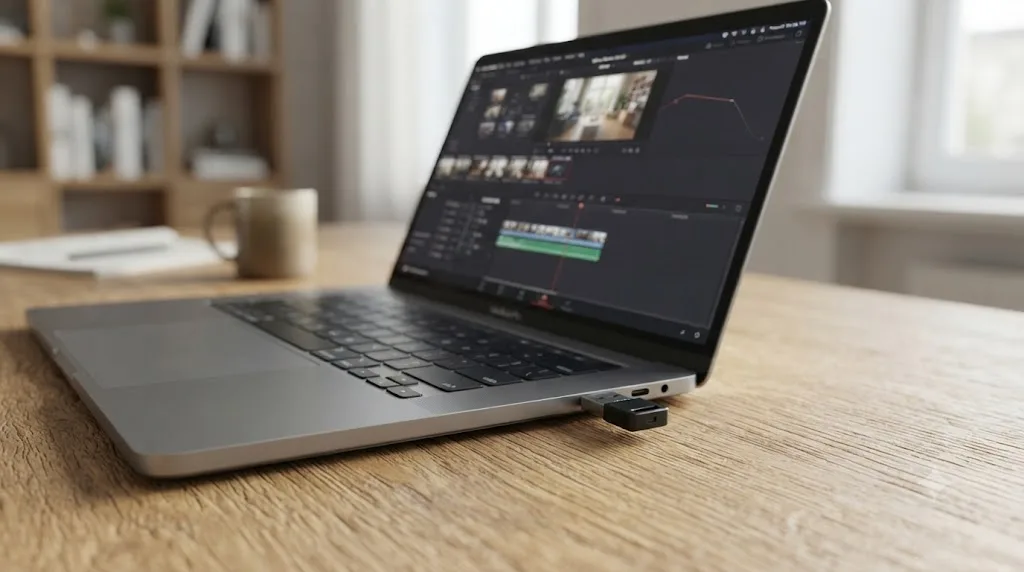
Only with the USB dongle license, and it's worth knowing this option exists before you spend days fighting a network that was never going to allow this traffic in the first place. A DaVinci Resolve Studio dongle validates by physical presence, not by a server call, so it needs no internet connection at any point, ever. Per MacMyths' breakdown of Resolve's activation options, "dongles do not require internet access at any point. As long as the dongle is present, Resolve Studio will launch fully activated." The same guide draws the contrast plainly against the 25-digit key: "An internet connection is required only at the moment of activation for activation keys. Once activated, Resolve Studio can run fully offline indefinitely on that system."
That's a meaningful distinction for exactly the environments covered in this page's network sections. A facility with a genuinely air-gapped edit bay, a government or classified production environment, or a set location with no reliable connectivity at all isn't a candidate for the firewall and VPN fixes above, since there's no network path to open in the first place. For those cases, the dongle isn't a workaround, it's the intended solution. MacMyths' guide states plainly that "for air-gapped systems, secure facilities, or remote locations, dongles are often preferred for this reason alone."
The tradeoff is worth naming honestly. A dongle only unlocks Resolve Studio on whichever single machine it's currently plugged into, so moving between machines means physically moving the dongle, not typing a key on each one. If your workflow genuinely needs two machines active simultaneously, the way the standard activation key allows, a dongle changes that model entirely rather than simply avoiding a network requirement.
| License type | Internet needed | Best fit |
|---|---|---|
| 25-digit activation key | Once, at initial activation only | Two machines active at once, standard offices and home setups |
| USB dongle | Never, at any point | Air-gapped facilities, secure environments, unreliable or nonexistent connectivity |
| Blackmagic Cloud rental | At activation and deactivation, covered next | Short-term projects, no perpetual license commitment |
Does renting through Blackmagic Cloud make this error more or less likely?
It changes the shape of the requirement rather than removing it, and in one specific way it's actually less forgiving than the traditional key. Since September 2025, individuals can rent DaVinci Resolve Studio directly through Blackmagic Cloud instead of buying the $295 perpetual key, per Newsshooter's coverage of the launch, with RedShark News reporting UK pricing around £25 a month.
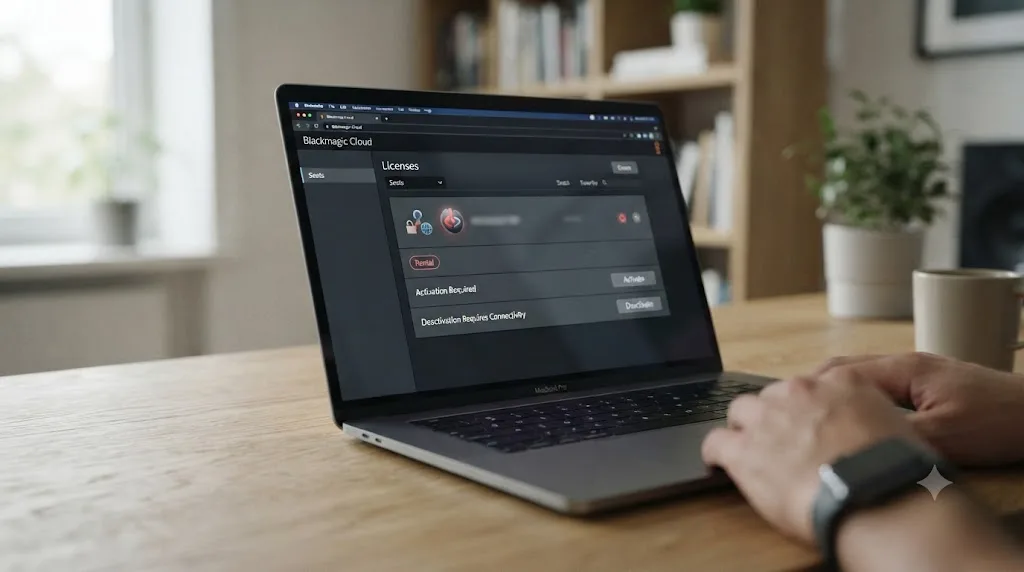
CoreMicro's own guide to the rental option is direct about what that connectivity requirement actually covers: "Activation and deactivation require connectivity. For offline use, plan ahead or consult support for options," per CoreMicro's rental guide. That's narrower than it might sound at first. It doesn't mean Resolve phones home constantly while you're editing. It means both ends of the transaction, turning the rental seat on and turning it off, need a working connection to Blackmagic Cloud, in addition to the initial activation moment a perpetual key also requires.
Renting through Blackmagic Cloud doesn't remove the internet requirement this whole page is about, it just moves it to two moments instead of one. If you're on a network that already struggles to reach Blackmagic's licensing domains, that's worth factoring into whether renting or buying a perpetual key makes more sense for your specific setup, since a rental adds a second connectivity checkpoint at the exact moment you'd want to release the seat and hand the machine back.
Is this the same problem as "license already in use" or "license file not found"?
No, and mixing these three up is the single most common way people waste an afternoon on the wrong fix. All three share overlapping words and all three appear during or around activation, but each names a completely different failure point in the same overall process.
"Unable to connect to license server" fires before your key ever reaches Blackmagic at all, the entire subject of this page. Peter Chamberlain, Blackmagic Design's DaVinci Resolve product manager, described the activation system itself plainly on Creative COW's forum: "The activation code is designed to let you have the office and home machine work on a single activation key," per the Creative COW thread on activating a new DaVinci Resolve installation. That two-machine design only matters once your request actually reaches the server. If it never gets there, you're stuck at an earlier step than the two-machine limit even comes into play.
"License already in use" is what happens after a successful connection, when the server itself rejects your key because both of its allowed activation slots are already occupied on other machines, covered in full in our license already in use guide. "License file not found" happens even later, after a past successful activation, when the local file Resolve needs at launch has gone missing or become unreadable, the subject of our license file not found guide. If you've lost the 25-digit key itself and have nothing to type in at all, that's a fourth, unrelated situation covered in our guide to a lost DaVinci Resolve activation code.
The exact wording on your screen tells you which of four completely different problems you're actually facing, and none of them share a fix. Match the message first. Everything downstream depends on getting that one step right.
| Error message | What actually failed | Fix |
|---|---|---|
| "Unable to connect to license server" | The network request never reached Blackmagic | Firewall, antivirus, VPN, or network fixes on this page |
| "License already in use" | Server reached, both activation slots are full | Deactivate the old machine or let auto-recovery run |
| "License file not found" | Local file missing after a past successful activation | Reactivate, fix folder permissions |
| No key to type in at all | The 25-digit code itself is lost | Contact your reseller or Blackmagic support with proof of purchase |
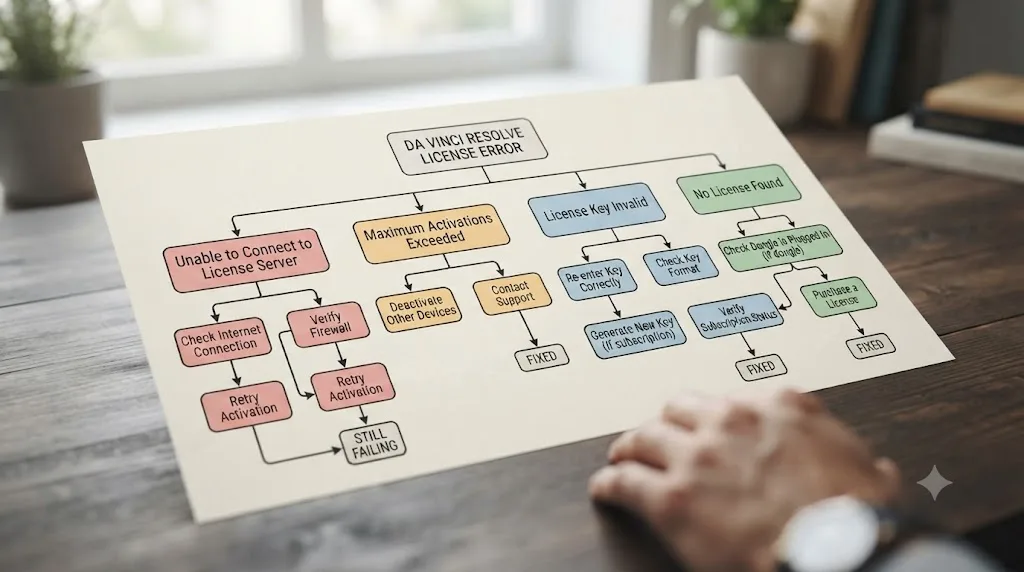
Which symptom points to which fix?
Use this table as a shortcut once you've confirmed you're genuinely looking at a connection failure rather than one of the three related errors above.
| What you're seeing | Most likely cause | Start here |
|---|---|---|
| Error on Mac, no obvious network issue elsewhere | Little Snitch or a similar network monitor filtering the request silently | Check for and uninstall Little Snitch |
| Error on Windows, other apps connect to the internet fine | An outbound firewall rule or antivirus exclusion blocking Resolve specifically | Check Windows Firewall advanced outbound rules and antivirus quarantine |
| Error only on your work, school, or government network, fine at home | A managed firewall or web filter blocking an unfamiliar licensing domain | Ask IT to whitelist blackmagic.hostedactivation.com and licensing.blackmagicdesign.com |
| Error persists even after IT excludes an IP address | Activation resolves across multiple IPs, not one fixed address | Whitelist by domain name, not IP, or use a VPN as a workaround |
| Error clears instantly on a VPN or phone hotspot | Confirmed network-side block on your regular connection | Take the two domain names back to whoever manages that network |
| Error persists on every network you try, including a hotspot | Possible temporary Blackmagic server-side outage | Wait and retry, then contact Blackmagic support |
| You have no internet access at all, by design | You need the dongle license, not the activation key | See the dongle section above |
| Rented Blackmagic Cloud seat won't activate or deactivate | Same connectivity requirement, applied twice | Confirm connectivity at both the activation and deactivation moment |
If a VPN or hotspot fixes this error instantly and reliably, you've already found your answer. The problem was never DaVinci Resolve. It was the specific network you were standing on when you tried.
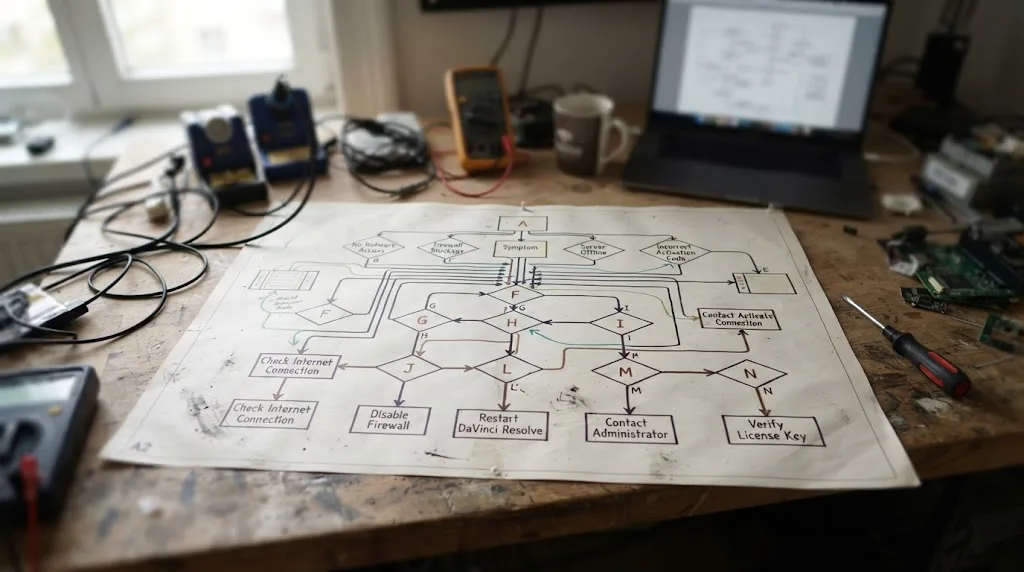
When should you contact Blackmagic support, and what should you send them?
Work through the network-side fixes above first. The overwhelming majority of "unable to connect to license server" cases resolve at the antivirus, firewall, or alternate-network step, without a support ticket ever being necessary.
Contact Blackmagic Design support when you've confirmed activation succeeds on a different network entirely, like a phone hotspot, which rules out your key and rules out Resolve itself, but you have no practical way to get your regular network's IT team or ISP to make the two-domain exception. Also contact support if activation fails identically on every network you try, including a hotspot and a VPN, since that pattern points toward a genuine server-side issue rather than anything on your end.
File the request through Blackmagic's official DaVinci Resolve support and downloads page, and include your full 25-digit activation key, your exact operating system and version, the precise error text rather than a paraphrase, and a plain note of what you've already tried, a VPN test, a firewall check, an antivirus exclusion. That last detail saves a full round of back-and-forth, since it tells support immediately whether they're looking at a client-side network issue you've already ruled out or something that genuinely needs their side of the system checked.
A support ticket that already states what you've ruled out gets answered faster than one that just describes the error message. Support can't see your firewall or your antivirus settings. What they can see is server status and activation records, so give them the information only they have access to, and skip repeating the information you've already confirmed isn't the cause.
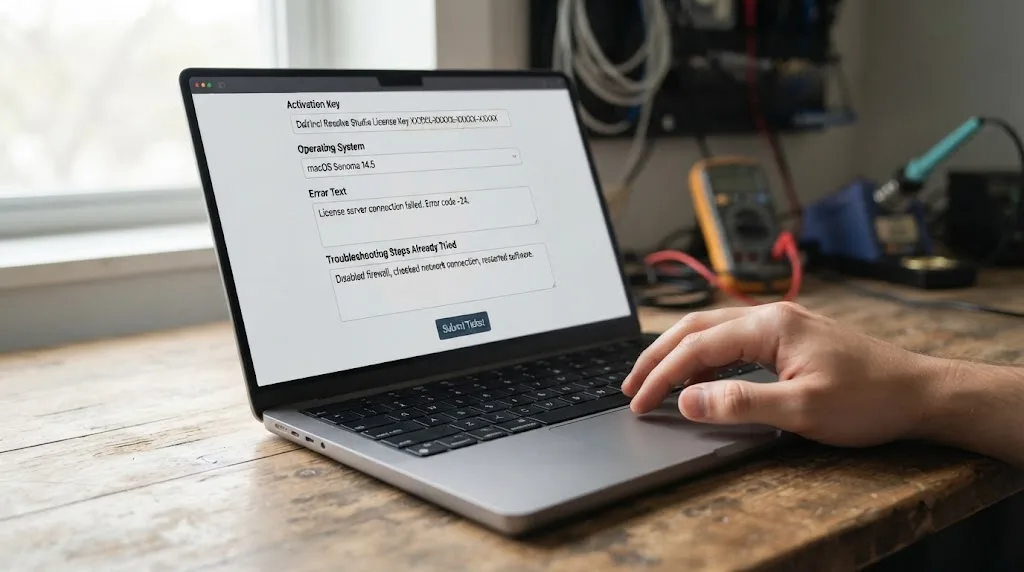
How do you stop this from happening again?
A handful of habits turn this into something you fix once rather than something you fight every time your setup changes.
- Activate on a trusted, unrestricted network whenever possible, before you move a machine onto a corporate, school, or heavily filtered connection. Since the standard activation key only needs one successful connection ever, doing that first check on a network you know works removes the entire problem before it starts.
- Ask IT to whitelist blackmagic.hostedactivation.com and licensing.blackmagicdesign.com by name before you need to activate, rather than discovering the block mid-deadline. Most IT departments can add a domain exception in minutes once they know the exact names to add.
- Keep antivirus and network monitoring exclusions on file, not just applied once. A reinstalled antivirus suite, a new Little Snitch configuration, or an OS reinstall can silently reset exclusions you set up previously, recreating the exact same block on a machine that used to work fine.
- Choose the dongle license upfront for genuinely air-gapped or permanently locked-down environments, rather than fighting a firewall that will never be configured to allow this traffic. It's a better fit for the situation, not a workaround for a broken activation key.
- If you're renting through Blackmagic Cloud, confirm connectivity before both ends of a rental period, not just at signup, since CoreMicro's own guidance is explicit that both activation and deactivation need a working connection.
- Test with a VPN or hotspot early rather than late if you suspect a network problem. It takes two minutes and immediately tells you whether you're chasing a key problem or a network problem, which changes everything about where you spend the rest of your troubleshooting time.
None of this guarantees you'll never see this error again. Networks change, IT policies get rewritten, and antivirus software updates its own rules without asking you first. What these habits remove is the guesswork the moment the error appears, since you'll already know which of the causes on this page is most likely to be yours.

The verdict
"Unable to connect to license server" means exactly what it says: DaVinci Resolve Studio's one-time activation request never reached Blackmagic's servers. It is not a broken key, not a sign your purchase is invalid, and not the same problem as "license already in use" or "license file not found," even though all four share overlapping wording. The fault sits somewhere on the network path between your machine and two specific domains, blackmagic.hostedactivation.com and licensing.blackmagicdesign.com, and finding exactly where almost always resolves it without a support ticket.
Start with what's running on your own machine. Little Snitch on Mac and antivirus network filtering on Windows account for a large share of these cases, and both are a five-minute check. If your machine is clean, look at the network itself: a corporate firewall, a school web filter, or an ISP-level block are the next most likely explanations, and a VPN or phone hotspot will confirm the diagnosis in under a minute even if you don't keep using it afterward. If you're on a network that will never allow this traffic by design, the USB dongle license sidesteps the entire requirement rather than fighting it.
Editors and colorists who've spent seven-plus years cutting commercial work know this particular frustration well: the software is fine, the footage is fine, and the only thing standing between you and a working timeline is a firewall rule nobody remembered existed. Once activation clears and you're actually inside Resolve, the next wall people hit is usually smaller but just as maddening: a menu that moved, a tool a tutorial glossed over, a setting nobody explains until you're three versions past when it mattered. TryUncle is the on-screen assistant for DaVinci Resolve on macOS. Ask in plain words and Uncle points at the exact control on your screen. It's a paid app at founder pricing, worth checking directly at TryUncle for the current rate, and it's built for exactly the moment right after your activation stops being the obstacle and the actual edit becomes the thing you're stuck on again.
Frequently asked questions
- What does 'unable to connect to license server' mean in DaVinci Resolve?
- It means DaVinci Resolve Studio tried to reach Blackmagic Design's activation servers over the internet during the one-time activation check and got no response. It's a network problem between your machine and Blackmagic's servers, not a sign your 25-digit key is invalid, expired, or already in use somewhere else.
- Why does DaVinci Resolve say it can't connect to the server when my internet works fine everywhere else?
- Because activation isn't a general internet check, it's a request to two specific domains, and something between your browser traffic and that specific request is different. Firewalls, antivirus software, and corporate web filters commonly allow ordinary browsing while still blocking or inspecting traffic to a licensing domain they don't recognize.
- What URLs does my firewall or IT department need to allow for DaVinci Resolve to activate?
- According to a Blackmagic Forum thread on a blocked digital license key, the two domains to whitelist are blackmagic.hostedactivation.com and licensing.blackmagicdesign.com. The same thread notes that specific ports aren't published because they change, so IT teams should allow the domains rather than trying to lock down a fixed port range.
- Does a VPN actually fix 'unable to connect to license server' in DaVinci Resolve?
- Often, yes, but as a workaround rather than a real fix. A VPN or a phone hotspot routes your activation request around whatever is blocking it on your regular network, whether that's a corporate firewall, an ISP-level block, or a misconfigured router. It doesn't resolve why your normal network is blocking Blackmagic's servers in the first place.
- Can I activate DaVinci Resolve Studio with no internet connection at all?
- Only with the USB dongle version of the license, which needs no internet at any point, since it validates by physical presence rather than a server call. The 25-digit activation key requires one successful connection to Blackmagic's servers at the moment of activation, though nothing further after that.
- Is 'unable to connect to license server' the same problem as 'license already in use'?
- No. 'Already in use' means your key reached Blackmagic's servers fine and got rejected because both of its activation slots are full. 'Unable to connect to license server' means the request never reached the server at all. One is a server-side rejection; the other is a network failure before the server ever saw your key.
- Why does this happen so often on corporate, school, or government networks?
- Because those networks route traffic through hardware firewalls, web filters, and proxy servers designed to block unfamiliar destinations by default, and a niche third-party licensing domain like blackmagic.hostedactivation.com is exactly the kind of address that gets caught, even when IT has already allowed blackmagicdesign.com itself.
- Does the free version of DaVinci Resolve ever show this error?
- No. The free version never activates anything and never contacts a license server, so it has nothing to fail to connect to. Seeing this error confirms you're running the Studio installer and genuinely mid-activation, not a free-tier limitation.
Sources
- DaVinci Resolve Studio product page (price and features)
- DaVinci Resolve product page (free version specs)
- Blackmagic Design: DaVinci Resolve support and downloads
- Blackmagic Forum: Digital License Key blocked
- Blackmagic Forum: Need VPN to activate Davinci Resolve
- Blackmagic Forum: "unable to connect to the server"
- Blackmagic Forum: Can't Activate Davinci resolve, can't connect to the server
- Blackmagic Forum: Studio Activation Issue, unable to connect to server
- Blackmagic Forum: Unable to activate Davinci Resolve Studio
- Blackmagic Forum: Microsoft Defender Blocks DaVinci Resolve Application
- Blackmagic Forum: Resolve Activation - IP addresses & ports??
- Reprise Software: Hosted Activation Service (blackmagic.hostedactivation.com)
- CoreMicro: How to activate Blackmagic Design DaVinci Resolve Studio License Key
- CoreMicro: Rent DaVinci Resolve Studio Licenses via Blackmagic Cloud
- Creative COW forum: New Davinci Resolve with activation code
- TechBloat: How To Fix DaVinci Resolve Not Opening or Crashing on Windows
- MacMyths: DaVinci Resolve Activation Key - Info & How To Activate
- Newsshooter (Matthew Allard ACS): Blackmagic Design introduces a new way for individuals to rent DaVinci Resolve Studio
- RedShark News (Andy Stout): Blackmagic Adds Monthly License Option for DaVinci Resolve Studio
- Newsshooter: DaVinci Resolve 21.0.3 Update
Put this guide to work with TryUncle.
Ask about the step you’re on. TryUncle sees your screen and points at the control you need, so you can keep learning in your own project.
Get TryUncle for Mac or WindowsKeep reading
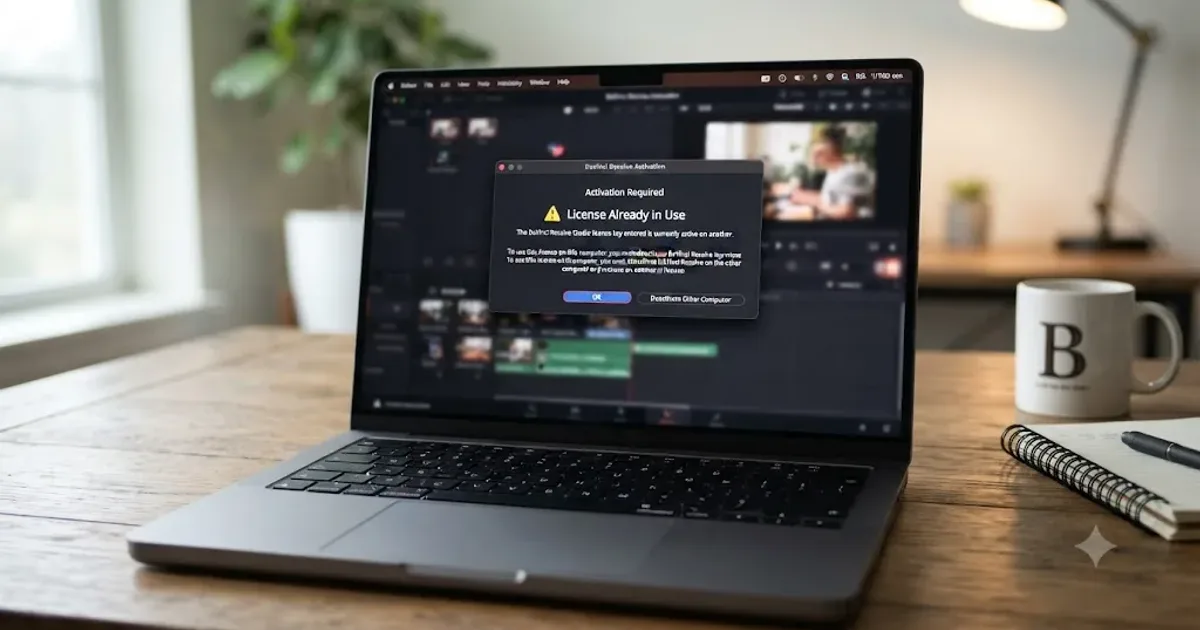
Fixes · Jul 17, 2026 · 24 min
DaVinci Resolve License Already in Use: How to Fix It
DaVinci Resolve says your license is already in use? It means your activation slot or dongle is checked out elsewhere. Here's the exact deactivate and recover path.
Fixes · Jul 22, 2026 · 24 min
DaVinci Resolve 'License File Not Found': How to Fix It
DaVinci Resolve says the license file is not found? It's usually a missing or unreadable local file, not a slot conflict. Here's the fix by OS.
Fixes · Jul 22, 2026 · 24 min
DaVinci Resolve Activation Code Lost? How to Actually Recover It
Lost your DaVinci Resolve activation code? Here's the real recovery path: what Blackmagic can restore, what's gone for good, and how resellers and camera bundles differ.