Articles / Fixesupdated for DaVinci Resolve 21.0.2 (July 2026)
DaVinci Resolve License Already in Use: How to Fix It
Quick answer
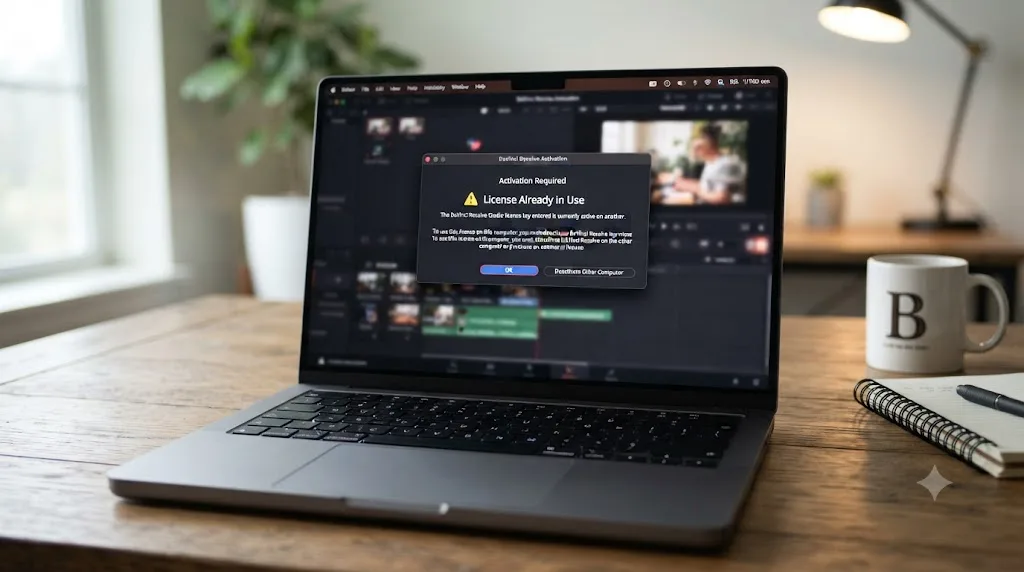
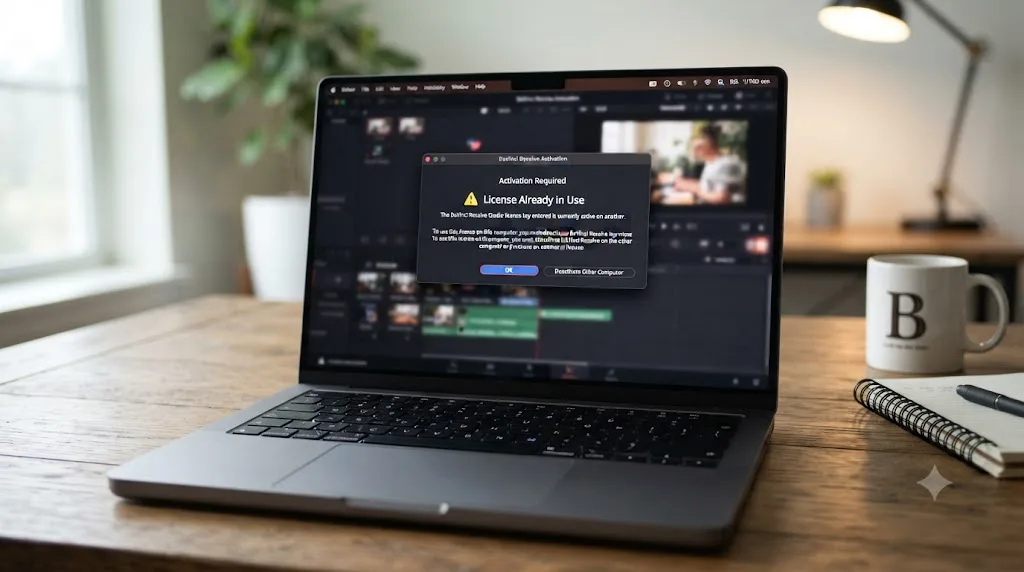
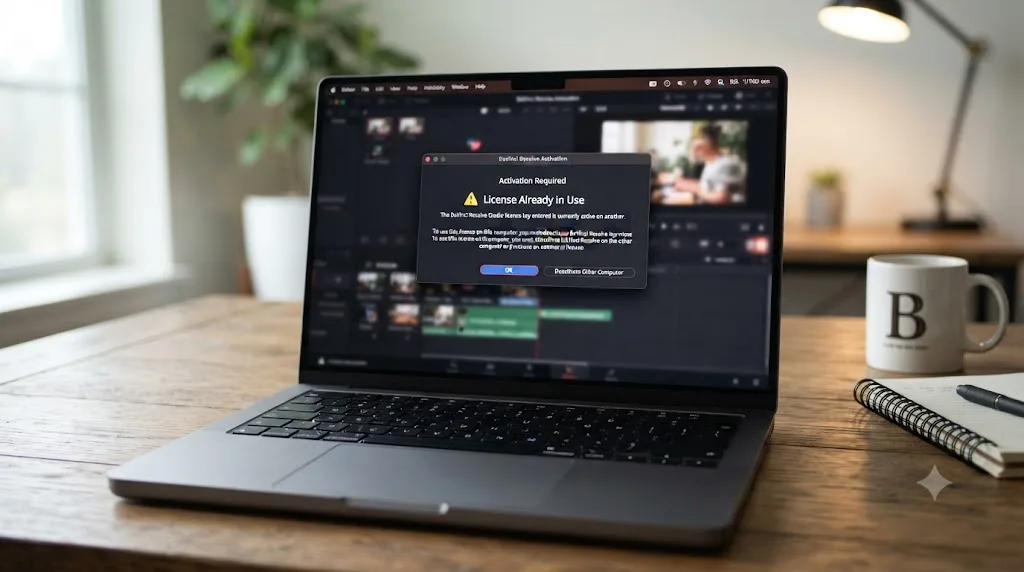
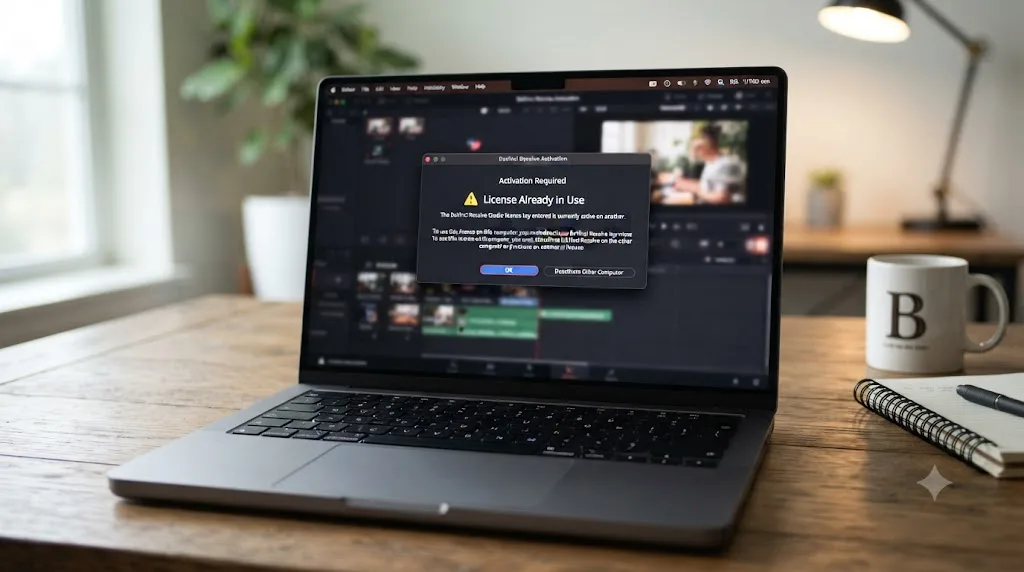
"License already in use" means your DaVinci Resolve Studio activation key already fills its two-machine limit, or a dongle/rental seat is checked out elsewhere. Open Help > Deactivate License on the machine still holding it. If that machine is gone, relaunch on the new one and let Resolve's automatic recovery reactivate you, unless you've triggered it too often and hit the one-week cooldown.
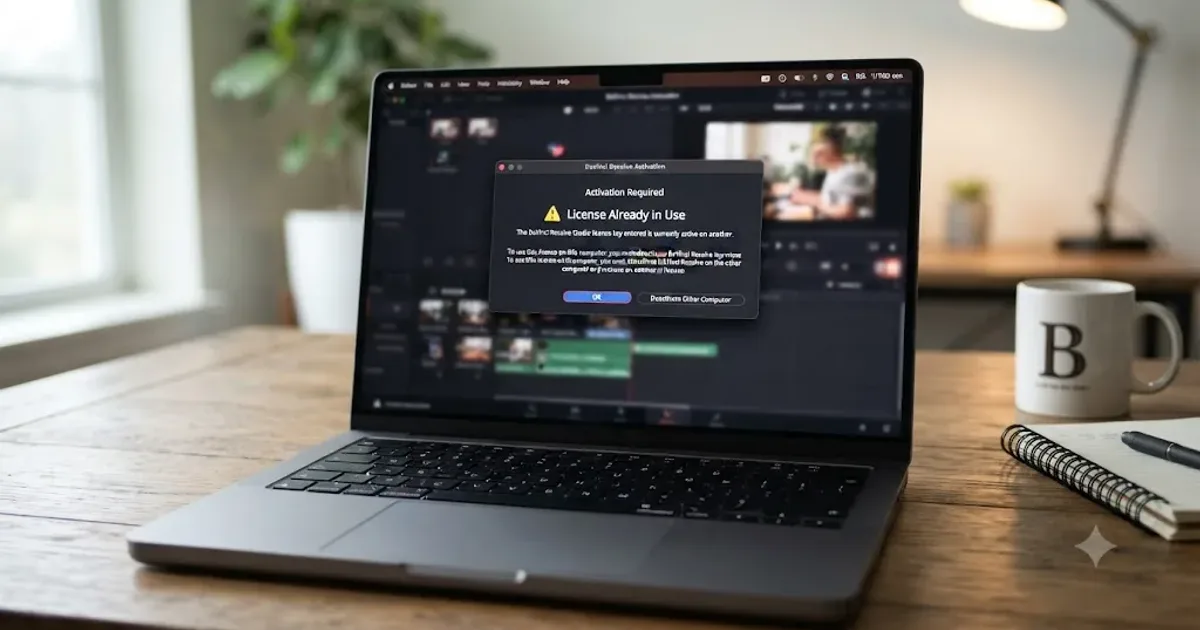
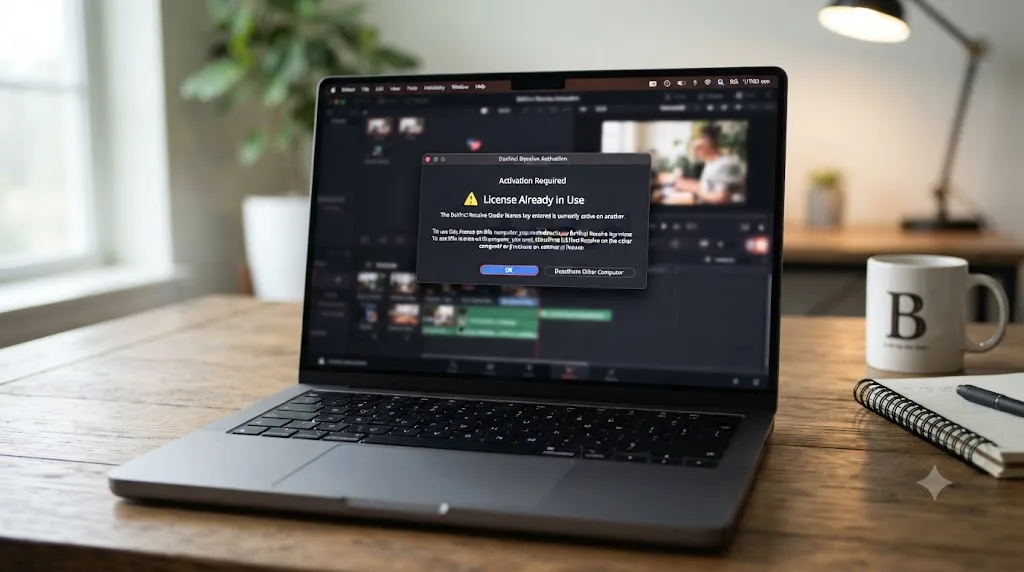
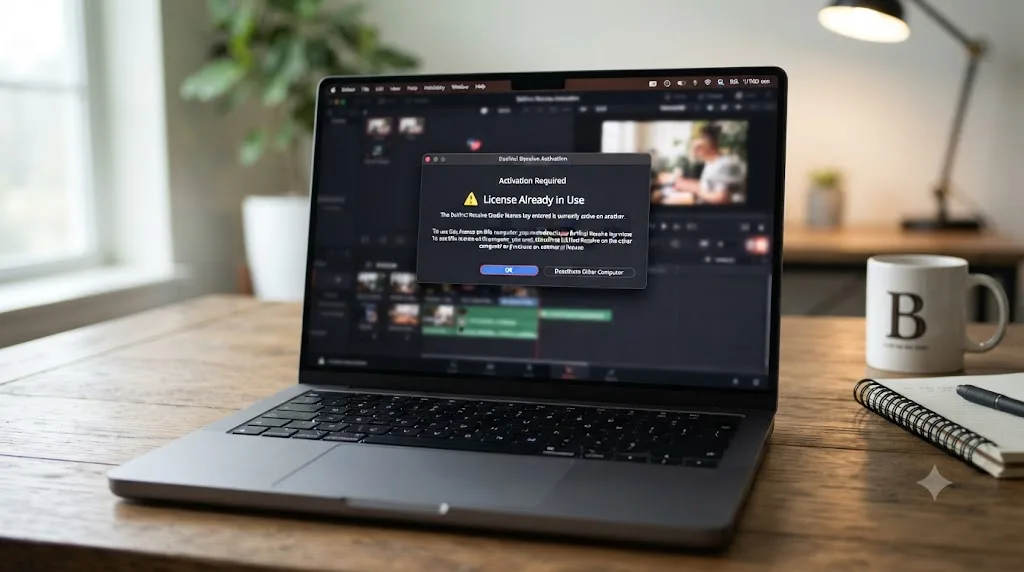
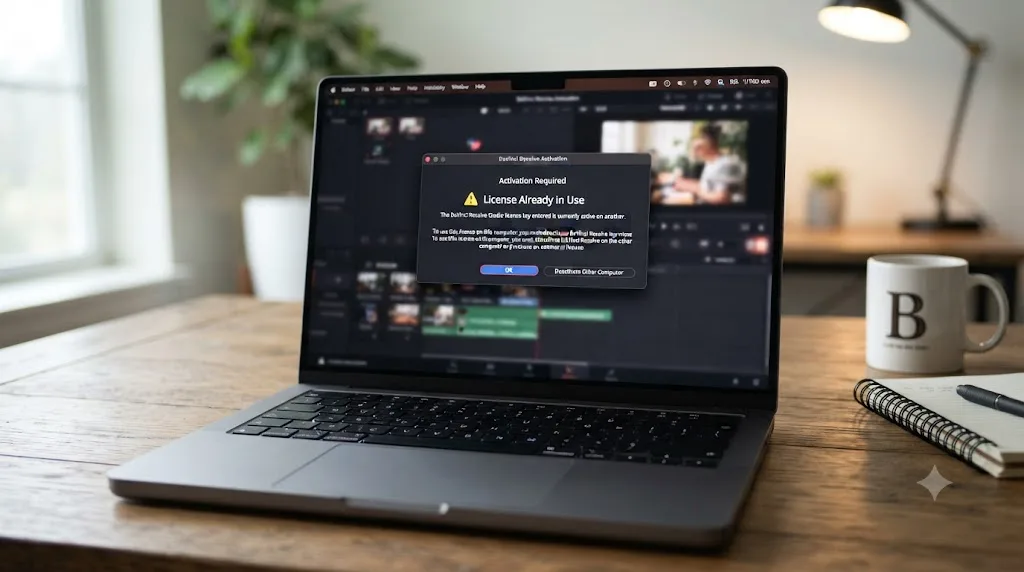
Your license key has worked for months. Then, on a machine you swear you never touched, DaVinci Resolve tells you it's already in use. You didn't share it. You didn't sell your old laptop yesterday. You just want to open the project sitting on your timeline.
Here's the short version: this isn't Resolve being broken. It's Resolve counting, and something threw the count off. Once you know what it's actually counting, the fix takes about thirty seconds.
What does "license already in use" actually mean?
DaVinci Resolve Studio's activation key isn't a lock that opens one door. It's a token that can sit in two locks at once, and Blackmagic's servers keep count of exactly which two. A DaVinci Resolve Studio activation key isn't a single license. It's two, running at once, until you tell one machine to give its slot back. The "already in use" message fires the moment a third machine tries to claim a slot that's still occupied.
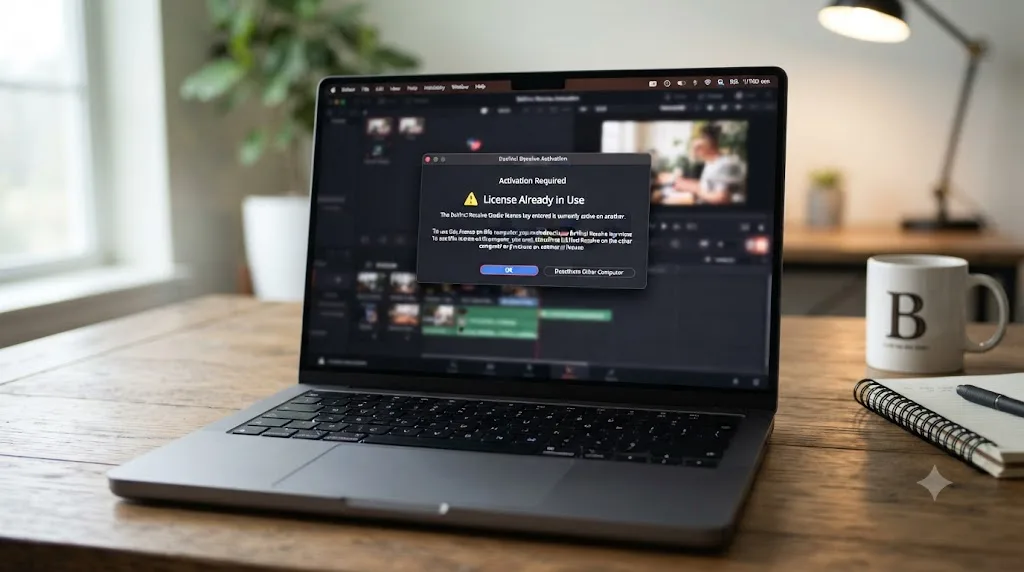
That single sentence explains almost every case of this error. You reinstalled Windows without deactivating first, so the old install still holds a slot as far as Blackmagic's server knows. You're testing Resolve on a laptop while your desktop sits at home, still logged in. A hard drive died before you could run Help > Deactivate License. In every version of that story, two slots are full, and your new machine is the third knock on a door with no room left.
There's a second, unrelated error that uses almost the same words: "project already in use" or "database already in use." That one has nothing to do with your Studio license at all, it's about a locked project file, and it deserves its own section further down this page because confusing the two sends people down the wrong fix entirely.
| What you're seeing | What it's actually about | Where to go |
|---|---|---|
| "License already in use" during activation, at Resolve startup | Your Studio activation key already fills both machine slots | Deactivate the old machine, or let auto-recovery run |
| "License Not Found" with a dongle plugged in | The dongle isn't being detected, not a slot conflict | Check the USB connection, not your activation count |
| "Project already in use" or "database already in use" | A specific project file is locked, unrelated to licensing | See our guide to a DaVinci Resolve project that won't open |
How many machines can one DaVinci Resolve Studio key run on?
Two, at the same time, for as long as you want. That's not a workaround or a grey-market trick, it's how Blackmagic built the activation key from the start, and it's confirmed across enough forum threads that the number is settled fact rather than rumor. A poster on the Blackmagic Forum thread on device limits framed it plainly: your key should work on two machines, and if it doesn't, it's still in use somewhere else.
That's genuinely generous compared to most creative software. A desktop at your studio and a laptop for client calls, both running the same Studio license, both fully licensed, is the intended use case, not an exploit. Editors and colorists who split time between a home rig and a facility workstation rely on exactly this.
The trap is what happens at machine number three. Nothing stops you from typing your key into a third computer. It activates. But Blackmagic's server has to make room somewhere, so per AnnexPro's breakdown of Resolve's licensing model, "there's nothing preventing you from activating DaVinci Resolve Studio on a third machine. But do remember that two is the limit and as a result Resolve will deactivate from one of your previous devices." The third machine works. One of your first two silently stops.
Two is the real limit on a DaVinci Resolve Studio activation key, and a third activation doesn't add a slot, it steals one. That's why the person hitting "already in use" is rarely trying to run Resolve on three machines simultaneously. They're usually the person who just got kicked off machine one or two without realizing it, and now every machine they touch throws the same error because the count genuinely reads full.
| License type | How many machines at once | How you free a slot |
|---|---|---|
| Studio activation key (25-digit code) | 2 simultaneous activations | Help > Deactivate License, or automatic recovery |
| USB dongle | 1, wherever it's physically plugged in | Unplug it and move it |
| Blackmagic Cloud rental (since September 2025) | Managed per your Blackmagic Cloud account | Reassign inside Blackmagic Cloud |
| DaVinci Resolve (free version) | Unlimited | Nothing to activate |
How do you deactivate the license on the machine that's still holding it?
If the machine that has your other slot is sitting right in front of you, this is the fastest possible fix and it takes under a minute.
- Open DaVinci Resolve Studio on the machine you want to free up.
- Go to the Help menu (this menu path is identical on Mac and Windows, unlike some Resolve settings that move around by platform).
- Choose Deactivate License.
- Confirm the deactivation when prompted.
- Go to your new machine and enter the same 25-digit key. It should now activate cleanly, since a slot just opened.
This is the process Blackmagic's own forum moderators point people toward whenever the topic of moving machines comes up, described in threads like remove studio licence and New PC - License-Key?. The advice is consistent enough across the forum that it's effectively Blackmagic's official answer, even without a single dedicated support article spelling it out.
Deactivating before you wipe a drive or sell a machine costs ten seconds, and skipping it costs you the wait for Blackmagic's automatic recovery, or worse, a week-long lockout. Make Help > Deactivate License a reflex the moment you know a machine is about to change hands, get reformatted, or get a fresh OS install. It's the one step that turns this whole page into something you never need to read.
One detail worth flagging before you deactivate: doing this repeatedly, day after day, bouncing the same key back and forth, is exactly the pattern that triggers Blackmagic's abuse throttling, covered in full two sections down. Deactivate when you mean it, not as a daily ritual.
What if you can't reach the other machine to deactivate it?
This is the actual reason most people land on this page. The other machine is gone. Its drive died. It got sold two years ago and someone else owns it now. It got seized by a laid-off employee's IT department. Whatever the story, Help > Deactivate License isn't an option, because there's no screen left to click it on.
Blackmagic built a specific answer for this, and it's worth understanding exactly how it works before you rely on it. Per the discussion on the Blackmagic Forum thread about reinstalling with no remaining activations, when you install and launch Resolve Studio, every previous activation on that installation is disabled, and the first launch attempts to re-activate the license on that specific computer. This mechanism exists specifically for the scenario where a system drive crashed and you weren't able to properly deactivate a license first.
In plain terms: install Resolve Studio on your new machine, enter your key, and launch it. Even if your key is technically full on paper, Resolve treats a fresh launch attempt as a claim that needs re-validating, and in the normal case it reactivates you without complaint. You don't need to prove the old machine is dead. You just need to try activating on the new one, and let the system's own logic sort it out.
- Install DaVinci Resolve Studio on the new or replacement machine.
- Launch it and enter your 25-digit activation key at the prompt.
- Let it attempt activation. If your other slot genuinely became unreachable (a dead drive, a wiped OS, a machine you no longer own), this usually succeeds on the first or second try.
- If it fails with "already in use" again immediately, don't retry over and over in a short window. That's the exact behavior that trips the abuse throttle covered next.
This safety net is real, documented, and works for the overwhelming majority of legitimate cases. It is not, however, a workaround for actively wanting to run Resolve on three machines you all still use. That distinction matters for the next section.
Why does the automatic recovery sometimes fail too?
Because Blackmagic put a brake on it, and once you understand why, the brake stops feeling arbitrary.
That auto-reactivation mechanism is genuinely powerful. Left completely open, it would let anyone bounce one activation key across an unlimited number of machines, reinstalling and relaunching over and over, effectively turning a two-machine license into a free-for-all. So the same Blackmagic Forum thread on reinstalling with no remaining activations is explicit that this recovery mechanism is intended for limited use. Trigger it too often in too short a window, and it stops working for about a week before it allows the process again, and Blackmagic's support team cannot circumvent that timeout even if you ask.
That last part surprises people the most. It's not a bug you can escalate your way around. It's a deliberate rate limit, and the forum guidance is direct about the consequence: if you hit the one-week timeout and genuinely need to activate Resolve on a system right now, you're down to three options. Deactivate a license on one of your existing machines the normal way. Wait the week out. Or buy another license.
The one-week activation cooldown is not a Blackmagic support failure. It's the price of triggering the same safety mechanism too many times in a row. Knowing that distinction changes what you do next. There's no ticket to file that skips the wait, so the productive move is figuring out which of your machines still holds an active slot and deactivating it properly, rather than repeatedly mashing "activate" on a machine that's just going to get the same rejection every time.
This is also the strongest argument for treating Help > Deactivate License as a habit rather than a last resort. Editors who deactivate cleanly before every machine swap almost never see this cooldown at all. It only shows up for people who've been relying on the automatic recovery path repeatedly instead of the manual one, which is exactly backwards from how it's designed to be used.
Does a USB dongle throw this same error?
No, and the reason is mechanical rather than a licensing rule. A dongle doesn't count activations at all. It's a physical key, and DaVinci Resolve Studio unlocks on whichever single machine currently has that dongle plugged into a USB port. Per AnnexPro's comparison of Resolve's two license types, you can move the USB dongle between as many computers as you need to, just by plugging it into a different machine's USB port, and if the software is installed on that computer, the dongle grants access. But you can only use it on one computer at a time, because there's only one dongle.
That structural difference means a dongle setup can never produce "license already in use" the way an activation key does, because there's no server-side slot count to overfill. What a dongle setup does produce instead is a different, related error: "License Not Found," when Resolve can't detect the dongle at all.
A Creative COW forum thread on exactly this error shows what that looks like in practice. Forum member Chad Smith reported the exact message: "License Not Found – Please check that you have a valid Resolve license dongle connected." Fellow member Warren Eig walked through the likely cause, asking, "Are you plugged into a USB hub? Is the hub powered? (Cheap hubs tend to be underpowered and run into trouble with multiple devices plugged in)." Smith confirmed his dongle was connected directly to the back of his Mac Pro rather than through a hub, but noted he'd also had a large file transfer running on a separate USB drive at the same time. Eig's read on it: "Could be a conflict. Best to try one device at a time and add until the problem happens again."
A USB dongle can't say "license already in use," because it only ever runs on whichever single computer is physically holding it. If you're on the dongle version and seeing an "in use" or "not found" style message, the actual cause is almost always a detection problem, not a slot conflict. Try these before assuming anything is licensed to someone else:
- Plug the dongle directly into the computer, not through a USB hub, especially a cheap or unpowered one.
- Unplug other USB devices temporarily, one at a time, since a busy or misbehaving USB bus can interfere with dongle detection.
- Try a different USB port, ideally one wired directly to the motherboard.
- Restart the machine with the dongle already plugged in, rather than plugging it in after Resolve is already running.
If none of that clears it, that's a hardware or driver issue specific to the dongle, not a licensing dispute, and it points you toward Blackmagic support with a description of your exact USB setup rather than a deactivation request.
Is "license already in use" the same as "project already in use"?
No, and this mix-up sends a genuinely large share of people troubleshooting the wrong system entirely. The two error messages share three of their five words, but they describe two completely unrelated parts of DaVinci Resolve.
"License already in use" is about your Studio activation, the topic of this entire page up to this point. It fires during activation or at startup, before you've even opened a project, and it has nothing to do with which project you're trying to load.
"Project already in use," sometimes phrased "database already in use," is about a specific project file being locked inside Resolve's project database. A Blackmagic Forum thread titled exactly "error davinci resolve project in use" documents the mechanism: DaVinci Resolve creates a LockID.xml file inside a project's folder in the disk database the moment you open it, specifically to stop two people, or two sessions, from editing the same project record at once. That lock is supposed to release automatically the instant you close the project or quit Resolve cleanly. A crash, a forced shutdown, or a machine that lost power mid-session skips that release step, and the lock stays in place even though you're the only person who's ever touched the project.
A related Blackmagic Forum thread specifically about a database showing as already in use covers the same family of problem one level up, at the whole-database level rather than a single project, usually triggered by a naming collision when Resolve's PostgreSQL system still holds a database record you thought you'd deleted.
"License already in use" and "project already in use" describe two unrelated parts of DaVinci Resolve that happen to share four words. If your error names a specific project, or mentions a database, you're not looking at an activation problem at all, no matter how much the wording rhymes with what's on this page. Right-click the project in Project Manager and look for an Unlock option first. Our full guide to a DaVinci Resolve project that won't open walks through the locked-project fix, the LockID.xml angle, and the rest of that separate fault tree in detail, since it deserves its own page rather than a detour here.
What if you bought a secondhand or camera-bundled activation key?
This is where "already in use" gets genuinely frustrating instead of just inconvenient, because the fix isn't always in your hands.
Blackmagic bundles a full DaVinci Resolve Studio activation key with several of its cameras. Buy a used Blackmagic Pocket Cinema Camera, and the box or a printed card inside it often carries a Studio key alongside it. That's a legitimate way to end up with a Studio license, but it's also the single most common source of "already in use" errors that have nothing to do with anything you did.
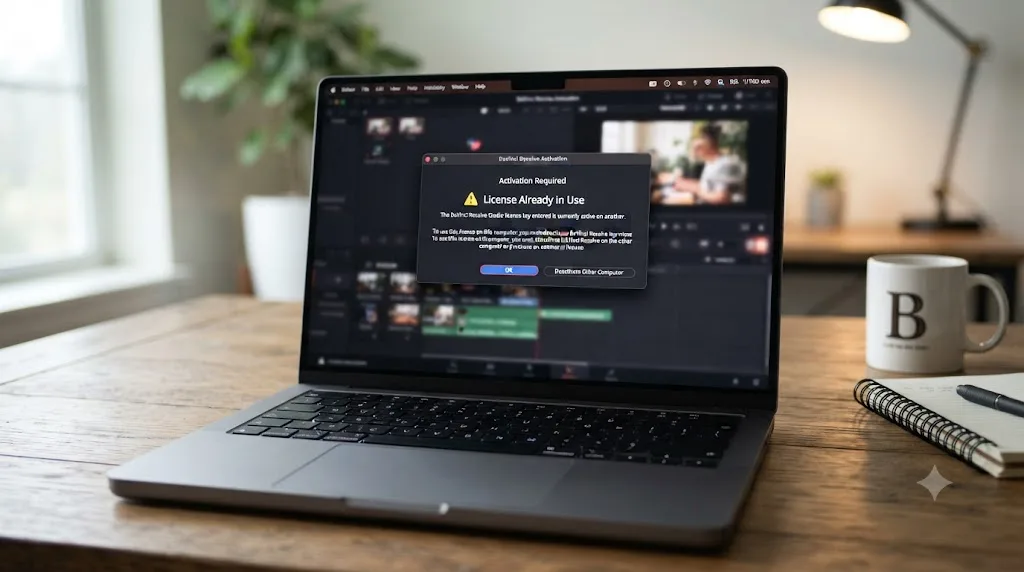
If the original owner already activated that bundled key on their own machine and never deactivated it before selling the camera, you inherit an already-half-full license. Your very first activation attempt can throw "already in use," not because you're doing anything wrong, but because someone you've never met still has a slot open on a computer you'll never see. The forum guidance across threads on this exact scenario, discussions like the Blackmagic Forum thread on activation errors, consistently points toward the same two paths: try the automatic recovery process covered earlier first, since it sometimes clears a genuinely abandoned activation, and if that fails, contact Blackmagic support directly with proof of purchase, since they're the only party who can see the actual activation records tied to that key.
A related trap: installing the free version by mistake instead of Studio, then wondering why no activation prompt ever appears at all. Per CoreMicro's troubleshooting guide for a missing activation key prompt, that's the single most common reason the key field never shows up in the first place, and it's worth ruling out before you assume you're facing a licensing conflict. Confirm you downloaded the Studio installer, not the free one, from Blackmagic's own download page, before troubleshooting anything else.
- Confirm you're running the Studio installer, not the free version, since only Studio prompts for a key at all.
- Enter the key and let the automatic recovery attempt run once, on the assumption the previous owner's activation might be genuinely orphaned.
- If it fails, gather your proof of purchase, the receipt, the camera box, or the reseller invoice.
- Contact Blackmagic's support team with that proof and the exact key. Support can see whether the key shows two live activations on their end, something no amount of retrying on your side will reveal.
A bundled or secondhand activation key can arrive already half-used by someone you've never spoken to, and no amount of retrying fixes that from your side alone. This is the one version of "license already in use" that genuinely requires Blackmagic's involvement rather than a menu click, so don't burn a week retrying before you file that support request.
Does Blackmagic Cloud's rental license behave differently?
The mechanism changes. The underlying rule doesn't.
Since September 2025, Blackmagic has let individuals rent a DaVinci Resolve Studio license directly through Blackmagic Cloud, rather than buying the $295 perpetual key outright. Per Newsshooter's coverage of the launch, rented licenses activate using your Blackmagic Cloud ID, without needing a dongle or a 25-digit activation code, and license usage across different computers is managed directly inside Blackmagic Cloud rather than through the Help menu. RedShark News reported UK pricing at £25 a month, which lines up to roughly $30 in the US.
That's a genuinely different plumbing under the hood. Instead of a code you type once and forget, your rented seat lives on your account, and you assign or unassign it to a machine the same way you'd manage a seat in a team software subscription. But the core constraint that produces "already in use" doesn't disappear just because the mechanism modernized. A rented seat still only actively runs on the machines it's currently assigned to. Try to open Resolve Studio on a machine that account hasn't assigned a seat to, or where a previous session never released properly, and you'll hit a version of the same wall, just managed through a Blackmagic Cloud dashboard instead of a deactivation menu inside the app.
Renting through Blackmagic Cloud moves the license off a 25-digit key and onto your account, but it doesn't remove the one-seat-at-a-time rule underneath it. If you're renting specifically to avoid activation headaches during a short project, that's a legitimate reason to prefer the rental over buying, but go in expecting the same discipline: release a seat from a machine in Blackmagic Cloud's own management screen before you assume a new machine will just work. For students and short-term freelancers weighing whether renting or buying makes more financial sense in the first place, our breakdown of the DaVinci Resolve student discount question runs the actual rent-versus-buy math against a typical project timeline.
What if you're on a facility or shared workstation setup?
Everything above assumes one person and their own machines. Add a post house, a school lab, or a shared edit bay, and "already in use" gets a lot more common, because more people are drawing from the same pool of activations.
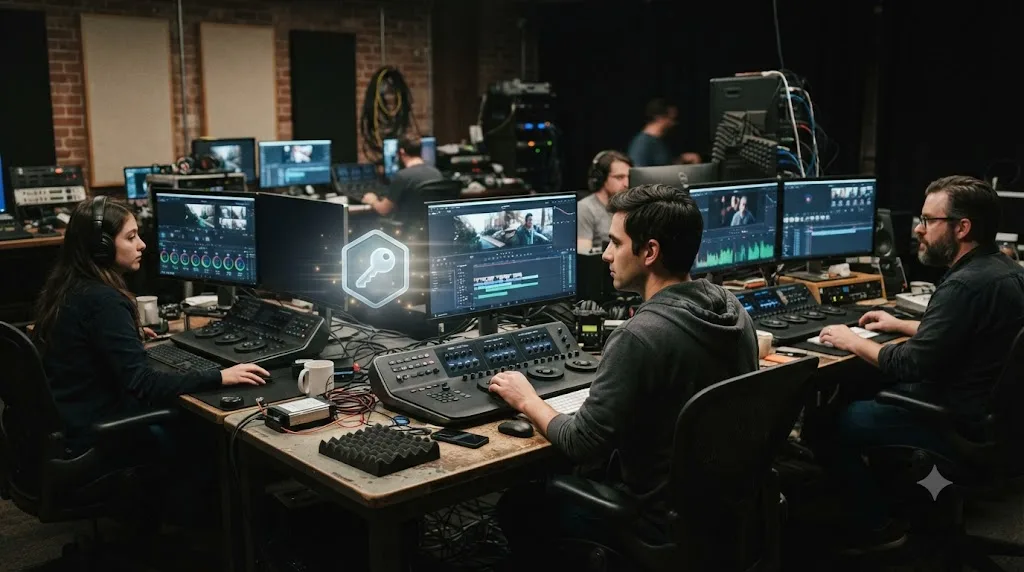
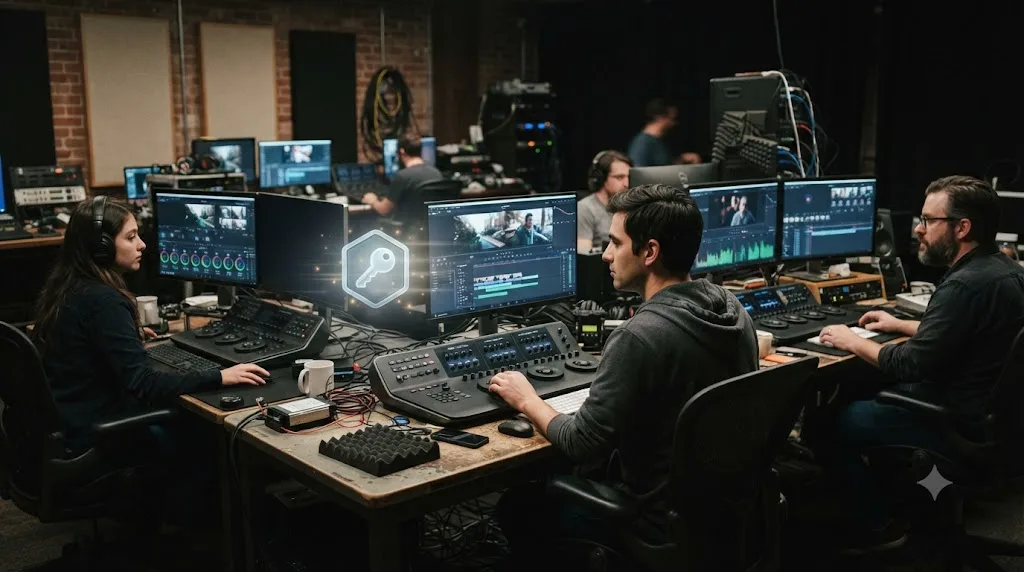
DaVinci Resolve has no built-in floating license system the way tools like Avid, Nuke, or Mocha do, where a central server hands out and reclaims seats automatically as editors log in and out. That's a genuine, acknowledged gap, and forum feature requests for exactly this capability have been posted repeatedly without Blackmagic shipping a true floating license model for Resolve itself. In practice, facilities work around it with a mix of dongles moved physically between workstations, and activation keys that get manually deactivated and reactivated as staff rotate through machines, which is exactly the manual process covered earlier in this page, just repeated more often and by more people.
That manual repetition is precisely the pattern that trips the abuse cooldown covered two sections up. A facility that deactivates and reactivates the same key several times a day, moving it between three editors on a rotating schedule, is far more likely to hit Blackmagic's one-week throttle than a single freelancer who deactivates once a year when upgrading hardware. If your shop runs into "already in use" regularly rather than as a one-off event, the actual fix isn't a better troubleshooting checklist, it's fewer machines sharing the same key. Either move to dongle-based licensing, where the physical object naturally limits contention to one machine at a time, or budget for a second Studio license so two editors can both hold an active slot without playing musical chairs with Help > Deactivate License.
- Assign one Studio license per two editors who genuinely need simultaneous access, matching the built-in two-machine limit rather than fighting it.
- Keep a shared log of which two machines currently hold each key's activations, so nobody deactivates blind or guesses which machine is "safe" to bump.
- Prefer dongles over keys for workstations that rotate frequently between different people, since a dongle's physical handoff is self-documenting in a way an activation key never is.
- If your facility genuinely needs floating, server-managed licensing, raise it with Blackmagic support directly. It's a documented gap, not a hidden feature you're missing.
What if none of this works and you need Blackmagic support?
Work through the fixes above in order first. Most cases of "already in use" resolve at the deactivate step or the automatic recovery step, without ever needing a support ticket. But a real minority of cases genuinely need Blackmagic's server-side visibility, because they involve activation records you have no way to see from your own machine.
Contact support when any of these apply: you've confirmed the other machine is permanently gone and automatic recovery still fails on a fresh attempt, you're stuck in the one-week cooldown and have a genuine deadline that can't wait it out, you bought a secondhand or bundled key that arrived already partially activated, or the key itself simply won't validate no matter which machine you try it on.
File the request through Blackmagic's official DaVinci Resolve support and downloads page, and include everything that shortens the back-and-forth: your full 25-digit activation key, a description of every machine you believe has ever held an activation (make, OS, and roughly when), proof of purchase if the key came secondhand or bundled with hardware, and the exact wording of the error you're seeing, screenshotted rather than paraphrased.
Blackmagic's support team can see activation records your own machine has no visibility into, which is the one thing no amount of local troubleshooting can substitute for. That's genuinely the difference between a ticket that gets resolved in one reply and one that drags out over a week of back-and-forth: give them the raw facts up front, since they're the ones who can look at the server and tell you definitively which two machines currently hold your slots, something you're otherwise just guessing at from your own side of the screen.
Which symptom points to which fix?
Use this table as a shortcut if you already know exactly what you're looking at.
| What you're seeing | Most likely cause | Start here |
|---|---|---|
| Error fires the moment you type your key on a new machine, old machine still works fine | Third-machine activation limit | Deactivate the old machine via Help > Deactivate License |
| Error fires and the old machine is gone, wiped, sold, or dead | Slot never released before the machine disappeared | Enter the key on the new machine and let automatic recovery run |
| Error keeps firing even after retrying activation several times in one day | Abuse throttle triggered by repeated activation attempts | Stop retrying, wait about a week, or deactivate a known-live machine instead |
| "License Not Found" with a dongle plugged in | Detection issue, not a slot conflict | Check the USB port, hub, and cable, not your activation count |
| Error names a specific project or a database, not your Studio license | Locked project file, unrelated to licensing | See our project-won't-open guide |
| Key came with a used camera or a secondhand purchase | Previous owner never deactivated | Try automatic recovery once, then contact Blackmagic support with proof of purchase |
| Error happens repeatedly across a shared facility, different editors each time | Too many people rotating one key | Assign fewer editors per license, or move to dongles |
| Rented Blackmagic Cloud license won't activate on a new machine | Seat not reassigned in Blackmagic Cloud | Manage the seat from your Blackmagic Cloud dashboard, not the Resolve Help menu |
A DaVinci Resolve license that says "already in use" twice in a row, on two different machines, in the same afternoon, is telling you the abuse throttle just tripped, not that the fix you tried failed. Stop retrying the moment that pattern shows up. It burns time and pushes your cooldown window further out instead of clearing it.
How do you stop this from happening again?
A few habits make "already in use" something you read about instead of something you fight.
- Deactivate before you wipe, sell, or retire any machine that's ever held a Resolve Studio key. Help > Deactivate License, every single time, before the drive gets reformatted or the machine changes hands. This one habit prevents the vast majority of cases covered on this page.
- Keep your 25-digit key somewhere durable, not just in your inbox. A lost activation key can't be looked up by Blackmagic from a purchase alone in every case, so treat the original email, the printed card, or the box it came in as something worth backing up the same way you'd back up a project file.
- Don't bounce the same key between more than two machines in a short window, even when auto-recovery makes it technically possible. Repeated activation churn is exactly what trips the one-week throttle, and it's avoidable simply by settling on which two machines actually need Resolve Studio active at once.
- If you're on a shared facility setup, log which two machines currently hold each license's activations. A shared spreadsheet with a timestamp beats guessing, and it stops two editors from accidentally deactivating each other mid-project.
- Consider a dongle instead of a key for workstations that change hands often. The physical handoff makes contention visible in a way a typed-in code never is, since you can literally see the dongle isn't in your hand anymore.
- If you're renting through Blackmagic Cloud, release the seat from the dashboard the moment a short-term project wraps, rather than letting it sit assigned to a machine you're done using.
None of this makes the two-machine limit go away, and it shouldn't. It's a reasonable rule that covers how almost everyone actually works. What these habits remove is the surprise, the moment you're staring at an error screen with a deadline behind you, wondering which of your machines is secretly the problem.
The verdict
"License already in use" is Resolve doing exactly what it's designed to do: enforce a two-machine limit on a key that's supposed to only ever be active on two computers. The fix is almost always Help > Deactivate License on whichever machine still holds a slot, or, if that machine is gone, a fresh activation attempt on the new one that lets Blackmagic's own recovery system sort it out. The only version of this that genuinely stings is the one-week cooldown after triggering that recovery too many times, and even that clears on its own with no ticket required.
What doesn't belong in your troubleshooting is confusing this with "project already in use," a completely different lock tied to a specific project file rather than your Studio license, or assuming a dongle can throw this error at all when it structurally can't. Match the exact wording of what's actually on your screen before you start deactivating anything.
If the licensing side resolves and you're back inside Resolve, the harder problem is usually the next one: a menu you don't recognize, a control you can't find, a setting a tutorial glossed over three versions ago. TryUncle is an AI tutor for DaVinci Resolve on macOS — ask in plain words and Uncle points at the exact control on your screen. It's a paid app at founder pricing, worth checking directly at TryUncle for the current rate, and it's built for exactly the moment right after your activation stops being the obstacle and the actual edit becomes the thing you're stuck on again.
Frequently asked questions
- What does 'license already in use' mean in DaVinci Resolve?
- It means the activation key or dongle you're entering is already checked out somewhere else. DaVinci Resolve Studio's activation key can run on two machines at once, and once both slots are filled, a third machine gets rejected with this message instead of activated.
- How many computers can one DaVinci Resolve Studio license run on at the same time?
- Two, with an activation key. A USB dongle has no fixed slot count at all, but it only unlocks Studio on whichever single machine it's physically plugged into at that moment, so a dongle can never show this specific error the way a key does.
- How do I deactivate a DaVinci Resolve Studio license?
- Open DaVinci Resolve Studio on the machine currently holding the license, go to Help > Deactivate License (the same menu path on Mac and Windows), and confirm. That frees the slot instantly so your new machine can activate the same key.
- What if I can't reach the other computer to deactivate the license?
- Launch Resolve Studio on the new machine and enter your key anyway. Blackmagic's system treats a fresh activation attempt as a signal the old machine may be unreachable, and it reactivates you automatically. That mechanism is a safety net for a dead drive or a sold computer, not a routine workaround.
- Why did automatic reactivation lock me out for a week?
- Blackmagic throttles that recovery mechanism. Trigger it too many times in a short window, jumping the same key between machines repeatedly, and it stops working for about a week to stop one key from effectively running on unlimited computers. Support cannot lift that cooldown early.
- Is 'license already in use' the same as 'project already in use' in DaVinci Resolve?
- No, they're unrelated despite the similar wording. License already in use is about Studio's activation limit. Project or database already in use means a specific project file is locked, usually by a crash that never released it cleanly, and that has a completely different fix.
- Does renting DaVinci Resolve Studio through Blackmagic Cloud avoid this problem?
- It changes the mechanism, not the limit. A rented license ties to your Blackmagic Cloud ID instead of a 25-digit key, and you manage which machine holds it from inside Blackmagic Cloud rather than a Help menu, but you still can't run one rented seat on two machines that both need it at the same moment.
Sources
- DaVinci Resolve Studio product page (price and features)
- Blackmagic Forum: On how many devices I can use the paid version?
- Blackmagic Forum: Free up a license
- Blackmagic Forum: product reinstall with no remaining activations
- Blackmagic Forum: New PC - License-Key?
- Blackmagic Forum: remove studio licence
- Blackmagic Forum: Unable to activate Davinci Resolve Studio
- Blackmagic Forum: error davinci resolve project in use
- Blackmagic Forum: Davinci Keeps saying database already in use
- AnnexPro: DaVinci Resolve Dongle vs Activation Key: What's the Difference?
- CoreMicro: How to Fix Missing Activation Key Prompt in DaVinci Resolve Studio
- CoreMicro: How to activate Blackmagic Design DaVinci Resolve Studio License Key
- Newsshooter (Matthew Allard ACS): Blackmagic Design introduces a new way for individuals to rent DaVinci Resolve Studio
- RedShark News (Andy Stout): Blackmagic Adds Monthly License Option for DaVinci Resolve Studio
- Creative COW forum: License Not Found Error
- Blackmagic Design: DaVinci Resolve support and downloads
Put this guide to work with TryUncle.
Ask about the step you’re on. TryUncle sees your screen and points at the control you need, so you can keep learning in your own project.
Get TryUncle for Mac or WindowsKeep reading
Fixes · Jul 10, 2026 · 23 min
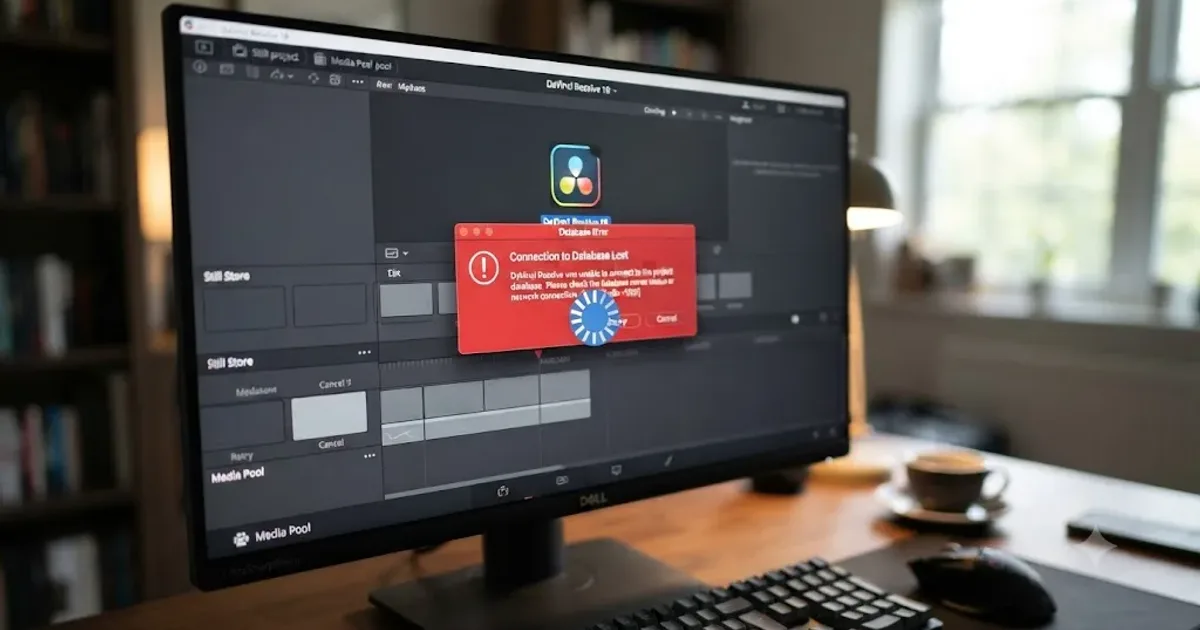
DaVinci Resolve Project Won't Open: Match Symptom to Fix
Whether DaVinci Resolve hangs at 100%, crashes on launch, or shows a database error, here's the exact cause behind each symptom and how to fix it.
Fixes · Jul 13, 2026 · 23 min
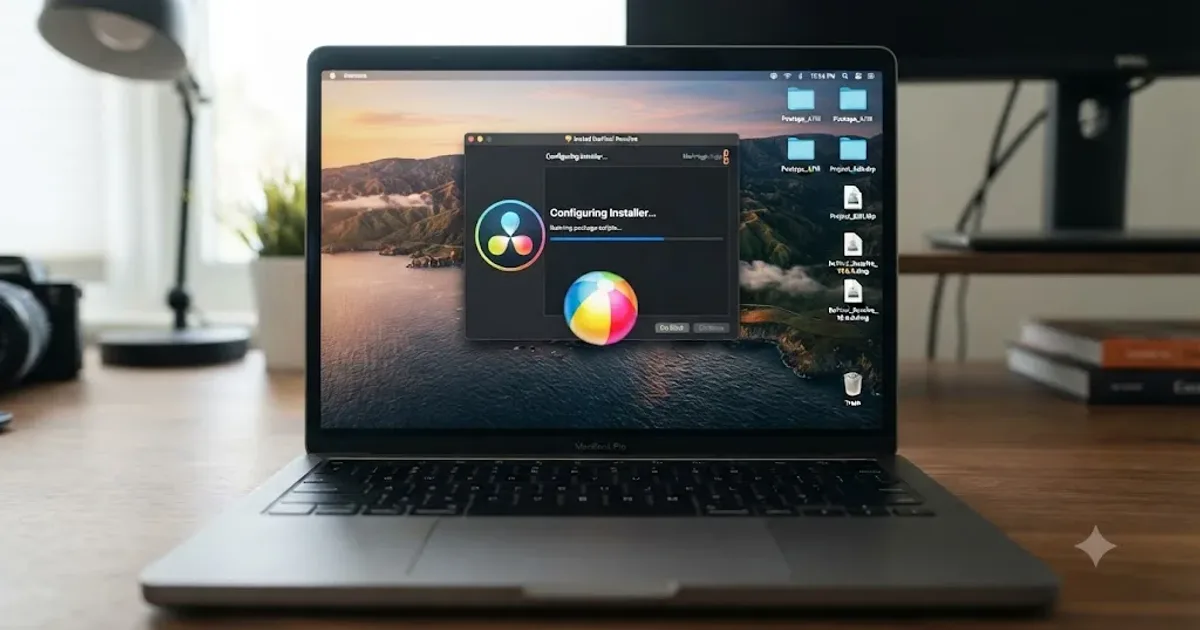
DaVinci Resolve Won't Install or Stuck on Mac: Every Fix
DaVinci Resolve installer stuck on Mac? Real causes: corrupted downloads, Gatekeeper, Rosetta prompts, leftover files. Here's the fix for each.
Comparisons · Jul 7, 2026 · 28 min
DaVinci Resolve Studio Price: Free vs. Studio Cost, Explained
DaVinci Resolve Studio costs $295, paid once, not monthly. Here's exactly what that buys, how it stacks up against Premiere Pro and Final Cut Pro, and who needs it.