Articles / Guidesupdated for DaVinci Resolve 21.0 (September 2026)
DaVinci Resolve Footsteps Sound Effects Tutorial
Quick answer
For a DaVinci Resolve footsteps sound effects tutorial, place each step on the picture edit, then layer a clean contact sound with a softer body or room layer. Use clip gain, fades, EQ, and short reverb in Fairlight, then check the scene at normal volume and export.
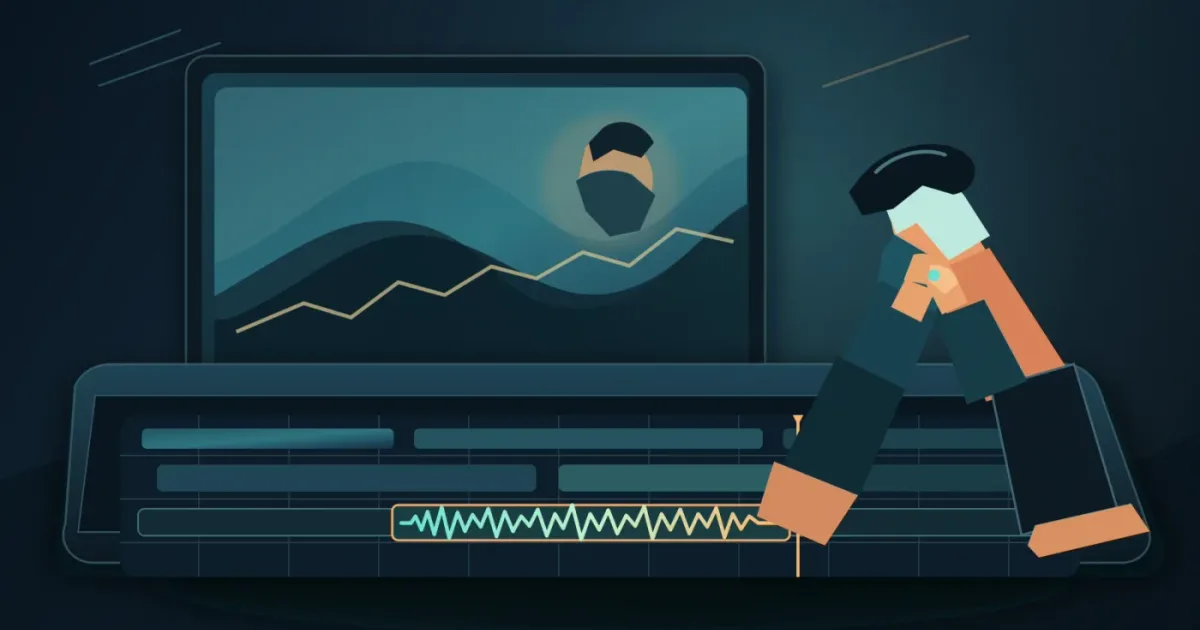
I treat footsteps as timing first and sound choice second. If the step lands late, a perfect recording still feels wrong. As of September 2026, this workflow applies to the final DaVinci Resolve 21 release, which Blackmagic Design released on June 3, 2026.
We run a 100,000+ member professional video-editing community, and footsteps are one of the recurring questions we hear. Here’s the short version: match the movement, layer with restraint, and let the room do some of the storytelling.
How do I add footsteps sound effects in DaVinci Resolve 21?
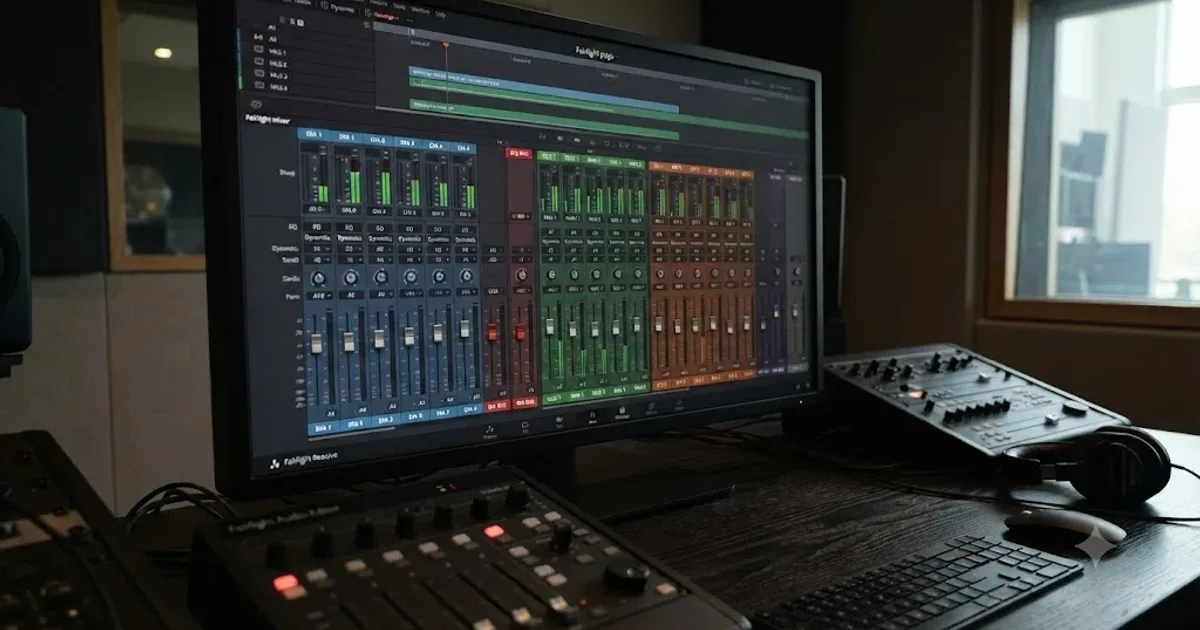
Add footsteps by creating a small Fairlight track group, importing the sounds, and placing each contact point under the matching footfall. DaVinci Resolve’s Fairlight page is built into the editor, so you can cut picture and adjust audio without moving the project to another application. Blackmagic describes Fairlight as an integrated audio post-production workspace with clip gain, fades, panning, pitch, and a 6-band parametric EQ.
Watch the shot twice before searching. Mark the moments when the heel or toe accepts weight. Don’t mark every frame of movement. Mark the contact.
| Track | What belongs there | Why it helps |
|---|---|---|
Foley - Steps | Main shoe contacts | Keeps the walking rhythm clear |
Foley - Surface | Gravel crunch, wood creak, wet detail | Adds material without making the step huge |
Foley - Body | Cloth, bag movement, soft low detail | Connects the step to the character |
Foley - Room | Short room response or shared ambience | Places the action in the scene |
Resolve 21 adds Fairlight folder tracks. They let you group related tracks into a composite view, and the New Features Guide says folder tracks support a maximum of three nesting levels.
A believable footstep starts with the picture’s contact point, not the loudest part of the audio file.
How do I sync footsteps to video in DaVinci Resolve?
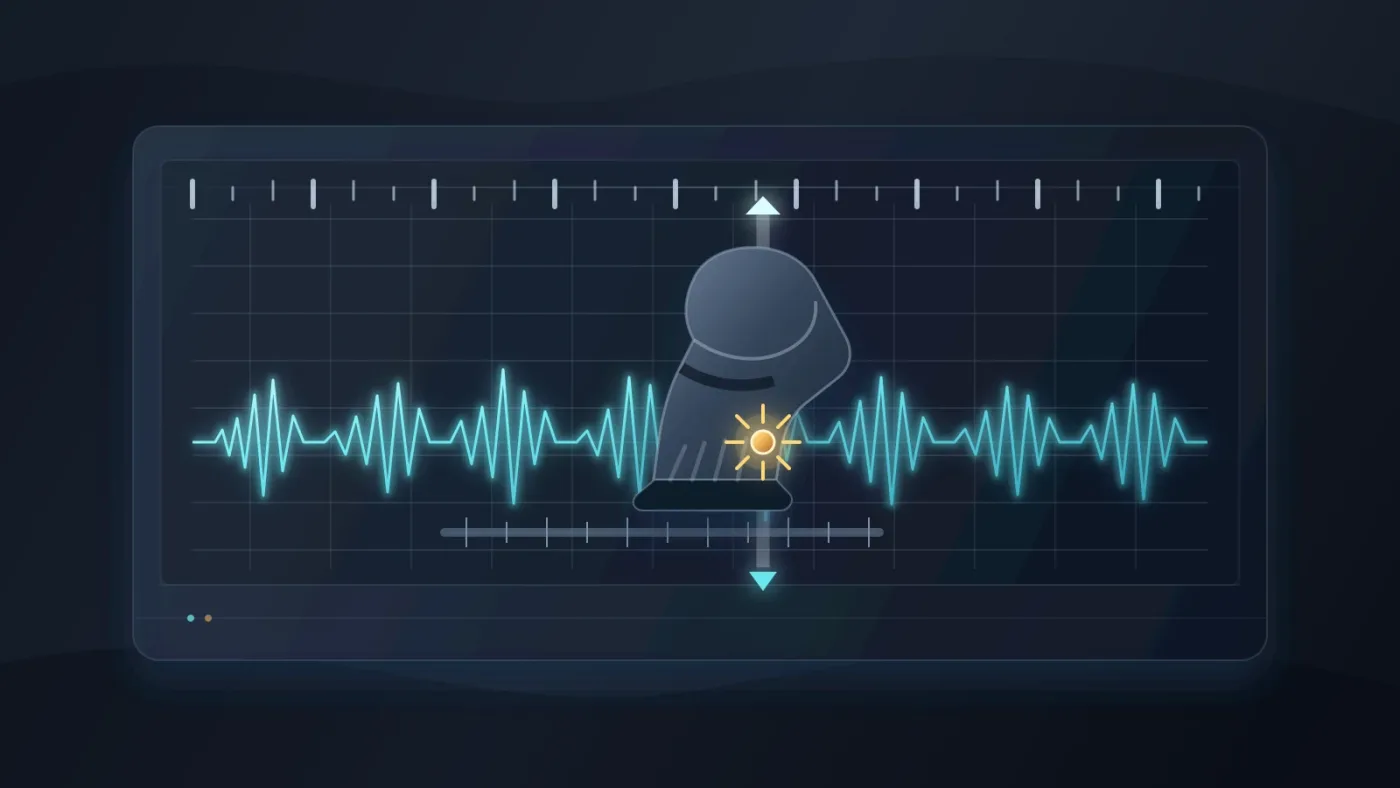
Sync footsteps by aligning the attack of the sound with the frame where the shoe visibly meets the ground, then judge the result in motion. Use your ears and the picture together.
- Move the playhead to the first visible contact.
- Zoom into the timeline until you can distinguish individual frames.
- Slide the clip so its first convincing attack lands on the contact.
- Play the shot at normal speed.
- Nudge the clip one frame at a time until the movement feels attached.
- Repeat only for meaningful contacts. A distant group of walkers often needs a readable composite rhythm, not a perfectly isolated clip for every person.
Blackmagic’s Fairlight documentation describes auditioning library clips, syncing a selected waveform section to the playhead, and using sync scrollers while positioning audio.
Why do footsteps sound fake in DaVinci Resolve?
Footsteps sound fake when the source disagrees with the shoe, surface, character, timing, or room. Fix those mismatches before adding more plug-ins.
Think in three checks:
- Shoe: boots, trainers, heels, bare feet, and soft slippers need different attacks.
- Surface: tile, timber, gravel, grass, snow, and mud each suggest a different texture.
- Performance: a cautious step, a sprint, and a heavy stomp don’t share the same energy.
Foley artist Bryen Hensley told Shure that close microphone placement for footsteps should capture the step rather than clothing noise, while a wider placement can be chosen for a broader sound. Select the perspective that matches the camera distance instead of trying to fix a mismatched close recording with volume alone.
Film sound designer Ben Burtt explained the scale of the AT-AT footsteps this way: “The movements became this mixture of a whole bunch of different elements.” Read Burtt’s StarWars.com interview. A strong step can be a small composite, not one magic file.

How do I layer sound effects for footsteps in Resolve?
Layer footsteps by giving each sound one job: contact, material, or space. Start with the main contact, add only the missing texture, then stop when the movement reads clearly.
Use this order:
- Put the cleanest shoe contact on
Foley - Steps. - Add a quieter surface sound on
Foley - Surfaceif the ground needs definition. - Add cloth or a small body movement only when the character’s motion calls for it.
- Add room tone or a short shared reverb so the layers occupy the same world.
Sound On Sound’s visual-media guide divides effects work into atmospheres, Foley, and spot effects, and recommends building the sound in layers. It warns that Foley should support the character without distracting from the scene.
Avoid copying the same clip at equal volume for every footfall. Alternate similar recordings, trim the beginnings cleanly, and remove clicks at the ends with short fades. Vary the source, timing, or level slightly when a repeating pattern jumps out, but don’t randomize everything.
For distant groups, a general footstep clip may work better than individually syncing every person. Keep the hero character specific and let background movement stay impressionistic.
For a deeper layer-by-layer workflow, see how to layer sound effects in DaVinci Resolve 21.
Layering makes footsteps feel attached to a character, but restraint keeps the audience inside the scene.
How do I make footsteps sound close, distant, indoors, or outdoors?
Place footsteps in space with level, perspective, EQ, panning, and shared ambience. Reverb alone won’t make a close recording sound distant if the dry signal stays too loud and bright.
Start with perspective before processing:
| Picture cue | First adjustment | Common mistake |
|---|---|---|
| Close character | Keep the contact clear and mostly dry | Adding a large reverb immediately |
| Mid-distance character | Lower the level and soften the detail | Leaving the close perspective intact |
| Distant character | Lower level, reduce presence, add more room | Using a louder effect to make it feel important |
| Hard indoor surface | Add a controlled short reflection | Using a long, obvious tail |
| Soft outdoor surface | Keep the transient modest and support it with ambience | Using a bright tile or wood recording |
Fairlight gives every clip volume, pan, pitch, and 6-band parametric EQ controls, and its mixer provides 6 effects slots per channel plus dynamics and EQ. If a footstep is too boomy, inspect the low end rather than simply turning it down. Shure’s mixer guidance identifies unwanted low-frequency vibration from footsteps in the 5 to 80 Hz range, so listen for rumble before you boost weight.
For a room, send several Foley elements to the same short reverb or use a quiet room layer. Shared space is often more convincing than putting a different reverb on every clip. Keep dialogue and important effects readable.
Where can I find licensed footsteps for DaVinci Resolve?
Choose sound sources according to the project’s publishing rights, not just the preview quality. A free source can be suitable when its license covers your use, and a one-time pack can be simpler when you only need a few effects; a subscription can make sense when you regularly need music and sound effects.
Disclosure: this section contains an affiliate link. If you subscribe through it, we may earn a commission at no extra cost to you.
Recommended for recurring audio work: Epidemic Sound is one licensed option for music and sound effects.
Check the current plan terms before publishing, especially if the video is client work, advertising, a branded channel, or a project that will be released after a subscription ends. If your need is one specific footstep pack, compare the total cost and rights against a one-time library instead.
Fairlight also supports external sound libraries, including auditioning and syncing selected waveform sections.
When the scene has dialogue, the next useful step is our guide to mixing audio in DaVinci Resolve with Fairlight.

What is the best way to learn DaVinci Resolve audio?
The best way to learn DaVinci Resolve audio is to repeat a short scene with one clear goal, then compare the result at normal listening level. Blackmagic’s official training includes a 23-minute Introduction to Audio lesson covering Fairlight navigation, importing media, clip selection, balancing levels, simple editing, and plug-ins.
Use this practice loop:
- Pick a shot with one person walking.
- Add only the main contacts.
- Add one surface layer.
- Add a room layer.
- Mute each layer and write down what changes.
- Rebuild the scene from memory the next day.
TryUncle is the on-screen assistant for DaVinci Resolve on macOS — ask in plain words and Uncle points at the exact control on your screen.
That kind of live help is useful when you’re stuck finding a Fairlight control, but it doesn’t replace listening practice. Blackmagic’s free training, a focused YouTube lesson, and a repeatable exercise are all valid ways to learn DaVinci Resolve fast.
How do I check a footsteps mix before exporting?
Check the footsteps in context, at normal volume, and away from the timeline before you export. A sound that feels exciting when soloed can be too loud, too dry, or too clean beside dialogue and ambience.
Use a final pass with the video running:
- Watch without soloing the Foley.
- Mute the footsteps once to confirm they add information.
- Check the first and last step for clicks or abrupt cuts.
- Listen for a repeated sample pattern.
- Check that the room perspective remains consistent across cuts.
- Compare the scene on headphones and speakers if both are available.
DaVinci Resolve 21’s Fairlight page supports audio editing, mixing, effects, and track organization in the same project. The creative decision stays small: does the sound make the movement more believable?
The right footsteps mix disappears into the action while making the action easier to feel.
Frequently asked questions
- How do I add footsteps sound effects in DaVinci Resolve 21?
- Import a footstep file into the Media Pool, place it on a dedicated Fairlight track, align its contact point with the actor's footfall, then trim, fade, layer, and mix it against the scene.
- How do I sync footsteps to video in DaVinci Resolve?
- Zoom into the timeline, move the playhead to the visual contact point, and slide the audio until the attack of the step lands on that frame. Fairlight also provides sync tools for auditioning library sounds against the playhead.
- Why do footsteps sound fake in DaVinci Resolve?
- Footsteps sound fake when the shoe, surface, timing, level, or room perspective disagrees with the picture. Fix the mismatch first, then use a second texture or room layer and reduce the effect until it supports the action.
- What is the best way to learn DaVinci Resolve audio?
- Practice one short scene in Fairlight while following Blackmagic's official audio lessons, then repeat the scene without the tutorial. A small loop with clear before-and-after checks teaches more than collecting unrelated courses.
- Where can I get licensed footsteps for DaVinci Resolve?
- Use a cleared sound-effects library, a free source whose license you have checked, or a one-time sound pack with rights that fit the project. Epidemic Sound is one subscription option, but the correct plan and license still depend on how and where you publish.
Sources
- Blackmagic Design Support Center, DaVinci Resolve 21 release
- DaVinci Resolve 21 New Features Guide, Folder Tracks
- Blackmagic Design Fairlight audio tools
- Blackmagic Design Fairlight training
- Ben Burtt interview, StarWars.com
- Sound On Sound, Sound Design for Visual Media
- Shure, Everything You Need to Know About Foley Recording
- Shure SCM810 User Guide, low-cut filter guidance
- Epidemic Sound licensed music and sound-effects option
Put this guide to work with TryUncle.
Ask about the step you’re on. TryUncle sees your screen and points at the control you need, so you can keep learning in your own project.
Get TryUncle for Mac or WindowsKeep reading
Guides · Aug 28, 2026 · 8 min
How to Make Sound Effects Realistic in DaVinci Resolve 21
Make sound effects realistic in DaVinci Resolve 21 with layering, EQ, reverb, panning, automation, and room-aware mixing in Fairlight.
Guides · Jul 11, 2026 · 31 min
How to Mix Audio in DaVinci Resolve Using Fairlight
Mix audio in DaVinci Resolve's Fairlight page: build a dialogue/music/effects bus structure, gain-stage your clips, EQ and compress dialogue, then duck music under it.
Comparisons · Oct 21, 2026 · 26 min
DaVinci Resolve Course for People Who Hate Tutorials: What Works?
A practical comparison of courses, official training, short lessons, project-first practice, and in-app help for learning DaVinci Resolve without tutorial marathons.