Articles / Guidesupdated for DaVinci Resolve 21 and Epidemic Sound plugin status (August 2026)
Does Epidemic Sound Work With Free DaVinci Resolve?
Quick answer
If you're asking, "does Epidemic Sound work with free DaVinci Resolve," yes: use manual downloads and imports. The official plugin requires paid DaVinci Resolve Studio. As of August 2026, download the audio in your browser, import it into Resolve 21, and edit normally.
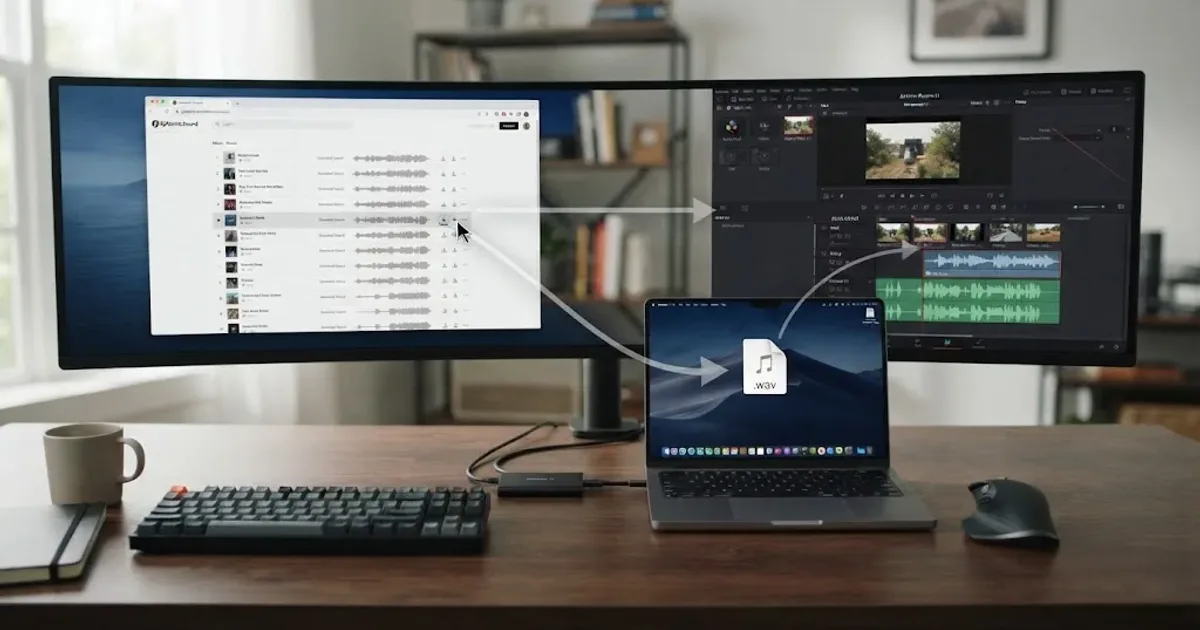
If you’re using the free edition, the answer is simple: you can use Epidemic Sound audio in DaVinci Resolve 21, but you can’t use Epidemic Sound’s Resolve plugin. We built and run a 100,000+ member professional video-editing community, where this is a recurring question. We’d treat the plugin as optional convenience, not a requirement.
As of August 2026, Blackmagic lists DaVinci Resolve 21 and DaVinci Resolve Studio 21 as separate editions. The free version is enough for the browser-download workflow. Studio is the version that unlocks the plugin menu. Blackmagic’s current product page lists the free edition and a $295 price for Studio 21.
Grant Petty, Blackmagic Design CEO, described a Resolve 21 change this way: “The new Photo page in DaVinci Resolve 21 brings Hollywood’s most advanced color tools to still photography for the first time.” (Blackmagic Design’s Resolve 21 announcement)
Disclosure: We may earn a referral commission if you subscribe through an Epidemic Sound link. That doesn’t change the compatibility verdict.
Does Epidemic Sound work with free DaVinci Resolve?
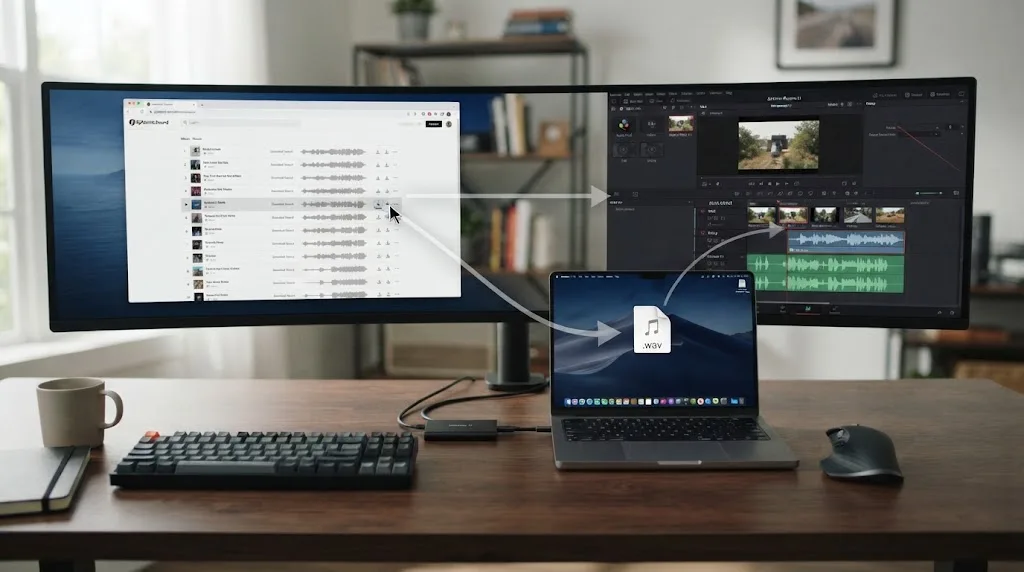
Yes, Epidemic Sound works with free DaVinci Resolve through a manual download and import. The part that does not work is the official Epidemic Sound plugin, because Epidemic Sound says its plugin requires DaVinci Resolve Studio and that the free edition doesn’t support plugins. (Epidemic Sound’s plugin help)
“Works with Resolve” can mean two different things:
| Workflow | Free DaVinci Resolve 21 | DaVinci Resolve Studio 21 |
|---|---|---|
| Download music or sound effects in a browser | Yes, with an active plan and the right license | Yes |
| Import downloaded audio into a project | Yes | Yes |
| Open Epidemic Sound inside Resolve | No | Yes, through Workspace > Workflow Integrations |
| Drag plugin files directly to the timeline | No | Yes |
| Download individual stems from the plugin | No | Yes |
| Use Timeline Sync in the plugin | No | No, the plugin doesn’t support it |
Free Resolve doesn’t block audio editing. It blocks this integration layer, so an Epidemic Sound subscription alone won’t make the plugin appear.
Free DaVinci Resolve supports the manual-import workflow, not the Epidemic Sound plugin workflow.
Why is Workflow Integrations missing in DaVinci Resolve 21?
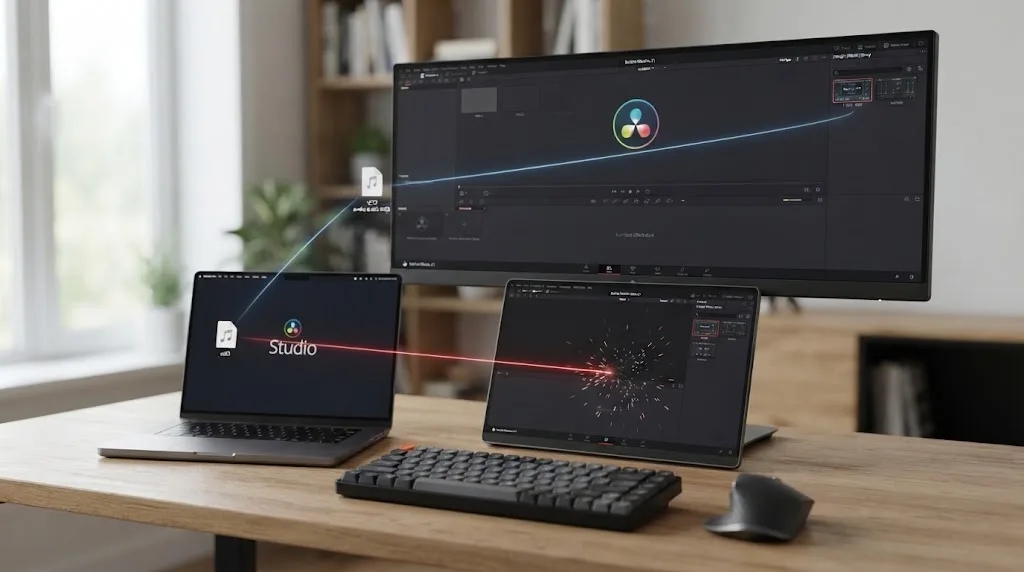
Workflow Integrations is missing because the free edition of DaVinci Resolve 21 doesn’t support plugins. If you own Studio and still can’t see the menu, check whether you installed the Mac App Store build, because Epidemic Sound says that build doesn’t expose Workflow Integrations either. (Epidemic Sound’s current plugin page)
Make these three checks:
- Confirm the app says DaVinci Resolve Studio, not just DaVinci Resolve.
- If you’re on macOS, confirm Studio came from the Blackmagic Design download rather than the Mac App Store.
- If the menu exists but downloads fail, sign in to the correct Epidemic Sound account and confirm the subscription is active.
Epidemic Sound’s Hub app handles plugin updates, but it can’t turn the free edition into a plugin host. (Plugin installation and troubleshooting)
The missing Workflow Integrations menu is a product-edition clue, not an Epidemic Sound account problem.
How do I use Epidemic Sound with free DaVinci Resolve?
Use the browser-import workflow: download a licensed music or sound-effect file, import it into the Resolve Media Pool, then edit it on the timeline. The free edition keeps this workflow available because it is ordinary media import, not plugin integration.

1. Check the license before downloading
Decide where the finished video will be published. Epidemic Sound’s licensing options differ by plan. Its current documentation positions Creator for individual creators and personal online channels, while Pro adds digital ads, sublicensing, and up to 3 channels per platform. A client video or paid campaign shouldn’t be treated like a personal YouTube upload. (Epidemic Sound’s licensing options)
A music file can import perfectly and still be the wrong licensed choice.
2. Download the track in your browser
Sign in to Epidemic Sound, choose the music or sound effect, and download it while your subscription is active. Epidemic Sound says active subscribers can download tracks and that its plans include unlimited downloads within the applicable license. Keep the downloaded file with the project’s media, and keep the license or account record where your team can find it. (Epidemic Sound plan documentation)
3. Import the audio into Resolve 21
Open the project, go to the Media page, and import the downloaded audio into the Media Pool. You can use Resolve’s media browser or drag the file from Finder into the Media Pool. Blackmagic’s documentation describes the Media Pool as the place for imported video, audio, and still-image media. (Blackmagic Design support and manuals)
Put music and effects in Music, SFX, and Stems bins.
4. Place and shape the sound
Move the clip to an audio track on the Edit page, or use Fairlight for detailed mixing. Trim it, fade it, lower it under speech, and cut it to the scene.
Our guide to using music stems in DaVinci Resolve covers the creative side. Studio can expose individual stems in the plugin, but free users can import downloaded stem files through the Media Pool.
5. Save the paperwork with the project
Record the track title, download date, plan, and intended publication. Epidemic Sound says qualifying content published during an active subscription remains cleared after cancellation, subject to its terms. (Epidemic Sound’s licensing guidance)
Your license terms matter more than the audio file format you import.
Can I install the Epidemic Sound plugin without DaVinci Resolve Studio?
No, you can’t install the working plugin in free DaVinci Resolve 21. Epidemic Sound’s documentation repeats that DaVinci Resolve Studio is required, and the free version doesn’t support plugins. (Epidemic Sound plugin requirements)
Studio adds in-editor search, drag-and-drop placement, adaptations, voiceovers, and stems. Epidemic Sound also lists soundtrack drafts synchronized to the action. These are conveniences, not requirements. (Epidemic Sound’s Resolve Studio plugin)
There is another limitation to keep in mind: the official help page says Timeline Sync is not supported in the DaVinci Resolve plugin. If your buying decision depends on automatic timeline synchronization, don’t assume Studio provides it.
A music library and a Resolve plugin solve different parts of the editing job.
Recommendation: Epidemic Sound fits music-first creators who accept browser imports in Free or plugin convenience in Studio.
Is DaVinci Resolve Studio worth buying for Epidemic Sound?
DaVinci Resolve Studio is worth considering when avoiding browser switching and using stems inside Resolve will save enough friction to justify the $295 purchase. It isn’t worth buying solely to make Epidemic Sound music importable, because free Resolve already handles manual imports. (Blackmagic Design’s current Resolve 21 listing)
| Choose this setup | It makes sense when | What you give up |
|---|---|---|
| Free Resolve 21 plus browser downloads | You publish personal videos, can manage files, and want to avoid the Studio purchase | No Epidemic Sound plugin, in-editor search, or plugin-based stems |
| Studio 21 plus the plugin | You soundtrack often and value search, stems, and drag-and-drop placement | Blackmagic lists Studio at $295, and the plugin still has no Timeline Sync |
| Free Resolve 21 plus a single-track license | You need one track for one clearly defined production | Reuse and distribution rights depend on the license you buy |
Upgrade to DaVinci Resolve Studio only when in-editor soundtracking offsets its price for your workflow.

Which music library should free Resolve editors choose?
Free Resolve users should compare licensing scope and catalog workflow, not plugin branding. The alternatives below win for different reasons.
| Service | Where it can win | Watch the trade-off |
|---|---|---|
| Epidemic Sound | Music-first workflow with a Resolve Studio plugin, stems, search, and plan-based safelisting | The plugin requires Studio, and client, advertising, channel, and business rights depend on the plan |
| Artlist | A broader stock bundle that can include music, SFX, footage, templates, LUTs, and plugins | Choose the plan carefully because the catalog and license scope vary by plan |
| Motion Array | Templates, presets, motion graphics, footage, music, SFX, graphics, photos, plugins, and LUTs in an all-in-one library | It is a wide asset platform, so it may be more than you need if music is the only requirement |
| Soundstripe | Subscription access plus single-use licenses for a defined project, with stems and collaboration options on qualifying plans | The right license depends on personal, commercial, client, or broadcast distribution |
Artlist’s current stock plans include music, SFX, footage, templates, LUTs, and plugins. Motion Array lists music, sound effects, footage, templates, and editing plugins, with a Business plan for companies with 50+ employees and agencies. Soundstripe lists subscriptions and single-use licenses, including Personal from $49 and Digital from $199. Check current terms before paying. (Artlist plans, Motion Array plans, Soundstripe plans)
For one video, start with the license. For weekly publishing, compare subscriptions. If you need templates and footage too, Artlist or Motion Array may fit better. For one-off commercial licensing, consider Soundstripe’s single-use option.
For help choosing the creative direction, see our guide to choosing background music for a video. For client jobs, read music licensing for freelance video editors before you accept a license that only covers personal publishing.
What is the final answer for free Resolve users?
The final answer is yes: Epidemic Sound works with free DaVinci Resolve 21 when you download audio in the browser and import it through the Media Pool. The plugin is the Studio-only part.
Start with the free workflow. Upgrade only if you repeatedly need the Studio conveniences.
Frequently asked questions
- Does Epidemic Sound work with free DaVinci Resolve?
- Yes. Download the licensed audio through Epidemic Sound, then import the file into the Resolve Media Pool. The official Epidemic Sound plugin requires DaVinci Resolve Studio.
- Why is Workflow Integrations missing in DaVinci Resolve 21?
- The free edition does not support plugins. The menu is also unavailable in the Mac App Store build of DaVinci Resolve Studio, so use the Studio installer from Blackmagic Design.
- How do I use Epidemic Sound with free DaVinci Resolve?
- Use the browser-import workflow: choose a track, confirm your plan covers the intended publication, download the file, import it into the Media Pool, and place it on a Fairlight audio track.
- Can I use the Epidemic Sound plugin without DaVinci Resolve Studio?
- No. Epidemic Sound states that its DaVinci plugin only works in DaVinci Resolve Studio, not the free edition.
- Is DaVinci Resolve Studio worth buying for Epidemic Sound?
- Only if in-editor searching, stems, drag-and-drop, and soundtrack tools justify the Studio purchase for your workflow. Free Resolve is enough for manual imports.
Sources
- Epidemic Sound DaVinci Resolve Studio plugin help
- Epidemic Sound DaVinci Resolve Studio plugin page
- Epidemic Sound licensing options
- Blackmagic Design DaVinci Resolve 21 product information
- Blackmagic Design announces DaVinci Resolve 21
- DaVinci Resolve 21 New Features Guide
- Blackmagic Design DaVinci Resolve support and manuals
- Artlist music and sound effects pricing
- Motion Array pricing plans
- Soundstripe music and sound effects pricing
Put this guide to work with TryUncle.
Ask about the step you’re on. TryUncle sees your screen and points at the control you need, so you can keep learning in your own project.
Get TryUncle for Mac or WindowsKeep reading

Guides · Aug 25, 2026 · 8 min
How to Use Music Stems in DaVinci Resolve 21
Learn how to import, align, mute, mix, and export vocal, drum, bass, and instrument stems in DaVinci Resolve 21.
Guides · Aug 24, 2026 · 8 min
How to Choose Background Music for a Video in Resolve 21
Choose background music by story, mood, tempo, dialogue, structure, and license, then mix it cleanly in DaVinci Resolve 21.

Guides · Aug 24, 2026 · 8 min
Music Licensing for Freelance Video Editors: Client Rights
Practical music licensing for freelance video editors, covering client handoffs, safelisting, platform rights, cancellation, and DaVinci Resolve 21.