Articles / Guidesupdated for DaVinci Resolve 21 (August 2026)
Music Licensing for Freelance Video Editors: Client Rights
Quick answer
Music licensing for freelance video editors means clearing the finished client use, not merely downloading a track. Choose a plan or single-use license that covers the client, platforms, ads, handoff, and cancellation, then record the license and safelist channels before delivery. Single-use licensing is often simplest for one-off work, while recurring editors should compare plan terms.
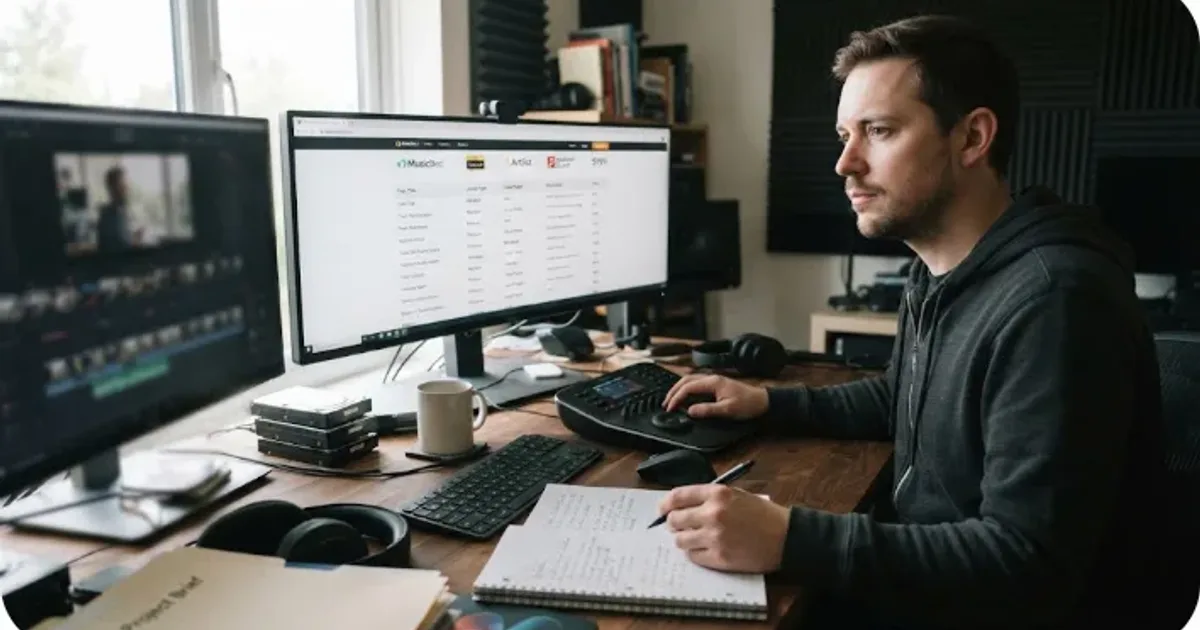
Client work changes the licensing question. A track can sound perfect in your DaVinci Resolve 21 timeline and still fail when a client publishes the finished video. As of August 2026, this is the workflow we recommend for music licensing for freelance video editors. We built and run a 100,000+ member professional video-editing community, and after 7+ years of commercial editing, we treat the license record as part of the deliverable.
What does music licensing for freelance video editors actually cover?
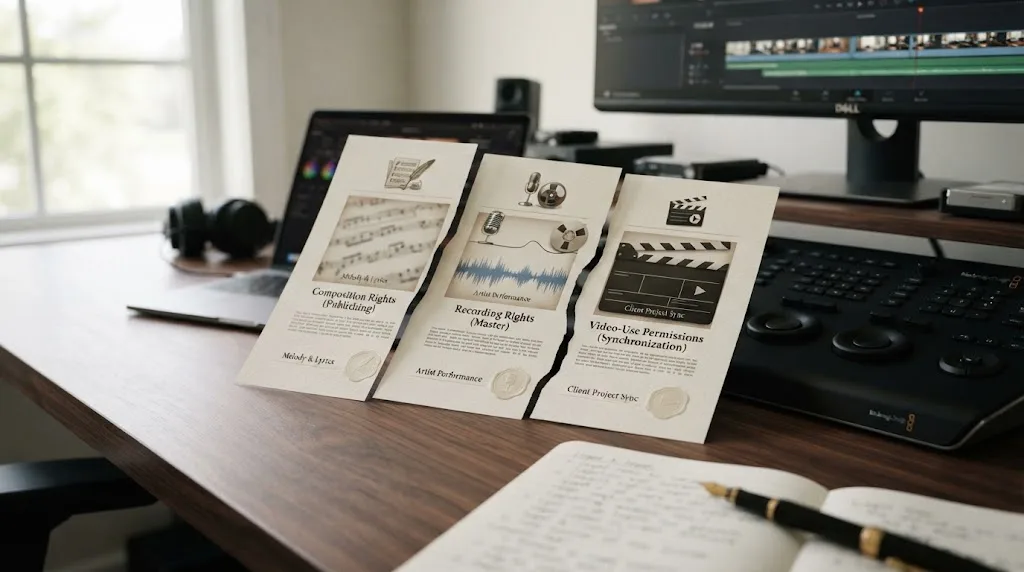
Music licensing for freelance video editors covers permission to combine music with finished visual work and distribute it in approved ways. The U.S. Copyright Office describes synchronization as using a musical work with visual content, and music also involves separate musical-work and sound-recording rights, as the Office explains in its copyright education materials. Read the license as a use document, not as a promise that a downloaded file is yours.
Ask five questions:
- Who is the licensee: you, your client, or both?
- Which platforms, ads, territories, and terms are covered?
- Can you hand off the finished video, audio file, stems, or all three?
- Is safelisting, clearlisting, or a YouTube code required?
- What survives cancellation?
The word “royalty-free” doesn’t answer those questions. It usually describes how royalties are charged under a license. It does not automatically grant client rights, paid-media rights, perpetual rights, or permission to redistribute a track.
A freelance video editor needs a license for the finished client use, not just permission to download an MP3.
How do I license music for a client video in DaVinci Resolve 21?
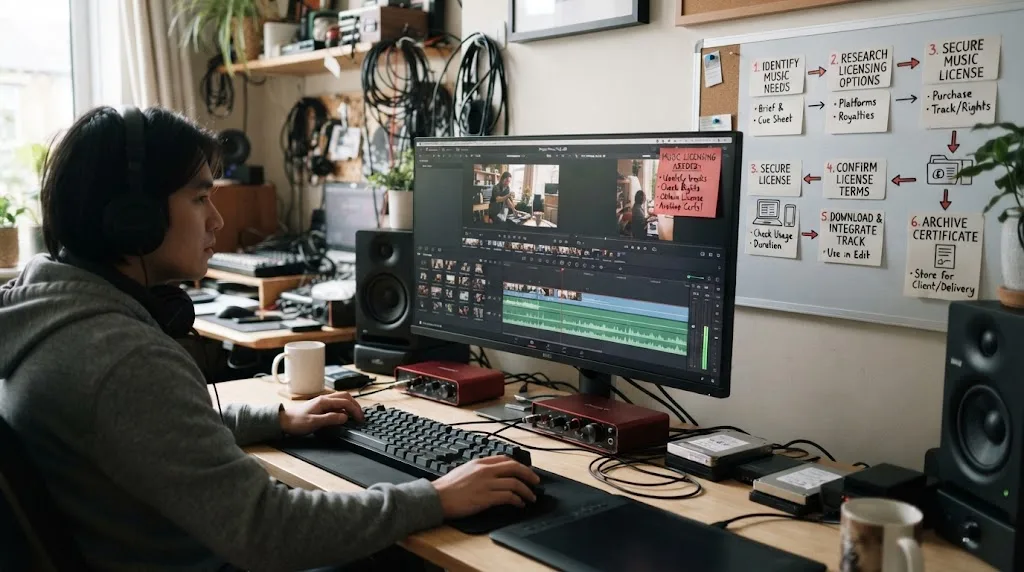
Start with the delivery plan, then choose the track. The six-step process below keeps the creative choice and the rights check in the same Resolve 21 workflow.
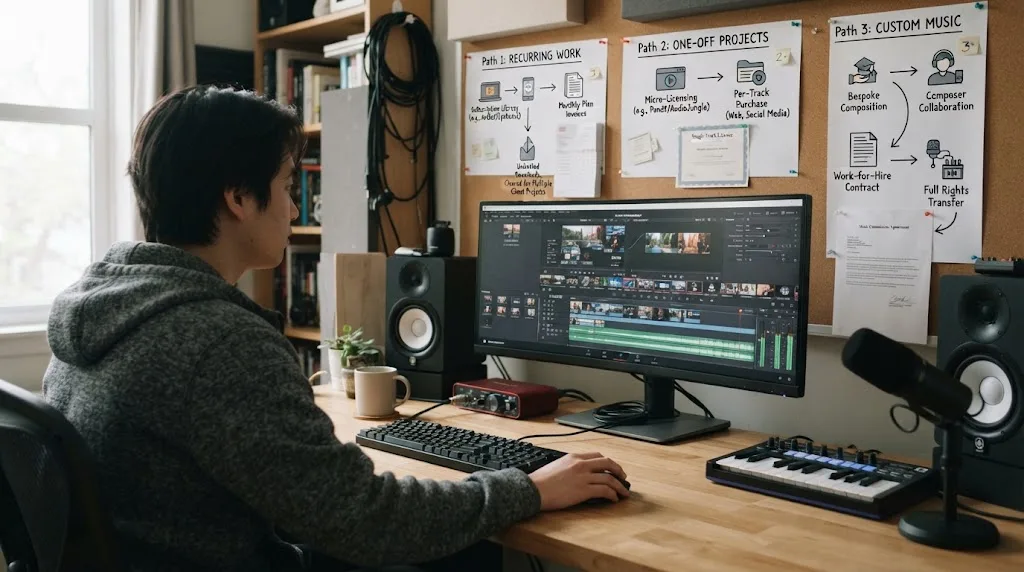
- List the actual uses. Write down the client, platforms, paid promotion, territory, term, and any television, event, or music-led use.
- Choose the license model. Compare a recurring subscription, single-use license, or custom composition. A cheap download is irrelevant if the use falls outside the grant.
- Confirm client-work coverage. Search the terms for client, commercial, advertising, channel, broadcast, and transfer language.
- Download and document. Save the receipt, license certificate, track ID, plan name, and project details beside the Resolve project.
- Safelist before publishing. Add the client’s channel or video, or generate the required platform code, while the license is active when required.
- Handoff the rights packet. Deliver the finished video with license evidence, covered platforms, clearance instructions, and the cancellation limit.
Keep the track ID and version in a project note.
If the music also needs to hit a precise duration, see our guide to fitting music to video length in DaVinci Resolve.
Can I hand music files to my client after the edit?
You can usually hand off the finished video when the license covers client work. You can’t assume you can hand off the music file, stems, or account access. Artlist says its Pro license covers client projects, but its assets remain non-transferable. Soundstripe distinguishes subscriptions from single-use licenses that can name the client.
Hand off the rendered project unless the terms clearly allow asset transfer. If the client needs to recut, buy a client-named license or commission custom music with editing rights in the contract.

Which music license covers client channels, ads, and cancellation?
The best choice depends on who publishes, where the video appears, and whether the project is one-off or recurring. Use this matrix with the current plan terms.
| Option | Client handoff | Safelisting or clearance | Cancellation and best fit |
|---|---|---|---|
| Recurring direct-license subscription | Finished-video delivery may be covered, but client and commercial uses depend on the selected plan. Don’t share assets unless allowed. | Add covered channels or videos when required. Channel limits and client coverage vary by plan. | Active access is generally needed for new downloads or new publications. Good for recurring client work after a plan check. |
| Soundstripe subscription | The editor keeps the license and the client gets rights to use the delivered project under the plan. | Each project needs its own license. Client-channel YouTube uploads can require a single-use clearance code. | Delivered, licensed videos stay covered after cancellation. Good for repeated work when the plan fits. |
| Soundstripe single-use | The license can be purchased per project and assigned to the client, with documentation to share. | Follow the project instructions and platform requirements. | Coverage is perpetual for that specific licensed project. Good for occasional or client-owned work. |
| Artlist Pro | You can deliver a completed client project, but the downloaded music and other assets aren’t transferable for independent use. | Clearlist channels or content while the subscription is active. | A project published while active can remain covered. New projects can’t use the assets after expiry. |
| Custom composition | The contract can name the client, editor, platforms, territory, term, revisions, and ownership. | There may be no library safelist. Keep the signed agreement and any cue-sheet or platform paperwork. | The contract controls renewal and cancellation. Best when the client needs a distinctive theme or broad rights. |
“Client work” and “paid advertising” aren’t interchangeable. A plan may cover a client channel while excluding ads, broadcast, or a wider territory. “Perpetual” often describes one published project, not every future edit.
Safelisting is a publishing step, not proof that a subscription covers every client channel.

Why did my client’s video get a music claim after I licensed the track?
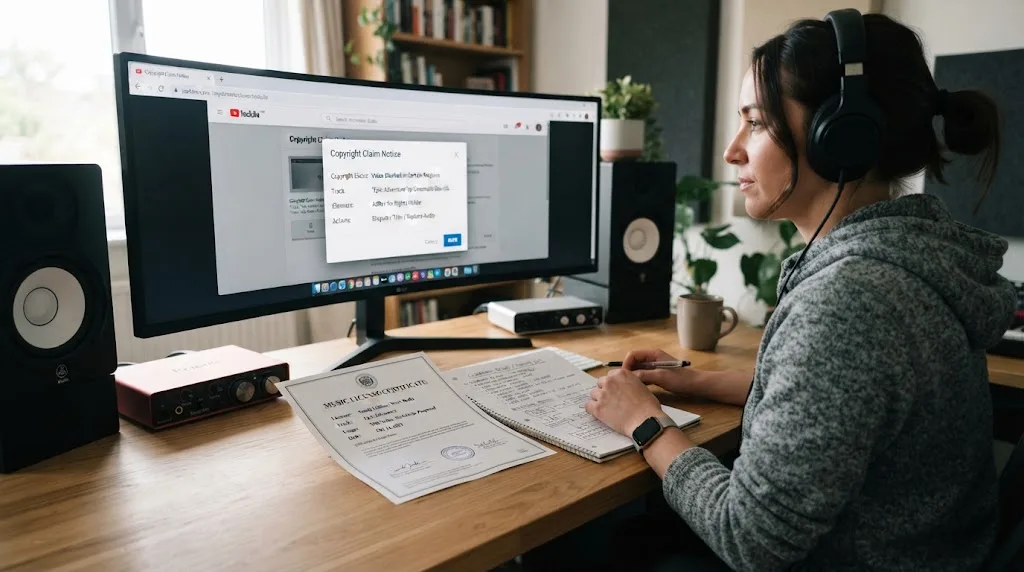
The common causes are missing clearance, an expired subscription, an excluded use, or an automated platform match that needs documentation. A valid license can still require a dispute workflow. Artlist lists missing Clearlist entries, incorrect matches, expired publication rights, and out-of-scope use as possible reasons for a claim.
Before you dispute anything, check four records:
- The exact track and version used in the Resolve timeline.
- The licensee name and plan active on the publication date.
- The client channel, video URL, or platform code attached to the project.
- The intended use, including paid promotion, territory, and whether the upload is new or already published.
Then send the platform the provider’s requested evidence. Don’t promise a client that a library means zero claims. Promise a documented process and a license that fits the use.
Is Epidemic Sound a good recurring option for freelance editors?
Epidemic Sound is worth considering when you soundtrack client work regularly and want a recurring catalog workflow, but the plan must match the project. Its DaVinci Resolve integration requires paid DaVinci Resolve Studio downloaded from Blackmagic Design, not the Mac App Store build, and the integration does not provide Timeline Sync. Those limits matter before you choose it for a Resolve 21 setup.
The useful distinction is recurring access versus client ownership. Confirm whether your selected plan covers client publishing, paid ads, organizational use, broadcast, and the channels you need. Safelist the client’s channels or videos where required. If you cancel, treat new publications as unlicensed until the current terms say otherwise; qualifying published content can remain cleared under the applicable license.
Recurring client work favors a plan whose license names client and commercial uses explicitly.
Affiliate disclosure: If you choose Epidemic Sound through this link, this publication may earn a commission. The referral does not change the rights checks or the alternatives in this guide.
Soundstripe is the stronger fit for a client-assigned single-use license or per-project billing. Artlist is compelling when you also need footage, templates, LUTs, or other production assets, but its music assets remain non-transferable. Custom music wins when the client needs a unique identity, broad usage, or negotiated ownership.
What should I put in the client handoff?
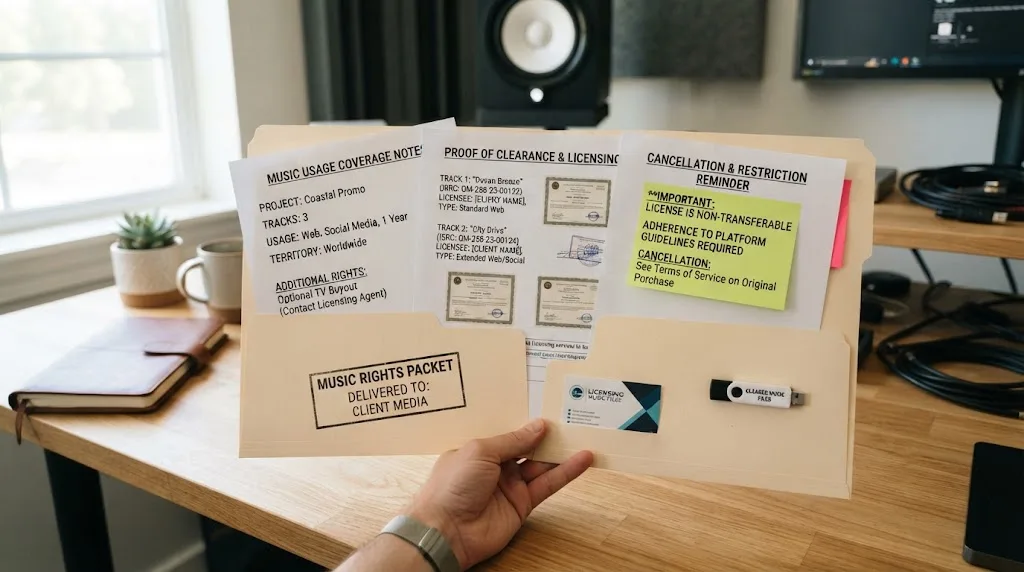
Give the client a short rights packet they can understand without opening your Resolve project. Include these four items:
- License identity: provider, track title, artist, track ID, licensee, plan or receipt, and purchase date.
- Coverage: approved platforms, channels, territory, term, client use, paid promotion, and any broadcast or event limits.
- Clearance action: safelisted channel, Clearlist entry, YouTube code, or the provider’s dispute instructions.
- Cancellation rule: what remains covered, what cannot be newly published, and who must renew if the client orders a new cut.
Keep the packet with the Resolve 21 archive. If you hand the project to another editor, include the audio file only when the license allows it. Otherwise, send the track ID and tell the next editor where the client can obtain a compliant copy.
For the cancellation edge case, see Can I Use Epidemic Sound Music After Cancelling?. For the creative choice before the rights check, use How to Choose Background Music for a Video in Resolve 21.
Robert Freund, a marketing attorney quoted by Epidemic Sound, puts the timing plainly: “It’s almost always more cost-effective to do preventive rights clearance work, than having to sort it out after the fact.”
A single-use license is often cleaner than a recurring subscription for one-off client work.
Which option should a freelance video editor choose?
Choose a recurring plan when you publish or deliver music-backed work often, the plan explicitly covers the client’s use, and you’re willing to manage safelisting. Choose Soundstripe single-use when the project is occasional or the client should own the project license. Choose Artlist when its wider production bundle matters and the client only needs the completed video. Choose custom music when the brief demands a distinctive score or negotiated ownership.
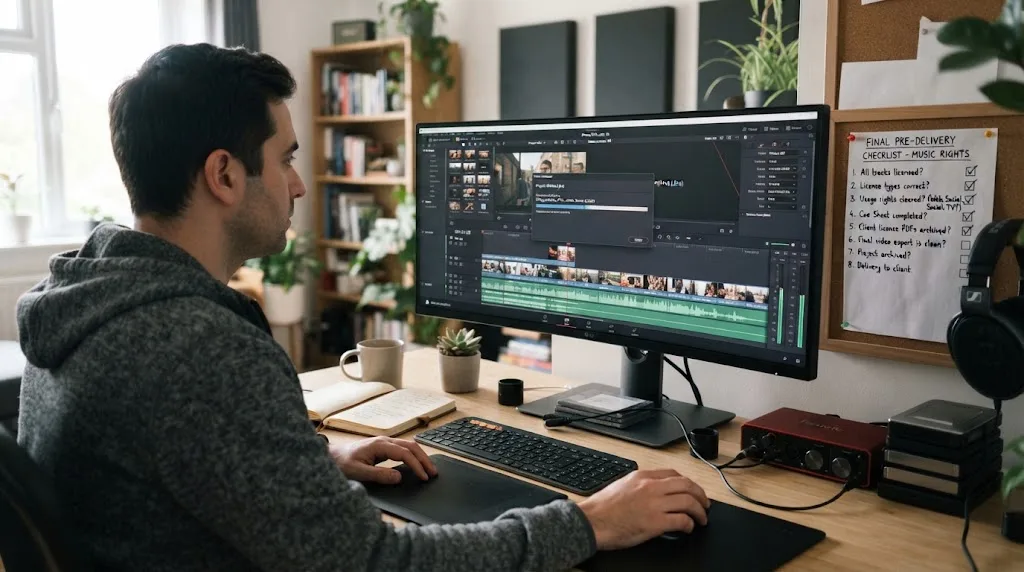
Before you send the final export from DaVinci Resolve 21, answer one question in writing: “If the client publishes this exact video on this exact channel after I hand it over, what document proves they’re covered?” If you can attach that answer to the project, your music choice is ready. If you can’t, keep the track out of the final delivery.
Frequently asked questions
- How do I license music for a client video?
- Choose a license that covers the client’s intended use, platforms, advertising, territory, and term. Save the license record with the project, then complete any safelisting, clearlisting, or platform-code step before delivery.
- Can I hand music files to my client?
- Not automatically. Some licenses let you deliver a finished video but prohibit sharing the underlying audio asset, while a single-use license may name the client as licensee. Check transfer language before sending stems or files.
- Do freelance video editors need to safelist a client’s channel?
- If the service uses safelisting or a clearance code, yes. Add the client’s channel or video while the license is active and send the resulting proof or code with the delivery notes.
- What happens to licensed music after I cancel?
- Cancellation usually stops new downloads or new publications, but qualifying projects published during an active license may remain covered. The exact result depends on the provider, plan, publication date, and covered use.
- Is a subscription or single-use license better for freelance editing?
- Use single-use licensing for an occasional client project when you want the client and project named directly. Use a recurring plan when you publish or deliver enough work to justify ongoing access, but confirm client, advertising, and channel terms first.
Sources
- U.S. Copyright Office, Copyright and the Music Marketplace
- U.S. Copyright Office, Sound Recordings and Musical Works
- Soundstripe, Music Licensing for Video and Film Freelancers
- Soundstripe, Client Work Made Simple: Single-Use Licensing
- Soundstripe, Music for Social Media Creators
- Artlist, Understanding Artlist’s License
- Artlist, Understanding Copyright and Content ID Claims
- Epidemic Sound licensing and DaVinci Resolve Studio workflow
- Robert Freund interview on preventive rights clearance
Put this guide to work with TryUncle.
Ask about the step you’re on. TryUncle sees your screen and points at the control you need, so you can keep learning in your own project.
Get TryUncle for Mac or WindowsKeep reading

Guides · Aug 24, 2026 · 44 min
Can I Use Epidemic Sound Music After Cancelling?
Can you keep using Epidemic Sound music after cancelling? Here is the 2026 answer for DaVinci Resolve 21 projects, uploads, clients, and alternatives.
Guides · Aug 24, 2026 · 8 min
How to Choose Background Music for a Video in Resolve 21
Choose background music by story, mood, tempo, dialogue, structure, and license, then mix it cleanly in DaVinci Resolve 21.
Guides · Aug 24, 2026 · 7 min
DaVinci Resolve Fit Music to Video Length: 21 Guide
Fit music to your video in DaVinci Resolve 21 with Music Editor, beat markers, Elastic Wave, and a clean manual fallback.