Articles / Guidesupdated for DaVinci Resolve 21.0 (August 2026)
How to Choose Music for a Documentary Video in Resolve 21
Quick answer
To choose music for a documentary video, define the film’s message, tone, and ethical boundary first, then audition several cues against the actual edit. Pick music that leaves room for speech and natural sound, and clear the composition, recording, channels, term, territory, and client rights before publishing.
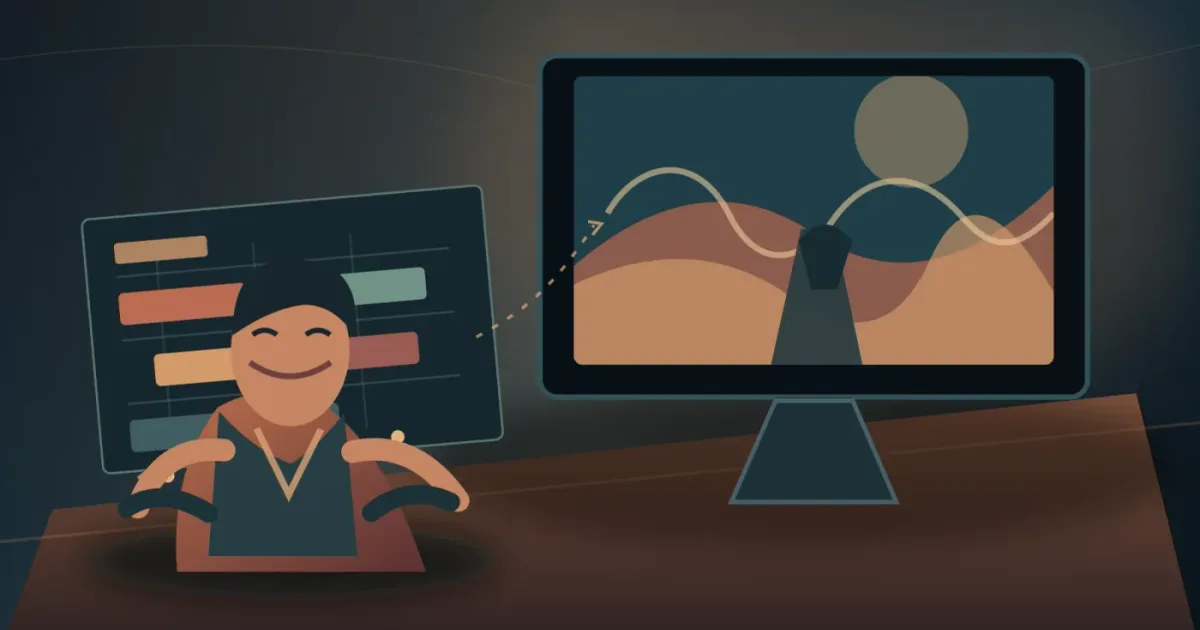
The wrong cue can make an honest interview feel staged in seconds. I start with the story, not the genre tag. We run a 100,000+ member professional video-editing community, where filmmakers ask how to add meaning without taking evidence away from the people on screen.
As of August 2026, this guide assumes DaVinci Resolve 21. Blackmagic lists the final Resolve 21 release in its June 4, 2026 support notes, and Resolve 21 adds Fairlight folder tracks for managing complex audio timelines. Blackmagic’s Resolve 21 support listing and New Features Guide are the version references here.
What should documentary music do?
Documentary music should clarify a scene’s purpose while leaving testimony, narration, and real-world sound in charge. A cue may underline action, add a second point of view, create momentum, or make space for reflection.
Richard Fiocca, an Emmy-nominated composer interviewed by the International Documentary Association, puts the decision in one clean question: “What is the film about, and what can the music add?” Fiocca’s interview describes discussing the film with the director, creating demos against picture, and getting a written agreement before work begins.
That gives you a useful test. If the cue only announces that a shot is sad, tense, beautiful, or triumphant, it may be doing the viewer’s thinking for them. Look for a layer the image and words do not already provide.
The best documentary music serves the film’s argument before it showcases the track.
How do I define the documentary music brief?
Define the documentary music brief in five lines: message, emotional temperature, scene function, cultural boundaries, and practical restrictions. A written brief stops a search for “cinematic” music from becoming an endless scroll through similar-sounding tracks.
Write these answers before you open a library:
- What should the audience understand, feel, or question in this scene?
- Is the cue supporting testimony, carrying a transition, creating suspense, or giving the viewer a pause?
- Should the music feel intimate, observational, urgent, restrained, hopeful, unresolved, or something else?
- Which instruments, references, lyrics, or production tricks would distract from the subject?
- Does the film touch a living culture or community that makes “authentic” shorthand a poor choice?
Music writer Jonny Southall’s documentary scoring guide recommends starting with the message, listening to the voiceover, and identifying each scene’s mood, tone, and climax. It warns against using supposedly exotic sound as a shortcut to place or identity. For the broader version of this workflow, see How to Choose Background Music for a Video in Resolve 21.
How do I audition music against picture in DaVinci Resolve 21?
Audition music against the real edit in DaVinci Resolve 21, not a still image or an imagined film. Use a short, varied shortlist and test each cue at its entrance, turn, exit, and handoff.
Use this seven-pass workflow:
- Mark the scene job. Add markers for the first possible entrance, scene change, and exit. If the scene has no clear job, do not force in a cue.
- Make three contrasting versions. Choose one restrained cue, one active cue, and one unexpected cue. Three directions reveal more than ten near-identical tracks.
- Place the full cue under picture. A promising intro may collapse when a hook meets a key line of dialogue.
- Test the first 30 seconds. Ask whether the music arrives too early, explains too much, or changes the reading of the subject.
- Test the scene turn. A revelation, contradiction, cutaway, or location change may need a texture change, not a large hit.
- Mute and unmute. Compare no music, a low cue, and foreground music. If the scene gets clearer without it, leave it out.
- Test the handoff. Play the end of the previous scene, the cue, and the start of the next. A track that works alone may over-punctuate the edit.
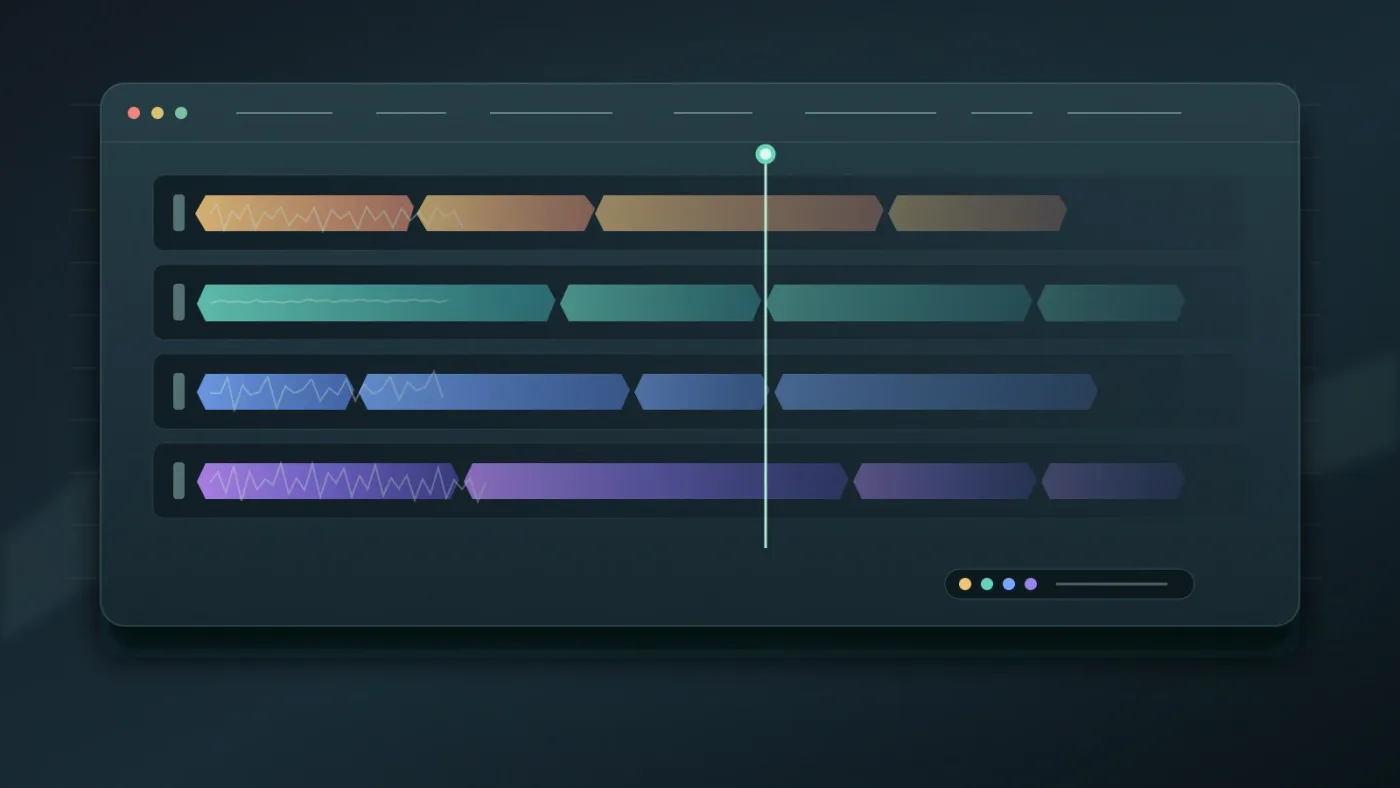
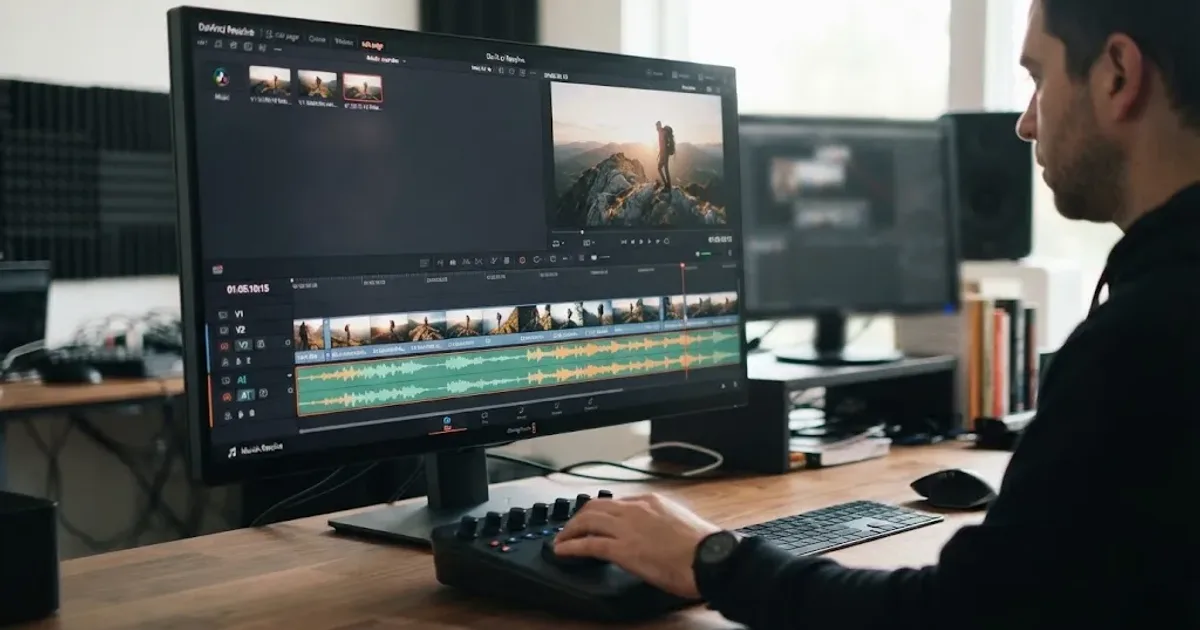
Resolve 21’s Fairlight folder tracks can help once the timeline fills with dialogue, room tone, effects, and music. Select two or more tracks, right-click, and choose Add Tracks to New Folder. Blackmagic says folder tracks can be nested up to three levels, and the folder can be collapsed while the original tracks remain available. The Resolve 21 guide documents the workflow.
For navigation, press C in Fairlight to snap the playhead to the pointer. For fitting a selected track to a cut, see DaVinci Resolve Fit Music to Video Length: 21 Guide.
A good cue creates room for testimony, narration, and real-world sound.
How do I know when documentary music is too manipulative?
Documentary music becomes too manipulative when it supplies a conclusion that the images, words, or evidence do not support. Check the cue against the subject’s dignity and the viewer’s freedom to interpret events.
Southall’s guide states the principle plainly: music should tell the audience how to feel, but not how to think. A low pulse can create unease and a warm instrument can invite closeness. The problem starts when the score declares a person guilty, a memory pure, or an outcome inevitable before the film makes that case.
Try these checks:
- Watch the scene with the music muted. Write down what the evidence communicates.
- Watch it again with the cue. Circle every new judgment the music seems to introduce.
- Ask someone who did not edit the scene what they believe happened and why.
- Leave a deliberate gap. Not every scene needs a bed, and not every transition needs a swell.
Contrast can work, too. A beautiful cue under troubling images may expose a contradiction that a solemn cue would flatten. The choice still needs to be defensible in the finished film.
Music should guide emotion without dictating a verdict.
Should I hire a composer or use a music library?
Choose a composer for a custom identity, recurring themes, unusual instrumentation, or close collaboration with the director. Choose a library for recurring online documentaries when dependable access matters and the catalog’s creative and licensing limits are acceptable.
| Your situation | Strong first choice | Why it fits | Watch for |
|---|---|---|---|
| One film with a distinctive voice | Composer | Themes can evolve with the story and picture | Agree on fee, revisions, ownership, delivery, and usage in writing |
| One track for one production | Single-track license | The scope can be easier to define | Confirm every published version and destination |
| Recurring online documentaries | Music-first subscription | Faster searching and predictable access can suit repeated releases | Personal-channel and client rights may differ by plan |
| Film plus footage, templates, or broader assets | Broader asset library such as Artlist | One service may cover more than music | More catalog breadth can mean a less focused music workflow |
Artlist’s official plan page positions its service around music and sound effects, with broader creative-asset options elsewhere. It may fit when you also need footage or templates. A composer or one-off license may still be better for a single film with a particular voice.
Disclosure: This post contains an affiliate link. If you subscribe through it, we may earn a commission at no extra cost to you.
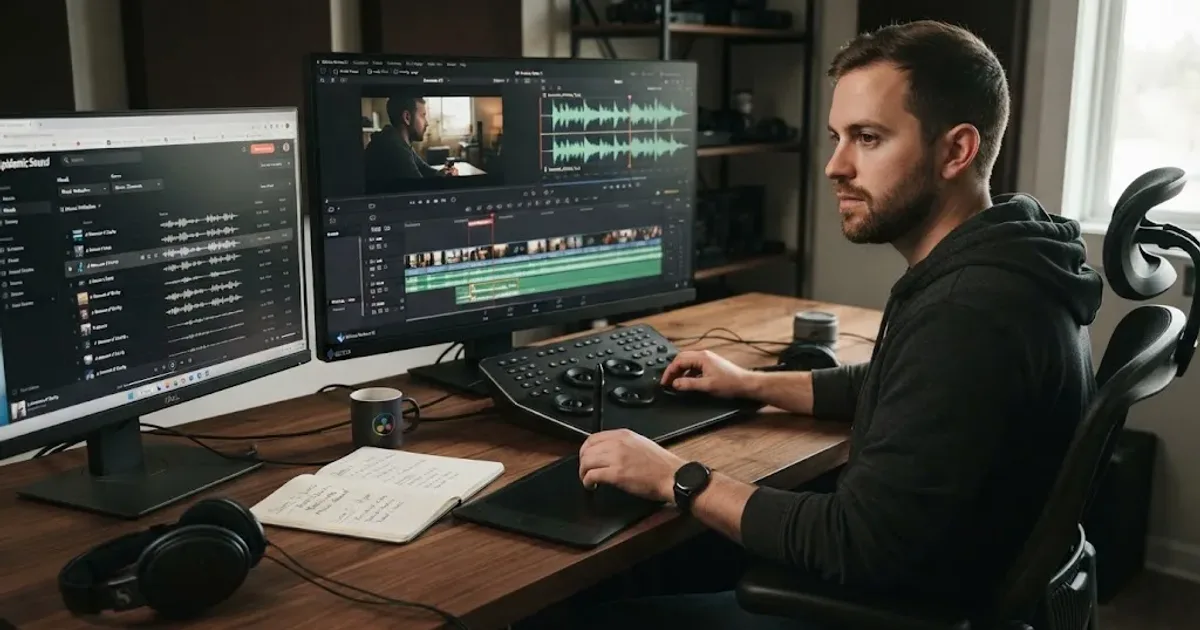
For recurring online work, Epidemic Sound is the music-first library I’d investigate first, provided the plan you select covers your channels, client work, territory, and release format. Its current documentation says the DaVinci Resolve plugin works in DaVinci Resolve Studio, supports placing downloaded files on the timeline, and is not supported by the free edition. The service also documents separate Creator, Pro, Business, Enterprise, and single-track licensing paths, so do not treat one subscription as a universal documentary license.
The plugin is a workflow convenience, not a reason to skip the brief. Use mood, description, reference-track, or video-context search to build a shortlist, then choose against picture. If the film is a one-off with unusual rights, a composer or direct license can be cleaner. If you need stems in the edit, see How to Use Music Stems in DaVinci Resolve 21.
How do I clear music rights for a documentary video?
Clear music rights before export by identifying the composition, recording, permitted media, territory, term, and covered people or channels. “Royalty-free” alone does not tell you whether a documentary release is covered.
The U.S. Copyright Office explains that a musical composition and a sound recording are separate works. When music is placed in an audiovisual work, the composition commonly needs a synchronization license and the recording commonly needs a master-use license. Its music income handout explains both rights and notes that audiovisual uses do not have a compulsory sync license.
Put this information in a cue sheet or rights log:
- Track title, artist, composer, and recording version.
- Where you obtained it and the exact license or agreement.
- Composition and recording permissions, if they are separate.
- Project title, client, production company, and approved platforms.
- Territory, release term, paid advertising permission, and broadcast or festival permission if relevant.
- Whether edits, loops, stems, substitutions, and alternate cuts are allowed.
- Safelisting, registration, or claim-resolution steps required by the provider.
- The date of download, invoice, signed agreement, and a copy of the terms in force.
For a composer, get the written agreement before scoring begins. For a library, read the actual license and save a PDF or account record. For a famous song, assume permission is needed until the rights holders confirm otherwise. Do not publish a temp track and hope final clearance follows it.
A license is part of the cue, not paperwork after the cut.

What should I lock before the documentary export?
Lock the cue only after it works emotionally, leaves speech intelligible, survives the scene handoff, and has a saved rights record. The final check is both creative and administrative.
Before export, play the documentary once with music soloed for continuity and once with music muted for editorial honesty. Check the cue list against the locked timeline. If the edit changed after licensing, confirm that the new duration, alternate cut, trailer, festival screener, and client review link remain covered.
My verdict is simple. Write the brief, audition against picture, protect the evidence, and clear the exact release. Use a recurring library for repeated online work. Hire a composer when the film needs a singular voice.
The strongest documentary cue supports the scene without announcing itself.
Frequently asked questions
- How do I choose music for a documentary video?
- Start with the documentary’s message and scene purpose, then shortlist cues by emotional temperature, instrumentation, pace, and room for speech. Audition each cue against the actual cut before choosing a track and documenting its license.
- How do I know if documentary music is too manipulative?
- Mute the music and identify what the interview, narration, and natural sound already communicate. If the cue pushes the viewer toward a judgment the evidence has not earned, choose a quieter or more contrasting approach.
- Can I use any song in a documentary video?
- No. A documentary normally needs permission for the musical composition and the specific sound recording, or a license that clearly covers both uses in an audiovisual work.
- Should I hire a composer or use a music library for a documentary?
- Hire a composer for a distinctive score, evolving themes, or a film with unusual rights needs. Use a library for recurring online work when its license covers your channels, clients, territory, and release plan.
Sources
- DaVinci Resolve Support, final release listing
- DaVinci Resolve 21 New Features Guide
- DaVinci Resolve 21 official feature page
- U.S. Copyright Office, How Songwriters, Composers, and Performers Get Paid
- U.S. Copyright Office, Musical Compositions and Sound Recordings
- International Documentary Association, interview with Richard Fiocca
- Michael Kruk, How to Write Music for TV and Documentaries
- Epidemic Sound licensing and DaVinci Resolve workflow
- Artlist official music and SFX plans
Put this guide to work with TryUncle.
Ask about the step you’re on. TryUncle sees your screen and points at the control you need, so you can keep learning in your own project.
Get TryUncle for Mac or WindowsKeep reading
Guides · Aug 24, 2026 · 8 min
How to Choose Background Music for a Video in Resolve 21
Choose background music by story, mood, tempo, dialogue, structure, and license, then mix it cleanly in DaVinci Resolve 21.
Guides · Aug 24, 2026 · 7 min
DaVinci Resolve Fit Music to Video Length: 21 Guide
Fit music to your video in DaVinci Resolve 21 with Music Editor, beat markers, Elastic Wave, and a clean manual fallback.

Guides · Aug 25, 2026 · 8 min
How to Use Music Stems in DaVinci Resolve 21
Learn how to import, align, mute, mix, and export vocal, drum, bass, and instrument stems in DaVinci Resolve 21.