Articles / Guidesupdated for DaVinci Resolve 21 (September 2026)
How to Choose Music for a Product Video
Quick answer
To choose music for a product video, match the track to the product's promise, test its energy against the edit, reserve space for voiceover, and confirm licensing for every channel. In DaVinci Resolve 21, audition several tracks, cut to musical changes, then mix and duck the bed under speech.

When we choose music for a product video, we stop asking which track sounds coolest. We ask which track makes the product easiest to understand. After seven years of cutting commercial video, we’ve found that the best choice becomes obvious once the voiceover, promise, and edit rhythm align.
As of September 2026, this workflow is written for DaVinci Resolve 21. Resolve’s Fairlight tools include automation, clip and track mixing, a six-band parametric EQ on each channel, and a Ducker that can lower music when dialogue is present. Blackmagic Design documents those Fairlight capabilities here.
What should product-video music do?
Product-video music should reinforce the product’s promise, control the pace, and support the spoken explanation without competing with it. If the viewer remembers the song but not what the product does, the track has taken too much attention.
Start with four words:
- Audience: Who needs to believe this product is for them?
- Promise: What changes for that person after they use it?
- Tone: Should the video feel precise, warm, playful, premium, fast, or calm?
- Action: Should the viewer try, buy, book, download, or simply remember?
Those answers give you a filter. They’re decisions about attention.
For a broader filter, see our background-music guide.
Walter Murch, the editor and sound designer behind films including The Conversation and Apocalypse Now, put the broader principle plainly: “Sound has a great power but it is a conditional power.” The full interview is available at FilmSound.org. For a product video, the condition is simple: sound works when it helps the image and message do their jobs.
The best music for a product video supports the product’s promise before it advertises the editor’s taste.
Why is the first track I like often the wrong choice?
The first track you like is often wrong because you’re judging it in isolation instead of against the product video. A song can be enjoyable, polished, and completely unusable once the voiceover, screen text, product reveal, and call to action arrive.
Use a quick rejection test before you get attached. Remove any track with:
- A vocal hook that competes with important words.
- A chorus that makes the product reveal feel smaller.
- A long intro that delays the first useful visual.
- A hard ending that gives you no clean way to finish.
- A mood that contradicts the price, audience, or brand promise.
Audition three to five candidates against the same rough cut. If the narration becomes harder to follow, the track isn’t supporting the edit.
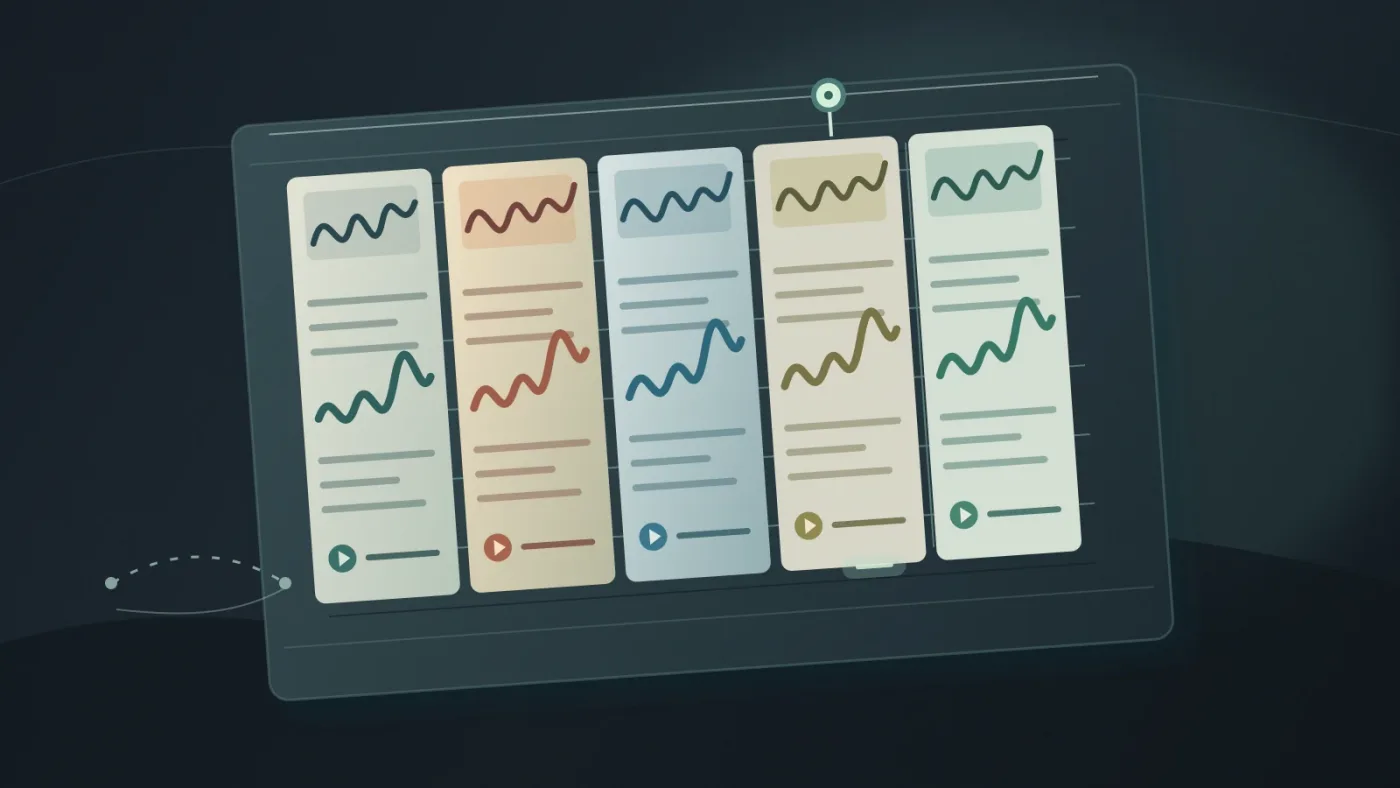
Product videos also need editability. Look for an intro you can shorten, sections that can loop without an obvious seam, a build that lands near the product reveal, and an ending you can shape around the final frame. Stems are useful when you need to remove drums, reduce a melodic layer, or create a quieter version without abandoning the whole track.
Choose the track’s editability before you choose its genre.
How do I choose a track that matches the product?
Choose the track by translating the product’s benefit into musical behavior, not by searching for a label such as “corporate” or “technology.” Musical behavior gives you better search terms and clearer decisions.
| Product-video need | Music behavior to look for | Reject when |
|---|---|---|
| Explain a complex tool | Steady pulse, restrained melody, clear sections | The arrangement is busier than the explanation |
| Introduce a premium object | Detail, space, controlled dynamics | The track feels cheap, crowded, or overly familiar |
| Show a fast workflow | Forward motion and quick transitions | The beat makes every shot feel rushed |
| Build trust for a service | Warm tone and predictable movement | The track promises excitement the service can’t deliver |
| End with a call to action | A lift or clean release near the final card | The biggest moment happens before the message |
Search with combinations of function and feeling: “minimal confident pulse,” “warm premium instrumental,” or “playful clean product demo.” Save tracks by what they do, not just genre.
Search for a reference track’s energy without copying its identity. Communicate tempo, density, and attitude, while leaving room for any existing sonic logo at the open or close.
How do I test pacing before I commit?
Test pacing by placing the music under the rough cut before you polish the edit, then mark the moments where the track changes energy. DaVinci Resolve lets you edit audio clips in the timeline and adjust clip or track levels in the Edit and Fairlight workflows. Blackmagic’s Edit page documentation describes those controls.
Use this five-step test:
- Put the strongest candidate under the complete rough cut.
- Mark the first product appearance, feature demonstrations, proof point, and final call to action.
- Check whether musical changes support those moments or distract from them.
- Try the same cut with the next-best track at a similar starting level.
- Choose the track that makes the structure clearer, even if it’s less exciting alone.
Don’t force every cut onto a beat. Use musical changes for emphasis, then let some shots breathe. If the main lift arrives too early, try a shorter edit, a different section, or a version with stems.
For the final transition, use an ending that matches the visual ending. A clean stop can feel confident. A soft tail can suit a warmer brand. If you build the ending manually, use a short fade and check it on headphones and speakers.
If runtime is the issue, use our Resolve 21 guide to fitting music to video length.
A product-video track earns its place when it leaves room for the words that explain the product.
How do I leave room for a voiceover?
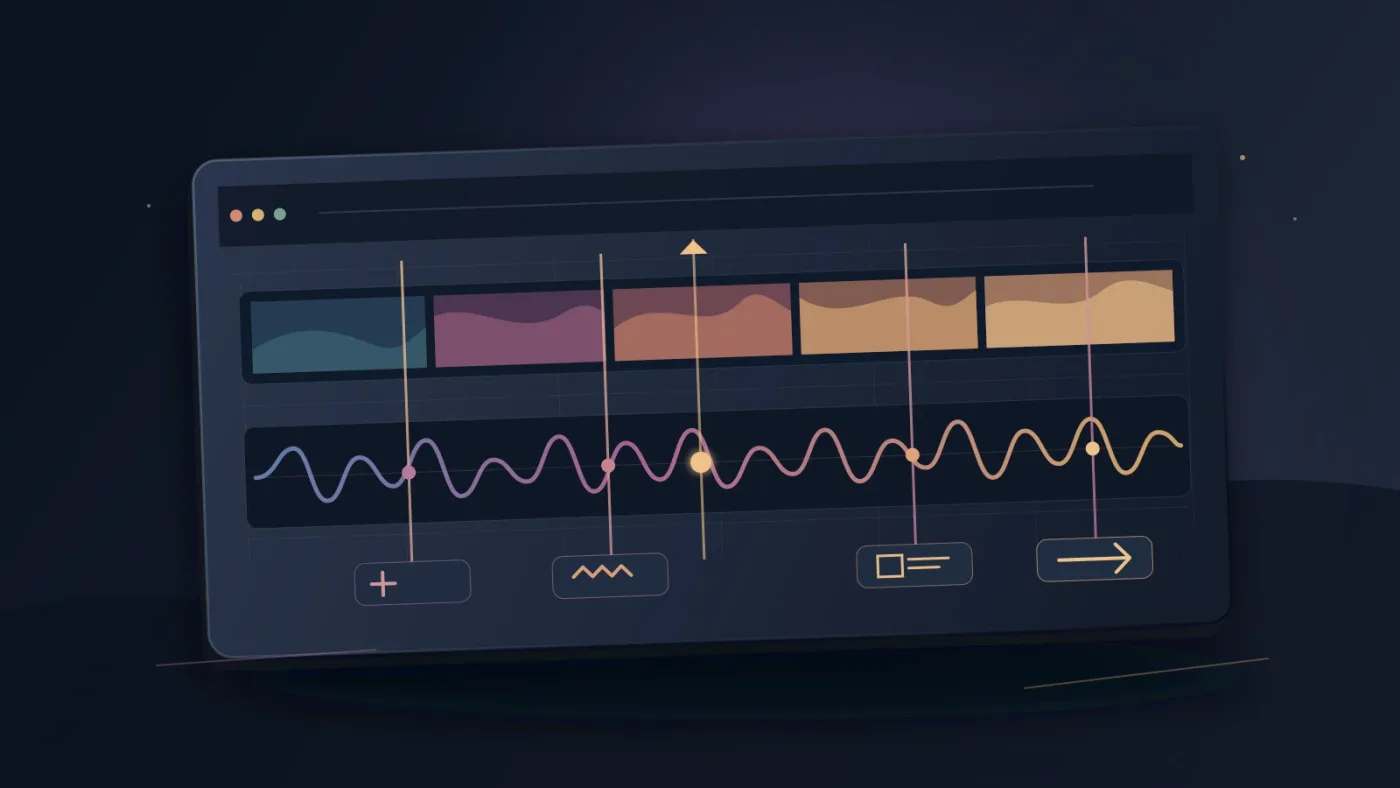
Leave room for voiceover by choosing less crowded music first, then lowering and shaping it under speech. DaVinci Resolve 21’s Fairlight Ducker can use dialogue to reduce the level of a target track, such as music, and raise it again when dialogue ends. Blackmagic describes the Ducker workflow in its Fairlight documentation.
The Ducker is a starting point, not a substitute for listening. Set it up on the music track, select dialogue as the source, and adjust duck level and recovery time. Then listen for three problems:
- The music remains too loud at the first word of a sentence.
- The music jumps back before the thought is finished.
- The music pumps noticeably between short phrases.
Automation is often better for a short, high-stakes product video because you can shape the music around exact sentences. Resolve’s Fairlight page supports recording control changes over time and editing parameter curves in the timeline. Blackmagic documents that automation behavior.
Keep the music emotionally present. The right mix lets viewers understand the words while still feeling a pulse underneath.
What music licensing does a product video need?
A product video needs permission that covers the actual use, not merely a download button or a “royalty-free” label. Confirm the client, channels, campaign, paid advertising, and post-cancellation terms before publishing.
YouTube identifies sound recordings and musical compositions as common copyright-protected works. It lists permission, Creative Commons terms, the YouTube Audio Library, and Creator Music among possible routes, but also says those options don’t guarantee that every upload will avoid a Content ID claim or strike. Read YouTube’s current copyright guidance.
As of September 2026, YouTube’s help page says Creator Music is phasing out paid licenses beginning in August 2026, with the service focusing on no-cost tracks and revenue-sharing tracks. It also says Creator Music is currently available to creators in the YouTube Partner Program in the United States, with wider availability pending. Check the current Creator Music guidance before treating it as a general commercial library.
Keep a simple rights record with the Resolve project:
- Track title, artist, and source.
- License type and purchase date.
- Client, platforms, territories, and safelisting record.
For client work, read our music licensing guide for freelance editors.
A legal music choice is part of the edit, not paperwork after the edit.

Which library should I choose for a product video?
Choose an audio-first library for recurring videos and repeatable licensing. Choose a broader asset subscription when you also need footage and templates. Choose custom composition when sound is part of the brand.
Disclosure: We may earn a commission if you choose Epidemic Sound through the link below. The relationship doesn’t change the criteria or the alternatives.
Epidemic Sound is the natural fit to consider when music and sound effects are the main need. Its current plan information describes music and sound-effects downloads, plan-specific publishing rights, channel coverage, and tools for recurring creator and professional workflows. Explore Epidemic Sound’s current plans and licensing.
Check the exact plan for client work, paid ads, channel limits, and publishing rights. Epidemic Sound’s current integration guidance says DaVinci Resolve Studio is required, the free edition doesn’t support plugins, and the Mac App Store build doesn’t expose Workflow Integrations. Verify those details before client work.
Artlist may fit better when music is only one part of a wider production-asset subscription that also includes footage, templates, or other creative tools. Artlist’s plan comparison separates its music and SFX offering from broader plan families. Custom music costs more time and coordination, but it wins when a repeated campaign needs a sound no library track can own.
How do I finish the mix in DaVinci Resolve 21?
Finish the mix by checking intelligibility, transitions, and delivery on more than one listening setup. Resolve’s Fairlight mixer includes a six-band parametric EQ and six real-time effect slots on every channel, according to Blackmagic’s current documentation.
Use the last pass to ask:
- Can I understand every important product claim?
- Does the track support the reveal instead of announcing itself?
- Are the first and last seconds intentional?
- Does the music disappear cleanly under the final action or legal line?
- Does the export preserve the balance I heard in Resolve?
Don’t use EQ to solve a track-selection problem. If melody or ending still fights the edit after automation and trimming, choose a better source.
TryUncle is the on-screen assistant for DaVinci Resolve on macOS. Ask in plain words and Uncle points at the exact control on your screen.
The practical verdict is straightforward. Pick music that clarifies the product, test it against the actual cut, leave deliberate room for speech, and document the rights before delivery. A good product-video track doesn’t ask the viewer to admire the music. It helps the viewer say yes to the product.
In DaVinci Resolve 21, product-video music is a mix decision, not just a timeline clip.
Frequently asked questions
- How do I choose music for a product video?
- Choose a track whose emotional tone matches the product, whose arrangement leaves room for narration, and whose structure can be edited to your runtime. Test it against the rough cut before committing, then verify the license for every platform and client use.
- What type of music is best for a product video?
- Instrumental music with a clear, controllable arrangement is usually the safest starting point when the video explains a product. Pick genre and energy from the brand promise, not from a generic list of trendy genres.
- How loud should music be under a product-video voiceover?
- There is no single level that works for every voice, track, room, and delivery. Lower the music until every spoken word is clear, then use automation or Fairlight's Ducker in DaVinci Resolve 21 to keep that relationship consistent.
- Can I use any popular song in a product video?
- No. A popular song normally requires permission or a license that covers your exact use. YouTube says even safer sourcing options do not guarantee that a video will avoid every copyright issue, so keep the license record with the project.
- Should I use Epidemic Sound, Artlist, or custom music?
- Use an audio-first subscription such as Epidemic Sound when you publish often and need a repeatable search and licensing workflow. Artlist may fit better when you also need footage and templates, while custom composition wins when the product needs a distinctive sonic identity.
Sources
Put this guide to work with TryUncle.
Ask about the step you’re on. TryUncle sees your screen and points at the control you need, so you can keep learning in your own project.
Get TryUncle for Mac or WindowsKeep reading
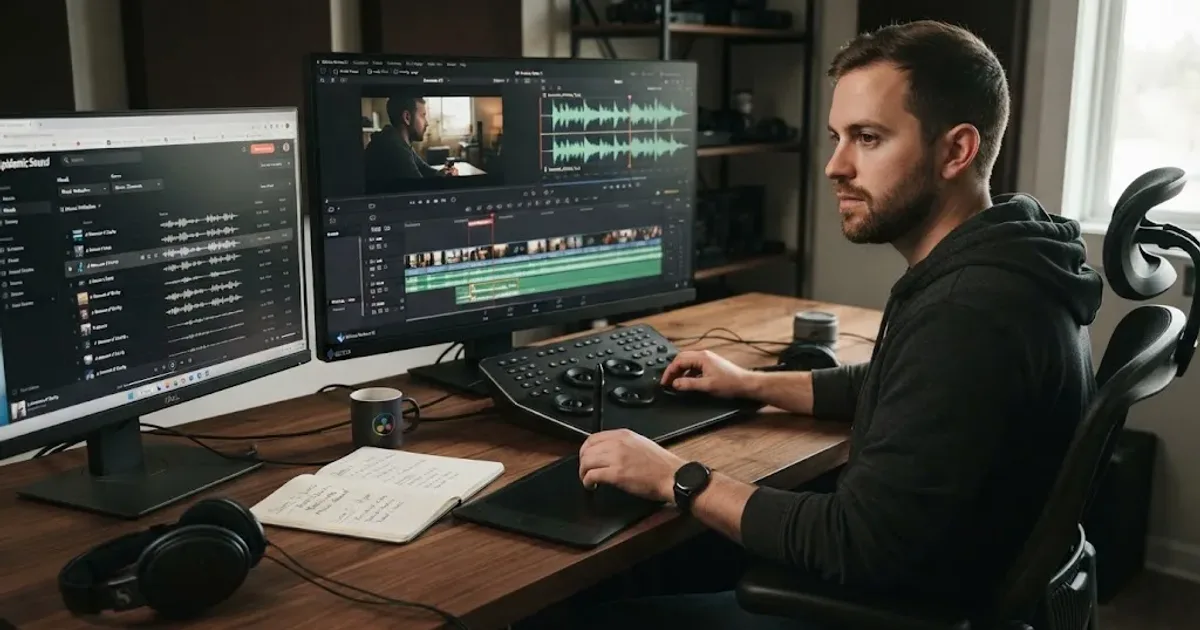
Guides · Aug 24, 2026 · 8 min
How to Choose Background Music for a Video in Resolve 21
Choose background music by story, mood, tempo, dialogue, structure, and license, then mix it cleanly in DaVinci Resolve 21.
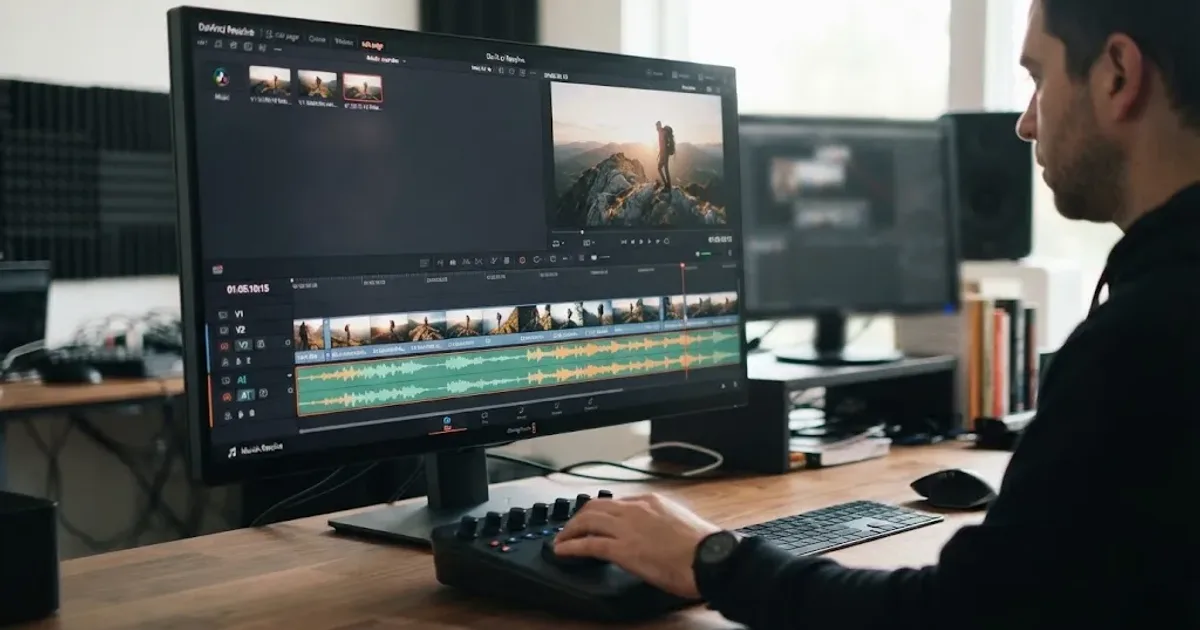
Guides · Aug 24, 2026 · 7 min
DaVinci Resolve Fit Music to Video Length: 21 Guide
Fit music to your video in DaVinci Resolve 21 with Music Editor, beat markers, Elastic Wave, and a clean manual fallback.
Guides · Aug 24, 2026 · 8 min
Music Licensing for Freelance Video Editors: Client Rights
Practical music licensing for freelance video editors, covering client handoffs, safelisting, platform rights, cancellation, and DaVinci Resolve 21.