Articles / Guidesupdated for DaVinci Resolve 21 (September 2026)
How to Choose Music for a Wedding Video in Resolve 21
Quick answer
To choose music for a wedding video, start with the feeling and story beat, then pick a licensed track whose tempo, instrumentation, lyrics, and structure support the footage. In DaVinci Resolve 21, audition three finalists against vows, natural audio, and montage peaks; protect dialogue and verify the license covers final delivery.

I start with the story, not the music library. A wedding film can be tender, funny, restless, elegant, or loud. The track has to follow that change without flattening the people on screen.
As of September 2026, this workflow targets DaVinci Resolve 21. We have seven-plus years of professional commercial editing behind us, and we run a 100,000-plus member video-editing community. One recurring question there is how to make music feel present without letting it take over.
How do you choose music for a wedding video?
Choose the emotional job before the song. Label each chapter "quiet anticipation," "vows," "portraits," or "party," then search for music that can perform that job.
Do this before opening a catalog:
- Watch the rough cut once with the music muted.
- Write down the moments that must remain emotionally dominant.
- Label each section by feeling and energy, not by genre.
- Decide whether the section needs lyrics, instrumental space, or natural sound.
- Search for three candidates, not thirty.
Wedding videographer John Kurt told The Wed, "I like lots of space and letting a moment have its time on screen." If the music tells the viewer how to feel before the image has done any work, it is probably too aggressive.
The best wedding video music gives the footage room to be specific.
What should wedding video music do for the story?
Wedding video music should connect separate moments while leaving vows, reactions, and room sound in charge. A good track adds shape to a sequence, but it doesn't turn every shot into the same kind of memory.
Use this decision matrix while you build the rough cut:
| Film section | Look for | Be careful with |
|---|---|---|
| Preparations | Sparse rhythm, warm texture, gradual movement | Dense lyrics before the story has started |
| Ceremony entrance | Space, restraint, a clear lift | A big drop that competes with the entrance |
| Vows and readings | Instrumental passages or lyric-light sections | Vocal hooks under important words |
| Portraits and details | A memorable pulse and edit-friendly structure | A beat so busy that every cut feels forced |
| Reception and dancing | A higher-energy build, percussive movement, room for laughter | A mood that clashes with the couple's personality |
| Closing images | A held note, gentle release, or satisfying final phrase | A hard ending that makes the film feel unfinished |

The official DaVinci Resolve Fairlight page describes Fairlight as integrated with picture editing and includes audio and video scrollers for syncing sound with images. That matters here because the right song is inseparable from the shots it supports. Audition it against the cut, not in a browser tab by itself.
How do you match a song to ceremony audio and vows?
Match music to ceremony audio by protecting meaning first. Keep vows, readings, toasts, laughter, and meaningful ambient sound audible, then shape the music around those moments instead of forcing the speech to fit the track.
In Resolve 21, put ceremony dialogue on its own track and the music below it. Add markers at the entrance, first words, ring exchange, kiss, recessional, and any line you know the couple will want to hear. Then test three passes:
- Music at full emotional weight, with no dialogue.
- Music reduced around every spoken phrase.
- Music removed from the most important words, with room sound carrying the scene.
Fairlight includes automatic ducking, which Blackmagic describes as lowering music when dialogue is active and raising it again afterward. Use it for a first pass, then listen through the whole film.
Blackmagic's Fairlight page also says Fairlight can handle up to 2,000 tracks with real-time effects and six real-time plug-ins per track. A wedding film won't need that scale, but the capacity makes a foldered music and dialogue layout easy to keep tidy.
Vows and speeches should win every volume argument in a wedding film.
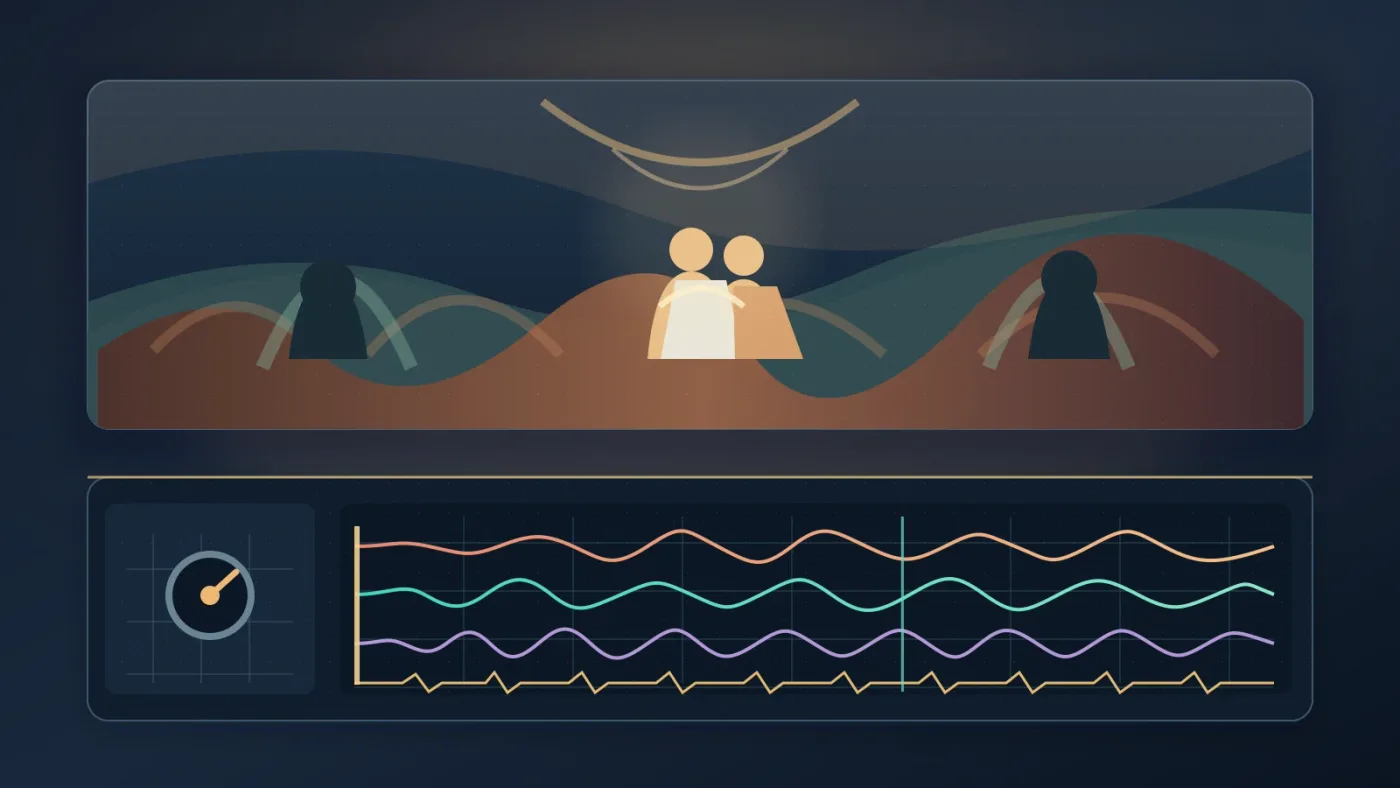
If the song has lyrics, read them as carefully as you listen to the melody. A chorus about separation can undermine a joyful first look. A specific lyric can be powerful when it truly belongs to the couple.
For more technical Fairlight ideas, see how to choose background music for a video in Resolve 21. The wedding-specific difference is the amount of irreplaceable live audio you need to preserve.
Should you use one song or several in a wedding video?
Use one song when it can carry the film's complete emotional arc; use several when the film has clear chapters that need different energy or texture. More tracks don't automatically create a more cinematic result.
One song is often cleaner for a short highlight because it gives the film one musical identity. Several songs can work for a longer film when the ceremony, portraits, and reception feel like separate movements. Before adding another track, ask what it fixes. If the answer is only "the first song got boring," try a shorter edit, a stem, or purposeful silence first.
Resolve 21 adds Fairlight folders for organizing audio tracks and collapsing them into a composite view. Blackmagic's Resolve 21 feature list specifically calls out the folder function. Use a folder for music, another for ceremony audio, and another for reception sound effects once the project grows beyond a few tracks.
Can you use any song in a wedding video?
No. A song being available on a streaming service or purchased for personal listening doesn't give you permission to synchronize it to a wedding film.
The U.S. Copyright Office explains that putting music into an audiovisual work requires separate rights for the musical work and the sound recording. Those are commonly called the synchronization license and the master use license.
Choose one of these paths:
| Option | Best when | Main trade-off |
|---|---|---|
| Direct music subscription | You publish or edit wedding films repeatedly | You must choose the correct plan and follow its publishing rules |
| Single-track license | You need one track for one defined film | The license may limit platforms, territories, or project count |
| Commissioned score | The couple wants a unique musical identity | You need a written agreement covering the deliverables and rights |
| Public-domain or openly licensed music | The terms clearly permit your intended use | You still need to read the exact license and keep its record |

Artlist's current license lists wedding videos among covered project types, but its terms distinguish personal social use from broader coverage and require publication during an active subscription for new projects. Read the current Artlist license before choosing a plan for client delivery.
Soundstripe offers subscriptions and single-use licenses. Its current pricing page says a single-use license grants perpetual rights for a selected track for one project, while cancellation stops use in new projects. Check Soundstripe's current licensing options for a one-film route.
Save the receipt, license certificate, client, date, and intended platforms with the Resolve project. Don't call a track "copyright-free" when the couple needs permission for a defined use.
Which licensed music option fits your wedding video?
Choose a recurring library if you edit multiple wedding films or need several tracks and alternate versions; choose a single-track license or custom composer when this is one film with a narrow, specific brief.
Disclosure: We may earn a commission if you choose Epidemic Sound through the recommendation below. Compare its plan terms with Artlist, Soundstripe, or a composer before buying.
Recommended for editors who need a recurring music workflow: Epidemic Sound offers music-focused licensing, stems, sound effects, and DaVinci Resolve Studio integration. Confirm the current plan covers client delivery and the places where the wedding film will appear.

Epidemic Sound fits editors who repeatedly soundtrack online films and want music, stems, and sound effects in one workflow. Its Resolve plugin requires DaVinci Resolve Studio, not the free edition, and appears under Workspace > Workflow Integrations. Check terms for client work, public screening, advertising, or broadcast.
A composer wins for a unique theme. Artlist wins for a broader asset bundle. Soundstripe wins when single-use licensing fits. Epidemic Sound wins for recurring audio access.
The right license is the one that matches the film's actual audience and delivery plan.
How do you fit music to a wedding video in DaVinci Resolve 21?
Fit music to a wedding video in Resolve 21 by editing to marked story beats. Build a rough music edit, then refine the cut and mix together.
- Import the licensed track and place it below the picture and ceremony audio.
- Mark the entrance, vows, ring exchange, kiss, portraits, speeches, first dance, and closing image.
- Find the track's intro, first lift, strongest section, breakdown, and ending.
- Align the meaningful musical changes with meaningful visual changes.
- Use a clean edit, short crossfade, alternate arrangement, or stem when the track is too long.
- Automate the music down around dialogue and let room sound return between phrases.
- Watch the complete film once without touching the controls.
Fairlight provides access to external sound libraries from the audio page. For discovery, see DaVinci Resolve Find Music by Mood. For duration, use DaVinci Resolve Fit Music to Video Length.
Don't judge a track only from its loudest section. A wedding film needs an opening, middle, and exit. A song with one emotional gear may fail across the full story.
A wedding film feels finished when the music has an ending, not just a fade-out.
What is the best way to test a wedding video song?
The best test is a full-length watch with the song under the actual footage and natural audio. A track that sounds perfect alone can feel wrong under a real vow or quiet glance.
Use this final check:
- Can you understand every essential word?
- Does the music support the couple's personality rather than a generic wedding mood?
- Does the first thirty seconds earn the viewer's attention without rushing?
- Do the biggest musical changes support the film's biggest visual changes?
- Does the ending leave a deliberate final feeling?
- Can you prove that the license covers the delivery?
If a song fails one test, replace it or change the edit. Name the missing quality: "more space for vows," "less cheerful," or "a stronger final lift."
Start with three candidates. Pick the one that serves the story, survives the dialogue test, and has permission for the finished film.
Story first, license second, music edit third: that order produces safer wedding films.
Frequently asked questions
- How do I choose music for a wedding video?
- Choose the story feeling and the section of the day first, then shortlist tracks by instrumentation, tempo, lyric density, and edit structure. Test each finalist against the actual footage and spoken audio before committing.
- Can I use any song in a wedding video?
- No. A commercial song normally needs permission for both the musical composition and the sound recording when it is synchronized to video. Use a license that explicitly covers the film's delivery, or commission original music.
- What music works under wedding vows?
- Instrumental or lyric-light music usually gives vows more room to breathe. Keep the natural ceremony recording in charge, then duck or remove the music whenever words carry the scene.
- Should I use one song or several in a wedding video?
- Use one song when the film has a simple emotional arc and several when the story clearly changes from ceremony to portraiture to celebration. Each added track should earn its place with a new chapter or energy.
- How do I fit music to a wedding video in DaVinci Resolve 21?
- Place the track under a rough cut, mark the ceremony entrance, vows, kiss, speeches, and reception peaks, then trim or change sections at meaningful musical turns. Use Fairlight's ducking and automation tools to protect dialogue.
Sources
- DaVinci Resolve 21: What's New, Blackmagic Design
- Fairlight audio post tools, Blackmagic Design
- How Songwriters, Composers, and Performers Get Paid, U.S. Copyright Office
- Artlist License: Get to Know Artlist's License Model
- Soundstripe pricing and single-use licensing
- Interview with wedding videographer John Kurt, The Wed
- Epidemic Sound music licensing and DaVinci Resolve workflow
Put this guide to work with TryUncle.
Ask about the step you’re on. TryUncle sees your screen and points at the control you need, so you can keep learning in your own project.
Get TryUncle for Mac or WindowsKeep reading
Guides · Aug 24, 2026 · 8 min
How to Choose Background Music for a Video in Resolve 21
Choose background music by story, mood, tempo, dialogue, structure, and license, then mix it cleanly in DaVinci Resolve 21.

Guides · Aug 29, 2026 · 8 min
DaVinci Resolve Find Music by Mood: A Practical Workflow
Learn how to find music by mood for a DaVinci Resolve 21 edit, choose tempo, audition tracks, and bring licensed audio into your timeline.
Guides · Aug 24, 2026 · 7 min
DaVinci Resolve Fit Music to Video Length: 21 Guide
Fit music to your video in DaVinci Resolve 21 with Music Editor, beat markers, Elastic Wave, and a clean manual fallback.