Articles / Guidesupdated for DaVinci Resolve 21 final release (June 2026), checked August 2026
DaVinci Resolve Find Music by Mood: A Practical Workflow
Quick answer
To find music by mood in DaVinci Resolve 21, describe the scene's emotion, narrow the search with tempo and instrumentation, audition each candidate against the cut, then place the chosen track on a Fairlight audio track. Resolve's Fairlight Sound Library can audition connected libraries, while licensed music tools can add mood, description, reference-track, and video search.
I look for the right mood track by asking what the scene should make the viewer feel, then listening against the cut. A genre label isn’t enough. The track earns its place when the picture feels clearer.
We’ve spent seven years cutting commercial work and built a 100,000+ member video-editing community. One recurring question is: “I know the feeling I want, but how do I find the song?”
As of August 2026, DaVinci Resolve 21 is the current release. It adds Fairlight folder tracks, but not a native production-music catalog you can search by mood. Define the mood, search an external library, and audition the result inside your edit.
How do I find music by mood in DaVinci Resolve 21?
To find music by mood in DaVinci Resolve 21, turn the feeling of the scene into a short search brief, then test tracks against the actual cut. “Cinematic” is too broad. “Quiet confidence, warm piano, no vocals, gentle lift after the first interview answer” gives you something useful to search for.
Start with five decisions:
| Decision | Example | Why it helps |
|---|---|---|
| Emotion | Tender, uneasy, playful, determined | Names the feeling the music should support |
| Story job | Introduce, build, reveal, release | Stops the track from competing with the scene |
| Energy | Low, steady, rising, urgent | Describes motion without pretending mood has one formula |
| Sound | Piano, soft synth, brushed drums, strings | Removes irrelevant results quickly |
| Voice | Instrumental, sparse vocal, full vocal | Protects dialogue and narration from lyrical competition |
Then write one sentence. For example: “Find an instrumental, medium-slow track that feels hopeful but not triumphant, with a small lift for a product reveal.” Search that sentence, or convert it into filters when the library uses menus.
Mood is a search brief, not a single genre label.
Alex G, editor of Thank You, Goodnight: The Jon Bon Jovi Story, describes the decision more plainly than most filter menus do:
“I’m much more concerned with capturing the emotion of a story before you worry about the narrative. It’s, like, ‘How is this supposed to make me feel?’”
That quote comes from Frame.io’s interview with Alex G. Use the question before you search.

Why can't DaVinci Resolve find music by mood on its own?
DaVinci Resolve can audition connected-library audio, but Resolve 21 is not a mood-indexed music marketplace. Blackmagic’s Fairlight documentation says the Sound Library can search external libraries, audition sections, and confirm or cancel the result.
Open Fairlight and click the Sound Library icon at the top left. If it only has filenames, use a separate service for mood discovery, then import the candidate.
Resolve 21’s Fairlight folder tracks help after you’ve found music. Group tracks into a composite view, collapse the group, and keep originals unchanged. Folder tracks support a maximum of three nesting levels, according to Blackmagic’s Resolve 21 New Features Guide. Use folders for Music, Dialogue, Ambience, and Effects.
How should I turn a mood into a useful music search?
Combine mood, story function, tempo, and texture. The story function tells you what the track must do in the timeline.
Use five decisions:
- Describe the viewer’s feeling: “curious,” “relieved,” “restless,” or “intimate.”
- Describe the edit’s movement: “slow observation,” “steady montage,” or “quick reveal.”
- Exclude trouble: “instrumental,” “no heavy drums,” or “no dramatic drop under dialogue.”
- Add one or two sounds: “felt piano and light percussion” or “analog synth and muted bass.”
- Add the ending: “gentle resolve,” “open ending,” or “clear final hit.”
If you have a reference track, describe its job instead of asking for a copy: “the patient pulse and intimate space of this reference, but warmer and without vocals.”
A reference track is useful when you describe its job, not when you copy its identity.
What tempo should I choose for a mood in DaVinci Resolve?
Choose tempo as a range, not a promise. BPM means beats per minute and narrows results, but the same tempo can feel calm, tense, or joyful depending on arrangement and edit.
As a starting reference, Artlist groups music into slow at 20 to 70 BPM, medium-slow at 70 to 90, medium at 90 to 110, medium-fast at 110 to 130, and fast at 130 to 200. These bands are search handles, not rules for emotion. See Artlist’s BPM guide for the ranges.
Use the first range that matches the cut’s physical energy:
| If the scene feels like... | Try first | Then listen for... |
|---|---|---|
| Reflection or quiet detail | 20 to 70 BPM | Space, sustain, and an ending that doesn’t rush |
| Conversation or steady movement | 70 to 110 BPM | A pulse that supports speech without pulling focus |
| Build, travel, or confident motion | 90 to 130 BPM | A lift that arrives when the picture changes |
| Urgency or rapid montage | 110 to 200 BPM | Contrast, not nonstop cutting on every beat |
These are starting points. A slower track with sharp percussion can feel more urgent than a faster track with long, soft phrases. Listen with the image.
Tempo narrows the field, but the arrangement decides whether a track supports the cut.

How do I audition and place music in DaVinci Resolve?
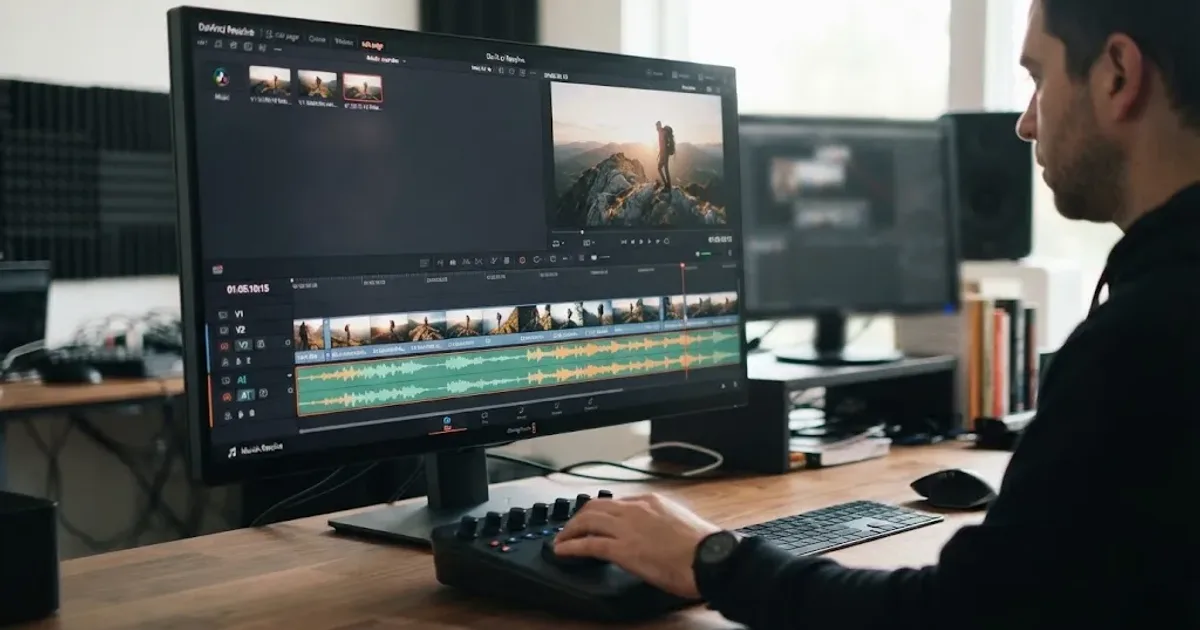
Audition music against picture before committing. Check the first image, dialogue, transition, and ending.
- Create or open the DaVinci Resolve 21 timeline.
- Add a dedicated Fairlight music track, such as
MUSIC 01. - Place a candidate under the picture and listen through its entry, dialogue, transition, and ending.
- Reject tracks that fight the words or overstate the scene. Try an instrumental or stem-based version.
- Keep two or three alternatives in separate tracks or a Fairlight folder, then mute and compare.
Blackmagic describes Fairlight as supporting music cuts and alternate versions on audio layers. Our guide to fitting music to video length covers phrase boundaries and loops. Keep dialogue, music, ambience, and effects separate inside Resolve 21 folders.
A mood track earns its place when the picture still works with the music muted.
Which music source should I use for a Resolve project?
Choose the source based on publishing rights and search needs. Free may suit personal YouTube work, while client work can justify clearer licensing.
| Source | Best fit | Trade-off |
|---|---|---|
| Fairlight Sound Library | A local or connected library | Mood discovery depends on its metadata |
| YouTube Audio Library | YouTube-first projects | Check attribution and platform fit |
| Pixabay music | Free music embedded in a larger video | Some tracks can still trigger Content ID claims |
| Artlist | Music plus broader creative assets | Pro and Social licenses differ |
| Epidemic Sound | Resolve Studio users who want in-editor discovery | Paid subscription and plan-specific rights |
YouTube’s Audio Library help page explains its filter for tracks where attribution is not required. Pixabay’s license summary permits free use and adaptation but prohibits standalone distribution, and its FAQ warns that Content ID registration can still create an automated claim.
Artlist’s current plan documentation says its Social license is for personal creators and does not cover commercial or client work, while its Pro license is designed for professional and client projects. Read the terms before downloading.
The safest music choice is the one whose license matches the way you will publish the video.
Disclosure: We may earn a commission if you subscribe through the Epidemic Sound link below. It doesn’t change the alternatives or licensing checks in this guide.
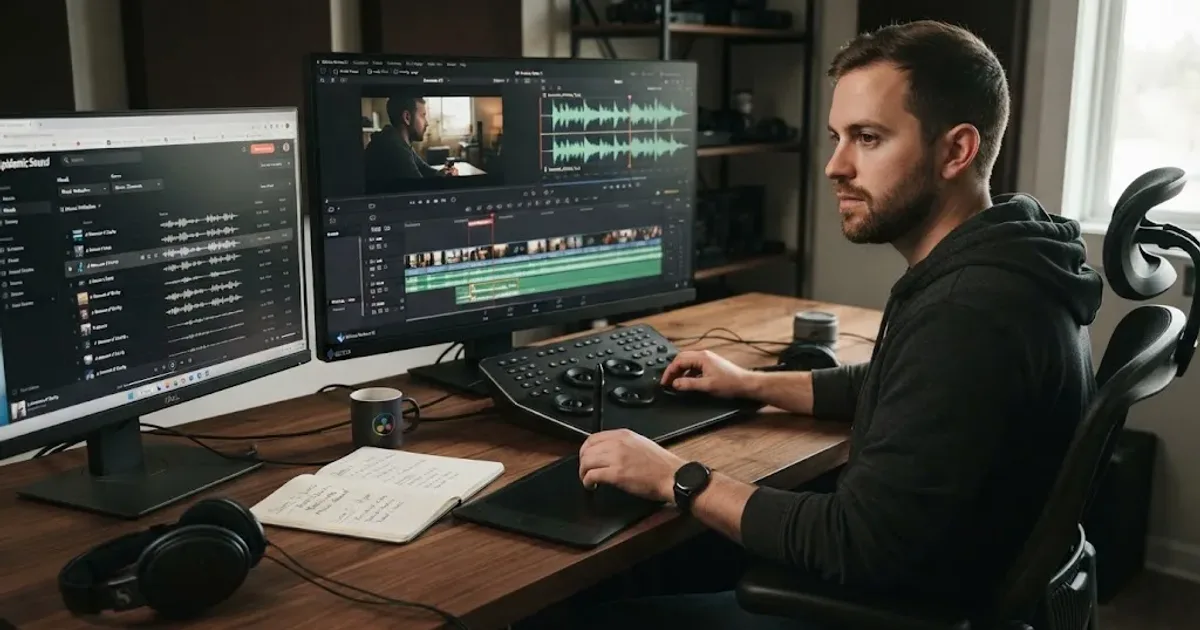
If you want search beside the Resolve timeline, Epidemic Sound’s DaVinci Resolve Studio workflow supports description, reference-track, and video search, plus drag-and-drop to the timeline. Its plugin requires paid DaVinci Resolve Studio, not the free edition. It supports individual stems, but Timeline Sync is unavailable in the DaVinci Resolve plugin.
Epidemic Sound’s Studio workflow is a separate choice for a rough-cut soundtrack draft. The company documents a maximum input of 600 MB or four minutes, and says Studio scans video for mood, pacing, and specific actions before creating a layered draft.
How do I find music by mood in DaVinci Resolve Free?
DaVinci Resolve Free handles the core workflow: search outside Resolve, download licensed audio, import it, place it on Fairlight, and mix it under the picture. The Epidemic Sound plugin is different. Its current support documentation says DaVinci Resolve Studio is required for plugins and that the free version doesn’t support them. On Resolve Free, use the service’s web or desktop workflow and retain the license information with the project.
Don’t buy Studio solely for a mood filter. Decide whether you need licensed music, stems, or in-editor search first.
If learning where controls live is the problem, that’s separate from choosing a music library. TryUncle is the on-screen assistant for DaVinci Resolve on macOS - ask in plain words and Uncle points at the exact control on your screen.
What should I check before publishing a mood-based edit?
Before publishing, confirm the creative fit and the license. A strong mood match can still cause trouble if the license excludes your channel, client, ad, or platform.
Use this final check:
- The music supports the scene’s intended emotion.
- The opening and ending feel deliberate.
- Dialogue remains intelligible at normal listening level.
- The track is not carrying a weak cut that needs a picture edit first.
- You saved the track title, creator, source, and license record.
- Your plan covers the publishing channel and client or commercial use.
- Required safelisting or attribution is complete.
For deeper mixing, continue with our Fairlight audio mixing guide. Our guide to using music stems in DaVinci Resolve covers separated parts.
The workflow is simple: write the feeling, narrow with tempo, audition against the story, and keep the license beside the project. If the track makes the edit say what you meant, keep it. If it only sounds impressive in isolation, keep searching.

Frequently asked questions
- How do I find music by mood in DaVinci Resolve 21?
- Write a specific mood brief, search a connected sound library or licensed music service, narrow it with tempo and instrumentation, and audition the result against the picture before dragging it onto a Fairlight track.
- Why can't DaVinci Resolve find music by mood on its own?
- Resolve 21 does not provide a native mood-search catalog for production music. Its Fairlight Sound Library can connect to external libraries, so the search depends on the library you install or connect.
- What tempo should I choose for a mood in DaVinci Resolve?
- Treat tempo as a starting filter, not a mood verdict. Try slow for reflective scenes, medium for conversation or steady movement, and faster ranges for urgency, then judge the arrangement against the edit.
- Can I find music by mood in DaVinci Resolve Free?
- Yes, you can import licensed audio files into the free edition and work with Fairlight, but the Epidemic Sound DaVinci plugin requires DaVinci Resolve Studio because the free edition does not support plugins.
- How do I fit a mood-based music track to my Resolve timeline?
- Place the track beneath the picture, line important changes up with edits or phrases, trim or loop it at musical boundaries, and lower it under dialogue before checking the whole sequence.
Sources
- DaVinci Resolve 21 final release support note
- DaVinci Resolve 21 New Features Guide
- Blackmagic Design Fairlight audio tools
- Epidemic Sound DaVinci Resolve Studio plugin
- Epidemic Sound Studio workflow
- How to choose the right BPM for your video
- Artlist Music and SFX plan details
- YouTube Audio Library help
- Pixabay Content License Summary
- Alex G's editing and music interview
Put this guide to work with TryUncle.
Ask about the step you’re on. TryUncle sees your screen and points at the control you need, so you can keep learning in your own project.
Get TryUncle for Mac or WindowsKeep reading
Guides · Aug 24, 2026 · 8 min
How to Choose Background Music for a Video in Resolve 21
Choose background music by story, mood, tempo, dialogue, structure, and license, then mix it cleanly in DaVinci Resolve 21.
Guides · Aug 24, 2026 · 7 min
DaVinci Resolve Fit Music to Video Length: 21 Guide
Fit music to your video in DaVinci Resolve 21 with Music Editor, beat markers, Elastic Wave, and a clean manual fallback.

Guides · Aug 25, 2026 · 8 min
How to Use Music Stems in DaVinci Resolve 21
Learn how to import, align, mute, mix, and export vocal, drum, bass, and instrument stems in DaVinci Resolve 21.