Articles / Guidesupdated for DaVinci Resolve 21.0.2 and Epidemic Sound licensing guidance (August 2026)
Can I Use Epidemic Sound Music After Cancelling?
Quick answer
Yes, you can use Epidemic Sound music after cancelling, but only for content published while your subscription was active and properly safelisted. After it ends, you cannot safely publish new DaVinci Resolve 21 videos with downloaded tracks unless you reactivate, buy a suitable single-track license, or switch to a service that covers future reuse.

I know why this question appears. You finish a cut in DaVinci Resolve, cancel a subscription you no longer need every month, and then notice the Epidemic Sound track is still sitting on your timeline. The file is on your drive. The answer still depends on when you publish and what your plan covered.
We have spent more than seven years editing commercial video, taught more than 100,000 students on Udemy as an official Udemy Business Partner, and run a professional editing community of more than 100,000 members. Licensing questions come up because the edit is visual, but the permission lives in a separate agreement. This guide keeps those two things apart.
As of August 2026, the practical answer is simple: old qualifying publications stay covered, but a new publication after the subscription ends does not become legal just because the track was downloaded earlier. DaVinci Resolve 21.0.2 does not change that licensing boundary. It changes your editing software, not Epidemic Sound's publishing permission. Blackmagic lists the final Resolve 21 release and the 21.0.2 update on its support page.
Can I use Epidemic Sound music after cancelling?
Yes, but only in the narrow sense that matters. You can keep using and monetizing qualifying content that you published while your Epidemic Sound subscription was active and the destination was properly safelisted. You cannot treat the downloaded audio as a permanent pass for a new video after the subscription expires.
Epidemic Sound's current cancellation guidance makes three points. First, clicking cancel does not cut off access immediately. You keep catalog access and coverage until the end of the current billing cycle. Second, content published during the active period remains cleared to monetize permanently. Third, new content published after the subscription ends can be monetized by Epidemic Sound, and you need to reactivate to continue publishing without that problem. Read the cancellation instructions and the more specific post-cancellation content guidance together, because the word "cancelled" can describe two different dates.
The first date is the day you request cancellation. The second is the day your paid access actually ends. If you cancel on August 10 and your billing period ends on August 31, August 31 is the important boundary for a new upload. A project exported and published on August 20 is still inside the active period. The same project first published on September 1 is not rescued by the August 10 download.
Epidemic Sound cancellation protects qualifying published content, not an unlimited archive of future projects.
That distinction applies whether the video is rendered from DaVinci Resolve 21, another editor, a phone app, or a web-based tool. Resolve creates the finished file. It does not issue the music license.
If you want a one-line decision, use this one:
| Situation | Can you use the Epidemic Sound track? | Safest action |
|---|---|---|
| Video published while the subscription was active and covered | Yes, the qualifying publication remains cleared | Keep the publication record and safelist evidence |
| You cancelled, but the paid billing period has not ended | Yes, under the active terms | Publish before the actual end date, if the plan covers the use |
| Project is still on a Resolve timeline after the subscription ends | Not for a new publication under the old download alone | Reactivate, replace the track, or license the production separately |
| Track is downloaded but never used in a published project | No permanent future-use right follows the download | Do not publish it after expiry without a new license |
| You want the same track in a second new project after expiry | No under the old subscription | Obtain a separate license or choose a service with the needed coverage |
This is a licensing guide, not legal advice. For a broadcast, film, paid media, public event, game, app, or other high-risk use, read the exact terms for the selected plan and ask the provider or a qualified lawyer before delivery.
What changes on the date my Epidemic Sound subscription ends?
Your Epidemic Sound account moves from an active publishing period to a post-expiry state. Previously published qualifying content remains covered, but a new publication using the catalog needs an active subscription or another license.
The Epidemic Sound Help Center says no further charges occur after cancellation and that previous payments are non-refundable because the catalog and licensing benefits were available during the active period. That is a billing rule, not a new music right. It tells you what happens to your payment. The separate content rule tells you what happens to publications.
In practical Resolve terms, nothing dramatic happens to the timeline on the end date. Your audio clip does not suddenly vanish. The WAV or other downloaded media does not become unreadable. Your keyframes, fades, clip gain, Fairlight automation, and final mix remain in the project. The change is external. A new upload after expiry is a new publication that must be covered at that time.
This is why a completed video and an unfinished video must live in separate columns in your production tracker. A video that is already public has a publication date. A Resolve timeline that is technically finished but still private, scheduled, waiting for client approval, or only rendered to a local master does not necessarily have a qualifying public publication date.
Do not assume that a private upload, an unlisted review link, or a draft scheduled for later is treated exactly the same way on every platform. Epidemic Sound's public guidance talks about content published during an active subscription. If the distribution status is unusual, ask support and keep their answer with your project record. The cost of a precise answer is smaller than rebuilding an approved commercial edit.
The current plan pages also describe cancellation as access lasting through the end of the current payment period. The Creator plan help page says active subscribers have unlimited access to download and publish under its stated scope, and the Pro plan help page says content published during the active subscription stays cleared while new content after cancellation may risk claims.
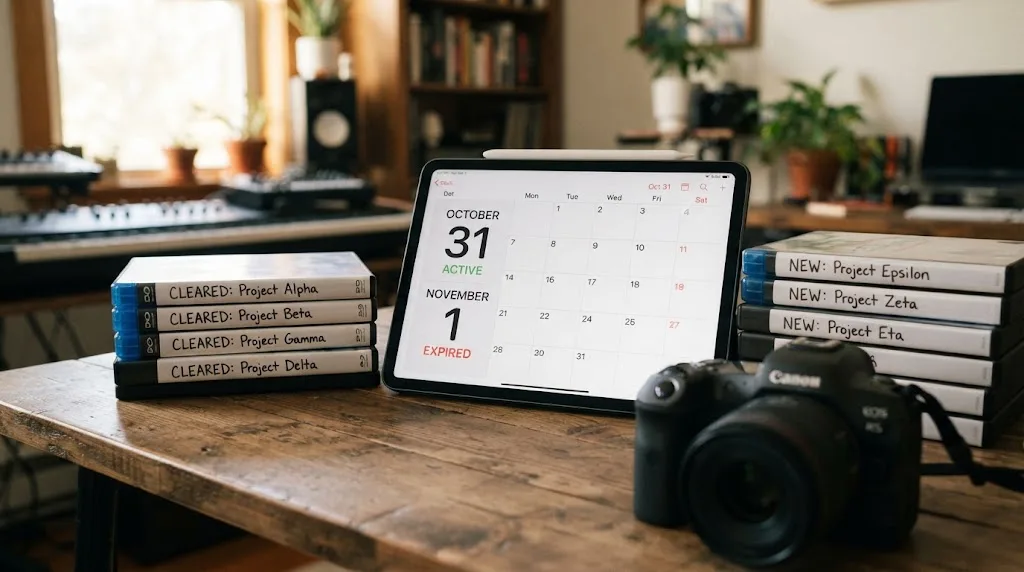
Why can I keep an old video but not publish a new one?
An old video is a completed use made during the license period. A new upload is a new use that occurs after the license period. The fact that the same audio file appears in both does not make the two publications one use.
Think of the distinction as a timestamp attached to the finished production, not a timestamp attached to the download. Downloading a track proves that you obtained a copy from the service. It does not, by itself, prove that a later production was published under an active right.
Epidemic Sound states that content published during an active subscription remains cleared to monetize permanently. Its safelisting guidance also says that new content cannot be posted with Epidemic Sound music once the subscription expires, even if you already downloaded the track. Those are the two statements you should keep beside your delivery checklist: content after cancellation and safelisting after cancellation.
Here is the worked example.
You edit a three-minute client testimonial in Resolve 21. You download a track on August 1, add it to the timeline on August 5, render a review file on August 12, and publish the approved video on August 20 while the subscription is active. You cancel on August 21. If your plan covered the client's use and the channel or video was correctly safelisted, that publication remains covered.
Now change one fact. The client asks for a new 30-second cut on September 4, after the paid period ended. You open the same Resolve project, trim the music, export the short version, and publish it to a new channel. The fact that the long version was cleared does not automatically clear the new publication. You need an active plan or a separate license that covers the short version and its destination.
Change another fact. You publish the long version in the active period, then upload an identical copy to a second channel after expiry. That second publication is still a new publication. It may be the same video, but the destination and publication event are new. Check your plan and the provider's support guidance instead of assuming the first clearance follows every later upload.
The same reasoning applies to a revised master. A tiny typo fix may feel like maintenance, but platform systems see a new upload. A new intro, a different client logo, a new ad version, a different aspect ratio, or a re-cut for another account can all create a fresh rights question. The safe decision is to treat every post-expiry upload as new until the license terms clearly say otherwise.
The reason this matters financially is not that every claim becomes a strike. YouTube explains that Content ID scans uploaded videos for matches and that a copyright match can lead to monetization, tracking, or blocking depending on the owner's policy. A claim and a takedown are different things, but neither is a useful surprise on a client delivery. See YouTube's explanation of Content ID.
How does safelisting change the answer?
Safelisting is the account step that tells a platform which channel or video is covered by your Epidemic Sound license. It is not the same as downloading a file, importing it into DaVinci Resolve, or giving the artist credit.
Epidemic Sound defines safelisting as connecting channels or videos to the account so platforms can recognize that the music and sound effects are licensed. The service says an active subscription is needed to safelist, and it recommends safelisting before posting. Its current safelisting help article also says qualifying content published while active remains cleared forever, while new content after expiry cannot be posted with the music under the old subscription.
That creates four separate checks:
- Was the subscription active on the publication date?
- Did the plan cover the type of work and destination?
- Was the right channel, video, podcast feed, or other asset connected?
- Did you publish inside the scope and terms of that plan?
If the answer to all four is yes, you have a much stronger record for an old publication. If one is no, do not fill the gap with confidence. Fix the channel connection while the subscription is active, contact support, or obtain a license for the actual production.
Safelisting also explains why deleting a video and uploading it again is not a neutral troubleshooting move. The original publication may have been covered during the active period. The replacement upload has a new date. When you are resolving a claim, first check whether the original URL is still available and whether the channel was connected. A new upload can create the very post-expiry event you were trying to avoid.
The service uses several names for the same general idea, including clearing and allowlisting. In client records, write the plain version: the channel was connected to the Epidemic Sound account before the qualifying publication. Keep the URL, platform, date, plan name, invoice, and any confirmation email.
Safelisting is not a promise of zero claims. Epidemic Sound says correct safelisting helps avoid copyright claims, and its help page tells users to dispute a claim when they believe it is an error. Automated rights systems can still make mistakes, a channel can be connected to the wrong account, or a claim can involve another piece of audio in the export.
Safelisting is evidence of a covered publication, not a substitute for an active license on a new publication.
For a Resolve editor, the best time to verify safelisting is before the final upload, not after a client sends a claim screenshot. Add a licensing check to the same delivery checklist where you confirm frame rate, audio sample rate, captions, and destination aspect ratio.
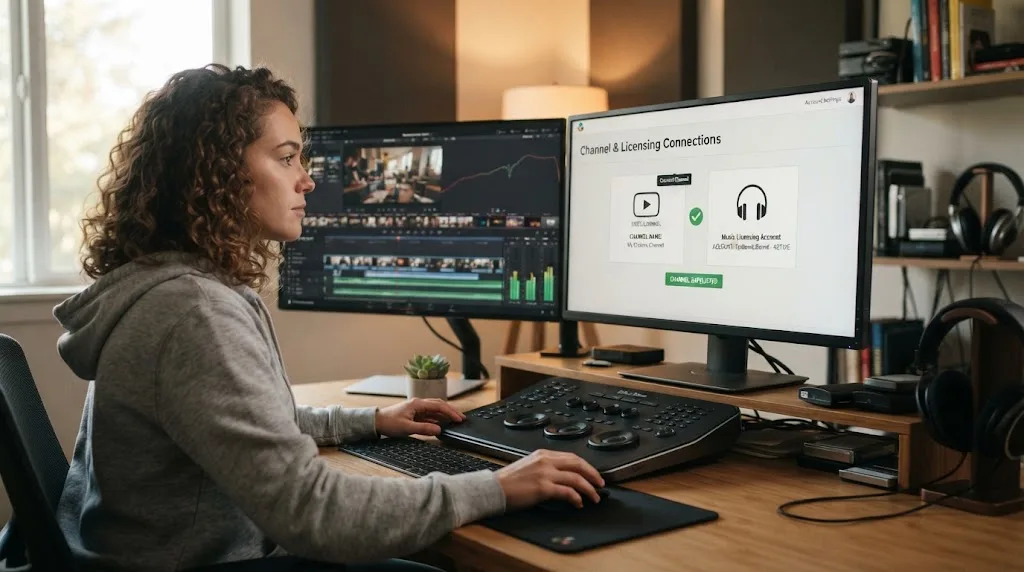
Can I keep an unfinished DaVinci Resolve 21 project after cancellation?
Yes, you can keep the project and its media, but keeping a project is not the same as keeping permission to publish a new version with the track. After expiry, decide whether the timeline is an old covered publication, a new production, or a revision that needs fresh coverage.
There are three useful project states.
| Resolve project state | What it means for the music decision |
|---|---|
| Published and covered during the active period | Preserve the final URL and licensing evidence. The publication is the covered event. |
| Exported but never published | Treat the future upload as a new publication. Check the license again before posting. |
| Timeline still being edited after expiry | The project file can remain, but a new export and publication need a current licensing route. |
The middle row causes the most confusion. A local ProRes master or H.264 file is not necessarily a published production. It is a deliverable waiting for publication. If the subscription ends while a client is reviewing the master, do not assume that the render date locks in the license. The publication date and the plan's definition of covered content matter.
The same goes for a private approval link. If a client approval platform hosts the file, that may be a review copy rather than the final public publication. The provider's terms and the destination's status decide the result. If the project has commercial stakes, ask the licensing provider before the subscription ends and save the answer.
Resolve itself gives you good tools for the handoff. Use a clear timeline name, a dedicated music track, a marker at the music start, a note with the track title and account, and a copy of the license information in the project folder. The exact menu names can change across Resolve versions, but the record can remain stable.
DaVinci Resolve 21 was released as a major update in 2026, and Blackmagic's support page lists 21.0.2 as a later update. Nothing in those version numbers changes the external licensing rule. The plugin and workflow can vary by Resolve build, though, so if you use the Epidemic Sound integration, check its own requirements rather than assuming any Resolve installation behaves the same way.
For archiving, keep these items together:
- The
.drpproject export or the project database backup. - The final rendered master.
- The downloaded music file and its exact track title.
- The Epidemic Sound invoice or account record.
- The channel or video safelist record.
- The first publication URL and date.
- A text note naming the plan and the intended use.
- Any client approval or delivery email that identifies the production.
This archive does not create rights that the plan did not grant. It gives you a defensible record of what happened and makes it faster to replace a track, reactivate, or answer a platform claim.
For readers still building their first project, our DaVinci Resolve beginners guide covers project organization and the basics of moving from media to delivery. For an established commercial workflow, use the licensing record as part of the handoff, not as a separate afterthought.
What if I already downloaded the music?
A previous download does not extend the Epidemic Sound publishing period. The file can remain on your drive and in your Resolve project, but its presence is not proof that a new post-expiry publication is covered.
This is the difference between possession and permission. You possess a copy of the audio. The service grants permission to use that audio under the plan's terms. The official safelisting guidance specifically addresses the common assumption that an already downloaded track can be used after expiry and says new content cannot be posted with that music once the subscription expires.
The rule is easy to miss because the workflow feels local. Resolve shows the clip in the Media Pool, the waveform draws correctly, and the Fairlight page lets you mix it. None of those signs asks Epidemic Sound whether the eventual publication date is inside the active period.
Here are the questions to ask about an old download:
- Was it used in a video published while the subscription was active?
- Was the destination covered by the plan?
- Was the destination safelisted before the upload?
- Is the new use actually the same qualifying publication, or is it a new cut, new account, new client, or new campaign?
- Does the chosen plan or separate license cover that exact use?
If the answer is uncertain, do not publish first and investigate later. Make a duplicate timeline, mute or disable the Epidemic Sound clip, place a replacement candidate on a new track, and keep the original version intact. That preserves your edit while you choose a legal route.
The replacement does not have to mean a complete creative reset. You can search for a new track with a similar tempo, structure, or mood, then keep the same edit points and automation. You may need to adjust beat markers, but the picture cut, dialogue, effects, and transitions can remain.
If the original music is central to the cut, reactivation may be the simplest operational choice. If the video is a one-off, a single-track license may be more economical. If you expect to make many future projects while inactive, a different provider with a perpetual project model may fit better. The right answer depends on future output, not on how long the file has been stored.
Disclosure: This post contains an affiliate link. If you choose Epidemic Sound through it, we may earn a commission. That relationship does not change the licensing assessment or the alternatives below. Check Epidemic Sound's current options only after confirming the plan covers your exact use.
Do not call the music copyright-free. Epidemic Sound describes its catalog as licensed or royalty-free under specific terms, not as unrestricted material. Marketing attorney Robert Freund makes the same general point in an Epidemic Sound interview. The article identifies him as a marketing attorney and quotes him saying, “It’s very important because royalty-free can mean a lot of different things,” before explaining that the rights granted still need to be checked.
That short quote is useful because it applies to every library in this guide. Royalty-free describes a licensing model. It does not mean free of copyright, free of conditions, or available for every project forever.
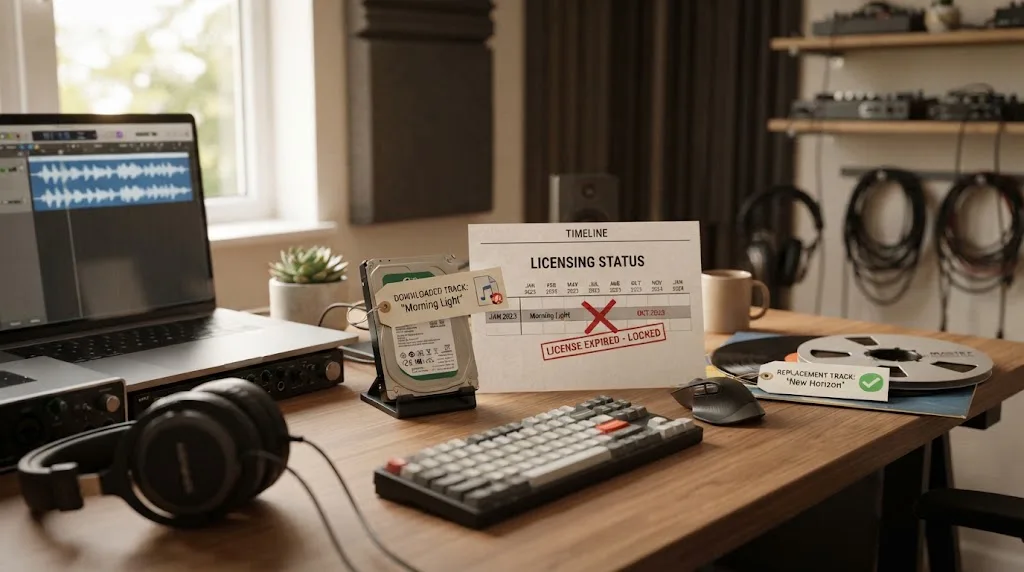
Can I publish a revised cut or a re-upload?
Treat a revised cut, a re-upload, and a new version for another destination as new publication decisions unless the license terms clearly cover them. The safer question is not whether the picture is similar. It is whether the new publication is covered under the same active license and scope.
Here are common cases.
A typo fix on the same platform
If you replace a live video with a corrected file after the subscription ends, the original URL may have been covered, but the replacement upload has a new event. The platform may preserve some publication history, but you should not rely on that as a licensing rule. Reactivate or replace the music before the new upload.
A vertical version for Shorts, Reels, or TikTok
A vertical cut is a new deliverable. It may be based on the same master, but it is published to another destination or in another form. Check whether your plan covers that platform and whether the audio use is allowed there. Epidemic Sound's Pro help page, for example, lists online platforms and notes a TikTok limitation for music added through TikTok's own library. The page also says an externally edited full-length track has a different route than adding music inside TikTok.
A client re-upload
If a client uploads the file to a channel you did not safelist, do not assume your personal channel connection follows the file. The plan has to cover client work, the intended channel needs the correct clearance path, and the publication must happen within the active period when required. Epidemic Sound says the Pro plan covers content created for third parties, but that does not mean every plan covers client work.
A new ad cut
An ad is not automatically covered because the organic video was covered. The Epidemic Sound licensing options page distinguishes plan use cases, and the current Pro help page lists digital ads among its coverage while excluding several broadcast and VOD uses. Pick the plan or license for the actual campaign, territory, and platform.
A podcast episode using the same intro
An old published episode and a future episode are different productions. If you cancel a subscription, the old episode can remain covered, but a new episode after expiry needs its own current permission. A recurring intro is exactly the kind of asset that makes a single-project license awkward, because the same track may appear in multiple productions.
The clean operational rule is to label every export as one of four types: original publication, replacement upload, derivative version, or new production. Then check the license against that label. The labels are not legal definitions. They are a way to stop a busy post-production team from treating every new export as the old publication.
If a platform gives you a replacement-upload option that keeps the same URL, document what happened and retain the old file. If the upload is technically a new video, assume it needs a fresh check. Platform mechanics can change, while your rights record should stay conservative.
A downloaded track can survive on your hard drive while its permission to soundtrack a new publication expires.
For the Resolve side, make the alternate version easy to relink. Name the music clip with the provider, track, and license status. Put the replacement on a track named MUSIC_REPLACEMENT, then disable the original instead of deleting it. This keeps the editorial comparison reversible and helps another editor understand why the change happened.
What if the video is for a client, ad, podcast, or company?
The plan must cover both the content and the business use. A personal creator plan is not automatically a client, advertising, agency, broadcast, or enterprise license.
Epidemic Sound's current plan pages draw meaningful lines. The Creator plan is positioned for non-commercial users and personal channels, with one account per listed platform in the help-page description. The Pro plan is for professionals and freelancers, includes client work and digital ads, and allows up to three channels per platform according to its help page. The same Pro page says it does not cover VOD, streaming VOD, pay-per-view, virtual fitness classes, local radio, TV shows, TV ads, or cinema, directing those cases toward Enterprise.
Those details make a client workflow more specific than “I have a subscription.” Record the following before a client signs off:
| Question | Why it matters |
|---|---|
| Who owns or operates the destination channel? | A personal channel, client account, agency account, and brand account may be different covered assets. |
| Is the content organic, paid, internal, broadcast, or public-event media? | Plan scope can change with the distribution context. |
| Is the same track used in one production or several? | A one-production license may not cover recurring episodes or multiple campaigns. |
| Who publishes the final file? | The person editing and the account publishing may not be the same license holder. |
| What happens after cancellation? | The first publication may remain covered while a later client revision may not. |
For a freelance editor, the most common mistake is choosing a personal plan because the editor owns the account, then using it for a client's paid ad. Ownership of the Epidemic Sound login does not answer whether the plan covers the production. Read the commercial-use language first.
For agencies, the second mistake is forgetting versioning. An agency may have one campaign master, six aspect-ratio versions, regional versions, and a later refresh. If the subscription ends between campaign phases, each later publication deserves an explicit check. The music provider may have a business or enterprise option, a single-track option, or a requirement to keep the subscription active.
For podcasts, check the feed and the episode schedule. A podcast intro can be a recurring asset, but a new episode is still new content. For internal corporate video, check whether the plan includes internal company use. For television, cinema, or streaming VOD, ask about the appropriate enterprise or business license rather than assuming an online creator plan travels everywhere.
Epidemic Sound also documents a single-track route. Its help page says a single-track license is for one production and can cover multiple platforms, with license types for private, personal, commercial, business, and enterprise uses. It states that a different production needs another license. That can solve a one-off client delivery after cancellation, but it is not a blanket right to reuse the track across every future project.
If the work is valuable enough that a claim would delay a launch, capture the licensing decision in the client handoff. Put the plan name, track title, intended platforms, publication date, and any safelist detail in the same delivery note as the Resolve master.
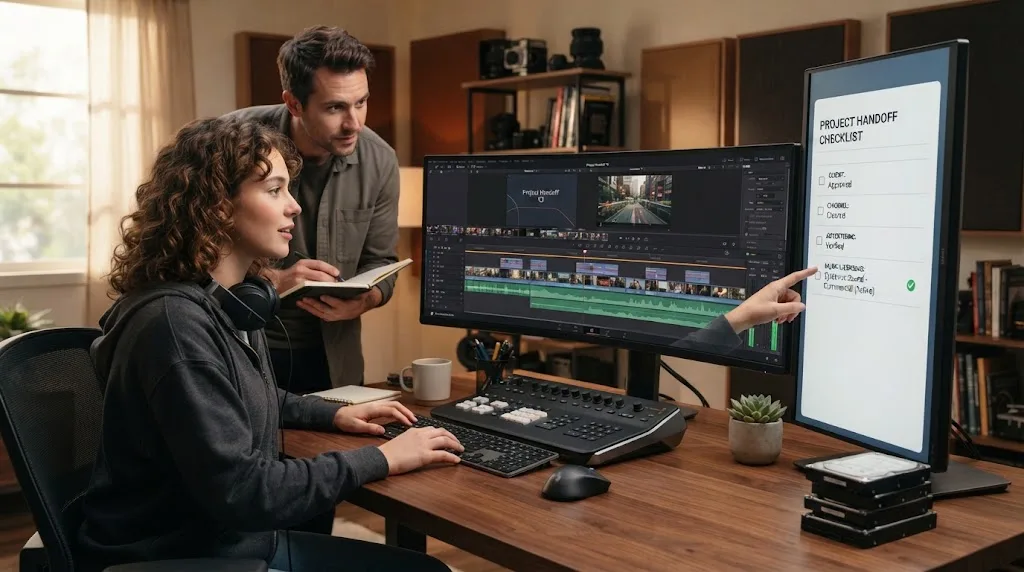
Which Epidemic Sound plan should I choose before cancelling?
Choose the plan by the publication you need to make, not by the fact that you already downloaded the track. Creator fits personal online publishing within its listed scope; Pro is aimed at professional and freelance commercial online work; Business and Enterprise address broader team, brand, organizational, or large-scale requirements.
The official Epidemic Sound licensing options currently lists Creator, Pro, Business, single-track, and Enterprise paths. The pricing page says plans include unlimited downloads and usage within the applicable terms, and that plan choice changes the covered uses and channels. Do not read “unlimited downloads” as “unlimited post-expiry publication.”
Use this decision table as a starting point, then check the live regional terms before buying.
| Your publishing pattern | Starting point | Why it may fit | What to check before payment |
|---|---|---|---|
| Personal YouTube, social, podcast, or web content | Creator | The plan is described for non-commercial creators and personal channels | Channel count, platform scope, monetization, and whether the content is genuinely personal |
| Freelance edits, client videos, digital ads, or boosted posts | Pro | The plan page explicitly describes professionals, client work, and digital ads | Client destination, number of channels, excluded broadcast or VOD uses, and publication timing |
| Brand, agency, multiple users, or broader organization | Business | The licensing options page positions it for brands, freelancers, and agencies | Team seats, channels, internal use, advertising, and organizational revenue limits |
| TV, cinema, streaming VOD, games, apps, or unusual distribution | Enterprise or a custom route | The standard Pro page lists several of these as excluded | Custom scope, territory, term, indemnity, and delivery requirements |
| One completed production after expiry | Single Track License | It is designed for one production and can cover multiple platforms | Correct license type, client or commercial status, number of productions, and destination |
One number is especially useful here. The licensing-options page says a single-track license covers up to 10 published links, while the single-track help page frames the license around one production. That is not the same as 10 separate videos or 10 future edits. Ask what counts as one production and keep the answer in writing.
Another number matters for channel planning. The Creator help page describes one account for each listed platform, while the Pro help page says up to three channels per platform. Those limits are current page claims, not a substitute for the plan terms in your account or region.
If you are close to cancellation, first calculate the work that will actually publish before the end date. Include client approvals, scheduled releases, alternate versions, and platform processing time. If the schedule is tight, retaining the subscription for one more active period may be less disruptive than racing an unapproved file through delivery.
Do not choose the most expensive plan just to feel safe. Choose the narrowest plan that clearly covers the real use. If your use is outside the listed scope, a higher plan or a single-track license may be appropriate. If you need future reuse across many new projects after cancellation, none of those choices should be described as a permanent archive unless the actual license says so.
Should I reactivate Epidemic Sound or buy a single-track license?
Reactivate when you have recurring publishing needs and want the catalog workflow to remain continuous. Buy a single-track license when one defined production is the problem. Replace the music when the production is low-risk to revise and the recurring subscription no longer earns its place.
There is no universal cheapest answer because the costs depend on your region, billing cycle, plan, number of productions, and the value of the edit. The decision is easier if you compare the operational consequences.
| Choice | Best when | What you keep | What you give up |
|---|---|---|---|
| Reactivate subscription | You have several upcoming publications or need catalog search and downloads | Continuous access within plan scope, the Resolve plugin if eligible, and one account workflow | A recurring bill and ongoing need to monitor plan limits |
| Single-track license | One defined video, campaign, or production needs the old track | The original musical identity for the defined production | Broad reuse; another production generally needs another license |
| Replace the track | The edit can accept a new music bed and future publishing matters more than the original track | A clean future workflow with a current license | Time spent re-cutting to a new rhythm or mood |
| Switch provider | Permanent project coverage or a different asset mix matters more than Epidemic's catalog workflow | A different licensing model and possibly broader asset access | Migration work, new search habits, and a new set of restrictions |
Epidemic Sound's single-track guidance uses the word “production” carefully. It says one license is valid for one production, can be published on multiple platforms, and requires another license if the same track is used in a different production. That is a useful escape hatch for a single post-expiry client version, not a guarantee that the music can follow you into future timelines.
Reactivation also has a timing detail. The cancellation help page says the subscription can be reactivated, and the post-cancellation page says reactivation is needed to continue publishing without claims. Do it before the new publication, not after a claim appears. If the video is already uploaded, keep the claim and publication records while support explains the correct resolution.
If you are deciding for a recurring YouTube channel, make the calculation in productions per year. If you publish frequently, a subscription may still be the simpler tool even if you occasionally pause it. If you publish one major film every few years, a project-based license or another provider may be a better match. The library's search convenience matters, but it should not hide the long-term rights cost.
This is also where DaVinci Resolve matters indirectly. An in-editor plugin can reduce application switching and keep the music search close to the timeline, but convenience does not turn a subscription into perpetual project rights. Treat the integration as a workflow feature and the license as a separate business decision.
For a broader audio workflow, our guide to mixing audio in DaVinci Resolve Fairlight covers dialogue, music, and sound effects as parts of a finished mix. The music provider decides permission. Fairlight decides how you shape the permitted audio.
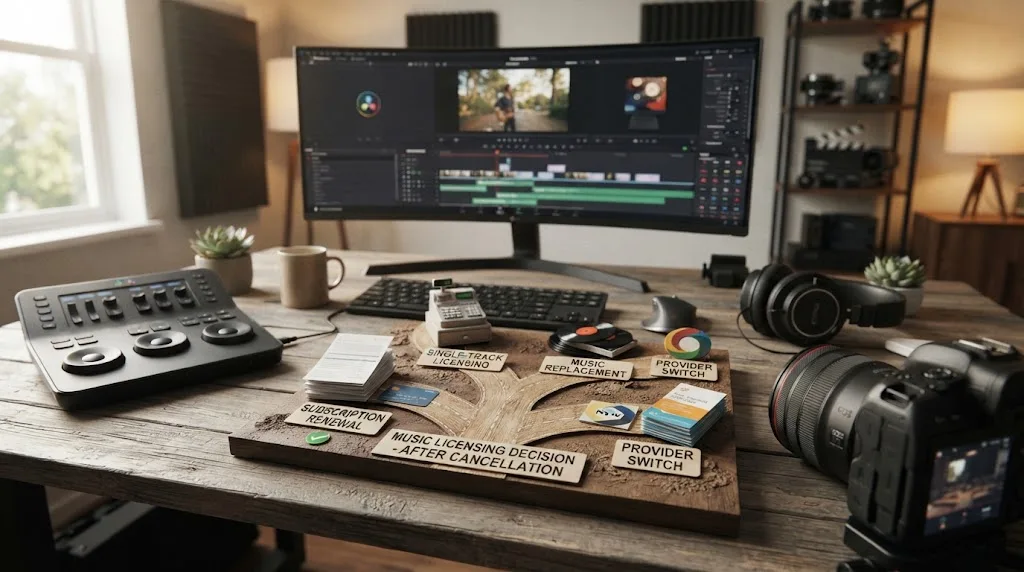
Is a pay-per-project alternative better if I need permanent reuse?
A pay-per-project license can be better when your work is occasional and each project has a clear identity. It is not automatically better for a channel that publishes often, because a project license can limit reuse, productions, platforms, or distribution types.
The phrase “permanent reuse” needs care. Some services preserve the right to keep a qualifying project published forever after it was made during an active subscription. That does not necessarily mean you can use the downloaded track in a brand-new project after cancellation. Other services sell a single-use license that grants perpetual rights for one designated project, but not for the next project.
That difference is the whole buying decision.
Artlist's current social license document says projects created with downloaded assets and published in the channel during the subscription can remain published and monetized after expiry, while new projects must be created and published during the paid term. The document also defines reasonable download limits, including 40 songs and 100 sound effects per day. Those details come from the license document, not a general promise that every Artlist product has the same terms. Read the current license for your plan.
Soundstripe takes a more explicit split between subscription and single-use routes. Its current pricing page says subscribers can use content in projects during the active subscription, but after cancellation they cannot use the content in new projects. It also describes single-use licenses that grant perpetual rights for selected tracks in individual projects. The companion single-use license page says each license covers one designated project and includes unlimited versions and edits for that project.
Motion Array's license page says projects created as a paid member remain covered forever, and that a cancelled subscriber needs to sign back up to use assets in new projects. Its catalog is broader than music, with templates, footage, graphics, plugins, LUTs, and sound assets. That can be useful if music is only one part of your recurring asset need.
The pattern is consistent across the options, but the boundaries differ:
| Provider route | What survives after cancellation | What does not automatically survive |
|---|---|---|
| Epidemic Sound subscription | Qualifying content published during the active subscription and properly covered | New content published after expiry using a previously downloaded track |
| Artlist social license | Qualifying projects published during the subscription can remain published and monetized | New projects after the paid term; plan-specific exceptions still matter |
| Soundstripe subscription | Content used in qualifying projects during the active subscription | New projects after expiry unless you reactivate or buy a single-use license |
| Soundstripe single-use license | Perpetual use of the selected track for the designated project | A second, unrelated project using the same track |
| Motion Array paid membership | Projects created and published while paid | New projects using paid assets after cancellation |
The table is a comparison framework, not a substitute for terms. Providers can change plan names, regional wording, included platforms, or single-use definitions. Before purchasing, open the live license and search for “cancellation,” “new projects,” “published projects,” “client,” and “advertising.” Save the document version or the provider's written answer.
If your priority is “I want this finished film to stay online forever,” a subscription with perpetual coverage for projects published while active may be enough. If your priority is “I want to use the same track in a new film next year after I cancel,” you need a license that expressly permits that reuse. Those are different buying problems.
If your priority is “I want music plus templates, stock footage, and plugins,” a broader library may be a better value even if its music workflow inside Resolve is less central. If your priority is search, stems, adaptations, and a music-first catalog, Epidemic Sound may be the better fit while active. The verdict should follow the work you will actually do.
How do Artlist, Soundstripe, and Motion Array compare?
Artlist, Soundstripe, and Motion Array can all be credible alternatives, but they win for different reasons. Artlist is attractive when you want music alongside stock and creative tools. Soundstripe is compelling when you want subscription access plus a clearly documented single-use route. Motion Array is strongest when music sits inside a larger templates and stock library.
Here is the honest comparison for a DaVinci Resolve 21 editor whose concern is future reuse after cancellation.
| Service | Best fit | Post-cancellation strength | Important trade-off |
|---|---|---|---|
| Epidemic Sound | Recurring creators, freelancers, and teams wanting music-first search, stems, downloads, and a Resolve Studio integration | Qualifying active-period publications stay cleared; reactivation or another license is needed for new posts after expiry | The plugin requires paid Resolve Studio, and subscription access does not make downloaded tracks permanent for new content |
| Artlist | Editors who also need footage, templates, LUTs, plugins, or broader production assets | Its social license says qualifying projects published during the active term can remain published and monetized after expiry | New projects are not automatically covered, and broadcast use can involve cue-sheet or plan questions |
| Soundstripe | Editors who want music and sound effects with a choice between subscription and single-use licensing | Single-use licenses provide a project-based path to perpetual use for the designated production | A single-use license is not a blanket right to reuse the track in unrelated projects |
| Motion Array | Editors who need templates, presets, footage, graphics, plugins, LUTs, and music together | Projects created as a paid member remain covered forever | New projects using paid assets require reactivation, and the service is less music-specialized |
Epidemic Sound's official Resolve plugin is a real differentiator, but it has a hard requirement. The plugin help page says paid DaVinci Resolve Studio is required, the free version does not support plugins, and the plugin is found under Workspace > Workflow Integrations after installation. The help page also says downloads require an active subscription, files can be dragged to the timeline, stems can be accessed from a track menu, and Timeline Sync is not supported.
That means a free Resolve user should not buy Epidemic Sound because of the plugin alone. You can still use licensed audio in the free editor by downloading it through another route and importing the file, but the in-editor integration is not the reason to pay for Studio unless the rest of Studio fits your work. The current plugin page also explains that the Mac App Store build of Resolve Studio can have an integration limitation, so download the supported Blackmagic build if you specifically need Workflow Integrations.
The alternatives have their own boundaries. Artlist's license document says published projects can stay covered but new projects cannot be created and published after expiry. Soundstripe's pricing page says its subscription cannot be used for new projects after expiration, then points to single-use licenses for perpetual rights to selected tracks. Motion Array's license page says paid-member projects stay covered forever, but new use after cancellation requires reactivation.
Do not compare only catalog size or the number of sound effects. Compare the event that creates the right. Ask whether the right attaches to the subscription period, the published project, the individual track, or a combination of those things. Then compare channel coverage, client use, advertising, broadcast, and the ability to document a claim.
The best alternative is the one whose cancellation rule matches your next project, not the one with the longest asset list.
For a Resolve editor, I would choose Epidemic Sound if the work is regular online publishing and the in-editor music workflow saves enough time to justify active coverage. I would choose Soundstripe if a one-off project needs a single track with a defined perpetual license. I would choose Artlist or Motion Array when the project needs a wider asset library. I would choose none of them without checking the exact plan against the actual destination.
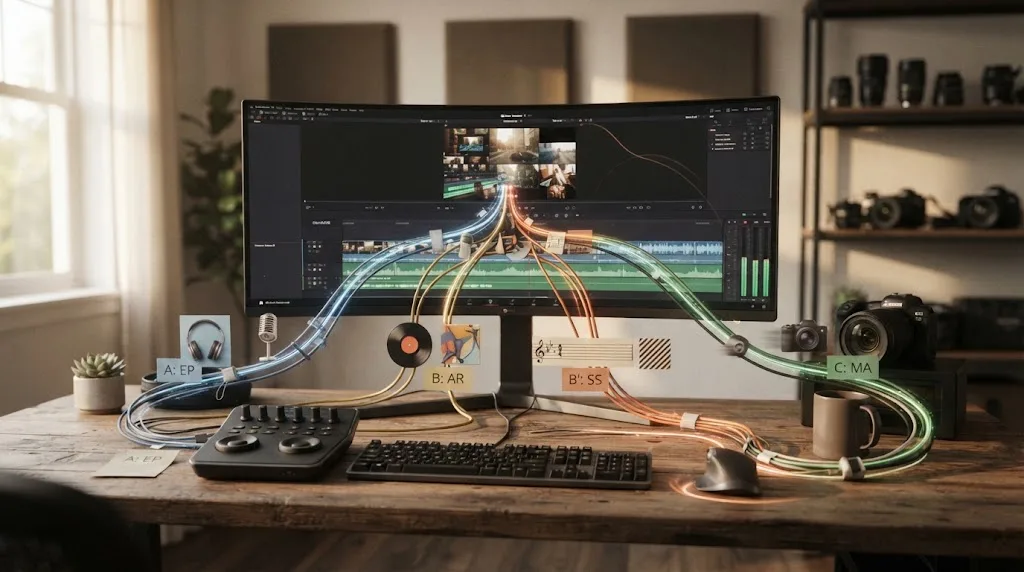
What should I do before cancelling?
Before cancelling, build a short publication inventory and finish the licensing record for each item. The inventory should include work already published, work waiting for approval, and work you expect to publish after the subscription end date.
Use this sequence.
- Open the account and record the actual subscription end date. Epidemic Sound says cancellation retains access until the end of the billing cycle, so the request date and expiry date are not interchangeable.
- Export a list of downloaded tracks used in active Resolve projects. Include the track title, artist, project name, and where the audio appears.
- Mark each project as published, scheduled, private review, exported only, or still in edit. Do not group these together.
- Check the plan against the actual use. Personal online content, freelance client work, digital ads, company communications, podcasts, and broadcast can have different coverage.
- Check every destination channel or video for safelisting. The provider says safelisting should happen before publication and requires an active subscription to set it up.
- For each project that will publish after expiry, choose reactivation, a single-track license, a replacement track, or another provider. Make the decision before the final upload.
- Save the invoice, plan information, safelist record, provider help links, and final URL in the project folder.
The list is deliberately boring. Boring is good here. A licensing problem becomes expensive when it is discovered after a client has approved a master, a paid campaign is scheduled, or a platform has already assigned monetization.
For a large Resolve project, use a spreadsheet with one row per publication, not one row per project. One timeline can produce a YouTube master, a client account upload, a vertical cut, a paid ad, and a podcast version. The picture edit is shared, but the publications may have different license questions.
Suggested columns:
| Column | Example of the decision it records |
|---|---|
| Project ID | A stable name that matches the Resolve project and delivery folder |
| Track | Exact Epidemic Sound title and artist |
| Plan | Creator, Pro, Business, Enterprise, or single-track route |
| Use | Personal, client, ad, podcast, internal, broadcast, or another defined use |
| Destination | Channel, page, feed, website, or campaign |
| Safelisted | Yes, no, or needs provider confirmation |
| Active on publication date | Yes or no |
| Post-expiry route | Reactivate, replace, single-track, or alternative provider |
| Evidence | Invoice, confirmation, support reply, and publication URL |
Do not store only a screenshot. Store the URL and date as text as well. A screenshot can show what you saw, but the project handoff should be searchable.
If your plan is annual, cancellation may stop the next renewal without shortening the paid term. The current pricing FAQ says monthly and yearly plans are billed on their respective cycles, that you can cancel, and that access continues until the plan end date without prorated refunds for monthly or yearly plans. Verify the account-specific date because regional checkout and plan terms can differ.
If you started with a free trial, use the same process. Epidemic Sound's trial page says content published during the trial remains cleared after cancellation, but new videos or podcasts cannot be produced or published after the period ends. A trial is not a loophole around the post-expiry rule.
How do I prepare a Resolve 21 project for a post-cancellation handoff?
Prepare the project so another editor can tell which music is licensed, what has already been published, and what needs a replacement. Resolve 21 can preserve the editorial work, but the handoff needs plain language about the external rights.
Start with the timeline. Rename the music track to include the provider and license status, for example MUSIC_EPISODIC_ACTIVE_PERIOD or MUSIC_REPLACEMENT_REQUIRED. Do not use a name that implies perpetual rights unless the license explicitly grants them.
Then add a marker at the first frame where the music begins and another at the end of the musical use. If the track returns later, mark each section or keep a note on the clip. The purpose is not to create a legal record. It is to make a later replacement predictable.
In the Media Pool, keep the original audio clip and add a text note with:
- Exact track title and artist.
- Provider account or plan, if the client needs the information.
- Download date.
- Intended publication date.
- Intended platform and channel.
- Whether the publication happened before expiry.
- Replacement instructions if it did not.
Export a clean music-only stem and a full mix stem when the delivery requires them. Our DaVinci Resolve guide to exporting separate audio stems covers the Resolve side of that handoff. A stem is useful for editorial and mix delivery, but it does not change the license status of the underlying track.
If you replace the music, keep the original clip disabled rather than deleting it. Add the replacement on a separate track, match the start point, and compare the new beat structure against dialogue and effects. Use clip gain and automation to restore the balance. If the music is tightly edited, expect to revisit cuts, transitions, and sound-design accents.
For the final archive, create a version note such as:
Published 2026-08-20 while Pro subscription active. Client YouTube channel covered. Safelist confirmed. No new upload after 2026-08-31 without reactivation or a new license.
That sentence is not a substitute for the provider's terms. It is a guardrail for the next person who opens the project six months later.
Resolve 21's Fairlight page can hold music, dialogue, and effects in a finished mix. Keep the licensing note outside the audio clip too, because exported stems can travel without the project database. A client may receive a master file, a music stem, or a new version without seeing your Resolve metadata.
If the project is going to another editor, include the original music file only when the handoff and client agreement permit it. A copy of the file is not a grant of standalone distribution rights. Do not treat a library asset as a free-floating sound effect that a recipient can reuse in an unrelated edit.
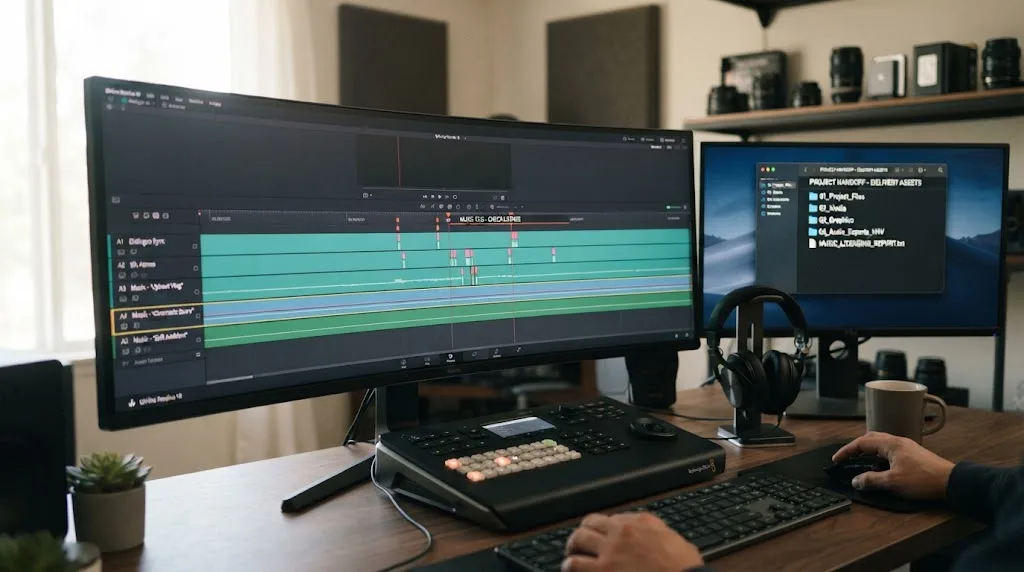
Why did a claim appear after I cancelled?
A claim after cancellation can mean the new upload happened after expiry, the channel or video was not correctly safelisted, the plan did not cover the use, or the platform matched another piece of audio. Do not guess from the date of the claim alone.
First separate the publication date from the claim date. A claim can arrive after an old video was published. That does not mean the old publication became unlicensed on the claim date. Epidemic Sound says active-period content remains cleared permanently, so gather the original upload date, account, plan, and safelist record before reacting.
Then identify the platform action. YouTube explains that a Content ID match may monetize, track, or block a video, and that a Content ID claim is different from a copyright takedown. A claim can affect monetization without being a strike. Read the platform notice carefully.
Use this troubleshooting branch.
The video was published while the subscription was active
Check the plan and destination first. Confirm the channel or video was safelisted before upload, then keep the invoice and URL together. If the claim appears to be an error, Epidemic Sound's guidance directs users to its claim-dispute process. On YouTube, the official dispute page says you should dispute only when you have the necessary rights and notes that the claimant has 30 days to respond.
The video was published after expiry
Do not describe it as covered merely because the track was downloaded earlier. Stop further promotion if the claim affects monetization, and choose a route: reactivate, replace the audio, or obtain a license that covers that production. If the platform lets you replace or mute the music, save the original export and the corrected version.
The channel belongs to a client
Check whether your plan covered third-party work and whether the client channel was connected. Do not dispute a claim from your personal account as if that proves the client's channel was covered. The evidence needs to match the publication account and the plan scope.
The claim names a different track or rightsholder
Open the claim details and compare the detected timestamp with the Resolve timeline. It may identify a stock sound effect, another music bed, a sample in a transition, or a separate audio layer. A valid Epidemic Sound record for one track does not clear every sound in the mix.
The video was a re-upload
Treat the replacement upload as its own publication unless the provider confirms an exception. Keep the original URL and the new URL. If the old upload is still available and covered, do not delete it while investigating unless the platform or client requires it.
YouTube's dispute guidance says owning a copy of the song or giving credit is not a valid reason to dispute a claim. The right reason is that you have the necessary rights, the content was misidentified, or another valid basis applies. That is why the license record matters more than the audio file's location on your drive.
Do not promise a client that a dispute will be accepted. A platform decides its process, and a provider may need to release a claim or confirm the account. You can present the evidence, follow the stated path, and keep a clean replacement version ready.
If the claim is on a high-value ad, launch, or client account, contact the provider and platform promptly. A public article can explain the general rule, but it cannot inspect your account, destination, or plan history.
A copyright claim is a workflow event to document, not proof that every older publication became invalid.
For future projects, add a preflight export step that checks the publication date, destination, plan, and safelist status. The extra minute is cheaper than trying to reconstruct the timeline after a claim.
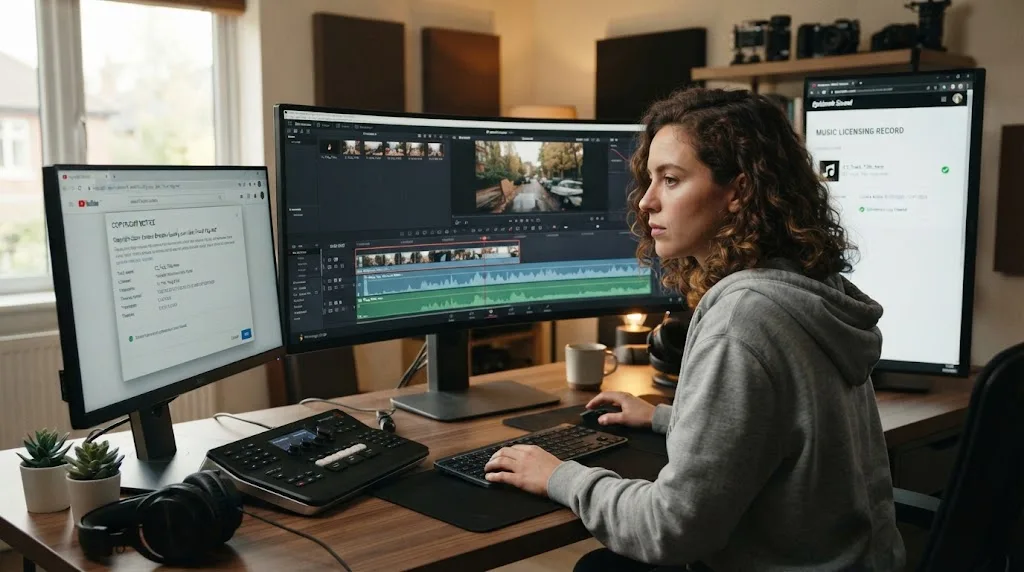
What happens to YouTube, podcast, social, and client versions after cancellation?
The same date rule applies across formats, but the plan scope and platform workflow can differ. An active-period publication can remain cleared, while a new post-expiry version needs current permission for its specific destination and use.
For YouTube, keep the original upload date, channel URL, and safelist record. YouTube says Content ID automatically scans uploads and can apply a monetize, track, or block policy when it finds a match. That explains why a post-expiry upload can create a monetization problem even though the Resolve timeline looks identical to an older cleared upload. If a claim appears on an older active-period upload, compare the claim with the original publication record before changing the audio. If a claim appears on a new upload made after expiry, choose a current license route rather than arguing that the track was downloaded earlier. The official YouTube claim guidance distinguishes a Content ID claim from a copyright takedown, and the dispute guidance says to dispute only when you are confident you have the necessary rights.
A podcast feed needs the same care as a video channel. A published episode during an active period is one production. A later episode using the same intro or a new music bed is another publication. If your show uses a recurring intro, decide whether a project-specific license can really cover the publishing pattern before you cancel. Keep the episode URL, RSS feed, publication date, and license record. If a hosting platform changes the feed URL or you migrate the show, ask how that change interacts with the provider's safelist and the old publication record.
Social versions often multiply the number of publications. A 16:9 master, a vertical cut, a short teaser, and a paid boost can be four different deliverables with different platform and commercial contexts. The current Epidemic Sound Pro help page lists digital ads and boosted social posts, while the Creator help page describes personal channels and non-commercial use. Those pages also describe channel limits, so count destinations before you treat a single subscription as a complete campaign license.
A client review link is part of the production workflow, but it is not automatically the same thing as a public publication. When a subscription is close to expiry, ask the provider whether the review copy and later approved upload are treated under the same terms. If the client needs to approve the video after expiry, give them a version with music that is covered for the later publication or keep the subscription active until the actual delivery.
Paid media is the format where plan selection matters most. Epidemic Sound's Pro help page explicitly lists digital ads and boosted social posts, but the same page lists several excluded uses, including TV ads, cinema, and VOD. A campaign that moves from organic social to television can cross a rights boundary without changing the audio. Write the distribution plan before you select the music.
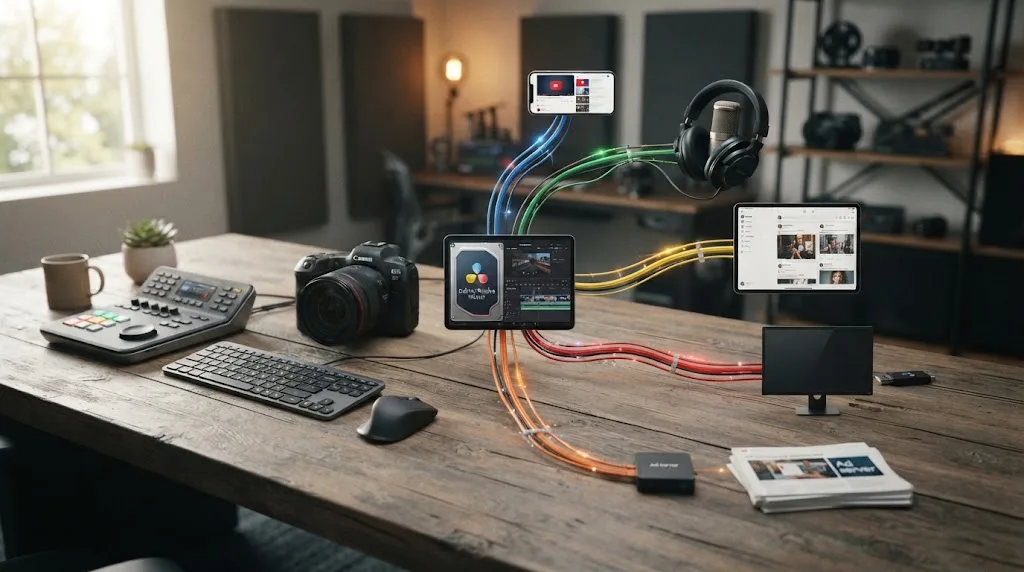
Does the Epidemic Sound Resolve plugin change post-cancellation rights?
No. The plugin changes how eligible DaVinci Resolve Studio users search, download, and place audio. It does not make a downloaded track available for new post-expiry publications.
Epidemic Sound's plugin help page says paid DaVinci Resolve Studio is required, the free version does not support plugins, and an active subscription is required to download tracks. It also documents drag-and-drop to the timeline, access to stems, a separate plugin window, and the absence of Timeline Sync. Those are workflow facts, not post-cancellation rights.
The paid Studio requirement matters for buying decisions. If you use the free version of Resolve 21, you cannot use the plugin. You can still import licensed audio through a normal file workflow, but you should not pay for Studio solely because a music library has an integration unless you also need Studio features. Epidemic Sound's help page also says the Mac App Store edition can lack Workflow Integrations, so check the Resolve edition and installation source before blaming the subscription or the downloaded track.
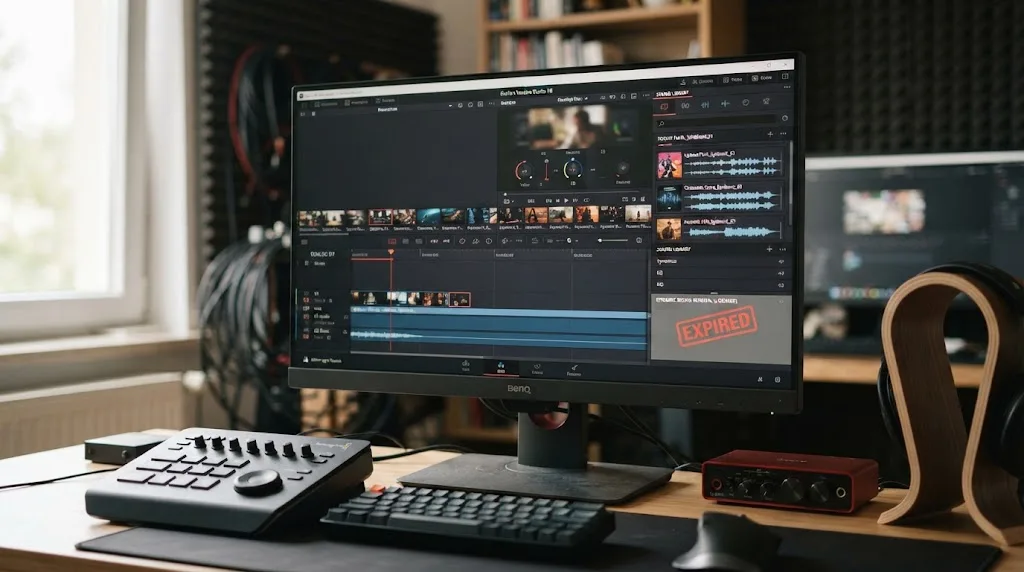
Which option fits your workflow?
Choose Epidemic Sound and keep it active when you publish often, need a music-first catalog, and value a direct DaVinci Resolve Studio workflow enough to keep a current license. Choose a single-track license when one defined production is the priority. Choose Artlist when a wider stock and creative asset bundle matters. Choose Soundstripe when its subscription plus single-use choices match your project cadence. Choose Motion Array when templates, footage, graphics, presets, and plugins matter as much as music.
| If your real question is... | Best starting answer | Do this next |
|---|---|---|
| Can I keep my old published video? | Usually yes, if it was published while active, covered by the plan, and properly safelisted | Save the publication URL, date, plan, and safelist record |
| Can I publish the same Resolve timeline after expiry? | Not safely under the old download alone | Reactivate, replace the track, or license the new production |
| Can I make a new client cut after expiry? | Treat it as a new publication | Check client and ad coverage or buy a production-specific license |
| Do I need the Epidemic Sound Resolve plugin? | Only if you use paid Resolve Studio and want its in-editor workflow | Confirm Resolve edition, build, installation source, and active subscription |
| Do I publish one major project occasionally? | A single-track or project-based option may fit better | Compare production scope, platforms, and perpetual-use language |
| Do I publish continuously? | A current subscription may be operationally simpler | Match the plan to personal, commercial, client, ad, or enterprise use |
The buying advice is conditional. Epidemic Sound is a sensible fit for recurring soundtracking while active, especially when its catalog and Resolve Studio integration fit your workflow. It is a poor fit if your only requirement is downloading once and reusing the same music in unlimited future projects after cancellation. In that case, inspect a project-based or single-use model first.
Do not let the word “cancel” make the decision for you. The real question is what you will publish after the end date. If the answer is nothing, keep the records for your old work and cancel with confidence. If the answer is one defined video, price a single-track route. If the answer is a season, campaign, or client pipeline, compare the cost of staying active against the cost of replacing music and repairing claims.
The short verdict is this: you can continue using qualifying Epidemic Sound music in content published during your active subscription, even after you cancel. You cannot use an old download as a blanket license for new content after the subscription ends. For a new Resolve 21 publication, reactivate, replace the music, or obtain a license that clearly covers that production.
Frequently asked questions
- Can I use Epidemic Sound music after cancelling?
- You can keep monetizing qualifying content published while your subscription was active and properly safelisted. You cannot use the downloaded track in newly published content after the subscription ends unless you reactivate or obtain a license that covers the new production.
- Can I use an Epidemic Sound track I downloaded before cancelling?
- Not for a new project published after the subscription ends. Downloading the file does not extend the publishing license; the active subscription or a separate license must cover the new publication.
- What happens to my old YouTube videos after I cancel Epidemic Sound?
- Videos published during the active subscription remain cleared to monetize permanently when they were correctly covered and safelisted. New uploads after expiry can receive a claim or have monetization assigned to Epidemic Sound.
- Can I finish a DaVinci Resolve project after cancelling Epidemic Sound?
- You can finish and publish it during the remaining active billing period. After the subscription ends, exporting or publishing a new video with that music is a new use, so reactivate, replace the track, or license that production separately.
- Is Artlist, Soundstripe, or Motion Array better after cancelling?
- They can be better if permanent reuse in future projects is your priority, but their product scopes differ. Artlist and Motion Array cover qualifying projects made during an active subscription, while Soundstripe also offers single-use licenses for selected tracks and projects.
Sources
- Epidemic Sound Cancellation
- What happens to content when a subscription is canceled?
- Epidemic Sound Safelisting
- Epidemic Sound Free Trial
- Epidemic Sound Creator Plan
- Epidemic Sound Pro Plan
- Epidemic Sound Licensing Options
- Epidemic Sound Single Track Licensing
- Epidemic Sound DaVinci Resolve Studio Plugin Help
- Epidemic Sound Pricing and Licensing
- Blackmagic Design DaVinci Resolve Support
- Artlist Social License
- Soundstripe Pricing and Licensing
- Soundstripe Single-Use Licenses
- Motion Array License
- An Attorney's Guide to Brands Using Music in Content
- YouTube How Content ID Works
- YouTube Dispute a Content ID Claim
Put this guide to work with TryUncle.
Ask about the step you’re on. TryUncle sees your screen and points at the control you need, so you can keep learning in your own project.
Get TryUncle for Mac or WindowsKeep reading
Guides · Jul 11, 2026 · 31 min
How to Mix Audio in DaVinci Resolve Using Fairlight
Mix audio in DaVinci Resolve's Fairlight page: build a dialogue/music/effects bus structure, gain-stage your clips, EQ and compress dialogue, then duck music under it.
Guides · Aug 2, 2026 · 39 min
How to Export Separate Audio Stems for Mixing in DaVinci Resolve
Export separate audio stems for mixing in DaVinci Resolve: build Fairlight buses, set Deliver page Output Track per stem, and render 24-bit WAV files.
Guides · Jul 7, 2026 · 32 min
DaVinci Resolve for Beginners: The Complete Starter Guide
Learn DaVinci Resolve from zero: what it costs, what it needs to run, the seven pages you'll actually use, and the steps to cut your first project.