Articles / Guidesupdated for DaVinci Resolve 21.0.3 (August 2026)
Royalty Free Podcast Intro Music for DaVinci Resolve 21
Quick answer
Choose royalty free podcast intro music with a license that covers podcast publishing. In DaVinci Resolve 21, import the cue into Fairlight, place it on its own track, trim it to the spoken opening, then fade or keyframe it under the voice before exporting.

An intro doesn't need a complicated score. It needs a licensed cue, a clean edit, and enough space for the first sentence to land. I treat Fairlight as the finishing room because Resolve keeps picture and sound in the same project. As of August 2026, this guide targets DaVinci Resolve 21.0.3, the current 21.x point release listed by Blackmagic Design.
DaVinci Resolve 21 can edit the music, but it cannot grant permission to publish it.
What is the best royalty free podcast intro music for DaVinci Resolve 21?
The best cue covers your podcast, gives you a clean edit point, and leaves room for speech. Rights and editability matter more than catalog size.
Start with four tests:
| Test | What to look for | Why it matters |
|---|---|---|
| Podcast rights | Podcast use, your publishing platforms, and any client or commercial use | A video license may not cover an audio-first podcast |
| Shape | A clear opening, a phrase that can end cleanly, and no essential vocal line under the host | You can cut the cue without making it sound broken |
| Editability | A WAV or high-quality download, plus stems or alternate versions when offered | You can control the bed instead of fighting one dense stereo file |
| Repeat use | Terms for using the same cue across one show's episodes | A recurring intro needs recurring rights |
Blackmagic's Fairlight training material includes a podcast-intro exercise that marks about 30 seconds of music. Treat that as a lesson, not a publishing rule. Your spoken opening decides the duration. The official Fairlight Audio Guide documents the exercise.
How do I choose royalty free podcast intro music before opening DaVinci Resolve?
Choose the license first, then choose the track. Save the receipt, track title, artist, download date, and any channel or RSS registration with the Resolve project.
"Royalty free" doesn't mean "do anything you want." Artlist says its assets can be integrated into podcasts, but aren't licensed as standalone audio. A music bed inside an original episode is different from uploading the track by itself. Read Artlist's current license explanation.
Use this decision matrix when you compare sources:
| Source | Choose it if | Check before publishing |
|---|---|---|
| Epidemic Sound | You publish recurring podcasts and want a music-and-SFX subscription with podcast guidance | Active plan, RSS setup, platform coverage, and Content ID instructions |
| Soundstripe | You want a single-use option or one recurring intro for one podcast | The plan or Digital license that matches your show; SFX require the relevant tier |
| Artlist | You also need a broader production-asset catalog | The plan's podcast coverage, Clearlist steps, and integrated-project limits |
| Commissioned music | Your brand needs an original cue and you can manage a written agreement | Podcast, video, advertising, territory, term, edit, and delivery rights |
Soundstripe's current podcast guidance says podcast use is covered on all its plans, but the type of podcast determines which plan you need. It also says one license can cover the same intro across all episodes of one podcast, while a second podcast is a separate project. Soundstripe's podcast coverage guide is a useful comparison point.
How do I add royalty free podcast intro music in DaVinci Resolve 21?
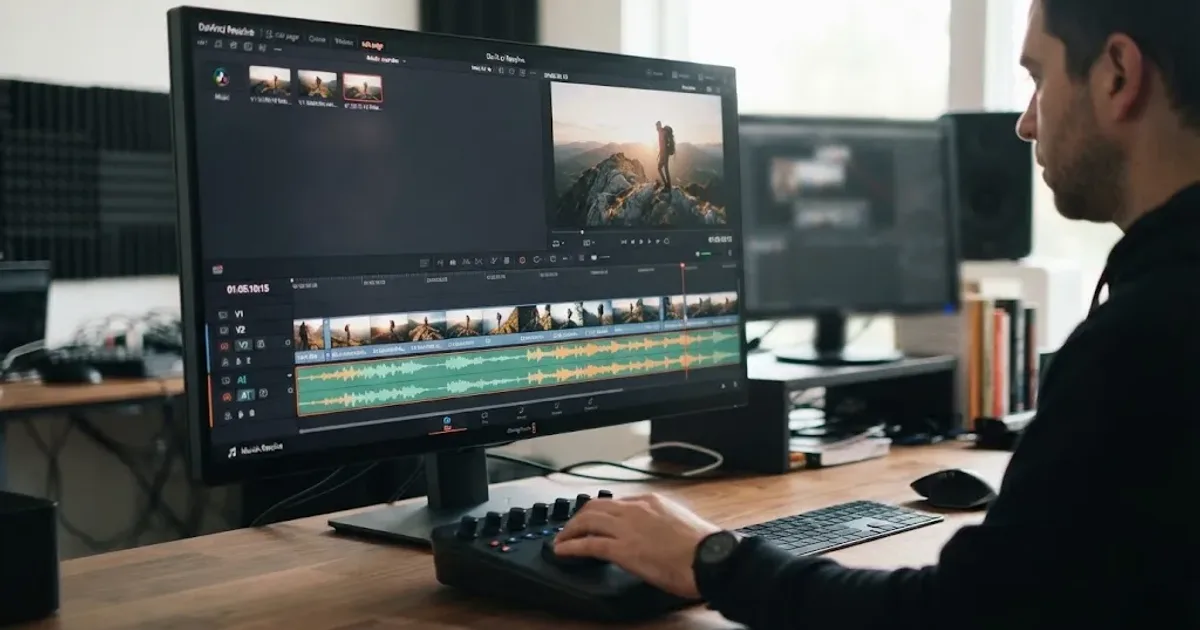
Import the licensed file into the Media Pool, place it on a separate audio track, and open Fairlight for precise timing and levels. Resolve 21's final release arrived on June 3, 2026, and Blackmagic's support listing shows the 21.0.3 update. Check Blackmagic's support notes for the version context.
- Create or open the episode timeline.
- Import the music file into the Media Pool.
- Drag the cue to a dedicated music track. Keep the voice on its own track.
- Move the playhead to the point where the music should start. If you're selecting from the source viewer, press I for an In point and O for an Out point. Blackmagic's Fairlight guide documents those shortcuts.
- Trim the music clip so its ending lands before, under, or just after the spoken welcome.
- Rename the track MUSIC_INTRO and save the project.
A dedicated track lets you mute, level, replace, and document the cue. Resolve 21 also adds Fairlight folder tracks for grouping related audio tracks, according to Blackmagic's Resolve 21 New Features Guide.
How do I trim podcast intro music in DaVinci Resolve without an awkward cut?
Trim on a musical boundary, not at an arbitrary timecode. Listen for the end of a phrase, a drum hit, a chord change, or a short tail that can accept a fade. If the music has a strong melody, avoid cutting through the melody's final note unless you plan to use a deliberate sound effect or transition.
For a fast selection workflow, preview the cue with the J, K, and L keys. The official Fairlight guide describes J as reverse playback, L as forward playback, and K as stop, with repeated J or L presses changing playback speed. Use I and O to mark the range.
If your cut still feels abrupt:
- Move the edit to the next downbeat or phrase boundary.
- Add a short fade-out, or crossfade into room tone or the opening voice.
- Use a stem or alternate mix if the provider supplies one.
- Keep the tail, but lower it quickly once the host begins.
For a cut between two music sections, Blackmagic's guide describes three basic choices: a hard cut, a fade out followed by a fade in, or a crossfade where one clip fades out while the next fades in. The same guide uses audio track layers for music editing. See the Fairlight crossfade lesson for the underlying technique.
A clean musical ending beats a longer intro every time.
How do I mix podcast intro music under speech in DaVinci Resolve?
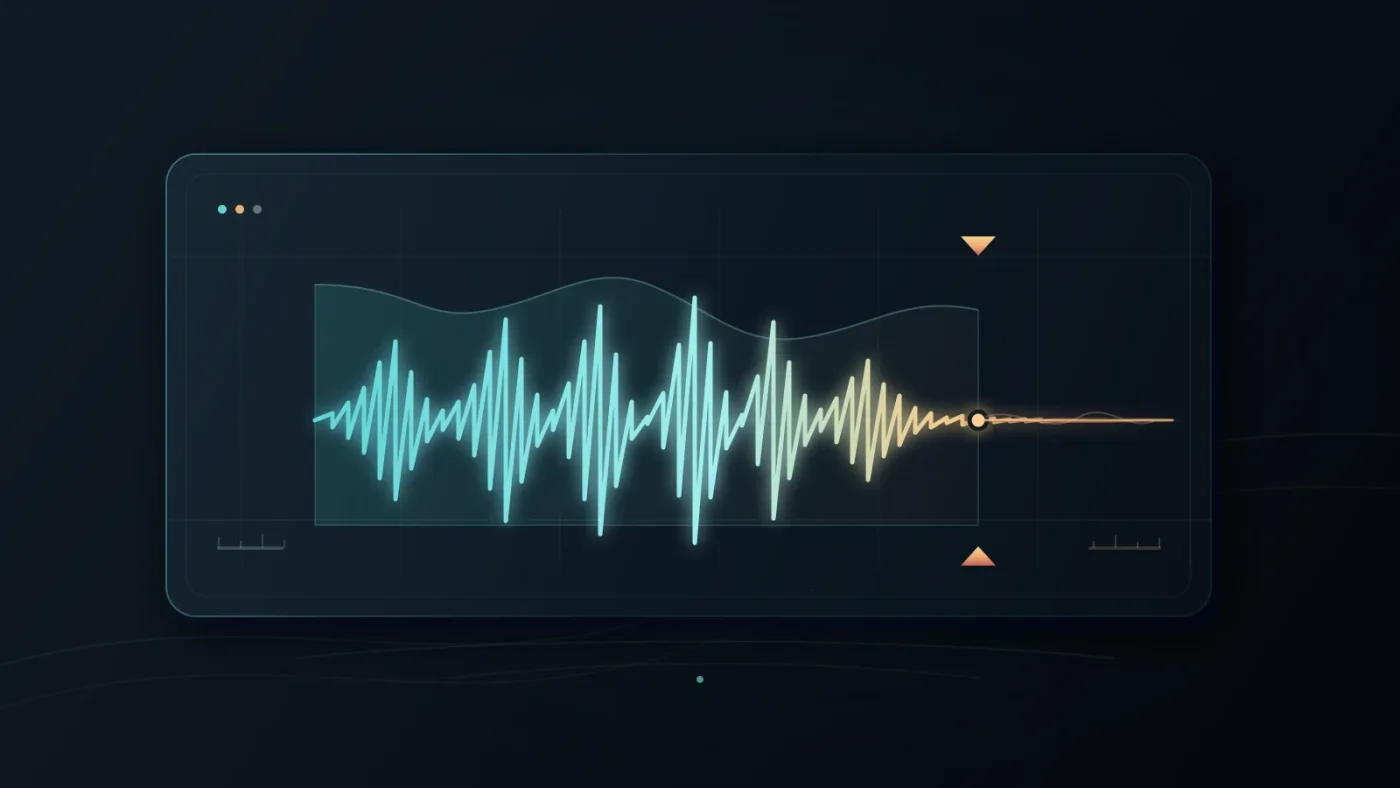
Lower the music before the first important word, then shape the level over time rather than choosing one fixed setting for the entire intro. The voice is the message. The music should establish identity, then make room.
Blackmagic's Fairlight training describes this as the “Dialogue is King” rule. It shows a clip gain line across the audio clip and uses keyframes to dip music only during speech. On macOS, Option-click the clip gain line to add a keyframe; on Windows, use Alt-click. The Fairlight guide's clip-level lesson documents the workflow.
Use four points for a simple duck:
- One keyframe just before the voice begins.
- One keyframe as the music reaches its lower level.
- One keyframe after the first sentence, if the music needs to rise.
- One final keyframe at the end of the intro.
Don't chase a universal decibel number. Voice recordings and arrangements differ. Listen on headphones and speakers, then check that every word stays intelligible with the music present. Watch the Fairlight meters for clipping, but make the final call with both tracks playing together.
Radio producer Mike Ladd writes, “In general, I prefer long, slow cross-fades under speech.” His The Art of the Radio Feature essay gives the context. Adapt the advice to the short intro, since a fade that delays the host is still the wrong choice.
Dialogue should win every time the intro overlaps spoken words.
Why is my podcast intro music too loud in DaVinci Resolve?
It is usually too loud because it was judged soloed, not against the voice. Pull the clip gain line down, listen through the first sentence, and add keyframes around the speech.
If the music still masks consonants, reduce density as well as level. Choose a simpler section, use a stem without a lead instrument, or end the cue before the host starts. Compression can't repair a music choice that occupies the same space as the voice.
For more, see our guide to using music stems in DaVinci Resolve 21. For a video podcast, use DaVinci Resolve podcast video export settings at delivery.
Which license covers royalty free podcast intro music?
The license must include podcast publishing, your platforms, and any commercial or client use. Keep the rights document with the Resolve project, and re-check the terms when a subscription ends or a show moves platforms.
Affiliate disclosure: this post contains tracked Epidemic Sound links. We may earn a commission if you subscribe through one. The relationship doesn't change the licensing test.
Epidemic Sound's podcast guidance says active Creator or Pro subscribers can use its music in a podcast, and it tells users to add the podcast RSS feed to the subscription. It also gives a specific instruction for YouTube and YouTube Music: exclude music segments from reference files used for Content ID matching. Read Epidemic Sound's podcast guidance before publishing.
At the natural decision point, check Epidemic Sound's current podcast option if you publish repeatedly and want a subscription-based music workflow. Its podcast eligibility and platform instructions are useful, but the right plan still depends on your show and distribution. Soundstripe can be the better fit when you want a single-use license, and commissioned music can be the better fit when ownership and exclusivity matter more than catalog access.
A royalty-free podcast intro is only as safe as the license behind the downloaded file.
Before you export, answer these questions:
- Is the cue licensed for podcasts, not only videos?
- Does the license cover every platform where the episode will appear?
- Does it cover client work, ads, or a company account if those apply?
- Do you need to register an RSS feed, channel, or video?
- What happens to new episodes after cancellation?
- Are you using the music as part of an original episode rather than as standalone audio?
If any answer is unclear, pause the export and read the provider's terms. Replacing a music file is easier than rebuilding a published catalog around a cue you weren't allowed to use.
Should I use a subscription, a single track, or commissioned music?
Choose a subscription for frequent releases and multiple cues, a single-track license for one show, or commissioned music when the sonic identity needs an original agreement.
The craft decision stays the same: import the file, isolate it, trim at a musical boundary, fade into the spoken opening, and keyframe the music down under the voice. Resolve 21.0.3 gives you the Fairlight tools to do that cleanly. The license decides whether you may publish the result.
Start with the cue whose rights you can explain in one sentence. Keep the intro short, leave room for the host, and save the paperwork beside the project.
Frequently asked questions
- Can I use royalty free podcast intro music in DaVinci Resolve Free?
- Yes. DaVinci Resolve can edit imported audio in the free version, but the music license still has to cover your podcast and publishing platform.
- How long should podcast intro music be?
- Use only as much music as the spoken opening needs. Blackmagic's Fairlight exercise uses about 30 seconds as a practice selection, not as a universal publishing rule.
- Can I use the same intro music in every podcast episode?
- Often, but check the license. Soundstripe says one license can cover the same intro across all episodes of one podcast, while multiple podcasts are separate projects.
- Can I use Epidemic Sound music in a podcast?
- Epidemic Sound says active Creator or Pro subscribers can use its music in a podcast after adding the podcast RSS feed to the subscription.
- Is royalty free the same as copyright free?
- No. Royalty free describes a licensing model, not ownership or unlimited reuse. Read the provider's podcast, platform, client, and post-cancellation terms.
Sources
- Blackmagic Design Support Center, DaVinci Resolve 21.0.3
- Blackmagic Design DaVinci Resolve 21 download and audio features
- Blackmagic Design Fairlight Audio Guide to DaVinci Resolve 20
- Blackmagic Design Fairlight Audio Guide to DaVinci Resolve 18
- Blackmagic Design Fairlight Audio Guide to DaVinci Resolve 17
- Epidemic Sound Podcast Information
- Epidemic Sound plan and licensing options
- Soundstripe podcast licensing
- Artlist license terms
- Mike Ladd, The Art of the Radio Feature
Put this guide to work with TryUncle.
Ask about the step you’re on. TryUncle sees your screen and points at the control you need, so you can keep learning in your own project.
Get TryUncle for Mac or WindowsKeep reading
Guides · Aug 24, 2026 · 7 min
DaVinci Resolve Fit Music to Video Length: 21 Guide
Fit music to your video in DaVinci Resolve 21 with Music Editor, beat markers, Elastic Wave, and a clean manual fallback.
Guides · Aug 25, 2026 · 8 min
How to Use Music Stems in DaVinci Resolve 21
Learn how to import, align, mute, mix, and export vocal, drum, bass, and instrument stems in DaVinci Resolve 21.
Guides · Jul 13, 2026 · 33 min
DaVinci Resolve Podcast Video Export Settings That Actually Work
The exact DaVinci Resolve export settings for podcast video: YouTube, Spotify, and Apple Podcasts specs, plus mono audio-only WAV export for RSS feeds.