Articles / Guidesupdated for DaVinci Resolve 21 (August 2026)
Best Ambient Sound Effects for Video Editing in Resolve 21
Quick answer
Choose ambience by location, perspective, continuity, and licensing. Record room tone when you can, use free libraries only after checking each file's license, and choose a paid library for recurring commercial work. In DaVinci Resolve 21, layer ambience in Fairlight and shape it with clip fades, volume automation, and EQ.
Ambient sound can make a cut feel like a place instead of a sequence of clips. We run a 100,000+ member professional video-editing community, and after 7+ years of commercial editing, we look for continuity before spectacle. As of August 2026, DaVinci Resolve 21 is current, with Blackmagic listing the final release on June 3, 2026. Blackmagic Design's support page confirms the date.
What are the best ambient sound effects for video editing?
The best ambient sound effects for video editing are believable, continuous layers that match the scene's location, camera perspective, and sound floor. Start with a bed, then add a few identifiable events, such as a passing car, bird, or distant siren.
Room tone is the nonspecific sound of a location. FilmSound calls it another term for ambience and explains that it can be intercut with production audio to create a continuous background. That makes it a better first choice for dialogue scenes than a busy, attention-grabbing effect. Read the FilmSound room-tone definition.
The best ambient sound effect matches the scene's location and perspective before it matches the editor's taste.
Use this decision matrix before downloading anything:
| Source type | Best fit | Main strength | Main watch-out |
|---|---|---|---|
| Your own recording | Interviews, documentaries, recurring locations | The exact acoustic fingerprint of the scene | You must record cleanly and keep the files organized |
| Free archive | Personal work, tests, occasional projects | Little or no cash cost | Rights and attribution can vary by file |
| One-time sound pack | A repeatable genre or production style | Consistent naming and sonic character | You pay upfront and may still need to check the license |
| Paid subscription | Frequent publishing, client work, or many locations | Fast search and a recurring licensing workflow | Plan terms, channel coverage, and cancellation rules matter |
How do I choose the right ambient sound effect for a scene?
Choose the quietest believable layer that supports the picture without competing with dialogue. Match location, perspective, continuity, and license.
- Location: An office bed should not sound like a generic white-noise loop. Listen for ventilation, distant voices, keyboard activity, fluorescent hum, or a street outside.
- Perspective: A wide exterior usually wants a wider, more open bed. A close interior shot may need a smaller and drier sound.
- Continuity: Let the ambience survive a cut unless the story intentionally changes place or time. Avoid a new bird call or traffic rhythm at every edit.
- License: Save the source page, file name, creator, license, and download date in your project notes.
Listen for loops. A repeated waveform, identical bird call, or obvious restart gives away the trick.
Walter Murch puts the creative principle plainly: “You have more freedom with sound than you do with picture.” Murch's interview at FilmSound.org is the source for that verbatim quote.
Where can I find the best ambient sound effects for video editing?
You can find the best ambient sound effects in your own location recordings, carefully checked free archives, or paid libraries with a license that fits the project.
Freesound can be useful for discovery and unusual textures, but it is not a blanket commercial-use license. Its FAQ says sounds can be offered under CC0, CC BY, or CC BY-NC, and notes that some files require credit while noncommercial files cannot be used to earn money. Freesound's license guidance should be checked for each sound you use.
Creative Commons lists six main licenses. CC BY allows reuse with attribution, while CC BY-NC restricts commercial use. CC0 is a separate public-domain dedication tool that permits copying, modification, distribution, and performance for commercial purposes without attribution, subject to other rights that may still apply. Compare the Creative Commons licenses and read the CC0 deed.
A free sound effect is only as safe as the license you can document.
Are free ambient sound effects safe for commercial video?
Free ambient sound effects are safe for commercial video only when the specific license permits that use and you can meet its conditions. “Free download” and “free for commercial use” are not interchangeable.
For CC BY, keep the creator's name, the work title when supplied, the license link, and a note about changes. For CC BY-NC, do not use the sound in a project intended for commercial advantage or monetary compensation. For CC0, keep a record anyway.
Paid libraries can reduce that paperwork, but they don't remove judgment. A subscription may cover personal channels while requiring a different plan for client work, advertising, or multiple publishing channels. Check the plan before publishing, and keep the license record with the project.
Paid sound libraries buy search and licensing consistency, not permission to ignore the plan terms.
Affiliate disclosure: We may earn a commission if you choose Epidemic Sound through this link. That relationship doesn't change the criteria or the alternatives in this guide.
Recommended for recurring commercial work: Check Epidemic Sound's current catalog and licensing options. Choose it when repeated publishing and predictable rights administration matter more than avoiding a subscription.
Epidemic Sound is a reasonable paid option to investigate because it combines a music and sound-effects catalog with plan-dependent licensing and a DaVinci Resolve Studio workflow. It isn't automatically the best fit for a one-off personal video, and the free Resolve edition does not support its plugin. Verify current plan and platform requirements before subscribing.
Compare the paid alternatives before you commit. Artlist's current plans make more sense if you also need footage, templates, LUTs, plugins, or generative tools. Motion Array's plans win when motion graphics, presets, templates, footage, and editing plugins matter more than a music-first workflow. Soundstripe's licensing options are worth a look if single-use licenses, stock video, collaboration, or a Premiere-focused extension fit your production better.
Choose a free archive when budget is the deciding factor and you can document each file. Choose your own recordings when matching a real location matters. Choose a paid library when you need a fast repeatable search process across many projects.
How do I use ambient sound effects in DaVinci Resolve 21?
Use dedicated Fairlight tracks, keep ambience under dialogue, and automate changes instead of hard-cutting the background at every picture edit. Blackmagic's Fairlight guide covers balancing, panning, clip repair, busses, and mixing. Open Blackmagic's Fairlight Audio Guide.
- Choose and label the ambience. Import the file, rename it with its location and source, and store the license note with the project.
- Create dedicated Fairlight tracks. Keep room tone, broad environmental beds, and featured events separate. In Resolve 21, Fairlight Folder Tracks let you group related tracks without changing the original tracks. Blackmagic's Resolve 21 guide says folder tracks can be nested to a maximum of 3 levels. See the Resolve 21 New Features Guide.
- Trim and crossfade the bed. Extend the bed across the scene when possible. Use short fades where a clip starts or ends, and avoid aligning every ambience edit with a picture cut.
- Shape perspective and dialogue space. Lower the bed until the words remain clear. Use panning or stereo width to fit the shot, and use EQ only to solve a conflict or match a location. A bed that sounds impressive alone may be wrong under speech.
- Review and document. Check the scene on headphones and ordinary speakers. Listen for loops, clicks, abrupt noise-floor changes, and events that pull attention away from the subject. Save the license record beside the project archive.
In DaVinci Resolve 21, Fairlight folder tracks can organize ambience without deleting the underlying tracks.
For the mechanics of combining several effects, use our guide to layering sound effects in DaVinci Resolve 21. For a dialogue scene, adding room tone in DaVinci Resolve 21 is the more focused next step.
Why does my ambience sound fake after the edit?
Ambience sounds fake after the edit when the bed changes abruptly, loops audibly, has the wrong perspective, or contains too many noticeable events. The fix is usually less sound and better continuity.
Check the noise floor first. If the dialogue clip has a soft room bed and the added ambience has a bright hiss, the edit will feel pasted together. Next, check perspective. A close microphone should not suddenly become a huge stereo field because the shot changed size.
Then mute the featured events. If the scene still works, keep fewer of them. Birds, waves, traffic, and crowd sounds are useful accents, but too many meaningful noises tell the viewer to listen for the edit.
If your mix needs broader track and bus control, continue with mixing audio in DaVinci Resolve using Fairlight.
Which ambient sound-effects source should you choose in 2026?
Choose the source that matches your publishing pattern, rights risk, and need for location accuracy. There is no universal winner.
| If you need... | Choose... | Why |
|---|---|---|
| The most authentic dialogue continuity | Your own room tone | It belongs to the recorded space |
| Occasional unusual textures | A checked free archive | You can avoid a recurring cost if you can manage licensing |
| A repeatable style for a specific production | A one-time pack | The collection can keep projects sonically consistent |
| Many licensed beds across recurring work | A paid subscription | Search and rights administration become part of one workflow |
The practical verdict is simple. Record ambience whenever you control the location. Use free files when you can verify the rights. Pay for a library when repeated production makes search time and licensing administration the real cost.
Start with the bed, not the siren. If the place feels real before the audience notices the sound, you chose well.
Frequently asked questions
- What are the best ambient sound effects for video editing?
- The best ambience matches the scene's location, perspective, movement, and continuity. Use recorded room tone for dialogue scenes, verified free sounds for occasional work, and a paid library when you need repeatable commercial licensing.
- How do I choose the right ambient sound effect for a scene?
- Choose the quietest believable bed first, then match its distance, stereo width, movement, and noise floor to the picture. Add distinct events such as birds, traffic, or machinery only when they support the scene.
- Are free ambient sound effects safe for commercial video?
- Some are, but free does not describe the rights. Check the individual file license, keep attribution records, and avoid noncommercial licenses for paid work. CC0 and CC BY have different obligations from CC BY-NC.
- How do I use ambient sound effects in DaVinci Resolve 21?
- Put ambience on dedicated Fairlight tracks, trim it across the scene, crossfade every edit, and automate level changes around dialogue and cuts. Resolve 21 also adds Fairlight folder tracks for organizing larger sound-effect sessions.
Sources
- Blackmagic Design Support, DaVinci Resolve 21 final release
- Blackmagic Design, DaVinci Resolve 21 New Features Guide
- Blackmagic Design, Fairlight Audio Guide to DaVinci Resolve
- Creative Commons Licenses
- Creative Commons CC0 Deed
- Freesound Frequently Asked Questions
- FilmSound Room Tone glossary
- Walter Murch interview, FilmSound.org
- Epidemic Sound library and licensing
- Artlist music and sound-effects plans
- Motion Array pricing plans
- Soundstripe pricing and licensing
Put this guide to work with TryUncle.
Ask about the step you’re on. TryUncle sees your screen and points at the control you need, so you can keep learning in your own project.
Get TryUncle for Mac or WindowsKeep reading
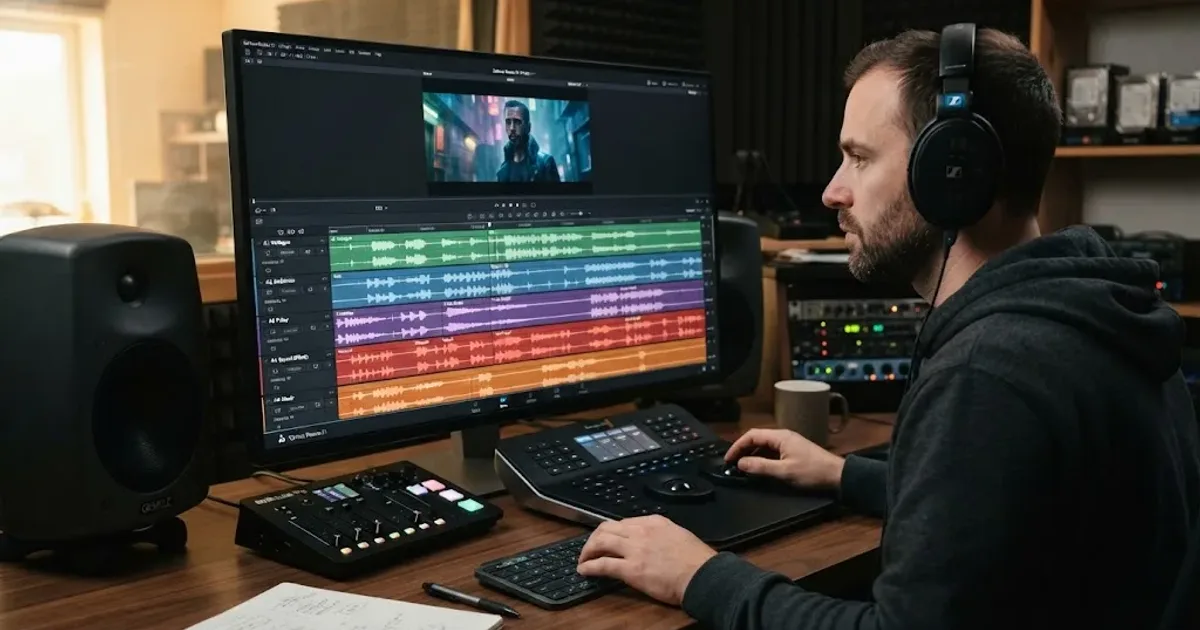
Guides · Aug 24, 2026 · 8 min
How to Layer Sound Effects in DaVinci Resolve 21
Learn how to layer sound effects in DaVinci Resolve 21 with a clean Fairlight track layout, precise sync, volume shaping, and practical mix checks.
Guides · Aug 26, 2026 · 8 min
How to Add Room Tone in DaVinci Resolve 21
Learn how to add room tone in DaVinci Resolve 21 by recording, looping, patching, fading, and blending ambience under dialogue.
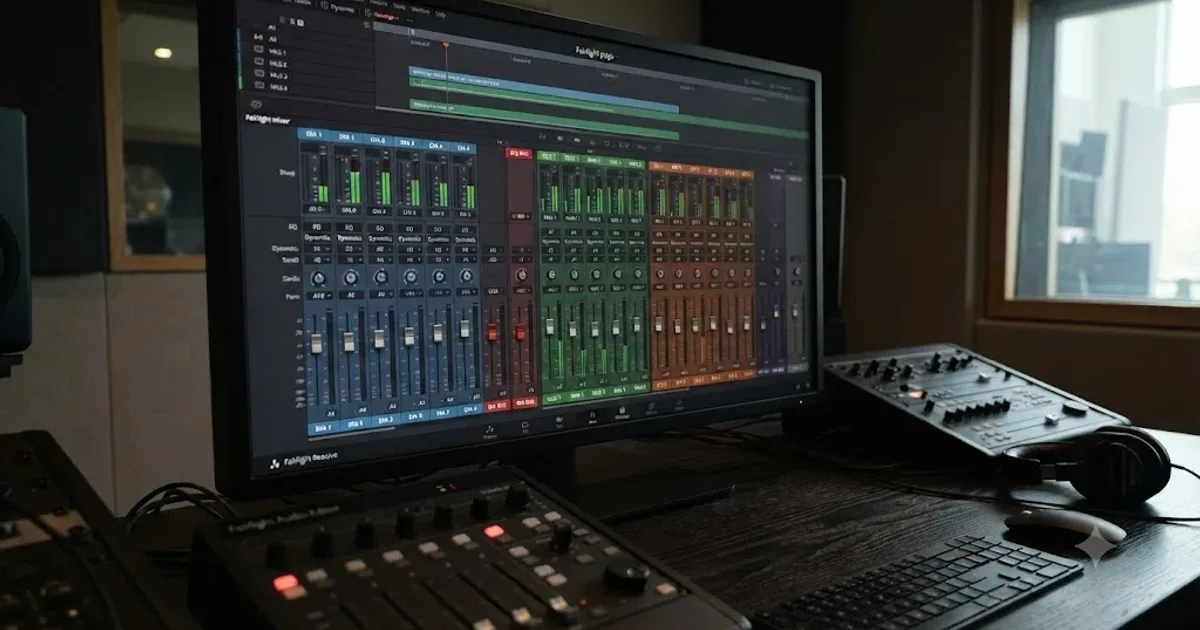
Guides · Jul 11, 2026 · 31 min
How to Mix Audio in DaVinci Resolve Using Fairlight
Mix audio in DaVinci Resolve's Fairlight page: build a dialogue/music/effects bus structure, gain-stage your clips, EQ and compress dialogue, then duck music under it.