Articles / Guidesupdated for DaVinci Resolve 21.0 (August 2026)
How to Layer Sound Effects in DaVinci Resolve 21
Quick answer
To layer sound effects in DaVinci Resolve 21, put each sound on its own Fairlight track, line clips up with the picture, trim unwanted tails, and shape volume with clip gain or automation. Organize related tracks in a Fairlight folder, then balance dialogue, ambience, impacts, and music while listening to the complete scene.
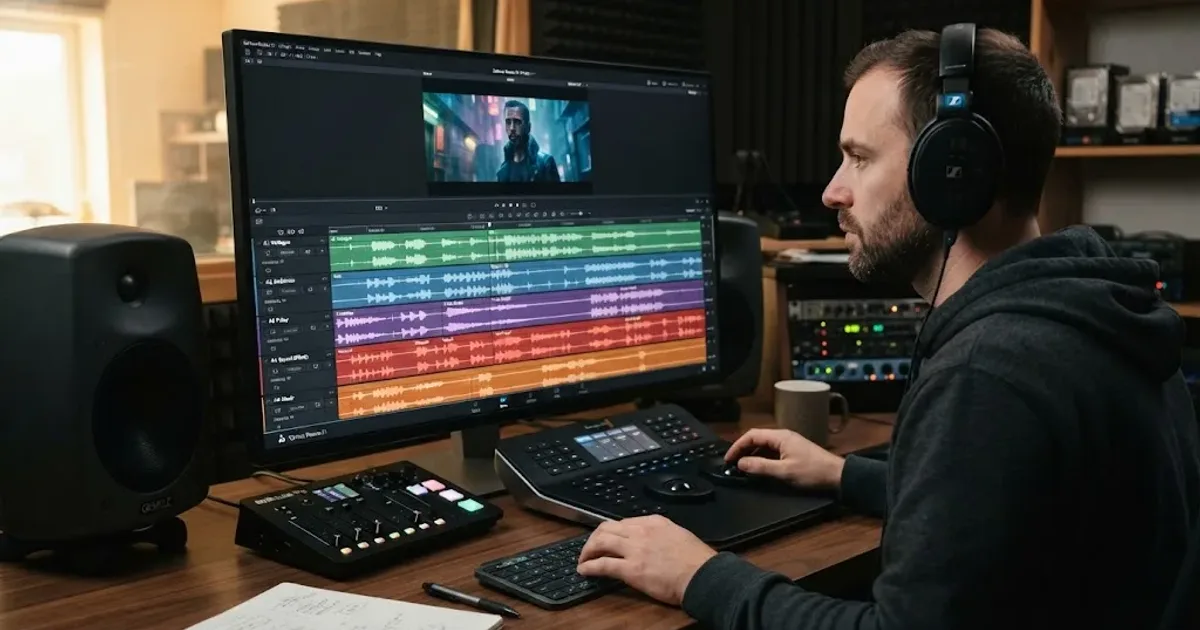
Sound effects work best in layers. A footstep gives you movement, room tone gives you space, and a small prop sound makes the action feel close.
We run a 100,000+ member professional video-editing community, and layering audio is a recurring question. After seven years of commercial editing, our rule is simple: organize first, then mix.
As of August 2026, this guide uses the final DaVinci Resolve 21 workflow. Blackmagic Design posted the final Resolve 21 release on June 3, 2026, and Fairlight folder tracks are one of the version 21 additions. (Blackmagic Design support)
How do I layer sound effects in DaVinci Resolve 21?
To layer sound effects in DaVinci Resolve 21, place simultaneous sounds on separate Fairlight tracks, align them to the action, and mix their levels as a group. Separate tracks make it obvious which sound is too loud, too long, or fighting with dialogue.
| Track or folder | What belongs there | Why it helps |
|---|---|---|
| Dialogue | Voice, narration, production speech | Keeps the story easy to protect and automate |
| Ambience | Room tone, wind, traffic, crowd beds | Builds a continuous sense of place |
| Movement | Footsteps, clothing, hand movement | Gives action rhythm and scale |
| Impacts | Hits, drops, doors, crashes | Lets you shape emphasis without disturbing the bed |
| Detail | Small props, swishes, texture sounds | Adds close-up realism when used sparingly |
| Music | Score or background music | Gives music its own level and ducking controls |
On the Fairlight page, add or rename tracks before you start placing clips. Name them by function, such as AMB, FOLEY, IMPACTS, and DETAILS. Color coding is optional, but it makes a crowded session easier to scan.
Separate Fairlight tracks make sound-effect layering easier to edit, mix, and troubleshoot.
If the timeline grows tall, Resolve 21's Fairlight folders let you combine related tracks into a collapsible composite view. Blackmagic's New Features Guide says the original tracks remain unchanged and folder tracks support a maximum of three nesting levels. (DaVinci Resolve 21 New Features Guide) Use one folder for effects, another for music or backgrounds, and keep dialogue visible while you work.
How do I add and place sound effects on the timeline?
To add sound effects in DaVinci Resolve, import the audio, put it on the track that matches its role, and place its most important transient on the visual action. The transient is often the sharpest peak, such as the first hit of a door slam or the contact point of a footstep.
You can work from the Edit page, but Fairlight gives you a larger audio view for sound editing. Open the Media Pool, locate the file, and drag it to the timeline. If you know the moment you want, put the playhead there first, then slide the clip until the sound agrees with the picture.
Use this order for each effect:
- Find the visual cause, such as a hand touching a table or a shoe landing.
- Place the clip so its main hit meets that cause. Don't align a long waveform by its first frame if the audible action starts later.
- Trim silence and unnecessary tail so the effect supports the shot.
- Add a short fade when a hard edge clicks or the sound enters too suddenly.
- Loop ambience only when the room tone needs to continue across a cut.
Fairlight includes audio and video scrollers that let you compare a filmstrip with the waveform while you position a clip. Blackmagic also documents a sound-library workflow where you can search, audition, confirm, cancel, and sync a selected part of a sound effect to the playhead. (Blackmagic Design Fairlight)
Pick the best source, then add a supporting layer only when it contributes a different quality, such as weight, texture, or distance.
How do I sync layered sound effects to video in Fairlight?
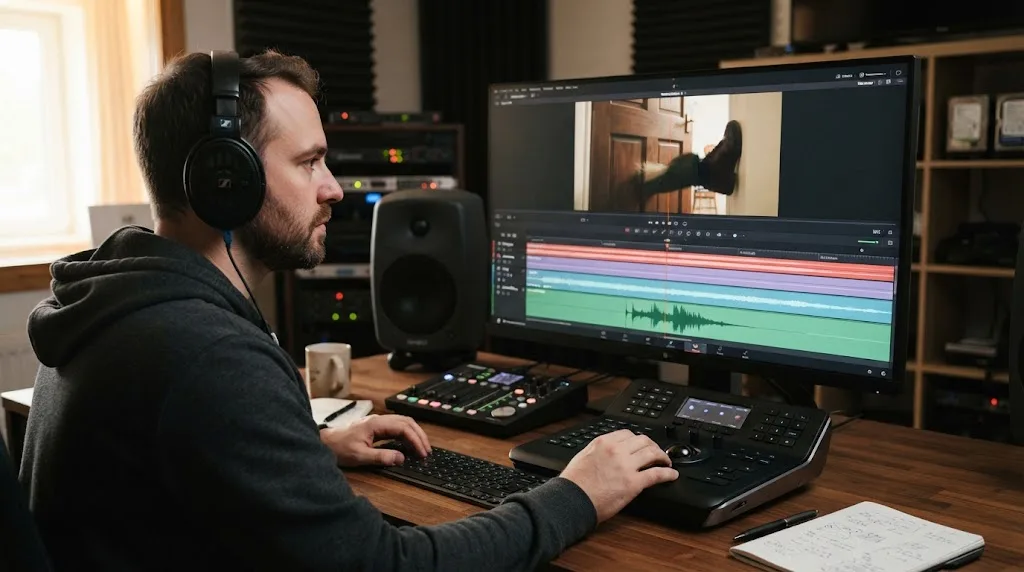
To sync layered sound effects in Fairlight, align the audible event with the exact visual event, then check the clip at normal speed and in context with the other layers. A sound that is perfect in isolation can feel late once the full scene plays.
For a footstep, align the attack with the foot's contact, not the beginning of the shoe movement. A punch impact belongs with contact or the cut, while a whoosh can lead the motion. For a door, separate the handle, hinge, body, and latch only if the shot needs those details.
When the sound feels late, move it earlier and listen again. When it feels too sharp, keep the timing but soften the attack with a fade or lower the high-frequency detail. Timing and tone solve different problems.
Mark Rodrigues, a sound mixer and engineer quoted by Blackmagic Design, described the trade-off plainly: “Heavy sound effects design can slow the editing and mix process slightly, but Fairlight’s speed more than made up for it.” (Blackmagic Design interview)
A sound effect is synced when the audience feels the action, not when the waveform looks tidy.
How do I control the volume of layered sound effects?
To control a layered sound effect, set its overall level with clip gain, then use keyframes or Fairlight automation when the level needs to change over time. Start with arrangement and volume before reaching for EQ or compression.
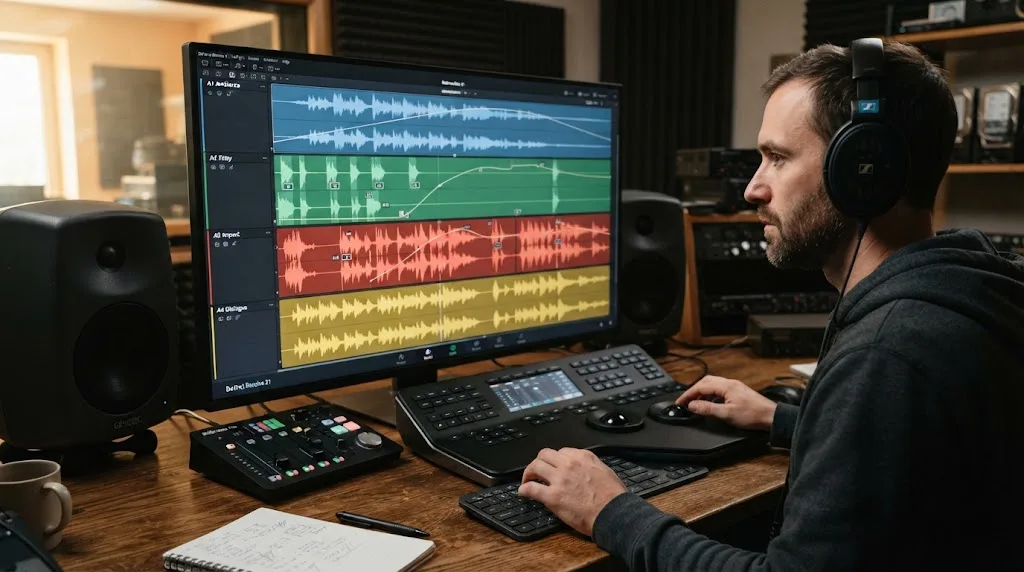
Fairlight exposes a clip volume line in the timeline. Blackmagic's Fairlight documentation says you can drag that line to adjust level, and use Option-click on macOS or Alt-click on Windows to add keyframes. The same documentation describes clip controls for volume, pan, pitch, and six-band parametric EQ. (Blackmagic Design Fairlight clip adjustments)
Use clip gain for a consistently loud or quiet sound. Use keyframes when it should swell, fade, or move behind dialogue. Use track automation to ride a whole category, such as lowering all effects during narration.
Fairlight channel strips include a fader, panners, six effects slots, dynamics, and a six-band parametric equalizer. Resolve also includes more than 25 Fairlight FX plug-ins. (Blackmagic Design Fairlight) Those numbers describe available tools, not a recommendation to use all of them. A clean clip at the right level beats a damaged clip rescued by processing.
For dialogue-heavy scenes, lower competing effects first. A door slam can be loud for a frame and still leave words intelligible. An ambience bed should be felt rather than noticed.
Volume automation should reveal the story's priority, not make every sound equally important.
Why is my layered sound effects mix muddy or cluttered?
A muddy layered sound-effects mix usually has overlapping sounds competing in the same range or long tails filling the gaps. Fix the arrangement first, then make small level and tone changes.
Use a mute-and-solo pass:
- Mute the detail tracks. If the scene suddenly becomes clear, one of those details is doing too much.
- Mute ambience. If the mix improves, shorten the bed or lower it during dialogue.
- Mute impacts. If the scene loses energy but becomes clean, keep the strongest one and remove duplicates.
- Listen to dialogue with the effects. If words disappear, automate the competing track down before adding more processing.
Shorten reverb tails, remove low rumble, and lower a second impact instead of boosting the first. Don't use stereo width as a substitute for arrangement.
Resolve's Fairlight page provides track and clip processing, but a plug-in cannot decide whether two sounds belong in the same moment. That is an editorial decision. If the effect only works when it is loud, try a different recording.
Where should I get sound effects for DaVinci Resolve 21?
The best source depends on how often you publish and what license your project needs. Free sources, recorded Foley, and one-off downloads can be enough for occasional work; a subscription library becomes more useful when you repeatedly need cleared music and effects for ongoing publishing.
For a free starting point, use Resolve's Fairlight tools, recorded Foley, YouTube's Audio Library, or Freesound, checking the terms for each file. YouTube says its Audio Library includes production music and sound effects; Freesound's licenses vary by upload. Our guide to the best sound effects library for YouTube videos covers the buying decision. If music is also part of the edit, see how to choose background music for a video.
Disclosure: this section contains an affiliate link. If you subscribe through it, we may earn a commission, at no extra cost to you.
For creators who publish often, Epidemic Sound offers a DaVinci Resolve Studio plugin for finding and placing music and sound effects. Epidemic Sound says it requires the paid Studio edition, not the free version, and its help center says timeline sync isn't supported. (Epidemic Sound plugin) That makes it a convenience and licensing option, not a requirement.
Its licensing still needs attention. Epidemic Sound says safelisting connects a channel or video to the account. Content published while a subscription is active remains cleared after cancellation, while new content cannot be posted with its music once the subscription expires. (Epidemic Sound safelisting) Check current terms for your plan and project type. Recorded Foley or a free library may be better for occasional work.
For the full Fairlight workflow, continue with how to mix audio in DaVinci Resolve using Fairlight. Spend money only when licensing and search solve a recurring problem.
What is the best final check for layered sound effects?
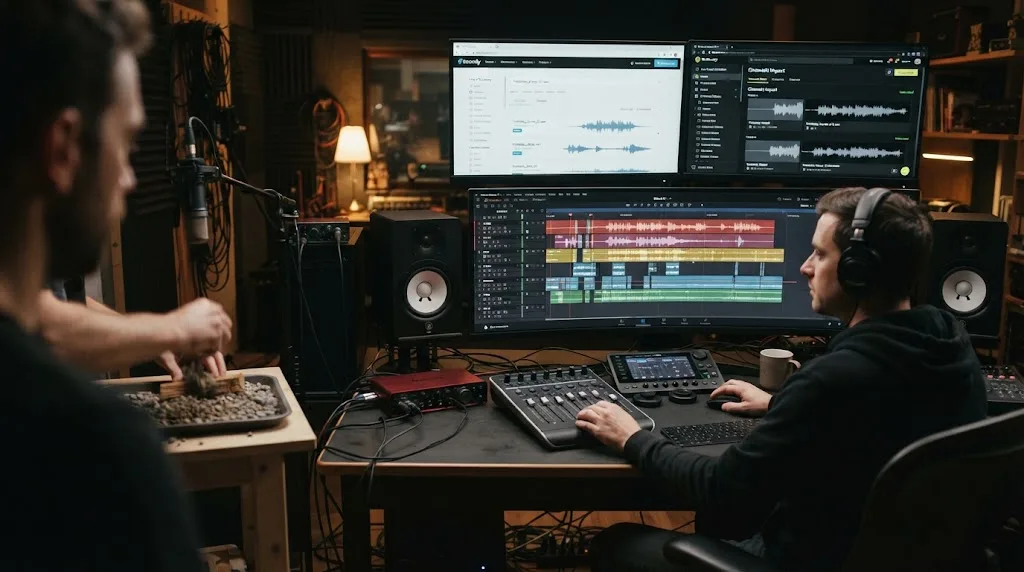
Listen to the full scene at normal speed, then check dialogue and sync points closely. Dialogue should remain clear, ambience should not stop abruptly, impacts should have emphasis, and music should leave room for the story. Judge the mix while the picture moves, not by timeline appearance alone.
The strongest layered sound-effects mix is the one the audience feels before they notice it.
Frequently asked questions
- How do I layer sound effects in DaVinci Resolve?
- Create separate Fairlight tracks for ambience, movement, impacts, and detail effects. Place each clip against the picture, trim its tail, adjust clip gain, and use automation where the level needs to change during the shot.
- Why is my layered sound effects mix muddy in DaVinci Resolve?
- A muddy mix usually has too many low or mid-heavy sounds playing at once. Mute tracks to find the conflict, shorten overlapping tails, reduce competing clips, and use EQ only after the arrangement is clear.
- How do I sync sound effects to video in DaVinci Resolve 21?
- Move the playhead to the visual action, place the sound clip so its strongest transient meets that moment, and audition the result at normal speed. Fairlight's audio and video scrollers can help with frame-level alignment.
- Does DaVinci Resolve 21 have Fairlight folders for sound effects?
- Yes. Resolve 21 adds Fairlight folder tracks, which let you group related audio tracks into a collapsible composite view. The New Features Guide documents up to three levels of folder nesting.
Sources
- DaVinci Resolve 21 final release and Fairlight folders
- DaVinci Resolve 21 New Features Guide: Fairlight folder tracks
- DaVinci Resolve Fairlight: clip adjustments and audio tools
- DaVinci Resolve Fairlight page and sound-effect libraries
- Blackmagic Design: Migrate Sound uses Fairlight for audio post
- Epidemic Sound plugin for DaVinci Resolve Studio
- Epidemic Sound DaVinci Resolve Studio plugin help
- Epidemic Sound safelisting
- YouTube Audio Library
- Freesound
Put this guide to work with TryUncle.
Ask about the step you’re on. TryUncle sees your screen and points at the control you need, so you can keep learning in your own project.
Get TryUncle for Mac or WindowsKeep reading
Guides · Jul 11, 2026 · 31 min
How to Mix Audio in DaVinci Resolve Using Fairlight
Mix audio in DaVinci Resolve's Fairlight page: build a dialogue/music/effects bus structure, gain-stage your clips, EQ and compress dialogue, then duck music under it.
Guides · Aug 24, 2026 · 8 min
Best Sound Effects Library for YouTube Videos in 2026
Find the best sound effects library for YouTube videos, with honest picks for free, specialist, and recurring DaVinci Resolve workflows.
Guides · Aug 24, 2026 · 8 min
How to Choose Background Music for a Video in Resolve 21
Choose background music by story, mood, tempo, dialogue, structure, and license, then mix it cleanly in DaVinci Resolve 21.