Articles / Guidesupdated for DaVinci Resolve 21 and current sound-library terms (August 2026)
Best Sound Effects Library for YouTube Videos in 2026
Quick answer
For most creators, YouTube Audio Library is the best free starting point because its effects are copyright-safe on YouTube. Choose Epidemic Sound for recurring uploads and a large licensed catalog with a DaVinci Resolve Studio plugin; choose Freesound for unusual finds only when you can verify each Creative Commons license.
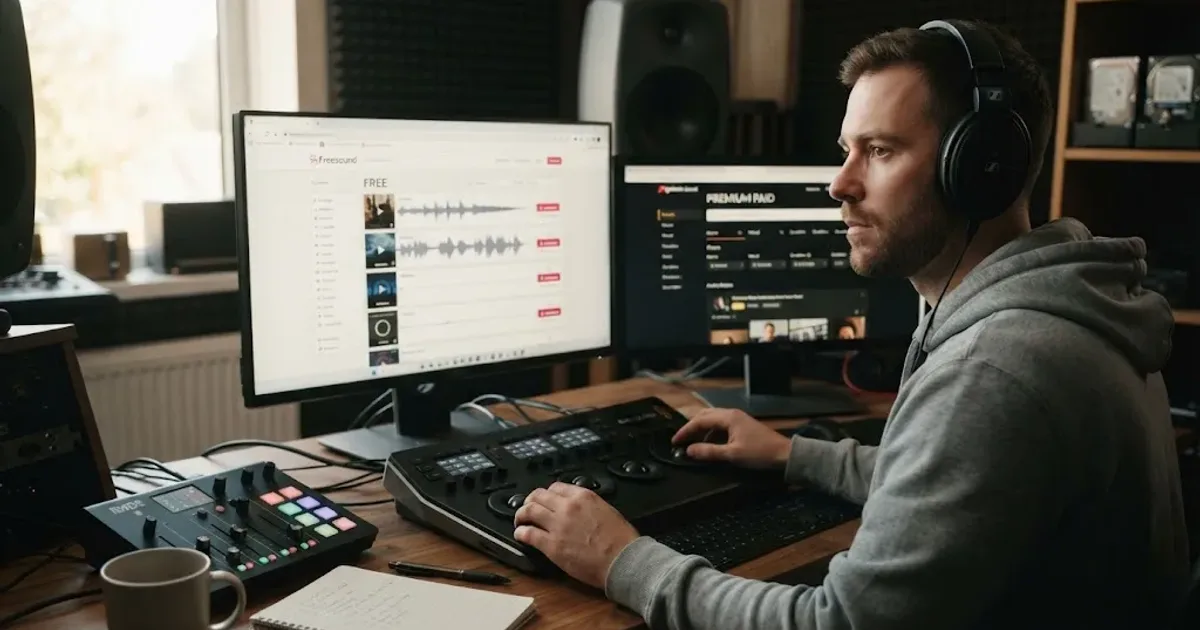
The right library depends on how often you publish and where your videos will appear. We run a 100,000+ member professional editing community, and after 7+ years of commercial video work, we look at the whole chain: finding the sound, proving the license, and getting it into a clean Fairlight mix.
As of August 2026, my short verdict is simple: start with YouTube Audio Library if your budget is zero. Move to a paid catalog when searching, licensing, and repeat access matter more than avoiding a subscription.
How do I choose the best sound effects library for YouTube videos?
The best sound effects library for YouTube videos is the one whose license matches your publishing plan, not the one with the loudest catalog claim. Decide first whether you need occasional accents, specialist recordings, or a steady stream of effects for weekly uploads.
| Library | Best fit | License check | DaVinci Resolve 21 workflow |
|---|---|---|---|
| YouTube Audio Library | Free, YouTube-first publishing | YouTube says its library effects are copyright-safe on YouTube; check attribution per asset | Download the MP3, then import it into Resolve |
| Freesound | Unusual, highly specific recordings | Check every file's CC0, CC BY, or CC BY-NC terms | Download, document the license, then import |
| Soundsnap | Editors who want a specialist SFX subscription | Worldwide perpetual use for lawfully downloaded sounds, with restrictions on standalone redistribution | Download files and organize them in a project folder |
| Epidemic Sound | Frequent creators who also need music and a guided soundtracking workflow | Choose the plan that covers your channels and commercial use | The plugin places music and effects into DaVinci Resolve Studio |
| Individual sound packs | One project with a narrow sound palette | Read the pack's specific license and keep the receipt | Import WAV files and build your own reusable bin |
The best sound effects library for YouTube videos is the one whose license matches where you publish.
For sound-design judgment, Randy Thom's advice is useful even for a talking-head channel: “almost all of the really great sound sequences in movies are sequences that are dominated by one category of sound in each moment.” That principle keeps a library from becoming a pile of random whooshes. Choose effects that clarify an action, punctuate a cut, or create space around speech. Read Thom's full interview.
Why is YouTube Audio Library the best free starting point?
YouTube Audio Library is the best free starting point when your main destination is YouTube and you need common effects without a subscription. YouTube says the library is available inside YouTube Studio, includes a Sound effects tab, and lets you filter effects by category and duration.
YouTube says audio downloaded from the Audio Library can be used in monetized videos, and that its music and sound effects are known to YouTube as copyright-safe. That is a narrower and more useful promise than calling every “royalty-free” file on the internet safe.
There is one detail to check before every download. Some Creative Commons tracks require attribution, while tracks with the standard YouTube Audio Library license can be filtered as “Attribution not required,” as YouTube's help page explains. Save the track title and license information with your project notes anyway.
Free is the right price when you need a few ordinary effects and can check each license.
How do I use Freesound without creating a licensing problem?
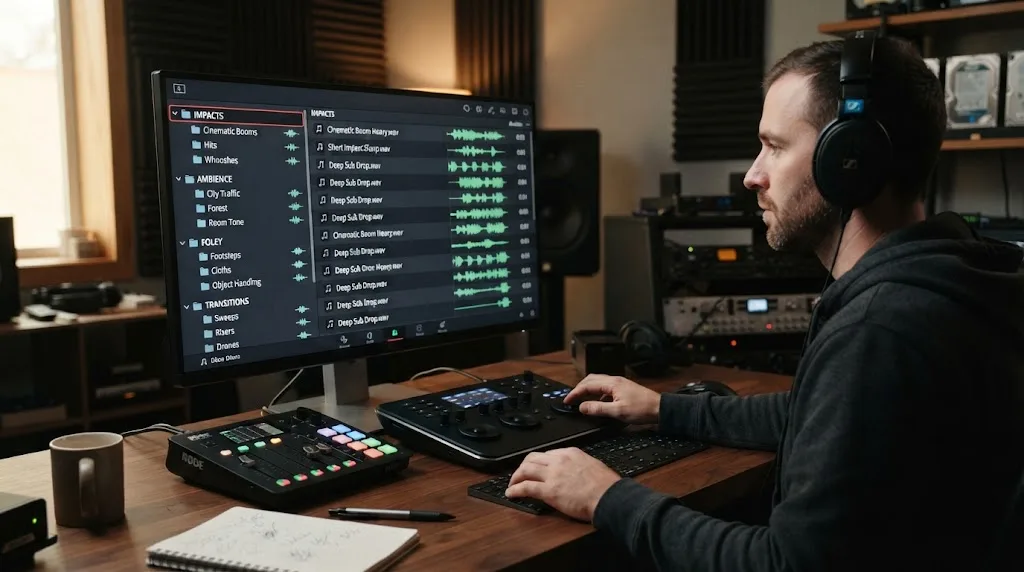
Freesound is best for specific or unusual recordings, but Freesound is not a single blanket license. Its own FAQ says files may use CC0, CC BY, or CC BY-NC terms, so the license belongs to the individual sound and must be checked before use.
CC0 is the simplest option for a commercial YouTube project. CC BY allows reuse with attribution. CC BY-NC is not suitable for a monetized or commercial video unless the creator separately gives you permission. Freesound also warns that uploaded material can sometimes be posted by users who do not own it, so a clear file page is not a substitute for sensible judgment.
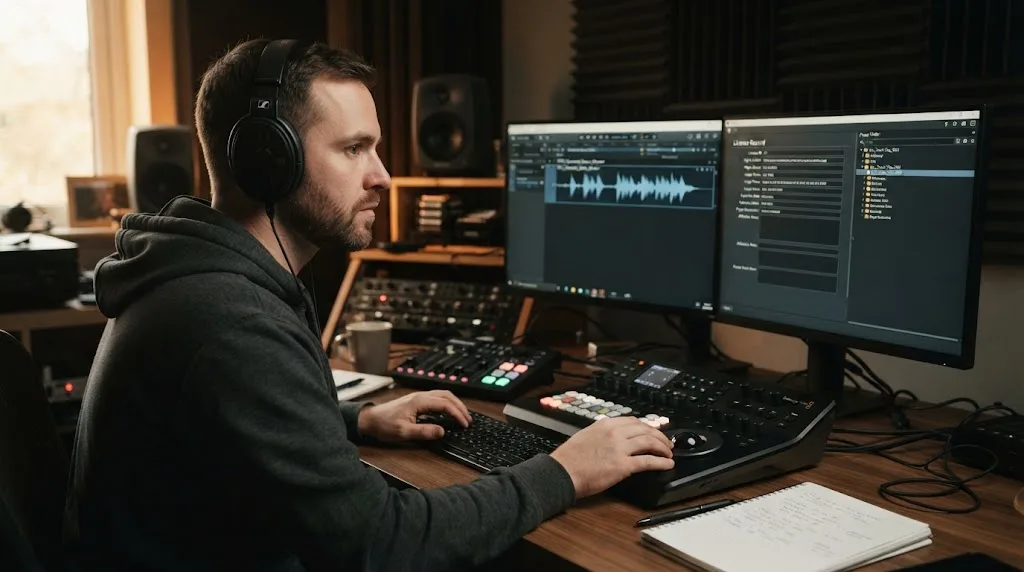
My workflow is to create a small license log with five fields: sound name, creator, file URL, license, and download date. If attribution is required, copy the wording into the video's description or production notes before you forget where it came from.
Freesound wins when you need an odd ambience, a regional texture, or a raw recording that a polished commercial catalog doesn't have. It loses when you need speed, consistent metadata, or a simple answer for a client asking who cleared every asset.
What should I verify in a paid sound effects license?
A paid sound effects license should answer four questions: can you publish on YouTube, can you monetize, can you use the sound in client or advertising work, and what happens after cancellation? The subscription price alone doesn't answer any of them.
Soundsnap's current license grants worldwide, non-exclusive, perpetual rights for lawfully downloaded sounds, permits synchronization into online videos and advertisements, and says attribution is not required. It also bars standalone redistribution, competing sound libraries, and registering the files with content-identification systems. That makes it a strong specialist option when you want effects rather than a combined music platform.
Epidemic Sound uses a plan-based model. Its pricing page says plans include unlimited downloads and access to plugins, but it also separates creator, professional, advertising, and enterprise use cases. Its page states that Pro or Enterprise plans cover ad campaigns. Treat that as a decision point, not a footnote, if you edit for clients.
The safest habit is to save the current license page or invoice with the project archive. Terms change. A downloaded file without its license record becomes a question mark when a video is revised months later.
Is Epidemic Sound worth it for recurring YouTube videos?
Epidemic Sound is worth considering when you publish often and want music, sound effects, licensing, and Resolve integration in one recurring workflow. It is not automatically the best choice for a creator who needs three effects this month.
Epidemic advertises a catalog of more than 55,000 tracks and 250,000 sound effects on its Studio tutorial page. That is a vendor-stated catalog figure, not an independent quality score, and catalog size alone doesn't tell you whether the exact effect you need is good.
The DaVinci-specific feature is the plugin. Epidemic says to open a project in DaVinci Resolve Studio, then use Workspace > Workflow Integrations > Epidemic Sound. The plugin supports searching, adapting, and dropping selected audio into the timeline. Its help center is explicit that the free edition does not support plugins. On macOS, the Mac App Store build of Resolve Studio also lacks the required Workflow Integrations menu, so the Blackmagic-downloaded build matters.
The subscription also has limits you should respect. An active subscription is required to download tracks, and the plan must cover your channel or commercial use. Safelisting is part of the protection workflow. Do not interpret “royalty-free” as “usable anywhere forever,” especially for new publications after a plan ends.
This is the one paid option in this guide with an approved referral link. Disclosure: we may earn from a qualifying purchase through this link, at no extra cost to you. Check Epidemic Sound's current plans and Resolve workflow only if you publish often enough to use the catalog.
Recurring YouTube production is where a paid subscription starts to make sense.
How do I bring sound effects into DaVinci Resolve 21?
DaVinci Resolve 21 can handle the library workflow with ordinary imported audio, while Fairlight provides the placement and mix tools. For a downloaded file, use File > Import > Media or drag the file into the Media Pool, then place it on a dedicated effects track. Blackmagic Design documents this external-library and Fairlight workflow.
Blackmagic says Fairlight can access external sound libraries from the Fairlight audio page, audition clips against the timeline, and sync a selected part of a waveform to the playhead. A browser-download workflow still works, but the key is organization. Make bins such as SFX_Hits, SFX_Foley, SFX_Ambience, and SFX_UI, then keep the original filenames and license notes.
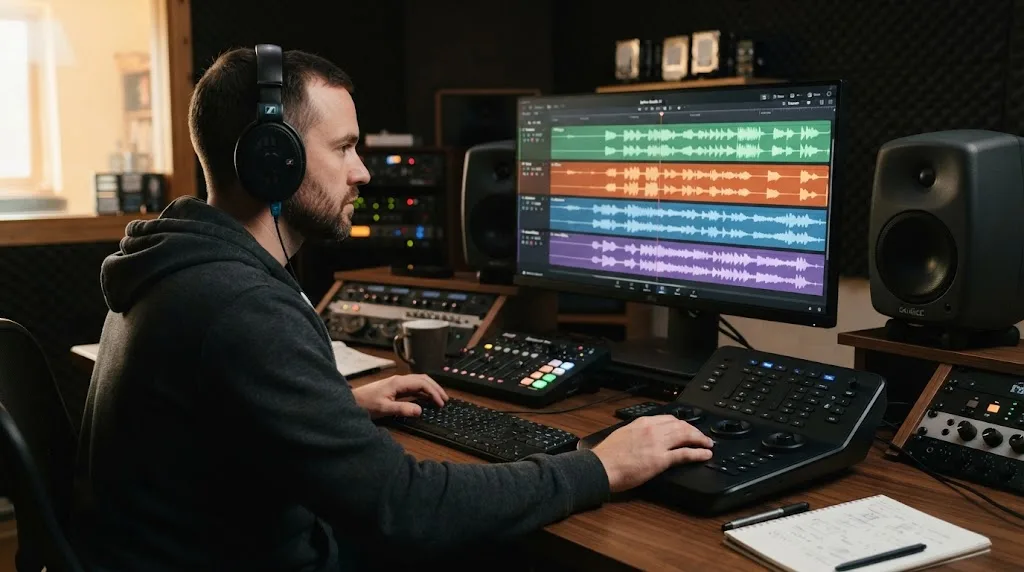
Put dialogue, music, ambience, and spot effects on separate tracks. Trim the effect to the action, add short fades where a hard edit clicks, and lower the effect if it competes with speech. If you need a deeper audio walkthrough, our guide to mixing audio in DaVinci Resolve with Fairlight covers the next stage.
When you finish, archive the license log with the project. If you need an audio-only deliverable, our guide to exporting a WAV from a DaVinci Resolve timeline covers that separate output path.
DaVinci Resolve 21 turns any legal audio download into a Fairlight editing problem, not a library problem.
Which library should I choose for my YouTube channel?
Choose YouTube Audio Library if you publish on YouTube, need common effects, and want the simplest free licensing path. Choose Freesound if the perfect sound is unusual and you are willing to inspect and document the individual license. Choose Soundsnap if you want a specialist library with perpetual rights for downloaded sounds under its license. Choose Epidemic Sound if you publish regularly, need music as well as effects, and use the paid DaVinci Resolve Studio edition.
The honest winner for most beginners is YouTube Audio Library. The honest upgrade for a busy channel is a paid subscription, but only after you confirm channel coverage, client rights, cancellation terms, and the way assets reach your Resolve timeline.
Start with the free library for your next video. If you keep losing time searching, logging licenses, or switching between tabs, then compare a paid catalog against the value of that repeated friction. That is the buying decision.
Frequently asked questions
- What is the best sound effects library for YouTube videos?
- YouTube Audio Library is the best free starting point for YouTube-only publishing. Epidemic Sound is the better paid fit for creators who publish repeatedly and want music, sound effects, and a DaVinci Resolve Studio workflow in one subscription.
- Can I use YouTube Audio Library sound effects in monetized videos?
- Yes. YouTube says music and sound effects downloaded from its Audio Library can be used in monetized videos, subject to the track's displayed license and any attribution requirement.
- Are Freesound effects safe for commercial YouTube videos?
- Sometimes. Check the individual file license: CC0 is the simplest, CC BY requires attribution, and CC BY-NC does not permit commercial use. Keep a record of the file page and license.
- Does Epidemic Sound work with DaVinci Resolve 21?
- Epidemic Sound provides a plugin for DaVinci Resolve Studio through Workspace > Workflow Integrations. The free edition does not support the plugin, and the Mac App Store edition of Resolve Studio does not expose Workflow Integrations.
- How do I choose a sound effects library for recurring YouTube uploads?
- Choose a subscription when you regularly need many cleared effects and want predictable access. Choose YouTube Audio Library or individual packs when you publish less often and don't want an ongoing bill.
Sources
- Use music and sound effects from the Audio Library
- YouTube tips to find safe music
- Freesound FAQ and license guidance
- Soundsnap sound effects license
- Soundsnap professional sound effects library
- Epidemic Sound pricing and licensing
- Epidemic Sound Studio plugin for DaVinci Resolve
- Epidemic Sound DaVinci Resolve Studio plugin help
- Epidemic Sound Studio catalog overview
- Blackmagic Design Fairlight audio post tools
- Randy Thom interview on coordinating music and effects
Put this guide to work with TryUncle.
Ask about the step you’re on. TryUncle sees your screen and points at the control you need, so you can keep learning in your own project.
Get TryUncle for Mac or WindowsKeep reading
Guides · Aug 24, 2026 · 8 min
How to Choose Background Music for a Video in Resolve 21
Choose background music by story, mood, tempo, dialogue, structure, and license, then mix it cleanly in DaVinci Resolve 21.
Guides · Jul 11, 2026 · 31 min
How to Mix Audio in DaVinci Resolve Using Fairlight
Mix audio in DaVinci Resolve's Fairlight page: build a dialogue/music/effects bus structure, gain-stage your clips, EQ and compress dialogue, then duck music under it.
Guides · Jul 28, 2026 · 26 min
How to Export Audio Only as a WAV File From a DaVinci Resolve Timeline
Export audio only as a WAV file from a DaVinci Resolve timeline: the exact Deliver page settings, format choice, sample rate, bit depth, stems, and mono export.