Articles / Guidesupdated for DaVinci Resolve 21 (September 2026)
Comedy Sound Effects in DaVinci Resolve 21: A Timing Guide
Quick answer
To use comedy sound effects in DaVinci Resolve, cut the effect to a visual turn, leave a short silence before or after it, then mix it under dialogue in Fairlight. Start with one clear sound, add room tone, and keep the effect short enough to support the joke instead of explaining it.
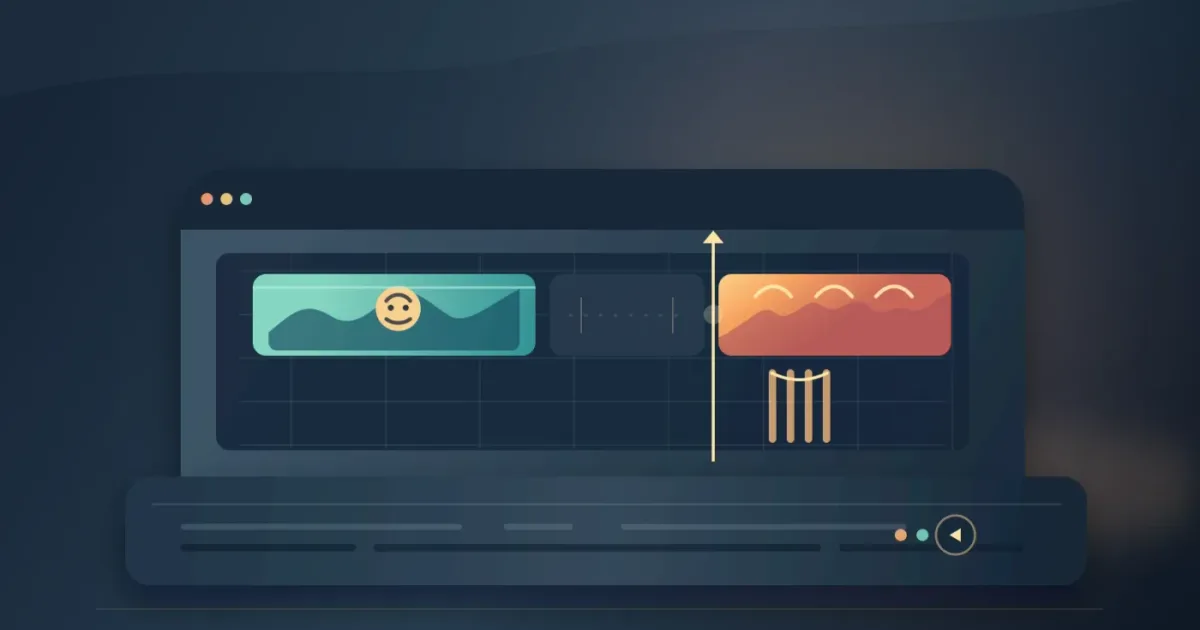
Comedy sound effects work when they arrive at the joke, not merely near it. I use the picture to find the turn, then build a small Fairlight mix around that moment.
As of September 2026, DaVinci Resolve 21 includes Fairlight in the free application, with extra Fairlight FX in Studio. We run a 100,000+ member professional video-editing community, and after 7+ years of commercial editing, the same lesson keeps holding up: the funniest sound is often the one you almost leave out.
How do I add comedy sound effects in DaVinci Resolve 21?
To add comedy sound effects in DaVinci Resolve 21, open Fairlight, place each effect on a separate track, and trim the sound so its attack lands on the visual change. Resolve's Fairlight page gives every clip volume, pan, pitch, fades, and a 6-band parametric EQ, so you can shape the effect without leaving the timeline. Blackmagic Design documents those clip controls here.
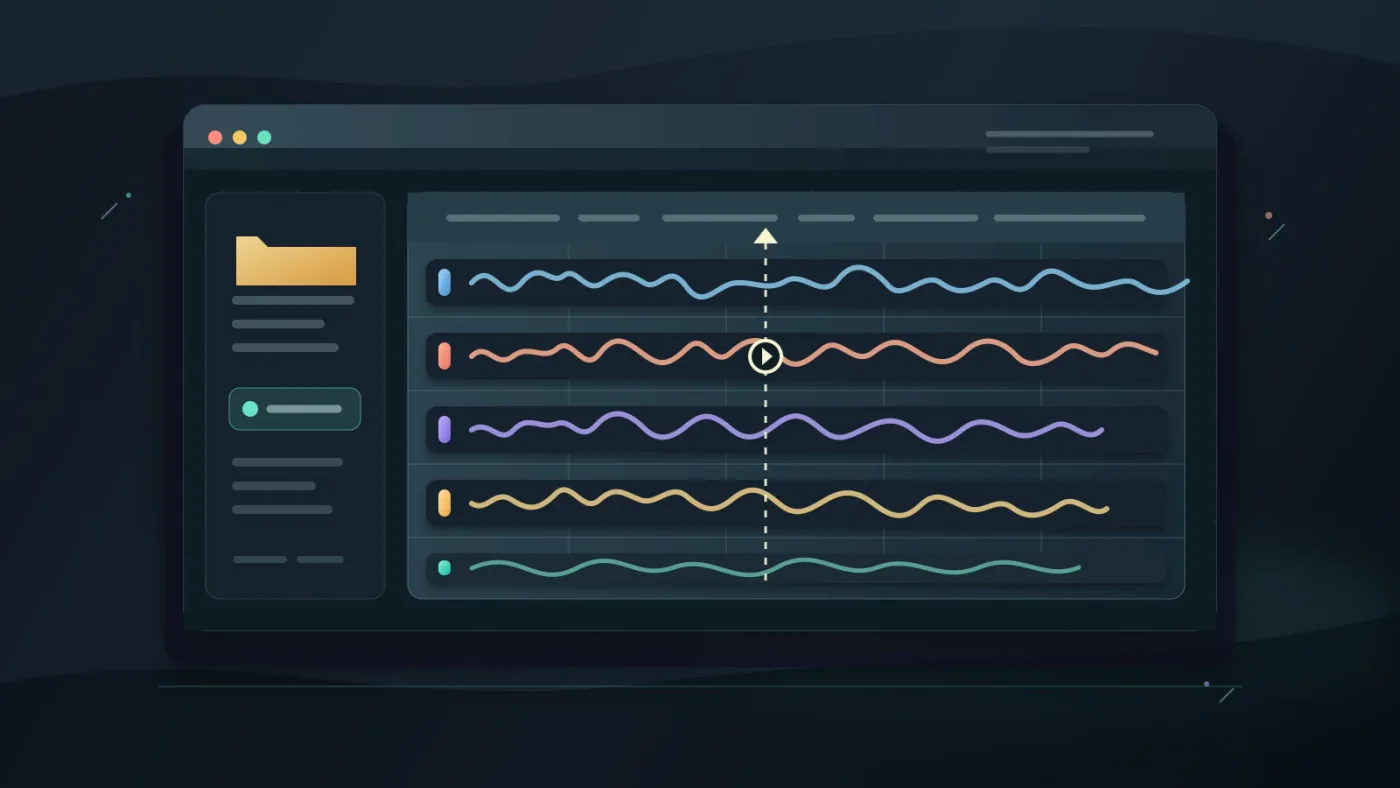
Start with a simple track layout:
| Track | Job | What to place there |
|---|---|---|
| DIA | Protect the words | Dialogue and reactions |
| COM | Deliver the joke | Pops, hits, boings, drops, and stings |
| FOLEY | Add physical detail | Chair squeaks, cloth, steps, taps |
| ROOM | Keep the cut invisible | A continuous room bed |
| MUS | Set the larger rhythm | Music, if the scene needs it |
Name the tracks before you start stacking clips. In Resolve 21, Fairlight Folder Tracks can collapse groups of tracks, and Blackmagic says they support a maximum of 3 levels of nesting. That matters when a joke grows from one pop into a small burst of Foley, music, and reactions. See the Resolve 21 New Features Guide for the exact Folder Track behavior.
If you want a deeper track-stacking workflow, continue with our guide to how to layer sound effects in DaVinci Resolve.
Comedy sound effects work best when the audience can understand the picture before the sound explains it.
Why do my comedy sound effects feel late or unfunny?
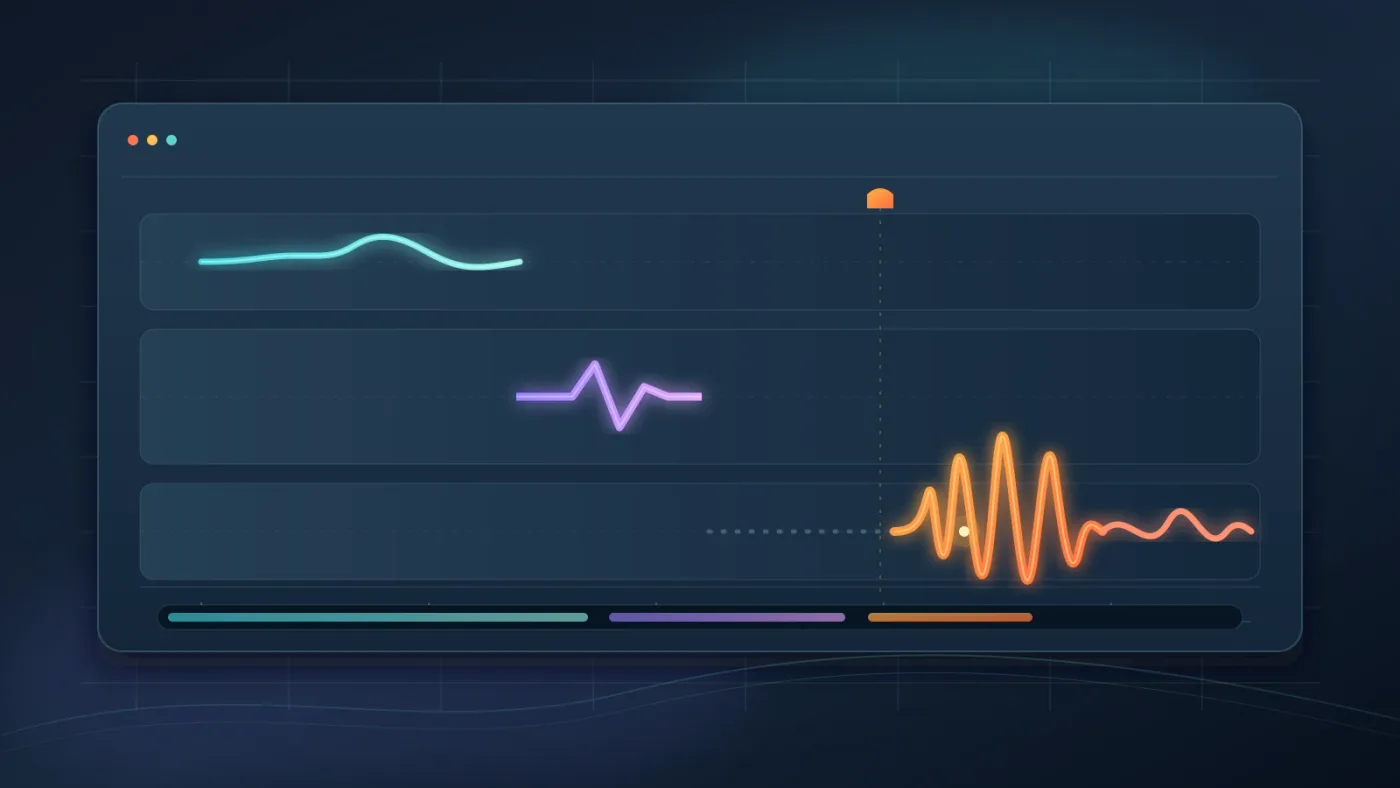
Comedy sound effects feel late when the effect's first audible transient arrives after the visual turn has passed. Move the start earlier, then test the same clip with a small gap before it and with no gap at all.
Use this three-point map:
- Setup: the audience sees the action begin.
- Turn: the action changes, stops, fails, or reveals something.
- Release: the reaction or silence lets the laugh happen.
The effect usually belongs on the turn or just after it. A cartoon fall can use a descending sound during the fall. A deadpan glance may need a tiny hit after the glance. A failed attempt may be funnier with no sound until the empty pause becomes uncomfortable.
Do not solve timing by adding more effects. Mute every effect except the strongest one, watch the scene, and ask whether the joke still reads. If it does, the other clips are decoration. Bring them back one at a time.
Benni Knop, a sound designer and editor interviewed by No Film School, puts the physical side of this clearly: “Foley helps convince the viewer of what they are seeing.” Read the full interview with Benni Knop. The same idea applies to comedy. A tiny chair creak can make an awkward sit feel real, while a giant cartoon crash can turn the scene into a different joke.
The pause before a comedy sound effect is part of the effect.
How do I make comedy sound effects sit under dialogue in Fairlight?
To make comedy sound effects sit under dialogue in Fairlight, lower the effect first, then adjust its frequency range or automation only if the words still compete with it. Fairlight channel strips include a fader, panners, 6 effects slots, dynamics, and a 6-band parametric equalizer. Those channel controls are listed by Blackmagic Design.
Work in passes. On the first pass, ignore polish and set the effect's clip gain low enough that every word remains easy to follow. On the second, listen for overlap. If the effect and voice occupy the same middle range, use the clip EQ to soften the distracting part rather than making the whole effect quiet.
For movement, use the clip gain line or keyframes. Blackmagic's Fairlight documentation describes holding Option on macOS to click the volume line and add keyframes. A short level dip under one word is usually cleaner than lowering an entire track. The current Fairlight page explains clip gain and keyframes.
Fairlight also includes more than 25 Fairlight FX plugins for repair, creative sound design, and mixing. Treat that as a toolkit, not a reason to process every sound. A dry pop may be funnier than a polished pop because the contrast feels abrupt. A tiny room reverb can make a ridiculous sound feel as though it belongs in the scene.
If your dialogue is already uneven, fix that before judging the joke. The Fairlight mixing guide for DaVinci Resolve covers the larger balance problem. This page is about the comic accent.
A comedy effect should support the dialogue, not win an argument with it.
Which comedy sound effects source should I use?
The best source depends on the project. Record your own Foley when you need a specific texture, use a platform with clear terms when you need repeatable access, and check each license before publishing client or monetized work.
| Source | Best use | Decision to make |
|---|---|---|
| Self-recorded Foley | Specific, physical details | Record clean takes and keep the original files |
| YouTube Audio Library | YouTube-first projects | The library has a dedicated sound-effects tab, category filters, and duration filters. Some Creative Commons items require attribution. YouTube explains the rules. |
| Freesound | Unusual textures and one-off ideas | Check the individual license. Freesound lists CC0, CC BY, and CC BY-NC options, and CC BY requires credit. Read Freesound's FAQ. |
| Epidemic Sound | A paid, audio-first library workflow | Disclosure: this is an affiliate link, so we may earn a commission if you subscribe. Check the current plan and usage terms before you publish. Browse Epidemic Sound. |
Do not treat the word “free” as a license. YouTube says its Audio Library is the place it knows to be copyright-safe on YouTube, while Freesound says the rights depend on the license attached to each sound. Those are different promises. Keep a note of the sound name, creator, license, and download date with your project.
A licensed sound you can document is more useful than a perfect sound you cannot clear.
How should I organize comedy sound effects in Resolve 21?
Organize comedy sound effects by function and energy, not by the order in which you downloaded them. Put short hits, cartoon movements, impacts, reactions, Foley, and room tone into separate bins, then color-code the timeline tracks so you can audition a category quickly.
Keep a small working set near the timeline. Ten promising options are easier to judge than a full library. Mark the favorite with a color or a note, but don't duplicate every file into a new folder. The media pool should help you search. The timeline should help you decide.
If the scene has several locations, make room tone its own item. A comedy hit can sound pasted on when the background drops to silence around it. Our guide to adding room tone in DaVinci Resolve covers that repair in detail.
In Resolve 21, use a Fairlight folder track when the effects become hard to navigate. Collapse the folder while you work on music, reopen it when you adjust a particular effect, and keep the original tracks intact. That is a version-specific convenience, not a substitute for sensible names.
What should I check before exporting?
Before exporting, watch the scene once with all sound, once with dialogue and effects only, and once with the effects muted. The effect has earned its place if the scene loses a useful beat when you mute it, not merely because the timeline looks fuller.
Check these five things:
- The first transient lands on the intended frame.
- Dialogue stays intelligible at normal listening volume.
- Room tone does not disappear between cuts.
- The effect has a clean fade or ending when the clip stops abruptly.
- The joke still works when music is muted.
Fairlight lets you edit waveform detail in the timeline, zooming in to inspect clicks and pops, and Blackmagic says the page includes audio and video scrollers for aligning sound to picture. Review the Fairlight waveform and sync tools before you export a tricky gag.
The final test for a comedy sound effect is simple: mute it and see whether the scene loses the beat.

The best comedy sound-effects workflow in DaVinci Resolve 21 is small, timed, and repeatable. Find the visual turn, leave room for the audience, place one strong sound, and mix it around the voice. Then save the extra tricks for the next joke.
Frequently asked questions
- How do I add comedy sound effects in DaVinci Resolve 21?
- Import the sound, place it on its own Fairlight track, trim its attack to the visual turn, and use clip fades or keyframes to keep it clear without covering dialogue.
- Why do my comedy sound effects feel late in DaVinci Resolve?
- The effect usually starts after the visual joke has already landed. Move the transient earlier, preview with the picture, and test a version with a beat of silence before the effect.
- How do I mix comedy sound effects under dialogue?
- Keep dialogue intelligible, lower the effect with clip gain or automation, and use Fairlight EQ only when the effect is competing with the voice.
- Where can I get comedy sound effects for DaVinci Resolve?
- Record Foley yourself, use YouTube Audio Library or a clearly licensed Freesound file, or choose a paid library such as Epidemic Sound after checking the usage terms.
- Do I need DaVinci Resolve Studio for comedy sound effects?
- No. Resolve 21 includes Fairlight in the free application, while Studio adds extra Fairlight FX and other features.
Sources
Put this guide to work with TryUncle.
Ask about the step you’re on. TryUncle sees your screen and points at the control you need, so you can keep learning in your own project.
Get TryUncle for Mac or WindowsKeep reading
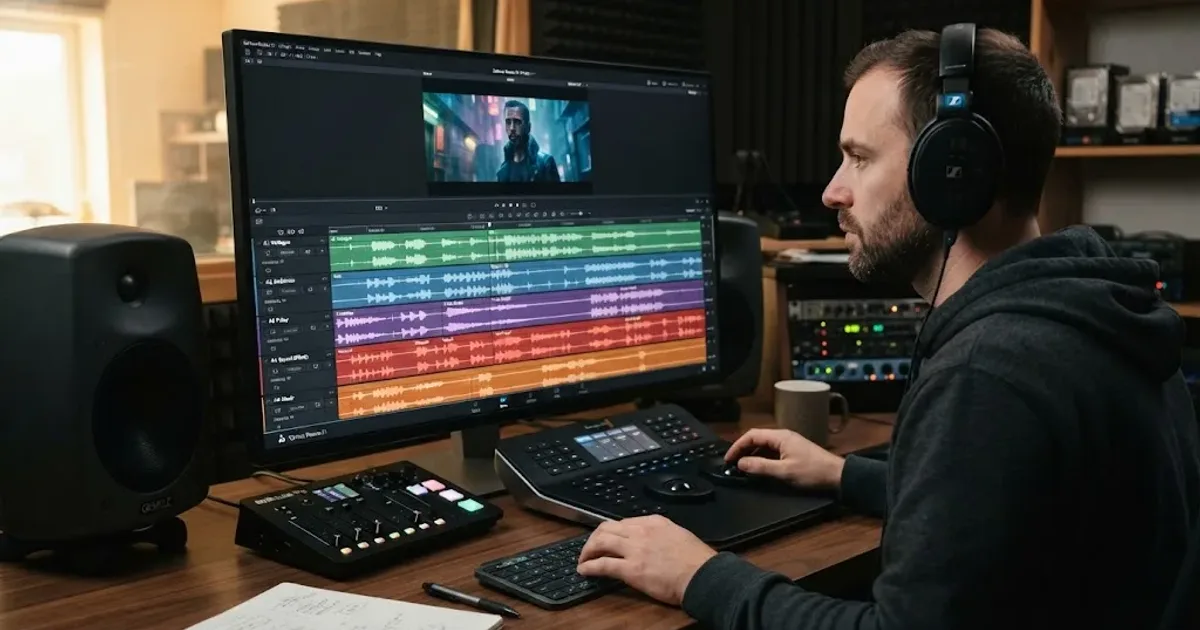
Guides · Aug 24, 2026 · 8 min
How to Layer Sound Effects in DaVinci Resolve 21
Learn how to layer sound effects in DaVinci Resolve 21 with a clean Fairlight track layout, precise sync, volume shaping, and practical mix checks.
Guides · Aug 26, 2026 · 8 min
How to Add Room Tone in DaVinci Resolve 21
Learn how to add room tone in DaVinci Resolve 21 by recording, looping, patching, fading, and blending ambience under dialogue.
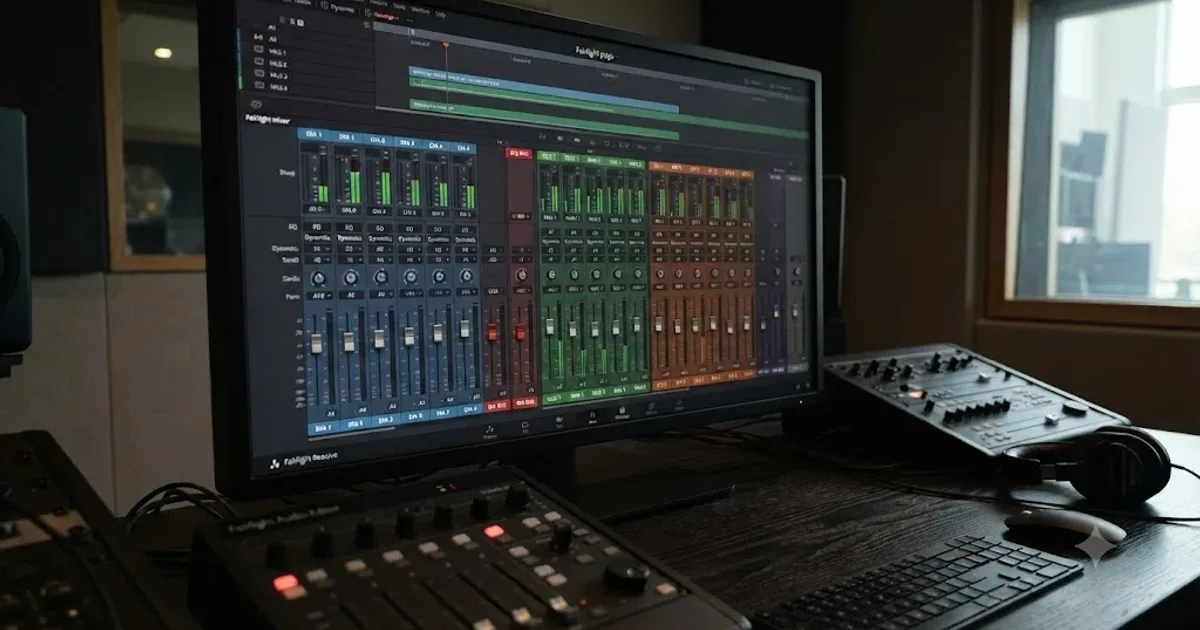
Guides · Jul 11, 2026 · 31 min
How to Mix Audio in DaVinci Resolve Using Fairlight
Mix audio in DaVinci Resolve's Fairlight page: build a dialogue/music/effects bus structure, gain-stage your clips, EQ and compress dialogue, then duck music under it.