Articles / Guidesupdated for DaVinci Resolve 21 (August 2026)
DaVinci Resolve: Choose Music for a Montage
Quick answer
For 'davinci resolve choose music for a montage,' pick music by emotional arc first, then by tempo, structure, and licensing. In Resolve 21, mark the montage's turning points, test a build and a peak, then cut or loop the track to those points. Use music licensed for your channel or client work.

The wrong montage track makes good footage feel like a pile of clips. We choose music by story movement, then use tempo and beat placement to sharpen the cut. After 7+ years of professional commercial editing, we've found the best track has room to change.
As of August 2026, this workflow applies to DaVinci Resolve 21, which Blackmagic Design lists for Mac, Windows, and Linux in free and Studio editions.
What should you decide before you search for music?
Decide what the montage must make the viewer feel and where that feeling changes. A useful brief names the opening state, the build, the peak, and the release before you audition a single song.
Write one visual sentence per chapter: arriving, warming up, breaking loose, coming home. That's a better search brief than a genre label alone.
| Montage decision | What to look for in music | What to avoid |
|---|---|---|
| Opening | A clean intro, restrained texture, or space for the first image | A huge hook before the viewer knows the subject |
| Build | A layer, chord change, percussion entry, or rising phrase | A loop that stays emotionally flat |
| Peak | The track's clearest lift, strongest rhythm, or fullest section | The loudest moment arriving before the visual reveal |
| Release | A tail, final chord, or natural place to resolve | A hard stop that feels accidental |
Choose music for the montage's emotional arc before you choose it for its BPM.
Decide whether natural sound matters. A travel montage may need room for a train door or a laugh. A product montage may want music to carry almost everything. The track has to leave room for the job, not just sound good alone.
If mood is your starting point, use the existing DaVinci Resolve find music by mood workflow after writing the arc. Mood gets you near the answer. Structure gets you to the right track.
How do I choose music for a montage in DaVinci Resolve?
Choose the track that gives your footage a clear beginning, change, high point, and ending. Then test that choice against the actual assembly in Resolve 21, because a promising preview can fail when it meets the picture.
-
Build a silent assembly. Put the strongest shots in story order without chasing beats. Remove repeats. Music cannot invent a visual turn that isn't there.
-
Mark the turns. Add markers where the subject, place, activity, or emotional temperature changes. Mark the first reveal, the biggest visual idea, and the point where the montage should let go. These are cue points, not a command to cut on every beat. Blackmagic's Fairlight guide describes markers as useful for music cues and sound effects.
-
Screen a small group of candidates. For each song, listen for the intro, first meaningful change, strongest section, and ending. Skip tracks with only one good moment unless that moment is exactly what the montage needs.
-
Test the middle, not only the opening. Drop the track under the assembly's middle. A song can work for the opening yet have no useful second act.
-
Choose editability. Stems, a clean outro, a repeatable section, or an obvious transition point make a track easier to shape.
Anne V. Coates recalled David Lean's advice about judging a cut with the whole soundtrack in place: “Wait until the music's on, wait until the whole rhythm is together.” Don't decide that a shot is too long until you hear picture and music together.
What tempo and structure should montage music have?
Use tempo as a constraint, not a formula. The right tempo supports the footage's density and leaves time to understand each visual idea.
Do not begin by asking for a fast song because the montage has many shots. Fast cutting and fast music can flatten each other. A slow track under quick images can create urgency too, especially when the visual motion supplies the energy.
Listen for phrases rather than counting every beat. A new layer, chord change, percussion entry, or vocal line can motivate a chapter. Use beats for accents such as a turn, impact, title, or reveal.
| If the footage feels like this | Prefer a track with | Make the major cut when |
|---|---|---|
| Observational or intimate | Space, light percussion, and a gradual entrance | The image earns a change, not simply when the beat arrives |
| Energetic and physical | A stable pulse and clear rhythmic sections | Motion, gesture, or a new group of shots lands with purpose |
| Reflective | A patient build and a defined emotional lift | The montage's meaning changes |
| Celebratory | A strong peak and a satisfying final section | The best shared moment arrives, then give it room |
A montage feels intentional when the music has a beginning, a lift, a peak, and a release.
The word “beat” can become a trap. If every cut lands on a kick drum, the viewer sees the edit's machinery. Let some shots run across the beat or carry through a musical change.
How do I sync clips to music in DaVinci Resolve 21?
Sync clips to structural changes first, then refine a few high-value cuts against the beat.
-
Put the music on its own audio track and keep the picture assembly editable. Give the music a clear track name.
-
Add markers at the opening, first lift, peak, and release. Add more only for precise visual cues.
-
Cut to those landmarks. Then adjust only shots whose movement or gesture benefits from a beat accent.
-
When working in Fairlight, press C to snap the playhead to the mouse pointer. Blackmagic's Resolve 21 New Features Guide documents this Fairlight navigation change.
-
Keep music, impacts, and ambience organized. Resolve 21 added Fairlight folder tracks, which combine selected tracks into a composite view and support a maximum of three nesting levels.
Cut to musical changes that clarify the story, not to every beat you can see.
The official Resolve download page describes Fairlight as supporting up to 2,000 audio tracks. You need far fewer, but keep music and supporting sound separate so you can edit without flattening the mix.
If dialogue or location sound remains important, continue into our guide on mixing audio in Fairlight. A music choice is not finished until the other sounds still have a job.
Should you use a music library for a montage?
Use a music library when you publish regularly, need predictable licensing, or want many alternate tracks to test. For one personal project, a properly licensed single track or original composition may be the simpler choice.
Blackmagic's current product page lists DaVinci Resolve Studio 21 at $295 and the base edition as free. That is relevant when considering an in-editor plugin.
Disclosure: We may earn a commission if you choose Epidemic Sound through the link below. The recommendation does not change our editorial verdict.
For creators who want music discovery inside Resolve, Epidemic Sound is a practical option to evaluate. Its official DaVinci Resolve Studio plugin is available on all Epidemic Sound plans, but it requires the paid Studio edition of Resolve. The plugin opens from Workspace, Workflow Integrations, and the Mac App Store edition of Resolve Studio does not expose that integration.
Epidemic Sound's Studio tool can create a soundtrack draft from a selected video range of up to 4 minutes, using music and sound effects synced to the video. Treat that as a starting point. Judge the track, license, and room for natural sound.
Epidemic Sound wins for music-first search and recurring licensed soundtracking. Artlist is better when you need footage, templates, LUTs, or a wider asset bundle. Soundstripe is worth checking for single-use licensing or a different client-work model. Motion Array makes more sense when templates and motion graphics matter as much as music.
Before downloading, name the destination: personal channel, client delivery, paid advertising, or internal presentation. Confirm that the plan covers it. “Royalty-free” is not blanket permission for every use.
How do I make a music track fit the montage's exact length?
Make the picture and the track meet at a meaningful musical boundary. Trim an intro, loop a stable middle section, jump to a new section, or preserve the ending while removing an earlier repetition.
Avoid squeezing a song to the exact duration with random cuts. If a montage is 42 seconds long, a strong 30-second section and clean 12-second release may fit better than a three-minute song whose best moment arrives too late. Those are editorial examples, not fixed rules.
Use the DaVinci Resolve fit music to video length guide for the mechanics of trimming and reshaping a chosen track. This page's decision is earlier: choose a song whose structure can survive that reshaping.
The best montage track is the one you can reshape without losing its identity.
Why does my montage still feel wrong after I pick a song?
The usual problem is a mismatch between the song's arc and the picture's arc, not a missing effect. Diagnose the relationship before adding cuts.
| Symptom | Likely problem | Try this |
|---|---|---|
| The montage feels frantic | Too many cuts are competing with the pulse | Hold the best shot across a beat and remove weaker repeats |
| The opening works but the middle dies | The song has no useful build | Replace it or start from a later section with a clearer lift |
| The peak feels small | The strongest music arrives before the strongest image | Save the track's fullest section for the visual reveal |
| The music sounds pasted on | Cuts follow beats without visual motivation | Keep the story cut and use fewer musical accents |
| Voices disappear | The music is filling every frequency and moment | Lower it, carve space, or choose a sparser track |
A music choice is successful only when the picture still works after the novelty of the beat wears off.
What is the final choice for davinci resolve choose music for a montage?
Choose the song with the clearest relationship to your montage's story, not the song that sounds most impressive in a playlist. Mark the visual turns, test the track's middle, protect the peak, and confirm the license before you polish the cut.
If you are undecided, compare two finalists against the full assembly. Pick the one with the more useful shape, reshape it carefully, and let the images keep the last word.
Frequently asked questions
- How do I choose music for a montage in DaVinci Resolve?
- Choose a track whose emotional arc matches the montage, then check its sections, edit points, and license. Mark the montage's turns in Resolve 21 before you commit to the song.
- What BPM should montage music have?
- There is no correct BPM for every montage. Choose a tempo that leaves room for the footage, then use the track's phrasing and structural changes to guide important cuts.
- Should I edit a montage to the beat or the story?
- Edit to the story first and use beats for deliberate accents. A cut that lands on a beat but weakens the visual idea is the wrong cut.
- How long should music be for a montage?
- Choose music with a usable opening, build, peak, and ending, then shorten or loop it to the picture. The song does not need to match the first draft's exact duration.
- Do I need licensed music for a montage?
- If you will publish the montage or deliver it to a client, use music whose license covers that use. Free music is not automatically cleared for every channel or project.
Sources
- DaVinci Resolve 21, Blackmagic Design
- DaVinci Resolve 21 New Features Guide, Blackmagic Design
- DaVinci Resolve download and Fairlight specifications, Blackmagic Design
- Soundtracking plugin for DaVinci Resolve Studio, Epidemic Sound
- How to use Studio, Epidemic Sound
- Plugin DaVinci Resolve Studio Help Center, Epidemic Sound
- Walter Murch interviews Anne V. Coates, Filmsound.org
- DaVinci Resolve Fairlight Audio Guide, Blackmagic Design
- Artlist plans and pricing
- Soundstripe library pricing
- Motion Array pricing
Put this guide to work with TryUncle.
Ask about the step you’re on. TryUncle sees your screen and points at the control you need, so you can keep learning in your own project.
Get TryUncle for Mac or WindowsKeep reading
Guides · Aug 29, 2026 · 8 min
DaVinci Resolve Find Music by Mood: A Practical Workflow
Learn how to find music by mood for a DaVinci Resolve 21 edit, choose tempo, audition tracks, and bring licensed audio into your timeline.
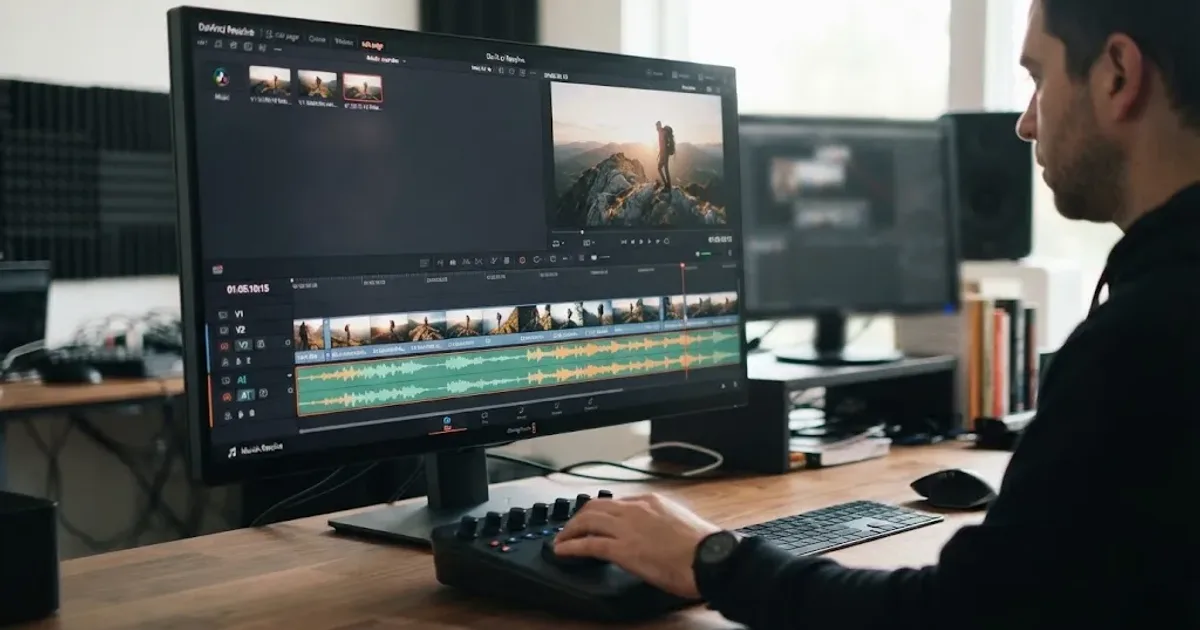
Guides · Aug 24, 2026 · 7 min
DaVinci Resolve Fit Music to Video Length: 21 Guide
Fit music to your video in DaVinci Resolve 21 with Music Editor, beat markers, Elastic Wave, and a clean manual fallback.
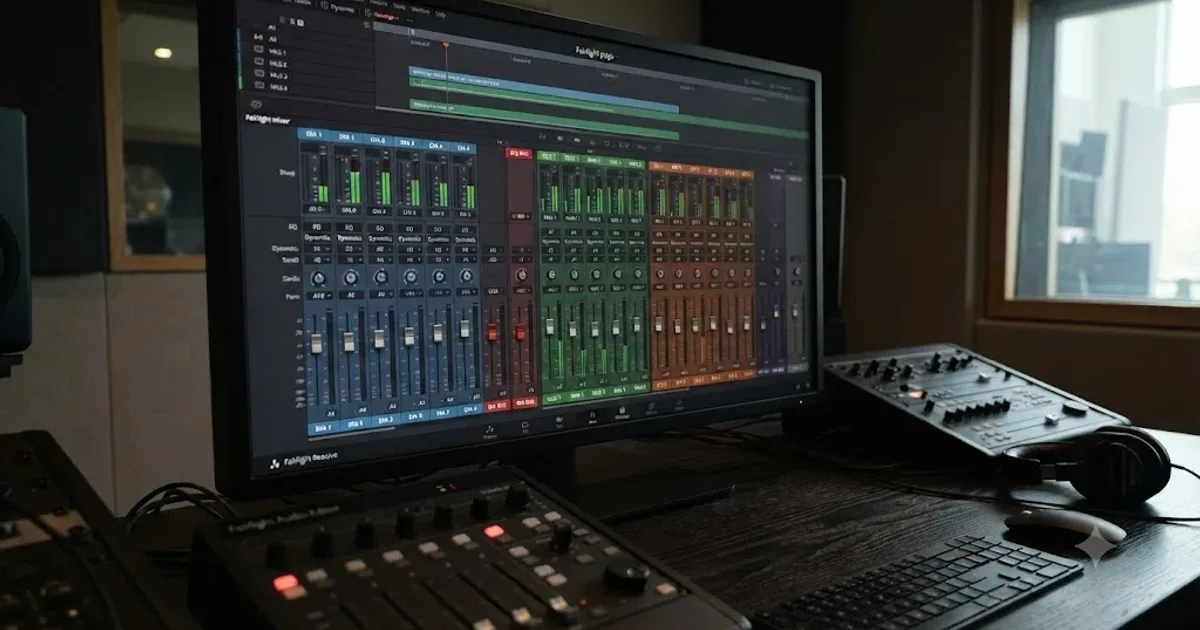
Guides · Jul 11, 2026 · 31 min
How to Mix Audio in DaVinci Resolve Using Fairlight
Mix audio in DaVinci Resolve's Fairlight page: build a dialogue/music/effects bus structure, gain-stage your clips, EQ and compress dialogue, then duck music under it.