Articles / Comparisonsupdated for DaVinci Resolve 21.1 (October 2026)
DaVinci Resolve Course With Live Instructor: Compare Options
Quick answer
A DaVinci Resolve course with a live instructor is worth paying for when you need real-time feedback, accountability, or help on your own project. In October 2026, compare Blackmagic Design's free official training, scheduled classes from certified providers, and one-to-one coaching; check the syllabus, current Resolve version, practice files, recording policy, and full price before booking.
We built and run a 100,000+ member professional video-editing community, and we've taught more than 100,000 students on Udemy as an official Udemy Business Partner. The question that keeps returning in a learning decision is simple: does a live teacher save enough confusion to justify the time and price?
As of October 2026, DaVinci Resolve 21.1 is the current version context for this comparison. The right answer depends less on a course's big promise than on what happens when your own timeline, color page, or Fusion node graph stops matching the lesson.
Is a DaVinci Resolve course with a live instructor worth paying for?
A DaVinci Resolve course with a live instructor is worth paying for when you need feedback on your work, a fixed class schedule, or help adapting a lesson to a real project. If you mainly need a clear explanation of the interface, Blackmagic Design's free training and good recorded courses may cover the same ground for less.
The difference is access to a person while you are learning. A live instructor can notice that you are selecting the wrong clip, ask what you expected to happen, or explain why a grade breaks after a color-space change. A recording can show the correct steps, but it cannot look at your project and respond to your question in the moment.
That advantage has limits. A live class may still be a lecture with a chat box. A large group can leave little time for individual feedback. A private session can become expensive if the lesson has no scope, and a capable instructor cannot guarantee that you will remember a technique you never practice after class.
We have spent 7+ years editing commercial video and have taught students and teams, including Fortune 500 companies. That background shapes the comparison: the useful question is not whether live learning is universally better. It's whether the format gives you the specific kind of correction or structure you need.
For a beginner who needs the basic shape of Resolve, free structured lessons are a sensible first step. For an editor with a delivery deadline, a targeted session on project settings, media management, a color pipeline, or a handoff can be more valuable than starting a broad course. For a team, shared training can reduce repeated questions, but only if the course matches the team's work and the instructor can make room for the team's actual examples.
A live instructor is most valuable when the learner needs feedback on work, not just another explanation of a button.
What does “live instructor” mean in a DaVinci Resolve course?
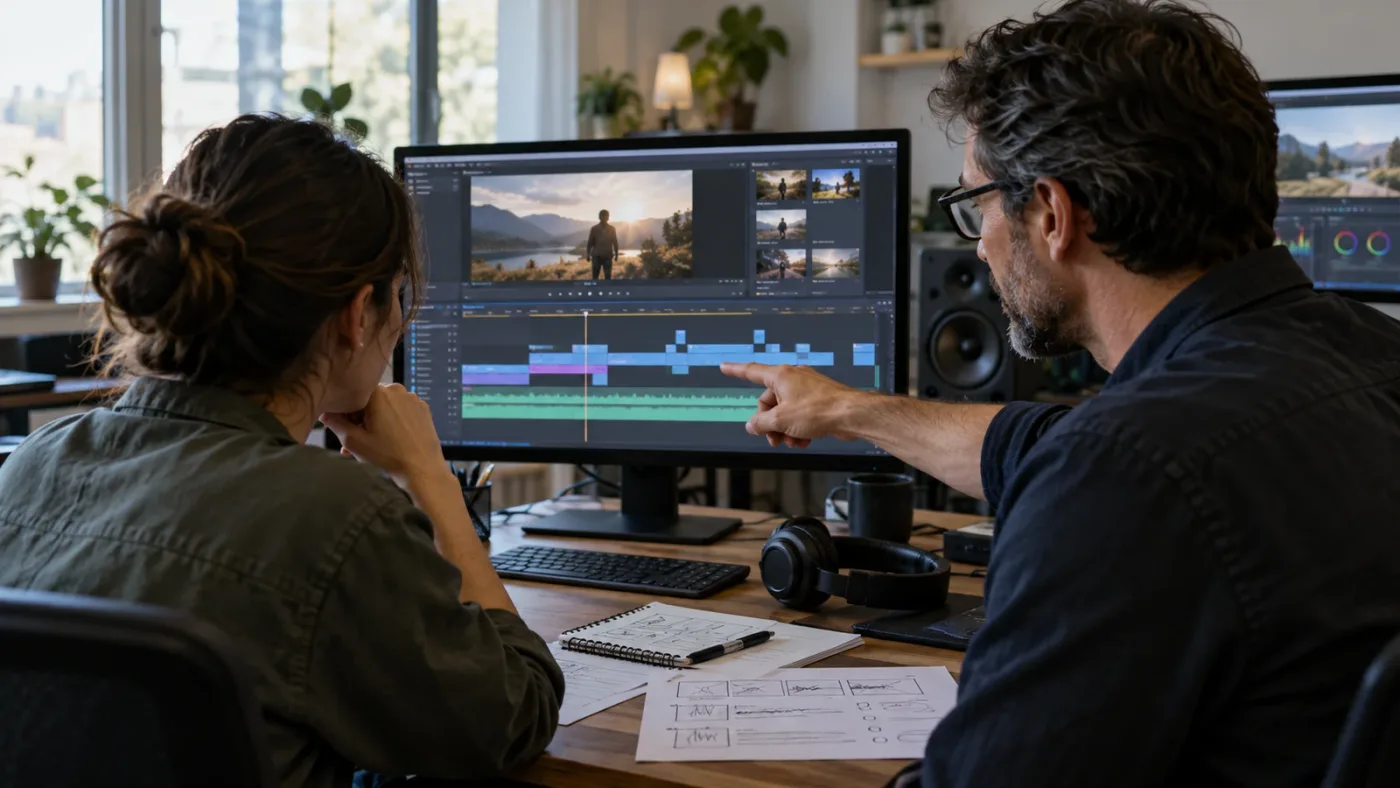
“Live instructor” can mean a scheduled class with a teacher speaking to a group, a small interactive workshop, or private one-to-one coaching. These formats differ in how much the instructor sees your work, how many questions you can ask, and whether you can revisit the lesson afterward.
Course pages often use “live” to distinguish a scheduled session from an on-demand video. That label alone does not tell you whether students can share screens, submit project files, ask questions by voice, or receive a recording. Those details determine whether the class is interactive instruction or a live broadcast that happens to include a Q&A window.
| Format | What “live” usually means | Feedback you can expect | Typical constraint | Best fit |
|---|---|---|---|---|
| Live lecture or webinar | Instructor presents at a set time to a large audience | General questions, sometimes chat or Q&A | Little time to inspect an individual timeline | Product orientation, feature overview, shared introduction |
| Instructor-led group class | A teacher follows a syllabus with a cohort in a virtual classroom | Questions during class, exercises, some instructor review | Fixed dates and pace; feedback time is shared | Beginners or teams that need structure |
| Small online workshop | A focused session on one task or page | Topic-specific discussion, sometimes guided practice | Narrow scope; not a complete course | Editors who need depth in color, Fusion, Fairlight, or workflow |
| One-to-one coaching | A private call focused on your stated goals or project | Direct questions and screen or project review if included | Highest hourly cost; quality depends on preparation and instructor fit | Troubleshooting a real job or filling a specific skill gap |
| Self-paced class plus office hours | Recorded curriculum with scheduled access to a teacher | Questions during designated sessions or a community | Help may not be available when you get stuck | Learners who need flexible study but want occasional contact |
| On-demand video course | Recorded lessons watched on your schedule | Usually comments, forums, or no direct response | No immediate correction | Learners comfortable pausing, repeating, and searching |
Before enrolling, ask the provider to define the live part in plain terms. Will you be able to ask questions while the software is open? Can the instructor see your screen? Are project files reviewed during class, or only demonstrated by the teacher? Is there a limit on students? Does the class meet once, over several days, or on a recurring schedule?
These questions are practical, not fussy. If you are paying for live instruction because a recorded course has not answered your questions, make sure that a person will actually have time to answer them.
Which DaVinci Resolve live learning option fits your situation?
The best option depends on the bottleneck: choosing a curriculum, getting feedback on a current project, learning a specialist page, or making a team consistent. Start with the least expensive format that can remove that bottleneck.
The current provider pages show several distinct choices. Blackmagic Design maintains free official training materials, a trainer and partner directory, and scheduled online seminars. AGI lists instructor-led online courses with dates and prices. Soho Editors lists a live online certified colorist course. DVResolve.com offers both private instruction and topic workshops. Casey Faris has a strong recorded-course and free-video presence, but those resources should not be mistaken for an automatically live one-to-one service.
| Option checked October 7, 2026 | Live access | Published details | What it does well | What to verify or accept |
|---|---|---|---|---|
| Blackmagic Design official training | Some scheduled seminars are live; the training library is self-paced | Free books, lesson videos, project material, seminars, and a certified trainer directory (official training, online seminars) | Authoritative product terminology and official curriculum | Event dates pass; a video lesson itself does not provide personal feedback |
| Blackmagic certified training partner | Varies by listed provider | Directory filters for online and classroom training and certified trainers (Blackmagic directory) | A route to find a trainer by location, language, or delivery type | The directory is not a single course with one price or standard schedule |
| AGI Training | Scheduled live instructor-led online and classroom options | On the checked page, a two-day editing class was listed at $895, with a two-day effects class at the same listed price and a four-day bootcamp at $1,790 (AGI schedule) | Clear dates, class durations, live teaching, and small-group positioning | Prices and dates change; confirm class size, version, taxes, and feedback scope |
| Soho Editors | Live online and classroom delivery | The checked certified colorist course page listed a live online October 5, 2026 class at £716 and described 20 hours of instructor-led training, course media, a manual, and three exam attempts (Soho course page) | Structured multi-day specialist training and a clear certification path | The listed date may have passed; verify the next cohort, exam terms, and local taxes |
| DVResolve.com private training | One-to-one or group sessions live over Zoom | The checked page listed $150 per hour and said a recording is available (DVResolve training) | Custom focus on a skill, workflow, or current project | Define preparation, recording access, group pricing, and what the hour will cover |
| DVResolve.com workshops | Upcoming sessions are scheduled live; recordings are separately available | Workshop page listed recordings at $49 for some four-hour topics, including practice media; it said upcoming dates were being announced (workshops) | Narrow focused instruction with follow-along material | A recording is not live feedback; upcoming dates and included media vary by session |
| Casey Faris and Ground Control | Mostly recorded lessons and free creator content; separate community offerings may change | CreativeLive lists Resolve courses by Casey Faris; his community page lists free resources and a paid library (CreativeLive, community page) | Approachable demonstrations, breadth, and the ability to replay a lesson | Confirm whether a specific purchase includes direct instructor access; recorded content is not a live class |
Those are examples, not endorsements or a ranking by teaching quality. We did not attend these classes or test their feedback in person. The published pages support the details shown in the table; they do not let us judge an instructor's pacing, whether a cohort is a good fit, or how much attention a student receives on a particular date.
If the course page uses the phrase “certified,” check what is being certified. A Blackmagic Design certified trainer is not the same thing as a student who has passed a certification exam. A course completion certificate may document attendance rather than demonstrate a particular skill. Ask what credential you receive and who issues it.
Is Blackmagic Design's free DaVinci Resolve training enough?
Blackmagic Design's free training is enough for many learners who can study independently and practice from provided lesson material. It offers a grounded starting point, while a certified live class adds scheduled instruction and the chance to ask questions directly.
The official training page describes lessons for beginners and established professionals, includes training videos and downloadable project material, and links to a directory of online and classroom partners. Blackmagic says its training network includes more than 250 certified trainers and more than 100 training centers. Those numbers describe the network Blackmagic publishes, not the number available in your country or a guarantee that a class is running this week (Blackmagic Design training).
The official curriculum's main strength is coherence. Lessons are built around the product and its terminology rather than around a creator's favorite workflow. The companion project files let you follow along instead of watching a demonstration with unrelated media. That can be all a beginner needs to learn where core tools live and how a basic editing, color, Fairlight, Fusion, or delivery task fits together.
There is also a limit. A training video cannot see what you clicked or inspect why your own result differs. If the practice file opens with a warning, your project settings do not match, or a tool behaves differently on your machine, you need to diagnose that separately. A forum, instructor, or in-app help source can fill that gap.
Blackmagic's online seminar page advertised six free 90-minute online seminars for DaVinci Resolve 21 in 2026, including a session for new users (Blackmagic online seminars). A seminar is a scheduled opportunity to hear an instructor and ask questions if the event format allows it; it is not automatically a multi-day course with personal project review. Read the registration description for the exact session.
To get more from the free curriculum, download the matching lesson assets before you begin. Watch a short segment, pause, recreate the task, and then change one decision: use a different shot, alter the trim, or try another node order. The exercise is not to produce a polished film. It is to check whether you can repeat the idea without the teacher's cursor showing you the next click.
If the official material explains the concept but you still cannot map it onto your own screen, that is a reasonable point to try a live class. Do not pay for an entire foundation course if your unanswered question is only one narrow task.
Blackmagic Design's free lessons are a strong baseline; live teaching earns its extra cost through access to questions and feedback.
Should you choose an instructor-led class or private coaching?
Choose an instructor-led class when you need a defined curriculum and peer pace; choose private coaching when you need the instructor to focus on your own goals, project, or question. A group class usually offers better structure per dollar, while a private hour can be more efficient for a narrow problem.
AGI's schedule is an example of a structured group offer: its page listed a two-day editing course, a two-day effects and motion graphics course, and a four-day bootcamp, with live instructor-led online classes at published times. It also describes small group sessions and real-time questions (AGI DaVinci Resolve classes). Soho Editors' checked colorist listing describes 20 hours of instructor-led training over four days, with course media and a manual (Soho Editors).
Those structures help if you learn better when someone else sets the pace. You get a planned sequence instead of building a syllabus from search results. There is a cost to that structure: fixed dates, a full-day commitment, and less freedom to skip familiar material. If you already edit in another NLE, you may not need the same introductory explanation as a learner opening a timeline for the first time.
Private coaching flips the trade-off. DVResolve.com describes live one-to-one online sessions over Zoom, records sessions, and lists a rate of $150 per hour on the page checked for this guide (DVResolve.com training). That is a public rate from one provider, not a typical market price. It can make sense when you arrive with a specific timeline, a short list of questions, and media you are allowed to share. It can be wasteful if you use paid time to decide what you want to learn.
Use a short agenda for a private session:
- Name the result you need, such as matching two camera angles, organizing bins for a recurring series, or preparing a color-managed handoff.
- State your Resolve version, operating system, and whether you use the free or Studio edition.
- Describe what you tried and what happened, without asking the instructor to guess.
- Confirm whether you can share a project archive or screen, and remove client material you cannot disclose.
- Ask what you will leave with: a recording, notes, a repeatable workflow, or a follow-up plan.
For a group class, ask a parallel set of questions: how many students will attend, whether the teacher reviews student work, how questions are handled, and what happens if you miss a day. “Small group” is not a useful promise until you know the class size or the practical effect of that limit.
One-to-one instruction can also be a poor fit if you need a credential, a formal curriculum, or time to compare your work with peers. Private coaching has no automatic advantage in teaching quality. The instructor still needs a clear plan and the student still needs to practice.
What should I check before booking a live Resolve course?
Check the course version, syllabus, instructor credentials, feedback method, practice assets, schedule, recording policy, and total cost before paying. These details tell you more than a page headline such as “master Resolve” or “professional training.”
Start with the version. As of October 2026, Blackmagic's support site lists DaVinci Resolve 21.1 manuals dated September 8, 2026, alongside the DaVinci Resolve 21 manual dated July 10, 2026 (Blackmagic support). Ask whether the course uses Resolve 21.1, an earlier 21.x point release, or an older major version. A lesson recorded in an older version may still teach transferable concepts, but menus, page names, feature availability, and demonstrations can differ.
The second issue is the course objective. “Complete Resolve” is too broad to help you judge whether a class matches your need. A beginner course should identify the intended starting level and the project a student will finish. A color course should say whether it teaches color management, shot matching, nodes, scopes, and delivery. A Fusion course should say whether it assumes node experience or covers the interface from scratch.
Then check the instructor. Blackmagic's directory lets you search online or classroom training centers and certified trainers (directory). A listing gives you a way to verify certification status; it does not tell you whether that person has taught the exact skill you want. Look for a match between their work and your task, and ask how often they use the current version in the subject area.
Finally, calculate the real cost. Add the tuition, taxes, travel if any, time away from work, software or hardware requirements, and any separate certification exam fee. The table's $895, £716, and $150-per-hour examples were live listings on the cited provider pages when checked, not fixed future prices. A free class can still cost you work hours. A private lesson can look expensive until you compare it with the price of repeating an error on a paid client job, but that value depends on the problem actually being solved.
Before purchase, save the syllabus and booking terms. Confirm cancellation rules, minimum attendance, recording access, class language, time zone, file-delivery method, and refund policy. A live session scheduled in a time zone that falls during your workday is not useful merely because the course is online.
How do DaVinci Resolve version changes affect a course?
Resolve version affects what you see on screen, but it does not make every older course obsolete. Core editing ideas often transfer across releases, while new pages, controls, feature names, and tool behavior can make older demonstrations harder to follow.
Blackmagic's support page listed the DaVinci Resolve 21 and 21.1 manuals in October 2026, and its page for new users describes Resolve 21 as the basis for a current seminar (support, seminar page). This matters when a course is sold as current. Ask the provider which exact release was used to record the lessons and when any class materials were updated.
Some lessons age slowly. A recorded explanation of story structure, keyboard habits, organizing footage, or why to use a particular kind of cut can remain useful even if a button moved. Other lessons age quickly: a walkthrough tied to a newly introduced page, specific AI feature, codec support, or exact menu location may become confusing after interface changes.
The problem is not simply an old number in a course title. It is the mismatch between what you are asked to do and what you can find. A beginner can waste time believing a control is missing when the class uses a different page arrangement. An experienced editor may be able to infer the changed location, but a new learner often cannot.
When controls do not match, use this quick check:
- Compare the course's release number with the version shown in Resolve's About dialog and the current manual.
- Check whether the course is using Resolve Free or Studio, since some features are edition-specific.
- Search the matching manual for the tool name, not only the old menu path.
- Check the teacher's update notes or ask whether there is a 21.1 correction.
- Decide whether the task is still relevant before buying an add-on update or a replacement course.
Our related guide on DaVinci Resolve 21 tutorials with controls that do not match covers version mismatch troubleshooting. For a course purchase, though, prevention is cheaper: ask for the exact version and sample lesson before you enroll.
There is no need to demand that every course show the newest point release if your goal is a durable skill. Do insist on current instructions when the class is teaching a feature whose location or behavior has changed. A provider who names its version lets you make that distinction yourself.
Is a course certificate useful for a DaVinci Resolve job?
A course certificate can document attendance or completion, while a skills certificate may require a separate exam; neither one substitutes for a useful portfolio. Before paying extra for certification, identify who issues it, what it tests, and whether employers in your target role recognize it.
Blackmagic Design presents its training program as a path toward becoming a certified editor, colorist, or sound editor, and its page provides a certified trainer and training partner directory (Blackmagic Design training). Some providers bundle exam attempts with a class. For example, the Soho Editors page checked for this article listed three attempts at the Blackmagic Design Certified Exam with its live colorist course (Soho Editors course details).
That is different from a generic attendance certificate. An attendance document may be useful for internal development records, continuing education, or proving that you completed a company course. It does not necessarily show what you can edit. An exam credential may show product knowledge, but a hiring manager may still want to see a reel, project breakdown, or a timed practical exercise.
If your goal is employment, compare the certificate cost with the work sample you could produce using the same time and money. For an editor role, a clean short scene with organized media, intentional pacing, coherent audio, and a delivery spec can make your choices visible. For color work, show before-and-after frames only when you have permission to share the footage and can explain the color management and shot-matching decisions. For Fusion, a compact composition with a breakdown can show both the final result and how you built it.
If your employer requires a recognized certification, use the required credential as the filter. If no one requires it, do not buy an exam simply because the word “certified” appears beside a course title. Ask whether the class prepares you for a named exam, whether the exam is included in the tuition, how many attempts are covered, and whether you need a separate account or eligibility step.
Is a recorded course or YouTube channel enough if I want to learn fast?
A recorded course or YouTube channel can be enough when the lesson matches your goal, the explanation is current, and you make time to practice after watching. It becomes a weak fit when you need a teacher to diagnose your project or hold you to a schedule.
Casey Faris is part of the consensus for beginner-friendly Resolve learning. CreativeLive lists multiple Casey Faris classes, including editing, using Resolve's pages, color correction, and Fusion (CreativeLive instructor page). His free Resolve community and paid course library are also described on his community page (Casey Faris community). Those are useful options for an approachable demonstration and a deeper recorded curriculum. Verify the access terms on the specific course page because catalogs and memberships change.
Recorded instruction has a different advantage from live teaching: control. Pause when the instructor moves too fast. Replay a trim or node operation. Skip material you already know. And if you are learning around work or family, an asynchronous lesson does not require you to be online at a set hour.
The weak point is the gap between watching and doing. A lesson can feel clear while the teacher is clicking, then disappear when you open your own project. Close the video and repeat the skill on fresh footage. If you cannot, write down the exact point where you lose the thread. That question gives you something concrete to take to a forum or a live teacher.
A recorded DaVinci Resolve lesson gives you control over pace; a live instructor gives you a chance to ask what the recording cannot see.
Free creator tutorials are strongest for focused tasks and examples. A structured course is easier to follow from beginning to end. Blackmagic's official curriculum provides product-led training. No single source has to do every job. You can use a free foundation, a creator lesson for one specialized technique, and a paid live workshop for feedback without treating that stack as a failure to find “the one best course.”
The product lead for DaVinci Resolve, Simon Hall, told TechRadar, “Resolve is very powerful, but users do not have to learn everything at once.” That is the practical case for a focused course: learn the page you need now, then expand when the next project asks for more (TechRadar interview with Simon Hall).
For a course list rather than a live-format comparison, see our best DaVinci Resolve courses guide. If you learn better with other editors around you, a Resolve community can provide useful questions and examples. It still does not replace a qualified instructor reviewing your work.
Why do learners still get stuck after a good live class?
Learners can still get stuck after a good class because instruction compresses many decisions into a short demonstration, while real projects bring different footage, settings, and delivery constraints. The class gives you a model; practice teaches you when and how to adapt it.
The first problem is context. A teacher can show a clean demonstration project with known media and a predictable result. Your real project may have mixed frame rates, variable exposure, unusual audio, a color-managed pipeline, or a folder structure built by someone else. The tool may be the same, but the decision is not.
The second problem is attention. During class, you are splitting focus between the instructor, your own screen, the chat, and your notes. You may understand the idea but miss one selection state or setting. That's why downloadable project media and a recording matter. They let you replay the part you missed without paying for another session.
The third problem is memory. Knowing where a button is does not mean you know when to use it. Build a small repeatable practice project after class. Use a short interview or a few shots you are allowed to use. Import the media, make selects, build a sequence, clean the dialogue, perform a basic grade, and export a review copy. You are testing your process, not your artistic worth.
When a class leaves you with a question, sort it before asking for help:
- Is the control actually missing, or is the course using a different version or edition?
- Does the operation work in a clean practice project but fail in this project?
- Is the problem a technical warning or a choice about the look or pace?
- Can you provide a reproducible description without sharing private client media?
- Do you need a quick location answer, a longer explanation, or an instructor to review the result?
That last distinction helps you choose the next source. A manual is good for exact definitions. A forum can surface workarounds from users with similar setups. A targeted video can demonstrate a single technique. A live teacher can talk through the decision and look at your project if the format permits.

Our guide on learning DaVinci Resolve alone or with a mentor looks at the broader support decision. This post narrows that choice to paid course formats and what the instructor's time actually buys.
How do you compare the total cost of live training?
Compare the full cost per useful outcome, not only the advertised tuition. Include attendance time, travel, preparation, practice files, exam fees, missed work, and whether you can replay the instructor's explanation later.
A public price gives you a starting point, not a complete comparison. The checked AGI page listed $895 for several two-day online classes and $1,790 for a four-day bootcamp (AGI schedule). The Soho page listed £716 for a dated certified colorist class and described included materials and exam attempts (Soho live class). DVResolve.com listed $150 an hour for private training (DVResolve.com). These figures use different currencies, subjects, durations, included materials, tax treatment, and audiences. They are not apples-to-apples.
Use a simple comparison worksheet:
| Question | Why it changes the value |
|---|---|
| How many instructor hours are included? | A two-day class and a one-hour coaching call solve different problems. |
| Is tuition per person or per group? | Team training can change the effective price per learner. |
| Does the class include project media and a manual? | Included material reduces the work required to prepare and practice. |
| Are exam attempts included? | A certification track may have costs beyond the class itself. |
| Is the session recorded? | A replay can answer questions that surface during practice later. |
| How much student work is reviewed? | Watching the instructor demonstrate is different from receiving critique. |
| Is the class compatible with your schedule and time zone? | A low price is irrelevant if you cannot attend the live sessions. |
| What happens if you cancel or miss a day? | Rescheduling and refund terms affect the risk of booking. |
Then name the result you want. “Learn Resolve” is too broad to price. “Finish a first short edit and understand how to export it” is clearer. So is “get a colorist to review my node structure on a specific scene.” A narrower result makes it easier to decide whether a group curriculum, a specialist workshop, or a private session earns its cost.
Do not assume that private means faster. If your question is common and the answer is in a good lesson, paying a teacher to repeat the explanation may add little. Do not assume that a group class is poor value either. A planned curriculum with practice time can prevent you from jumping from topic to topic without building a full workflow.
Is live online training better than an in-person Resolve class?
Live online training is often more convenient when you already have Resolve installed and want instruction without travel; an in-person class can be better when you need direct room support, shared equipment, or a dedicated learning environment. Neither is automatically more interactive.
Online formats let you keep your own computer and project close. If the instructor allows screen sharing or project review, you can ask about the setup you actually use. You also avoid travel and can search for a specialist outside your city. AGI and Soho Editors both list online live options on their course pages, while Blackmagic Design's training directory distinguishes online and classroom partners (AGI, Soho, Blackmagic directory).
But online support depends on the class setup. You need working audio, a stable connection, a screen large enough to follow along, and a way to ask questions without losing the demonstration. If the course expects you to operate Resolve while watching the same screen, a second display can help; it is not a requirement to learn the software, and we are not recommending a purchase without knowing your existing setup.
An in-person room can make it easier to ask a quick question, see the instructor's gestures, and focus away from home or work interruptions.
It can also mean travel, a less familiar workstation, and time spent getting comfortable with a different keyboard or display. If color grading is the subject, ask whether the room's viewing environment and displays are part of the instruction or simply the venue.
If you choose online, ask whether the teacher can see student screens and how they handle technical support. If you choose in person, ask whether you use your own computer, a supplied workstation, or a mix. In either format, ask how the instructor accommodates accessibility needs and whether course files can be installed before class.
How should a team choose Resolve training for several editors?
A team should choose training around shared work and recurring handoffs, then select the class format that gives each learner enough practice. A generic beginner course may help everyone speak the same language, while private team instruction can focus on the group's media, review, and delivery process.
Start by separating individual skill gaps from workflow disagreements. If editors cannot agree on bin naming, project settings, proxy handling, review exports, or who owns a grade, a course on buttons will not settle those decisions. Write down the team's preferred process first, then ask the instructor to cover the parts that need product knowledge.
For a mixed-skill team, use a short pre-class intake. Ask every editor what task slows them down, which Resolve version and edition they use, and what they want to complete in the next month. A shared session can then focus on common fundamentals, while a follow-up clinic handles advanced or project-specific questions.
Team training also raises confidentiality questions. Do not send a client timeline or source media until your organization permits it and the provider explains how files are stored, who can view them, and when they are deleted. A screen-share session may be enough. If the provider wants project archives, remove unrelated media and credentials and use a small, approved sample project.
Finally, decide how you will judge the training. Avoid a vague satisfaction survey as the only measure. Give editors a small task that reflects the course goal, such as building a proxy workflow, handing off a project, or delivering a review file with the agreed settings. The evidence is the work product and whether teammates can repeat the process, not a promise that a class will make everyone fast.
If the team needs official product instruction, start with Blackmagic's training partner directory and verify that the provider supports the requested format and topic (Blackmagic Design). If the team needs custom workflow consulting, ask whether that is included in teaching or billed separately. Training and consulting are related, but they are different deliverables.
What can replace a live instructor when I am stuck inside Resolve?
A live class is not the only way to get unstuck: use the source that matches the shape of the problem. Manuals answer exact feature questions, community forums offer peer suggestions, recorded lessons demonstrate a workflow, and screen-aware help can point you toward a control while Resolve is open.
The right next step depends on whether you need knowledge or diagnosis. If you do not know what a setting means, consult the manual or a structured lesson. If you know the goal but cannot find a control, search the manual's term or use a contextual help tool. If you need to know whether your result looks right, ask an experienced editor to review the work and explain the criteria.
That kind of in-app orientation can help when a course demo and your current interface differ, or when you need a control location before returning to a lesson. It is not the same as a course curriculum, a certified instructor, or a critique of your editing judgment. On-screen guidance can orient you while you work; use a teacher when the question needs a person to assess your work or teach a larger subject.
Community advice has a different strength. A question on Reddit or a Resolve community can reveal that other editors encountered a similar setup, but the answer may depend on version, footage, or operating system. Include your Resolve version, free or Studio edition, operating system, and what you already tried. The subreddit itself regularly requests version and system context for troubleshooting questions (r/davinciresolve guidance).
The best way to learn DaVinci Resolve is usually a learning loop rather than one source: watch or read a small lesson, perform the task, compare the outcome, and seek help at the precise point you cannot resolve. A live instructor is one part of that loop. It is a strong part when feedback matters and an expensive detour when you only need a definition.
What should I do if I need an answer during the class?
Ask a question that gives the instructor enough context to reproduce the issue: name the version, the page you are on, the tool or setting, what you expected, and what actually happened. A precise question is easier to answer than “Resolve is broken” or “Why does this look wrong?”
Use the class question channel early. If you wait until the final minutes, the instructor may not have enough time to inspect your setup. If the class does not offer screen sharing, prepare a short written description or a permitted still frame. Never expose client footage or unreleased work in a group room unless you have permission.
When the teacher answers, write down the principle as well as the clicks. “Select the clip first” is a useful instruction. “The tool works on the selected clip, so check selection state before changing settings” is more reusable. If the answer only solves one screen state, ask what clue would help you recognize the same situation later.
If the class is recorded, note the timestamp and replay the relevant part after trying the steps yourself. If there is no recording, ask whether the instructor can share a short written recap or resource reference. Do not assume access lasts forever; provider terms may define a limited viewing period.
After class, turn each unresolved issue into a separate support request. Include one problem per question. Mention whether the problem occurs in a clean project, whether a specific warning appears, and whether the instructor's suggested steps changed the result. This reduces back-and-forth and helps someone distinguish a learning question from a project-specific technical issue.
Which option should you choose?
Choose the option that supplies the kind of help you are missing. If you want a syllabus, pick an instructor-led course. If you want a direct answer about your own timeline, book targeted coaching. If you want a low-cost foundation, start with official free training and creator lessons.
Choose Blackmagic Design's free material if you can practice independently, want product-centered lessons, or are not yet sure what you want to specialize in. Choose a certified partner class if you want a scheduled curriculum, trainer access, and a formal certification path. Choose a specialist workshop if you know the subject area but want more depth in color, Fusion, Fairlight, or a focused production workflow.
Choose one-to-one coaching if you can explain your problem and want the teacher's attention on your own work. Choose a recorded course if you need control over pace and schedule. Choose a community if peer examples, encouragement, and occasional answers are enough. Choose on-screen help if your immediate problem is locating or understanding a control while Resolve is open.
Do not pay for “live” as a feature by itself. Pay when the course can show you what it teaches, when it meets, how questions are handled, what you will practice, and what you can do afterward. The strongest purchase is the one whose format matches your next real editing task.
Choose a live DaVinci Resolve class for feedback and structure; choose self-paced lessons for flexibility and a free starting point.
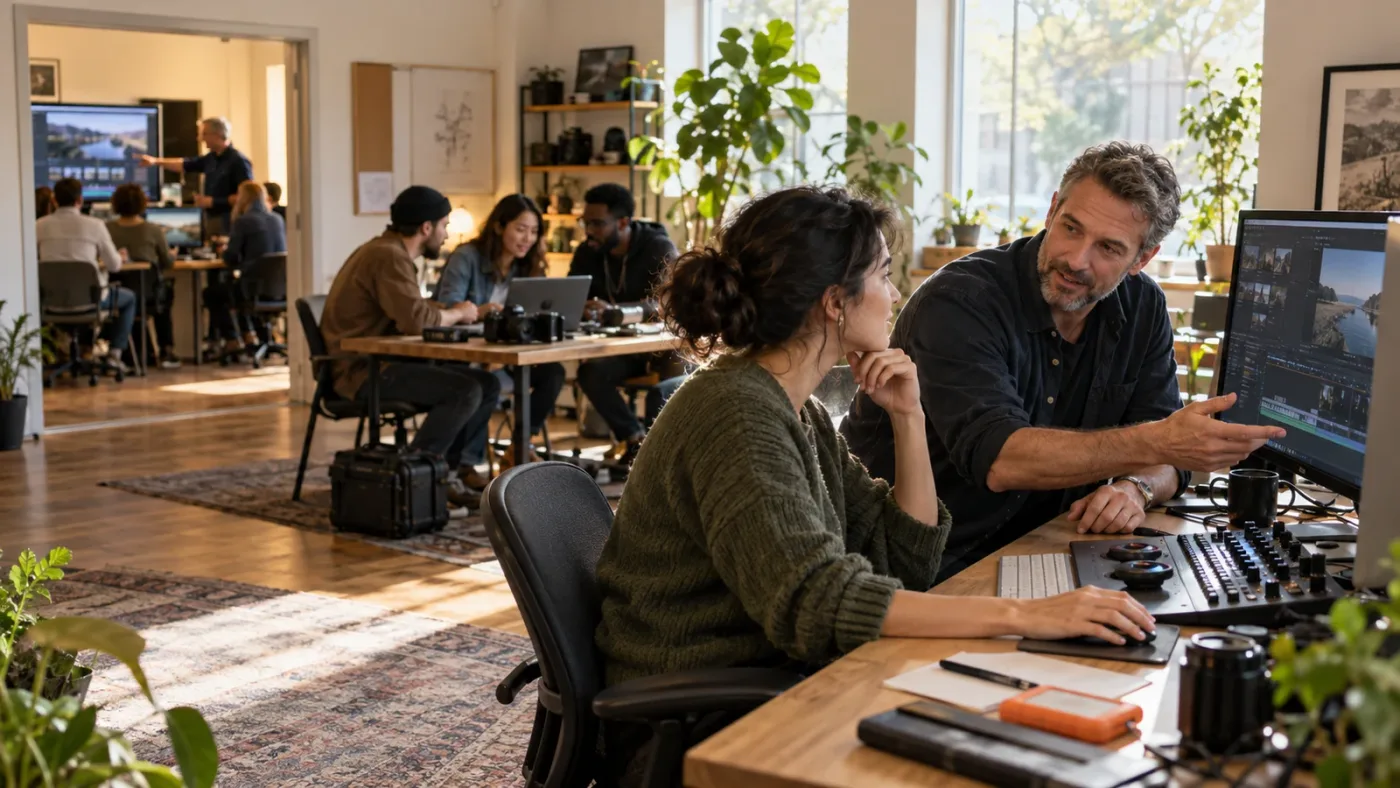
If you're unsure, work through one official beginner lesson and its practice media first. The task that still blocks you will tell you whether you need a full course, a narrow workshop, or one hour with an instructor. That's a better starting brief than buying the broadest course on the page.
Frequently asked questions
- Is there a DaVinci Resolve course with a live instructor?
- Yes. As of October 2026, options include Blackmagic Design's scheduled free online seminars, paid instructor-led classes from providers such as AGI and Soho Editors, and one-to-one Zoom coaching from DVResolve.com. Dates and prices change, so check the provider's current booking page.
- How much does a live DaVinci Resolve course cost?
- Prices vary by format and provider. The pages checked for this guide listed some Blackmagic online sessions as free, a DVResolve.com private session at $150 per hour, and scheduled AGI classes at $895 for two-day courses. Treat these as dated examples, not a market average, and confirm the current price before booking.
- Is Blackmagic Design's DaVinci Resolve training live?
- Blackmagic publishes free training videos, books, and project materials, and it also runs scheduled online seminars. Its certified trainer directory lists separate online and classroom training partners. A self-paced lesson is not the same thing as a live class, so check the event format and date.
- Can I learn DaVinci Resolve fast without a live instructor?
- Yes, if you can follow a structured lesson and practice without someone checking your work. Start with Blackmagic Design's free training or a current beginner course, then use a live session when you need feedback on a specific edit, color grade, Fusion composition, or Fairlight mix.
- What should I ask before paying for a live Resolve class?
- Ask which Resolve version the class uses, whether the instructor is Blackmagic certified, how much hands-on practice and personal feedback you get, whether recordings and project media are included, what exam or certificate is included, and whether the listed price includes taxes and exam fees.
Sources
- DaVinci Resolve Training | Blackmagic Design
- DaVinci Resolve Support and Manuals | Blackmagic Design
- DaVinci Resolve Online Seminars | Blackmagic Design
- DaVinci Resolve Courses and Training | AGI Training
- DaVinci Resolve Colourist Guide Live Online Classes | Soho Editors
- DaVinci Resolve Training | DVResolve.com
- DaVinci Resolve Workshops | DVResolve.com
- Casey Faris Courses | CreativeLive
- Casey Faris Free Resolve Community and Course Library
- How to Edit Video in DaVinci Resolve with Casey Faris | CreativeLive
- How Casey Faris Makes DaVinci Resolve Less Intimidating | TechRadar
- DaVinci Resolve 21.1 Release and Training Information | Blackmagic Design Support
- DaVinci Resolve 21.1 Tutorial Controls Do Not Match? Fix It
- DaVinci Resolve Community | Reddit
Put this guide to work with TryUncle.
Ask about the step you’re on. TryUncle sees your screen and points at the control you need, so you can keep learning in your own project.
Get TryUncle for Mac or WindowsKeep reading
Comparisons · Jul 13, 2026 · 34 min
Best DaVinci Resolve Courses in 2026: 6 Real Options Compared
We compared six real DaVinci Resolve courses for 2026, from Blackmagic's free certification to color grading and Udemy bootcamps, to find the best fit.
Comparisons · Jul 25, 2026 · 37 min
Best Discord Servers to Learn DaVinci Resolve in 2026
The best Discord servers for DaVinci Resolve in 2026, ranked by real member counts, what each is good for, and where Reddit still beats all of them.
Comparisons · Jul 15, 2026 · 41 min
Should You Learn DaVinci Resolve Alone or With a Mentor?
Learning DaVinci Resolve alone vs. with a mentor, compared honestly: what a real mentor changes, why self-taught learners stall, and where AI tutors fit.