Articles / Fixesupdated for DaVinci Resolve 21.0.3 (July 2026)
DaVinci Resolve Unable to Switch Pages Error: The Real Fix
Quick answer
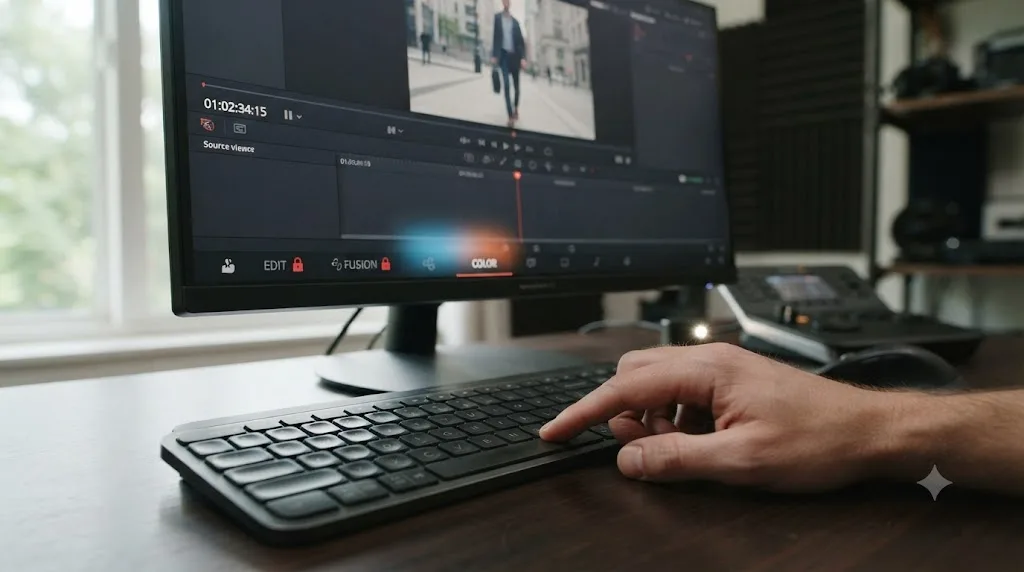
DaVinci Resolve doesn't show a real "unable to switch pages" error message. It's playback locking the tabs: while a clip plays on the Media, Cut, Edit, or Fairlight page, every other page tab disables itself except Color. Press spacebar to stop playback and the tabs unlock immediately. Nothing is broken and no data is at risk.
You hit Space to check a cut, reach for the Color tab to eyeball a grade, and nothing happens. The tab sits there, unclickable, like DaVinci Resolve just stopped listening. No dialog box. No error code. Just a page bar that won't respond, right when you're mid-flow and don't want to stop.
I've spent seven years cutting commercial and broadcast work inside DaVinci Resolve, and questions shaped exactly like this one show up constantly in our 100,000+ member editing community: something looks broken, but it isn't named anywhere in the app, so nobody knows what to search for. As of August 2026, on DaVinci Resolve 21.0.3, there is no error dialog that reads "unable to switch pages." What you're running into is a deliberate playback lock, and once you know which pages it applies to and why, it stops being confusing and starts being predictable.
What does "unable to switch pages" actually mean in DaVinci Resolve?
It means the page tabs at the bottom of the interface aren't responding to clicks, not that Resolve has thrown an error. Search for the exact phrase inside the app and you'll find nothing, because Resolve never labels this behavior as a failure. It's a restriction, and restrictions don't get dialog boxes.
A DaVinci Resolve page tab that won't click is playback locking the interface, not the software reporting damage. That distinction matters because the instinct when something goes unresponsive is to assume you broke something: a project, a preference, a render. You didn't. The tab is doing exactly what Blackmagic built it to do.
This confusion is common enough that it's become a real search phrase on its own, even though Blackmagic's own support forum has no thread titled with that exact error text. What exists instead is a long-running discussion simply called "While playing, I cannot switch to other pages," describing the same behavior in plainer words, per a Blackmagic forum thread on page switching during playback.
Why can't I switch pages while a clip is playing?
Because Resolve intentionally disables page navigation during playback on most of its pages, and it has for years, across multiple major versions. This isn't new to DaVinci Resolve 21, and it isn't tied to a specific project, a specific machine, or a specific codec.
The pattern reported on Blackmagic's forum is consistent: while playing on the Media page, the Cut page, the Edit page, or the Fairlight page, you cannot switch to another page. The Color page is the one exception, letting you click across to a different page while a clip is actively running, per the same Blackmagic forum thread on page switching.
Resolve locks page navigation everywhere except Color because Color was built around watching a grade move in real time, while every other page assumes you've stopped to make your next move. That's the whole logic in one sentence, and it explains every version of this complaint you'll find, whether someone is trying to check the Edit page mid-scrub or adjust a Fairlight mixer channel without breaking playback first.
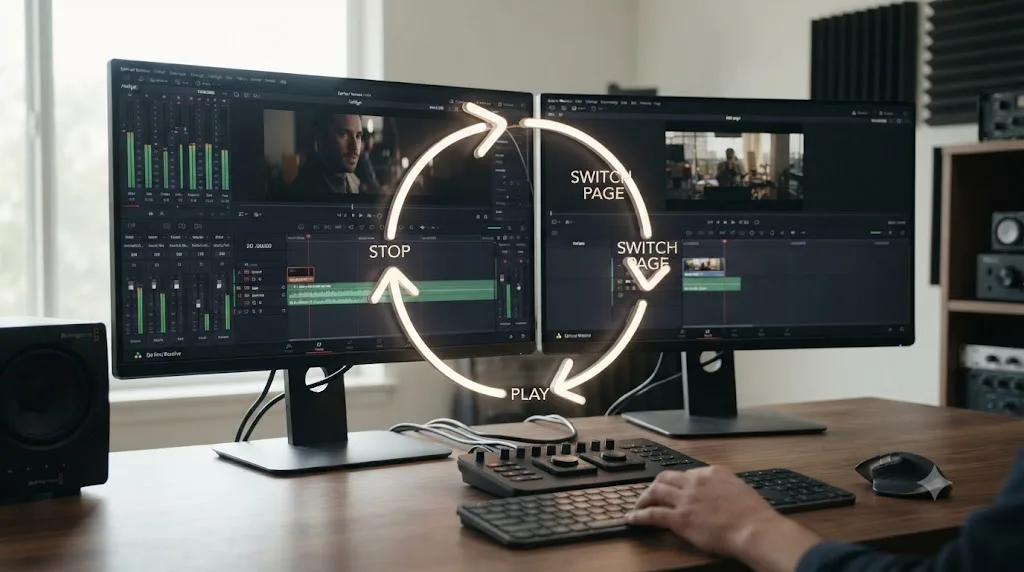
One concrete example from that same forum discussion makes the restriction easier to feel rather than just read about. A user wanted to adjust audio clip gain while listening on the Fairlight page, but gain shortcuts live on the Edit page, not Fairlight, so the actual workflow became: stop playback on Fairlight, switch to Edit, start playback again, adjust the gain, audition the result, stop again, switch back to Fairlight, and repeat that full loop for every adjustment, per the Blackmagic forum thread describing this exact use case. That's not a bug report. It's a workflow tax the playback lock imposes on anyone whose task straddles two pages.
Which pages actually let you switch during playback?
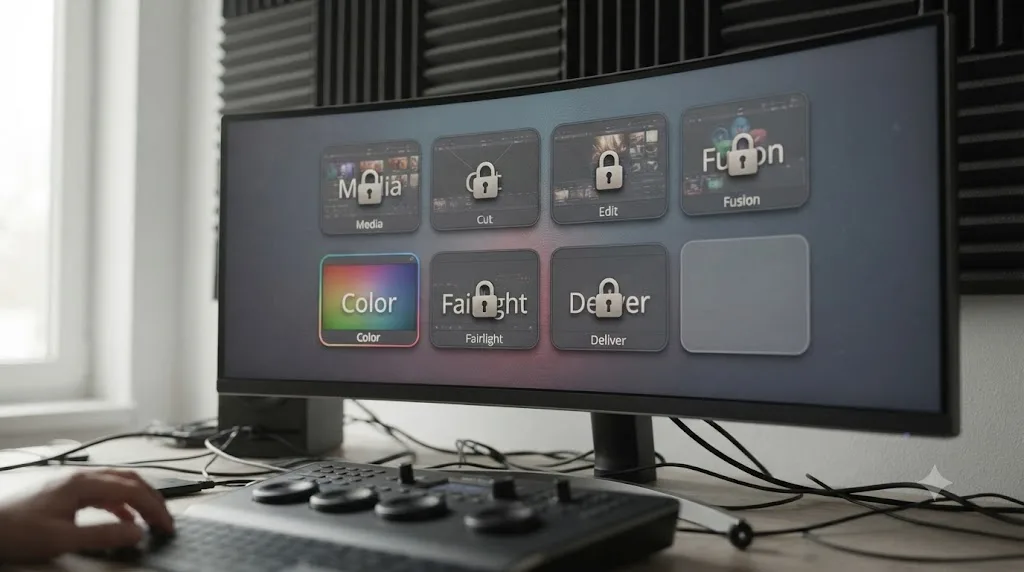
Only one, and it's worth having the full picture in one place instead of piecing it together from a single forum report.
| Page | Can you switch to another page while playing? | Why |
|---|---|---|
| Media | No | Built around browsing and organizing, not concurrent navigation |
| Cut | No | Shares the Edit page's timeline assumptions |
| Edit | No | Trim and track tools assume playback is stopped |
| Fusion | No | Node graph interaction expects a static frame |
| Color | Yes | Built specifically to support grading while a clip runs |
| Fairlight | No | Mixer and clip-gain tools assume playback is stopped |
| Deliver | No | Render queue interaction assumes playback is stopped |
| Photo | Not applicable the same way | No video playback transport to lock against |
If you're bouncing between two non-Color pages during playback and getting nowhere, that's not an inconsistency in the software. It's the same rule applying twice.
The Photo page deserves its own note, since it's the newest addition to Resolve's page lineup, added in DaVinci Resolve 21's June 3, 2026 stable release after a preview at NAB 2026 in April, per PetaPixel's coverage of the DaVinci Resolve 21 release and Newsshooter's earlier NAB 2026 preview. Photo doesn't run video playback the way the other seven pages do, so the classic lock mostly doesn't come up there. It's a different kind of page, not an exception you need to memorize alongside Color.
Why does the Color page allow it and nothing else does?
Because grading is a real-time task by design, and every other page's tools assume the opposite. That's the short answer, and it holds up under a closer look at how Blackmagic actually describes the software.
Blackmagic's own product page frames Resolve's structure directly: "DaVinci Resolve is divided into 'pages', each of which gives you a dedicated workspace and tools for a specific task," adding that switching between them normally takes "a single click," per Blackmagic Design's DaVinci Resolve product page. That one-click promise holds everywhere except during playback on six of the eight pages, which tells you the page-based architecture and the playback lock are two separate design decisions, not one.
A feature request thread on Blackmagic's forum, asking for continuous playback while switching between pages, gets closer to why that second decision exists. Replies in that thread describe Resolve's pages as functioning less like tabs inside one lightweight application and more like separate, tightly linked programs sharing a project database, which is why the requester was told implementing true continuous playback across pages would be a genuinely difficult engineering problem, not a quick toggle, per the Blackmagic forum thread requesting continuous playback across pages.
Treating Media, Cut, Edit, Fusion, Fairlight, and Deliver as separate programs joined by one database explains why unlocking all of them for mid-playback switching isn't a simple setting Blackmagic has just declined to flip. Color got its exemption because real-time grading review was worth the engineering cost. Nothing else has cleared that bar yet.

What's the fastest way to unlock the page tabs right now?
Stop playback. That's the entire fix for the standard version of this problem, and it works every time because the lock is tied directly to the transport state, not to a setting you need to hunt for.
- Press spacebar, or click Stop in the transport controls at the bottom of the viewer.
- Click the page tab you actually wanted. It responds immediately once playback has stopped.
- If you're mid-review and don't want to lose your place, note the timecode or drop a marker with M before stopping, so you can jump back to the same frame after you've made your change on the other page.
The fix for a locked DaVinci Resolve page tab takes one keystroke, and troubleshooting ends there for the vast majority of people who search this exact problem. If stopping playback doesn't unlock the tabs, or a tab stays unresponsive after you've confirmed playback is fully stopped, that's no longer the standard lock, and the causes covered later in this guide, a keyboard shortcut conflict, a slow Deliver page transition, or a UI layout glitch, are the more likely explanation.
If you're new enough to Resolve that you're not yet sure which page you should even be reaching for at a given step, our comparison of the Cut page and Edit page covers when each one actually earns its place in your workflow, separate from this playback restriction.
For anyone whose actual friction point is losing track of which control lives on which page in the first place, that's the exact gap TryUncle exists to close on a Mac. TryUncle is the on-screen assistant for DaVinci Resolve on macOS, ask in plain words and Uncle points at the exact control on your screen, which is a faster way to relearn where a setting lives than hunting through a locked interface mid-playback.
Is some lag on the first page switch after launching Resolve normal?
Yes, and it's worth ruling out before you assume anything is actually wrong. A short delay the first time you select any given page after launching Resolve is expected behavior, not the playback lock and not a bug.
A Blackmagic forum thread titled "Page Switching Lag" documents reports of a 1 to 3 second delay switching pages after an 18.5 beta update, worse on the very first switch to a page and better on repeat visits, with one user measuring 6 to 12 seconds on their first switch specifically to the Deliver page, per the Blackmagic forum thread on page switching lag. Blackmagic's own DaVinci Resolve Product Manager, Peter Chamberlain, responded in that same thread and noted that some delay the first time a page is selected after launch is expected, since that page's render pipeline is initializing rather than sitting idle.
That distinction is useful precisely because it separates two things people conflate: a locked tab, which never opens until playback stops, and a slow tab, which opens on its own after a few seconds. If your page eventually responds without you touching anything, you were looking at expected first-launch initialization, not an error worth troubleshooting further.
Why aren't my keyboard shortcuts to switch pages working?
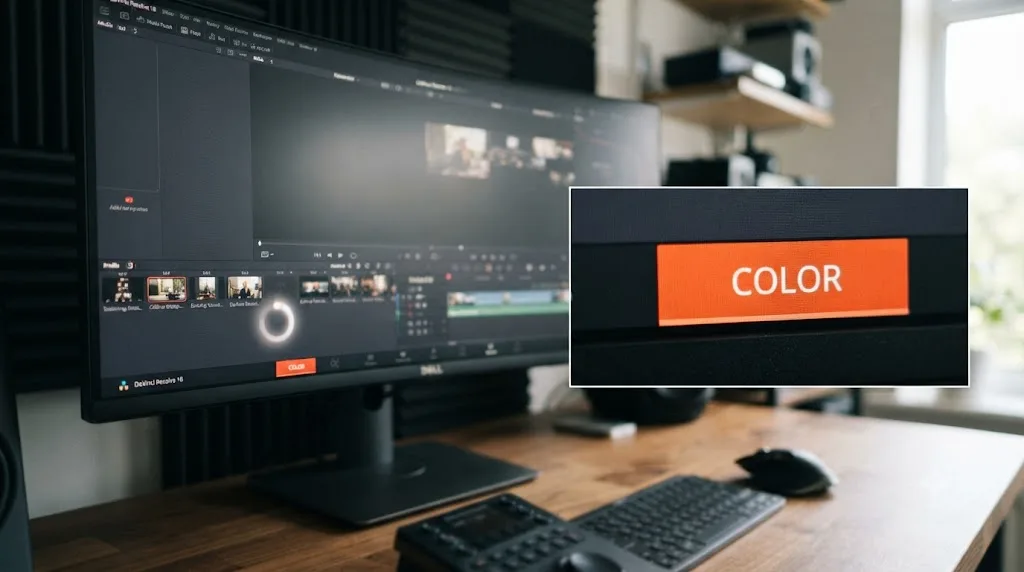
Usually a keyboard layout or a conflicting system shortcut, not a broken feature inside Resolve. This is a genuinely different problem from the playback lock, and it's worth separating cleanly because the fix looks nothing like "stop playback."
DaVinci Resolve's manual points you toward the Workspace > Switch to Page submenu as the authoritative place to see and trigger these shortcuts, since exact key assignments can shift slightly between versions and keyboard presets, per the DaVinci Resolve Reference Manual's section on switching pages using keyboard shortcuts. If your shortcuts have simply stopped firing, that submenu, and the Keyboard Customization panel behind it, is your ground truth, not a printed cheat sheet from an older version.
A thread marked SOLVED on Blackmagic's forum traces one real case of this to a regional keyboard layout: a user running French Canadian settings found their Shift-based page shortcuts dead until they temporarily switched to an EN-US layout, at which point the shortcuts worked normally again, per the Blackmagic forum thread on keyboard shortcuts to switch pages not working. That same thread surfaced a second, unrelated cause: a duplicate keybinding, where the same shortcut had been assigned to a command on the Cut page and was silently winning the conflict over the same shortcut on Media and Edit.
A separate, older thread on Blackmagic's forum shows this isn't new. A user reported that the F3, F4, F6, and F8 page-switching shortcuts described in Resolve's own manual weren't firing on their MacBook Pro at all, per the Blackmagic forum thread on switching between Color, Edit, and Deliver pages. Function-key shortcuts are especially exposed to this failure mode on Mac, since macOS reserves a chunk of the F-key row for system-level media and display controls by default.
| Cause | Where to check | Fix |
|---|---|---|
| Non-US keyboard layout | System keyboard settings | Temporarily switch to EN-US and test whether the shortcut returns |
| Duplicate binding inside Resolve | Keyboard Customization > Workspace > Switch to Page | Remove the conflicting binding on the page that's stealing it |
| macOS system shortcut conflict | System Settings > Keyboard > Keyboard Shortcuts | Reassign or disable the macOS shortcut using that same key combination |
| Windows system shortcut conflict | Windows Settings > Time & Language > Typing, and Windows shortcut settings | Reassign the Windows shortcut or remap Resolve's binding instead |
| Outdated printed shortcut reference | Workspace > Switch to Page submenu inside Resolve | Trust the in-app menu over any PDF or cheat sheet from an older version |
On Mac specifically, Apple documents that a yellow warning badge appears next to a keyboard shortcut in System Settings when it conflicts with another assignment, and recommends clicking it directly to reassign, per Apple's own support guide on keyboard shortcuts that don't work. That badge is worth checking before you touch anything inside Resolve, since a Mission Control or Spaces shortcut sitting on the same key combination will beat Resolve's binding every time, regardless of what Resolve's own Keyboard Customization panel shows.
Our full DaVinci Resolve keyboard shortcuts reference covers how to open Keyboard Customization, save a preset, and export it to another machine, if this turns into a broader project of getting your shortcut layout consistent across every page rather than just fixing page switching specifically.
Is this different on Windows versus Mac specifically?
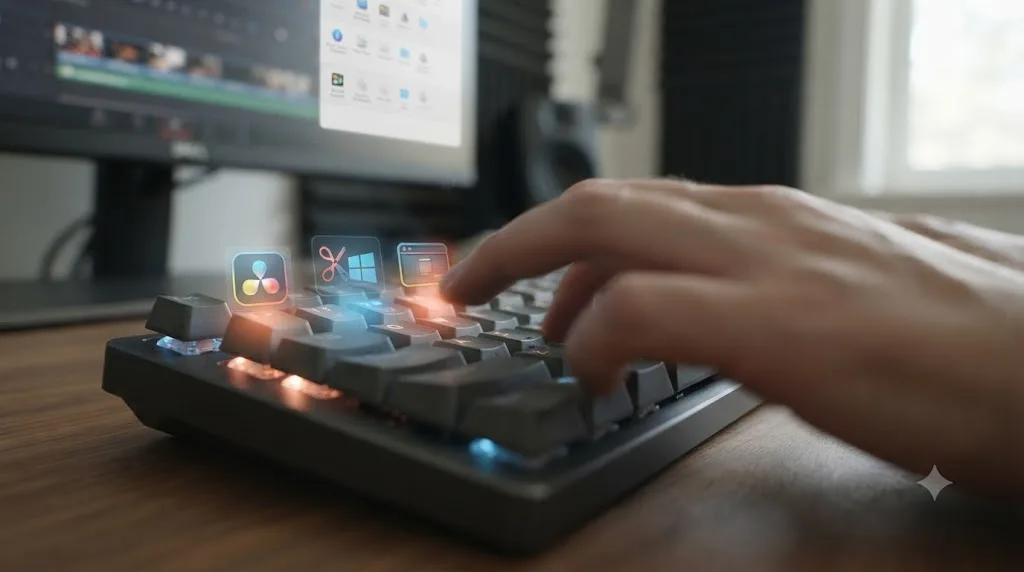
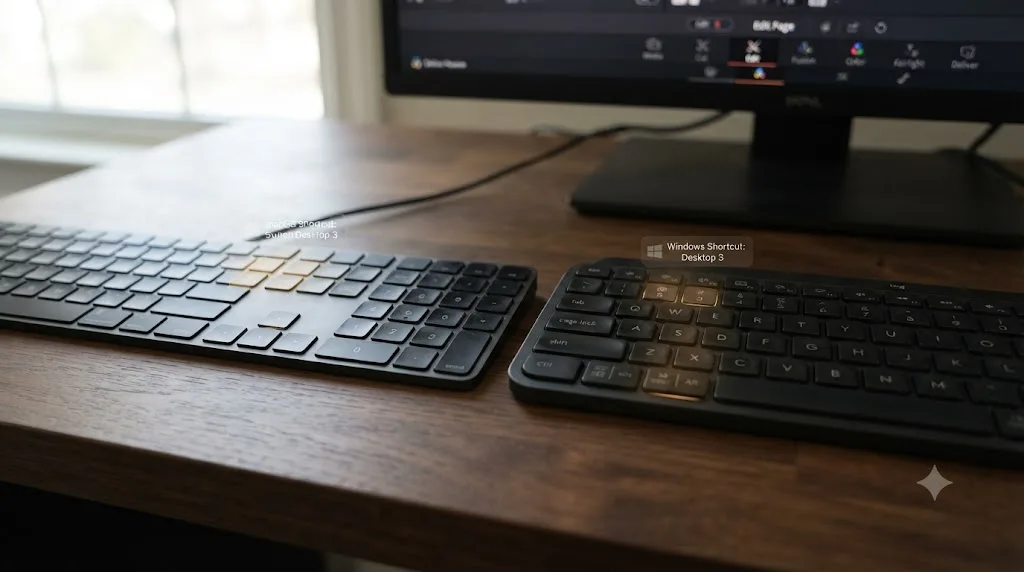
The playback lock itself is identical on both platforms, since it's built into Resolve's application logic rather than anything operating-system specific. Where Windows and Mac genuinely diverge is in which system-level shortcuts silently compete with Resolve's own key bindings, and that divergence has gotten worse across recent Windows releases, not better.
A Blackmagic forum thread reports that a Fusion shortcut combining Alt, the Windows key, and an arrow key worked fine on Windows 10 but became unusable on Windows 11, because Windows 11 reserved that exact combination for its own window layout controls, per the Blackmagic forum thread on a Fusion shortcut conflicting with Windows 11. That report is about a Fusion-specific shortcut rather than page switching directly, but it's a clean example of the same underlying pattern: an OS upgrade can silently claim a key combination Resolve has used for years, and the shortcut simply stops working with no warning from either the OS or Resolve.
If you're on Windows and a page-switching shortcut that used to work has gone quiet after a Windows update, check Windows' own keyboard shortcut settings for a new system-level claim on that combination before assuming Resolve itself changed anything. On Mac, the equivalent check is System Settings > Keyboard > Keyboard Shortcuts, where macOS's own conflict warnings are more visible than Windows', per Apple's documentation cited above.
Why does switching to the Deliver page take a long time?
Because of a buildup of old render job history in your project, not the playback lock or the normal first-launch delay covered earlier in this guide. If your tabs click instantly on every page except Deliver, and Deliver specifically hangs for several seconds every time, not just the first time, you're looking at a different, unrelated problem that happens to feel similar.
A Blackmagic forum thread documents a case where the switch to the Deliver page consistently took around 20 seconds, regardless of how complex the timeline actually was, per the Blackmagic forum thread on a 20 second Deliver page switch. The cause traced back to accumulated Batch Render job history stored inside the project. Deleting the old Batch Renders folders from affected projects reportedly brought that same switch down to about 1 second.
Confirm playback is fully stopped, and that you've given the page a moment past a normal first-launch delay, before assuming a slow Deliver switch is anything other than render job history. Our guide to DaVinci Resolve render failures covers the broader set of Deliver page and export problems, including stuck and stalled renders, if clearing old Batch Render folders surfaces other render queue issues worth cleaning up while you're already in there.
Why did DaVinci Resolve lag or crash when I tried to switch to the Deliver page?
This is a rarer, more serious variant worth naming separately, since it's a stability problem rather than a locked or slow tab.
A report on Blackmagic's forum describes a case where switching from the Edit page to the Deliver page repeatedly triggered lag followed by a full application shutdown, on a Windows 11 machine running a 13th generation Intel Core i7, 32GB of RAM, and an Nvidia RTX 4060, hardware well above Resolve's stated minimums, per the Blackmagic forum thread on lag and shutdown switching to the Deliver page. The reporter noted that upgrading hardware didn't change the behavior, which points toward a software-level cause rather than an underpowered machine.
If you're seeing this specific pattern, a hard freeze or crash tied to a page switch rather than a merely slow one, work through it in this order:
- Save your project immediately if Resolve is still responding, since a crash on page switch can happen again on the next attempt.
- Update your GPU driver to the current version for your card, since page transitions on Deliver involve re-rendering thumbnails and previews that lean on the same GPU path as export.
- Update DaVinci Resolve itself. Blackmagic's 21.0.3 release, shipped July 21, 2026, included interlaced media handling fixes and new retime ease modes touching some of the same rendering pathways involved in Deliver page transitions, per CineD's coverage of the 21.0.3 release.
- Clear old Batch Render folders as covered in the previous section, since a bloated render history can compound an already fragile transition.
- If the crash persists, isolate it by duplicating the project and removing timelines one at a time until the crash stops reproducing, which tells you whether one specific timeline's effects or clips are the actual trigger.
A crash tied specifically to switching pages, rather than to rendering or scrubbing, points toward the page transition process itself, GPU driver handling or render job history most often, rather than your footage or your grade. None of the steps above touch your edit or your color work directly.
Is DaVinci Resolve 21's new Background Processing feature part of this?
Indirectly, and it's worth understanding since it's new to this version and touches the same general territory of "is Resolve busy with something I can't see."
DaVinci Resolve 21 introduced a Background Processing feature that lets rendering, transcription, and proxy generation continue while you keep editing, rather than blocking the interface until the job finishes. It ships unchecked, off by default, specifically so machines below Resolve's comfortable performance range aren't forced into a mode that fights them for resources, per JayAreTV's coverage of DaVinci Resolve 21's Background Processing feature. Blackmagic built in an intelligent pause that automatically halts background activity the moment it detects foreground activity, prioritizing your active editing over whatever's rendering behind the scenes, and resuming the background job once you're idle again.
That intelligent pause is the detail worth knowing here. If you've enabled Background Processing and a page switch feels sluggish specifically while a background render, transcription, or proxy job is active, that's a resource contention question, not the playback lock this guide otherwise covers, and it should resolve on its own as the background task pauses for your foreground click. If it doesn't, disabling Background Processing entirely in Preferences is a reasonable diagnostic step to rule it out as a variable before you chase anything else.
What if nothing is playing and pages still won't switch?
Then you're not looking at the standard playback lock, and it's worth ruling out a short list of other explanations before assuming Resolve is stuck for no reason.
Check for a modal dialog stealing focus first. A Keyboard Customization panel, a render settings prompt, or any other open dialog box sitting behind your main window can make page tabs feel unresponsive when the real issue is that a different window needs your attention or dismissal first. Alt-Tab or Command-Tab through open windows to confirm nothing is waiting on you before troubleshooting further.
Check whether a render job is genuinely still running rather than merely appearing finished. A render queue item stuck at 99 percent, or a background task from the feature covered above still winding down, can hold onto resources in a way that makes the interface generally sluggish, including page switches, without playback itself being the cause.
And confirm the project itself has fully finished loading. A large project with a deep media pool can take a visible moment to finish opening even after the window appears interactive, and clicking a page tab during that window can feel like a locked tab when it's actually a project still settling into memory.
None of these three causes are common, and most people reading this guide are dealing with the ordinary playback lock covered earlier. But if you've confirmed playback is stopped and a page tab still won't respond, this is the next place to look before assuming something is broken.
How does this compare to switching workspaces in other editors?
DaVinci Resolve's restriction is unusual among mainstream editors, and it's fair to name that plainly rather than pretend every NLE handles this the same way.
Adobe's own documentation describes switching workspaces in Premiere Pro as simply opening Window > Workspaces and selecting one, or using the Workspaces icon, with no mention of playback needing to stop first, per Adobe's documentation on changing workspaces in Premiere Pro. That's a meaningfully different model: Premiere treats a workspace as a rearrangement of panels inside one continuously running program, while Resolve's pages, per the forum discussion on Resolve's own architecture covered earlier in this guide, function closer to separate applications sharing a project. The playback lock is a direct consequence of that structural difference, not an arbitrary restriction layered on top of an otherwise identical model.
| DaVinci Resolve pages | Premiere Pro workspaces | |
|---|---|---|
| Underlying model | Distinct, tightly linked modules sharing one project database | Panel layouts inside one continuously running application |
| Switch during playback | Blocked on six of eight pages, allowed on Color | Not restricted, per Adobe's own documentation |
| Switch speed | Near-instant after first launch per page; can lag on a bloated Deliver page | Near-instant, since it's a layout change, not a module load |
| What you lose by switching | Nothing; each page's work persists | Nothing; panels rearrange around the same project |
A DaVinci Resolve page and a Premiere Pro workspace look similar from a menu bar but aren't the same kind of thing, and that difference is exactly why one locks during playback and the other doesn't. This isn't a case for one being better designed than the other. Resolve's page-based split is also what makes Fairlight, Fusion, and Color feel like dedicated, uncluttered environments rather than crowded panel arrangements competing for the same screen. The playback lock is the cost of that separation, not evidence of a shortcut Blackmagic simply forgot to build.
Does this happen on DaVinci Resolve for iPad too?
Yes, but through a different and more deliberate mechanism than the desktop playback lock. The iPad version of Resolve ships with several pages hidden or disabled outright, regardless of whether anything is playing.
Users discovered that DaVinci Resolve for iPad's Keyboard Customization panel, accessed with Option-Command-K, could be used to search for "show page" commands and assign shortcuts to Workspace > Show Page options that exposed pages Blackmagic hadn't intended to be reachable on iPad at all, per Scott Simmons' reporting on ProVideo Coalition. Blackmagic's own DaVinci Resolve Product Manager, Peter Chamberlain, responded directly to that discovery, confirming it wasn't intended behavior: "Allowing these pages to be seen is a bug and it should not have been possible," per Scott Simmons' article quoting Peter Chamberlain. Chamberlain added that full support for those pages was still coming, but without a firm date: "We will continue to work on that, but we don't know exactly how long it will take," per the same ProVideo Coalition article.
Blackmagic treats which pages are reachable as a decision it controls deliberately, on iPad and on desktop alike, which is exactly why the desktop playback lock has persisted across so many versions without becoming a bug fix priority. The mechanisms differ. iPad hides entire pages behind an intentional gate regardless of playback state, while desktop locks page switching only while a clip is actively running. But both point to the same underlying fact: page availability in Resolve is engineered, not accidental, and neither restriction is something you're expected to work around through the app's own settings.
Do you need DaVinci Resolve Studio to avoid this error?
No. The playback lock, the eight-page architecture, and the Workspace > Switch to Page menu behave identically whether you're running the free version or the $295 Studio license, per Blackmagic's DaVinci Resolve Studio product page. Nothing in this guide requires a purchase to fix.
What Studio changes doesn't touch page-switching behavior at all. Blackmagic's tech specs page lists 16GB of system RAM and a 4GB VRAM GPU as the stated minimums for running Resolve, free or Studio, per Blackmagic's tech specs page, and a machine at or below that floor is more likely to feel sluggish during any page transition, locked or not, simply from being underpowered generally. That's a hardware consideration, not something the Studio license resolves on its own.
If you've been wondering whether upgrading would make this specific friction disappear, it wouldn't. Studio's $295 license adds Neural Engine AI tools, HDR grading, and higher delivery resolutions, none of which relate to whether a page tab responds to a click while a clip is playing.
What's the right order to check when pages won't switch?
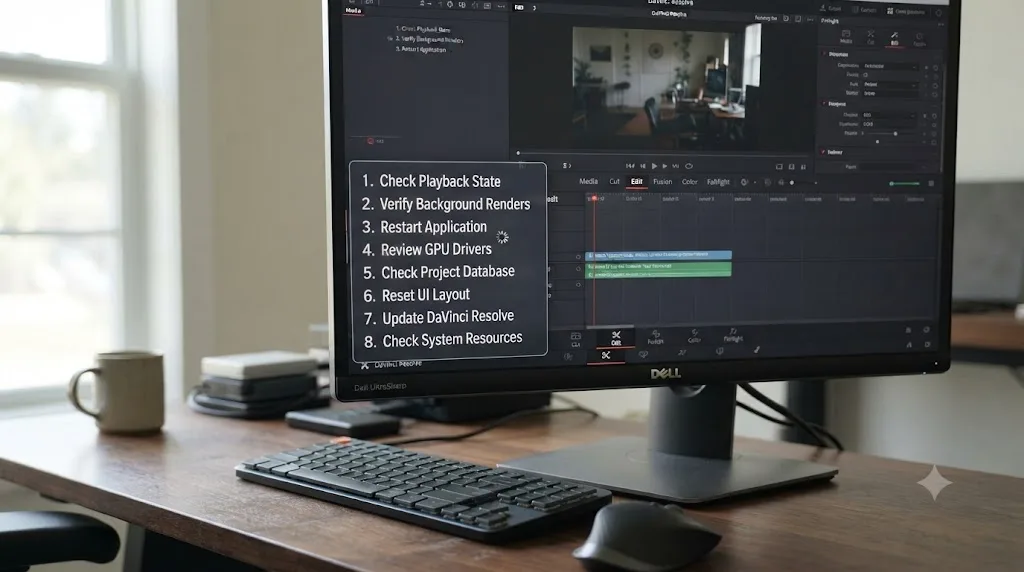
Work through this list top to bottom. Each step rules out one specific cause, and for most people, the very first step is the entire fix.
- Press spacebar or click Stop. If the tab responds now, you've confirmed the standard playback lock and you're done.
- If it's the very first time you've opened that specific page since launching Resolve, wait a few seconds before assuming anything is wrong.
- If tabs stay unresponsive after playback has genuinely stopped and past a first-launch delay, check whether you're specifically stuck trying to reach the Deliver page. If so, suspect old Batch Render folders before anything else.
- If it's a keyboard shortcut specifically that's failing, not a click, open Keyboard Customization and check Workspace > Switch to Page for a duplicate binding.
- Still on a shortcut problem, check your OS keyboard layout, and check your operating system's own shortcut settings for a conflicting claim on the same key combination.
- If the page bar looks visually broken, overlapping, or partially rendered rather than just unclickable, open Workspace > Reset UI Layout.
- If switching specifically to Deliver causes a hard freeze or crash rather than a slow load, update your GPU driver and Resolve itself before touching anything else.
- Confirm you're on DaVinci Resolve 21.0.3 or later, since point releases regularly touch rendering and UI responsiveness even without a headline feature naming the fix.
Each of these steps costs less time than the one after it, and the first three alone resolve the overwhelming majority of everything this guide covers. Stopping playback is free. Waiting a few seconds on a first page load is free. Deleting a stale render folder takes a minute. Everything past that is for the smaller set of people whose problem was never the standard lock in the first place.
How do you avoid running into this mid-session?
Build one habit and most of this guide stops mattering day to day: stop playback before you reach for a different page, the same way you'd stop a car before opening the door.
That's not a workaround you're settling for. It's how Resolve expects Media, Cut, Edit, Fusion, Fairlight, and Deliver to be used, and once it's automatic, the "locked tab" moment simply stops happening, because you never click a tab while something's still playing in the first place.
For the specific Fairlight-to-Edit gain adjustment case that started this guide, and any workflow shaped like it, plan the loop deliberately instead of discovering it mid-session: stop, switch, adjust, switch back, rather than treating each stop as an interruption you didn't expect. Knowing the rhythm going in changes how the restriction feels even though it doesn't remove a single click.
On projects heavy with render jobs, get in the habit of clearing old Batch Renders folders periodically, the same way you'd clear a browser's cache, rather than waiting for a slow Deliver page switch to remind you it's overdue. And if you've customized shortcuts across multiple machines, export your Keyboard Customization preset once you've got it stable, so a keyboard layout or OS update on a different machine doesn't silently reintroduce the shortcut conflicts covered earlier in this guide.
The fastest path to unlocked pages
Stop playback. That single action resolves this for nearly everyone who searches "DaVinci Resolve unable to switch pages," because what you're running into almost every time is a deliberate lock tied to the transport, not a fault in the software.
If stopping playback doesn't fix it, check whether it's simply the first time you've opened that page since launch, since a short initialization delay there is normal. If you're specifically stuck on the Deliver page beyond that, suspect old render job history. If it's a keyboard shortcut rather than a click that's failing, check Keyboard Customization and your operating system's own shortcut settings before assuming Resolve itself is broken. And if you're seeing an actual freeze or crash tied to a page switch, treat that as the more serious, rarer case it is, and work through GPU drivers and application updates rather than the one-key fix that covers everyone else.
None of this touches your edit, your grade, or your footage. The worst outcome of a locked page tab is a few seconds of confusion, not lost work. Stop the clip, click the tab, and get back to cutting.
Frequently asked questions
- Why can't I switch pages in DaVinci Resolve while a clip is playing?
- Because Resolve locks page navigation during playback on every page except Color. It's deliberate, not a crash or a bug. Press spacebar or click Stop, and the page tabs at the bottom of the window unlock the instant playback stops.
- Is "unable to switch pages" an actual error message in DaVinci Resolve?
- No. Resolve never shows a dialog box with that exact text. What people mean when they search that phrase is the page tabs going unresponsive during playback, which happens by design, not from a labeled error condition.
- Why does the Color page let me switch pages during playback but Edit doesn't?
- The Color page was built to support scrubbing and grading while a clip runs, since checking a grade in motion is central to that page's job, so Blackmagic exempted it from the general playback lock. Media, Cut, Edit, Fusion, Fairlight, and Deliver never got the same exemption because their tools assume playback is stopped before you touch a track, a node, or a mixer channel.
- Why aren't my keyboard shortcuts for switching pages working?
- Usually a keyboard layout or region setting, not a broken shortcut. Users on non-US keyboard layouts have reported Shift-based page shortcuts failing until they switch to an EN-US layout, and on both Mac and Windows, the operating system can claim the same key combination Resolve expects.
- Why does switching to the Deliver page take a long time?
- This is a separate issue from the playback lock, usually caused by a buildup of old Batch Render job history inside your project database. Deleting old Batch Renders folders has been reported to cut a page switch that took 20 seconds or more down to about 1 second.
- Is some lag on the very first page switch after launching Resolve normal?
- Yes. Blackmagic's own DaVinci Resolve Product Manager has acknowledged on the company's forum that a delay on the first time you select a given page after launch is expected behavior, separate from any bug. It's the render pipeline for that page initializing, not a fault.
- Do I need DaVinci Resolve Studio to fix this?
- No. The eight-page architecture, the playback lock, and the Workspace > Switch to Page menu are identical between the free version and the $295 Studio license. This is how Resolve is built, not a feature gated behind a paid tier.
- Does this happen on DaVinci Resolve for iPad too?
- The iPad app layers its own, stricter page restrictions on top of the desktop playback lock, and Blackmagic has confirmed those restrictions are intentional, though users briefly found a Keyboard Customization workaround that exposed hidden pages before Blackmagic called it unintended.
Sources
- Blackmagic Forum: While playing, I cannot switch to other pages
- Blackmagic Forum: Continuous playback while switching between Pages
- Blackmagic Forum: Problem with switching between edit and deliver page
- Blackmagic Forum: SOLVED | Keyboard Shortcuts to Switch Pages Not Working
- Blackmagic Forum: switching between COLOR, EDIT, DELIVER pages
- Blackmagic Forum: 20 Seconds to switch to Deliver Page - any reason?
- Blackmagic Forum: Page Switching Lag
- Blackmagic Forum: Fusion shortcut conflicting with Windows 11
- ProVideo Coalition: Unlock all the Resolve for iPad pages with this simple trick, by Scott Simmons
- DaVinci Resolve product page (Blackmagic Design)
- DaVinci Resolve Reference Manual: Switching Pages Using Keyboard Shortcuts (VFXPedia mirror)
- DaVinci Resolve Reference Manual: Switching Pages (VFXPedia mirror)
- DaVinci Resolve - Keyboard (Blackmagic Design)
- DaVinci Resolve - Tech Specs (Blackmagic Design)
- DaVinci Resolve - Studio (Blackmagic Design)
- CineD: DaVinci Resolve 21.0.3 Released, Keyframe Ease Actions, Interlaced Fixes, Sony BURANO X-OCN Decode Fix
- PetaPixel: DaVinci Resolve 21 Officially Released With New Photo Editing, AI Tools, and Much More
- Newsshooter: Blackmagic Design DaVinci Resolve 21 Photo Page Preview, NAB 2026
- JayAreTV: DaVinci Resolve 21 Introduces Background Processing
- Adobe: Change, create, and reset workspaces in Premiere Pro
- Apple Support: If a keyboard shortcut doesn't work on Mac
Keep reading
Comparisons · Jul 10, 2026 · 28 min
DaVinci Resolve Cut Page vs Edit Page: The Real Differences
A full side-by-side of DaVinci Resolve's Cut and Edit pages: timeline, trimming, multicam, and hardware differences, plus which one to use.
Guides · Jul 8, 2026 · 16 min
DaVinci Resolve Keyboard Shortcuts: The Complete Reference
Every essential DaVinci Resolve keyboard shortcut, organized by page: Edit, Cut, Color, Fairlight, Fusion, and Deliver, plus how to customize and share your own.
Fixes · Jul 7, 2026 · 24 min
DaVinci Resolve Not Exporting? Fix a Stuck or Failed Render
Why DaVinci Resolve renders get stuck at 0% or 99%, or fail with no error, and the exact checks that get a stalled export moving again.