Articles / Guidesupdated for DaVinci Resolve 21.0.3 (September 2026)
DaVinci Resolve Find Music by BPM: Fairlight Guide
Quick answer
The DaVinci Resolve find music by BPM workflow has two parts: search a licensed music library's BPM filter, then import the track. In Fairlight, choose Tempo, enter BPM, time signature, and Song Start, then enable Snap to Grid to place edits on musical beats.
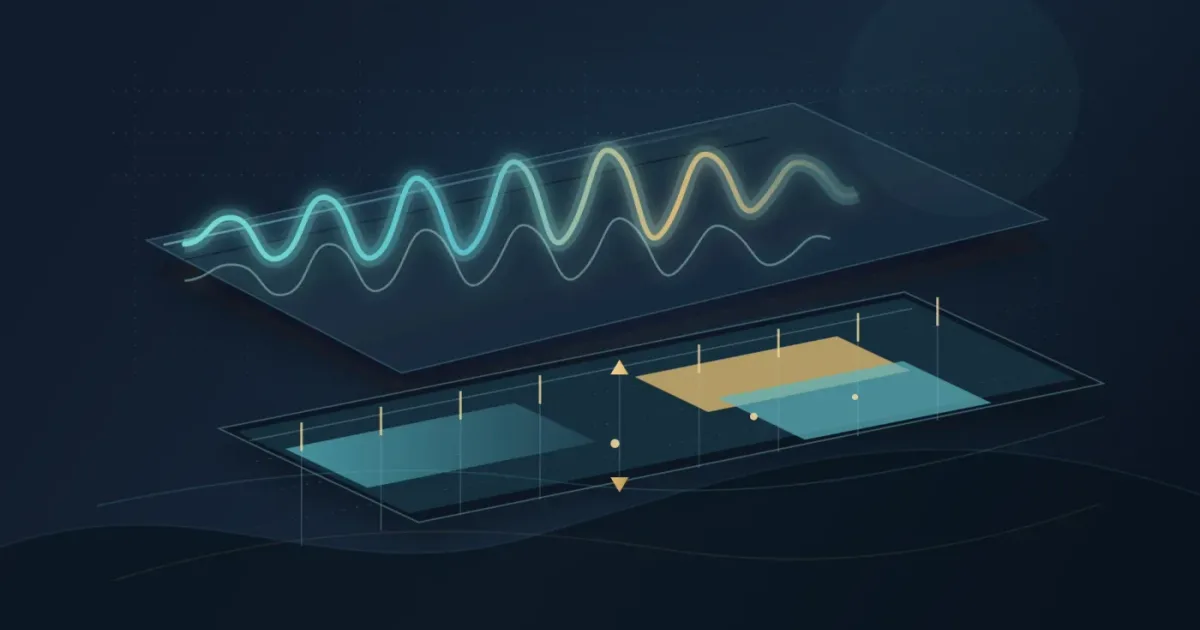
I use BPM as a starting point, not as a substitute for listening. The right tempo can make a cut feel intentional, but a wrong accent can make it feel late.
As of September 2026, the current release is DaVinci Resolve 21.0.3. Find the track in a licensed music library, then use Fairlight's Tempo grid to line your edit up with it. Blackmagic's current support listing identifies the 21.0.3 update, while Blackmagic's Resolve 21 guide documents current Fairlight additions separately from this older tempo-grid workflow.
We built and run a 100,000+ member professional video-editing community, and we've spent 7+ years editing commercial video. One recurring question is “How do I get the music, timeline, and cuts to agree?”
Can DaVinci Resolve find music by BPM?
DaVinci Resolve can use a known BPM to create a musical editing grid, but the practical way to find a song by BPM is to search the licensed catalog first and bring the audio into Resolve second.
Blackmagic documents Fairlight's grid as a way to position clips on a timecode or musical-tempo grid. It includes BPM, time signature, Song Start, and note-resolution controls. The feature appeared in the Resolve 18.1 release notes, and Resolve 21 includes the Fairlight page for audio post. (Blackmagic Design's 18.1 notes, Blackmagic's Fairlight overview)
DaVinci Resolve 21 uses BPM to build an editing grid, not to search a music catalog.
Think of the process as two decisions:
| Decision | Where you make it | What you need |
|---|---|---|
| Which song fits the edit? | A licensed music catalog | BPM, mood, genre, vocals, duration, and a usable license |
| Where should the edit land? | DaVinci Resolve Fairlight | BPM, time signature, Song Start, and grid resolution |
| How precise should the cut be? | Fairlight's grid options | Bar, 1/2 note, 1/4 note, 1/8 note, or 1/16 note |
If mood matters more than tempo, start with our guide to finding music by mood and use BPM as a second filter.

How do I find a licensed song by BPM before importing it?
Search outside the timeline first, using BPM as a filter alongside mood, genre, duration, and vocal type. Epidemic Sound's public music-search documentation describes BPM as a searchable track attribute, and its video-editing guidance recommends filtering by genre, mood, or BPM before importing the audio into DaVinci Resolve Studio. (Epidemic Sound's current search options)
Use this six-step workflow:
- Choose a tempo target. Start with the edit's movement. Treat BPM as a range.
- Search a licensed catalog. Try a narrow range, then widen it. Search instrumental versions when dialogue needs room.
- Check the license before download. A track can be perfect and still be wrong for a client, paid ad, broadcast, podcast, or monetized channel.
- Download an audio file or approved stem. Keep the filename and note the BPM in your project notes. For stem workflows, see our guide to music stems.
- Import into Resolve. Add the file to the Media Pool, place it on a music track, and open Fairlight. Resolve 21 also adds folder tracks for organizing complex audio timelines. (Blackmagic's Resolve 21 guide)
- Build the grid from the actual song. Do not assume the file begins on beat one. Find the first clear downbeat and use that as Song Start.
The safest BPM workflow is library search first, Fairlight alignment second.
If you already have a licensed track, skip the catalog step.
How do I set DaVinci Resolve's Fairlight grid to my song's BPM?
Open Fairlight, open Grid View options near the timeline ruler, change the time scale to Tempo, and enter the song's BPM. Choose the time signature, set Song Start, turn on Show Grid and Snap to Grid, and choose a note resolution.
The controls matter in this order:
- Tempo: enter the track's BPM. If the catalog says 120 BPM, enter 120, not 60 for half-time or 240 for double-time.
- Time signature: use the song's meter when you know it. Blackmagic documents 4/4, 3/4, and 6/8 as choices.
- Song Start: place the start where the first regular beat begins. Silence or a count-in changes this position.
- Resolution: use 1/4 note for broad cut points, 1/8 for tighter movement, and 1/16 for finer placement.
- Snap: enable Snap to Grid when placing or trimming clips. Turn it off for a deliberately late or early cut.
Jason Yadlovski's tutorial headline captures the point: “Editing to the beat in DaVinci Resolve 18 just got a whole lot easier!” In Resolve 21, use Fairlight to show beat positions instead of estimating cuts from the waveform. (Jason Yadlovski's tutorial)
A correct BPM still needs a correct Song Start.
Seconds per quarter-note beat equals 60 divided by BPM. At 120 BPM, a quarter-note beat arrives every 0.5 seconds, or 12 frames on a 24 fps timeline. At 100 BPM, it arrives every 0.6 seconds, or 14.4 frames at 24 fps, so some beat positions fall between whole frames.
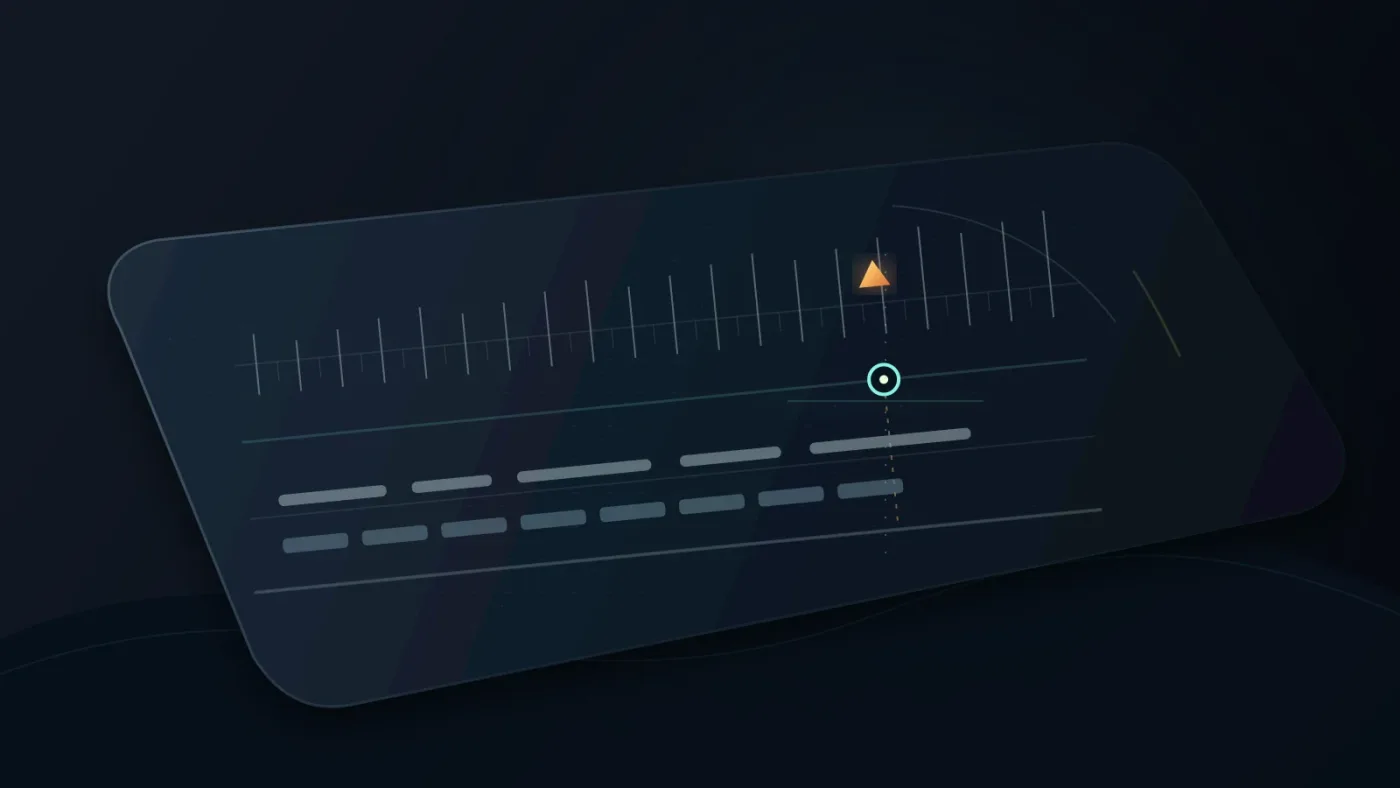
Why don't the beats line up even when the BPM is correct?
The usual cause is not the BPM. It is the start point, the meter, or a track that does not keep one fixed tempo from beginning to end.
Check these causes in order:
- The first downbeat is later than the file start. Move Song Start to the first strong downbeat, not the first visible waveform spike. A count-in or pickup may come first.
- The time signature is wrong. BPM tells you pulse speed, not whether the bar is 4/4, 3/4, or 6/8.
- The track changes tempo. Live players, tempo ramps, and edited stems can drift away from one fixed value.
- You are snapping to the wrong unit. A 1/16-note grid gives more positions than a 1/4-note grid, but more lines do not mean more strong accents.
- The frame rate creates rounding. Music runs continuously, while picture edits land on frames. Some beats fall between frames.
When the grid is close but not perfect, use the waveform and your ears as the final check. Place markers on the strongest kick, chord change, or lyric entrance.
Resolve's tempo grid measures musical time, while the video timeline still measures frames and seconds.
For a track with a tempo change, create separate working sections and reassess after the change instead of forcing one BPM across the whole performance.
Which BPM workflow should I choose for my DaVinci Resolve project?
Choose the smallest workflow that solves the problem. You do not need an integrated plugin for a cleared WAV file, or a subscription catalog for one specifically licensed commercial song.
| Your situation | Best next move | Trade-off |
|---|---|---|
| You already have a cleared track | Import it and use Fairlight's Tempo grid | You must identify BPM and Song Start yourself |
| You need recurring music for online videos | Use a catalog with BPM search and licensing for your channel | Subscription terms and safelisting still matter |
| You need music plus footage, templates, or other assets | Compare a broader service such as Artlist | Broader asset access may add scope you do not need |
| You need one famous commercial song | License that song directly | The catalog workflow is less relevant than rights clearance |
| You need the edit to follow a changing performance | Use markers and ear-led editing in sections | A single BPM grid will not stay accurate everywhere |
Artlist is worth considering when the project needs music alongside a wider production-asset bundle. Its plan information describes Music and SFX alongside other creative assets. For audio-first work, focus on BPM search, stems, publishing rights, channel coverage, and fit with your release plan. (Artlist's Music and SFX plans)
If duration is the constraint, continue with our guide to fitting music to video length.
Is Epidemic Sound the right place to find music by BPM?
Epidemic Sound is a sensible option for recurring licensed audio with BPM discovery and a Resolve Studio integration. Its plugin requires paid DaVinci Resolve Studio, while the free edition can use downloaded audio files through normal import. (Epidemic Sound's current Resolve workflow)
Disclosure: We may earn a commission if you subscribe through the Epidemic Sound link below. That relationship does not change the workflow or the alternatives in this guide.
With paid Resolve Studio downloaded from Blackmagic Design, the plugin can reduce tab switching. Epidemic Sound says to open it from Workspace > Workflow Integrations > Epidemic Sound, and that the Mac App Store build does not expose that menu. Verify publishing terms and channel coverage before a client project.
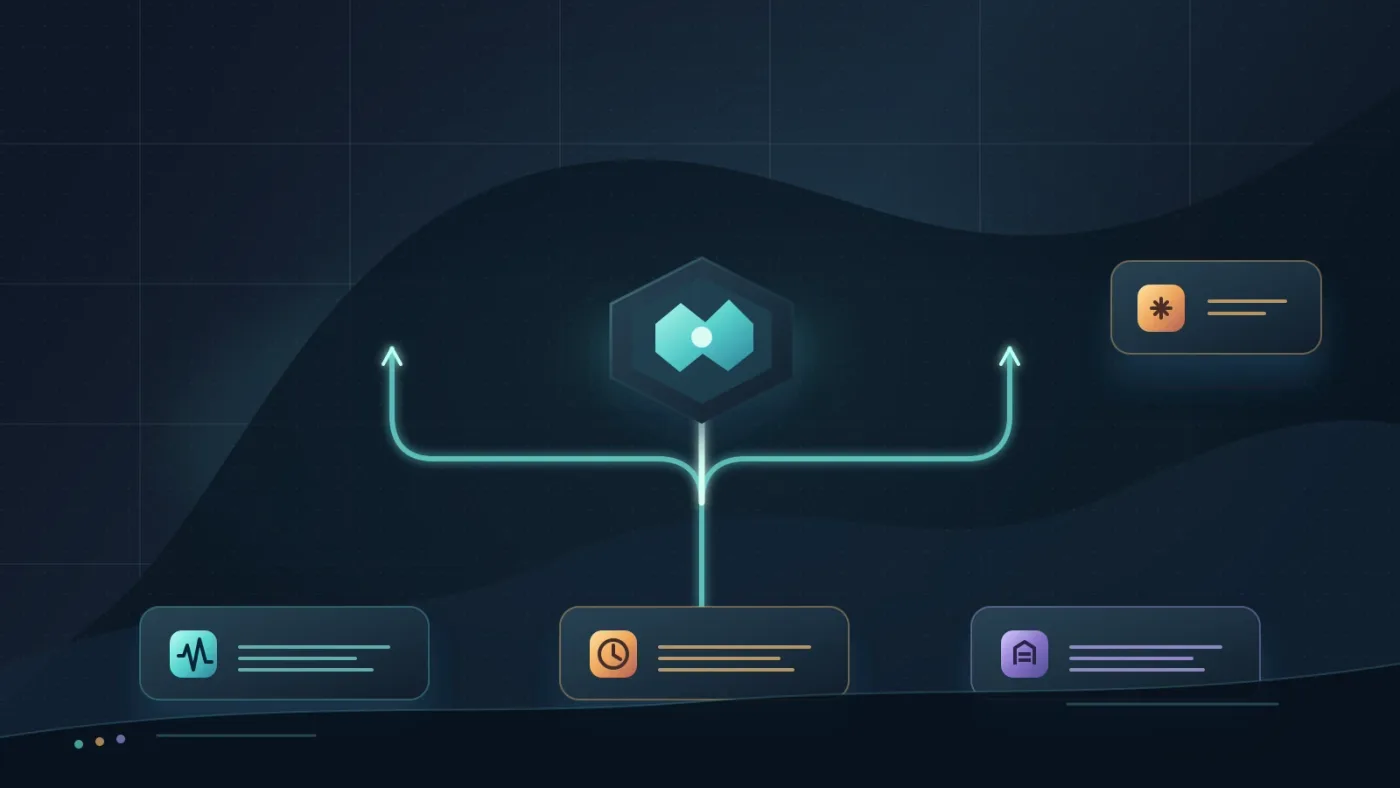
Choose Epidemic Sound when BPM-based discovery and recurring licensed audio are the main need; choose Artlist when a wider production-asset bundle matters more; choose direct licensing when one specific commercial song is the requirement.
The Fairlight grid is the Resolve skill worth keeping, because it works with any legally obtained track once you know its tempo.
What should I do next?
Pick one track, write down its BPM, import it into a test timeline, and set Song Start on the first real downbeat. Use a 1/4-note grid for the first pass. If the cuts feel stiff, widen the musical phrase rather than forcing every visual change onto every beat.
A BPM match makes cuts easier to place, but it does not make every song fit every edit.
Search by BPM where you license the music, then let Fairlight turn that number into a guide. Your ears still make the final call.
Frequently asked questions
- How do I find music by BPM in DaVinci Resolve?
- Search a licensed music library by BPM, download the track, import it into DaVinci Resolve, then set Fairlight's Tempo grid to the same BPM. Enter the time signature and Song Start, enable Snap to Grid, and cut or place clips against the resulting beat lines.
- Can DaVinci Resolve find music by BPM without a plugin?
- DaVinci Resolve can align an imported track to a BPM grid without a music-library plugin. The manual route is to use Fairlight's Tempo grid and type the track's BPM, while catalog discovery happens in the library where the song is licensed.
- Why are Fairlight beat lines off even with the correct BPM?
- The BPM can be correct while the grid start is wrong. Set Song Start to the first real downbeat, check the time signature, and remember that a song with a pickup, silence, tempo change, or live timing may not follow one constant grid perfectly.
- How do I use a 120 BPM song in DaVinci Resolve 21?
- Import the song, open Fairlight's Grid View options, select Tempo, enter 120 BPM, choose the song's time signature, set Song Start at the first downbeat, and turn on Snap to Grid. At 120 BPM, each quarter-note beat is 0.5 seconds.
- Does Epidemic Sound work with DaVinci Resolve 21 Free?
- You can download a licensed track and import its audio file into the free edition. Epidemic Sound's DaVinci plugin requires paid DaVinci Resolve Studio, and the Mac App Store edition of Studio does not expose the required Workflow Integrations menu.
Sources
- Blackmagic Design Support Center, DaVinci Resolve 21.0.3
- Blackmagic Design, DaVinci Resolve 21 New Features Guide
- Blackmagic Design Forum, DaVinci Resolve 18.1 Fairlight grid notes
- Blackmagic Design, Fairlight audio post tools
- Epidemic Sound, music search and DaVinci Resolve workflow
- Artlist, Music and SFX plans
- Jason Yadlovski, Fairlight grid tutorial
Put this guide to work with TryUncle.
Ask about the step you’re on. TryUncle sees your screen and points at the control you need, so you can keep learning in your own project.
Get TryUncle for Mac or WindowsKeep reading
Guides · Aug 29, 2026 · 8 min
DaVinci Resolve Find Music by Mood: A Practical Workflow
Learn how to find music by mood for a DaVinci Resolve 21 edit, choose tempo, audition tracks, and bring licensed audio into your timeline.
Guides · Aug 24, 2026 · 7 min
DaVinci Resolve Fit Music to Video Length: 21 Guide
Fit music to your video in DaVinci Resolve 21 with Music Editor, beat markers, Elastic Wave, and a clean manual fallback.
Guides · Aug 25, 2026 · 8 min
How to Use Music Stems in DaVinci Resolve 21
Learn how to import, align, mute, mix, and export vocal, drum, bass, and instrument stems in DaVinci Resolve 21.