Articles / Guidesupdated for DaVinci Resolve 21.0.2 (July 2026)
DaVinci Resolve Learning Plan for Stay-at-Home Parents
Quick answer
The DaVinci Resolve learning plan for stay-at-home parents: 3 to 5 hours a week in short 20 to 45 minute sessions around naps, preschool hours, or bedtime, not one long block. Spend month one on Media, Edit, and Deliver only, add Color and Fairlight once sessions feel steady, and treat a dropped nap or sick week as normal, not failure.
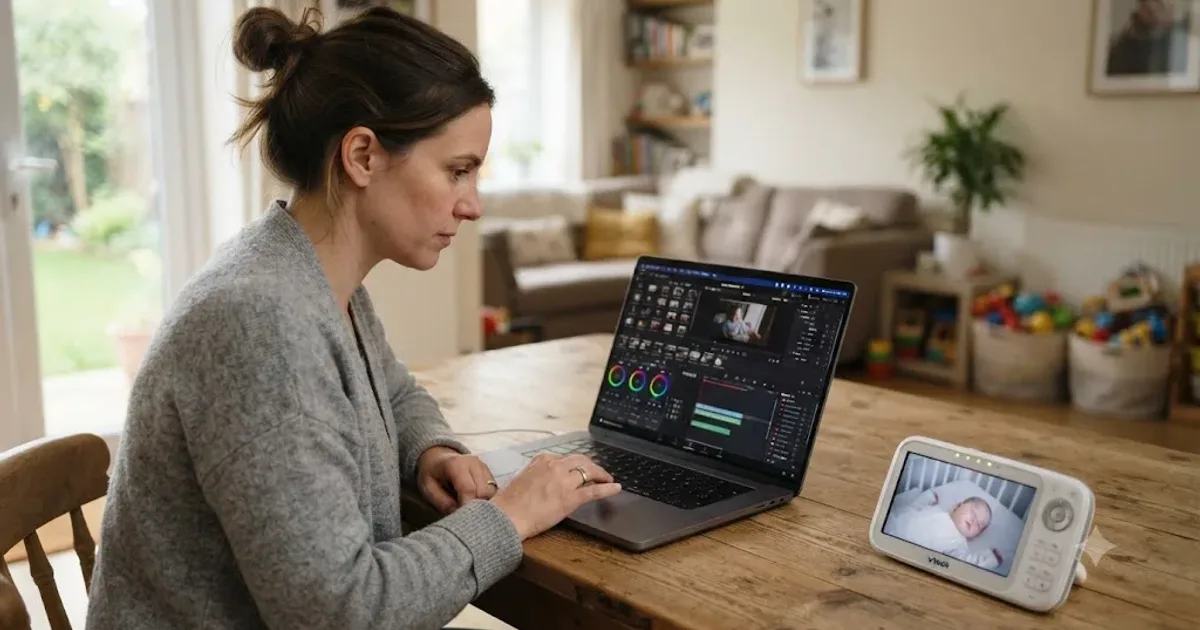
I've taught more than 100,000 students on Udemy as an official Udemy Business Partner, and one of the recurring questions in our 100,000-plus member video editing community comes from parents home with young kids, asking some version of the same thing: when do I actually open Resolve. Not "how do I learn it," they usually already know the shape of that answer. Just: when.
This post is that answer, built around naps, preschool hours, and bedtime instead of a 9-to-5. How many hours to actually plan for, which window survives a bad day, what order to learn Resolve's pages in, and exactly what to do the week your toddler drops their nap or gets sick for the third time this month. No pretending a two-year-old runs on a schedule you control.
How much time does being a stay-at-home parent actually leave for learning DaVinci Resolve?
Less than a weekly number can capture, because the constraint isn't hours, it's unpredictability. Adults in households with a child under 6 spend an average of 2.5 hours a day on primary childcare, direct, hands-on care rather than just being in the house together, according to the Bureau of Labor Statistics' American Time Use Survey. That average hides the real split: non-employed adults, the category stay-at-home parents fall into, spend 3.2 hours a day on primary childcare, against 2 hours for employed adults with kids the same age, per the same survey as covered by Fortune. Women specifically report 1.2 hours of physical care a day versus 34 minutes for men in the same households, a gap worth knowing if you're the one doing most of the hands-on hours in yours.
That 3.2-hour figure is primary childcare only, the feeding, the diapering, the direct hands-on time. It doesn't count the hours you're technically "free" but still on duty: the toddler playing four feet from your desk, the baby who might wake any second, the preschooler napping unpredictably in a car seat because today's nap didn't happen at home. A stay-at-home parent's free time isn't the opposite of childcare time, it's childcare time with the volume turned down. That distinction is the entire reason this plan looks different from a learning schedule built for someone who leaves the house for eight hours and comes home done.
Here's the honest weekly budget this post works from, split by household situation rather than by ambition, since ambition isn't actually the variable that predicts whether a session happens.
| Household situation | Realistic weekly hours | What to expect |
|---|---|---|
| One child, reliable daily nap or preschool half-day | 3 to 5 hours | The pace this post assumes throughout |
| One child, nap already dropped, evenings only | 2 to 4 hours | Slower but steady, same order, longer calendar |
| Newborn or multiple kids under 3, no regular childcare help | Under 2 hours | Real progress, but every estimate in this post roughly doubles |
| Partner or family covers a weekly block, or preschool is full-day | 5 to 8 hours | Noticeably faster milestones, still sustainable for months |
Notice there's no row promising ten-plus hours. A parent with the flexibility for that is usually paying for childcare during it, which moves them into a different category entirely, closer to the schedule our DaVinci Resolve learning plan for a full-time job covers, just with a different reason the hours are scarce. Our general guide to how long it takes to learn DaVinci Resolve breaks down the skill milestones these hours eventually buy you. This post is about protecting the hours themselves, which for a parent home with young kids is the harder half of the problem by a wide margin.
What's the best way to learn DaVinci Resolve when you're home with a kid all day?
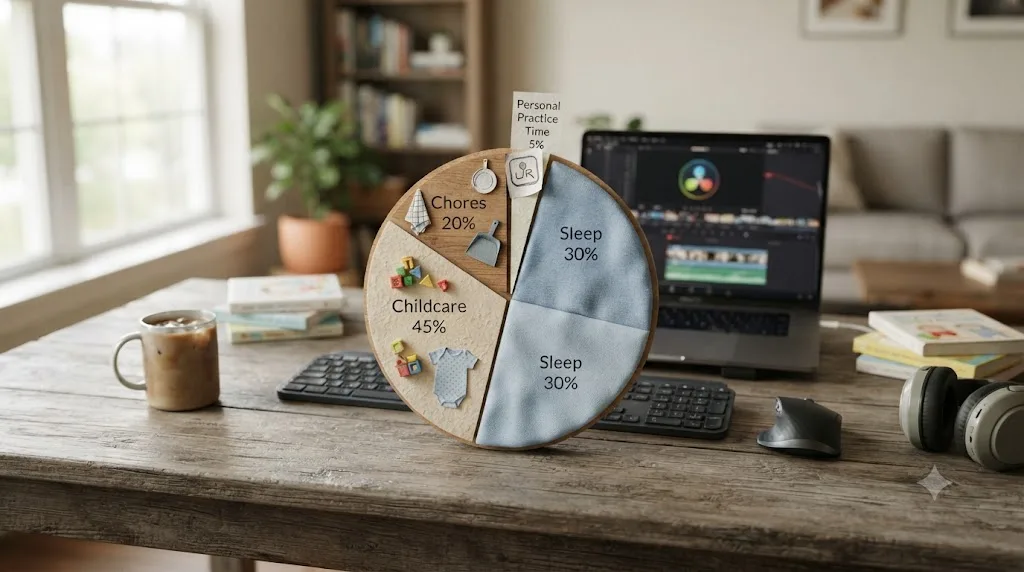
The best way to learn DaVinci Resolve while home with a young child isn't a gentler curriculum, it's the same skills everyone learns, protected inside a schedule that assumes interruption instead of pretending it won't happen. The mechanics of Resolve don't care whether you're stopped by a Slack message or a toddler needing a snack. What has to change is how you build the container around the learning.
Three structural choices separate stay-at-home parents who keep learning Resolve past month two from the ones who quietly stop, and none of them require more free time than you already have.
First, they stop treating naptime as the plan and start treating it as a bonus. A nap-dependent plan collapses the first week naps get unreliable, which for most toddlers is most weeks. Anchoring the main session to something that repeats on its own, usually the after-bedtime window, means the plan survives a bad nap day instead of losing it entirely.
Second, they measure progress by what got exported, not by how much uninterrupted time they got. A fifteen-minute session that finishes trimming one sequence beats a "free" hour that gets split across four interruptions and produces nothing you can point to. Interrupted time isn't wasted time in Resolve specifically, because most of its core tasks, trimming a clip, applying a node, setting one export preset, fit inside a five-to-fifteen-minute unit if you stop the session at a clean point instead of losing your place mid-task.
Third, they plan explicitly for the interruption itself, not just the schedule around it. Sophie Leroy, a professor at the University of Washington Bothell who researches how interruptions affect performance, has described the phenomenon of "attention residue," where part of a person's attention stays on the interrupted task instead of fully transferring to whatever comes next, per her UW Bothell faculty page. Leroy's research found that people interrupted mid-task perform measurably worse on the task they return to, because cognitive resources stay tied up with the unfinished work rather than becoming fully available again. For a parent whose session gets cut by a crying baby three times a night, that's not a personal failing, it's a documented cognitive cost, and the fix isn't willpower, it's a habit of jotting down exactly where you stopped before you stand up, so the next five minutes go to resuming instead of re-finding your place.
The best way to learn DaVinci Resolve as a stay-at-home parent is the plan that assumes interruption, not the one that hopes to avoid it. Everything in the rest of this post builds from that one idea.
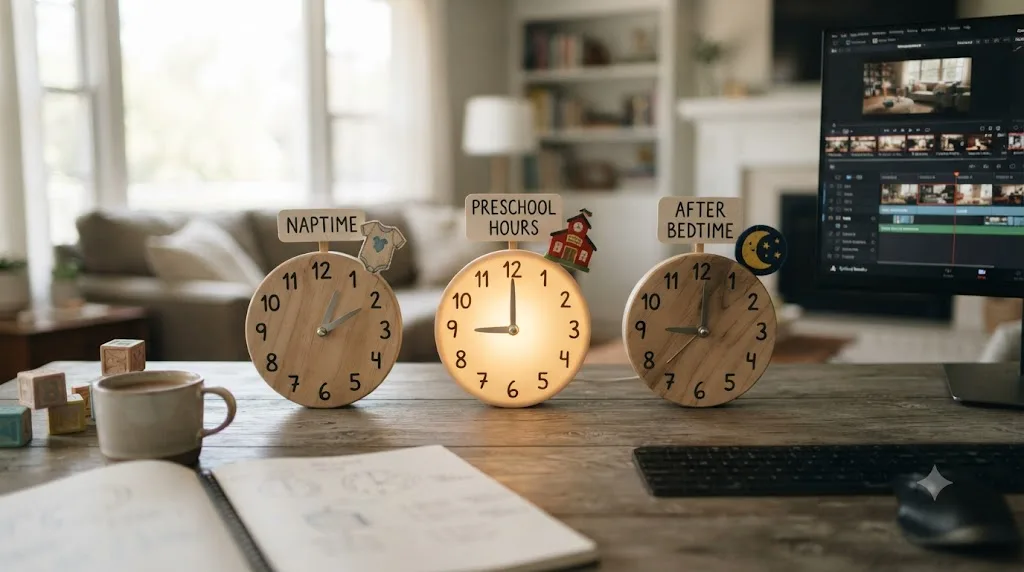
Naptime, preschool hours, or after bedtime: which window actually works?
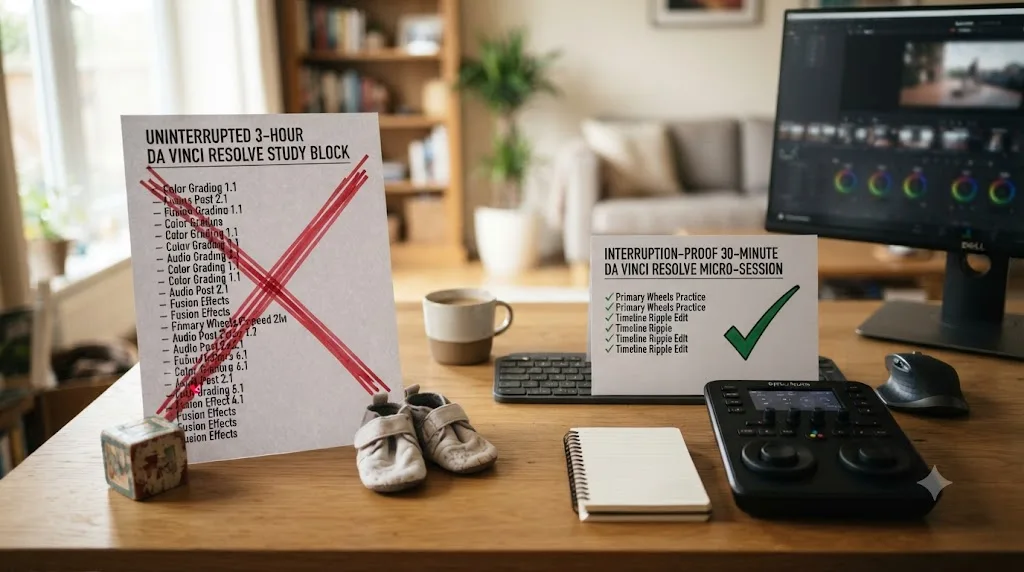
After bedtime, for most parents, because it's the one window that repeats on a schedule you actually control rather than one your child controls. Each window has a real, specific tradeoff worth knowing before you build a plan around the wrong one.
Naptime. The appeal is obvious: a stretch of the day when the house goes quiet and you're theoretically free. The problem is the word "theoretically." Most toddlers drop from two naps to one by around 18 months, and by age 2 that single remaining nap typically runs about an hour, according to Sleep Doctor's guidance on toddler sleep. An hour sounds workable until you subtract the ten minutes it takes them to actually fall asleep, the risk they wake up early, and the chance the nap doesn't happen at all that day. Naptime is real time. It's just never guaranteed time, which makes it a poor foundation for a weekly plan and a fine bonus on top of one.
Preschool hours. A half-day preschool program runs about three hours, while full-day programs run six to eight, according to Life Learning Academy's breakdown of preschool scheduling. Unlike a nap, this window doesn't depend on your child's mood or sleep debt, which makes it more reliable than naptime by a wide margin. The tradeoff is that it competes with everything else you also do without a kid in the house, the grocery run, the doctor's appointment, the load of laundry that's been sitting since Tuesday. If preschool is your main window, protect a specific chunk of it for Resolve before the rest of your list eats the block.
After bedtime. This is where most stay-at-home parents land for their main session, for the same structural reason it works for people with full-time jobs: it's the one window that isn't also claimed by something else in your day, once the bedtime routine itself is done. The tradeoff is fatigue, since you're spending the last of your energy rather than the freshest of it. Jeffrey A. Greene, the McMichael Family Professor in the School of Education at UNC-Chapel Hill, noted in an interview about skill acquisition that "beginners usually spend only 15 to 30 minutes practicing because it's tiring," and that "even experts generally can't practice more than four or five hours a day," per UNC's coverage of his research. A tired parent at 8:30pm is closer to Greene's beginner ceiling than to his expert one. Cap the session at 30 to 45 minutes and stop there, even if you feel like continuing.
Weekend tag-team. If you have a partner, a family member, or a co-parenting arrangement, a scheduled swap where someone else takes the kids for an hour or two on a weekend is worth treating as a real, protected slot, not a bonus that happens if things line up.
| Window | Best for | Watch out for |
|---|---|---|
| Naptime | Bonus review, short editing wins on a good day | Unreliable length, can vanish entirely without warning |
| Preschool hours | Longer uninterrupted blocks, three hours on a half-day program | Competes directly with errands and appointments |
| After bedtime | Most parents' single most reliable window | Fatigue caps focus; 30 to 45 minutes is the realistic ceiling |
| Weekend tag-team | Longer sessions for color grading or Fusion, when arranged | Easiest slot to lose to plans, chores, or a partner's own tired evening |
Elizabeth Saunders, a time management coach, put the practical version of this plainly when discussing how at-home parents carve out personal projects: "Carve out some time before the kids get up or after they go to bed to focus on your special projects. Talk with your spouse or partner about having some committed time on the weekend or where they drive the kids in the evening so they take care of the children and you can go to a coffee shop or library and work," per The Power Pause. Pick the window most likely to survive an ordinary Tuesday with a sick kid, not the one that sounds best on a rested Sunday when you're planning the week ahead.
What's the fastest way to a finished first project when a toddler interrupts every session?
An afternoon's worth of work, the same as anyone else's first project, just spread across more, shorter sessions than a person without a small child at home would need. Nothing about the mechanics changes: import footage on the Media page, cut it into order on Cut or Edit, export from Deliver. What changes is how you structure each sitting so an interruption costs you the interruption, not the whole session.
Session 1 (15 to 20 minutes): install and orient, stop at a natural break. Download the free version and just look around, without editing anything yet. If you get pulled away mid-orientation, that's fine, there's nothing to lose your place in yet.
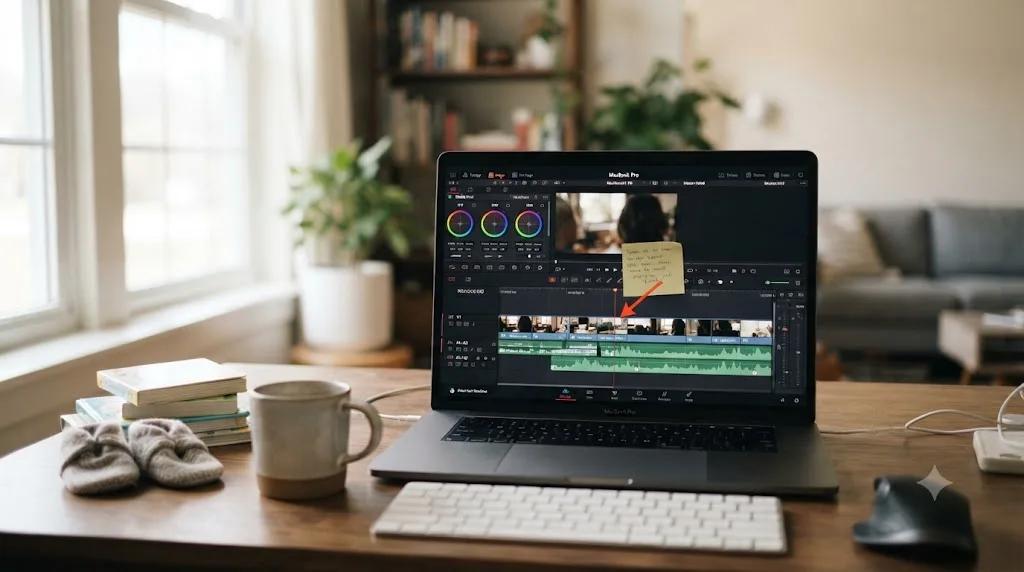
Session 2 (20 to 30 minutes): import and rough assembly. Pull in 60 to 90 seconds of your own phone footage, drag the clips onto a timeline in order, and stop as soon as everything is placed, even roughly. Before you close the laptop, whether the session ends on schedule or gets cut short by a diaper emergency, glance at the timeline and say out loud, or type in a note, exactly what you were about to do next. Leroy's "Ready-to-Resume" technique, the practical fix that comes out of her attention residue research, works exactly this way: a brief note on where you left off gives your next session a map instead of a cold restart.
Session 3 (20 to 30 minutes): trim into shape. Cut the dead air, reorder anything that plays better out of order, and add one music track. If this needs two sessions instead of one because you got pulled away twice, that's not a delay, that's just what this session type costs for this household right now.
Session 4 (15 to 20 minutes): export. Open the Deliver page, pick a standard preset, and render a file that plays. Watch it, even if you have to watch it holding a baby.
That's roughly ninety minutes of actual work, which fits inside even the tightest weekly budget from the earlier table, spread across however many short sittings your week actually allows. A finished rough cut assembled across five interrupted fifteen-minute sessions is still a finished rough cut. The plan doesn't care how many times you had to put it down. It cares whether you picked it back up at the same spot.
What does a realistic DaVinci Resolve learning plan look like around nap schedules and preschool terms?
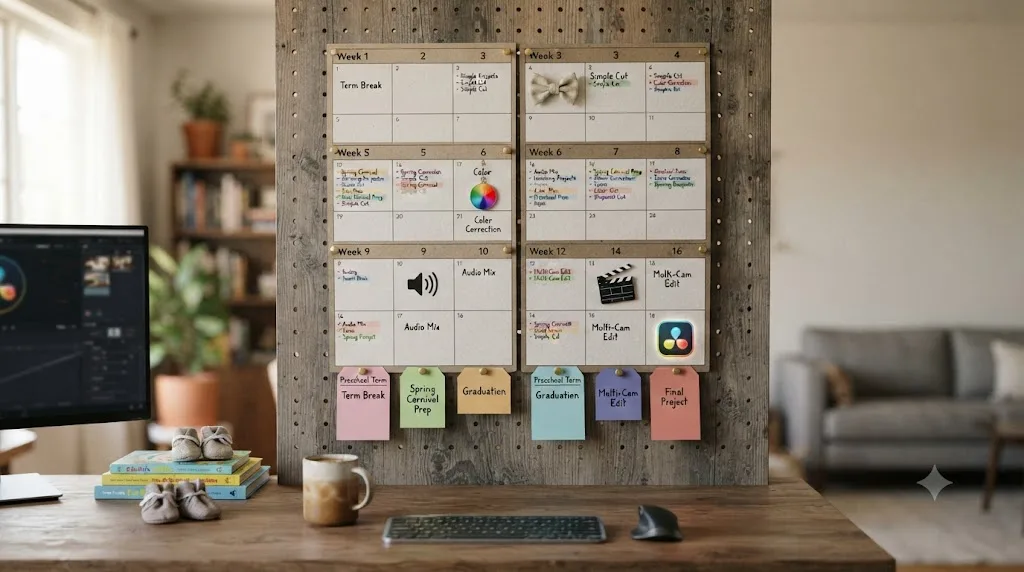
Here's the full plan, built around 3 to 5 hours a week, spread across more sessions than a working-adult schedule would need because each session runs shorter. It follows the same order every plan on this site uses, mechanics before taste, because you can't grade or composite something you haven't finished cutting yet.
| Weeks | Focus | What you finish |
|---|---|---|
| 1 | Install, orient, first rough cut | A short exported video from your own footage, built across several short sessions |
| 2-3 | Trimming, transitions, basic titles, export presets | A second, cleaner cut with titles and one reusable export preset |
| 4-5 | Media management: folders, proxies, backups | A project you can reopen next month without anything going offline |
| 6-8 | Color page fundamentals: wheels, contrast, one-node exposure fixes | Last month's cut, graded with a single correction node per clip |
| 9-10 | Fairlight basics: levels, a gentle EQ pass, one bus | The same project with dialogue and music sitting at usable, separated levels |
| 11 | Consistency week: repeat the full workflow on a new short project | A cut-grade-mix-export cycle finished faster than week one's version |
| 12-14 | Fusion first contact: one Text+ node, one simple mask | A single lower third or basic title animation, nothing more ambitious |
| 15 | Speed habits: keyboard shortcuts, a saved title template, a project template | The same category of project as week 11, timed against it |
| 16 | Ship something real, publicly | One finished piece shared somewhere, a channel, a client, a portfolio page |
That's sixteen weeks instead of the twelve a full-time-job schedule uses, for the same set of milestones, because sessions here run shorter and get interrupted more often. If your real week only affords two hours instead of three to five, stretch the same sixteen steps across roughly twenty-four to twenty-eight weeks rather than cutting any of them.
Three rules keep this plan alive through a real household. Finish something every week you're able to, since a week with nothing exported is a week the plan starts to feel optional. Anchor the milestone weeks, not the exact dates, to your own life, and let a school term or a nap transition shift the calendar without shifting the order. And treat the final public share the same way any plan on this site does: showing unfinished work to someone who owes you nothing is the fastest honest feedback you'll get, and it doesn't require a finished-looking childhood-free life to be worth doing.
Which DaVinci Resolve skills should you prioritize with unpredictable, interrupted time?
The ones that let you finish a project end to end in a single short sitting, before anything that only pays off across a long uninterrupted block. On a schedule where any session might get cut short without warning, sequencing isn't a preference, it's what separates a folder of finished small projects from a folder of half-built ones you'll never reopen.
Priority tier one, non-negotiable in month one: importing media, trimming on a timeline, basic titles, and a single reliable export preset. Every one of these fits inside a ten-to-fifteen-minute unit, which matters more here than almost anywhere else in this post, because a ten-minute unit is the size of session a nap or a quiet stretch actually gives you most days.
Priority tier two, add once tier one starts feeling automatic: one-node color correction, levels-only audio balancing, and proxy media for playback on whatever laptop survives a diaper bag. This tier is what turns a rough cut into something you'd actually show someone, and it still mostly fits inside short sessions.
Priority tier three, genuinely optional on an interrupted schedule: multi-node color matching, Fairlight buses and compression, and Fusion node trees beyond a single Text+ title. These tasks reward a long, uninterrupted stretch of concentration in a way tier one and two don't, which makes them a poor fit for a session that might end the second a toddler wakes up mid-node-tree. Save them for whatever window in your week runs longest and most reliably, a weekend tag-team slot, a rare full-day preschool afternoon, rather than squeezing them into fifteen minutes and losing your place twice.
You can finish a genuinely watchable project in DaVinci Resolve using nothing from tier three at all, on sessions no longer than fifteen minutes. That's not a consolation prize for parents with less time. It's a real, common editing workflow that plenty of paid work never asks to go beyond.
The list of things safe to ignore entirely for now, regardless of how good they look in a tutorial thumbnail: Fusion's 3D and particle systems, ACES color management, the scripting API, and any Studio-only AI tool you haven't hit a real need for yet. None of it disappears. It'll still be there once tier one and two are automatic instead of effortful, and by then you'll likely have longer, more predictable sessions anyway as your child grows.

What do you do when your toddler drops their nap and your whole plan collapses?
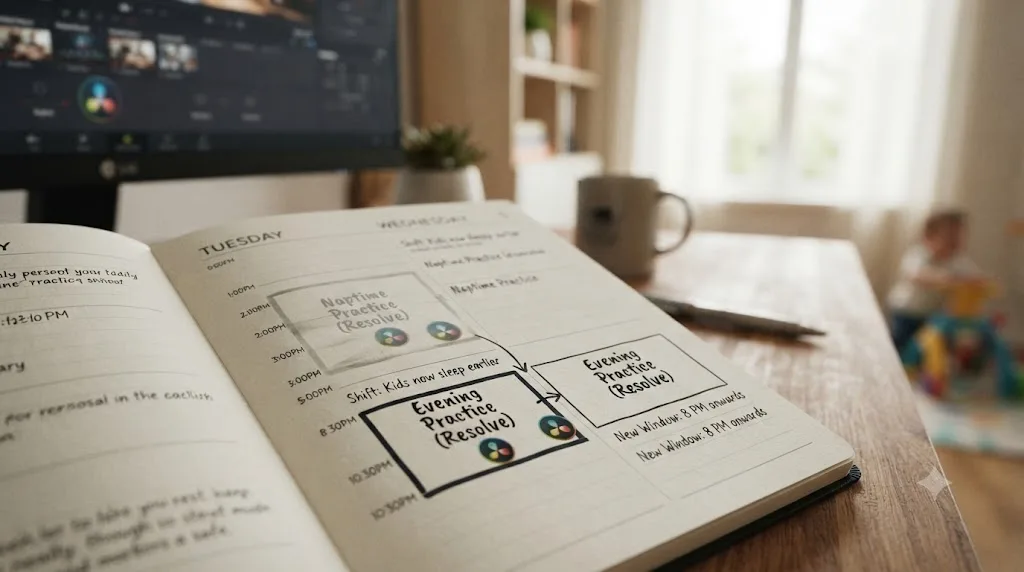
Move your main session permanently to another window, and stop waiting for the nap to come back, because for most toddlers it won't. Napping is usually phased out somewhere between ages 3 and 5, and once a preschooler drops the habit, quiet time or a new activity typically replaces it rather than the nap returning, according to Nemours KidsHealth's guidance on children's sleep. If your entire practice plan lived inside that nap window, its disappearance feels like the plan breaking. It isn't. It's one window closing while others, preschool hours, after bedtime, weekend tag-teams, stay open.
The actual fix takes one session to make and saves weeks of frustration: pick your new primary window immediately, the same day you notice the nap is gone for good rather than just skipped, and move your calendar block there before you've lost a full week wondering if tomorrow's nap will show up. Most parents land on after bedtime once the nap goes, since it's the one window a preschooler's changing sleep habits don't touch.
Expect the transition to cost you a week or two of lower output, not because the skill got harder but because you're rebuilding a habit around a new time slot, and any new habit takes a beat to stick. That's a normal cost of a real developmental milestone in your child, not a sign your learning plan was flawed.
If you have more than one child at staggered ages, expect this exact disruption to repeat on its own schedule per kid, and treat "figure out the new primary window" as a recurring five-minute task you do every few months rather than a one-time fix. A learning plan that survives a stay-at-home parent's real year has to survive a nap disappearing, because the nap always eventually disappears.
Can tag-teaming with a partner, a mother's helper, or a babysitting swap help you learn faster?
Yes, and it's one of the few genuine ways a stay-at-home parent can add real, longer blocks of practice time without cutting into sleep or the reliable windows already in the daily plan. Each option solves the same problem differently: buying yourself a stretch of time where you're not the one on duty.
A partner tag-team works best as a scheduled, recurring block rather than an "if things are calm" arrangement. One evening a week where your partner takes bedtime solo, or one weekend morning where they take the kids out of the house entirely, gives you a session long enough to tackle tier-two or tier-three skills that don't fit into fifteen-minute units. Treat it the same way you'd treat any other protected slot: on the calendar, named, not left to whoever remembers first.
A mother's helper, typically a responsible teenager or young adult who plays with or supervises your child in the same house while you're nearby but not actively parenting, buys you a shorter but genuinely quiet block without the cost or logistics of full childcare. It's a common, affordable middle ground between "no help" and "a babysitter," and it fits well with a laptop and a closed door down the hall.
A babysitting co-op or swap with another parent, where you watch each other's kids on alternating days, can free up a genuine multi-hour block on your off days without any money changing hands, though it depends on finding another parent whose schedule and trust level line up with yours. It's less reliable week to week than a paid arrangement, but it's real time when it lands.
None of these replace the core plan built around naps, preschool, and bedtime. They're accelerants for the skills that specifically benefit from a longer block, tier-two color work, Fairlight buses, a Fusion node tree you can actually finish in one sitting, rather than a foundation to build the whole sixteen-week plan on, since none of them are guaranteed to repeat every single week.

What happens to the plan during summer break, sick weeks, or when preschool closes?
Your weekly hours drop, sometimes to zero for a stretch, and the honest response is to shrink the plan's ambition for that window, not to abandon it or feel behind. A stay-at-home parent's calendar has disruptions a full-time job doesn't: preschool closes for summer, a holiday break empties the one reliable window you had, or a child's illness (or yours) erases every session for a week or two at a stretch.
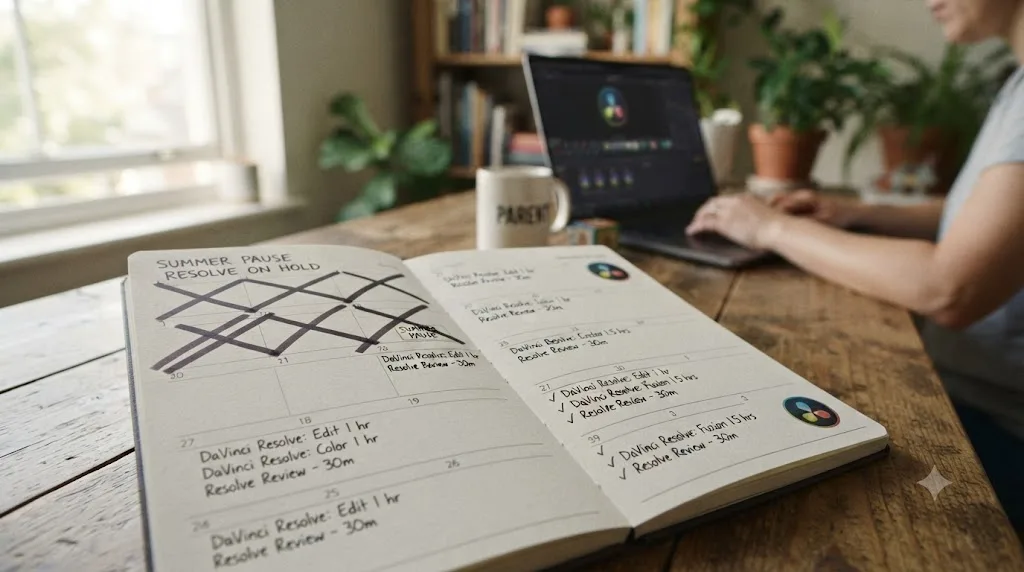
Treat a known disruption, summer break, a preschool closure, a planned holiday, the same way you'd treat a scheduled off month rather than an emergency. Before it starts, pick one small maintenance task you can realistically keep doing even with zero dedicated sessions: rewatching the last clip you were stuck on during a quiet five minutes, reading one chapter of a free training guide on your phone, or just opening the project once a week to glance at where you left off. None of that is real progress. All of it keeps the thread from going fully cold, which is the only thing that matters during a genuinely disrupted stretch.
Treat an unplanned disruption, a sick week, a family emergency, exactly the same way, just without the advance planning. Don't try to make up lost sessions once you're back. Resume at the exact step you left, not one step back to "refresh" and not by doubling up the following week to compensate. A missed month costs you calendar time. Trying to cram it back usually costs you the week after too, out of exhaustion.
If disruptions start eating more than one month in three, that's real information about your current season of parenting, not a personal failure or a sign the plan doesn't work for you. It usually means the weekly number you picked doesn't match a newborn's unpredictability, a string of illnesses, or a longer-than-expected stretch without childcare help. Drop to the two-hour floor from the earlier table, stretch the timeline further, and let the plan match the year you're actually in rather than the one you were hoping for when you started.
Course, YouTube, or AI tool: what actually fits a stay-at-home parent's fragmented day?
Each solves a different piece of the time problem, and matching the wrong one to your actual bottleneck wastes exactly the minutes you can't spare. This is also where the honest consensus already exists, worth naming rather than pretending you've discovered something the internet hasn't already told parents a hundred times: Blackmagic's own free training, YouTube channels like Casey Faris, and general advice threads on forums like r/DaVinciResolve are where most people already look first, and for good reason.
A structured course solves the sequencing problem. Blackmagic Design's own training runs a full curriculum at no cost, six downloadable guides, lesson files, and free certification exams, per its official training page, and the video series that originally launched this program totaled more than 17 hours across Edit, Color, Fairlight, and Fusion sections, according to CineD's coverage of the release. For a parent with 20 minutes here and there, not deciding what to watch next is worth more than it sounds like, since re-deciding costs minutes a fragmented schedule doesn't have to spare. Our best DaVinci Resolve courses roundup and free course guide cover the paid and no-cost structured options in more depth.
YouTube solves the specificity problem. When you know exactly what's stopping you, "how do I fix audio sync in DaVinci Resolve," a targeted search is often faster than digging through a course chapter for the same three minutes. Casey Faris' channel, with an audience approaching 600,000 subscribers per vidIQ's channel statistics, is a reasonable default for that kind of search. The tradeoff for a fragmented schedule is real: unstructured video rewards whatever's trending, not whatever a specific stuck moment needs, and opening five tabs while a toddler is one room away is its own kind of time sink.
An AI tool solves neither of those. It solves the interruption problem specifically, the minutes lost mid-session hunting for a control you can't name while a nap clock is quietly running out. TryUncle is the on-screen assistant for DaVinci Resolve on macOS: ask in plain words and Uncle points at the exact control on your screen. For a parent with a 20-minute window that might end without warning, that's a meaningfully different kind of help than a course chapter or a video, because it doesn't ask you to pause your actual project and go look somewhere else for the answer. You can check TryUncle's current founder pricing if the interruption problem sounds like your actual bottleneck.
| Tool | Solves | Time cost per use | Best fit for a fragmented day |
|---|---|---|---|
| Structured course (Blackmagic, Udemy, MZed) | Sequencing, what to learn next | Hours, spread over weeks | Beginners who don't yet know the shape of the app |
| YouTube (Casey Faris and similar) | A specific known question | Minutes to tens of minutes | Parents who already have vocabulary to search with |
| Reddit and forum threads | General reassurance and community advice | Minutes, but not a curriculum | Anyone who wants to know they're not the only one struggling |
| AI tool watching your screen | Interruptions mid-session | Seconds to a couple minutes | Anyone whose real constraint is minutes, not knowledge |
None of these replaces the other three, and a fragmented day is exactly the situation where stacking matters most: a free structured path for the shape of the app, a targeted video for the occasional deep question, an in-app AI assistant for the small interruptions a nap-length session can't afford to lose to a search tab.

Which AI tool actually helps you while you're using DaVinci Resolve, mid-interruption?
Most of the AI category built around video editing right now sits before or after your actual editing session, not inside it, and knowing which is which matters more for a stay-at-home parent than for almost anyone else, since the moment a session gets interrupted is exactly when a "before or after" tool is no help at all.
PremiereCopilot bundles a set of AI editing tools, silence cuts, animated captions, a text-to-edit copilot, directly into Adobe Premiere Pro, starting at $7.99 a month with a free tier, per its own site. It's a capable tool for what it does, and it's built for Premiere Pro, not DaVinci Resolve, so it doesn't belong in this specific comparison for anyone actually working inside Resolve.
Sottocut is an AI assistant editor built specifically for DaVinci Resolve, proposing cuts, captions, and story reordering you approve or reject on your own timeline, according to its own site. It requires DaVinci Resolve Studio 21 and an Apple Silicon Mac. Sottocut edits for you, faster than doing the assembly work yourself, once you already know what a correct edit looks like.
Eddie AI, at heyeddie.ai, works before you touch Resolve: you import interviews, chat with it to generate rough cuts and b-roll placement, then export to your editor of choice, including Resolve. It's used by more than 40,000 video professionals according to its own site, with paid plans starting at $25 a month.
CutAgent works the closest to inside Resolve itself, built specifically for the free version and Studio 20 and later on macOS, per its own site. You describe an edit in plain language, and it executes the operation directly on your timeline, showing each step before it lands.
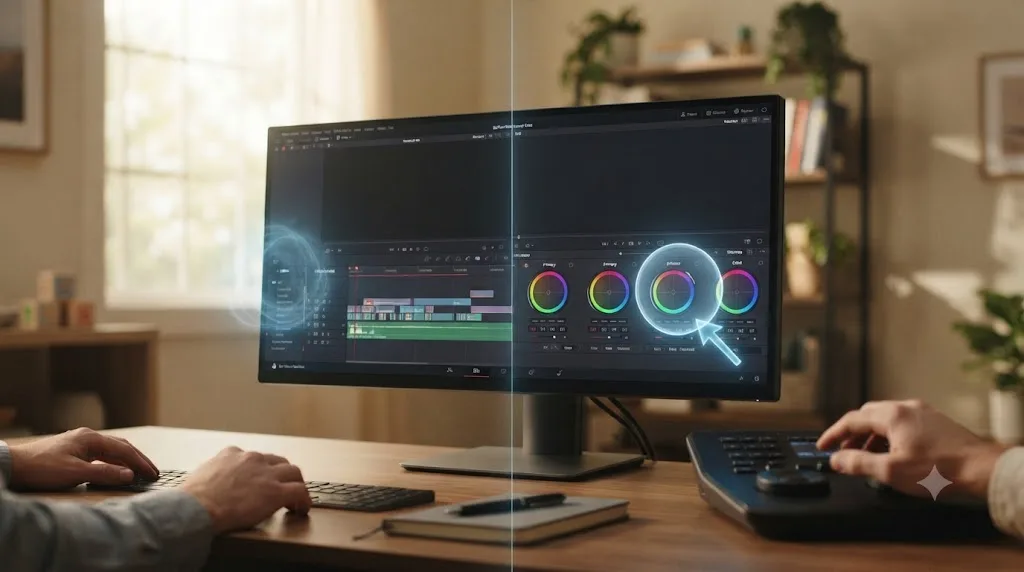
Here's the honest distinction that matters most for someone learning on interrupted time specifically. Sottocut, CutAgent, and Eddie AI all edit for you, faster rough cuts, faster silence removal, faster timeline operations, executed on your behalf. TryUncle doesn't touch your timeline or make the edit. It watches your screen and points at the control you're asking about, live, then gets out of the way while you make the click yourself, which matters because the whole point of this stretch of your parenting life is building the skill, not outsourcing the decision before you've built the judgment to evaluate it.
| Tool | What it does | Runs inside Resolve? | Teaches you, or edits for you? |
|---|---|---|---|
| PremiereCopilot | AI editing tools for Adobe Premiere Pro | No, Premiere Pro only | Edits for you, different app |
| Eddie AI (heyeddie.ai) | Builds rough cuts from interviews, exports to Resolve | No, works before Resolve | Edits for you, outside the app |
| Sottocut | Proposes cuts, captions, and reordering on your timeline | Yes, Studio 21 required | Edits for you, inside the app |
| CutAgent | Executes plain-language edit commands on your timeline | Yes, free or Studio 20+ | Edits for you, inside the app |
| TryUncle | Watches your screen and points at the control you need | Yes, macOS | Teaches you, doesn't touch your project |
For someone still building the fundamentals, that distinction matters more than raw speed. An automation tool is genuinely useful once you already know what a correct edit looks like and just want it faster. It's a worse fit while you're still building the judgment to evaluate whether the automated result is right, which is exactly the phase a nap-length session is usually trying to advance. If a stuck control is what's costing you the last five minutes of tonight's window, that's the exact moment Uncle can point at the button you need without pulling you out of the project to go find the answer somewhere else.
How do you protect your practice window when "free time" already feels like the only time that's yours?
The same way you'd protect any commitment that competes with everything else in a full day: name it, put it somewhere your future self can see it, and lower the bar for what counts on a bad day rather than skipping entirely.
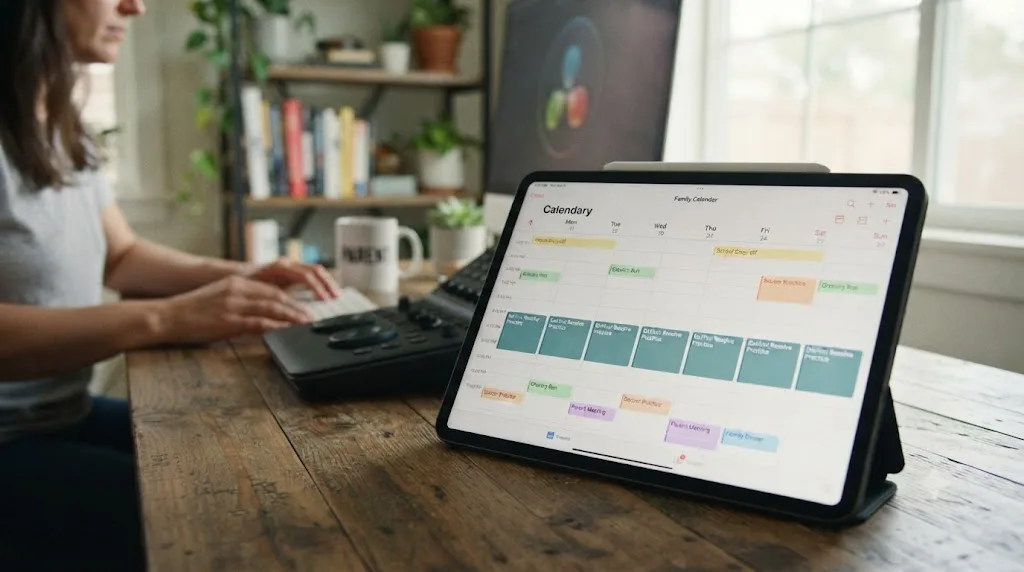
Put the session on an actual calendar or shared family planner, not a mental note. A block that says "Resolve, 8:15 to 9pm" competes with other claims on your evening the way a real appointment does. "I'll edit if the baby sleeps" competes with nothing, because it isn't occupying a slot anything else can conflict with, and it quietly loses to every single distraction that shows up first.
Lower the bar hard on a genuinely bad day. Faith Fuqua-Purvis, a contributor to Forbes' roundup of tips for busy professionals, put the underlying logic simply: "When your time is limited, the most important thing you can do is start learning," per Forbes Coaches Council. On a night when the kids were up twice already and you have nothing left, a five-minute session where you just reopen the project and glance at your last note beats a skipped night entirely, because it keeps the thread alive without costing you the sleep you actually need.
Pre-decide your fallback before you need it, not during the moment you're deciding whether to skip. If a session gets bumped by a sick kid or a rough bedtime, does it move to tomorrow, or does the week just run one session short? Either answer works. Not having one invites the whole week to unravel on the first hard night, and hard nights are common enough in a household with a young child that "no plan for them" isn't a real plan.
Tell your partner, a friend, or someone in an online parent or editor community your actual schedule. A mild social cost attached to skipping, someone who'd notice, does more for consistency than a private intention that only lives in your own head.
Batch your setup once, then leave it alone. A project template with your bin structure and export preset already built means every fifteen-minute window starts with editing instead of reconfiguring. Karan Rhodes, another Forbes Coaches Council contributor, described the underlying tactic as microlearning, working "in bite-sized chunks of time, usually between five and 20 minutes," per the same Forbes roundup. A pre-built template turns a ten-minute window into ten minutes of actual practice instead of six minutes of setup and four minutes of practice.
A fifteen-minute practice window you never renegotiate is worth more than a two-hour one you're constantly hoping for. The plan that survives a household with young kids isn't the one that assumes a quiet house. It's the one that never needed one.
How do you avoid burnout when learning competes with the guilt of taking time for yourself?
By naming the guilt as a real cost of this specific season, not a sign you're doing something wrong, and by keeping your weekly floor honest even when a good stretch tempts you to raise it.
Stay-at-home parenting has a specific version of the burnout trap other schedules don't. It's not just finding the hours, it's the quiet feeling that any hour spent on Resolve is an hour "taken" from a child who didn't choose this arrangement, which most working parents don't carry in quite the same shape. That guilt is common and worth naming directly rather than pretending it isn't there: a parent who's rested, engaged in something of their own, and coming back to their kid with more patience isn't stealing time from that child. They're maintaining the reserves that make the rest of the day work.
Watch for the same warning signs any burnout risk shows up with, adjusted for this specific life stage: dreading the session instead of feeling neutral about it, skipping sleep to fit it in more than once, or noticing Resolve sessions starting to replace the little bit of couple time or friend time you already had left. None of those mean you need more discipline. They mean the weekly number is miscalibrated for this season, and the fix is lowering it, not pushing through it.
Build in a genuine off week every month or two, planned in advance rather than taken guiltily after a bad one. A scheduled break, especially one that coincides with a known hard stretch like teething, a growth spurt, or a preschool break, doesn't cost you the plan's momentum the way an unplanned collapse does, because you're pausing a plan on purpose, not abandoning one.
And separate the two kinds of tired, the same distinction that matters on any schedule. Productive tired, after a session where you actually finished a step, is fine, even a good sign. Depleted tired, where you can't remember what you just did five minutes after closing the laptop, is a sign to shorten the next session, not push through this one. Greene's ceiling on expert practice time exists for a reason, and it applies with extra force to a parent already running on interrupted sleep: past a certain point, more minutes stop converting into skill and just spend fatigue you need for tomorrow.
What does month two and three look like once nap-time sessions feel normal?
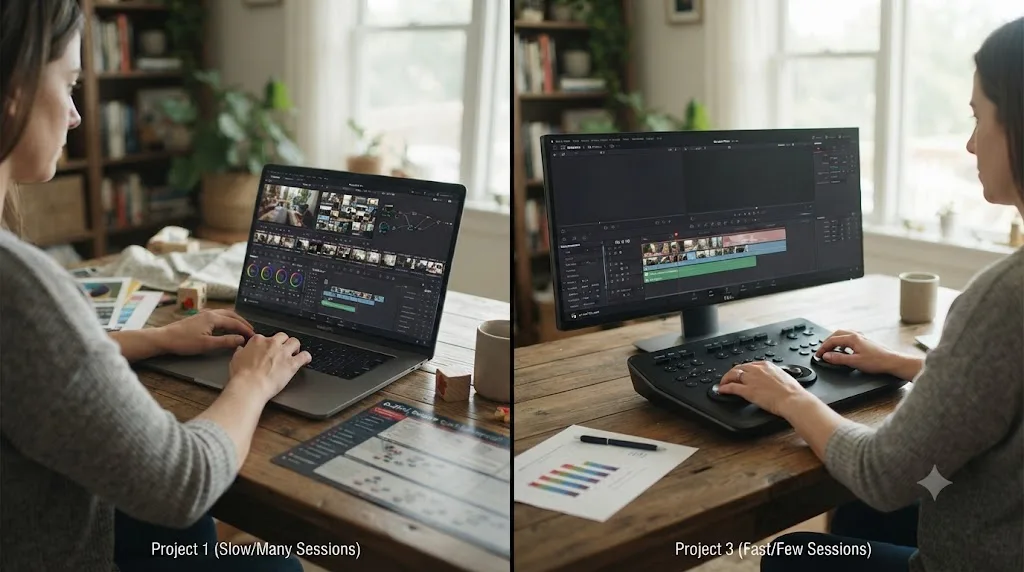
Different in shape, not just difficulty. Month one is mechanics, import, trim, export, repeated in short sessions until it stops requiring conscious thought. Months two and three are where the practice time you've protected starts paying compound returns, because you're no longer spending half of every fifteen-minute window re-finding the interface.
Month two is depth month for color and audio specifically, because both compress into a single node or fader chain that a short session can meaningfully advance without needing a long uninterrupted stretch. Move from one correction node per clip to a small two-node chain, a balance node plus a look node, and try matching two shots from the same source until the cut between them stops being visible. On Fairlight, add a gentle EQ pass and your first bus, so dialogue and music sit on separate faders instead of one blended track. Both fit inside the same short-session structure you've been running since week one.
Month three is consistency month, and the question shifts from "can I do this once" to "can I do this reliably across whatever my week actually gives me." Cut a second and third short project using the same workflow as your month-one project, and time yourself against it. If the third project takes noticeably fewer total sessions than the first, that's the proof the plan is compounding, and it's more useful proof than any milestone checklist, because it's measured against the exact scarce resource you're actually working with.
By the end of month three, at a 3-to-5-hour weekly pace, expect a workflow that produces a watchable short project across roughly a week and a half to two weeks of real sessions, rather than stretching across a full month the way month one did, which lines up loosely with the "YouTube-ready" tier in our how long it takes to learn DaVinci Resolve guide. That's not mastery. It's the point where the plan runs mostly on its own momentum instead of on remembering to try hard every single sitting.
How do you know the plan is working, and what do you do when a rough month with the kids sets you back?
Two separate questions, and conflating them is what makes a rough month feel like failure instead of just what a rough month with young kids actually is.
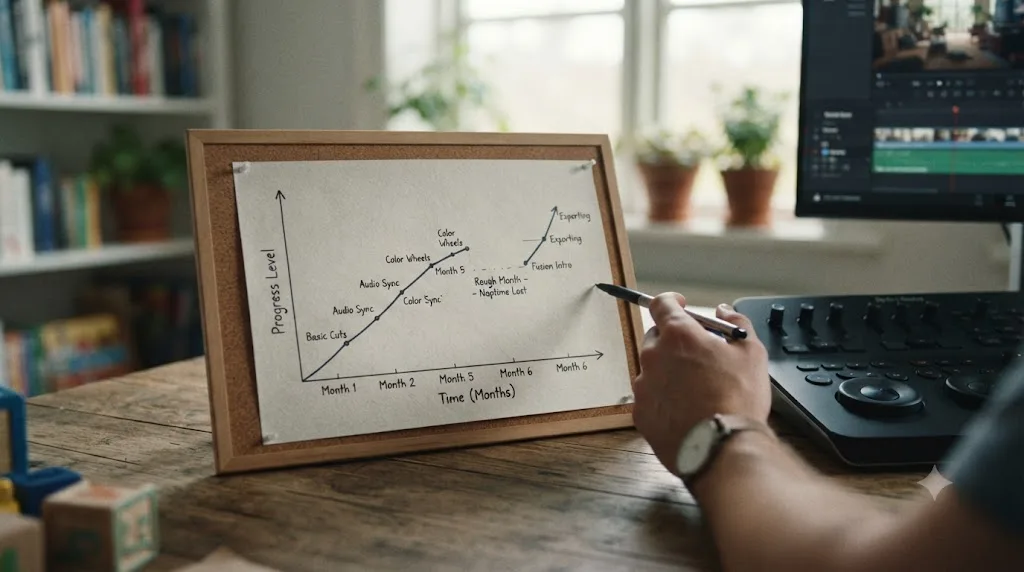
Knowing the plan is working has a concrete test, unrelated to how many hours you managed: are you finishing something most weeks, and does each finished thing take fewer total sessions than the last one did? That's the whole test. Not "do I feel like a real editor yet," not "have I watched enough tutorials." Finished output, trending toward fewer sessions per output, is the signal that actually reflects your real constraint, interrupted time, rather than a constraint you don't have, like raw hours.
Falling behind has a specific, boring fix, the same one this whole post keeps returning to: resume exactly where you stopped. Don't repeat a finished step just because time passed since you did it, unless you genuinely can't remember how, in which case a five-minute review before continuing is fine. Don't skip ahead to "catch up" to where the calendar says you should be, because the sixteen-week numbers were always a guide sized to an average household, not a deadline sized to yours specifically.
If you've fallen behind by more than a month, and for a parent of a young child that's a common, not a rare, occurrence, do one honest audit before resuming: is the weekly hour number you picked still realistic for the actual season you're in, not the season you were in when you wrote the plan. A new baby, a nap regression, a string of illnesses, a preschool that just closed for the summer, any of these can legitimately shrink your real weekly floor, and the fix is adjusting the number down and extending the timeline, not blaming yourself for missing a schedule built around circumstances that no longer apply.
If the reason you've fallen behind is genuinely just motivation and not circumstance, the fastest fix is usually shrinking the next session rather than skipping it. A five-minute session where you just reopen the project and reread your last note counts. It's not about the five minutes of editing. It's about not letting the gap between sessions grow long enough that reopening the project starts to feel like starting over.
Should you learn DaVinci Resolve as a stay-at-home parent to build a freelance career?
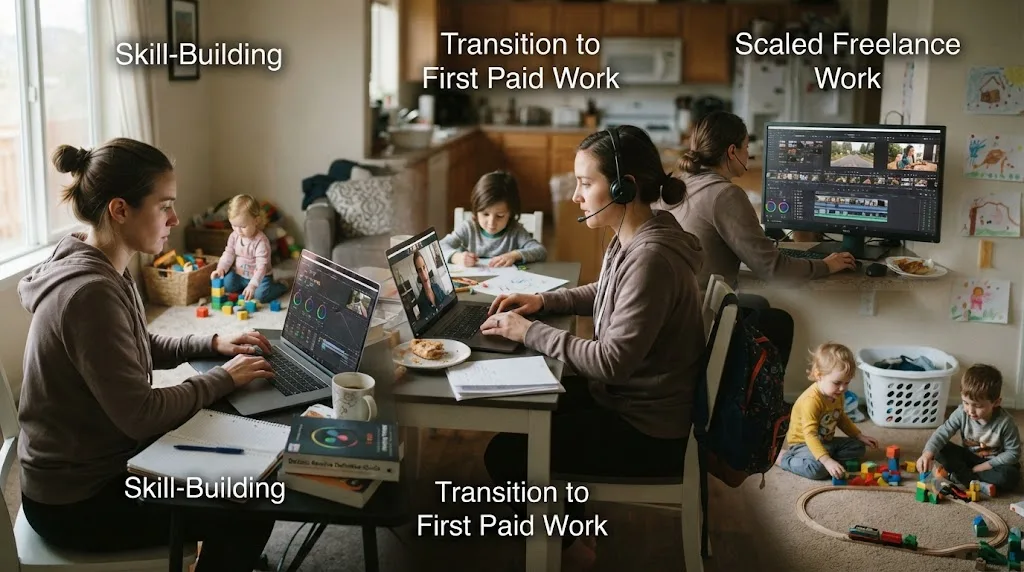
For many stay-at-home parents, yes, and the timeline is honest rather than fast, which is exactly the trade most people in this situation are already used to making. Learning while still home with your kids removes the financial pressure that turns skill-building into a race, and financial pressure is what pushes people past the mechanics-first sequencing this whole plan is built on.
The honest timeline, building on the freelance-readiness numbers our how long it takes to learn DaVinci Resolve guide covers in more depth: at a steady 3-to-5-hour weekly pace with the interruptions and disruptions this post has covered, four to eight months of consistent practice gets a stay-at-home parent to a genuine three-piece portfolio a stranger could mistake for delivered client work, the practical gate for a first paying client. That's longer than the three-to-six-month range a full-time-job schedule assumes, mostly because sessions here run shorter and get cut short more often, not because the skill itself is harder to acquire.
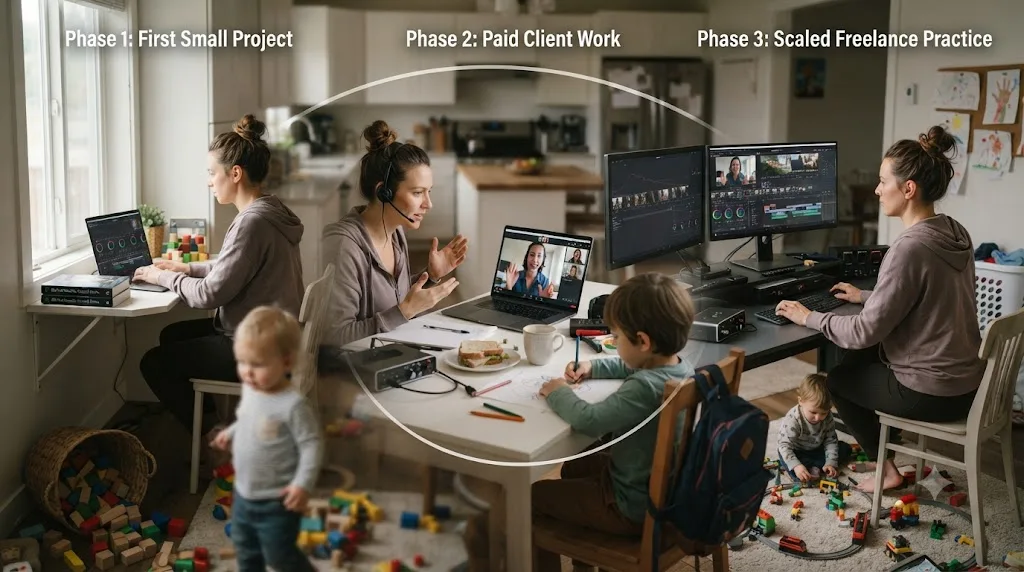
Structure the transition in three overlapping phases, the same shape as any career-change plan on this site, adjusted for your actual constraint. Phase one is skill-building on your own projects, the sixteen-week plan above, run without client pressure attached, and often stretched to twenty or more weeks by the disruptions a real household throws at it. Phase two starts once you've hit the portfolio gate: take on a first small paying job or two, treating it as a real-world stress test rather than your main income, and scheduled around your existing childcare reality rather than a fantasy version of it. Phase three, taking on more consistent paid work or eventually paying for childcare specifically to support it, only makes sense once client income alone reliably covers what that childcare would cost, which for most parents in this situation takes noticeably longer than the skill-building phase itself.
One honest caution specific to this path, worth stating plainly: don't let a first paying client's deadline eat the practice time still building your tier-two and tier-three skills, and don't let it eat the childcare-dependent windows you've protected for learning either. A first client covers a bill for that month. It doesn't teach you Fusion, and if you let client deadlines quietly consume every reliable window you built for learning, your growth stalls exactly at the skill level that first client happened to need.
What's a realistic timeline to freelance-ready while still home with your kids?
Here's the full arc, stated plainly, at the 3-to-5-hour weekly pace this post assumes throughout, with the caveat that any single household's disruptions can stretch every number in this table.
| Timeframe | Milestone | What's actually true at this point |
|---|---|---|
| Month 1-2 | Finished first small projects, across many short sessions | Mechanics are functional, nothing is polished yet |
| Months 3-4 | Comfortable color and audio basics | You can grade and mix a short project without guessing at every step |
| Months 4-8 | A real three-piece portfolio | The practical gate for a first paying client, per this site's learning timeline guide |
| Months 5-10 | First one or two small paying jobs, still home with the kids | Client work stress-tests skills, doesn't replace continued practice |
| Month 10+ | Client work reliably covers a meaningful share of expenses or childcare costs | The point where scaling up hours becomes a real financial option, not a leap of faith |
Two honest caveats belong on this table, not buried below it. First, these ranges are built from watching how this transition actually goes, not a guarantee tied to any specific hour count, and a household with a newborn, multiple young kids, or no local family support should expect the slower end of every range, sometimes considerably slower, without that meaning the plan has failed. Second, the table assumes you keep the weekly practice habit running through the paid-work phase, not just through skill-building, because a first paying client's deadline has a way of quietly replacing the exact practice time that got you client-ready in the first place.
Nobody builds a freelance editing career around a young child by working faster than everyone else. They do it by staying consistent long enough, across enough interrupted sessions, for a slow compounding process to finish. That's a less exciting sentence than most career-change advice, and it's the one that actually matches how this transition goes for parents learning DaVinci Resolve around naps, preschool, and bedtime.
So what should your actual plan look like?
Pick a weekly number you can defend on your worst realistic week, the one with a skipped nap and a sick toddler, not your best one. For most stay-at-home parents, that's three to five hours, split across short 20-to-45-minute sessions anchored to your most reliable window, which for most households is after bedtime rather than naptime. Follow the mechanics-first order: Media, Edit, and Deliver before Color and Fairlight, both of those before Fusion. Finish something small most weeks, because a finished thing is the only progress signal that survives a schedule this fragmented.
Build in the specific fallbacks this household life actually needs: a note on where you left off before every session ends, a plan for the week the nap disappears for good, and a plan for the week preschool closes or everyone gets sick at once. None of those are edge cases. They're the normal texture of a year with young kids, and a plan that doesn't expect them isn't a realistic plan, it's a wish.
And when a week inevitably goes to zero, because a household with a young child will make sure some weeks do, resume at the exact step you left off. Don't restart. Don't cram. The plan that gets a stay-at-home parent all the way through DaVinci Resolve's learning curve was never the one built around a full quiet afternoon. It was the one boring enough to run on fifteen minutes here and there, for as many months as it actually took.
Frequently asked questions
- How many hours a week can a stay-at-home parent realistically spend learning DaVinci Resolve?
- Three to five hours a week, split into short 20 to 45 minute sessions, is a realistic floor for a parent with at least one nap or preschool window most days. A parent with no reliable nap, a newborn, or multiple kids under 3 with no childcare help should plan around two hours a week instead, and expect every timeline in this post to roughly double. Either number still produces steady progress if the sessions actually happen most weeks.
- What's the best time to practice DaVinci Resolve as a stay-at-home parent, naptime or after bedtime?
- Whichever one is more reliable in your house, and for most parents that's after bedtime, not naptime. A nap can run 45 minutes or two hours, get skipped entirely, or end the second you sit down, while a bedtime routine, once it exists, tends to repeat at roughly the same time every night. Use naptime for shorter review tasks you can drop instantly, and save real editing for the window that doesn't get pulled out from under you mid-session.
- My toddler just dropped their nap. How do I keep learning DaVinci Resolve?
- Move your main session to after bedtime and treat the lost nap window as gone for good, not as a phase to wait out. Most toddlers drop their single daily nap somewhere between age 3 and 5, and it rarely comes back once quiet time replaces it. Losing a nap window costs you calendar time, not the plan itself; stretch your weekly schedule rather than trying to recreate a block of daytime quiet that a preschooler no longer needs.
- Can I learn DaVinci Resolve during preschool drop-off hours?
- Yes, and a half-day preschool program, typically around three hours, is one of the more reliable windows a stay-at-home parent gets, since it doesn't depend on a child actually falling asleep. The tradeoff is the commute and any errands you're also using that window for. If preschool is your main session, protect at least 45 minutes of it for Resolve specifically before other tasks eat the whole block.
- What happens to my learning plan over summer break or when preschool closes?
- Your weekly hours drop, sometimes to zero, and the honest response is to shrink the plan, not abandon it. Treat a school-calendar disruption like a scheduled off month: pick one small maintenance task, rewatching your last session's clip or reading a training chapter during a quiet moment, so the thread doesn't go fully cold, then resume the full plan at the same step once the term restarts.
- Will a paid course fit a stay-at-home parent's schedule better than free YouTube tutorials?
- A structured course fits fragmented time better than an open YouTube feed, because someone else already decided the sequence, and re-deciding what to watch next costs minutes a parent with 30 interrupted minutes can't spare. It doesn't have to be paid. Blackmagic Design's own free training runs a full curriculum with downloadable guides and lesson files, at no cost, which is exactly the kind of pre-sequenced resource a fragmented schedule benefits from most.
- Does an AI tool that watches my screen help more than a course when I get interrupted constantly?
- They solve different problems, and interruption is the one most specific to parenting a young child. A course teaches skills you don't have yet, which still takes hours no matter the tool. An on-screen assistant like TryUncle answers the one question stopping you right now, mid-session, which matters most when a toddler is about to wake up and every minute spent searching for an answer is a minute you don't get back that day.
- How long until I could freelance in DaVinci Resolve as a stay-at-home parent?
- Four to eight months of steady 3-to-5-hour weeks, if the goal is a first paying client rather than replacing household income outright, a bit longer than the same milestone takes on a full-time-job schedule because sessions are shorter and more often interrupted. That timeline assumes childcare stays roughly stable; a new baby, a nap regression, or a summer without preschool will stretch it, and that's normal, not a sign the plan isn't working.
Sources
- DaVinci Resolve - Training (Blackmagic Design)
- CG Channel: Blackmagic Design releases DaVinci Resolve 21.0
- U.S. Bureau of Labor Statistics: American Time Use Survey, 2025 Results
- Fortune: How Americans spend their time, per the 2025 BLS American Time Use Survey
- Pew Research Center: Almost 1 in 5 stay-at-home parents in the U.S. are dads
- Nemours KidsHealth: Naps
- Sleep Doctor: How Long Should a Toddler Nap?
- Life Learning Academy: How Many Hours a Day Is Preschool?
- The Power Pause: How to Set Up Your Day as an At-Home Parent, According to Time Management Experts
- UW Bothell School of Business: Sophie Leroy on Attention Residue
- UNC-Chapel Hill: Expertise expert offers 8 tips for learning a new skill (Jeffrey A. Greene)
- Casey Faris - YouTube channel
- vidIQ - Casey Faris channel statistics
- CineD: Blackmagic Design Releases Free DaVinci Resolve 17 Training Videos
- PremiereCopilot (AI plugin for Adobe Premiere Pro)
- Eddie AI (heyeddie.ai, assistant video editor)
- CutAgent (AI video editing agent for DaVinci Resolve)
- Sottocut (AI Assistant Editor for DaVinci Resolve)
- TryUncle (product site: how Uncle works, pricing, setup)
- TryUncle FAQ
Put this guide to work with TryUncle.
Ask about the step you’re on. TryUncle sees your screen and points at the control you need, so you can keep learning in your own project.
Get TryUncle for Mac or WindowsKeep reading
Guides · Jul 15, 2026 · 34 min
DaVinci Resolve Learning Plan for a Full-Time Job
A realistic DaVinci Resolve learning plan for people with a full-time job: weekly hour budgets, a 12-week schedule, and how to protect practice time.
Guides · Jul 24, 2026 · 42 min
DaVinci Resolve Learning Tips for ADHD (2026 Guide)
DaVinci Resolve learning tips for ADHD: shrink the app, time short sessions, body-double, and finish real projects instead of tutorials.

Guides · Jul 7, 2026 · 32 min
How Long Does It Take to Learn DaVinci Resolve?
How long DaVinci Resolve actually takes to learn: a first rough cut in an afternoon, Color and Fairlight in weeks, Fusion in one to three months.