Articles / Guidesupdated for DaVinci Resolve 21.0 (June 2026)
Free DaVinci Resolve Course: The Best No-Cost Ways to Learn
Quick answer
Blackmagic Design's own training page has free videos, six free downloadable training guides, and free certification exams for editing, color, Fairlight, and Fusion. FreeCodeCamp's YouTube course (about 4 hours, taught by Gavin Lon) is the best free structured alternative. Skip paid Coursera and Udemy DaVinci Resolve courses unless you specifically need a graded certificate.
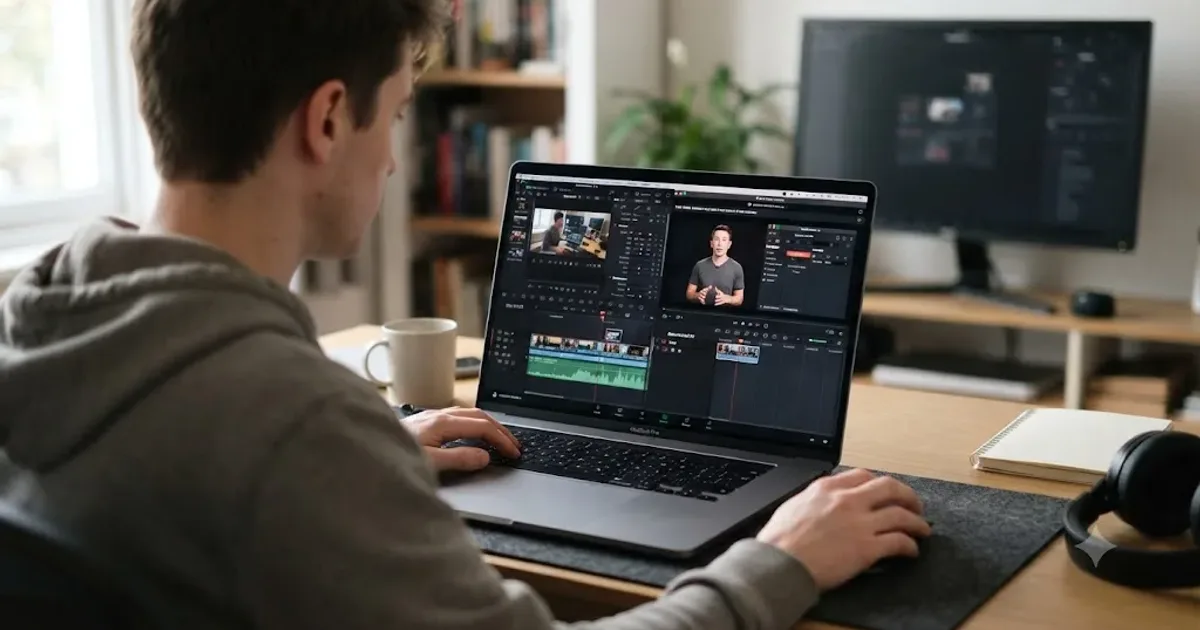
You don't need to pay for a DaVinci Resolve course. Blackmagic Design already built one, and it's free. A handful of solid alternatives sit right next to it on YouTube, too.
The hard part isn't finding free training. It's telling the real thing apart from a "free" landing page that turns into a paywall on day two. I dug through the actual options: Blackmagic's own program, the best free YouTube course, live webinars, six free training books, and the paid courses that dress themselves up as free. Here's what's genuinely free, what only pretends to be, and how to turn the free pile into a real study plan.
Is there an actual free DaVinci Resolve course, or is "free" just a hook?
There is, and it comes from the company that makes the software. Blackmagic Design runs its own official training program with free videos, free downloadable guides, and free certification exams. That's a rare setup. Most software makers leave training to third parties and charge for the good stuff. Blackmagic gives away the equivalent of a full editing, color, and audio curriculum, then makes money on the $295 Studio license instead.
Blackmagic Design's own certification exams for editing, color, and Fairlight audio cost nothing to take. That single fact should reset your expectations for what "free" means in this space, because most "free DaVinci Resolve course" search results outside Blackmagic's own site turn out to be lead magnets for a paid upsell.
What's actually in Blackmagic's free training program?
Three layers, all on one page: recorded video lessons, downloadable training books with matching lesson files, and online exams. All of it is built around the software's own page structure, so the tracks mirror the tabs at the bottom of Resolve: editing, color, Fairlight audio, and Fusion visual effects.
The video layer is bigger than most people realize. The training page currently lists 18 recorded lessons organized by module, running from about 19 minutes to over an hour and a half each. The edit module covers introductory editing in two parts, multicam, and effects work inside the Edit page. The color module goes from Introduction to Color through Advanced Color, color management, and delivery. Fairlight gets the deepest bench: sound design, mixing, voiceover and ADR recording, audio track layers, channel mapping, and Dolby Atmos. Fusion rounds it out with basic compositing, motion graphics, and 3D compositing. Several lessons also ship in German, Spanish, and Portuguese, which almost no free course library bothers with.
Blackmagic backs this with a network of more than 250 certified trainers and over 100 training centers worldwide, per the same page. The site has a search tool that filters by training type: traditional classroom, online, academic, or one-on-one with a certified trainer. Those instructor-led options can carry fees set by the training centers themselves. The self-serve material doesn't.
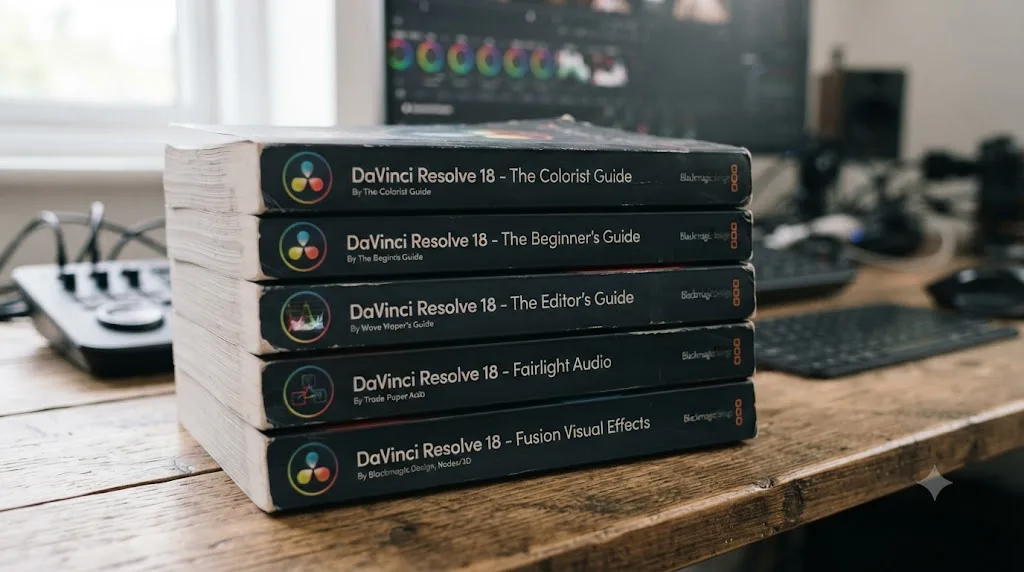
Sitting underneath the video training are six free training books, confirmed by RedShark News's coverage of the Resolve 20 release. Here's what each one actually teaches:
| Guide | What it covers |
|---|---|
| The Beginner's Guide to DaVinci Resolve 20 (640 pages) | All four core pages in one book: first edit, first grade, basic Fairlight mixing, and a taste of Fusion |
| The Editor's Guide | Cutting interviews, dramatic scenes, documentaries, and music videos, plus multicam and the transcription tools |
| The Colorist Guide | Node-based grading, scopes, secondary corrections, and the workflows Blackmagic pitches as Hollywood-grade |
| The Fairlight Audio Guide | Sound editing, mixing, buses, and mastering |
| The Visual Effects Guide | Fusion's node-based interface, basic compositing, keying, and titles |
| Advanced Visual Effects (226 pages) | 3D camera tracking, particle effects, and USD nodes for deeper compositing |
Every one of those downloads as a PDF at no cost, and each ships with its own lesson files, offered as numbered downloadable parts right next to the book. That last detail matters more than it sounds. You're practicing on the same footage the book describes instead of hunting for stand-in clips, and every exercise starts from a known project state, so when your result doesn't match the book, the mistake is in your steps, not your media.
The current editions are written for Resolve 20, not 21. In practice that costs you almost nothing. The Edit, Color, Fairlight, and Fusion pages carry over to 21 nearly unchanged, and the books teach concepts, not button coordinates. The Photo page is the only major 21 addition the guides don't touch.
How do the free certification exams work?
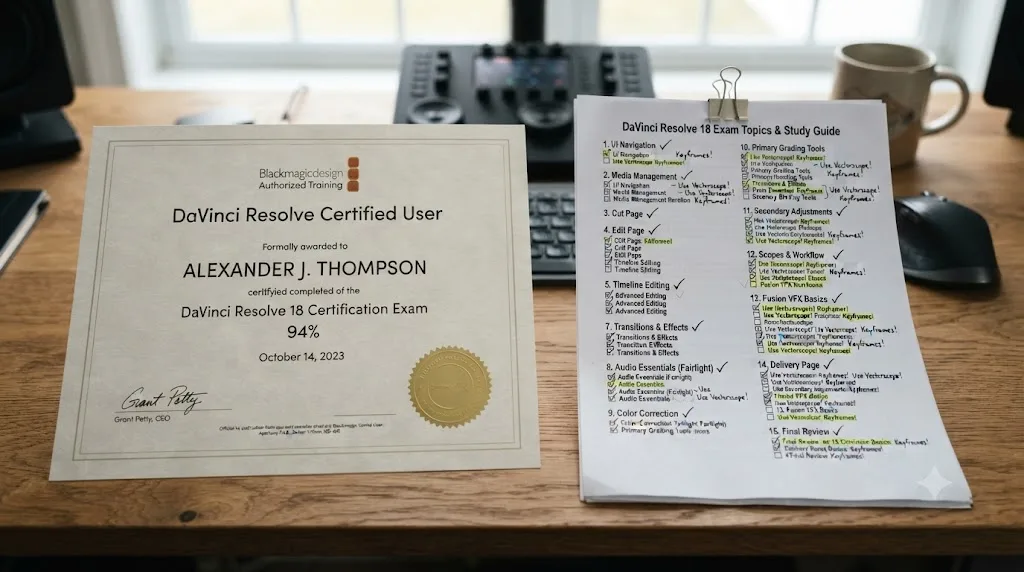
Each of the six guides on Blackmagic's training page has a "Complete Online Exam" link sitting right next to its download button. Finish the book, click the link, take the test online. Pass it and Blackmagic recognizes you as a certified user for that track, which is the closest thing this industry has to a vendor-stamped credential that costs nothing.
The exams follow the books, so the guide's chapters are the syllabus. Blackmagic doesn't publish much about the exam format on the training page itself, so I won't pretend to know the question count or pass mark. What the page does make clear is the structure: one exam per guide, taken online, no fee attached to the self-study path.
Treat the exam as a forcing function rather than the prize. A line on a resume helps, but the real value is that "I'm taking the colorist exam Friday" makes you actually finish the Colorist Guide instead of abandoning it at chapter three like most self-taught learners do with most books.
Which free YouTube course should you actually start with?
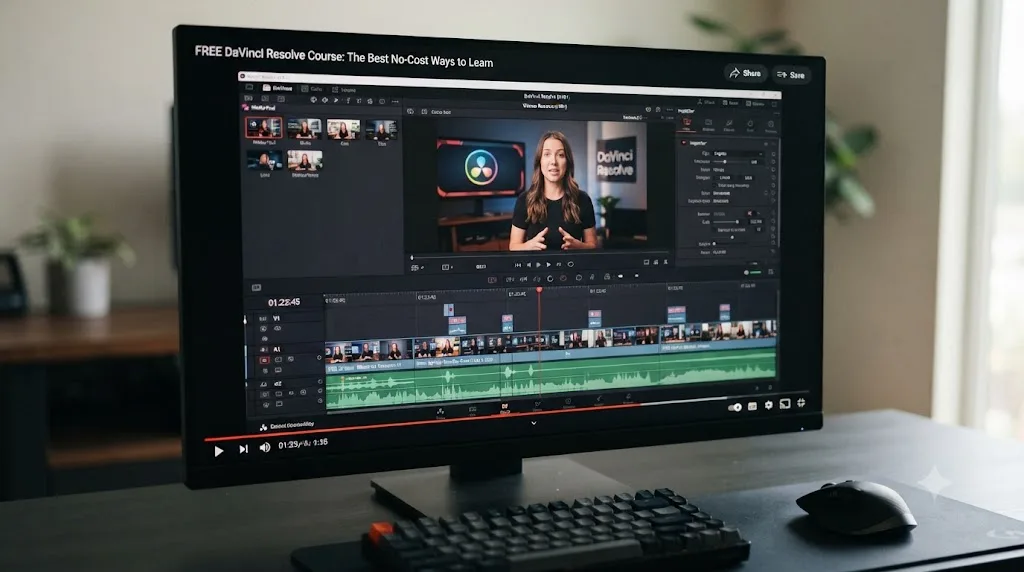
If you want one video, not a library, start with freeCodeCamp.org's DaVinci Resolve course. It runs about four hours, taught by Gavin Lon, and walks from installation through project creation, timeline editing, effects work, and rendering out of the Deliver page. It's published on freeCodeCamp's YouTube channel, the same nonprofit behind its well-known coding curriculum, so there's no upsell waiting at the end.
That's the course to pick if your goal is "sit down tonight and be able to cut a video tomorrow." It won't make you a colorist. It will get you from a blank project to an exported file without eleven browser tabs open.
Which free YouTube channels are worth following after the course?
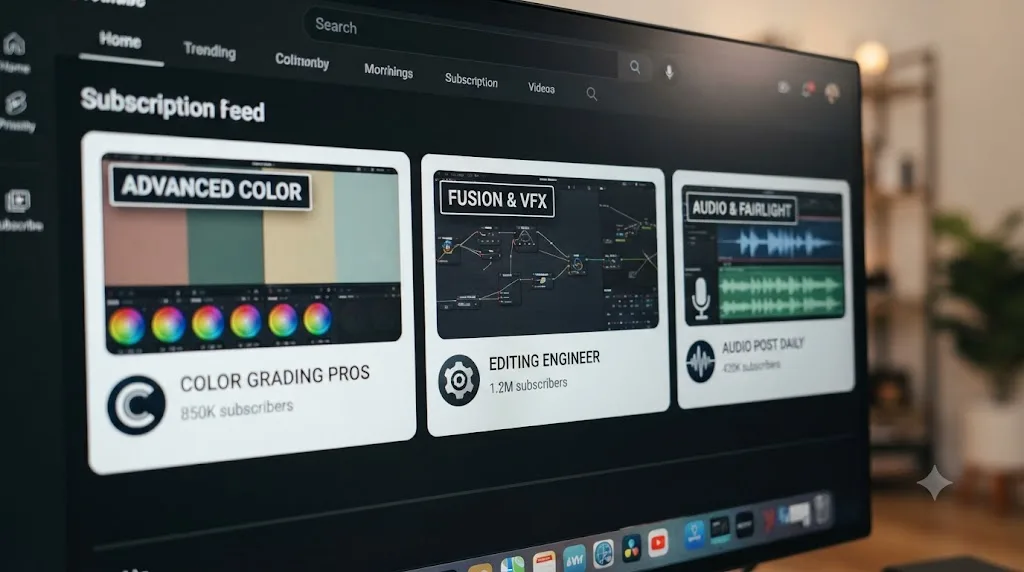
A one-time course gets you moving. Channels keep you improving, because Resolve questions don't stop after week one. Three are worth the subscription, and each covers different ground:
| Channel | Best for | Watch it when |
|---|---|---|
| Casey Faris | Whole-app tutorials with unusual depth on Fusion and effects | You've finished a beginner course and want project-style walkthroughs |
| Cullen Kelly | Color science and grading theory, not just button locations | Your grades look "off" and you don't know why |
| MrAlexTech | Short, practical Resolve tips and technique videos | You want steady small upgrades to your workflow |
Cullen Kelly deserves a specific note. He's a working colorist and image scientist with fifteen years of film and commercial credits, and his site describes the channel as "training and insights for colorists and DPs." That's the channel for the moment when free beginner tutorials stop explaining and start hand-waving, especially around color management. Pair it with our own color grading basics guide when you hit the Color page for the first time.
One warning about channel-based learning: it's dessert, not dinner. Recommendation feeds serve you whatever is clickable, not whatever you should learn next. Follow the channels, but let a structured course or the Blackmagic guides set your actual sequence.
Are Blackmagic's free live webinars worth registering for?
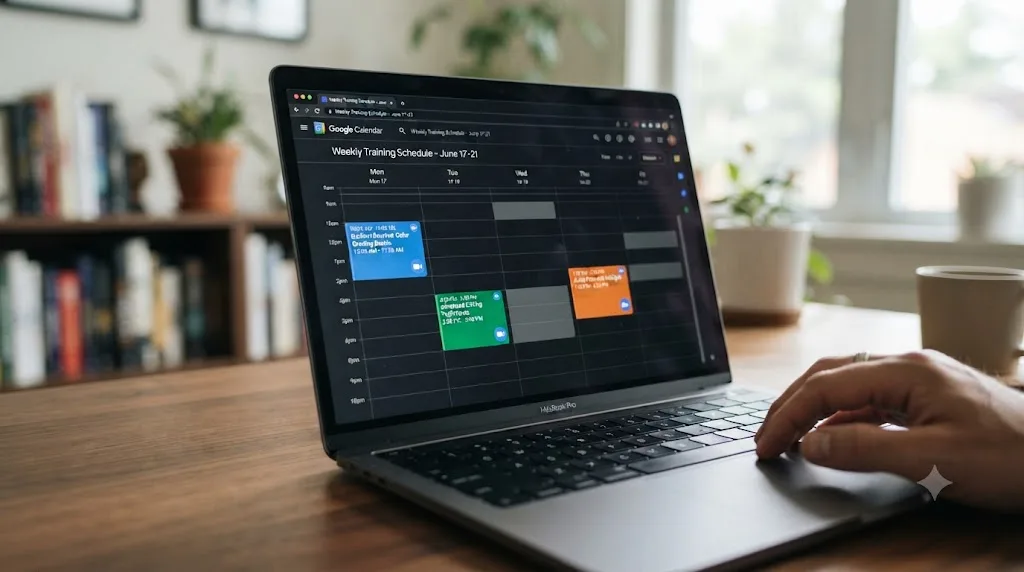
Yes, if the timing lines up, and Blackmagic runs this kind of series repeatedly. According to Y.M.Cinema Magazine's coverage, the company held ten free live sessions between late February and April 2026 alone, covering getting started, upgrading to Studio, Fusion basics, editing for new and intermediate users, Fairlight audio, and both introductory and creative color grading, all requiring nothing but a Zoom registration.
That specific schedule has already passed by the time you're reading this, but Blackmagic has run comparable free quarterly sessions before, so check the training page for the current dates. A live session beats a recorded video for one reason: you can ask the instructor why your node graph looks wrong instead of pausing and guessing.
Is the Coursera DaVinci Resolve course actually free?
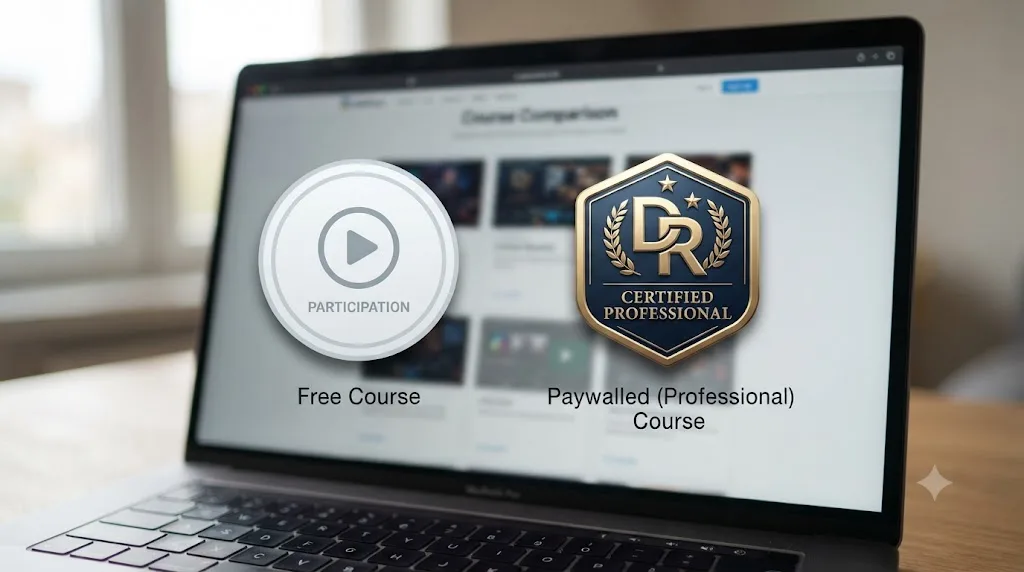
No, and this is the honest answer most "free course" roundups skip. Coursera's DaVinci Resolve specialization lets you preview the first module for free or start a 7-day trial of Coursera Plus. After that, you're paying, either for the specialization directly or for the subscription that unlocks it. Financial aid exists if you genuinely can't afford it, but "apply for a scholarship" isn't the same as "free."
The same goes for most Udemy DaVinci Resolve courses: the sticker price is high until a sale drops it to a few dollars, which isn't free either, just cheap on a schedule. If a course asks for a card number before you've watched a single lesson, it isn't the free option, no matter what the headline says. Save these for later, once you know which specific skill (advanced color, Fusion compositing, a graded certificate for a resume) is worth paying for.
How do the genuinely free options compare side by side?
Every option above is free, but they're not interchangeable. Here's the same list laid out by what each one actually is:
| Option | Format | Time cost | Level | What it skips |
|---|---|---|---|---|
| Blackmagic training videos | 18 recorded lessons | 19 min to 1.5 hrs each | Beginner to advanced | No enforced order; you build your own path |
| Blackmagic training guides | 6 PDF books + lesson files | Multiple evenings per book | Beginner to advanced | Slowest route; demands reading discipline |
| Blackmagic certification exams | Online test per guide | An evening of review plus the exam | Proof, not teaching | Teaches nothing by itself |
| freeCodeCamp YouTube course | One 4-hour video | One long sitting | Pure beginner | Color, Fairlight, and Fusion depth |
| Blackmagic live webinars | Scheduled Zoom sessions | About an hour each | Beginner to intermediate | Only useful when a series is running |
| YouTube channels | Ongoing videos | Endless, unstructured | Mixed | Any curriculum at all |
Read that table as a stack, not a menu. The freeCodeCamp course is the fast on-ramp. The Blackmagic videos and guides are the actual curriculum. The exams are the checkpoint. The channels are maintenance. Nobody should pick exactly one.
How do you turn free materials into a real study plan?
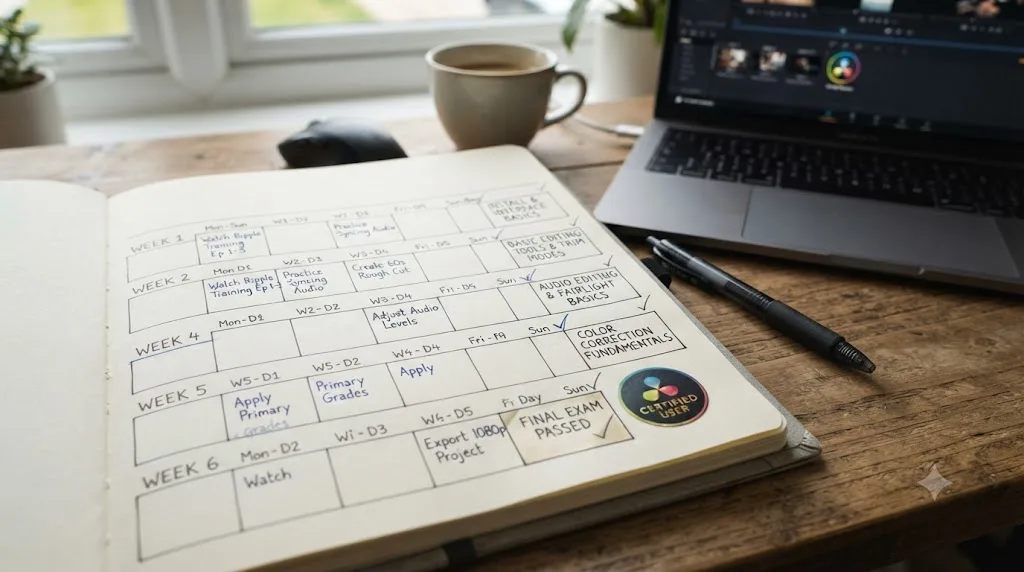
The weakness of free training isn't quality. It's that nobody sequences it for you, so most people watch four intros to four different topics and finish none. Here's a six-week plan at roughly five hours a week that fixes the sequencing problem using only the materials above:
| Week | Focus | Materials | What you finish |
|---|---|---|---|
| 1 | First cut | freeCodeCamp course, in one or two sittings | A 60-second edit from your own phone footage |
| 2 | Fundamentals | Beginner's Guide, early chapters + lesson files | The book's first project, rebuilt exactly |
| 3 | Editing depth | Introduction to Editing videos parts 1 and 2, Editor's Guide trimming and multicam chapters | A two-camera or interview-style cut |
| 4 | Color | Introduction to Color video, Colorist Guide opening chapters | The same edit from week 3, graded |
| 5 | Sound and delivery | Introduction to Audio and mixing videos, Fairlight Guide basics | A mixed, exported video actually uploaded somewhere |
| 6 | Consolidation | Nothing new; one full project start to finish | The Beginner's Guide online exam, passed |
Three rules make this plan work. Produce something every single week, because watching without exporting is entertainment, not training. Don't add new sources mid-plan, because the channel feed will tempt you daily. And book the week 6 exam in advance so weeks 2 through 5 have a deadline.
Five hours a week is the honest floor, not a growth-hack promise. If you can only manage two, stretch the same sequence across twelve weeks rather than cutting steps. We break down realistic timelines by goal in how long it takes to learn DaVinci Resolve, and the short version is that consistency beats intensity every time.
Which free course fits your actual goal?
Not every free option is built for the same person. Match the course to what you're actually trying to do:
| Your goal | Best free option |
|---|---|
| Cut a video today, no theory | freeCodeCamp's 4-hour YouTube course |
| A certificate to put on a resume | Blackmagic's own training + free certification exam |
| Learn color grading specifically | The Colorist Guide PDF + Blackmagic's color webinars |
| Live Q&A instead of a recorded video | Blackmagic's free webinar series |
| Stuck on one specific control, not a whole course | A tool that answers the one question, not another course |
That last row matters more than it looks. A full course teaches you the shape of the software. It won't always tell you why your export is stuck at 4% right now. For that narrower problem, something like TryUncle looks at your actual Resolve window and points at the control instead of sending you back to minute 47 of a training video to find one answer.
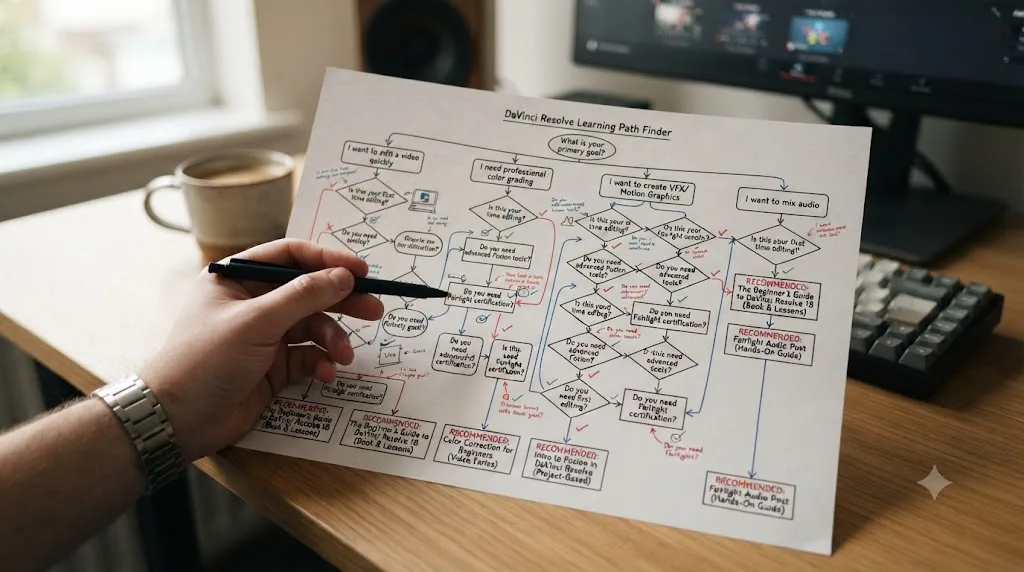
Do you need a powerful computer to follow the free training?
No, and don't let hardware anxiety delay week one. The free version of Resolve runs on ordinary laptops, and the training materials are built for teaching, not for stress-testing your GPU. Blackmagic's lesson projects are short exercises, not feature films.
If playback stutters while you follow along, two built-in settings solve most of it. Drop the timeline proxy resolution to half or quarter from the Playback menu, and generate optimized media for any clips that still choke. Both are free-version features, both are reversible, and neither affects your final export quality. Learning those two tricks in week one will save you from wrongly concluding that your machine can't handle the software.
The place hardware genuinely bites is the Fusion and color modules later in the program. Node-heavy compositing and noise-heavy grading footage ask more of a machine than simple cuts do. If you get there and hit a wall, work through the smaller lesson files first and save the heavier exercises for shorter sessions. A slow machine stretches the plan; it doesn't cancel it.
What gaps does free training leave, and how do you fill them?
Free training has real holes, and pretending otherwise helps nobody. Four show up again and again, and each one has a free or cheap fix.
Nobody reviews your work. A book can't tell you your cut drags at the ninety-second mark. Fill it by posting cuts for critique: Blackmagic runs an official user forum, and editing communities on Reddit and Discord will happily tell you what's wrong with your pacing, usually more bluntly than a paid instructor would.
You only ever practice on perfect footage. Lesson files are clean, well-lit, and correctly exposed, because they're teaching materials. Real projects hand you a dark, shaky clip with clipped audio. Fill it by re-cutting your own worst phone footage after every guide chapter, so you learn recovery skills alongside the happy path.
Troubleshooting isn't on the curriculum. No training book has a chapter on what to do when playback stutters or your render dies at 80%. Those problems will still find you, and the fix lives in error-specific guides like our slow playback fixes, not in lesson 12 of anything.
Studio-only features get thin coverage. Free courses reasonably teach the free version, so paid-tier tools like advanced noise reduction and some AI features stay a mystery. That's fine at first. When you're deciding whether those tools justify $295, our free vs Studio comparison covers exactly what the paid tier adds and who actually needs it.
When does paying for a course actually make sense?
Almost never for fundamentals, sometimes for everything after. The free stack above covers the interface, editing, a first grade, and a basic mix better than most paid beginner courses do, because the vendor wrote it. Paying to learn where the cut tool is would be a waste.
Paying starts making sense in three situations. First, when you need feedback and accountability, since a mentored course with assignment reviews fixes the biggest gap free training has. Second, when you need one deep specialty fast, like advanced color science or HDR delivery, where a focused paid course from a working professional compresses months of scattered YouTube into weeks. Third, when someone else pays or requires it: an employer funding training, or a job posting that wants a graded certificate rather than a self-study one.
If you land in one of those buckets, don't buy from a sale banner. We compare the paid options worth their price in our best DaVinci Resolve courses roundup. Everyone else should spend the money on a faster SSD instead, which will improve your editing experience more than a second beginner course ever could.
What should you watch out for when hunting for a free course?
A few things trip people up every time they search "davinci resolve course free":
- Version mismatch isn't usually a real problem. A course recorded on Resolve 19 or 20 still teaches the Edit, Color, and Fairlight pages accurately. Only the new Photo page, added in 21, requires content made after this release.
- "Free trial" is not "free." Coursera Plus, Udemy sales, and Skillshare all use the word loosely. Read past the headline before you hand over a card.
- Never download a "cracked" Studio license to skip paying for training that doesn't need it. The free version of Resolve already covers everything in every course listed here. A pirated Studio license buys you malware risk for features you probably don't need yet.
Marc Wielage, senior colorist at Chroma Hollywood, put the value of returning to fundamentals this way in Blackmagic's Colorist Guide:
"I sometimes find that going back and reviewing the basics helps give you perspective on finding a new way to give clients the look they want quickly and efficiently."
That's true whether the "basics" come from a free PDF or a paid masterclass. The software is free. Most of the real training behind it is too. The only cost most people actually pay is time, so pick the free option that matches how much time you have this week, not the one with the flashiest thumbnail.
Where should you start today?
If you've got four hours tonight, start the freeCodeCamp YouTube course and finish it in one sitting. If you'd rather build toward a real certificate, open Blackmagic's own training page, download the Beginner's Guide and its lesson files, and put the six-week plan above in your calendar. Either path costs zero dollars and gets you to the same place: a finished project instead of another bookmarked tab.
Once you've got the basics down and want the fuller path through every page in order, our DaVinci Resolve tutorial walks through editing, grading, mixing, and exporting in sequence, and our beginner's guide covers the install and system requirements this post assumes you've already sorted out.
Frequently asked questions
- Is there an official free DaVinci Resolve course from Blackmagic?
- Yes. Blackmagic Design's own training page offers free videos, six free downloadable training guides covering editing, color, Fairlight audio, and visual effects, plus downloadable lesson files and free certification exams once you finish. Nothing on that page requires a credit card.
- What is the best free YouTube course for DaVinci Resolve?
- The freeCodeCamp.org course taught by Gavin Lon is the strongest free structured option on YouTube. It runs about four hours and covers installation through editing, effects, and exporting from the Deliver page.
- Are DaVinci Resolve certification exams actually free?
- Yes, per Blackmagic's own training page. The online exams linked from each training guide cost nothing to sit, though some in-person or scheduled classes at third-party training centers carry their own fees.
- Is the Coursera DaVinci Resolve course free?
- No. Coursera's DaVinci Resolve specialization only offers a free preview of the first module or a 7-day trial of Coursera Plus. You pay to keep access or earn the certificate, so it doesn't belong on a genuinely free list.
- Do free DaVinci Resolve courses cover version 21 specifically?
- Most free video courses were recorded on Resolve 18, 19, or 20, and Blackmagic's current guides are written for Resolve 20. That's fine. The core Edit, Color, Fairlight, and Fusion workflows carry over almost unchanged into 21. The one gap is the new Photo page, which didn't exist before this release.
- How long does it take to finish a free DaVinci Resolve course?
- The freeCodeCamp YouTube course takes about four hours start to finish. Blackmagic's own training library is bigger and self-paced: at roughly five hours a week, a structured plan through the videos and one or two guides takes about six weeks.
Sources
- DaVinci Resolve - Training (Blackmagic Design)
- freeCodeCamp: Master Video Editing with DaVinci Resolve
- RedShark News: Blackmagic Publishes Comprehensive Free DaVinci Resolve 20 Training Guides
- Y.M.Cinema Magazine: Blackmagic Is Offering Free DaVinci Resolve Webinars
- Coursera: DaVinci Resolve Specialization
- The Colorist Guide to DaVinci Resolve 18 (Marc Wielage quote)
- Cullen Kelly Color (official site)
Put this guide to work with TryUncle.
Ask about the step you’re on. TryUncle sees your screen and points at the control you need, so you can keep learning in your own project.
Get TryUncle for Mac or WindowsKeep reading
Guides · Jul 7, 2026 · 32 min
DaVinci Resolve for Beginners: The Complete Starter Guide
Learn DaVinci Resolve from zero: what it costs, what it needs to run, the seven pages you'll actually use, and the steps to cut your first project.
Guides · Jul 7, 2026 · 36 min
DaVinci Resolve Tutorial: The Complete Guide to Every Page
Learn DaVinci Resolve step by step: which page to start on, how to cut, grade, mix, and export your first project, plus shortcuts and free training.
Reviews · Jul 7, 2026 · 22 min
DaVinci Resolve 21 Review: What's New and Is It Worth Upgrading?
A close look at DaVinci Resolve 21: the new Photo page, IntelliSearch, CineFocus, Krokodove, what Blackmagic actually shipped, and who should upgrade now.