Articles / Guidesupdated for DaVinci Resolve 21.0.3 (September 2026)
DaVinci Resolve: Make Sound Effects Sound Distant
Quick answer
In DaVinci Resolve, make sound effects sound distant by lowering the dry level, rolling off high and low frequencies with Fairlight EQ, then adding controlled reverb and optional delay. Start with the source and effect on separate controls, and raise the wet signal only until the sound sits behind the scene.
I make sound effects feel distant by reducing direct sound, narrowing the tone, and giving the remainder a believable space. Reverb alone usually sounds pasted on top.
As of September 2026, this workflow applies to the final DaVinci Resolve 21 release and its 21.0.3 update listed by Blackmagic Design. After seven years of cutting commercial work in Resolve, we’ve found that order matters more than any single plugin setting.
How do I make sound effects sound distant in DaVinci Resolve 21?
To make sound effects sound distant in DaVinci Resolve 21, lower the dry signal, remove some extreme low and high frequencies with Fairlight EQ, then add restrained reverb and optional delay. The sound should remain identifiable, but its directness should recede.
Distance comes from several cues, not one magic knob. A far effect has less direct sound, less top-end detail, and more evidence that the environment is carrying it.
A distant sound effect needs less direct sound, less high-frequency detail, and more evidence of space.
Use this as a starting map:
| Control | What to try first | What you’re listening for |
|---|---|---|
| Direct level | Turn it down until the sound stops feeling close | The source remains recognizable without sitting on top of the image |
| Low end | Trim some rumble, often beginning around 150 to 200 Hz | The effect loses weight without becoming thin |
| High end | Roll off some top end, often beginning around 4 kHz for a filtered delay | The sound loses sparkle and edge, not its whole identity |
| Reverb | Use a diffuse return with less early detail | The room becomes audible around the source |
| Delay | Add a quiet, filtered repeat only when the location needs it | The scene suggests a wall, street, canyon, or large room |
The frequency starting points follow Sound On Sound’s distance-mixing guidance. They aren’t laws.
What should I change first: level, EQ, reverb, or delay?
Change the direct level first, then EQ, reverb, and delay. This order keeps one cue from hiding another.
EQ creates the distance cue, while reverb and delay describe the space around it.
EQ creates the distance cue, while reverb and delay describe the space around it.
Start by bypassing every plugin and lowering the original clip. If the effect still feels close, use Fairlight’s EQ to reduce the bandwidth. A high-pass filter can remove unnecessary rumble. A low-pass filter can remove the crisp detail that makes a sound feel near and exposed.
Blackmagic’s Fairlight documentation describes a four-band parametric EQ for an individual clip in the Inspector and a six-band parametric EQ on a track. Use clip EQ for one effect, or track EQ for a group that shares a location. Blackmagic’s Fairlight Audio Guide documents using the first and last bands as high-pass and low-pass filters.
Then add reverb. Don’t chase a huge tail. A distant sound needs a room cue, not a wash that competes with the picture. Shorter pre-delay and a return with less early-reflection detail generally push a sound farther back, according to Sound On Sound’s mixing guide.
Delay is optional. Use it when the scene has a surface or geography that should be heard. Reverb can say “space,” while a quiet, filtered repeat can say “space with a wall over there.”
How do I build the effect in Fairlight step by step?
Build the effect in Fairlight on its own track, preserve a dry version, and make one change at a time. DaVinci Resolve’s Fairlight page provides real-time EQ and dynamics on every track, plus track effects and inserts, as Blackmagic Design explains.
-
Prepare the sound effect. Put the clip on its own audio track and keep an unprocessed version muted below it as a reference.
-
Lower the direct sound. Pull down the clip level while listening with the image, dialogue, and ambience. Stop when the effect still reads clearly but no longer feels beside the viewer.
-
Shape the bandwidth. Open clip EQ in the Inspector or track EQ from the mixer. Try a high-pass around 150 to 200 Hz for excess rumble and a low-pass around 4 kHz for a strong distance cue. Sweep gently, then back off.
-
Add reverb. Insert Fairlight reverb on one track, or route several location sounds to a shared auxiliary return, a workflow also covered in Blackmagic’s Fairlight forum. Keep the return lower than your first instinct. If the dry sound dominates, reduce the source before adding more reverb.
-
Add optional delay. Use a short, quiet repeat for a wall or reflective street. For a stylized far location, Michael Theiler describes examples around 300 milliseconds and 600 milliseconds, then washes the repeats with reverb. Treat those as creative examples, not Resolve presets. Read Theiler’s spatialisation setup.
-
Automate and check the mix. Keyframe the direct level and effect return as distance changes. A sound moving away should lose direct detail gradually, not jump from dry to drenched. Check it with dialogue playing.
Michael Theiler’s warning is practical: “Just adding reverb is not enough - the sound needs to be purpose built for the space’s reverberation and delay treatment.” Theiler, Game Developer.
Why is my distant sound effect only muffled, not far away?
Your distant sound effect is probably only muffled because the EQ is doing all the work while the direct signal remains too prominent. Restore the useful midrange, reduce the dry level, and add a quieter sense of space.
Try these fixes:
- It sounds like a blanket. Open the low-pass filter slightly. The point is to remove proximity and sparkle, not every high frequency.
- It sounds underwater. Reduce reverb and inspect the low-mid range. Too much low-mid energy in the return can make the effect cloudy.
- It sounds close even with reverb. Turn down the direct clip before increasing the reverb. The contrast between direct and reflected sound is the distance cue.
- It disappears behind dialogue. Keep its important midrange under control and automate its level around speech.
Theiler describes keeping ambiences subtle and using direct sound, reverb, delay, and EQ together to create depth. A huge reverb tail rarely solves a close-sounding effect by itself.
The best distance mix keeps the sound recognizable before it makes the sound remote.
Reverb makes distance believable only when the direct signal and the room return have a clear relationship.
How do I automate a sound effect moving farther away?
Automate the dry level down first, then automate the filtered effect return up by a smaller amount. This makes the source retreat while the environment stays present.
For a simple move, add two keyframes to the clip level. Let the dry effect speak clearly at the start, then reduce it until the effect sits behind the scene. Add a gentle rise to the reverb send. If the location calls for an echo, bring in delay slightly after reverb.
For a sound that moves closer, bring up the direct level, restore some high end, and reduce the return. Keep the changes gradual unless the story calls for a sudden perspective shift.
Automation turns a static distant sound effect into a readable change of perspective.
Resolve 21’s new Fairlight folder tracks can organize related SFX tracks without changing the original clips. Blackmagic’s Resolve 21 New Features Guide says folders support up to three levels of nesting. This helps keep source and return layers manageable, but it doesn’t create the effect itself.
See our guide to layering sound effects in DaVinci Resolve for the arrangement work before processing.
Should I use a downloaded sound effect or record Foley?
Use a source that already has the right perspective. A badly chosen close recording can take more processing than one selected for distance.
Our guide to making sound effects realistic in DaVinci Resolve goes deeper on matching an effect to the image. Before opening Fairlight, choose a source with a useful transient, a believable location, and enough identity to survive less top end and direct level.
You can record Foley, use a free library, or choose a paid catalog when you need more search breadth and licensing structure. Epidemic Sound is one option for licensed music and sound effects. Free libraries and your own recordings may be better for a one-off project.
Disclosure: This section contains an affiliate link. We may earn a commission if you choose the paid option. If you regularly need music and effects, check Epidemic Sound and confirm its plan covers your use. For one effect, use what you have and spend time on the mix.
Which settings should I use for a wall, canyon, or open street?
Choose the setting by changing the relationship between direct sound, return, and repeat, not by copying one reverb preset. Timing and level can make the same EQ curve suggest different spaces.
| Imagined location | Direct sound | EQ direction | Space cue |
|---|---|---|---|
| Through a wall | Low but still intelligible | Stronger high cut, keep enough midrange for recognition | Short, dull room return |
| Open street | Low to medium | Moderate high cut and controlled low end | Wider, quieter return with a restrained repeat |
| Canyon or large exterior | Low | Remove distracting top end without making it tiny | Longer, filtered repeat followed by reverb |
| Distant radio or speaker | Low | Narrow the bandwidth at both ends | Small room or device-like reflection |
These are creative directions, not universal environment presets. Theiler’s published example uses delays around 300 and 600 milliseconds with substantial EQ changes for distant city sounds. His result is deliberately stylized, a reminder to exaggerate carefully when the picture needs clear geography.
What should I check before I call the effect finished?
Check recognition, perspective, masking, and translation before committing the effect. If the audience can’t identify it or it steals attention, the treatment has gone too far.
- Bypass the processing. Can you still tell what the sound is?
- Listen with the full scene. Does it sit behind the foreground action?
- Mute the delay. Does the scene lose a useful location cue, or only clutter?
- Lower the reverb return. If the mix improves, keep the lower setting.
- Check dialogue. The effect should leave speech understandable without needing heroic EQ on the voice.
- Replay the transition into and out of the effect. Distance should feel intentional, not like a level mistake.
DaVinci Resolve 21’s Fairlight tools are enough to build this effect beside the edit. Start with level, narrow the tone, then add only enough space to make the picture believable.
Frequently asked questions
- How do I make sound effects sound distant in DaVinci Resolve?
- Lower the direct clip, use Fairlight EQ to remove some low and high frequency energy, then add a diffuse reverb and a quiet, filtered delay. Adjust the effect while listening against dialogue and ambience, because the right amount depends on the scene.
- Why is my distant sound effect only muffled?
- Muffling usually means the EQ is doing all the work. Restore enough midrange for the sound to remain recognizable, then reduce the dry level and add a small amount of reverb or delay so the listener hears distance rather than a blanket over the source.
- How much reverb should I use for a distant sound effect?
- Use enough reverb to reveal the space, not enough to erase the source. A useful starting point is a low direct level with a slightly higher reverb contribution, then reduce the return until the effect supports the picture without competing with speech.
- Can I make a sound effect sound distant in the free version of DaVinci Resolve 21?
- Yes. DaVinci Resolve 21 includes Fairlight audio tools such as track EQ and Fairlight FX. Resolve Studio adds extra tools, but the basic level, EQ, reverb, and delay workflow does not require leaving the Fairlight page.
Sources
- Blackmagic Design DaVinci Resolve support and 21.0.3 update
- Blackmagic Design Fairlight audio page
- Blackmagic Design DaVinci Resolve 21 product page
- Blackmagic Design Fairlight Audio Guide
- Michael Theiler on creating ambient audio for games
- Sound On Sound: Creating a sense of depth in your mix
- Blackmagic Design forum: using reverb effects
- Epidemic Sound sound effects library
Put this guide to work with TryUncle.
Ask about the step you’re on. TryUncle sees your screen and points at the control you need, so you can keep learning in your own project.
Get TryUncle for Mac or WindowsKeep reading
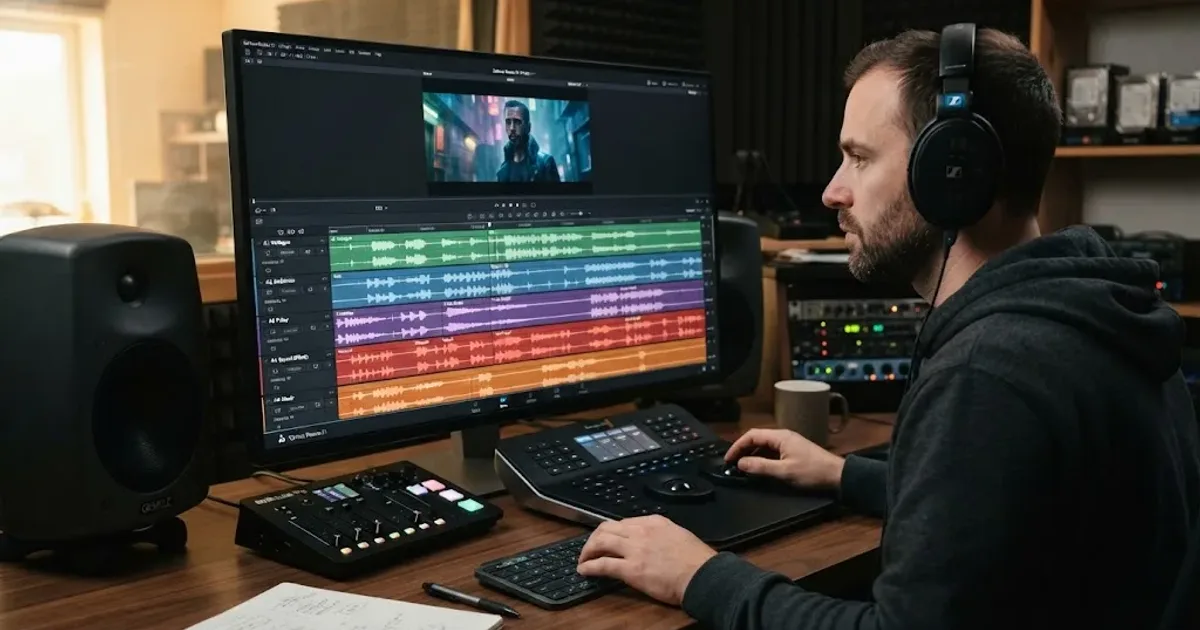
Guides · Aug 24, 2026 · 8 min
How to Layer Sound Effects in DaVinci Resolve 21
Learn how to layer sound effects in DaVinci Resolve 21 with a clean Fairlight track layout, precise sync, volume shaping, and practical mix checks.
Guides · Aug 28, 2026 · 8 min
How to Make Sound Effects Realistic in DaVinci Resolve 21
Make sound effects realistic in DaVinci Resolve 21 with layering, EQ, reverb, panning, automation, and room-aware mixing in Fairlight.
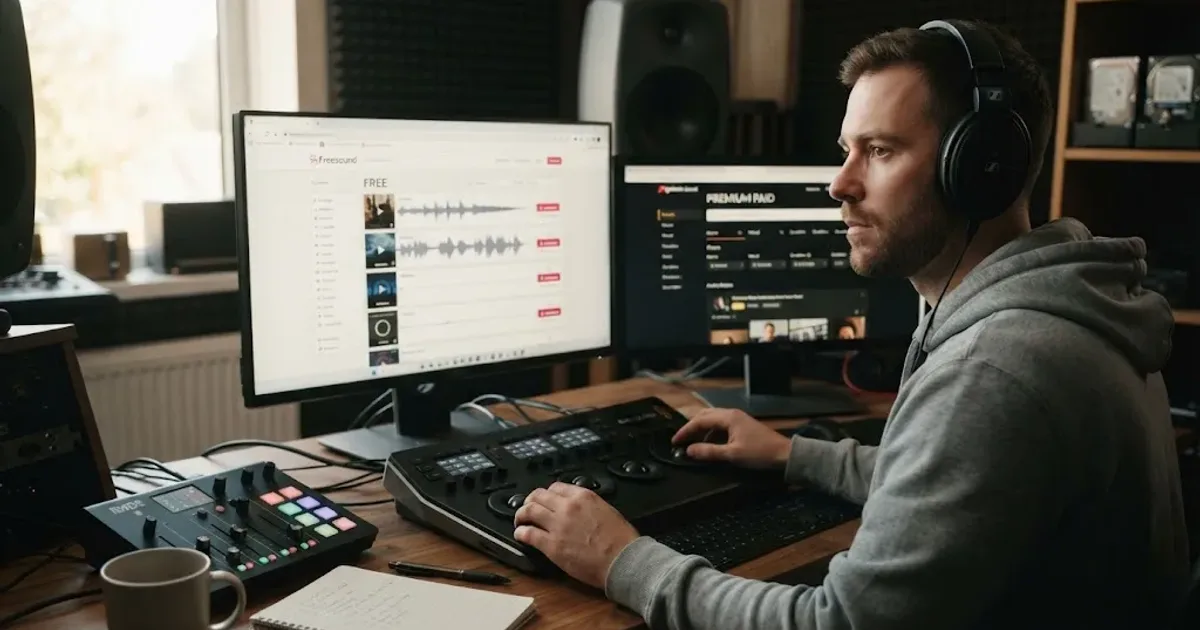
Guides · Aug 24, 2026 · 8 min
Best Sound Effects Library for YouTube Videos in 2026
Find the best sound effects library for YouTube videos, with honest picks for free, specialist, and recurring DaVinci Resolve workflows.