Articles / Guidesupdated for DaVinci Resolve 21 (August 2026)
DaVinci Resolve Music Ringout: End Songs Smoothly
Quick answer
To create a DaVinci Resolve music ringout, extend the music clip past the visual endpoint, add a short FairlightFX Reverb or Delay, then automate or fade the effect down. In Resolve 21, use the track or an auxiliary bus when you need the tail to continue cleanly after the clip's visible ending.
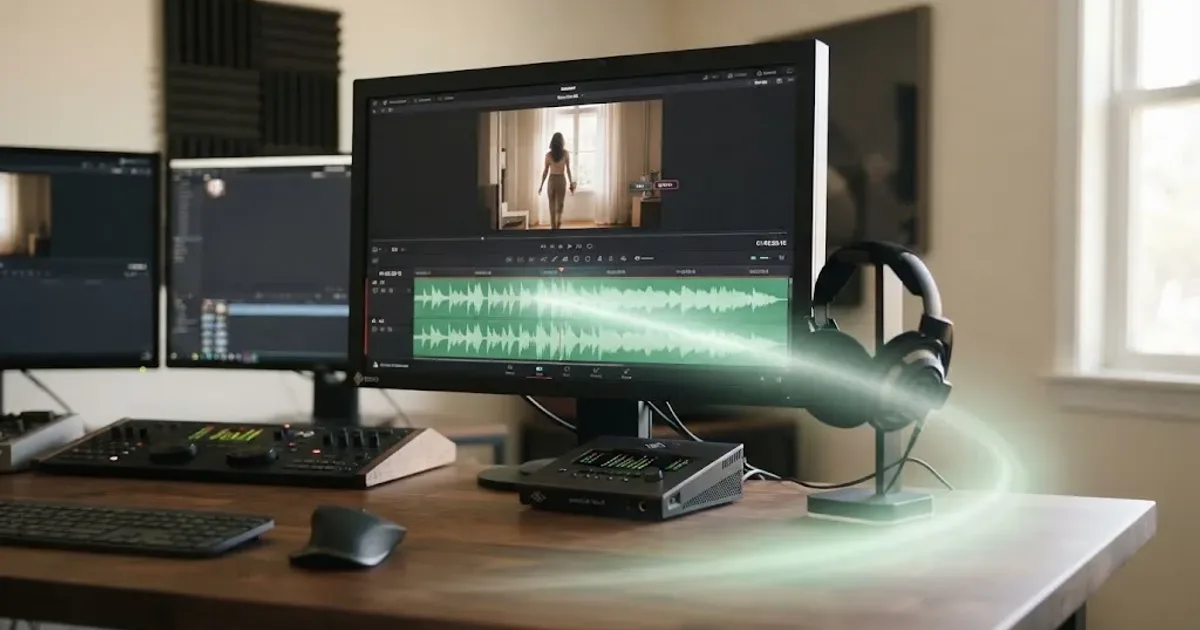
The hard cut is rarely the real problem. Usually, the song simply stops before the picture is ready to let go.
I use a simple fix: give the audio room beyond the last frame, then shape the exit with Fairlight. This guide is current for DaVinci Resolve 21 as of August 2026. After 7+ years of professional commercial editing, we’ve seen this ending turn up in our 100,000+ member video-editing community.
How do I create a DaVinci Resolve music ringout?
To create a DaVinci Resolve music ringout, keep the music clip alive after the last visual cut, fade the dry source, and let a controlled reverb or delay tail finish the phrase. If the clip ends at the same frame as the video, no plug-in can create a tail after that boundary.
1. Mark the visual endpoint
Move the playhead to the last frame of the picture. Listen to the final phrase and decide whether the song should finish there, drift under the shot, or continue into silence.
Fairlight’s audio timeline lets you extend and shorten clips, add fades, and adjust levels in the same view. Blackmagic documents Shift-] for trimming a clip’s end to the playhead. For a ringout, preserve extra source after the picture endpoint. (Blackmagic’s Fairlight guide)
2. Leave audio beyond the last frame
If the music file continues, drag its right edge to reveal more. If the file ends there, use a different source, a musical edit, or a designed effect tail. A plug-in can process sound that exists, not sound that was never imported.
A clean DaVinci Resolve music ringout needs audio beyond the picture edit point.
| Decision | Start here | Why |
|---|---|---|
| One song, one ending | Clip effect | Fastest way to isolate the ringout. Fairlight supports effects on audio clips. (Blackmagic) |
| Several music clips | Track effect | One effect can process the whole track. Fairlight supports effects on mixer channels. (Blackmagic) |
| Several tracks, one shared space | Auxiliary bus | An Aux bus sends tracks to one effect instead of repeating the plug-in. (Fairlight Audio Guide) |
| Defined last repeat | Delay | Try 30 to 35 ms and about 15% Dry/Wet, as in Blackmagic’s example. (Fairlight Audio Guide) |
Why does my DaVinci Resolve music ringout get cut off?
Your DaVinci Resolve music ringout gets cut off when the clip, track, or effect path stops before the reverb or delay has finished. Extend the source clip and check whether the effect is sitting on a clip that ends too early.
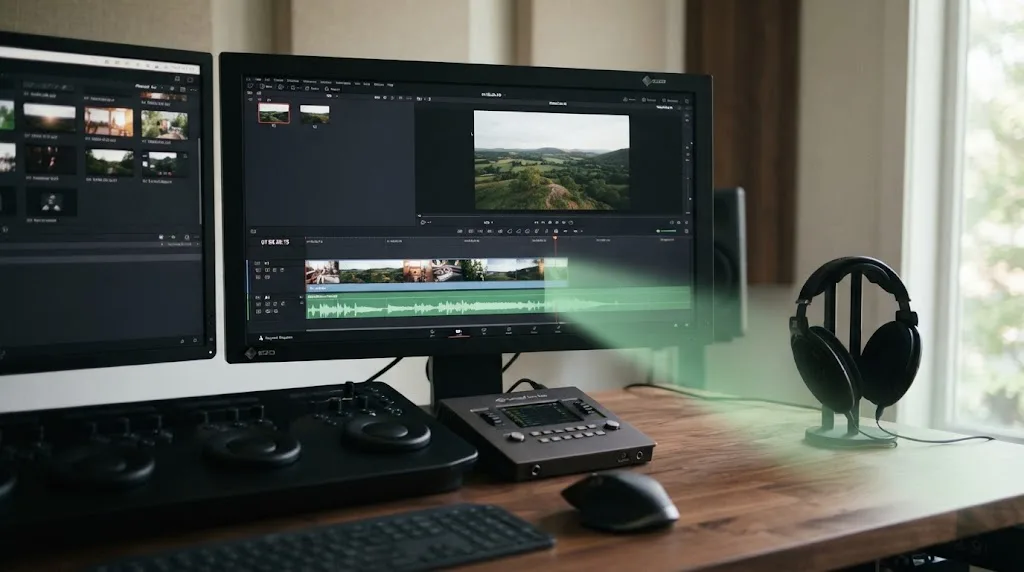
Clip effect or track effect?
For a reusable mix, put the effect on the track. To isolate it from the dry signal, create an auxiliary bus and send the music to it. Blackmagic’s guide says an Aux bus lets multiple tracks share one effect, saving processing and time. (The Fairlight Audio Guide)
How do I add Fairlight reverb for a longer ringout?
To add Fairlight reverb for a longer ringout, insert FairlightFX Reverb on the music clip, track, or auxiliary bus, then reduce the dry source while listening to the tail.
- Open the Fairlight page and select the music clip or track.
- Open the Effects Library and find FairlightFX Reverb.
- Drag Reverb to the clip or the mixer channel.
- Start playback before the final phrase and adjust the room or decay controls while the music is still present.
- Keep the direct music intelligible, then lower the reverb return as the tail continues.
- Bypass the effect and compare the ending at the same level.
Blackmagic’s Fairlight training material presents Reverb as a spatial simulation for adding scale and space. The exact setting depends on the recording and cut, so I won’t pretend one decay time fits every song. (Blackmagic’s Fairlight Audio Guide)
FairlightFX Reverb makes a song ending feel like space, while Delay makes the last phrase repeat.
Mary Plummer, author of Blackmagic Design’s Fairlight Audio Guide, describes the companion effect this way: “The FairlightFX Delay is a standard stereo delay effect that you can use for track doubling, early reflection generation, and harmonic enhancement.” (Blackmagic Design’s Fairlight Audio Guide)
How do I use delay without making the ending sound like an echo?
To use delay without making the ending sound like an echo, start with a short delay, low feedback, and a small wet blend. Blackmagic’s guide suggests 30 to 35 milliseconds and about 15% Dry/Wet for a subtle example. Treat those values as a starting point, not a universal recipe. (Blackmagic’s Delay exercise)
- Add FairlightFX Delay to the clip, track, or bus.
- Set Delay Time near 30 to 35 ms.
- Set Dry/Wet near 15%.
- Play the last phrase and lower Feedback until repeats stop sounding like distinct notes.
- Bypass the delay, then enable it again. Keep it only if the ending gains shape without pulling attention away from the picture.
Delay is useful when the final word, beat, or chord needs definition. Reverb is better for a softer disappearance. Start with one so the ending doesn’t outlast the edit.
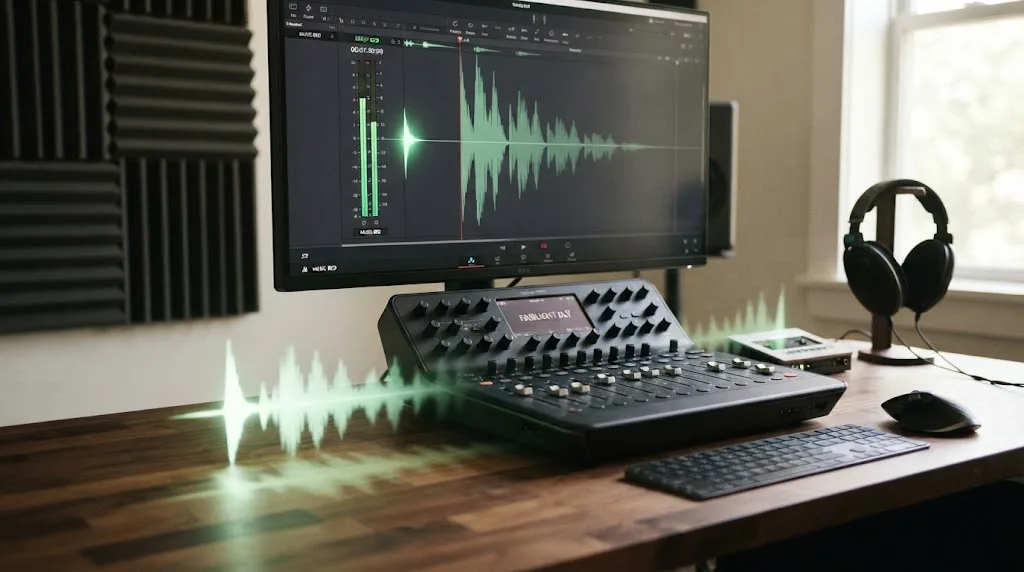
Should I use an audio fade, reverb, or both?
Use an audio fade to control the source level, reverb to add space, and delay to add a defined repeat. For most music ringouts, use both a gentle source fade and one restrained time-based effect.
An audio fade controls the source level, but reverb and delay control what remains after the source stops.
Fairlight provides fade handles at the sides of audio clips, and Blackmagic documents automation for changing effect controls over time. Drag a fade for speed, or automate the effect return when you want the tail to bloom and disappear. (Blackmagic’s Fairlight audio tools)
For a quick ringout, drag the right fade handle left. For a polished ending, keep the source fade modest, raise the effect send for the last phrase, then automate it down.
If the ending sounds muddy, shorten the tail. If the last chord disappears too quickly, extend the audio first. If the effect feels detached, lower the wet level.
How do I make the ringout fit the final shot?
To make the ringout fit the final shot, decide where the listener should stop hearing music, then shape the tail around that point. The endpoints don’t have to match, but the tail must support the edit’s pacing.
Use this timing pass:
- Play from the final musical phrase into the last shot.
- Stop the tail before it competes with dialogue or a final sound effect.
- Leave a clean pocket of silence before the next scene or the end of the file, watching the image as you make the last level move.
For a broader Fairlight mixing pass, use our guide to mix audio in DaVinci Resolve with Fairlight. If the song is the wrong duration before you start processing it, fit music to video length in DaVinci Resolve first.
Where should I get music that can be adapted for a ringout?
Choose music by its ending, not only its opening. Stems, alternate versions, or clear adaptation rights give you more ways to create a natural ringout.
The free YouTube Audio Library is a useful starting point for YouTube-first work. YouTube says the library includes royalty-free production music and sound effects, and it identifies whether a Creative Commons track requires attribution. It also warns that music from other libraries or random “free music” uploads needs its own license check. (YouTube Audio Library help)
Soundstripe is another option when you want a subscription or single-use license. Its current page separates those paths by project and distribution needs. (Soundstripe licensing options)
A licensed music track solves rights questions, but it does not replace a good ending edit.
Affiliate disclosure: this section includes an affiliate link. If you publish music regularly and want a licensed catalog with options for stems or adapted versions, explore Epidemic Sound’s current music licensing options. Check the plan’s terms for your channel, client, advertising, or other distribution before you download and publish. The right plan depends on the project, and no library makes every use automatically covered.
For client work, save the license record with the project. Our music licensing guide for freelance video editors covers who can publish the finished video and where.
What should I check before exporting the ringout?
Before exporting a DaVinci Resolve music ringout, listen past the picture endpoint, inspect the final audio meters, and confirm that the tail isn’t masking dialogue or ending in a click. Resolve’s Fairlight page supports clip, track, and bus mixing, so check the path that actually carries the tail instead of looking only at the source clip. (Blackmagic’s Fairlight overview)
Use this final checklist:
- The music clip continues far enough past the last picture frame.
- The dry music does not vanish before the effect has time to speak.
- The reverb or delay return falls to silence at the intended point.
- No new tail competes with dialogue, a voiceover, or a final sound effect.
- The license covers the destination and the way the video will be published.
If Fairlight becomes heavy, Blackmagic documents caching and bouncing options for processor-intensive clips and tracks. Use them after the creative choice is made. (Blackmagic’s Fairlight FX documentation)
The best DaVinci Resolve music ringout is the shortest tail that makes the ending feel intentional.
Start with the source extension, add a modest fade, and audition Reverb before Delay. If the music still ends too abruptly, increase the effect gradually. Then stop turning knobs and watch the cut. The picture gets the final vote.
Frequently asked questions
- How do I make music fade out in DaVinci Resolve?
- Select the music clip in Fairlight, drag its end fade handle left, and audition the fade against the final shot. For a longer ringout, leave the source running beyond the picture endpoint and fade the effect return separately.
- Why does my DaVinci Resolve music ringout get cut off?
- The ringout is usually cut off because the audio clip or track ends at the same point as the picture. Extend the audio beyond the final frame, or route the effect to an auxiliary bus that continues after the dry clip ends.
- Can I add reverb to the end of a song in DaVinci Resolve?
- Yes. Add FairlightFX Reverb to the music clip, track, or an auxiliary bus, keep the dry signal present through the ending, and automate the wet return down until the tail disappears naturally.
- How long should a music ringout be?
- A music ringout should last only as long as the final image and pacing need. Start with the shortest tail that avoids an abrupt stop, then lengthen it when the scene has room to breathe.
Sources
- Blackmagic Design, DaVinci Resolve 21 manual
- Blackmagic Design, Fairlight audio post tools
- Mary Plummer, The Fairlight Audio Guide to DaVinci Resolve 18
- Blackmagic Design, The Fairlight Audio Guide to DaVinci Resolve 20
- YouTube Help, Audio Library music and sound effects
- Soundstripe, pricing and licensing options
- Epidemic Sound, licensed music and soundtracking options
Put this guide to work with TryUncle.
Ask about the step you’re on. TryUncle sees your screen and points at the control you need, so you can keep learning in your own project.
Get TryUncle for Mac or WindowsKeep reading
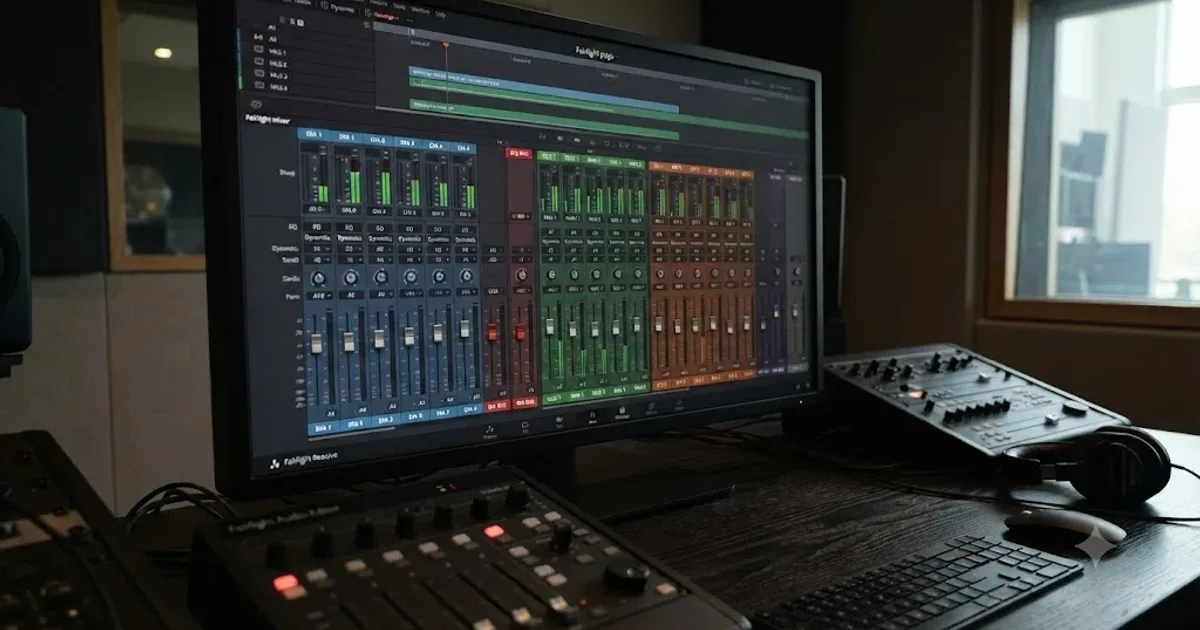
Guides · Jul 11, 2026 · 31 min
How to Mix Audio in DaVinci Resolve Using Fairlight
Mix audio in DaVinci Resolve's Fairlight page: build a dialogue/music/effects bus structure, gain-stage your clips, EQ and compress dialogue, then duck music under it.
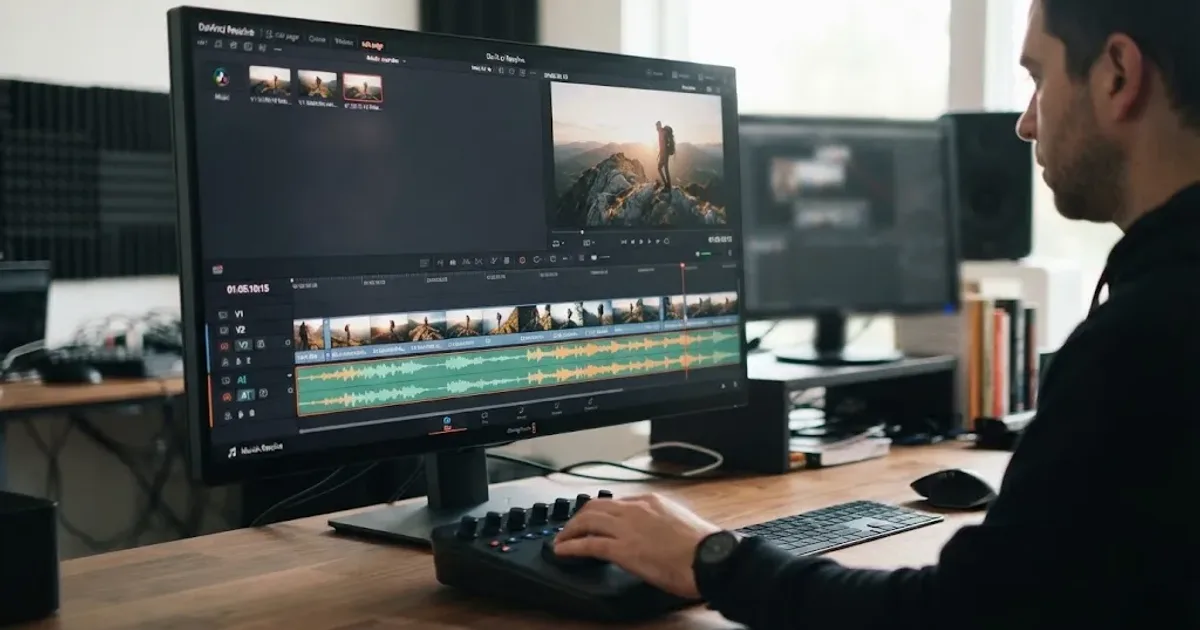
Guides · Aug 24, 2026 · 7 min
DaVinci Resolve Fit Music to Video Length: 21 Guide
Fit music to your video in DaVinci Resolve 21 with Music Editor, beat markers, Elastic Wave, and a clean manual fallback.

Guides · Aug 24, 2026 · 8 min
Music Licensing for Freelance Video Editors: Client Rights
Practical music licensing for freelance video editors, covering client handoffs, safelisting, platform rights, cancellation, and DaVinci Resolve 21.