Articles / Guidesupdated for DaVinci Resolve 21.0.3 (August 2026)
DaVinci Resolve Sound Design for Action Scenes
Quick answer
DaVinci Resolve sound design for action scenes works best when you build separate layers for sync effects, movement, impacts, ambience, and music, then shape perspective with clip gain, panning, and Fairlight automation. Cut layers to the edit, leave space for key hits, and mix the whole sequence in Fairlight.

Action scenes don’t need a wall of explosions. They need a clear chain of cause and effect: a foot lands, a body turns, metal bends, and the room reacts. After 7+ years of commercial editing, we’ve found that strong action mixes come from better choices, not more clips.
As of August 2026, this workflow is written for DaVinci Resolve 21.0.3 and Fairlight.
What makes DaVinci Resolve sound design for action scenes work?
DaVinci Resolve sound design for action scenes works when every layer has a job and the mix follows the scene’s point of view. Decide what the audience must understand, then choose sounds that make that moment clearer, heavier, faster, or more surprising.
Sound design isn’t a hunt for the loudest gunshot. Randy Thom puts the idea well: “Sound, musical and otherwise, has value when it is part of a continuum, when it changes over time, has dynamics.” His essay on designing for sound treats sound as part of the film’s decisions, not decoration added after the cut.
For an action beat, sort your choices into five jobs:
- Sync: the shoe, hand, weapon, door, vehicle, or body movement that tells us what happened.
- Movement: cloth, whooshes, swings, slides, scrapes, and fast air that tell us how it happened.
- Impact: the contact or collision that gives the beat weight.
- Reaction: debris, rattles, glass, room response, and tails that let the event affect the world.
- Story bed: ambience, dialogue, and music that keep the sequence connected.
Action-scene sound design is strongest when each sound has a story job, not just a volume boost.
How do I set up a Fairlight timeline for action scenes?
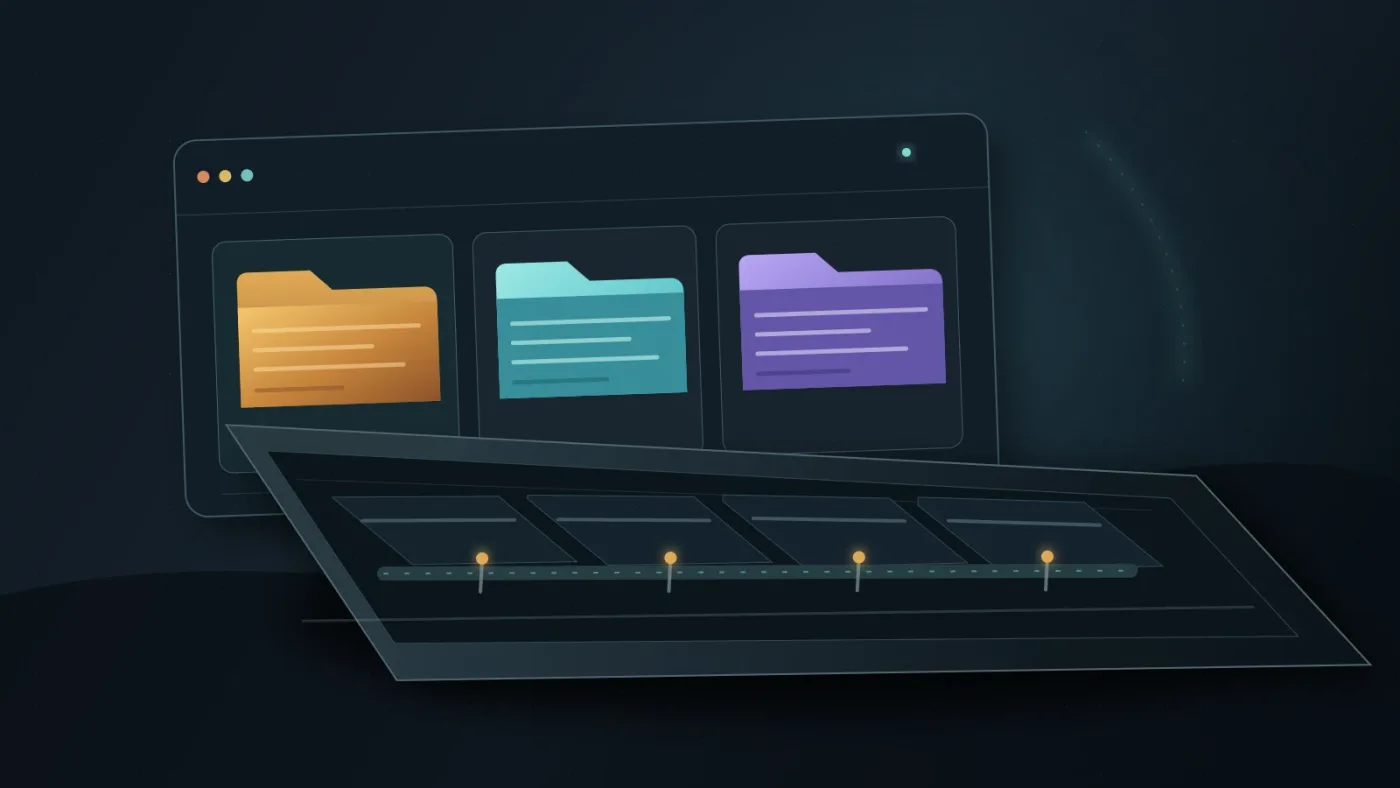
Set up Fairlight by separating sound roles before layering. DaVinci Resolve 21 adds Fairlight folder tracks, and Blackmagic’s support notes list DaVinci Resolve 21.0.3 in the 21 release line. The Resolve 21 New Features Guide shows the folder workflow.
- Watch the picture once with no sound work in progress. Mark movement, contacts, the biggest impact, and changes in point of view.
- Open Fairlight and create clearly named tracks. Put related tracks in folders if the timeline needs more room.
- Choose sources after you understand the beat. Decide whether the scene needs a dry close sound, a wide exterior response, or an unnatural accent.
| Track or folder | Put here | The question it answers |
|---|---|---|
| Sync FX | Footsteps, grabs, weapon handling, doors, contact points | What exactly happened? |
| Movement FX | Swings, passes, cloth, slides, fast air | How did it move? |
| Impact FX | Hits, falls, crashes, blasts | Where should the beat land? |
| World FX | Debris, alarms, room tone, distant traffic | How did the space react? |
| Music | Score, tension bed, pulses, transitions | What should the audience feel between beats? |
How do I layer sound effects for each action beat?
Layer action effects from readable to expressive. The first sound should tell the audience what happened; later layers should add material, scale, or emotion without hiding that first idea.
Use this order for a punch, fall, crash, or weapon movement:
- Place one sync cue against the visible action.
- Add movement before contact if the action travels.
- Add the impact and trim its start until picture and sound feel like one event. Timing matters more than extra low end.
- Add one or two reactions from the environment. A wall, floor, vehicle, or nearby object can locate the event.
- Add a tail only when the space or story needs one.
Our guide to layering sound effects in DaVinci Resolve covers the general technique. For action, restraint matters. A hero hit may deserve several layers, while a background scuffle may need only a sync cue and room response.
A bigger action beat usually comes from contrast between quiet and loud, close and distant, dry and reverberant.
How do I make movement and perspective audible?
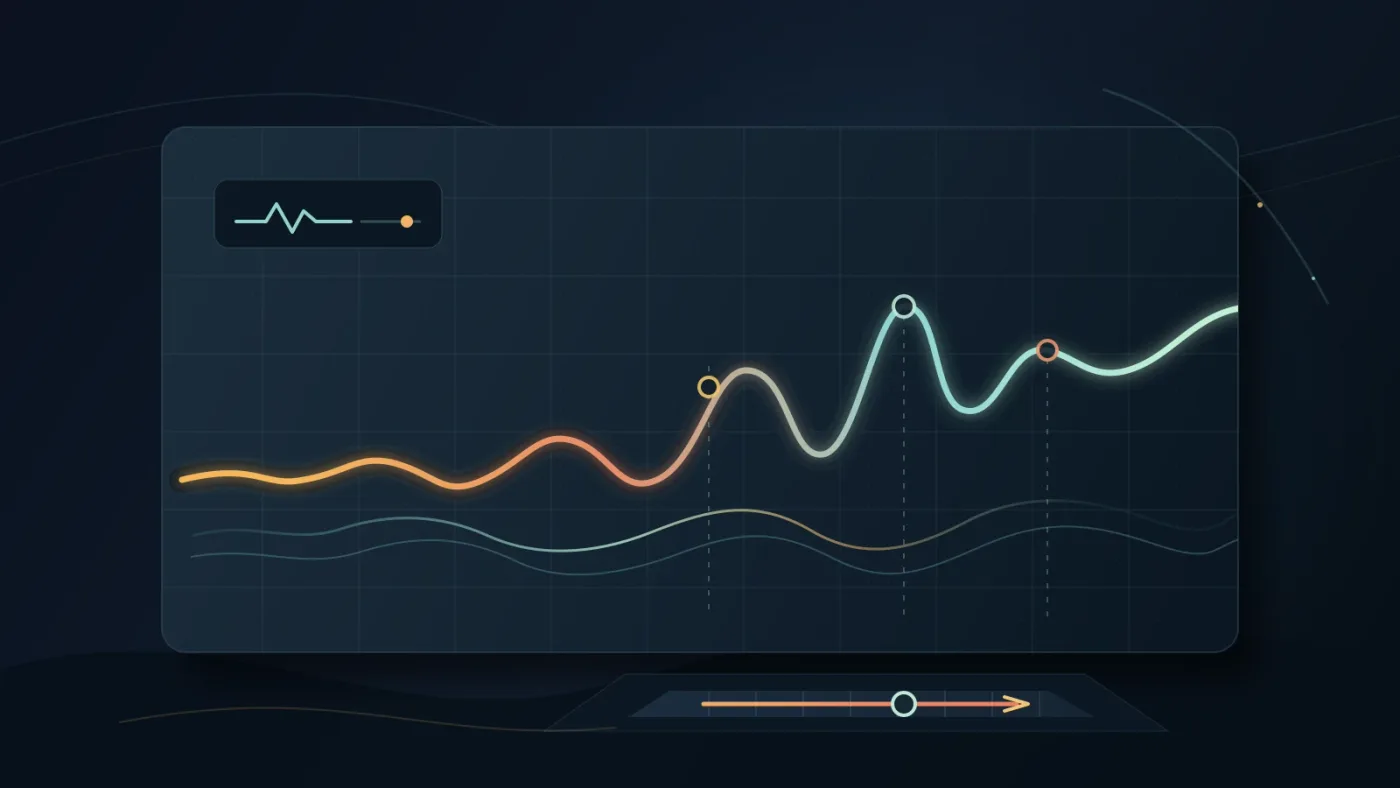
Make perspective audible by changing level, pan, tone, and ambience as the action moves through the frame. Fairlight gives each clip volume, pan, pitch, and a 6-band parametric EQ, while its automation tools can record changes over time, according to Blackmagic’s Fairlight documentation.
Work in three passes:
- Place the sound. Pan a moving object toward the side where the audience reads it. Keep a central sound central when the story wants attention on the event.
- Shape the distance. A nearby sound can feel present and dry. A distant sound can sit lower, lose detail, or carry more space.
- Automate the change. In Fairlight, hold Option on macOS or Alt on Windows and click a clip’s gain line to add keyframes, then drag the points to shape level. Track parameter curves can also be automated during playback.
Don’t automate every parameter just because you can. A single level move at the right moment often communicates more than a complex effect sweep. If the camera cuts from a close perspective to a wide view, let the sound change with the cut.
Perspective is a mix decision, not a reverb preset.
How do I choose music and sound effects without weakening the scene?
Choose music and effects by their job, then protect the sounds that carry the action. Music can create momentum, but it shouldn’t erase sync, impact, or dialogue.
| Source | Choose it when | Watch for |
|---|---|---|
| Custom recordings and foley | You need a sound tied to a location, performer, or prop | Recording takes time and needs editing |
| Epidemic Sound | You need recurring licensed music and SFX | Check the plan and license for your use |
| Motion Array | You also need templates, footage, graphics, plugins, and LUTs | A broad subscription may be more than you need |
| Soundstripe | You want subscription and single-use licensing paths | Match the license to the project |
The official Motion Array plan page lists music, SFX, footage, templates, graphics, plugins, and LUTs. Soundstripe’s pricing page describes subscriptions and single-use licenses.
Disclosure: We may earn a commission if you subscribe through the Epidemic Sound link below. That relationship doesn’t change the workflow advice, and you should confirm the current license before using a track in client or paid media work.
Check Epidemic Sound’s current music and sound-effects options if you regularly need fresh audio and want a licensed source to audition alongside your own recordings. Use it as a source, not as a substitute for deciding what the scene needs.
How do I mix an action scene in Fairlight?
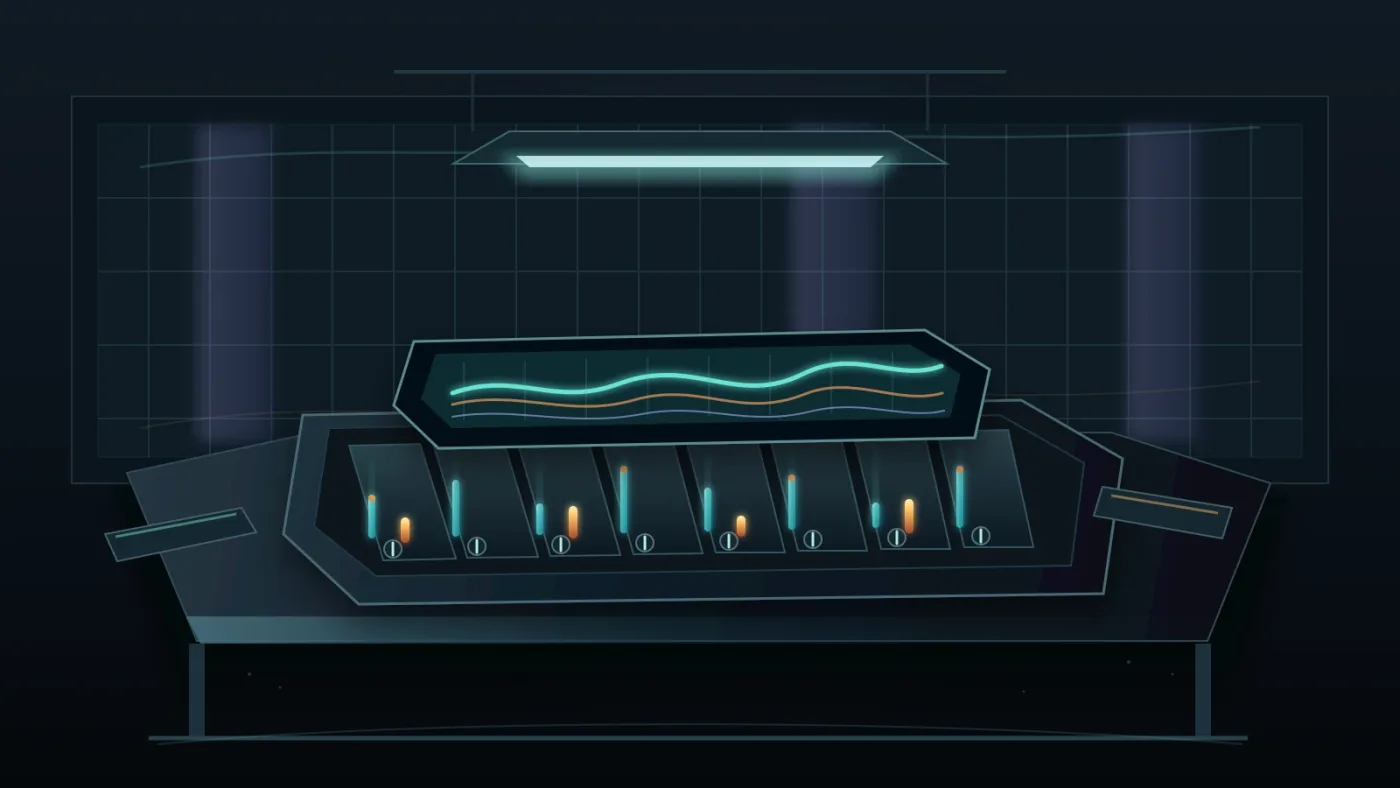
Mix an action scene in Fairlight by protecting the story first, then shaping the effects around it. The Fairlight mixer provides faders, stereo and 3D panners, 6 effect slots, dynamics, and a 6-band parametric equalizer on each channel strip, according to Blackmagic’s Fairlight overview.
- Start with dialogue or the clearest story cue. If the audience can’t follow the scene, the effects are too important.
- Bring in sync effects one group at a time. Lower anything that competes with the main beat.
- Add movement and world response only when they improve direction or place.
- Bring in music last, automate it around key actions, then check the loudest moment and quietest transition.
For more Fairlight detail, use our guide to mixing audio in DaVinci Resolve with Fairlight.
A clean action mix leaves room for the one sound the audience must remember.
Why does my action scene sound crowded or flat in DaVinci Resolve?
An action scene sounds crowded when too many layers compete, and it sounds flat when every layer has the same distance, timing, and weight. Diagnose the role of each sound before reaching for another effect.
| Problem | Likely cause | First correction |
|---|---|---|
| Everything feels loud | Every cue is a hero cue | Mute layers, then restore only clarifying sounds |
| Hits feel small | The start is late or buried | Tighten sync and create a pocket around impact |
| Movement feels random | Pan and timing ignore the picture | Rebuild the movement cue from its direction |
| The scene has no place | World response disappears | Add a bed, then vary it around the action |
| The mix is one long blast | No contrast between events | Leave gaps and let tails finish |
If the effects are technically clean but emotionally dull, revisit the point of view. The guide to making sound effects realistic in DaVinci Resolve is useful here. Realism isn’t the same as literal accuracy. The sound should feel right for the character, camera, and story.
What is the best way to learn DaVinci Resolve while practicing sound design?
The best way to learn DaVinci Resolve sound design is to repeat one short scene with fewer layers, compare the result, and only then add complexity. Blackmagic’s official training library includes Fairlight lessons; Casey Faris offers a DaVinci Resolve course on YouTube, while r/davinciresolve can help with edge cases.
In our 100,000+ member editing community, a recurring question is where to start when Resolve presents too many controls. Learn the decision first, then the control. We’ve taught more than 100,000 students on Udemy, worked with Fortune 500 companies, and spent 7+ years in commercial editing.
Use this practice loop:
- Pick a 10 to 20 second action beat.
- Build sync, impact, and room response.
- Watch it muted, then listen with the picture hidden.
- Add movement or music only when you can name its problem-solving job.
- Save a version and compare it with the previous pass.
The next step isn’t to download more effects. Open one scene, mark its beats, build five sound roles, and mix until every action reads. If too big, remove a layer. If too small, fix timing and perspective.
Frequently asked questions
- How do I sound design action scenes in DaVinci Resolve 21?
- Build separate tracks for sync effects, movement, impacts, ambience, and music. Place each sound against the action, use Fairlight automation for perspective and emphasis, then mix the scene so dialogue and story-critical hits remain clear.
- How do I layer sound effects for action scenes in DaVinci Resolve?
- Start with one readable sync sound, add movement and impact layers, then add debris, tails, and environment only when they clarify the beat. More layers do not automatically make an action scene feel bigger.
- Why does my action scene sound crowded in DaVinci Resolve?
- An action scene usually sounds crowded when too many effects have the same role or compete at the same moment. Mute layers one at a time, keep the strongest cue, and automate music or ambience away from important impacts.
- How do I make sound effects feel realistic in DaVinci Resolve?
- Give each sound a point of view, a believable distance, and a short relationship to the picture. Use level, pan, EQ, reverb, and timing to separate near sounds from distant sounds instead of adding the same effect to every cut.
- Can I use the free version of DaVinci Resolve for action-scene sound design?
- Yes. The core Fairlight editing, layering, clip controls, automation, and mixing workflow is available in DaVinci Resolve, while some Studio-only tools and integrations require DaVinci Resolve Studio.
Sources
- DaVinci Resolve 21.0.3 Support Notes
- DaVinci Resolve Fairlight features
- DaVinci Resolve 21 New Features Guide
- Blackmagic Design DaVinci Resolve training
- Randy Thom, Designing for Sound
- Epidemic Sound music and sound effects
- Motion Array pricing and included assets
- Soundstripe pricing and licensing
- Casey Faris DaVinci Resolve course
- DaVinci Resolve community on Reddit
Put this guide to work with TryUncle.
Ask about the step you’re on. TryUncle sees your screen and points at the control you need, so you can keep learning in your own project.
Get TryUncle for Mac or WindowsKeep reading
Guides · Aug 24, 2026 · 8 min
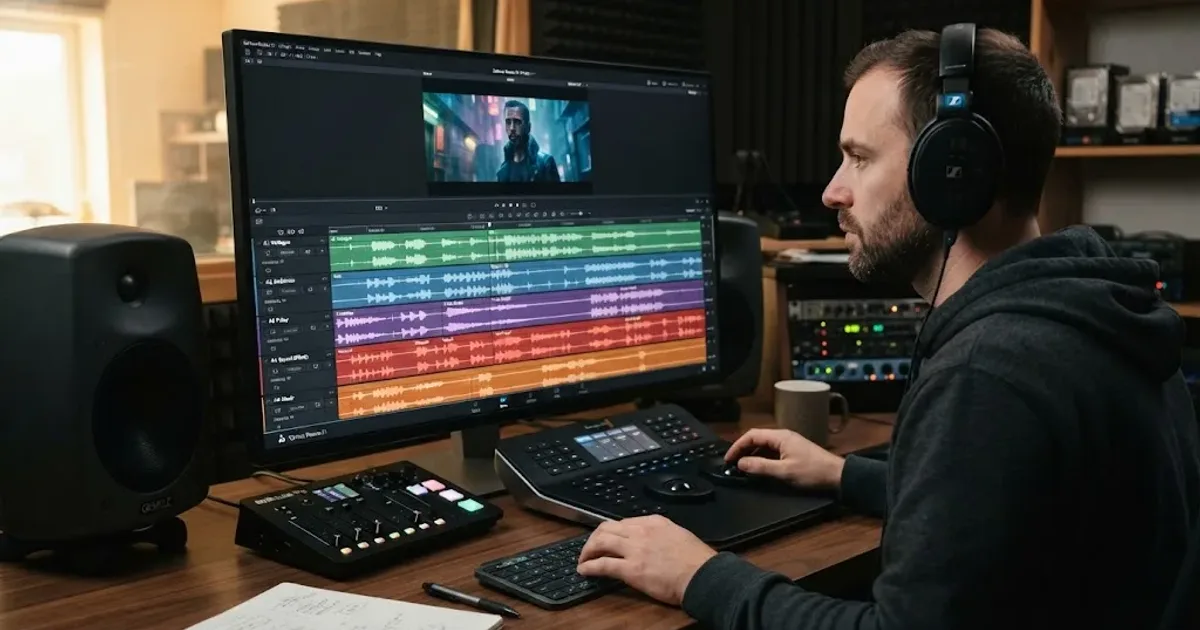
How to Layer Sound Effects in DaVinci Resolve 21
Learn how to layer sound effects in DaVinci Resolve 21 with a clean Fairlight track layout, precise sync, volume shaping, and practical mix checks.
Guides · Aug 28, 2026 · 8 min
How to Make Sound Effects Realistic in DaVinci Resolve 21
Make sound effects realistic in DaVinci Resolve 21 with layering, EQ, reverb, panning, automation, and room-aware mixing in Fairlight.
Guides · Jul 11, 2026 · 31 min
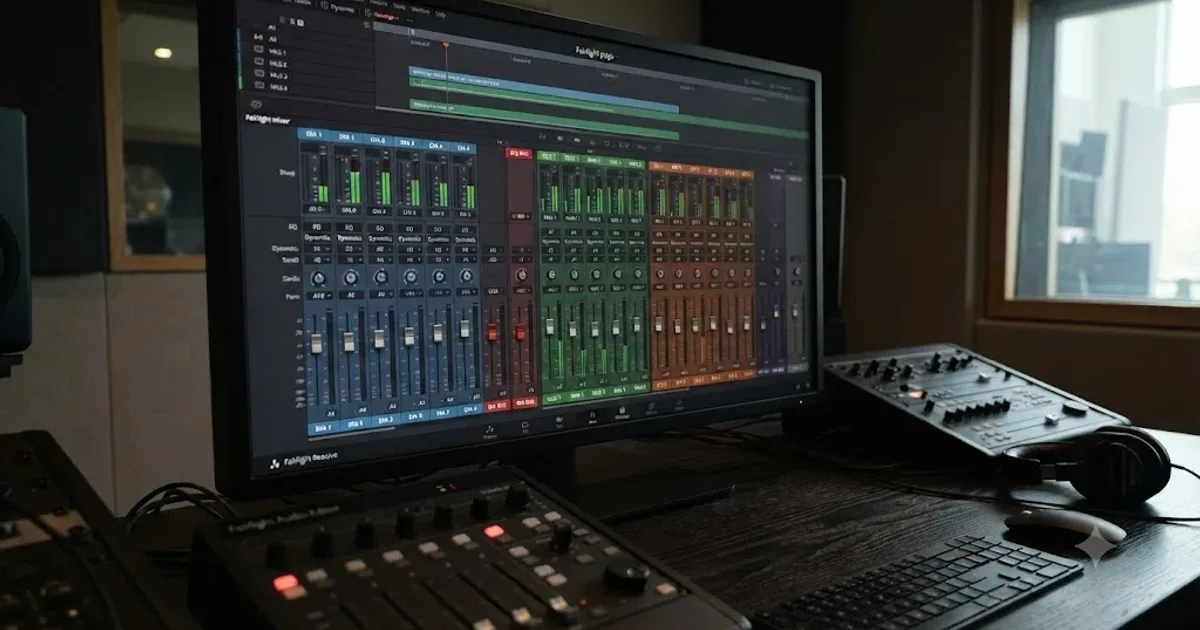
How to Mix Audio in DaVinci Resolve Using Fairlight
Mix audio in DaVinci Resolve's Fairlight page: build a dialogue/music/effects bus structure, gain-stage your clips, EQ and compress dialogue, then duck music under it.