Articles / Guidesupdated for DaVinci Resolve 21 (September 2026)
DaVinci Resolve Sound Effects for Horror Scenes in 21
Quick answer
For DaVinci Resolve sound effects for horror scenes, build in layers: room tone, a low tension bed, scene-specific textures, synced details, and one controlled accent. Shape perspective with level, EQ, and reverb, then automate the silence around the scare. Fairlight in Resolve 21 makes the timeline easier to organize with folder tracks.
The scare usually fails in the edit, not in the sound library. A loud hit can't rescue a scene with no point of view, no silence, and no sense of distance.
After seven years of cutting commercial work and teaching video editing, we build the sound bed before chasing the perfect scream. As of September 2026, DaVinci Resolve 21 gives Fairlight a useful home for that job.
How do I choose DaVinci Resolve sound effects for horror scenes?
Choose sounds by story function first, then by texture. A horror scene normally needs a believable world, a threat the viewer can feel before seeing, a detail that directs attention, and a release or sting that changes the scene.
Start with three questions:
- What does the character hear that the audience doesn't see?
- Is the viewer inside the character's point of view, or watching from outside?
- What single sound deserves attention at the scare?
Don't download ten versions of the same door slam. Pick one sound with a clear character, then alter its timing, level, or space. A footstep, pipe creak, distant knock, breath, and low room bed can cover a lot of story.
Ian Tuason, the filmmaker behind the minimalist horror film Undertone, described the point of sound this way: “Sound in movies, it makes space for the audience to imagine what they're not seeing.” The Associated Press published the interview.
Horror sound design works best when the sound suggests a threat before the image confirms it.
How do I set up a horror sound-effects timeline in DaVinci Resolve 21?
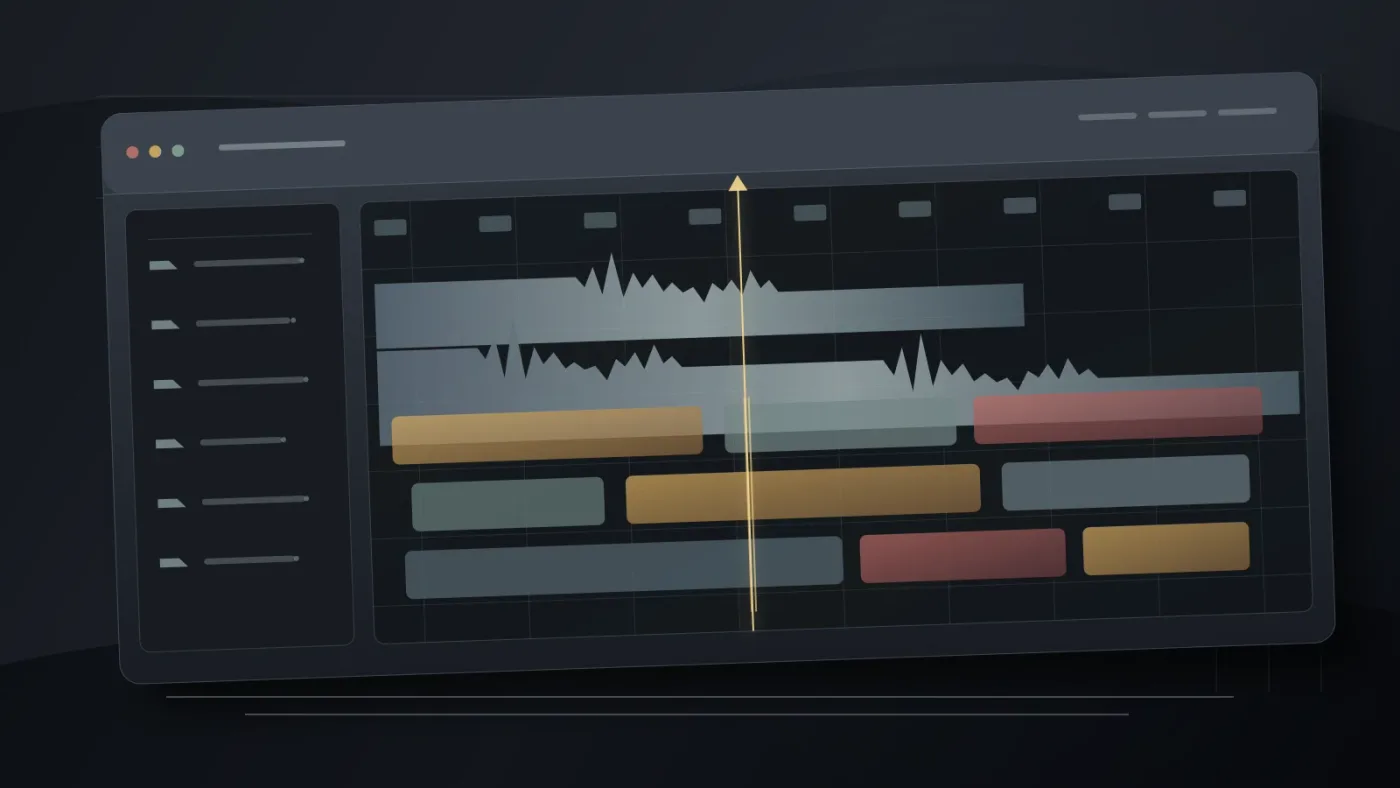
Set up the Fairlight page with one job per track. Clear names make revisions faster because you can mute, solo, and automate a whole idea without hunting through a crowded timeline.
| Track group | Put here | What to listen for |
|---|---|---|
| Room | Room tone, air, distant exterior | Does the location feel continuous? |
| Tension | Low drone, tonal pressure, unstable texture | Does unease grow without announcing itself? |
| World | Doors, pipes, floor, fabric, objects | Does the space behave believably? |
| Detail | Breath, footstep, hand movement, tiny scrape | Does the viewer know where to look? |
| Accent | Impact, sting, reveal, sudden drop | Does the story beat land once? |
| Tail | Ring, reverb, reaction, aftermath | What remains after the event? |
Resolve 21 adds Fairlight folder tracks. They let you combine selected tracks into a composite view while keeping the original tracks unchanged, and Blackmagic's current guide says folder tracks support a maximum of three nesting levels. That makes a HORROR SFX folder useful without flattening the individual layers.
Fairlight also supports external sound libraries from its audio page. Blackmagic describes a workflow where you search a library, audition a selected part on the timeline, and sync part of the waveform to the playhead. Use it with the Fairlight Sound Library or another licensed collection.
Move to Fairlight for track-level processing and automation. Our guide to layering sound effects in DaVinci Resolve covers the general workflow.
How do I layer sound effects for horror scenes without making a mess?
Layer from reality to interpretation. Put the room and location down first, add physical details next, then introduce the sound that belongs to the character's fear.
Use this five-pass procedure:
- Make the room exist. Add a quiet bed that matches the location. Keep it steady enough to bridge cuts, but not so loud that it becomes music.
- Mark the body. Add breaths, clothing, footsteps, hand contact, and small reactions. If the character freezes, remove movement instead of adding another effect.
- Plant the warning. Introduce a soft scrape, distant knock, low tonal change, or environmental sound that doesn't quite belong. Start it quietly.
- Place the event. Align the meaningful part of the sound to the action, not necessarily the beginning of the file. Let a rising texture finish after the cut when the story supports it.
- Leave the consequence. Let a tail, room reaction, breath, or silence tell the viewer that something changed.
Resolve's Fairlight page includes more than 25 Fairlight FX plugins for repair, creative sound design, and mixing. Blackmagic also documents support for third-party Steinberg VST and Mac Audio Unit plugins, plus multiple plugins on a clip or track. Use those tools as small corrections. A distortion chain on every track will make the scene feel processed instead of dangerous.
A horror mix needs fewer important sounds than a busy action mix.
Keep the room bed below dialogue or primary action, grow the warning cue only when the story calls for it, and reserve the biggest level change for the event that matters. These are editorial choices, not universal meter targets.
Why does silence make horror sound effects stronger?
Silence makes a horror sound effect stronger because it creates contrast and gives the viewer a place to anticipate the next sound. Treat silence as an edit, not as an empty timeline.
Try this pattern around a reveal:
- Keep the room alive while the character searches.
- Thin the ambience as the character notices something.
- Remove one familiar detail just before the reveal.
- Bring in the event, then let the tail reintroduce the room.
The gap doesn't need to be absolute digital silence. A faint air tone can preserve continuity. What matters is that the audience hears a change in attention.
Silence is an active horror effect, not a missing sound.
When a music cue is fighting dialogue, Fairlight includes an automatic ducking tool that lowers a target track in response to a dialogue track. For a horror scene, manual automation is often more expressive: lower a drone for the line that carries the clue, then let it return when the character stops speaking.
How do I make a sound effect feel close, distant, or wrong?
Use level, frequency, dry-to-wet balance, and timing to create perspective. A close sound usually feels more immediate and detailed; a distant sound usually needs less detail, more space, and a relationship to the room.
| Story perspective | Starting move | What to avoid |
|---|---|---|
| Close to the character | Keep detail present, use a short space, and preserve transient impact | Making every sound unnaturally dry |
| Behind a wall or door | Reduce high-frequency detail, soften the transient, and add the barrier's room | Simply turning the clip down |
| Across a large room | Lower the level, lengthen the tail, and let the location carry the sound | Adding huge reverb with no matching ambience |
| Inside a nightmare | Break the real-world balance with filtered texture, unstable pitch, or an unnatural tail | Processing every layer equally |
| Sudden threat | Automate the contrast before the sound, then simplify the aftermath | Stacking multiple competing accents |
Pitch can help, but it isn't a shortcut to menace. Duplicate a source only when the layers have different jobs. A metal scrape might carry a dry attack, low resonance, and long room tail. Offset them slightly so the viewer has more to imagine.
Read the scene at low playback volume. If the beat disappears, the mix may rely on loudness instead of shape.
For a deeper cleanup and realism pass, see our guide to making sound effects realistic in DaVinci Resolve.

How do I mix and check horror sound effects in DaVinci Resolve 21?
Mix the story in passes, then check it on more than one listening setup. First make the dialogue and essential action understandable, then shape the room and tension layers, and only then make the accent competitive.
Fairlight processes plugins in order from top to bottom. Blackmagic recommends caching or bouncing when processor-heavy plugins affect playback. Keep the chain readable: corrective EQ first, character or distortion next, space after that, and automation where you can see why the change happens.
Before export, check five things:
- The dialogue remains intelligible when the tension bed is active.
- The warning cue starts early enough to create anticipation.
- The accent doesn't hide a cut or a necessary reaction.
- The tail doesn't continue into a scene where the story has moved on.
- The mix still makes sense on headphones and ordinary speakers.
The Fairlight page has audio and video scrollers for comparing waveforms with individual video frames. Use them when a footstep, object hit, or cut feels late by only a few frames. Then play the section without looking at the timeline. Your eyes can forgive a sync problem that your ears will not.
Our guide to mixing audio in DaVinci Resolve with Fairlight covers the broader balance pass.
Should I use free sounds, one-time packs, or a subscription?
Use free sounds when you need a small, low-risk library and can verify each license. Use one-time packs when you want to own a defined collection for repeated projects. Consider a subscription when you publish often and need fresh music and sound effects under a license that fits your use.
Blackmagic's Fairlight workflow can access external sound libraries directly, so the best library is the one you can search, audition, and legally use without breaking your edit. Don't choose a catalog because it has the biggest number. Choose it because it has the right textures, clear terms, and a workflow you will actually use.
The best horror sound-effects library is the one you can license, find, and shape before the scene goes stale.
Disclosure: this is an affiliate link, which means we may earn a commission if you subscribe through it. Epidemic Sound is a practical audio-first option for creators who want music and sound effects together. Its current public information describes a DaVinci Resolve plugin for Resolve Studio, direct timeline drag-and-drop, and plan-specific publishing rights. The plugin requires paid DaVinci Resolve Studio, not the free edition, and a Studio copy bought through the Mac App Store does not expose the required Workflow Integrations menu. Check Epidemic Sound's current catalog and terms before choosing it.
That isn't the default answer for every editor. A free Fairlight library wins for a tight budget, while a one-time pack wins if you dislike recurring costs. Whatever you choose, save the license with the project and confirm clearance for the final platform.
What is the best next step for DaVinci Resolve sound effects for horror scenes?
Build one 20 to 30 second scene with six named tracks: room, tension, world, detail, accent, and tail. Start without the accent, then add one warning cue, one event, and one aftermath. If it only works when everything is loud, remove a layer and try again.
Frequently asked questions
- How do I add sound effects for horror scenes in DaVinci Resolve 21?
- Open the Fairlight page, place effects on separate audio tracks, align the strongest transient to the story beat, and shape each layer with clip level, EQ, and reverb. Resolve also supports external sound libraries from Fairlight, including auditioning and syncing a selected waveform to the playhead.
- Why do my horror sound effects sound flat in DaVinci Resolve?
- Horror sound effects sound flat when every layer has the same level, timing, distance, and frequency balance. Give each layer a job, leave space around the scare, and automate perspective so the soundscape changes before and after the event.
- How do I make a sound effect feel distant in DaVinci Resolve?
- Lower the clip, reduce detail with EQ, add a longer room or reverb tail, and let the dry sound arrive later than the visual cue when the story supports it. Compare the processed sound with the unprocessed clip at matched playback levels.
- Can I use free sound effects in a monetized horror video?
- Only if the specific license allows that use. Free does not automatically mean unrestricted, so keep the license record with the project and confirm commercial, platform, and client permissions before publishing.
Sources
Put this guide to work with TryUncle.
Ask about the step you’re on. TryUncle sees your screen and points at the control you need, so you can keep learning in your own project.
Get TryUncle for Mac or WindowsKeep reading
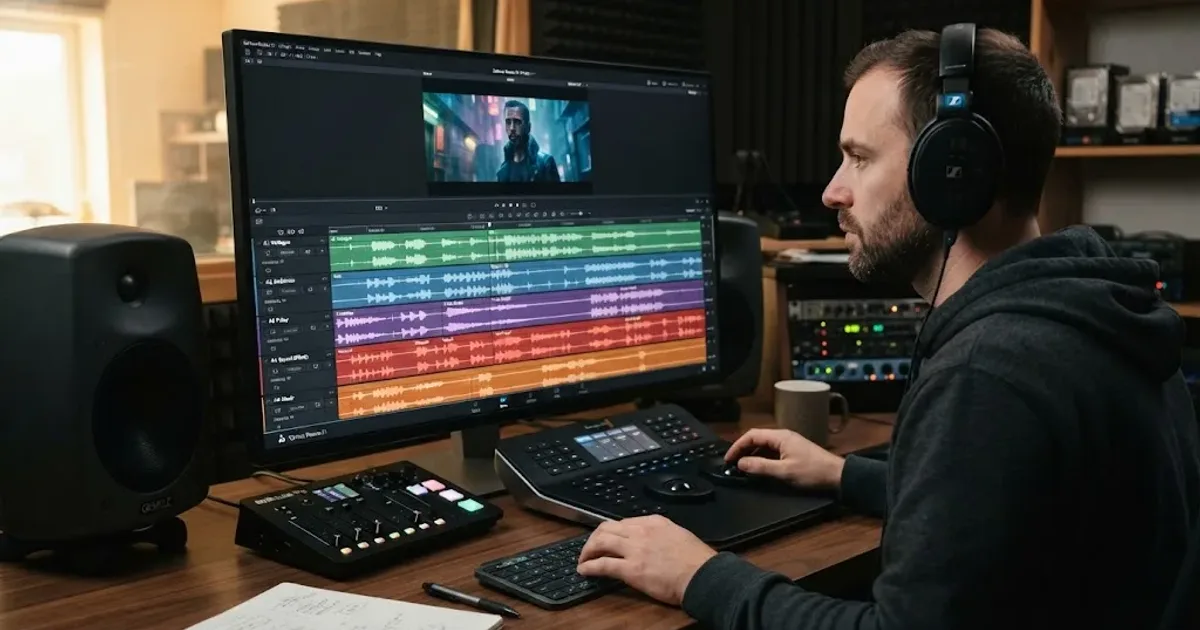
Guides · Aug 24, 2026 · 8 min
How to Layer Sound Effects in DaVinci Resolve 21
Learn how to layer sound effects in DaVinci Resolve 21 with a clean Fairlight track layout, precise sync, volume shaping, and practical mix checks.

Guides · Aug 28, 2026 · 8 min
How to Make Sound Effects Realistic in DaVinci Resolve 21
Make sound effects realistic in DaVinci Resolve 21 with layering, EQ, reverb, panning, automation, and room-aware mixing in Fairlight.
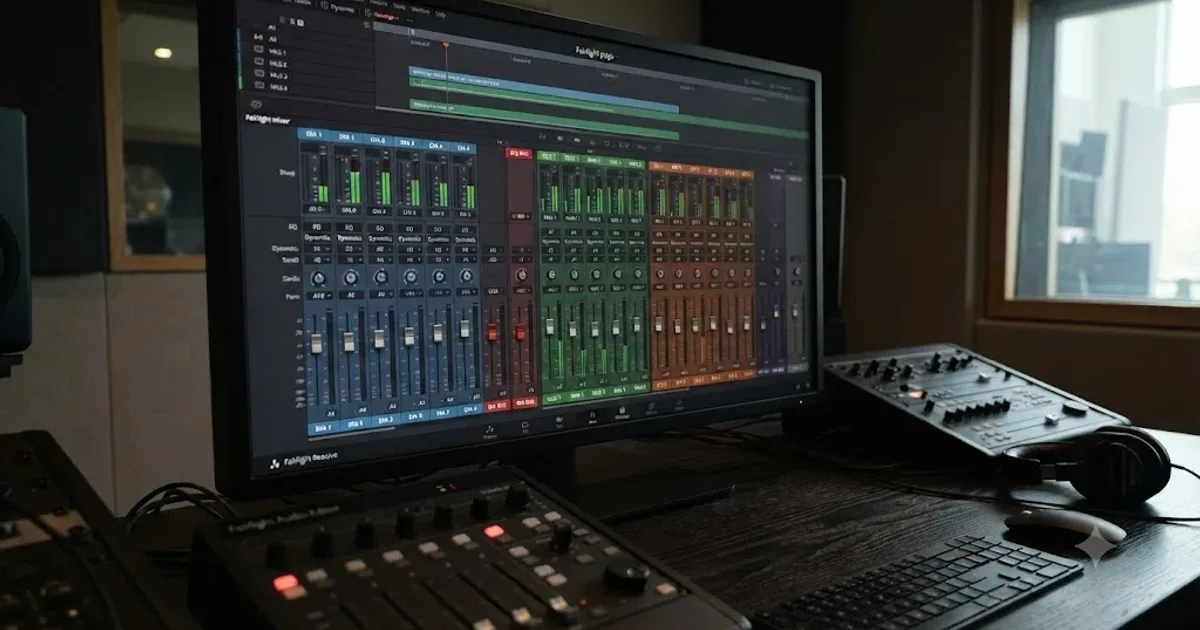
Guides · Jul 11, 2026 · 31 min
How to Mix Audio in DaVinci Resolve Using Fairlight
Mix audio in DaVinci Resolve's Fairlight page: build a dialogue/music/effects bus structure, gain-stage your clips, EQ and compress dialogue, then duck music under it.