Articles / Fixesupdated for DaVinci Resolve 21.0.4 (August 2026)
DaVinci Resolve Sound Library Not Showing Up? Fix It
Quick answer
If the DaVinci Resolve sound library is not showing up, open Fairlight, select the library database, and search with a term of at least three characters or `***`. If the database is missing, choose Add Library and select the Fairlight Sound Library folder. Restart Resolve, then rebuild SoundLib.db only as a last resort.
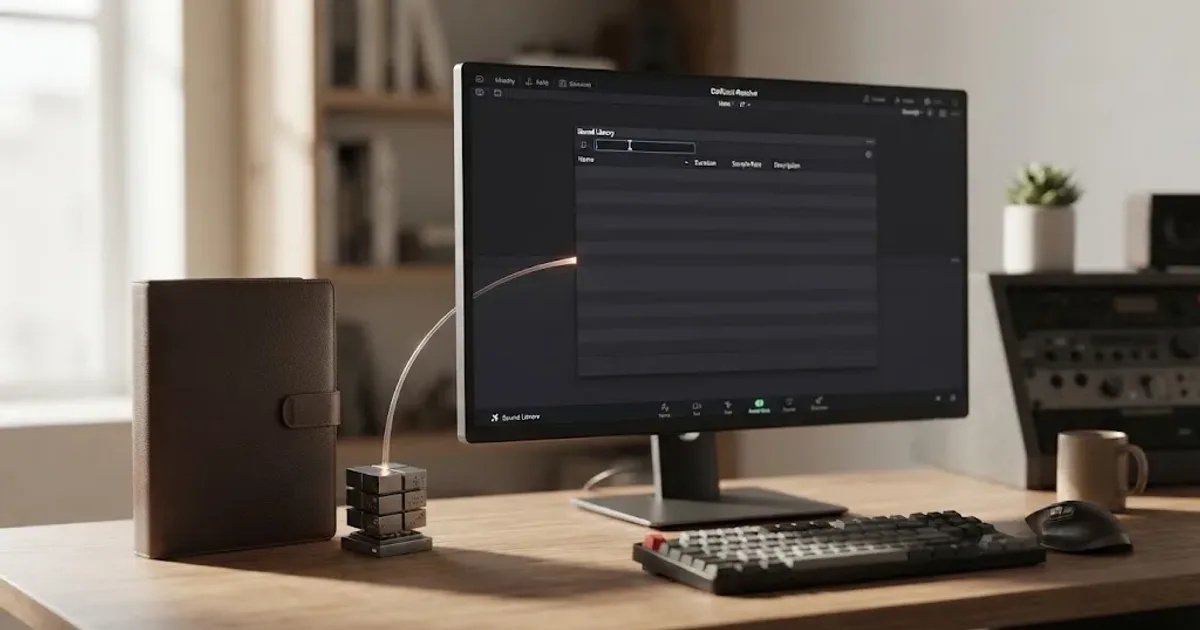
The blank panel is usually not a missing sound problem. It’s a database or search problem. We run a 100,000+ member professional video-editing community, and this is one of the recurring Fairlight questions that comes up when a new Resolve user expects the files to appear automatically.
As of August 2026, Blackmagic lists DaVinci Resolve 21 and its support page lists the 21.0.4 update dated August 5, 2026. The repair path below applies to Resolve 21, while the underlying Sound Library workflow is also described in Blackmagic’s Fairlight guide for Resolve 20. (Blackmagic Design product page, Blackmagic Design support)
Why is my DaVinci Resolve sound library not showing up?
The DaVinci Resolve sound library is often installed but not selected, indexed, or searched. Fairlight treats a sound collection as a library database, then exposes its clips through the Sound Library panel. Blackmagic’s support forum specifically points users to the database selection and the manual’s Sound Library instructions when the panel keeps asking for a download. (Blackmagic Design forum)
There are three different symptoms, and they need different fixes:
| What you see | Most likely cause | First action |
|---|---|---|
| A Download button | Resolve can’t see the installed Fairlight library | Check the library folder, then use Add Library |
| A database is listed but there are zero results | Nothing has been searched yet | Enter a sound name or *** |
| The database is not listed | The library was not connected to the current database view | Select the correct database, then add the library folder |
That distinction matters. Reinstalling the package won’t help if Resolve already has the audio files but has no database connection. It also won’t help if the panel is waiting for a search term.
DaVinci Resolve can have the Fairlight files installed while the Sound Library panel still looks empty.
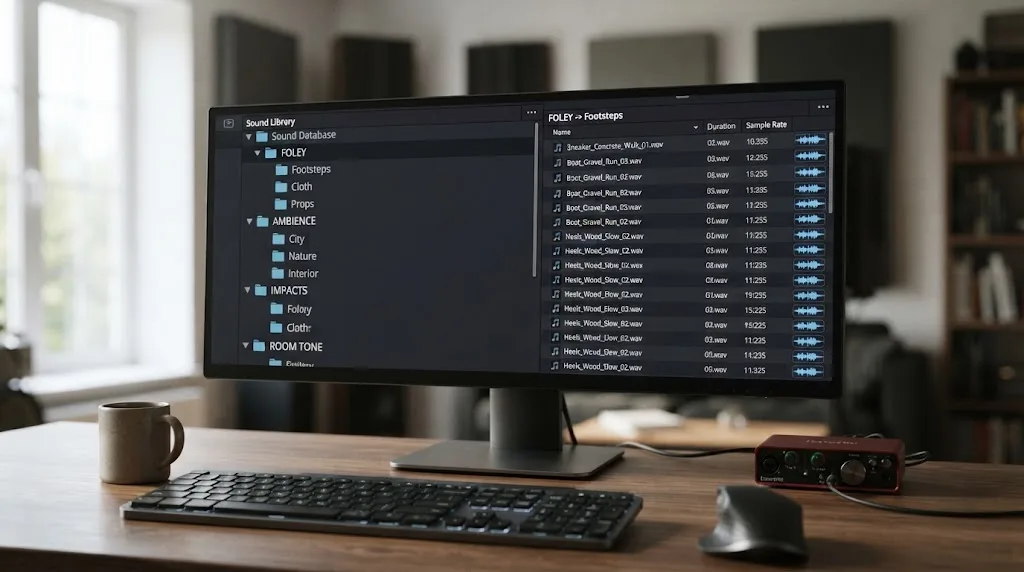
The Fairlight Sound Library is a searchable database, not a folder you browse by opening the file system.
How do I make the Fairlight Sound Library appear in DaVinci Resolve 21?
To make the Fairlight Sound Library appear in DaVinci Resolve 21, select the correct database in the Sound Library panel, then search for a sound. The short sequence below follows Blackmagic’s documented Fairlight workflow and support guidance. (Fairlight Audio Guide, Blackmagic Design Fairlight page)
- Open your project and click the Fairlight page.
- Open Sound Library from the Fairlight interface toolbar. Blackmagic describes this panel as the place to access external sound libraries without leaving the audio page. (Blackmagic Design Fairlight page)
- Open the database selector near the search field. Choose Fairlight Sound Library if it is listed. If you’re connecting your own collection, choose the database where that collection is indexed.
- Type a real search term such as
footstep,door, orroom. Do not judge the installation from an untouched blank results area. - If the results appear, select a clip and use Audition to hear it against the timeline. Blackmagic documents Audition, Confirm, Cancel, and Sync as the Sound Library workflow for trying effects against picture. (Blackmagic Design Fairlight page)
If the panel still shows a download prompt, close and reopen Resolve after running the installer. Blackmagic’s Fairlight guide says the installer creates a library database and indexes the sounds so they are ready the next time you open DaVinci Resolve. (The Fairlight Audio Guide to DaVinci Resolve 20)
Why does the DaVinci Resolve sound library show zero results?
The DaVinci Resolve sound library can show zero results simply because the search field has not received a valid query. Blackmagic support says the field needs at least three characters, or the *** wildcard, before the results area lists sounds. (Blackmagic Design forum)
The exact wildcard tip comes from Dwaine Maggart of Blackmagic Design DaVinci Support:
“You need to enter *** in the Search area to see everything.”
That quote comes from Blackmagic’s forum guidance on the Fairlight Sound Library. (Blackmagic Design forum)
Try this order:
- Click the search box.
- Enter
***with no spaces. - Wait for the results to populate.
- If you get results, replace the wildcard with a useful word such as
impactorcloth.
The wildcard is a diagnostic, not a good everyday search habit. It tells you whether the selected database can return anything. Once it works, search by the event you want the viewer to hear. Fairlight’s official page describes searching, marking a region, auditioning, and syncing a selected sound to the playhead. (Blackmagic Design Fairlight page)
Three asterisks are the fastest way to separate an empty index from an empty search.
How do I add a sound library folder to DaVinci Resolve 21?
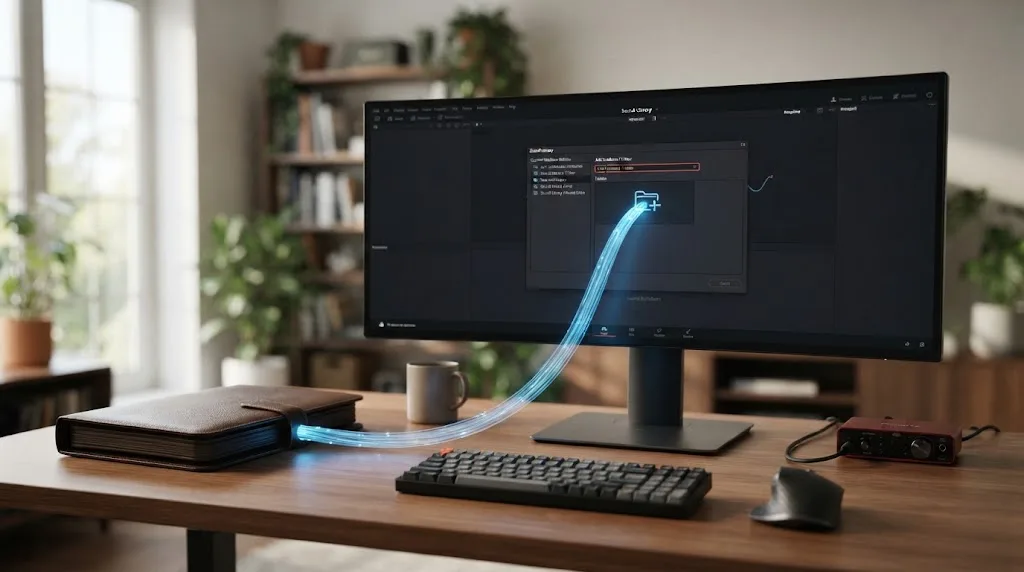
To add a sound library folder to DaVinci Resolve 21, select Add Library from the Sound Library options menu and point Resolve to the folder that contains the library database and media. Blackmagic forum guidance describes the Sound Library as a database-backed collection, not just a folder that Resolve browses automatically. (Blackmagic Design forum)
Use this repair path when the files exist but the database is missing from the selector:
- In Fairlight > Sound Library, open the three-dot options menu.
- Choose Add Library. If the panel shows an Add Library button in the middle, that button leads to the same action.
- Select the top-level Fairlight Sound Library folder, not an individual WAV file.
- If you’re adding a custom collection, select the folder that contains the database and media structure. Blackmagic forum guidance describes a library folder containing both
DatabaseandMedia Filesdirectories. (Blackmagic Design forum) - Let Resolve scan and index the folder.
- Choose the newly available database in the selector.
- Search with
***to confirm that the index returns results.
On macOS, don’t assume the installer put the library inside the Resolve application folder. A Blackmagic forum discussion records the Fairlight Sound Library under the user’s Movies folder, with the exact location depending on how the installer was used. If you moved the folder, Add Library is the clean way to reconnect it. (Blackmagic Design forum)
The same principle applies to external libraries. Blackmagic says Fairlight can access external sound libraries from the audio page, so your own recordings or licensed effects can be indexed separately from the native Fairlight collection. (Blackmagic Design Fairlight page)
Should I reset SoundLib.db if the library is still blank?
Reset SoundLib.db only after the database, folder, and search checks fail. Blackmagic support warns that renaming the file removes the current Sound Library index, so you’ll need to add the sound files again and existing projects may be affected. (Blackmagic Design forum)
Before touching the file, save and back up the project database. Then use this last-resort sequence:
- Open the Project Manager.
- Expose the database area.
- Right-click the relevant database and choose Open File Location.
- Open the Resolve Projects folder.
- Find
SoundLib.db. - Rename it to
SoundLib.db.old. Renaming preserves a rollback copy, while deleting it does not. - Restart DaVinci Resolve.
- Re-add the Fairlight Sound Library folder and search with
***.
Don’t use this step as a routine refresh. The official support answer says it removes the entire Sound Library and cautions that projects using the current library could be affected. If your project already contains placed effects, export or archive a copy before rebuilding the index. (Blackmagic Design forum)
If the index rebuild fixes the panel but the sounds disappear again after moving the folder, reconnect the library from its new location instead of repeating the reset. A database can point to media that no longer lives where Resolve expects it.
Renaming SoundLib.db is a repair step, not a substitute for selecting the right library.
The correct Resolve repair depends on whether the files, database, or search query is missing.
Is a paid sound library worth using after the Fairlight fix?
A paid library is worth considering only when the native Fairlight collection and your own indexed folders no longer cover the work you publish. The free Fairlight library solves the immediate Resolve problem; a paid service can make sense when you regularly need searchable music, sound effects, and licensing terms for recurring projects.
Affiliate disclosure: We may earn a commission if you choose Epidemic Sound through the link below. The relationship doesn’t change the repair steps or the verdict.
Check Epidemic Sound’s current plans and licensing
Epidemic Sound is the practical paid option in this narrow decision because its catalog is audio-first and its licensing is organized around different creator and professional use cases. Check the current plan before publishing client work, advertising, or content on channels you don’t personally control. The service’s cached product information also distinguishes active-subscription publishing, safelisting, and plan-specific rights, so “royalty-free” should never be read as “use anywhere without conditions.” (Epidemic Sound)
Choose the free Fairlight library if you need a no-cost starting point. Choose your own indexed folder if you already own effects and want control over storage. Choose a paid audio service if recurring licensing and faster discovery are worth the subscription. For more creative options, see our guide to the best ambient sound effects for video editing in Resolve 21. When the library works but the mix still doesn’t, continue with how to mix audio in DaVinci Resolve using Fairlight.
Soundly can be a better fit when library management matters more than keeping every sound inside Fairlight. Soundly says its app searches local files and lets you drag sounds to your editing tools, which can suit editors who already have effects spread across drives. (Soundly)
What should I do if the sound library works but Resolve still has no audio?
If the Sound Library returns results but you hear no timeline audio, the library is working and the problem has moved to monitoring, track routing, clip gain, or output settings. Don’t reset the library again. Use our separate guide to DaVinci Resolve no audio, then return here only if the panel itself becomes empty.
We’ve spent 7+ years on professional, commercial video editing, and the useful dividing line is simple: first prove that Resolve can find a sound, then troubleshoot whether Fairlight can play and route it. That keeps a database problem from turning into an unrelated audio hunt.
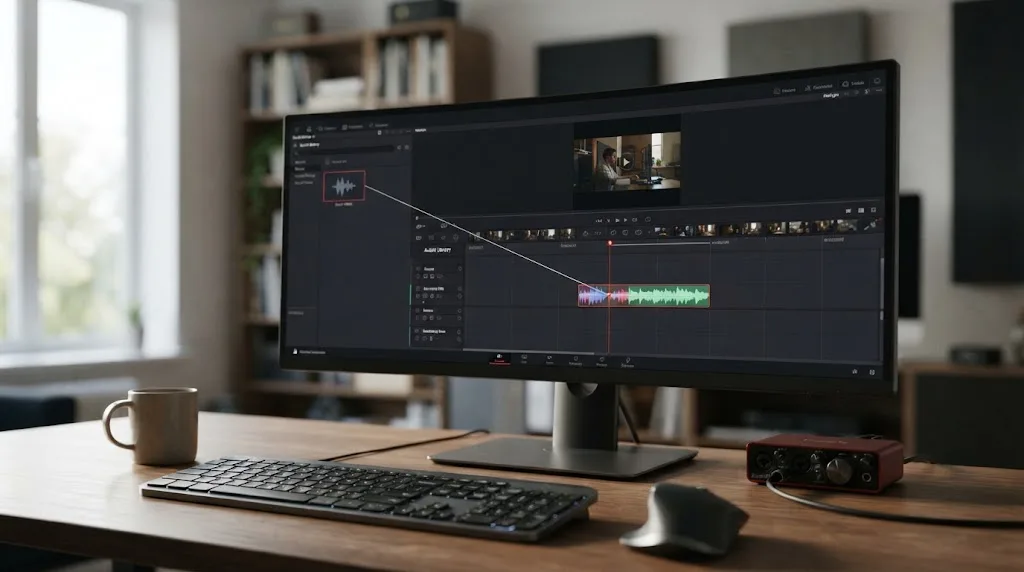
The shortest reliable fix is this: open Fairlight, choose the database, enter ***, and only then use Add Library or rebuild SoundLib.db. In most cases, the library wasn’t gone. Resolve just wasn’t looking at the right index.
Frequently asked questions
- Why is my DaVinci Resolve sound library not showing up after installation?
- The installer can place the files on disk without making the library visible in the selected Fairlight database. Select the correct database, use Add Library if needed, and search with at least three characters or `***`.
- How do I show all Fairlight Sound Library sounds in Resolve 21?
- Open Fairlight, select the Sound Library panel, choose the library database, and enter three asterisks (`***`) in the search field. Blackmagic support says the panel needs a search term before it lists results.
- Where is the Fairlight Sound Library installed on Mac?
- On macOS, the installer commonly creates a Fairlight Sound Library folder inside the user's Movies folder, but the location can differ. Use Add Library in Resolve and select the folder that contains the library database and media.
- Should I delete SoundLib.db when the DaVinci Resolve sound library is blank?
- No. Rename SoundLib.db to SoundLib.db.old only after checking the database, folder, and search steps. Blackmagic support warns that rebuilding the index removes the current Sound Library entries and may affect projects that use them.
Sources
- DaVinci Resolve 21 product page
- Blackmagic Design Fairlight overview
- The Fairlight Audio Guide to DaVinci Resolve 20
- Blackmagic Design forum: Fairlight Sound Library is not showing up
- Blackmagic Design forum: Fairlight Sound Library guidance
- Blackmagic Design forum: Fairlight Sound Library install location
- Blackmagic Design forum: Fairlight installation database guidance
- Blackmagic Design support downloads
- Epidemic Sound audio library and licensing option
- Soundly sound effects platform
Put this guide to work with TryUncle.
Ask about the step you’re on. TryUncle sees your screen and points at the control you need, so you can keep learning in your own project.
Get TryUncle for Mac or WindowsKeep reading
Fixes · Jul 7, 2026 · 26 min
DaVinci Resolve No Audio: Every Cause and How to Fix It
Timeline plays video but no sound? Check the mute and solo buttons, the I/O Engine setting, sample rate, and Export Audio, in that order. Full fix list.
Guides · Jul 11, 2026 · 31 min
How to Mix Audio in DaVinci Resolve Using Fairlight
Mix audio in DaVinci Resolve's Fairlight page: build a dialogue/music/effects bus structure, gain-stage your clips, EQ and compress dialogue, then duck music under it.
Guides · Aug 26, 2026 · 8 min
Best Ambient Sound Effects for Video Editing in Resolve 21
Find the best ambient sound effects for video editing with a license-safe buying guide and a practical DaVinci Resolve 21 Fairlight workflow.