Articles / Guidesupdated for DaVinci Resolve 21 (August 2026)
DaVinci Resolve Transition Between Music Tracks: 21 Guide
Quick answer
For a DaVinci Resolve transition between music tracks, place the cues on one audio track, overlap them at a musical phrase boundary, then add a Cross Fade and adjust its length in the Inspector. Use Fairlight's audio track layers when you need precise, non-destructive control over the blend.
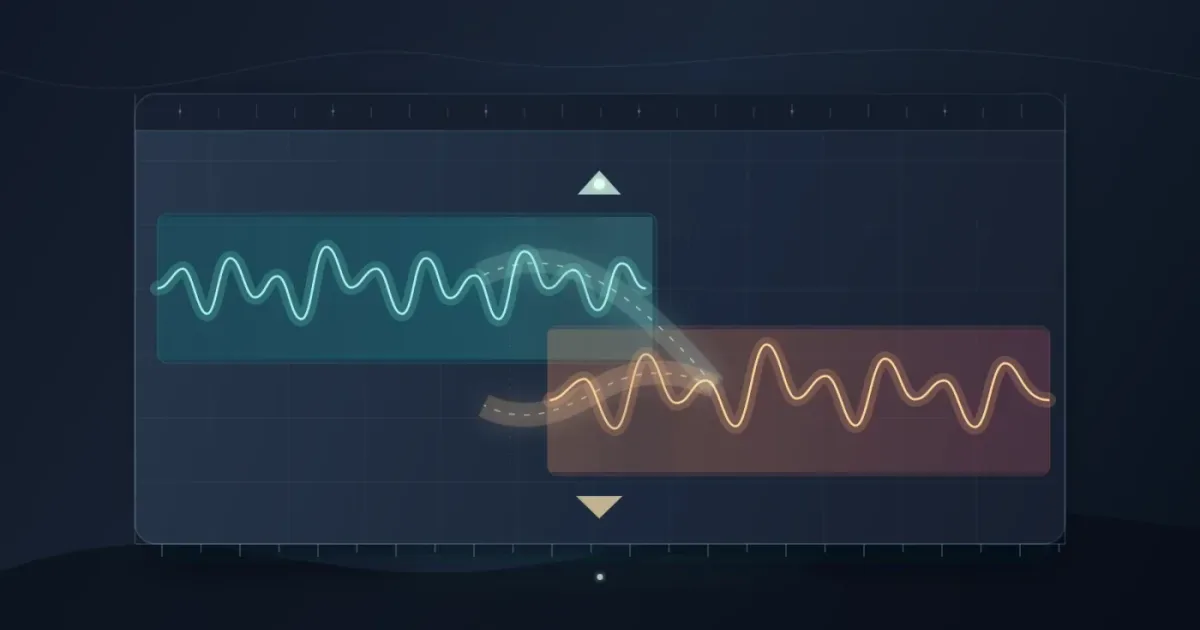
I use music transitions to hide an edit or change a video's mood without making the soundtrack call attention to itself. Choose the musical handoff first, then make the overlap serve it.
We run a 100,000+ member professional video-editing community, and this is one of the recurring questions editors bring us.
As of August 2026, this workflow applies to DaVinci Resolve 21 and DaVinci Resolve Studio 21, the versions Blackmagic Design lists on its current product and manual pages. Blackmagic's Resolve 21 manual page is the version reference for this guide.
What's the best way to transition between music tracks in DaVinci Resolve?
The best DaVinci Resolve transition between music tracks is usually a short, phrase-matched overlap with an audio Cross Fade. Put the second cue where the first cue naturally resolves, then adjust the blend while listening to the picture and any dialogue.
Blackmagic Design's official Fairlight guide describes three options: “You can cut from one piece to another. You can fade one clip out entirely and fade in a new selection. Or, you can fade one clip out while the other fades in, hence the term crossfade.” Read the Fairlight guide.
A clean transition between music tracks starts at a phrase boundary, not at an arbitrary timestamp.
How do I prepare two music tracks for a clean transition?
Prepare two music tracks by placing them on the same audio track, finding a phrase ending in the outgoing cue, and giving both clips enough source audio to overlap.
- Open the Edit page and place the first music clip on an audio track below your video.
- Place the second music clip after it on the same track.
- Listen for a phrase ending, downbeat, sustained note, or other musical landing point in the first cue.
- Move the second clip left until its strongest entrance meets that point.
- Zoom in around the edit and check the waveforms. You want a real overlap, not two clips that only appear adjacent at a compressed timeline zoom.
If the songs have vocals, avoid placing the new vocal phrase over the old vocal phrase unless that clash is deliberate. Instrumental intros and outros are often easier to overlap. For a longer video, fit music to the video length in Resolve before you build the final handoff.
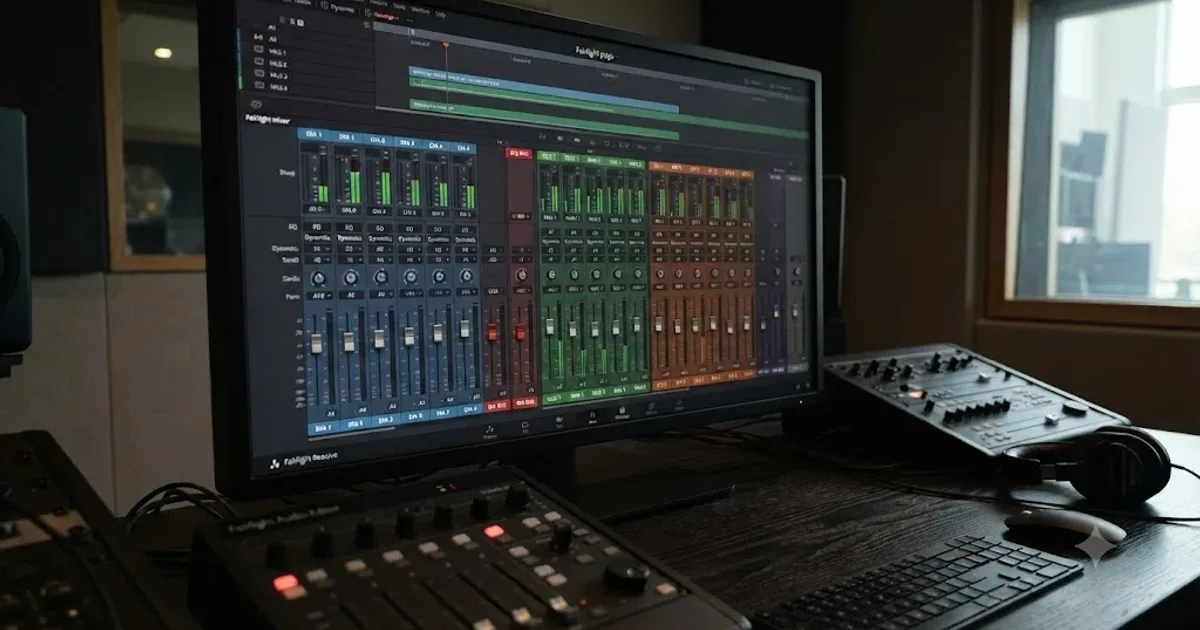
Blackmagic describes Fairlight as an integrated audio workspace where clips can be rearranged, faded, and level-adjusted in one timeline. Its current Fairlight page lists clip controls for volume, pan, pitch, and a 6-band parametric EQ. Blackmagic's Fairlight overview supports this workflow.
How do I add a crossfade between music tracks in DaVinci Resolve?
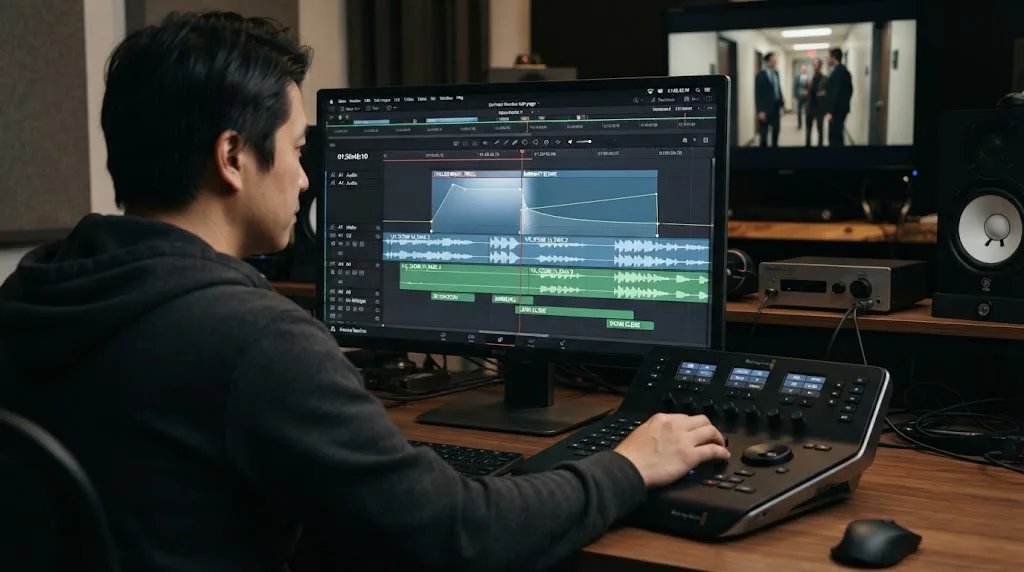
Add a crossfade by selecting the edit point between overlapping music clips and applying an audio Cross Fade from the Effects Library, then adjust the transition in the Inspector. Fairlight also gives you clip fade handles and audio track layers for a more visual way to shape the same handoff.
Edit page method
- Select the edit point between the two overlapping music clips.
- Open the Effects Library and locate the audio transitions.
- Drag an audio Cross Fade to the edit point. If Resolve refuses the drop, go back and create more overlap or source handles.
- Double-click the transition to open its Inspector.
- Adjust the duration and alignment, then play from several seconds before the transition.
Start with a compact blend and lengthen it only when the phrases need more time to meet. A smooth transition can still blur an important word or visual event.
Fairlight method
Open Fairlight when you need clearer waveforms or several music changes in context. Enable View > Show Audio Track Layers, place the incoming cue on another layer, and use the clip fade handles to shape the overlap. Blackmagic says track layers hold alternate music cuts non-destructively and support crossfades. See the official Fairlight track-layer description.
In a Blackmagic Design forum answer about audio editing, Reynaud Venter wrote, “Fairlight is the dedicated audio environment within DaVinci Resolve.” Read the forum discussion. That distinction is useful here: the Edit page is quick for a single transition, while Fairlight is the better place to inspect and refine a soundtrack.
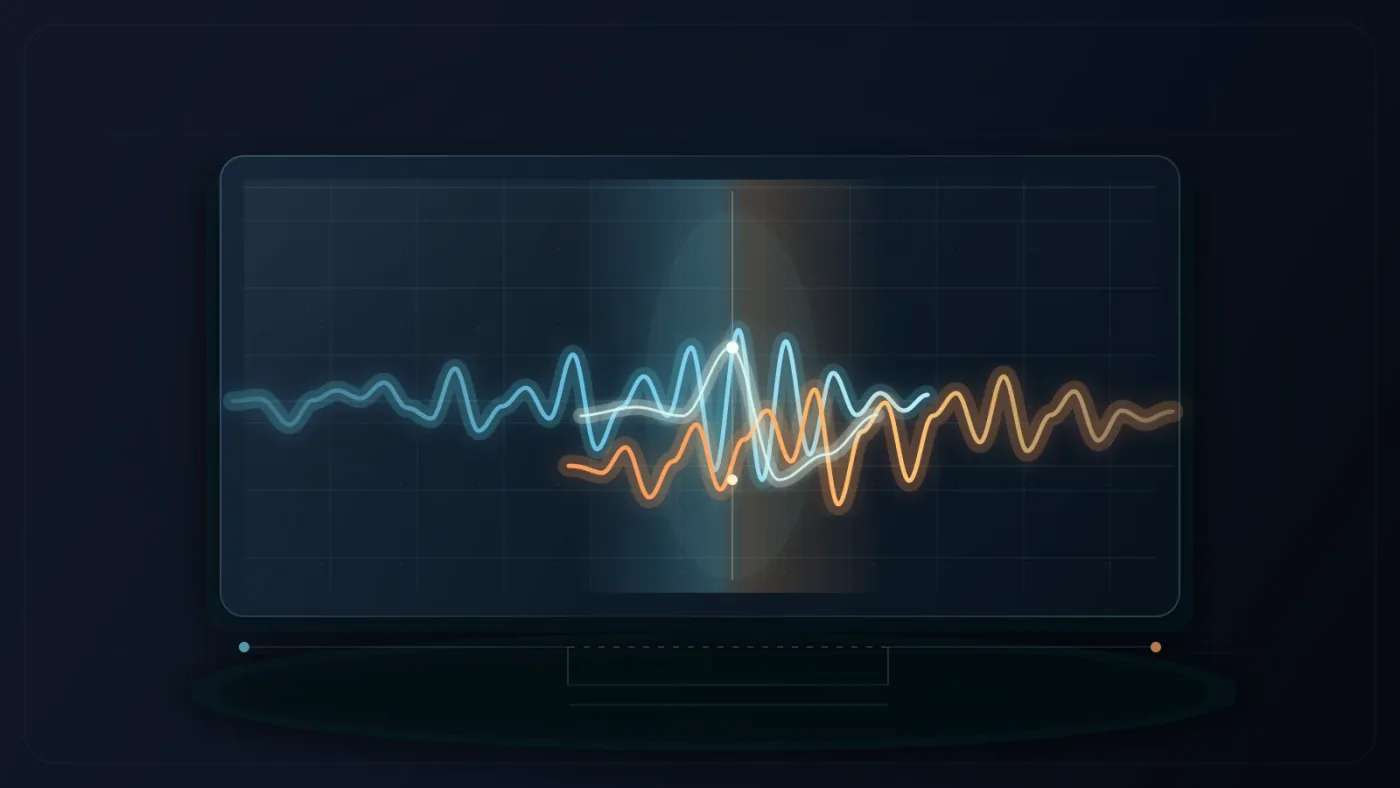
DaVinci Resolve's Cross Fade blends the outgoing and incoming clips across an overlap.
Why is my DaVinci Resolve crossfade too loud or too quiet?
A DaVinci Resolve crossfade sounds too loud or too quiet when the two clips have different levels, the chosen fade curve changes the perceived midpoint, or dense musical material is stacking during the overlap. Fix the balance at the clip level before you keep lengthening the transition.
Use this order:
- Bypass the transition briefly and compare the two clips at their natural levels.
- Pull down the louder cue with its clip gain or volume line.
- Re-enable the transition and listen to the midpoint, not just the beginning and end.
- Try a different curve or alignment in the Inspector if the center of the blend dips or jumps.
- Check the music with dialogue and effects turned on.
Fairlight's mixer includes faders, dynamics processing, and six effect slots on each channel strip, according to Blackmagic's current Fairlight page. You don't need all of those tools for a basic music handoff. A simple clip-level adjustment is easier to understand and easier to revise. Use the Fairlight mixing workflow when the transition is part of a wider dialogue and music mix.
Don't judge the blend from waveform shape alone. Similar-looking waveforms can still clash because of bass, vocals, or sustained notes. Listen at normal level, then check quietly.
A longer crossfade is not automatically a smoother crossfade.
How do I match phrases when the songs have different tempos?
Match different-tempo songs by choosing compatible musical moments rather than forcing their beats to line up for the entire overlap. Let the first cue finish a thought, then bring in the second cue on an intro, downbeat, or sustained opening that can tolerate a little rhythmic ambiguity.
Try this sequence:
- Find the last complete phrase in the outgoing song.
- Find an instrumental or low-density entrance in the incoming song.
- Mark both points in the timeline.
- Test a hard cut first so you can hear the musical relationship without a fade hiding it.
- Add the crossfade and move its center until the picture and the rhythm agree.
If the incoming track has separate stems, you can delay the vocal or percussion entrance and let the instrumental bed arrive first. Learn how to use music stems in DaVinci Resolve 21 for a deeper stem-based workflow.
When neither cue has a usable phrase ending, choose a different edit point. Time stretching can solve a picture problem, but it shouldn't be the first fix for a musical mismatch. Fairlight includes elastic wave retiming for stretching audio without changing pitch. Read the official explanation.
Why won't DaVinci Resolve create the crossfade?
DaVinci Resolve usually refuses a crossfade when the clips don't have enough overlap or unused source audio at the edit point. Put the clips on the same track, reveal the audio layers, and shorten the transition until the available handles can support it.
Check these causes in order:
| Symptom | Likely cause | Fix |
|---|---|---|
| The transition will not attach | No overlap or insufficient handles | Move the incoming cue left and trim less from the clip ends |
| The blend appears on the wrong material | Clips are on different tracks or layers | Put the cues on one track or enable audio track layers |
| The transition dips in the middle | Clip levels or fade curve do not match | Balance clip gain, then test another curve |
| The music sounds muddy | Vocal or bass phrases overlap | Choose a less dense phrase or shorten the overlap |
| You hear a click at a hard cut | The waveform changes abruptly | Add a short fade or use a crossfade |
For several transitions, Fairlight's batch-fade controls can save time. Use them only when the music changes are similar.

Which music source should I use for the transition?
Choose a music source based on distribution rights first, then choose tracks with useful phrase structure. The transition technique works with original music, licensed music, and platform libraries, but the permission to publish the finished video comes from the license, not from DaVinci Resolve.
For YouTube-focused work, the YouTube Audio Library provides royalty-free production music and sound effects inside YouTube Studio. YouTube says some Creative Commons tracks require attribution, while tracks marked as not requiring attribution do not. Read the individual track terms before you publish.
Disclosure: this post contains an affiliate link. If you subscribe through it, we may earn a commission at no extra cost to you. The recommendation doesn't change the workflow or the alternatives.
If you regularly need complementary cues, Epidemic Sound is a practical paid option for building a repeatable music and sound-effects workflow. Check the current plan terms for your channel, client, and distribution needs before downloading or publishing.
Soundstripe can be a better fit when you need a single-use license for one defined project. Its current licensing guide describes four tiers, from Personal through All Media, with coverage depending on where the project will be distributed. Review Soundstripe's single-use options before treating a track as cleared for client or broadcast work.
Music licensing belongs in the edit plan because a technically perfect transition can still use the wrong rights.

What should I check before exporting?
Before exporting, check the transition in context, confirm that no vocal or effect is masked, and verify every cue's license. A clean-looking timeline is not enough.
Use this final pass:
- Play from before the outgoing phrase through the end of the incoming phrase.
- Watch the picture while listening, especially around a cut, title, or spoken line.
- Solo the music briefly to hear the blend, then restore the full mix.
- Check the meters for unexpected level jumps during the overlap.
- Confirm that both clips are the intended versions and that their licenses cover the final destination.
- Render a short test section if the transition includes heavy processing.
Blackmagic's official training library includes Fairlight instruction and project files. Start with Blackmagic's DaVinci Resolve training, then return to the timeline and practice on a real edit.
The verdict is simple. Match the phrase first, overlap second, and shape the crossfade last. If the handoff still sounds wrong after those three decisions, change the edit point or the song. The Inspector can't rescue a mismatched musical idea.
Frequently asked questions
- How do I transition between music tracks in DaVinci Resolve?
- Put the second music clip after the first on the same audio track, overlap the clips at a phrase boundary, and add an audio Cross Fade at the edit point. Adjust the duration and curve in the Inspector while listening through the cut.
- Why won't DaVinci Resolve create a crossfade between my music tracks?
- The clips usually have no usable overlap or extra source audio at the edit point. Trim the clips so both have handle material, place them on the same track, and try the Cross Fade again.
- Should I use a fade or a crossfade between music tracks?
- Use a crossfade when the outgoing and incoming tracks should overlap. Use separate fade-out and fade-in moves when silence, dialogue, or a sound effect should sit between the two cues.
- What is the best music source for a DaVinci Resolve transition?
- Choose music with a clear phrase ending and a compatible mood, then confirm that its license covers your distribution. YouTube Audio Library suits YouTube-focused work, while subscription or single-use libraries can fit broader projects.
Sources
- DaVinci Resolve 21 Manual, Blackmagic Design
- Fairlight audio post production, Blackmagic Design
- DaVinci Resolve Training, Blackmagic Design
- The Fairlight Audio Guide to DaVinci Resolve 18
- Audio editing discussion, Blackmagic Design Forum
- Use music and sound effects from the Audio Library, YouTube Help
- What are Soundstripe's single-use licenses?
- Epidemic Sound
Put this guide to work with TryUncle.
Ask about the step you’re on. TryUncle sees your screen and points at the control you need, so you can keep learning in your own project.
Get TryUncle for Mac or WindowsKeep reading
Guides · Aug 24, 2026 · 7 min
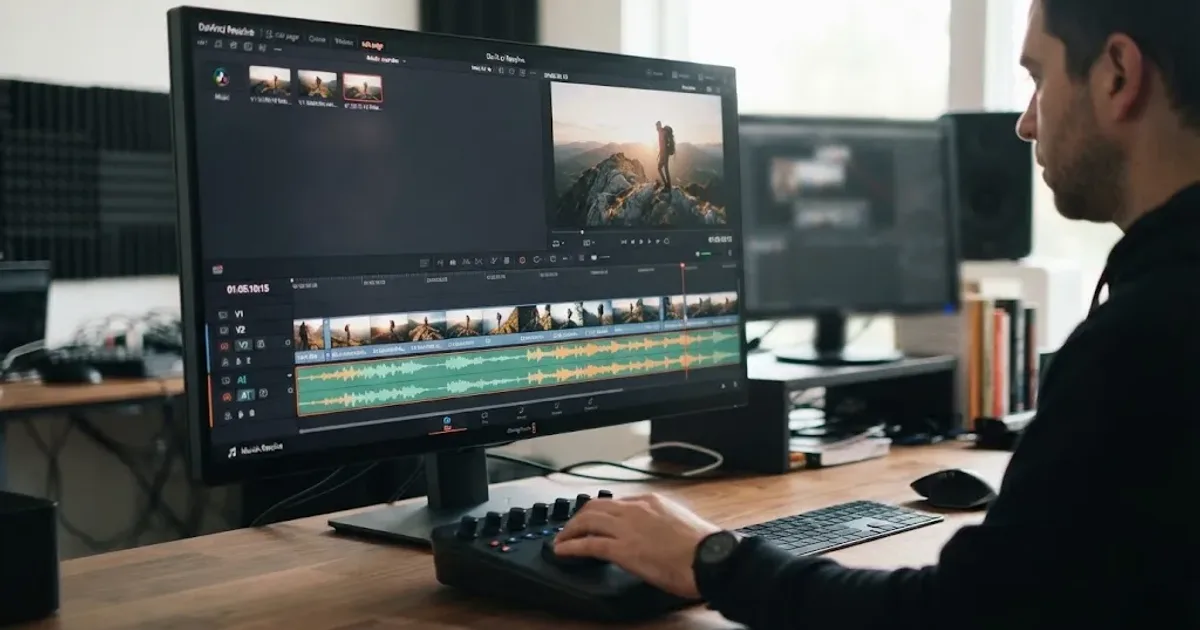
DaVinci Resolve Fit Music to Video Length: 21 Guide
Fit music to your video in DaVinci Resolve 21 with Music Editor, beat markers, Elastic Wave, and a clean manual fallback.

Guides · Aug 25, 2026 · 8 min
How to Use Music Stems in DaVinci Resolve 21
Learn how to import, align, mute, mix, and export vocal, drum, bass, and instrument stems in DaVinci Resolve 21.
Guides · Jul 11, 2026 · 31 min
How to Mix Audio in DaVinci Resolve Using Fairlight
Mix audio in DaVinci Resolve's Fairlight page: build a dialogue/music/effects bus structure, gain-stage your clips, EQ and compress dialogue, then duck music under it.