Articles / Guidesupdated for DaVinci Resolve 21.0.2 (July 2026)
Does DaVinci Resolve Work on Linux? The Real Answer
Quick answer
Yes. DaVinci Resolve runs natively on Linux, but Blackmagic officially supports only Rocky Linux 8.6 with a discrete Nvidia GPU. Ubuntu, Fedora, and Arch work through community packages like the AUR build or DavinciBox, not official support. The free version can't decode or encode H.264, H.265, or AAC on Linux at all; Studio adds H.264/H.265 but still skips AAC.
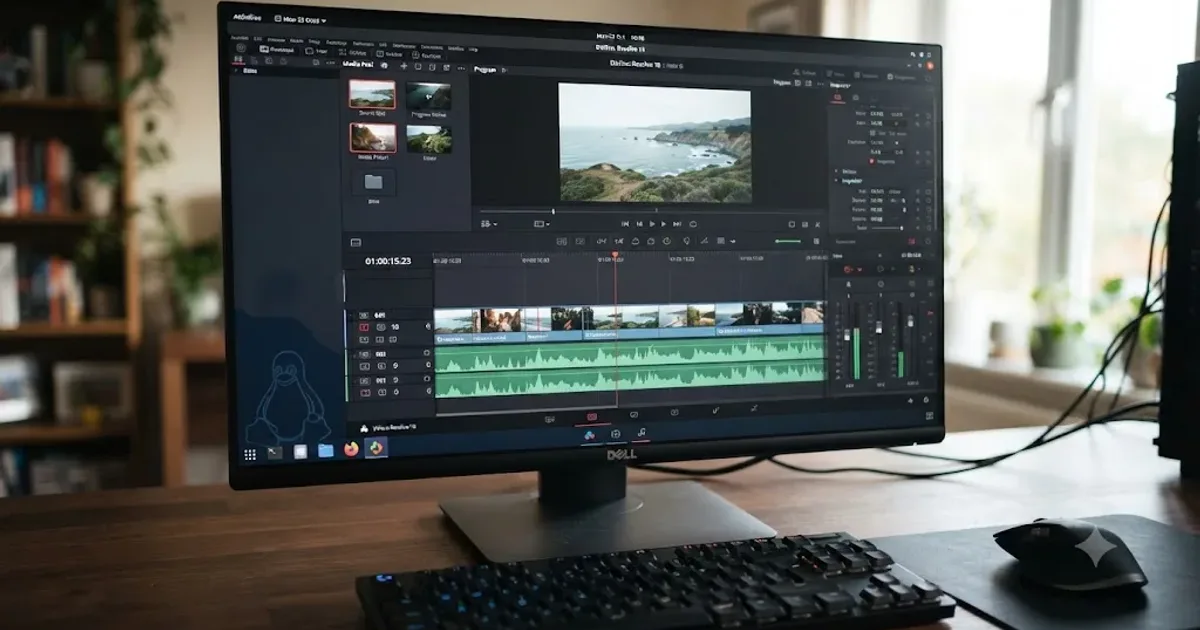
Yes, DaVinci Resolve works on Linux, and it has for years. That's the easy part. The hard part is that "works" comes with an asterisk the size of a distribution list: one official OS, one recommended GPU vendor, and a codec gap that catches almost everyone the first week.
I'm going to walk through exactly where that asterisk lands, because the difference between "runs" and "runs the way Blackmagic tested it" matters a lot more on Linux than it does on Windows or Mac.
Which Linux distribution does Blackmagic actually support?
One. Rocky Linux 8.6, according to Blackmagic's own tech specs page, which lists it as the supported OS across DaVinci Resolve itself and its hardware panels and Fairlight consoles. CentOS 7.3 used to sit alongside it in older Resolve release notes, but Blackmagic dropped that line as CentOS wound down its own support lifecycle.
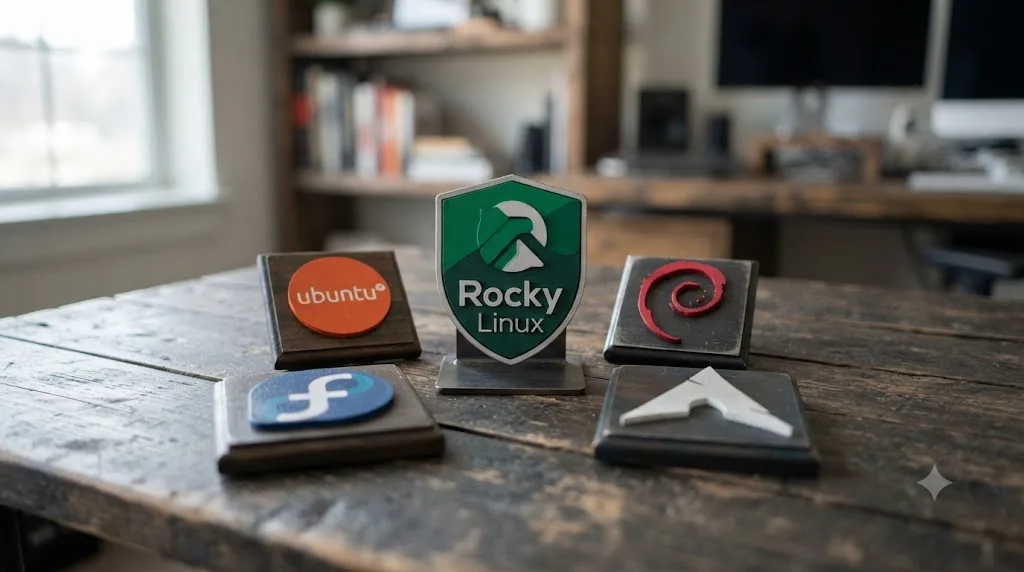
DaVinci Resolve runs natively on Linux, but Blackmagic only officially supports one distribution: Rocky Linux 8.6. Not Ubuntu. Not Fedora. Not Debian, Arch, or Linux Mint, no matter how many YouTube tutorials show it running there.
Why Rocky specifically? It's not favoritism. Rocky Linux, like the CentOS it replaced, is a downstream rebuild of Red Hat Enterprise Linux, which means it freezes its core libraries, glibc, GCC, kernel modules, for years at a time and only patches them for security. Resolve ships as a large, statically linked binary bolted to a proprietary Nvidia acceleration layer, and that combination is brittle against a library that moves. Rocky doesn't move. Ubuntu, Fedora, and Arch all update their core libraries on a schedule Resolve's binary was never built to track, which is the root cause of nearly every "it worked yesterday, now it doesn't" report from Linux editors.
That single design choice explains most of what's in this article. Keep it in mind as the throughline: everything that's hard about Resolve on Linux traces back to a professional application frozen against a fast-moving open-source ecosystem.
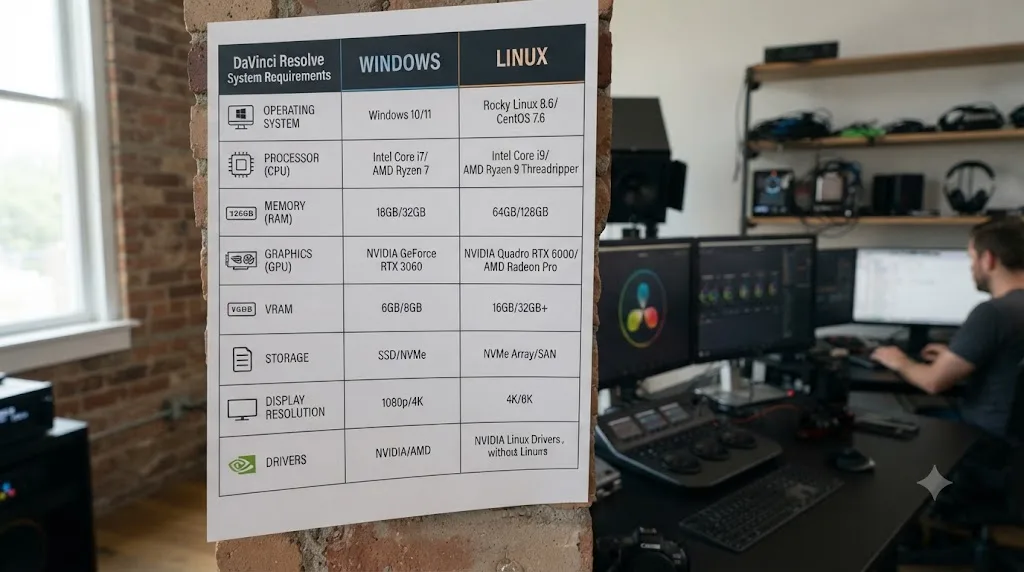
What are DaVinci Resolve's Linux system requirements?
Higher than you'd expect if you're coming from Windows, in one specific spot.
| Requirement | Windows | Linux |
|---|---|---|
| Supported OS | Windows 10/11 (specific builds) | Rocky Linux 8.6 only |
| System memory | 16GB (32GB with Fusion) | 32GB |
| GPU | Discrete GPU, DirectX 12 / OpenCL 1.2 or CUDA | Discrete GPU, OpenCL 1.2 or CUDA |
| Minimum VRAM | 4GB | 4GB |
| GPU driver | Current vendor driver | Current Nvidia Studio Driver (proprietary, not Nouveau) |
The RAM row is the one that surprises people. A Blackmagic forum thread titled "DaVinci Resolve specs for Linux are higher than on Windows?" has a poster quoting Resolve's own bundled readme documentation directly: Windows lists 16GB of system memory, or 32GB "when using Fusion," while Linux lists 32GB flat, no conditional. DaVinci Resolve on Linux asks for 32GB of system memory as a baseline, twice what Blackmagic lists for Windows. Nobody in that thread, including the poster who found the discrepancy, got a clean explanation from Blackmagic for why Linux doesn't get the same lighter baseline Windows does without Fusion. The best working theory is that Linux Resolve users skew toward Fusion-heavy VFX and broadcast pipelines, so Blackmagic simply wrote the spec for the workload it expects to show up.
GPU requirements track closer to parity: a discrete card with at least 4GB of VRAM and either CUDA or OpenCL 1.2 support, alongside a current Nvidia Studio Driver. Blackmagic's tech specs page pins a specific driver build number to that requirement and bumps it with nearly every Resolve point release, so treat any exact version number you read anywhere, including older forum posts, as stale by the time you read it. The pattern that holds constant: install directly from Nvidia, not whatever driver Rocky's package manager offers by default, and check Blackmagic's own page for the current floor before you install.
Do you need an Nvidia GPU, or will AMD and Intel work too?
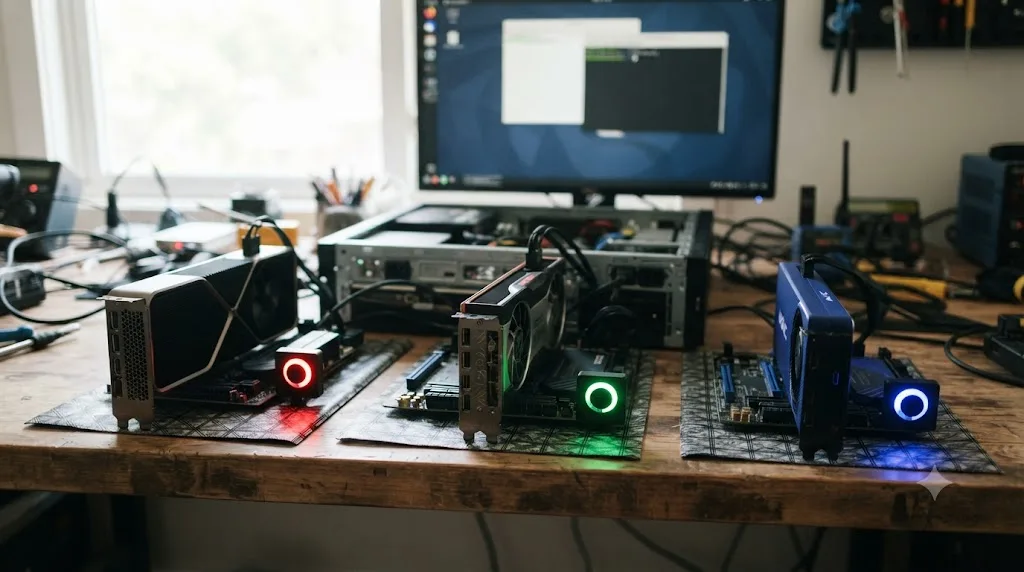
Nvidia is the path Blackmagic actually documents and tests. AMD and Intel graphics can work, but you're relying on the Linux community's driver stack instead of Blackmagic's.
Per the community-maintained ArchWiki page for DaVinci Resolve, the split looks like this:
| GPU vendor | Driver path | Status |
|---|---|---|
| Nvidia | Proprietary nvidia-utils driver | Works reliably; this is Blackmagic's own tested path |
| Nvidia (Nouveau) | Open-source Nouveau driver | Does not work with Resolve at all |
| AMD | Mesa, with ROC_ENABLE_PRE_VEGA=1 for cards older than Vega | Functional on recent GPUs, improved substantially in recent Resolve versions |
| Intel | Mesa or intel-compute-runtime | Functional, including integrated graphics |
The open-source Nouveau driver does not work with DaVinci Resolve; the proprietary Nvidia driver is required. That's an easy trap for anyone who installs a fresh Linux distro and assumes the GPU "just works" because the desktop renders fine. Nouveau draws your desktop without complaint and then silently fails, or shows a blank preview, the moment Resolve tries to hand it real GPU compute work.
AMD's story has genuinely improved. Earlier Resolve releases on AMD hardware were rough, blank preview windows, refusal to launch at all, the kind of report you'll still find scattered across old forum threads. Recent Resolve versions handle AMD's Mesa OpenCL stack meaningfully better, and Intel's integrated graphics now run a full edit competently too. That last point isn't a footnote. XDA Developers writer João Carrasqueira described exactly this shift after switching his own workflow: he'd previously assumed Resolve needed a discrete AMD or Nvidia GPU to run on Linux at all, then successfully cut a complete YouTube video on Arch Linux running nothing but an Intel Core Ultra's integrated graphics, in an article titled "DaVinci Resolve just fixed my biggest problem with Linux, and I've run out of reasons to keep Windows."
Even with that progress, Nvidia stays the low-friction choice, because it's the only GPU vendor whose driver Blackmagic's own documentation, support process, and internal testing actually target. Pick AMD or Intel on Linux and you're debugging against community reports instead of an official spec sheet.
Can you run DaVinci Resolve on Ubuntu, Fedora, or Linux Mint?
You can, but every route runs around Blackmagic's official package rather than through it.
Blackmagic ships one Linux installer, built for Rocky Linux's RPM-based system and library versions. There's no Blackmagic-built .deb file for Ubuntu, Debian, or Linux Mint, and no Blackmagic-built package for Fedora or Arch either, despite all three being popular desktop choices. That gap is exactly why an entire cottage industry of community tooling exists around this one application.
Your realistic options, roughly ordered from most to least fragile:
| Approach | What it involves | Best for |
|---|---|---|
| Install Rocky Linux itself | Dedicate a machine or partition to the one OS Blackmagic actually tests | Anyone doing paid, deadline-driven work |
| Manual RPM extraction on Ubuntu/Debian/Fedora | Pull dependencies out of Blackmagic's Rocky installer, patch library paths by hand | Experienced Linux users comfortable troubleshooting glibc mismatches |
| Community AUR package (Arch) | davinci-resolve or davinci-resolve-studio packages that automate the extraction | Arch and Arch-based distro users |
| Container-based installers like DavinciBox | Run Resolve inside an isolated container via Distrobox, sidestepping host library conflicts | Users on any distro who want the least manual patching |
The ArchWiki page documents the AUR route in detail and is blunt about its status: "DaVinci Resolve is not officially supported by Blackmagic Design on most Linux distributions, including Arch Linux." The package works, community volunteers keep it working, but every Resolve update is a fresh chance for something in Arch's rolling release to drift out from under it. Since Resolve version 19.1.3-2, the AUR package build process even requires manually downloading Blackmagic's own installer from its website first, because Blackmagic's license terms don't allow the community package to redistribute the binary itself.
Tools like DavinciBox, covered by TechHut, take a different angle: they run Resolve inside a container built to look like Rocky Linux to the application, regardless of what your actual host distro is. That sidesteps the library-version mismatch at the source, at the cost of one more layer between your GPU driver and the app.
No Blackmagic-built .deb or .rpm package exists for Ubuntu, Debian, or Linux Mint. Every install method on those three distributions is a workaround, not a supported path, and that distinction matters the day something breaks and you're deciding where to look for a fix.
Why can't the free version play H.264 or H.265 video on Linux?
Licensing, not a missing feature. This is the single biggest surprise for anyone who moves from Windows or Mac to Linux expecting the same free Resolve.
H.264 and H.265 decoding require patent licenses that Blackmagic pays for on Windows and Mac, where the decoder ships bundled with the OS or the app. Linux has no equivalent licensed decoder baked into the platform, and Blackmagic doesn't include one in the free build. The free version's Linux binary simply doesn't carry the codec at all.
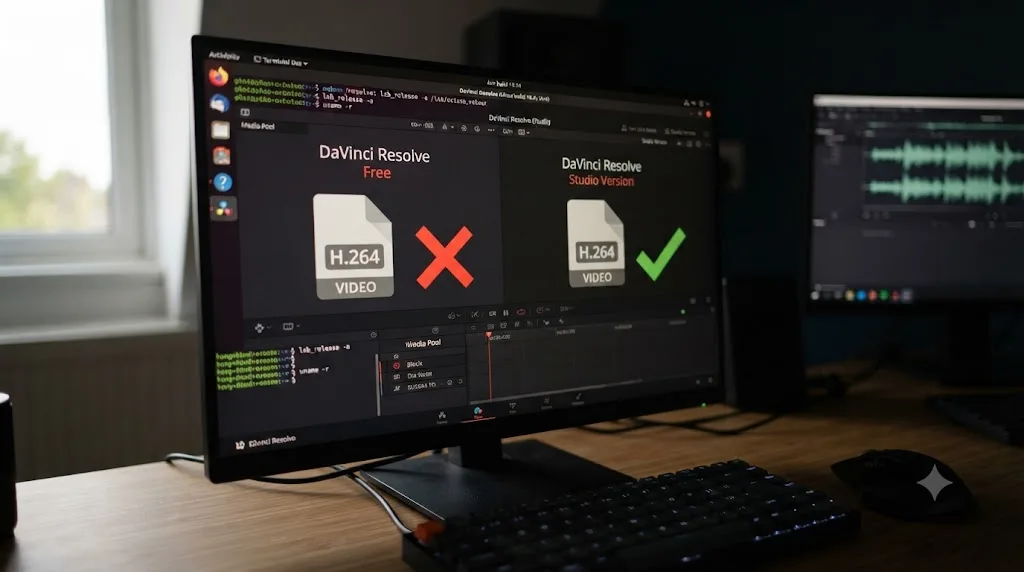
On Linux, the free version of DaVinci Resolve cannot decode or encode H.264, H.265, or AAC audio at all. Not "slower." Not "software-only." Absent. Drop a plain phone video or a screen recording into a free-tier Resolve project on Linux and it won't import, full stop, regardless of how powerful your GPU or CPU is.
XDA's Carrasqueira ran into this directly and put it plainly in his piece on switching to Resolve on Linux: "Resolve on Linux can't work with H.264 or H.265 encoded video, nor does it support AAC audio." He worked around it by transcoding with FFmpeg before import, which is the standard fix everyone on this platform eventually adopts.
This isn't a new or obscure bug either. A Blackmagic forum thread asking about h264 support in Resolve on Linux has been open and referenced for years, and it's the same answer every time: it's the licensing model, and Blackmagic has never signaled plans to change it. If you're moving your editing workflow to Linux and your source footage is H.264 or H.265, which describes the overwhelming majority of phone, drone, and mirrorless camera footage today, plan your import pipeline around this from day one rather than discovering it mid-project.
Does buying Studio fix the codec problem on Linux?
Partly. Studio buys back H.264 and H.265, but AAC stays locked out no matter which version you own.
| Codec | Free version on Linux | Studio on Linux |
|---|---|---|
| H.264 (decode/encode) | Not supported | Supported |
| H.265/HEVC (decode/encode) | Not supported | Supported |
| AAC audio (decode/encode) | Not supported | Not supported |
| ProRes, DNxHR | Supported | Supported |
Buying DaVinci Resolve Studio unlocks H.264 and H.265 on Linux, but AAC audio stays unsupported in both versions. That's an important distinction, because it means the $295 license doesn't fully solve the "why won't my file import" problem on Linux the way it would elsewhere. A standard MP4 with H.264 video and AAC audio, the default output of most phones and cameras, will get its video track working after you buy Studio while its audio track still fails.
The practical workaround is the same regardless of which Resolve version you're running: pull the audio out separately or transcode the whole file to a Resolve-friendly container before import. Most Linux editors keep a one-line FFmpeg command in their back pocket for exactly this, converting incoming footage to an edit-friendly codec with a standard WAV or PCM audio track, and never touch the raw camera file inside Resolve at all. For more on where Studio's Linux-specific advantages sit against the free version generally, our free vs Studio pricing guide breaks down every feature gap, not just the codec one.
What problems do Linux editors actually run into?
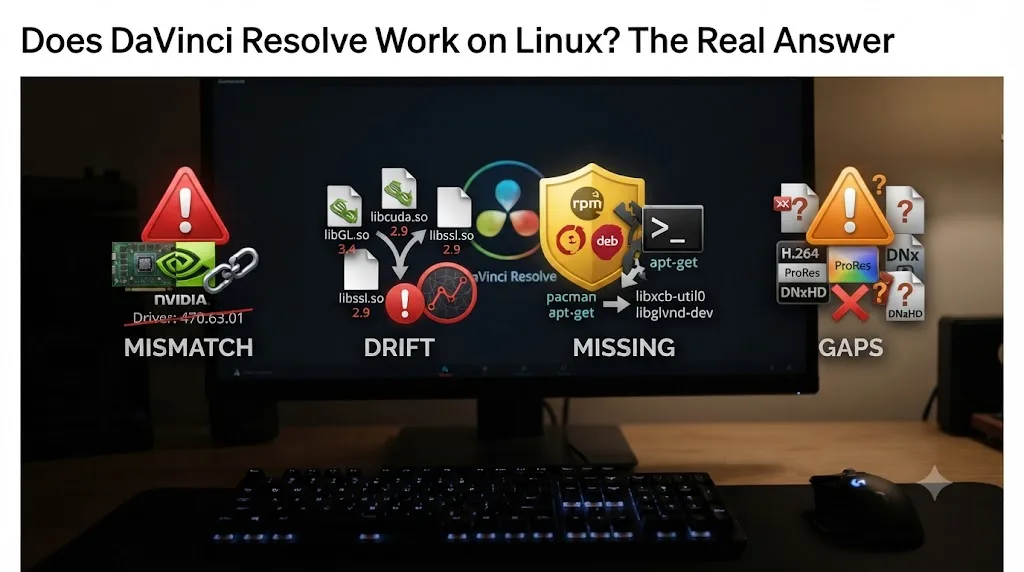
Four categories cover almost every real report, once you filter out the generic "it crashed" noise.
Driver mismatches top the list. Resolve's GPU acceleration layer is picky about exact driver builds, more so on Linux than on Windows, where Nvidia's driver update cadence and packaging are more predictable. A GitHub issue on NVIDIA's own open-gpu-kernel-modules repository documents exactly this pattern: a specific driver build, 590.48.01-3, caused a false "your GPU memory is full" error and playback stutter in Resolve, resolved entirely by rolling back one point release to 590.48.01-1. Nothing about the project or the hardware changed, only the driver build. Our GPU memory full guide covers this error in more depth, including how it can be a driver problem wearing a memory problem's disguise on any platform.
Library version drift is second, and it's specific to running Resolve outside Rocky Linux. Every rolling-release distro update is a chance for glibc, GCC, or a shared library Resolve's static binary expects to move out from under it. This is the exact failure mode Rocky Linux exists to prevent by freezing those versions for years.
Missing native packaging support is third. No .deb, no direct apt or dnf install, no automatic updates through your distro's package manager the way Resolve updates would work on Windows through its own installer. Every update on a non-Rocky distro is a manual re-download and reinstall, sometimes a manual rebuild if you're on the AUR path.
Codec gaps round out the list, covered in full above, but worth restating here because it's the single most common "why doesn't this work" report from new Linux Resolve users, more common than any GPU or driver issue combined.
None of these four are unfixable. All four are more manual on Linux than the equivalent problem would be on Windows or Mac, because Blackmagic's support engineering effort is concentrated on one distribution and Windows and macOS get the rest of it.
Is DaVinci Resolve on Linux stable enough for professional work?
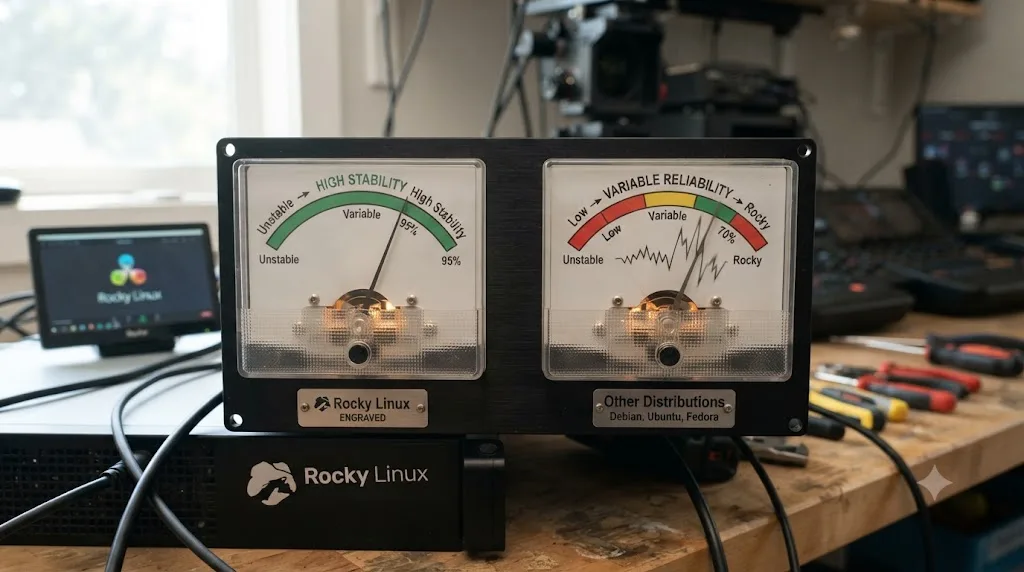
On Rocky Linux 8.6, with a modern Nvidia card and a driver build that matches Blackmagic's current spec, yes. That's the configuration Blackmagic engineers against, tests against, and will actually help you troubleshoot if you open a support ticket.
Off that exact configuration, stability becomes a function of how carefully you, or the community package you're relying on, replicated Rocky's environment. Plenty of editors run Resolve daily on Ubuntu or Arch without drama, because they've locked in a known-good Nvidia driver and stopped chasing distro updates on that one machine. Plenty of others chase phantom crashes for a week after a routine system update touched a library Resolve depended on.
The honest framing: DaVinci Resolve on Linux is professional-grade software running on a hobbyist's support model everywhere except Rocky Linux. That's not a knock on the Linux build's engineering, it's a description of where Blackmagic chose to spend its testing budget. If your business depends on this editor working every single day without you personally debugging it, Rocky Linux isn't the boring choice, it's the correct one.
Should you switch to Linux to run DaVinci Resolve?
Depends entirely on what's pulling you there. If it's philosophical, you want an open-source desktop and you're willing to spend a weekend getting the install exactly right, Linux Resolve is a real, usable editor today, better than it's ever been on AMD and Intel hardware, and genuinely excellent on Rocky Linux with Nvidia.
If it's about hardware you already own that struggles with Windows overhead, check your GPU vendor first. An Nvidia card makes this an afternoon project. An AMD or Intel-only machine makes it a more involved one, though a workable one, per the recent community reports covered above.
If it's about avoiding a Windows or macOS license entirely for cost reasons, remember that DaVinci Resolve's free version is free on every platform, including Windows and Mac, so Linux doesn't unlock cheaper editing, only different editing. What it changes is the codec and driver friction you'll deal with, not the price tag.
And if your actual footage is H.264 or H.265 from a phone, drone, or mirrorless camera, budget for either a Studio license or a transcoding step in your workflow before you commit, because that one limitation, more than any distro quirk, is what determines whether Linux Resolve feels like a real editor or a wall you keep hitting. If you're weighing that purchase, our beginner's guide to DaVinci Resolve and the free vs Studio breakdown both cover what the $295 buys beyond the Linux-specific codec unlock.
DaVinci Resolve doesn't just technically work on Linux. On the one distribution Blackmagic actually stands behind, it works the way professional software is supposed to. Step off that distribution and you inherit the tradeoffs of every other piece of professional software running on community goodwill instead of vendor support. Go in knowing which of those two situations you're choosing, and Linux Resolve stops being a gamble and starts being a genuine option.
Frequently asked questions
- Does DaVinci Resolve work on Linux?
- Yes. DaVinci Resolve has a native Linux build, both free and Studio, and Blackmagic Design has supported Linux since early versions of the software. It's not a compatibility layer or an emulator; it's the same application core that runs on Windows and macOS, compiled for Linux.
- Which Linux distribution does Blackmagic officially support?
- Rocky Linux 8.6 is the only distribution Blackmagic tests, documents, and supports, according to its own tech specs page. CentOS 7.3 was supported in older Resolve releases but was dropped. Everything else, Ubuntu, Fedora, Debian, Arch, Linux Mint, runs through community packaging, not official Blackmagic support.
- Can I install DaVinci Resolve on Ubuntu or Linux Mint?
- You can, but not with a Blackmagic-built package. There's no official .deb for Ubuntu or Mint. You either extract Blackmagic's Rocky Linux RPM installer and patch dependencies by hand, use a community project like DavinciBox that runs Resolve in a container, or install a distro that already matches Rocky's library versions.
- Does DaVinci Resolve on Linux support AMD or Intel GPUs?
- It runs on AMD and Intel graphics through Mesa's open-source OpenCL drivers, and community reports describe that path as workable on recent hardware. Nvidia remains the safer, better-documented choice, since Blackmagic's own Linux requirements are written around a discrete Nvidia card and the proprietary Nvidia driver, not Mesa.
- Why won't my MP4 or phone footage import in DaVinci Resolve on Linux?
- Almost always because it's H.264 or H.265 video, which the free version cannot decode on Linux at all, or AAC audio, which neither the free nor Studio version decodes on Linux. Transcode the file to a codec Resolve does support, like DNxHR or ProRes, before importing.
- Do I need DaVinci Resolve Studio to edit H.264 video on Linux?
- Yes, if you want Resolve itself to read it. Studio adds H.264 and H.265 decode and encode support on Linux that the free version simply doesn't have. It's one of the starkest free-versus-Studio gaps on any platform, and it's specific to Linux.
- How much RAM does DaVinci Resolve need on Linux?
- Blackmagic's own Resolve readme documentation lists 32GB of system memory for Linux, double the 16GB baseline it lists for Windows, a gap a Blackmagic forum thread flagged and Blackmagic never fully explained beyond noting Linux setups often lean on Fusion.
- Is DaVinci Resolve stable enough on Linux for professional work?
- On the one distribution Blackmagic actually supports, Rocky Linux 8.6 with a modern Nvidia card and the right driver, yes, people cut real professional work on it. Off that path, on Ubuntu, Arch, or Fedora, stability depends entirely on how carefully you or a community package matched Rocky's library versions.
Sources
- DaVinci Resolve product page (platform support, free version specs)
- DaVinci Resolve - Tech Specs (Blackmagic Design)
- ArchWiki: DaVinci Resolve
- XDA Developers: DaVinci Resolve just fixed my biggest problem with Linux, and I've run out of reasons to keep Windows (João Carrasqueira)
- Blackmagic Forum: DaVinci Resolve specs for Linux are higher than on Windows?
- Blackmagic Forum: h264 support in Resolve on Linux?
- TechHut: Install DaVinci Resolve in Any Linux Distro Using DavinciBox
- NVIDIA open-gpu-kernel-modules, GitHub issue #1035 (Linux driver regression report)
Put this guide to work with TryUncle.
Ask about the step you’re on. TryUncle sees your screen and points at the control you need, so you can keep learning in your own project.
Get TryUncle for Mac or WindowsKeep reading
Comparisons · Jul 7, 2026 · 28 min
DaVinci Resolve Studio Price: Free vs. Studio Cost, Explained
DaVinci Resolve Studio costs $295, paid once, not monthly. Here's exactly what that buys, how it stacks up against Premiere Pro and Final Cut Pro, and who needs it.
Fixes · Jul 7, 2026 · 25 min
DaVinci Resolve GPU Memory Is Full: Every Real Fix
Why DaVinci Resolve throws 'GPU memory is full,' and which fixes actually work: timeline resolution, drivers, effects, and how much VRAM you need.
Guides · Jul 7, 2026 · 32 min
DaVinci Resolve for Beginners: The Complete Starter Guide
Learn DaVinci Resolve from zero: what it costs, what it needs to run, the seven pages you'll actually use, and the steps to cut your first project.