Articles / Fixesupdated for DaVinci Resolve 21 and Epidemic Sound plugin, August 2026
Epidemic Sound DaVinci Resolve Plugin Not Showing? Fix It
Quick answer
If the Epidemic Sound DaVinci Resolve plugin is not showing, check three gates: you need paid DaVinci Resolve Studio, the Blackmagic-downloaded build rather than the Mac App Store build, and an installed Epidemic Sound Hub plugin. Then open a project and choose Workspace > Workflow Integrations > Epidemic Sound.
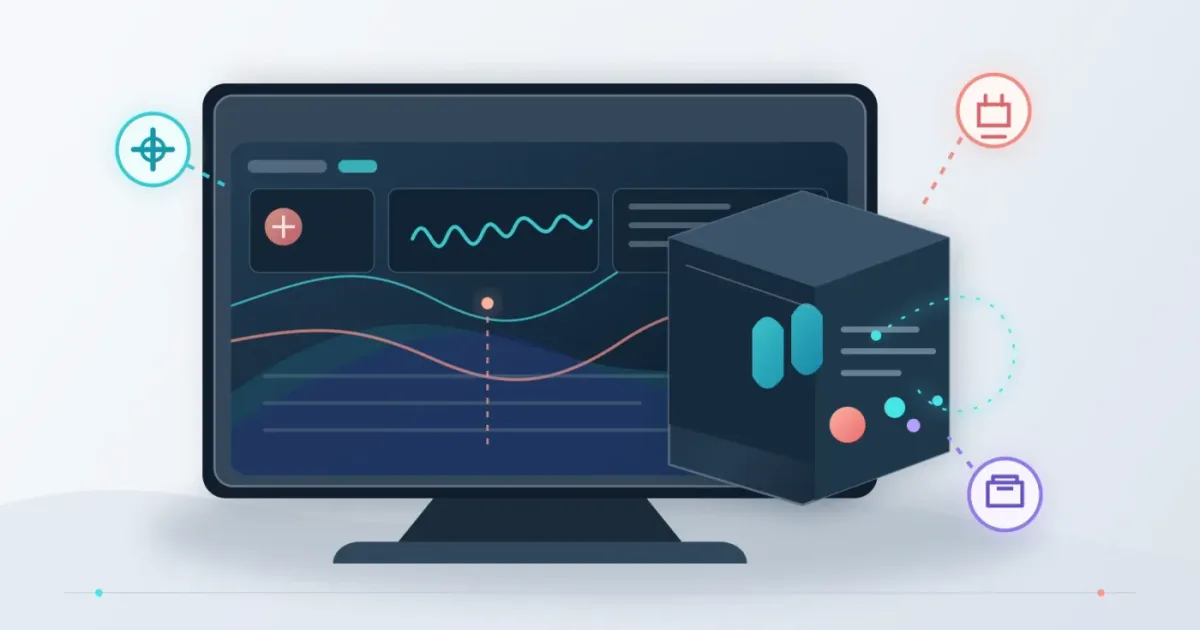
If Epidemic Sound is missing from DaVinci Resolve, the fix is usually a version check, not a mysterious plugin failure. I’ll show you where the menu should appear in Resolve 21.
As of August 2026, I’m writing for DaVinci Resolve 21. I haven’t reproduced every machine-specific failure described by readers, so I’ll separate documented requirements from diagnosis. After seven years of professional commercial editing, we’ve learned to check the host application before reinstalling an add-on.
Why is the Epidemic Sound DaVinci Resolve plugin not showing?
Affiliate disclosure: This post contains an affiliate link for Epidemic Sound. We may earn a commission if you subscribe through it, at no extra cost to you.
The Epidemic Sound plugin is not a normal audio effect that appears in the Effects Library. It is a Workflow Integration, so it appears under Workspace > Workflow Integrations when the supported Resolve Studio build and plugin installation are present. Epidemic Sound’s current setup guide names the same menu location.
The fastest diagnosis is this:
| What you see | Most likely cause | What to do |
|---|---|---|
| No Workflow Integrations menu | Free Resolve or Mac App Store Studio | Confirm the edition and install the Blackmagic-downloaded Studio build |
| Workflow Integrations exists, but Epidemic Sound is absent | Hub did not install the integration | Close Resolve, run Hub, and click Install |
| Resolve says it could not be found | Windows install path is not detected | Check the documented Resolve Support folder |
| Plugin opens, but downloads fail | You are not signed in or the subscription is not active | Log in inside the plugin and check the account |
| Plugin works, but a feature is missing | Feature or plan limitation | Update Hub and check the current plugin documentation |
The Epidemic Sound Resolve plugin appears under Workflow Integrations, not in the Effects Library.
If the entire Workflow Integrations entry is missing, jump to the edition and distribution checks below. If the menu exists, check installation, account state, or a platform-specific path.
How do I check whether DaVinci Resolve 21 is the right edition?
DaVinci Resolve Studio is required. The free edition does not support the Epidemic Sound plugin, even if Epidemic Sound Hub is installed correctly. Epidemic Sound states that requirement directly, while Blackmagic Design lists Resolve 21 and Resolve Studio 21 as separate editions.
Open Resolve and check the application name in the menu bar or About window. You want DaVinci Resolve Studio, not just DaVinci Resolve. On a Mac, the presence of a paid license in your Epidemic Sound account does not change which Resolve binary is running.
Blackmagic’s current Studio page identifies DaVinci Resolve Studio 21 and lists Workflow Integration Plug-ins as a Studio capability. The same page lists the free version as supporting up to 60 fps and Ultra HD 3840 x 2160, but those editing limits do not grant plugin support. Plugin eligibility depends on the Studio edition.
If you have both editions installed, quit Resolve completely, launch the Studio application, open a project, and check Workspace again. Epidemic Sound’s own troubleshooting guidance warns that both the free and paid programs can be installed at the same time.
Paid DaVinci Resolve Studio is a hard requirement for the Epidemic Sound plugin.
For a deeper version comparison, see our guide to whether Epidemic Sound works with free DaVinci Resolve. It covers the licensing and workflow consequences separately from this menu problem.

Why is Workflow Integrations missing in DaVinci Resolve Studio?
On macOS, the most important exception is the Mac App Store build. The Mac App Store version of Resolve Studio does not provide Workflow Integrations because of Apple sandbox limitations, according to Blackmagic Design support staff in its forum. Epidemic Sound gives the same practical instruction: use the Studio version downloaded directly from Blackmagic Design.
Check where your Resolve app came from before touching the plugin:
- Quit DaVinci Resolve.
- Open the Mac App Store and inspect whether Resolve was installed or purchased there.
- If it is the Mac App Store build, download the Studio installer from Blackmagic Design and install that distribution.
- Launch the Blackmagic-downloaded Studio application, open a project, and check Workspace > Workflow Integrations.
This is a distribution limitation, not a missing checkbox. You can reinstall Epidemic Sound Hub repeatedly and still have no Workflow Integrations menu if the host application came from the Mac App Store.
The Mac App Store build of Resolve Studio cannot expose the Workflow Integrations menu needed by this plugin.
On Windows, the diagnosis is different. The Mac App Store limitation does not apply, so start with the free-versus-Studio check, then reinstall through Hub and inspect the installation path if Resolve is not detected.
How do I reinstall the plugin so Resolve 21 can see it?
Close DaVinci Resolve before installing. Then use Epidemic Sound Hub as the installer and reopen Resolve only after Hub reports that the DaVinci Resolve Studio plugin is installed. Epidemic Sound’s documented sequence is short enough to follow exactly.
- Close DaVinci Resolve Studio.
- Download and install Epidemic Sound Hub for macOS or Windows.
- Open Epidemic Sound Hub from your Applications folder or Start menu.
- Find DaVinci Resolve Studio Plugin and click Install.
- Launch DaVinci Resolve Studio and open a project.
- Choose Workspace > Workflow Integrations > Epidemic Sound.
The plugin opens in a separate window. That is expected. The published guidance also says you can pin the window above Resolve with the pin control in the plugin.
Keep Epidemic Sound Hub on the computer after installation. Epidemic Sound says Hub handles automatic plugin updates when Resolve is restarted. A stale integration can look like a missing feature, especially when the product documentation refers to a newer plugin build.
The plugin itself is available on all Epidemic Sound plans, but downloading tracks requires an active subscription and an account login. Those are separate from the menu visibility test. First make the menu appear. Then sign in.
Closing Resolve before installation is part of the documented setup, not optional cleanup.
What should I do when “DaVinci Resolve could not be found on my system” appears?
On Windows, the error means the installer cannot find Resolve in the folder Epidemic Sound documents. Its Help Center gives this path: %PROGRAMDATA%\\Blackmagic Design\\DaVinci Resolve\\Support\\. The current Help Center entry identifies that location as the requirement for installation.
Check the path without deleting anything:
- Open File Explorer.
- Paste
%PROGRAMDATA%\\Blackmagic Design\\DaVinci Resolve\\Support\\into the address bar. - Confirm that the Resolve Support folder exists.
- If it does not, verify that DaVinci Resolve Studio is installed from Blackmagic Design and not only copied from another machine or placed in an unusual location.
- Reopen Hub and try the plugin installation again.
Do not treat this as an account problem. The error is about application detection. If the path exists, restart Windows, reopen Hub, and contact Epidemic Sound support if detection still fails.
On macOS, skip this Windows path check. Use the distribution test instead, especially if Workflow Integrations is absent.
What if the plugin appears but will not open or download?
If Epidemic Sound appears under Workflow Integrations but a track will not download, sign in inside the plugin and confirm that the active subscription is on the account you used. Epidemic Sound says downloads require an active subscription and directs users to the plugin login flow.
Use this order:
- Open Workspace > Workflow Integrations > Epidemic Sound.
- Open the plugin menu and choose Log in.
- Finish the browser login and return to Resolve.
- Check Settings inside the plugin if a Creator or Pro account appears unusable.
- Restart Resolve after updating Hub.
The plugin can drag files directly to the timeline, and liked tracks can expose individual stems from the three-dot menu. Those are workflow functions, not signs that the plugin is an audio effect. Timeline Sync is not supported in the DaVinci Resolve plugin, so its absence is expected.
Epidemic Sound also documents a current limitation for MCN users: file downloads through the DaVinci plugin are not supported. If the plugin opens but download controls fail only for an MCN account, changing Resolve versions is unlikely to solve it.
In a March 2026 press release, Sam Hall, Epidemic Sound’s Chief Product Officer, said, “We estimate that around a third of our customers use DaVinci Resolve.” The statement is company-reported, not an independent measurement, but it explains why the Resolve integration is a maintained workflow rather than a generic audio import trick. The full attributed statement is in Epidemic Sound’s press release.
A visible plugin with a failed download is usually an account, subscription, or feature-support problem, not an installation problem.
If your wider issue is that audio assets are missing after import, our separate guide to DaVinci Resolve’s sound library not showing up follows a different diagnostic path.

Should I keep troubleshooting the plugin or use another sound workflow?
Keep troubleshooting if you already have paid Resolve Studio from Blackmagic Design and want in-editor access to the Epidemic Sound catalog. Stop reinstalling and choose another workflow if you use free Resolve, need the Mac App Store build, or only need one cleared track for a single project.
Epidemic Sound fits recurring music and sound-effects work inside Resolve Studio. Its plugin supports searching, downloads, stems, drag-and-drop placement, and track adaptations, but not Timeline Sync. Check the assigned Epidemic Sound offer if those requirements fit; the relationship doesn’t change the technical verdict.
For alternatives, Artlist is broader when you also need footage and templates, Motion Array suits a template-first workflow, and Soundstripe offers single-use licenses. None repairs a missing Workflow Integrations menu, so fix the Resolve edition first.
We also run a 100,000+ member professional video-editing community, where host-versus-plugin confusion is a recurring stuck point. Verify the host, distribution, then installer.
The correct fix is to make Resolve Studio expose Workflow Integrations before judging the plugin.
Start with the shortest path: launch the Blackmagic-downloaded DaVinci Resolve Studio 21 build, close it, install through Epidemic Sound Hub, reopen a project, and check Workspace > Workflow Integrations. If that menu still does not exist, the edition or distribution is wrong. If it exists but the plugin fails, move to login, subscription, path, and feature checks.

Frequently asked questions
- Why is the Epidemic Sound plugin not showing in DaVinci Resolve 21?
- The usual causes are the free Resolve build, the Mac App Store build of Resolve Studio, an installation made while Resolve was open, or a missing Epidemic Sound Hub install. Use the Blackmagic-downloaded Studio build, close Resolve, install through Hub, then reopen a project and check Workspace > Workflow Integrations.
- Does the Epidemic Sound plugin work with free DaVinci Resolve?
- No. Epidemic Sound says its DaVinci plugin requires paid DaVinci Resolve Studio; the free version does not support these plugins.
- Why is Workflow Integrations missing from DaVinci Resolve Studio?
- On macOS, the Mac App Store version of Resolve Studio does not provide Workflow Integrations because of Apple sandbox limitations. Install the Studio version downloaded directly from Blackmagic Design instead.
- How do I install the Epidemic Sound plugin in DaVinci Resolve?
- Close Resolve, install Epidemic Sound Hub, open Hub, click Install beside DaVinci Resolve Studio Plugin, then reopen a Resolve Studio project and choose Workspace > Workflow Integrations > Epidemic Sound.
- Why does DaVinci Resolve say it could not be found on my system?
- On Windows, Epidemic Sound says the plugin installer looks for Resolve in %PROGRAMDATA%\Blackmagic Design\DaVinci Resolve\Support\. A nonstandard install location can prevent detection.
Sources
- Epidemic Sound DaVinci Resolve Studio plugin guide
- Epidemic Sound DaVinci Resolve Studio plugin Help Center
- Epidemic Sound press release on Studio in the DaVinci Resolve plugin
- DaVinci Resolve Studio 21, Blackmagic Design
- Workflow integration submenu missing, Blackmagic Design forum
- DaVinci Resolve 21 New Features Guide, Blackmagic Design
- Artlist music and SFX plans
- Motion Array pricing plans
- Soundstripe pricing and single-use licenses
Put this guide to work with TryUncle.
Ask about the step you’re on. TryUncle sees your screen and points at the control you need, so you can keep learning in your own project.
Get TryUncle for Mac or WindowsKeep reading
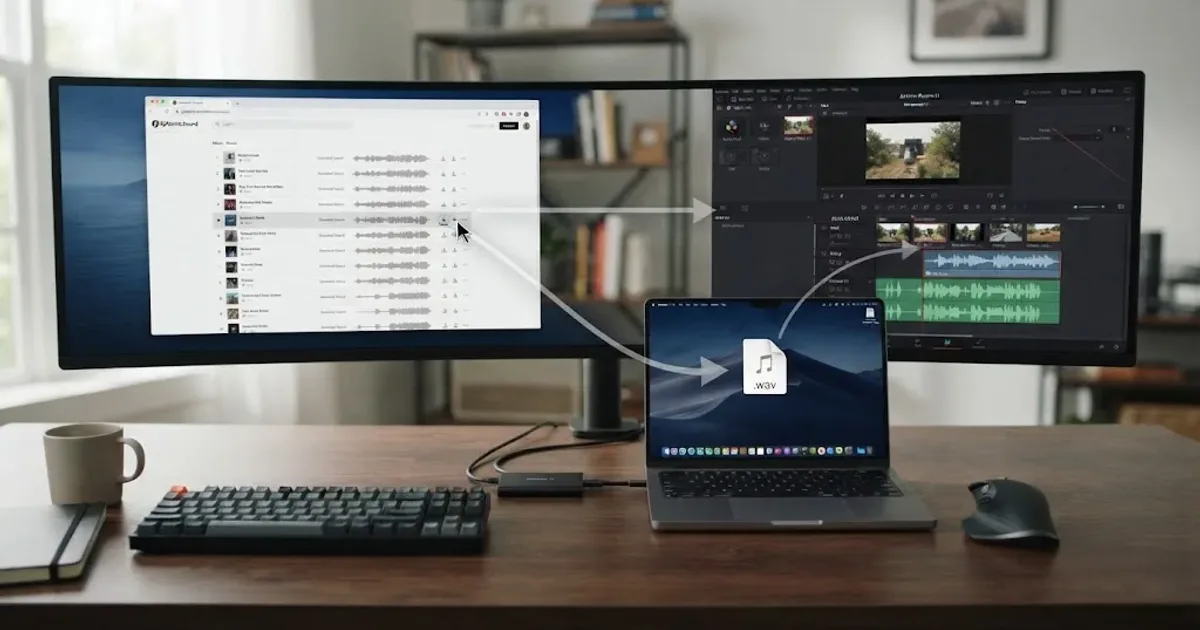
Guides · Aug 26, 2026 · 8 min
Does Epidemic Sound Work With Free DaVinci Resolve?
Yes, but only through manual audio imports. The Epidemic Sound plugin requires DaVinci Resolve Studio. Here is the free Resolve 21 workflow.
Fixes · Aug 27, 2026 · 8 min
DaVinci Resolve Sound Library Not Showing Up? Fix It
DaVinci Resolve 21 sound library not showing up? Select the right database, search correctly, add the folder, and rebuild the index safely.
Reviews · Aug 25, 2026 · 8 min
Epidemic Sound Studio DaVinci Resolve Review (2026)
An honest Epidemic Sound Studio review for DaVinci Resolve 21, covering the Studio-only plugin, soundtrack drafts, licensing, limits, and alternatives.