Articles / Guidesupdated for DaVinci Resolve 21 and Epidemic Sound plan pages verified September 2026
Epidemic Sound for Real Estate Videographers: 2026 Guide
Quick answer
Epidemic Sound for real estate videographers is a good fit when you publish recurring property tours and need licensed music, sound effects, stems, and client-ready coverage. Use a plan that explicitly covers client work and digital ads, then move the audio into DaVinci Resolve 21. Choose Artlist or Motion Array if you also need footage, templates, or broader assets.
Music can make a property feel calm, expensive, playful, or forgettable. I’ve spent more than seven years editing commercial video, and the same problem keeps returning: editors choose a track before they decide what the listing needs to say.
As of September 2026, DaVinci Resolve 21 gives you a capable Fairlight audio workflow, while Epidemic Sound offers an audio-first catalog with a Resolve Studio integration. The useful question isn’t whether the library has enough songs. It’s whether the license, search workflow, and sound design fit the way you sell property video.
Disclosure: this guide includes one affiliate link. If you subscribe through it, we may earn compensation at no extra cost to you. That relationship doesn’t change the licensing verdict.
Is Epidemic Sound a good fit for real estate videographers?
Epidemic Sound is a good fit for real estate videographers who publish recurring listing videos, social cuts, agent websites, or paid digital ads and want music and sound effects under one licensing workflow. It’s a weaker fit for a one-off video, a broadcast campaign, or a production business that mainly needs stock footage and templates.
The product solves three practical problems:
- Finding a track that supports the property instead of fighting it.
- Moving music, stems, voiceovers, and effects into an edit.
- Proving that the finished video has the right publishing permission.
The scale is useful for recurring work. Epidemic Sound’s current public pages describe a catalog of more than 55,000 tracks and 250,000 sound effects, with unlimited music and sound-effect downloads under the applicable subscription terms. Epidemic Sound’s current plan information is the place to recheck the numbers and terms before subscribing.
Fred Light, an owner of a real estate video company, put the priority plainly in an Inman panel report: “People will put up with mediocre video, but not with mediocre audio.” That’s an old quote, but the editorial test still works. If the music masks narration, makes every room feel identical, or ends like a file was cut with scissors, the viewer hears the problem immediately. Inman’s report also records advice to narrate later rather than trying to speak while shooting a tour.
Licensed music is useful only when the license matches the way the property video will be published.
How do I choose music for a property tour?
Choose music after you decide what the property and the cut should feel like. Start with the viewer’s first impression, then check whether the track leaves space for natural sound, voiceover, and the details that make the listing different.
The table is a starting point, not a genre rule. The footage should win every argument.
| Property or edit | Music direction to test | What to avoid | Useful sound layer |
|---|---|---|---|
| Luxury home or architect-designed property | Restrained cinematic, modern classical, or spacious electronic | Oversized drops, obvious trailer hits, lyrics that tell the viewer what to feel | Door latch, room tone, controlled exterior air |
| Family home | Warm acoustic, light piano, gentle indie, or understated soul | Music that makes a normal room feel sentimental or staged | Soft footsteps, cupboard movement, garden ambience |
| Modern apartment | Minimal electronic, clean percussion, or textural ambient | Busy melodies that compete with rapid detail shots | Elevator tone, city bed, subtle appliance hum |
| Coastal, rural, or holiday property | Airy ambient, light acoustic, or relaxed rhythm | Generic tropical clichés and constant high-frequency sparkle | Wind, birds, water, gravel, fabric movement |
| Agent-led vertical reel | Compact hook, clear pulse, or a loopable instrumental bed | Long intros that delay the first useful image | One or two transition accents, kept quiet |
Match music to the edit, not the other way around
Cut the tour around the property first. Then audition music against the locked or nearly locked edit. Let a beat support a change of room, a view, or a visual detail, but don’t force every cut onto a beat. A viewer should feel guided through the home, not marched through it.
Use stems when they solve a real problem. If a track has separate musical parts, pull back a busy layer under a voiceover or remove percussion during a quiet room reveal. Epidemic Sound’s Resolve plugin documentation says liked tracks can expose individual stems for viewing and download. The current plugin guidance should be checked for the exact interface.
Use natural sound as proof of space
Music gives a tour a point of view. Natural sound gives it physical presence. A door opening, a footstep on timber, birds beyond a patio, or a controlled room tone can stop a sequence from feeling like a slideshow.
Keep those sounds specific. Don’t add a dramatic slam to an ordinary door. Don’t add waves to a property that has no water nearby. Don’t use an expensive-sounding riser to imply a feature the footage hasn’t shown. Sound design should make the image more believable, not make a promise for the seller.
A real estate soundtrack should support the property’s first impression, not make a bigger claim than the footage can prove.
How do I build a repeatable Epidemic Sound workflow in DaVinci Resolve 21?
Build the workflow around a repeatable brief: property type, audience, delivery channels, runtime, voiceover, and the three visual moments the soundtrack must support. DaVinci Resolve 21 places audio work on the Fairlight page and adds Fairlight folder functions for track management, according to Blackmagic Design’s Resolve 21 feature information. Blackmagic’s Resolve 21 overview is the version reference.
Here is the workflow I’d use for a weekly property-tour schedule.
-
Write a one-line sound brief. Try “quiet coastal home, confident but not luxurious, natural morning light” instead of “find a good real estate song.” The first version gives the search a job.
-
Label the edit’s audio needs. Mark narration, music, room tone, movement, and transition accents. You need to know which sounds are allowed to compete.
-
Create a shortlist. Search by mood or description, then compare the opening, first major change, and ending. If you search by a reference track, use it to describe energy and texture, not to imitate a recognizable song.
-
Check the license before the download becomes part of the project. Write down who is publishing the video, where it will appear, whether it will be used as a paid ad, and whether the agent or brokerage needs to publish it on its own channels.
-
Place the music on its own track. Keep narration, music, room tone, and effects separate. That gives you clean revision decisions.
-
Cut the track to the visual structure. Use an intro that gets out of the way, a middle section that supports room changes, and an ending that doesn’t vanish mid-phrase. If the song is right but too long, use a clean edit, loop, stem change, or short fade.
-
Add sound effects after the music is working. Place only the sounds that clarify movement or space. A few well-timed details usually serve a property tour better than a constant layer of whooshes.
-
Review without looking at the screen. Listen for sudden volume changes, buried narration, uncomfortable bass, or a final cue that stops before the picture is finished.
-
Save the license record with the project. Keep the track name, account or license information, publishing channel, project name, and date in the project folder. This is boring until an agent asks which version was cleared.
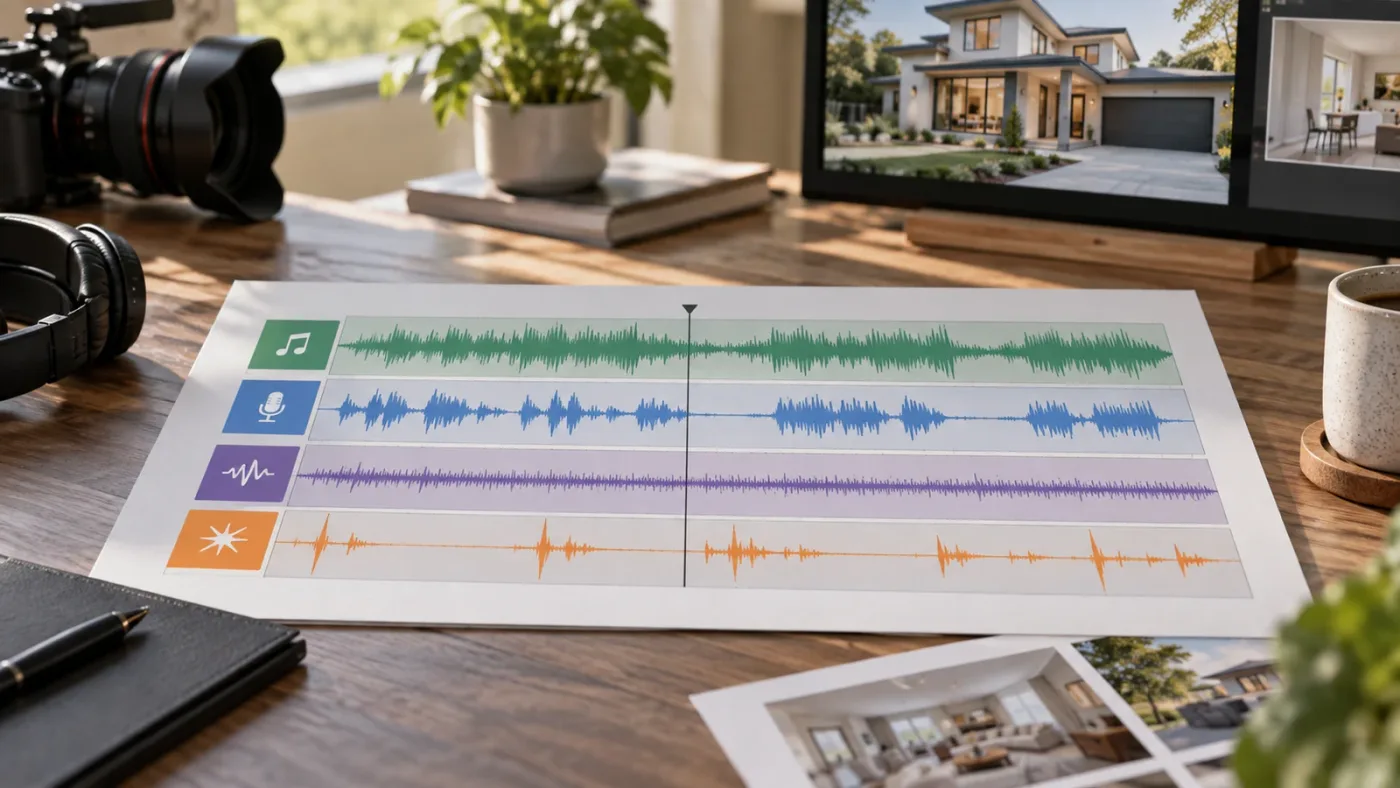
DaVinci Resolve can handle a large audio workflow. Blackmagic’s current download page lists Fairlight support for up to 2,000 tracks, far beyond what a property tour needs. Blackmagic’s audio specifications support a simpler conclusion: you don’t need dozens of tracks to make a listing sound finished.
How do I put Epidemic Sound music into DaVinci Resolve 21?
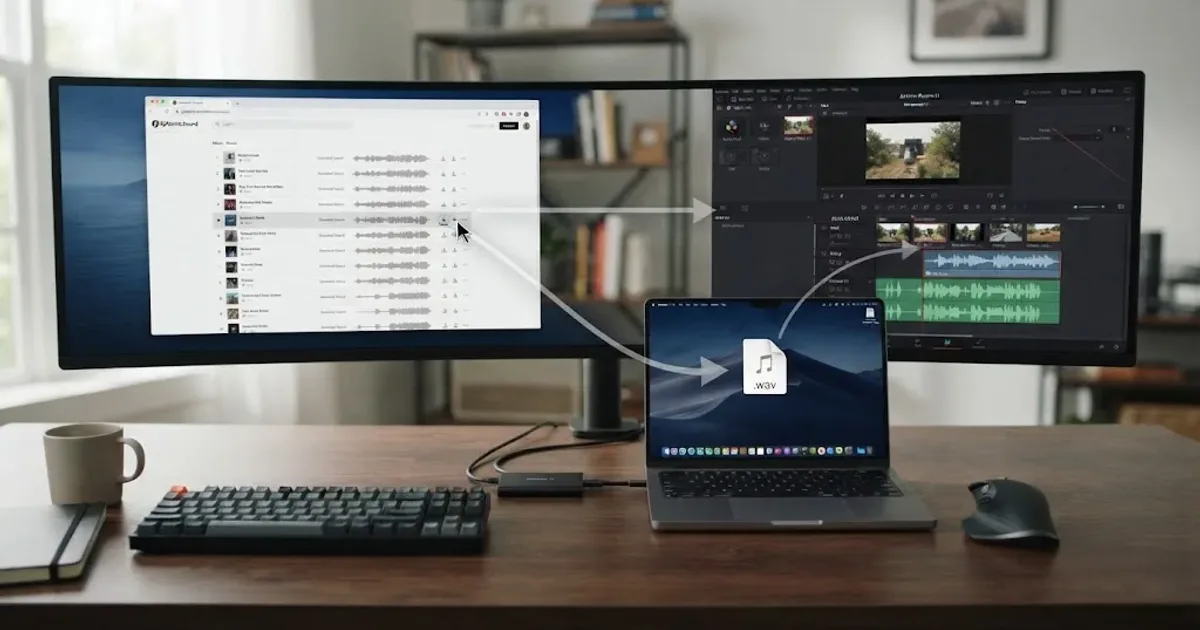
You can use the Epidemic Sound plugin in DaVinci Resolve Studio or download audio and import it as media. The plugin is convenient, but it isn’t a reason to upgrade from the free edition by itself because the plugin requires Studio.
The official plugin workflow has five practical checks:
- Close DaVinci Resolve before installation.
- Install Epidemic Sound Hub for macOS or Windows.
- Install the DaVinci Resolve Studio plugin from the Hub.
- Open a Resolve Studio project and choose Workspace > Workflow Integrations > Epidemic Sound.
- Sign in, search, and drag a selected file to the timeline.
Epidemic Sound’s current plugin documentation says tracks can be dragged directly to the timeline and that stems can be opened from a liked track. It also says an active subscription is required to download tracks. Use the current tracked plugin destination for the live instructions and current feature list.
The free-versus-Studio detail matters. Blackmagic lists DaVinci Resolve 21 for Mac, Windows, and Linux, but Epidemic Sound says its plugin works only with DaVinci Resolve Studio because the free edition doesn’t support plugins. If you’re on the free edition, download the audio through the normal library workflow and import the files manually. Our related guide on whether Epidemic Sound works with free DaVinci Resolve covers that boundary.
There’s also a Mac-specific trap. Epidemic Sound says Workflow Integrations won’t be available in the Studio edition purchased through the Mac App Store. In that situation, its own guidance directs users to the Studio version downloaded from the Blackmagic Design website. Check the edition before you troubleshoot the plugin.
The video-to-audio tool has another hard limit. Epidemic Sound’s current Studio tutorial says uploads can be MP4, MOV, or WebM, with a maximum file size of 600 MB or a maximum length of four minutes. That makes it useful for a short property cut or selected section. The tracked Studio information contains the current upload rules.
For a longer project, create a representative cut, let the tool suggest a direction, then edit the final music and effects in Resolve. Treat the result as a draft.
DaVinci Resolve 21’s Fairlight tools also let you build your own audio shortcuts through DaVinci Resolve > Keyboard Customization. Blackmagic says Fairlight mappings can be saved as a preset or imported from other applications. Blackmagic’s Fairlight page documents that flexibility.
The Resolve plugin saves switching time, but the free edition still requires a normal import workflow.
Which Epidemic Sound plan covers real estate client work and digital ads?
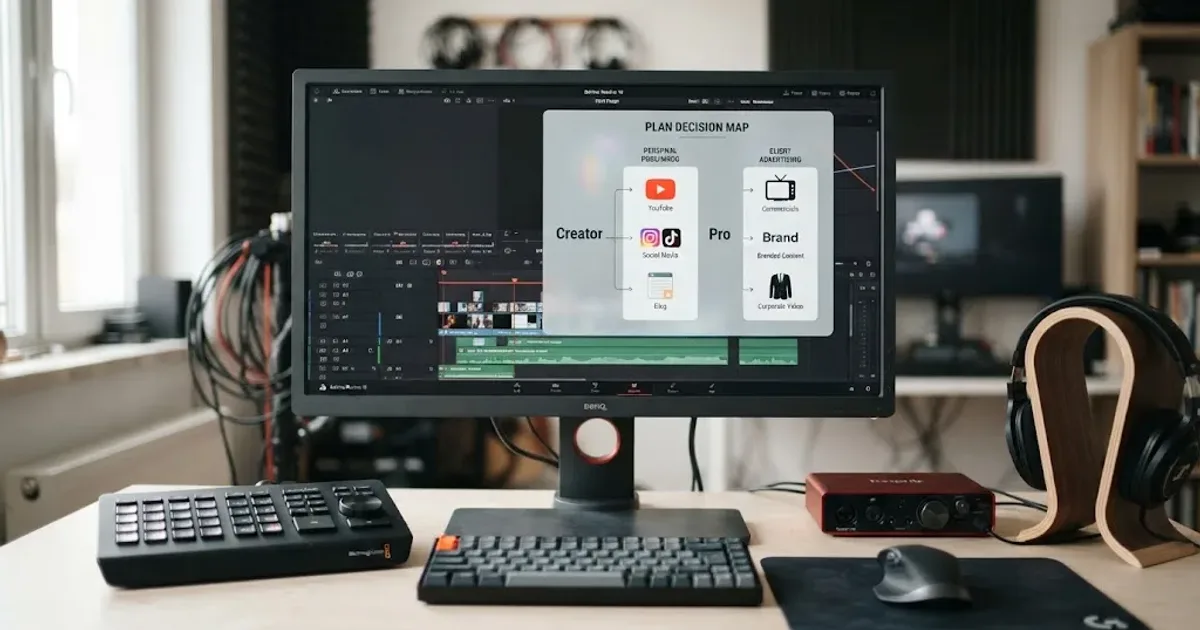
For a freelancer producing online property videos for clients, start by examining the current Pro licensing path, not the cheapest personal-creator option. Epidemic Sound’s own commercial-filmmaking guidance identifies Pro for digital commercial work such as online ads, branded content, and client projects for social media or websites. Check Epidemic Sound’s current plan and licensing options before buying because plan names, prices, channel limits, and terms can change. Our Epidemic Sound Creator versus Pro guide is the narrower Resolve comparison.
As checked on the current US pricing page in September 2026, Creator was displayed at $9.99 per month when billed annually, while Pro was displayed at $16.99 per month when billed annually. Business was presented separately for business and client work. Regional taxes, currency, plan availability, and account eligibility can change the total, so use the tracked pricing page for the live decision rather than treating those figures as a universal quote.
| Your situation | What to verify first | Likely direction |
|---|---|---|
| You post your own property content on one personal creator channel | Personal publishing, monetization, and channel limits | Creator may be enough |
| You edit for agents and deliver files for their online channels | Client delivery, sublicensing, and the client’s publishing role | Pro is the first plan to inspect |
| You run paid listing ads or branded campaigns | Digital advertising and client or business coverage | Pro or a business-level option, depending on who owns the account |
| You work inside a brokerage or agency with multiple users | Seats, account ownership, permissions, and organization coverage | Business or a custom option |
| You need TV, OTT, theatrical, or broad offline distribution | Broadcast, VOD, territory, and indemnification language | Enterprise or a custom license |
| You need one track for one defined production | Project-specific usage and the license holder | Single-track licensing may be simpler |
Read the current terms for your publishing path. Don’t assume that “royalty-free” means unrestricted use or that a downloaded file can be used in new projects after cancellation.
What does safelisting change?
Safelisting connects a channel or video to the account that holds the applicable license. Epidemic Sound’s current guidance says an active subscription is needed to safelist channels or content, and that content published while the subscription was active remains cleared after cancellation. New content published after the subscription ends is a different case. The tracked safelisting guidance should be part of your delivery checklist.
For a real estate videographer, the safe order is:
- Confirm the publishing account and plan.
- Safelist the channel or individual video while the qualifying license is active.
- Publish the approved file.
- Save the project and license record.
- Tell the client what changes if the subscription ends.
That last step matters when you deliver a folder of alternate cuts. A version that was never published isn’t protected merely because the music was downloaded during a subscription period. Don’t promise permanent future use unless the specific license says so.
Is Epidemic Sound worth it for a one-off property video?
Epidemic Sound is usually harder to justify for one property video than for a recurring schedule. If one client needs one track, compare a single-track license, a free library with terms you understand, and a subscription before you pay for access you won’t reuse.
- Choose a subscription when you make property videos every week, want a changing music rotation, need sound effects as well as music, and can use a plan that covers the publishing workflow.
- Choose a single-track license when the cut is a defined one-off, the client wants one specific song, and the single-production rights are clear.
- Choose a broader asset library when you also need titles, transitions, footage, templates, LUTs, or graphics for the same monthly fee.
- Choose direct licensing or original music when the campaign has unusual distribution, broadcast, exclusivity, or brand requirements.
One useful alternative is Soundstripe. Its current public pricing page offers subscriptions and single-use licenses, with plan differences for personal, commercial, client, and broadcast use. That makes it worth checking when a one-off purchase matters more than a music-first subscription. Review Soundstripe’s current license options before comparing prices.
If you need a broad production bundle, Artlist’s current stock-catalog pages include music, sound effects, footage, templates, LUTs, and plugins. Motion Array similarly lists templates, motion graphics, music, sound effects, footage, images, graphics, and plugins, with business coverage that varies by plan. Artlist’s current plan page and Motion Array’s plan guide show why these services can win for a generalist studio.
Don’t compare only the number of assets. Compare:
| Decision | Epidemic Sound | A broader library or alternative |
|---|---|---|
| Music and sound effects are the core need | Strong fit, with an audio-first workflow | May add asset categories you won’t use |
| You need footage or Resolve templates | Not the clearest fit | Artlist or Motion Array may win |
| You need one project only | Compare single-track licensing | Soundstripe’s single-use path may fit |
| You publish many client videos online | Inspect Pro or business coverage | Alternatives may have different client rules |
| You want in-editor Resolve search | Plugin is available for Resolve Studio | Check each competitor’s actual Resolve integration |
| You use Resolve Free | Import files manually | A browser-based library may be simpler |
My verdict is narrow. Epidemic Sound is worth testing for a real estate videographer with recurring online client work, provided the plan covers the client’s publishing and advertising use. It isn’t automatically the best choice for a solo shooter who makes one listing video a month or a studio that buys audio as part of a larger visual-asset bundle.
What mistakes should real estate videographers avoid?
The costly mistakes are usually licensing and editorial mistakes, not button mistakes. Fix the decision order and the edit gets easier.
Choosing the track before the property
If you choose music from a generic “luxury” playlist before seeing the cut, the music starts dictating the meaning. Build the visual sequence first, then ask what sound would let the property speak.
Treating “royalty-free” as “free to use anywhere”
The phrase describes a licensing model, not a universal permission slip. Check the plan, publisher, channels, advertising use, client handoff, and cancellation rule. The Inman panel report made the same warning in plain language: searching for royalty-free music doesn’t mean the music is free.
Letting music bury narration
A property tour often has a short voiceover or agent introduction. Duck the music enough that every word remains clear on phone speakers. If the narration still fights the track, choose a simpler track or use stems to remove a busy layer.
Adding sound effects to every cut
An effect should explain a movement, a location, or a transition. If every camera move gets a whoosh, the viewer hears the editor reaching for a shortcut.
Building only one deliverable
Ask at the brief stage whether the client needs a horizontal listing video, a vertical social cut, a silent version with captions, a website embed, or paid ads. These deliveries may not have identical music permissions. For a wider licensing checklist, see our guide to music licensing for freelance video editors.
Forgetting the cancellation boundary
An active subscription can cover content published during that period under the plan terms. It doesn’t mean an unfinished alternate cut can be published months later with no new check. Put the cancellation rule in the project handoff notes.
Assuming the plugin is part of Resolve Free
It isn’t. Resolve 21 is available in a free edition, but the Epidemic Sound integration requires Resolve Studio. If you’re keeping the free edition, use the normal download and import path and budget a few extra clicks.
The best real estate video music workflow is the one that survives client delivery, channel changes, and the next listing.
What should you choose in September 2026?
Choose Epidemic Sound if your real estate video business needs recurring music and sound effects, publishes online client work, and benefits from searching inside DaVinci Resolve Studio. Check the current Pro or business terms for client work, digital ads, channel ownership, and safelisting before you subscribe.
Choose Soundstripe if a single-use license or a different commercial coverage model matters more. Choose Artlist or Motion Array if you need music plus footage, templates, graphics, or plugins. Choose a direct or custom license when your distribution goes beyond normal online property marketing.
The practical next step is to take one finished property tour and make three shortlists: one warm, one restrained, and one energetic. Compare them at the same picture edit. Then ask which version leaves enough space for the house, the voiceover, and the client’s actual publishing plan.
If the answer is audio licensing, start with the plan terms. If the answer is an audio edit, start with the picture. The right soundtrack is the one that makes the property easier to understand.

Frequently asked questions
- Is Epidemic Sound good for real estate videographers?
- Yes, if you publish property tours regularly and choose a license that covers client work and digital ads. It is less useful if you need only one track or need footage and templates as much as audio.
- Can I use Epidemic Sound for real estate client videos?
- Use a plan whose current terms include client work and digital advertising, such as the Pro path for online commercial work. Safelist the relevant channel or video before publishing and keep a record of the project.
- Does the Epidemic Sound plugin work with free DaVinci Resolve 21?
- No. The plugin requires DaVinci Resolve Studio, and the free edition does not support the Workflow Integrations menu used by the plugin.
- What is the best way to choose music for a property tour?
- Choose music by the property's feeling and edit pace, then check the license before downloading. Warm acoustic music can suit a family home, while restrained electronic or cinematic music can suit a modern or luxury listing.
- What happens to an Epidemic Sound track after I cancel?
- Content published while your qualifying subscription was active remains cleared, but new content published after the subscription ends is not covered unless you reactivate or obtain another suitable license.
Sources
- Epidemic Sound pricing and plans, accessed September 2026
- Epidemic Sound DaVinci Resolve Studio plugin, accessed September 2026
- Epidemic Sound Studio tutorial and upload limits, accessed September 2026
- Epidemic Sound safelisting and cancellation guidance, accessed September 2026
- Blackmagic Design DaVinci Resolve 21 What’s New
- Blackmagic Design Fairlight audio page
- Blackmagic Design DaVinci Resolve download page
- Good audio is key in real estate videos, Inman Real Estate News
- Artlist pricing plans
- Motion Array plans
- Soundstripe pricing and licensing
Keep reading
Comparisons · Aug 24, 2026 · 46 min
Epidemic Sound Creator vs Pro for DaVinci Resolve
Epidemic Sound Creator vs Pro for DaVinci Resolve: choose the right plan for personal channels, client work, ads, and Resolve Studio.
Guides · Aug 26, 2026 · 8 min
Does Epidemic Sound Work With Free DaVinci Resolve?
Yes, but only through manual audio imports. The Epidemic Sound plugin requires DaVinci Resolve Studio. Here is the free Resolve 21 workflow.

Guides · Aug 24, 2026 · 8 min
Music Licensing for Freelance Video Editors: Client Rights
Practical music licensing for freelance video editors, covering client handoffs, safelisting, platform rights, cancellation, and DaVinci Resolve 21.