Articles / Guidesupdated for DaVinci Resolve 21 and Epidemic Sound licensing (September 2026)
Epidemic Sound for Wedding Filmmakers in Resolve 21
Quick answer
Epidemic Sound for wedding filmmakers is a strong fit for recurring digital client work when the selected license covers client delivery and publishing channels. For one-off films, compare a single-track license or custom music first, because subscription access does not automatically cover new projects after expiry.
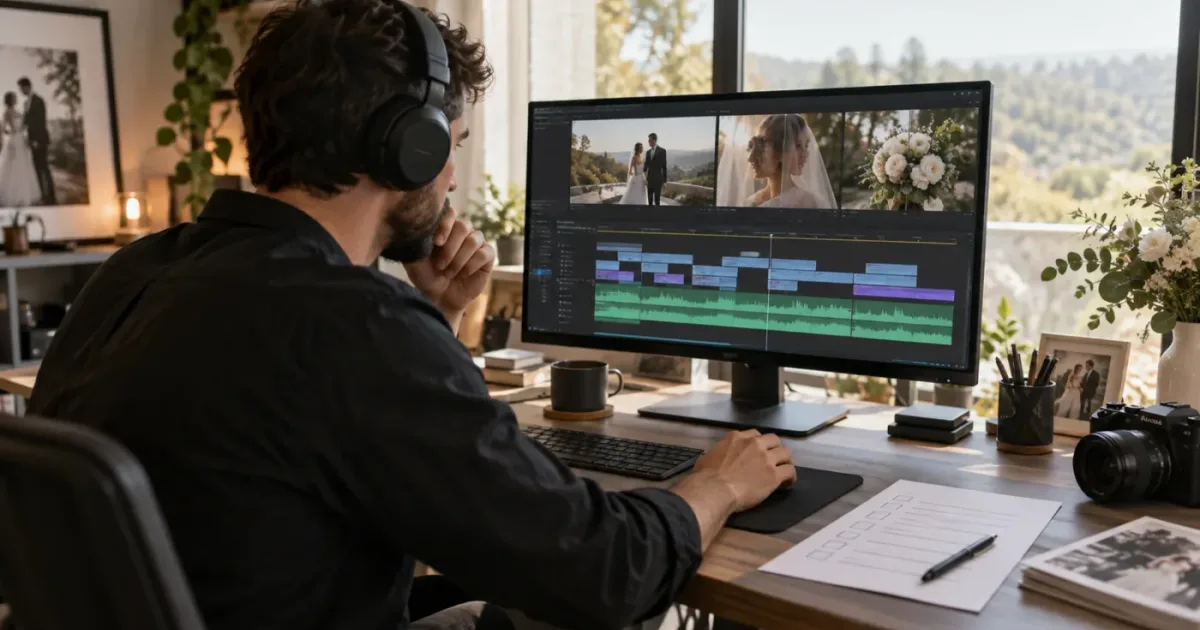
We don't start by asking which library has the most songs. We start with the couple's story and the film's delivery plan. We built and run a 100,000+ member professional video-editing community, and after 7+ years of professional commercial editing, we've learned that music licensing gets dangerous when it is treated as an afterthought.
As of September 2026, Epidemic Sound can be a practical fit for wedding filmmakers who deliver digital client films repeatedly. It is less obvious for one-off work, broadcast, theatrical release, or a couple who wants a specific famous song. The decision turns on the film's distribution, the client relationship, and whether you need a library every month.
Disclosure: this post contains an affiliate link. If you choose Epidemic Sound through the link below, we may earn a commission at no extra cost to you. We recommend checking the current terms yourself.
What should wedding filmmakers use Epidemic Sound for?
Epidemic Sound is most useful when a wedding filmmaker needs a repeatable source of music and sound effects for several digital client films, not when one couple needs one irreplaceable song. The service combines music, sound effects, stems, search, track adaptations, and plan-specific licensing, but the license has to match the way the wedding film will be published.
That distinction matters because a wedding film is usually two products at once. You are making a creative piece for the couple, and you are delivering media that may appear on a studio website, YouTube, Instagram, a private gallery, or a client's own channels. One piece of music can move through several hands before it reaches its audience.
Epidemic Sound's current public plan comparison lists unlimited music and sound-effect downloads, plus separate licensing for social platforms, websites, podcasts, business and client work, digital ads, external events, and larger distribution. It lists 1 monetized channel per platform for Creator, 3 for Pro, and 5 for Pro Plus. Those are plan features, not a universal permission slip. Confirm the exact regional terms before promising coverage.
Epidemic Sound is a recurring soundtracking workflow, not a blanket license for every wedding project.
There is also a creative reason to use a library. A wedding film moves between intimacy, ceremony, anticipation, relief, and celebration. The music must support those turns without flattening them into one long romantic montage.
If your main question is creative rather than commercial, read our guide to how to choose music for a wedding video. This page focuses on the buying decision after you know what the film needs to feel like.
How should you choose music for a wedding film?
Choose the music after you identify the film's story, voices, and turning points. For wedding work, an instrumental bed often leaves more room for vows and speeches, while a vocal track can carry a section with little dialogue, but the couple's story should decide the balance.
Start with the recorded words. Pull the strongest vow, toast, or interview lines into a working sequence. Mark the moment where the story changes, then search for music that gives it space.
Wedding music guidance from PremiumBeat makes the same practical distinction between story-driven and music-driven films. It recommends considering whether the piece depends on speeches and dialogue, and it describes instrumental music as useful when the audience needs to hear those words. That is advice, not a rule. A quiet vocal track can work if the lyric and the speech are not competing.
Use a three-pass search:
- Search by the couple's emotional brief. Try phrases such as warm, restrained, nostalgic, playful, or modern ceremony. Don't begin with a genre unless the couple has already named one.
- Search by shape. Look for a restrained opening, a clear lift, a breakdown, or a natural ending. Wedding highlights often need more than a pretty intro.
- Search by reference. Use a reference artist or song as a direction for energy and texture, not as permission to imitate a protected recording.
The Epidemic Sound DaVinci integration supports search by description, reference track, and video context. It also supports cutting, looping, and choosing sections to create versions that fit an edit. Those tools help with auditioning, but they don't remove the need to check the selected plan.
Give the couple a short, controlled choice. Three candidates with different emotional jobs are more useful than a giant playlist. Label each one by function: ceremony bed, portrait lift, reception release. Ask which direction feels like them, then make the final editorial call around the dialogue.
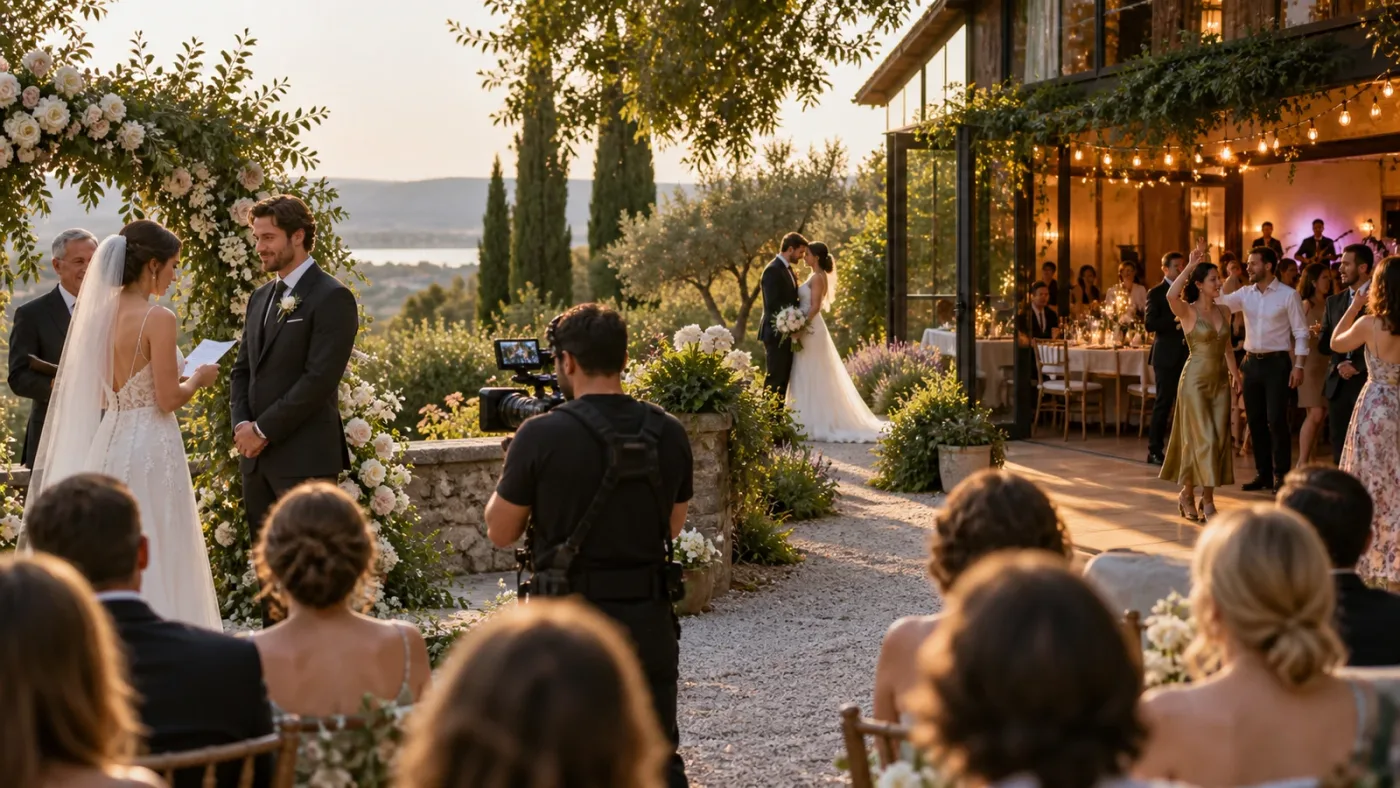
Can you use Epidemic Sound for client wedding videos?
Yes, but the client-work license must cover the project and the client's publishing situation. A wedding filmmaker should not assume that a creator plan for personal channels also covers a film delivered to a couple, venue, planner, brand, or production company.
Decide who owns the publishing relationship before downloading the track. If you publish on your studio's channel, list that channel. If the couple publishes on its own channel, ask how the license handles client delivery and clear the relevant video or channel. If a venue wants to reuse the film in a paid campaign, treat that as a new licensing question.
Safelisting, also called clearing or allowlisting, connects a channel or video to the music account so platforms can recognize that the use is licensed. Epidemic Sound's safelisting guidance says an active subscription is required to safelist, content published while the subscription was active can remain cleared after cancellation, and new content cannot be posted with the music after expiry.
According to YouTube's Content ID explanation, Content ID scans uploads for matches and a claim can block, monetize, or track a video depending on the copyright owner's policy. A claim is not the same thing as a copyright strike, but it still creates work when a client is waiting for a link.
Before delivery, keep a small rights packet with:
- The track title and artist.
- The date you downloaded or licensed it.
- The plan or license type.
- The studio channel or client video that was cleared.
- A copy of the license record or invoice.
- The distribution agreed with the couple.
This is not legal advice or a substitute for reading the terms. It is a production habit. If a claim arrives, you want evidence and a clear client conversation, not a frantic search through browser history.
Our longer guide to music licensing for freelance video editors covers the broader client-rights problem. Wedding filmmakers should read it if the same film may be used by a venue, planner, photographer, or advertising partner.
The person who publishes the wedding film is part of the licensing decision.
Which Epidemic Sound plan fits a wedding filmmaker?
Choose the plan by the most commercial use you expect, not by the smallest use you hope to get away with. Creator can fit personal creator channels. Pro is the more relevant starting point for freelancers delivering digital client work. Agencies, production companies, organizations, and broader distribution need a higher or custom conversation.
Here is the decision matrix I would use in September 2026:
| Your situation | Start by checking | Why it may fit | Where it can fail |
|---|---|---|---|
| You publish your own wedding films on personal social channels | Creator | The current comparison lists social licensing, monetization for 1 channel per platform, and unlimited music and SFX downloads | It may not cover client delivery, client channels, paid ads, or wider commercial use |
| You make recurring wedding films for clients and deliver them for digital publication | Pro | The filmmaker guidance positions Pro for digital commercial work and client projects, with sublicensing rights | You still need to clear the right channel or video and read limits for the actual distribution |
| You work through an agency, production company, or team | Business, Pro Plus, or a custom plan | Higher tiers are built around wider business use, organization needs, and larger publishing footprints | The correct tier depends on the legal entity, revenue, seats, and media channels |
| You need one song for one finished wedding film | Single-track license | The official help guidance defines a single-track license for one production, which can publish across multiple platforms | Reusing that track in a different production requires another license |
| You need a famous song, a custom theme, or broadcast and theatrical rights | Rights holder, composer, or custom licensing | A bespoke agreement can match the exact creative and distribution requirement | It takes more coordination and the price is project-specific |
For recurring client work, Pro is the logical plan to investigate first because Epidemic Sound positions it for digital commercial work, branded content, and client projects for social media or websites. That does not mean every wedding use is covered. It means the license conversation starts in the right place.
For a single wedding film, compare the subscription against the single-track option. One license is valid for one production, and the same track used in another production needs another license. That boundary is easy to explain when you don't expect to make another film next month.
A single-track license is simpler when the creative need is one production, not an ongoing library.
If you produce wedding films regularly and want music, SFX, stems, and Resolve integration in one recurring workflow, check Epidemic Sound's current plans here. If the project is unusual, one-off, or headed to a channel outside ordinary digital client delivery, pause and compare the single-track or custom route first.
How does Epidemic Sound work in DaVinci Resolve 21?
In DaVinci Resolve 21, the Epidemic Sound workflow is available through the paid Studio edition, not the free edition. Install the Hub, open Resolve Studio, then open Workspace > Workflow Integrations > Epidemic Sound.
The current plugin documentation gives this sequence:
- Close DaVinci Resolve Studio before installing.
- Install the Epidemic Sound Hub for macOS or Windows.
- Install the DaVinci Resolve Studio plugin from the Hub.
- Reopen Resolve Studio.
- Open Workspace > Workflow Integrations > Epidemic Sound.
- Log in when you need to download a track.
The plugin documentation says tracks can be dragged directly to the timeline and stems are available from the three-dot menu beside a track. It also says Timeline Sync is not supported. You can bring material into the edit, but the integration won't place every beat against every cut for you.
There is a version-specific Mac trap. Workflow Integrations are not available in the Mac App Store build of Resolve Studio. Use the Studio version downloaded from Blackmagic Design if the menu is missing.
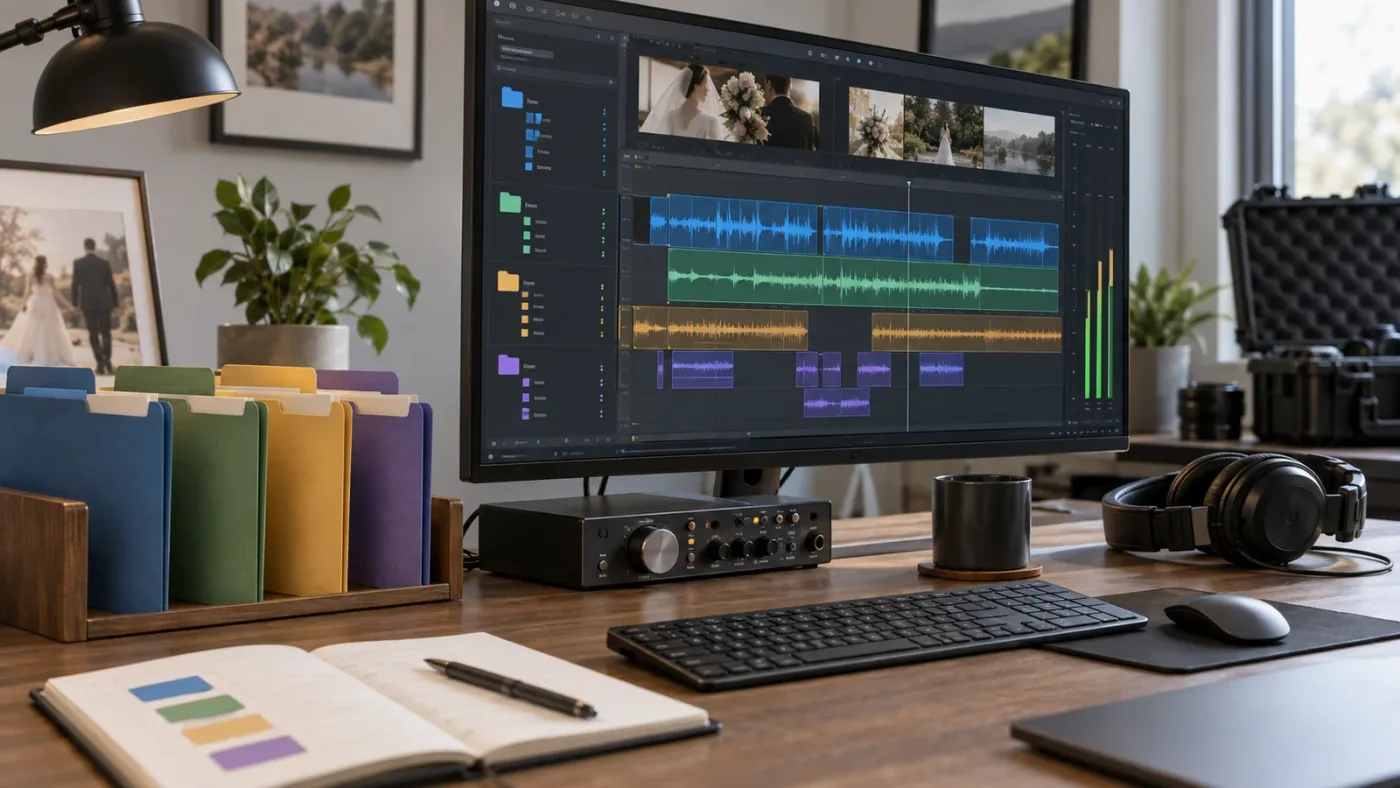
Resolve 21 also adds Fairlight folder tracks. Blackmagic's New Features Guide describes them as a Fairlight feature for managing and navigating audio tracks. Use them to keep a wedding project legible:
| Fairlight folder | Typical contents |
|---|---|
| Dialogue | Vows, speeches, interviews, lavaliers |
| Music | Main cue, alternate cue, stems, temp music |
| Atmosphere | Room tone, exterior air, crowd beds |
| Effects | Dress movement, doors, glasses, applause, transitions |
| Print or delivery | Final buses, reference mix, client review print |
The labels are my recommendation, not a Resolve requirement. Separate editorial decisions from mixing decisions so you know where the words live and can mute a dense stem without hunting through a wall of tracks.
How do you cut a wedding highlight with music, vows, and stems?
Build the film around the words, then use music and natural sound to change the emotional pressure around those words. A library track should give the story shape without forcing every cut to land on a beat.
Here is a worked example for a fictional 4-minute highlight. It is a planning model, not a report of a specific wedding or a claim about the ideal runtime.
| Time in the rough cut | Story job | Audio choice | Resolve action |
|---|---|---|---|
| 00:00-00:35 | Establish place and anticipation | Room tone, light atmosphere, no full music yet | Let the first natural sounds create the opening |
| 00:35-01:35 | Introduce the couple | Sparse instrumental stem under a short voice line | Duck the music around the sentence, not the other way around |
| 01:35-02:35 | Ceremony and vows | Main music cue at its most restrained | Use the music stem with the least competing texture |
| 02:35-03:25 | Portraits and movement | Open the arrangement and let the track lift | Cut on visual changes and phrases, not every kick drum |
| 03:25-04:00 | Reception and farewell | Music plus applause, laughter, or a final spoken line | Ring out or fade after the emotional endpoint |
The first pass is structural. Place dialogue and natural sound, add one cue, and cut a rough version. The second pass decides where music enters, leaves, or hides a word. The third pass is the mix. Only then spend time on small effects.
Use stems when the full mix is too busy, not because stems are automatically better. A piano or pad can support vows. A busy percussion stem can fight them. A vocal stem may work for portraits but become distracting under a toast. The right choice is the one that leaves room for the film's most important sound.
Sound designer Randy Thom put the principle plainly: "Sound is NOT there to 'help the visuals.'" Read Thom's essay on designing a movie for sound. In a wedding film, sound should carry memory, place, breath, laughter, and the couple's own words. It is not wallpaper placed under pretty images.
At the end, check the music without looking at the picture. If it feels like an unbroken block, add room tone, let a laugh breathe, or leave silence. Then watch again with the picture.
What mistakes create licensing or delivery trouble?
Most wedding-music trouble comes from a mismatch between the asset, the license, and the place where the film ends up.
Using a personal plan for client work
The fix is to define the client and publishing use before you download the track. If the client is publishing the video, the relevant license needs to cover client delivery and the client's channel or platform. The plan name is less important than the permission in its terms.
Forgetting to safelist before publishing
The fix is to safelist the channel or video while the subscription is active, then save the confirmation with the project. Safelisting helps platforms see that the use is licensed, but it does not promise that no automated claim can ever appear.
Assuming cancellation makes old downloads reusable
The fix is to distinguish published work from a new project. Epidemic Sound says content published while the subscription was active can remain cleared, but new content cannot be posted with the music after expiry. A downloaded file is not the same thing as an unlimited future license.
Expecting the Resolve plugin to solve editorial timing
The fix is to audition and edit in Resolve, then make the timing decisions yourself. The plugin can bring in tracks, stems, and adapted versions, but its help documentation says Timeline Sync is not supported.
Mixing at the end because the track sounded good alone
The fix is to mix around the vows and speeches from the beginning. A song can be beautiful alone and wrong under a sentence. Check the words in context, then use stems, automation, or a different cue.
Sending the music file to the client as a standalone asset
The fix is to deliver the finished film and license record, not the library track as a reusable music file.

Should you choose Epidemic Sound, a single track, or an alternative?
Choose Epidemic Sound when recurring digital work makes a music-and-SFX subscription useful and you want the Resolve Studio integration. Choose a single-track or custom route when the film is a one-off, the usage is unusual, or the client needs a highly specific musical identity.
The honest alternatives are not interchangeable. Their strengths are different:
| Option | Choose it when | Trade-off against Epidemic Sound |
|---|---|---|
| Epidemic Sound | You want an audio-first subscription, stems, SFX, search, adaptations, and a Resolve Studio workflow for recurring digital projects | The plugin requires paid Studio, Timeline Sync is unavailable, and license coverage changes by plan and use |
| Artlist | You also need footage, templates, LUTs, plugins, or generative tools alongside music and SFX | It is a broader production-assets bundle, so it may be more than an audio-first wedding editor needs |
| Motion Array | Templates, presets, motion graphics, footage, images, plugins, music, and SFX matter together | Its all-in-one scope can be less focused if your main need is music selection inside Resolve |
| Soundstripe | You want subscription access plus single-use licensing options for individual productions | The licensing and editor-integration model is different, so compare the exact client and distribution terms |
| Original composer or custom music | The couple wants a personal theme, an unusual arrangement, or a clear custom agreement | More coordination and a project-specific budget, but the result can be built around the film from the start |
Artlist's current Pro license lists wedding videos among its covered uses and includes music, sound effects, footage, and video templates. Motion Array's current pricing page describes an all-in-one library spanning templates, presets, motion graphics, AI voiceovers, footage, music, SFX, graphics, LUTs, and photos. Soundstripe's current pricing page offers subscriptions and single-use licenses, including a digital option for client licensing. Verify the live terms before purchase because coverage changes.
If your studio needs footage and templates for every wedding, Artlist or Motion Array may be the better bundle. If you need only music and sound effects, a focused audio subscription is easier to reason about. If you make two unusually personal films a year, custom music or single-track licensing may beat paying for a library between projects.
Is Epidemic Sound worth it for wedding filmmakers?
Epidemic Sound is worth testing for wedding filmmakers who publish recurring digital client work, need both music and sound effects, and already use the paid Resolve Studio edition. It is not automatically worth subscribing for a single wedding film, a famous-song request, or a project with broadcast or theatrical ambitions.
My buying test is simple:
- Count the real projects you expect to publish during the subscription period.
- List every publisher: your studio, the couple, a venue, a planner, or a brand.
- Separate personal social content from client and commercial use.
- Confirm whether the Resolve Studio plugin is available in your installed build.
- Compare the subscription with a single-track license and custom music.
- Save the chosen terms and the clearing record inside the project archive.
After seven years of cutting commercial work, our rule is to make licensing part of pre-production. Put the music decision beside the delivery decision so a later platform request doesn't become a guess.
Epidemic Sound is a good recurring tool for digital wedding work, but a one-off film still deserves a one-off licensing comparison.
For most wedding filmmakers, the verdict is conditional. Use Epidemic Sound when the recurring workflow, search tools, stems, SFX, and client-capable license justify the subscription. Use a single-track or custom option when the film is singular or the distribution is outside ordinary digital client publishing. Buy the permission that matches the finished film, then let the music serve the couple's story.
Frequently asked questions
- Can wedding filmmakers use Epidemic Sound for client videos?
- Yes, but choose a license that explicitly covers business and client work, then clear the client's publishing channel or video before delivery. A personal-creator license is not a substitute for client coverage.
- Does Epidemic Sound work with the free version of DaVinci Resolve 21?
- No. The Epidemic Sound plugin requires paid DaVinci Resolve Studio. The free edition does not support the plugin, so free users must download and import audio through another workflow.
- Can I use Epidemic Sound music after cancelling?
- Content published while the subscription was active can remain cleared, but new content cannot be published with the downloaded music after expiry. A one-off production may be better served by a single-track license.
- Is a subscription or single-track license better for a wedding film?
- Use a subscription for recurring digital client work and repeated music and SFX needs. Use a single-track license or commissioned music for one-off films, unusual distribution, or a couple who needs a clearly bounded production license.
Sources
- Epidemic Sound pricing and licensing
- DaVinci Resolve 21 New Features Guide
- DaVinci Resolve 21 official feature overview
- How Content ID works
- How to Find the Right Music for Wedding Videos
- Randy Thom, Designing A Movie For Sound
- Artlist Pro License
- Motion Array pricing plans
- Soundstripe pricing and licensing
Keep reading
Comparisons · Aug 24, 2026 · 46 min
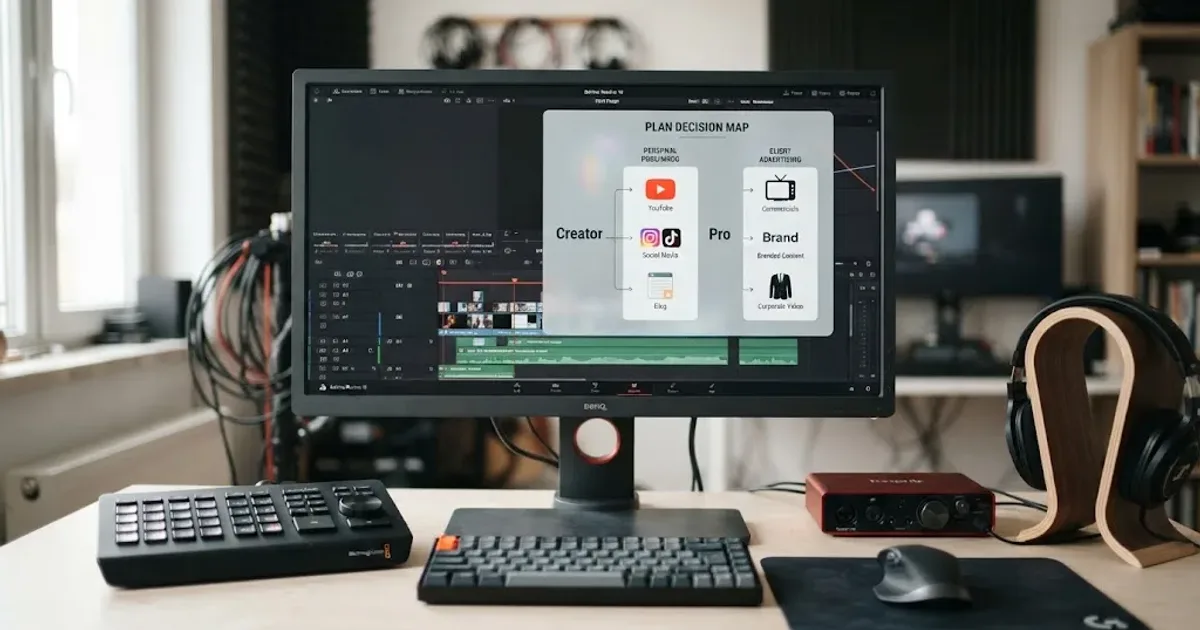
Epidemic Sound Creator vs Pro for DaVinci Resolve
Epidemic Sound Creator vs Pro for DaVinci Resolve: choose the right plan for personal channels, client work, ads, and Resolve Studio.

Guides · Sep 5, 2026 · 8 min
How to Choose Music for a Wedding Video in Resolve 21
Choose wedding video music by story beat, lyrics, tempo, edit structure, and license. A practical DaVinci Resolve 21 workflow for better films.

Guides · Aug 24, 2026 · 8 min
Music Licensing for Freelance Video Editors: Client Rights
Practical music licensing for freelance video editors, covering client handoffs, safelisting, platform rights, cancellation, and DaVinci Resolve 21.