Articles / Guidesupdated for DaVinci Resolve 21 and Epidemic Sound safelisting rules (September 2026)
Epidemic Sound Safelisting After Changing YouTube Channel Name
Quick answer
For Epidemic Sound safelisting after changing a YouTube channel name, first check the channel ID, not only the display name. If the ID is unchanged, verify the existing safelist; if the handle or channel ID changed, update the entry before publishing. Keep an active qualifying license and dispute any claim only with matching rights evidence.
When I see a YouTube channel rebrand disturb a music workflow, I check the channel identity before I touch the timeline. The visible name is not the whole identity. I compare the channel ID, handle, and publishing destination, then I check the Epidemic Sound safelist. We built and run a 100,000+ member professional video-editing community, and we have spent 7+ years on professional commercial video work.
As of September 2026, this guide treats DaVinci Resolve 21 as the editing host and Epidemic Sound as the separate licensing and safelisting system.
Does changing a YouTube channel name remove Epidemic Sound safelisting?
Changing a YouTube display name usually does not remove Epidemic Sound safelisting because the display name is not the same thing as the channel ID. Verify the ID-based channel URL in YouTube and compare it with the destination already listed in your Epidemic Sound account.
YouTube says a channel can have more than one URL, including an ID-based URL, a handle URL, a custom URL, and a legacy username URL. The ID-based URL contains the unique channel ID. YouTube also says a display-name change can take a few days to appear across YouTube, while a handle is a separate unique identifier that can be changed from channel customization. (YouTube's profile guidance and URL guidance document those differences.)
That gives you the first answer to the query. If you changed only the words viewers see beside your avatar, you probably did not create a new publishing destination. If you changed the handle, moved to a different Brand Account, or created a new channel, you need a more careful comparison.
A YouTube display-name change is usually an identity-label change, not a new channel.
The word “usually” matters. YouTube lets you manage several channels from one Google Account, and a rebrand can happen at the same time as a channel move. Do not rely on memory, a browser bookmark, or the old name in an Epidemic Sound list. Compare the channel ID.
What exactly changed: the name, handle, channel ID, or channel itself?
The safest diagnosis is to identify which YouTube property changed before touching the Epidemic Sound safelist. A new display name, a new handle, and a new channel are different events with different consequences.
| What changed | What it means on YouTube | What to check in Epidemic Sound | Safest next move |
|---|---|---|---|
| Display name | The public name changed; YouTube says the update may take a few days to appear everywhere. | Whether the listed channel still has the same ID-based URL. | Verify the existing entry. Do not delete it just because the label is old. |
| Handle | The unique @name and handle URL may have changed. YouTube says handles can be changed twice within 14 days. | Whether the entry is displayed through the old handle or can still be matched to the same ID. | Use the edit control if the destination needs updating, then save the new handle and ID. |
| Channel ID | The unique identifier in the ID-based URL changed. | Whether this is actually a different channel. | Treat it as a new safelisting destination and check plan capacity before publishing. |
| New channel or Brand Account | A separate channel may exist even if the same person or company manages it. | Whether the new destination is listed, not merely the old brand name. | Safelist the new channel or the specific video under the applicable terms. |
The table separates a useful inference from a documented rule. YouTube documents the channel ID as the unique identifier and treats the display name and handle as editable profile elements. Epidemic Sound documents safelisting as connecting a channel or video to an Epidemic Sound account. From those two facts, the practical inference is that the ID is the right thing to compare after a rename, not the visible spelling of the channel name.
How do I update Epidemic Sound safelisting after changing my YouTube channel name?
To update Epidemic Sound safelisting after changing a YouTube channel name, open the Safelisting area of the active Epidemic Sound account, compare the channel ID, and edit the entry only when the handle or destination no longer represents the same channel.
Use this sequence before your next upload.
-
Save the YouTube identity first. Open YouTube Studio and record the new display name, current handle, and ID-based channel URL. The ID-based URL is the useful reference because it is built from the channel's unique identifier. Keep the old name and old handle in the same note so a later claim reviewer can see the transition.
-
Confirm the account you actually use for licensing. An editor can be signed into one Google Account and a different Epidemic Sound account in another browser tab. Check the email or account identity inside the licensing service before editing anything. A missing channel in the wrong account is not proof that the channel was removed.
-
Open Account and Safelisting. Epidemic Sound describes safelisting as connecting channels or videos to an Epidemic Sound account so the platform can recognize licensed use. Its channel-management instructions place the workflow under Account and Safelisting, where an edit control can swap a channel for another one on the same platform. (Epidemic Sound's safelisting guidance is the current starting point for the account workflow.)
-
Compare identity, not label. If the ID-based URL matches the one you saved before the rename, treat the entry as the same channel and verify it. If the entry exposes an old handle, use the edit control to update the destination where the account allows it. If the ID is different, stop calling it a rename. You have a separate channel to license.
-
Check the subscription and plan scope. Epidemic Sound says an active subscription is needed to safelist channels and content. It also separates personal creator use, professional or client work, and broader business use across plans. An account can be active while the intended use still falls outside its terms.
-
Save evidence after the change. Keep the current channel URL, the channel ID, the new name, the new handle, the date, the Epidemic Sound account used, and the plan in a project note.
Disclosure: this post contains an affiliate link. If your real need is recurring music clearance for a YouTube channel, check Epidemic Sound's current licensing and safelisting options before choosing a plan. It is a sensible fit when the publishing destination and rights record matter as much as the downloaded track. A one-off project may be better served by a single-track license or another service with terms that match the release.
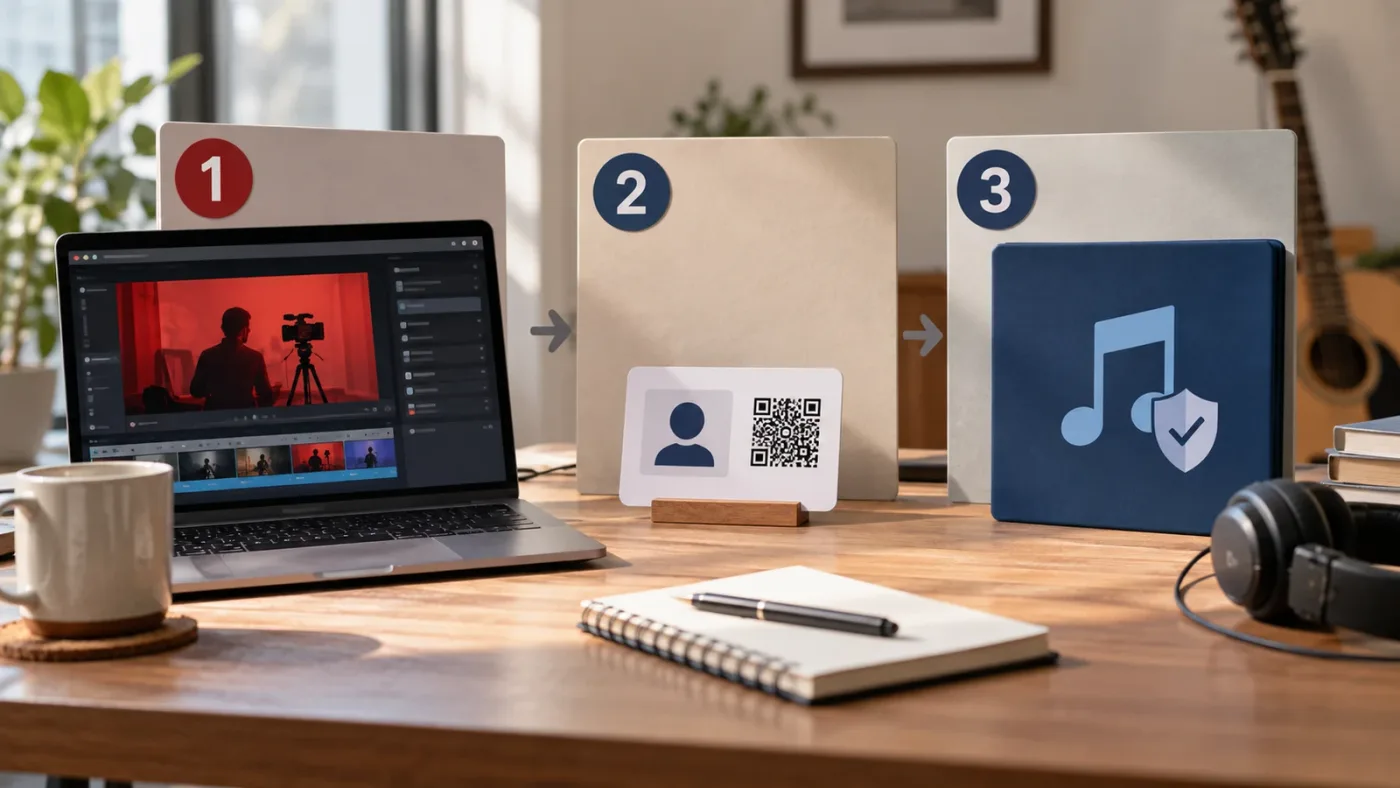
Why is Epidemic Sound safelisting missing after a YouTube name change?
When Epidemic Sound safelisting appears to be missing after a YouTube name change, the most likely explanations are a different signed-in account, a changed handle, a different channel ID, a plan limit, or a delay in the public name updating across YouTube.
Work through the branches in this order.
| Symptom | Likely explanation | Evidence to check | Response |
|---|---|---|---|
| The old name is still visible | YouTube says a name change may take a few days to display everywhere. | Current ID-based URL and handle in YouTube Studio. | Wait for the label to settle, but use the ID for the licensing check. |
| The safelist entry is gone | You may be in the wrong Epidemic Sound account or looking at a different platform list. | Account identity, platform, and saved channel ID. | Sign into the licensing account that published the track and recheck Safelisting. |
| The old handle is shown | The public handle URL changed even if the channel did not. | Old and new handle URLs, plus the channel ID. | Use the channel edit control if the destination needs to be swapped. |
| The new channel cannot be added | The channel may be different, or the plan may not allow another destination. | Channel ID, plan rules, and existing safelisted channels. | Check the plan before removing an existing channel or publishing new work. |
| A claim appears on one video | The upload may not have been covered, or the claim may be an error or a different rights match. | Claimant, timestamp, track, publication date, license, and safelist record. | Resolve the claim from the rights evidence, not from the name change alone. |
The first row is a display problem. The other rows are account or rights problems. Keeping those categories separate stops you from repeatedly changing the channel name or re-uploading the video when the real issue is a wrong account or a different ID.
The channel ID is the useful comparison after a YouTube rebrand, not the spelling of the channel name.
There is another easy mistake. A YouTube handle can change while a creator continues to publish on the same channel. That does not mean the channel was recreated. A new channel ID, however, is a different destination for licensing purposes. If you cannot produce the old ID, ask the channel owner or account administrator for the saved channel URL rather than guessing from search results.
How do I tell whether my renamed YouTube channel is still the same channel?
Compare the old and new ID-based YouTube URLs; matching channel IDs are the strongest practical evidence that the renamed channel is still the same publishing destination.
YouTube's URL guidance says you can view the URLs associated with a channel at youtube.com/handle. It gives the ID-based format as youtube.com/channel/UC..., where the letters and numbers after /channel/ are the unique channel ID. The visible handle is useful for people. The ID is better for an audit trail. (YouTube's channel URL documentation explains the formats.)
Use this four-field comparison:
| Field | Before the change | After the change | What it tells you |
|---|---|---|---|
| Display name | Old public label | New public label | How viewers see the channel name. |
| Handle | Old @name | New @name, if changed | Which public handle URL viewers use. |
| Channel ID | UC... identifier | UC... identifier | Whether the destination appears to be the same channel. |
| Video ID | Existing upload | Existing upload or new upload | Which content is involved in a claim or license record. |
If the channel ID is identical, a display-name change alone should not be treated as a new channel. That is an inference from YouTube's definition of the ID-based URL and Epidemic Sound's definition of channel safelisting. It is a strong operational test, not a promise that every third-party account refreshes instantly.
If the channel ID differs, do not try to solve the problem by changing the display name back. Decide whether the new channel should be added, whether a video-level license is more appropriate, or whether the content belongs under a different owner or plan. YouTube's profile tools let channel owners manage names and handles, but they do not turn two different channel IDs into one.
Why did I get an Epidemic Sound copyright claim after changing my YouTube channel name?
A copyright claim after a YouTube channel name change does not prove the rename caused it. Check the channel ID, safelist status, active subscription, plan scope, publication date, and claimed track before deciding whether to dispute.
YouTube distinguishes a copyright claim from a copyright removal request. A Content ID match can lead to tracking, monetization, or blocking, depending on the copyright owner's settings. A takedown is a separate legal request and can create a copyright strike. (YouTube's claim explanation sets out that distinction.)
Treat the notice as a diagnostic record. Capture:
- The YouTube video URL and video ID.
- The claimant name shown in YouTube Studio.
- The claimed timestamp or audio segment.
- The track title and artist as downloaded or used in the DaVinci Resolve 21 timeline.
- The channel's ID-based URL before and after the name change.
- The Epidemic Sound account and plan used at the time of publication.
- The publication date and the safelisting state you verified before upload.
Then ask the rights question: did this video use music that your account was allowed to publish on this destination at the time it went live? The name change is only one event in that chain.
YouTube says a claim can be disputed when you have the necessary rights, when the material was misidentified, or when you have another valid copyright basis. It also warns that you should dispute only when you are confident you have the rights. The claimant is notified, and YouTube's dispute guidance says the claimant has 30 days to respond. (YouTube's dispute instructions gives the current steps and response window.)
Do not dispute just because you pay for a subscription. A subscription, the correct plan, the right channel, proper safelisting, and publication during the covered period all need to line up. If they do, use the service's current claim-resolution route and attach the facts. If they do not, remove or replace the audio, obtain the correct license, or ask the account owner for direction.
A Content ID claim is not the same thing as a copyright strike, but both deserve a rights check.
If the claim blocks a live release, preserve the original export and the project timeline in DaVinci Resolve 21. Do not delete the video before recording the notice.
One practical record-keeping habit comes from creator Cecilia Blomdahl, quoted by Epidemic Sound: “I always try to list the songs I've used in the description box, which I know is something I’d appreciate from other creators.” (The Epidemic Sound article featuring Cecilia Blomdahl contains the original quote.) A description credit is not a replacement for a license or safelist, but it gives the owner, editor, and audience a clear starting point when a track needs to be identified.
Does changing a YouTube handle create a new channel for Epidemic Sound?
Changing a YouTube handle does not by itself create a new channel for Epidemic Sound; a new channel ID is the signal that the publishing destination may be different.
YouTube describes a handle as a unique identifier and says a handle URL is created automatically when a channel owner chooses or changes a handle. YouTube also says existing custom URLs continue to work and legacy URLs redirect to a new handle-based URL. Those URL changes can make a safelist look stale even when the underlying channel is still the same. (YouTube's URL guidance covers those cases.)
The practical workflow is simple:
- If the ID is the same, verify the existing safelist and update the visible handle if the Epidemic Sound account asks for it.
- If the ID is different, treat the destination as new and check whether the account can safelist it.
- If the owner created a new Brand Account or channel, ask which destination will actually publish the video. A shared Google Account is not a substitute for that answer.
- If the old channel still hosts published videos, keep the old channel's records with those videos. Do not assume the new channel's safelist explains old uploads.
Can I keep using Epidemic Sound music after changing the channel name?
You can generally keep using the workflow after a display-name change when the channel identity, license scope, and publication timing still match, but changing the name does not expand the plan or cover new publishing after an expired subscription.
Epidemic Sound's current public guidance says content published during a free trial or active subscription can remain cleared when the channel was correctly safelisted and the use was within the subscription terms. It also says content soundtracked after the subscription period is not cleared and may be subject to claims. (Epidemic Sound's current plan guidance states those conditions.)
That creates two separate questions.
Question one: was the old video published during the covered period? If yes, keep the license and safelist record. A later display-name change does not rewrite the original publication event.
Question two: will a new video publish after the subscription ends? If yes, stop and check the current terms. Downloading a track earlier does not automatically give a new upload coverage after expiry.
A renamed channel keeps its licensing history only when the channel identity and publishing terms still match.
If you are planning a batch of uploads, do not wait until the first claim to audit the channel. Make the ID comparison and plan check part of the export checklist. The music decision happens in Epidemic Sound. The mix and export happen in DaVinci Resolve 21. They are related steps, not one setting.
For a broader cancellation question, see our guide to using Epidemic Sound music after cancelling. For a client destination, see Epidemic Sound safelisting for a client YouTube channel. The two situations overlap, but neither replaces checking the actual channel ID.
Which Epidemic Sound plan or workflow fits a renamed YouTube channel?
Choose the plan from the publishing situation, not from the fact that the channel name changed. A personal single-channel workflow, client work, advertising, and team publishing can require different licensing coverage.
Epidemic Sound's current plan guidance describes Creator as an individual-creator option with monetization for one channel per platform, Pro as a professional option with up to three channels per platform and client publishing rights within its terms, and Business as a broader team and business workflow. The same page describes Enterprise as a custom option for larger or unusual uses. Because plan names and limits can change, check the current account terms before publishing. (Epidemic Sound's plan comparison is the source for these current distinctions.)
| Your situation | Starting point | Why it may fit | What can still go wrong |
|---|---|---|---|
| You publish your own videos on one YouTube channel | Creator-level coverage | One personal channel per platform may be enough. | A second channel, client upload, ad, or broader commercial use may fall outside the fit. |
| You edit for clients or publish digital ads | Pro-level coverage or a higher plan | Professional and client uses are treated differently from a personal channel. | The client channel must still be the correct safelisting destination, and the plan must cover the use. |
| A company or team publishes across several managed destinations | Business or Enterprise discussion | Collaborator and organizational needs may require broader controls. | More seats or channels do not remove the need to identify each publishing destination. |
| One unusual upload or one track is the whole project | Single-track or project-specific licensing | A recurring subscription may be unnecessary. | Read the exact license and confirm whether the destination, monetization, and client use are covered. |
| You need footage, templates, or a wider asset bundle too | Compare an alternative such as Artlist | A broader production-asset subscription may be more useful than an audio-first service. | More asset categories bring more license conditions and do not solve an incorrect YouTube ID. |
| You want single-use music licensing or another collaboration model | Compare Soundstripe | A different service may fit occasional or project-specific work. | Its terms and clearance workflow are not the same as Epidemic Sound's. |
These are honest alternatives, not automatic recommendations. Artlist's current plan information fits broader asset needs, while Soundstripe's licensing and pricing information covers a different mix of single-use and production options. Compare terms against your publishing pattern.
If you regularly publish on multiple channels, our guide on choosing a music library for multiple YouTube channels is the better next read. The central question is channel ownership and publishing scope, not which service has the longest catalog page.
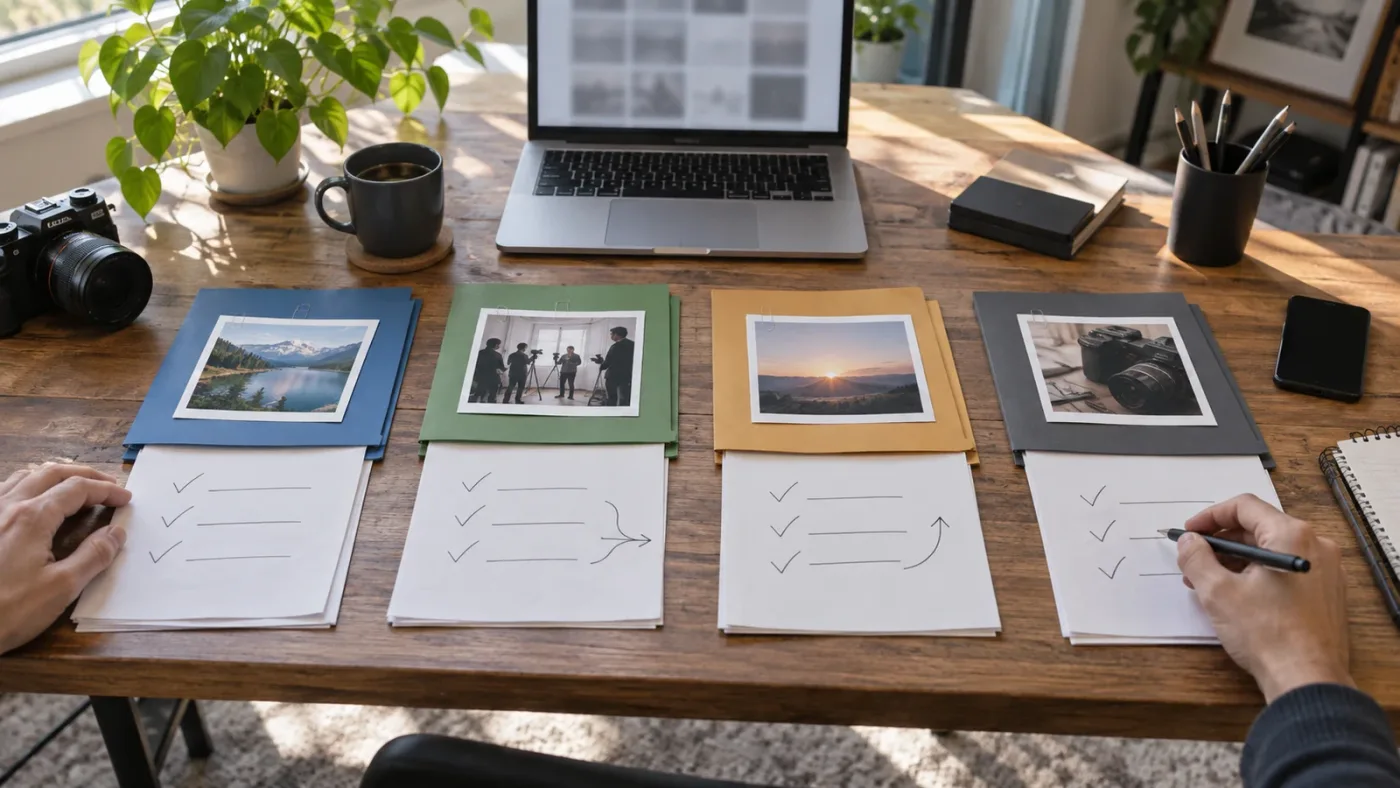
What should I check before publishing from DaVinci Resolve 21?
Before publishing from DaVinci Resolve 21, verify the export's destination and the music license separately: Resolve finishes the edit, while the Epidemic Sound account and YouTube channel identity determine whether the use is covered.
Use this pre-publish checklist.
-
Confirm the host version. Blackmagic Design lists DaVinci Resolve 21 as the current major version context for this guide. The licensing logic below is account-level, but the project should still be opened and exported from the version you intend to support. (Blackmagic Design's Resolve 21 page lists the Resolve 21 editions.)
-
Identify the music. Write down the track title, artist, version, stems, and any adaptation used in the timeline. A rendered file can hide which source asset created the audio.
-
Identify the destination. Record the YouTube channel's current display name, handle, and ID-based URL. Do not paste only the public name into a project handoff.
-
Compare the ID with the previous record. Matching IDs indicate the same channel identity for this audit. A different ID means a new destination decision.
-
Open Epidemic Sound Safelisting. Verify the channel or video entry in the account that licensed the track. If the channel was newly created, do not assume the old entry follows it.
-
Check the active period. Confirm the subscription or license is active for the intended publication. Previously downloaded audio is not a substitute for an active qualifying right to publish new content.
-
Check the plan's use case. Personal monetization, client delivery, advertising, team publishing, and unusual distribution can have different conditions. If the use is not obvious, get written confirmation before release.
-
Keep the handoff record. Store the channel ID, video ID after upload, track details, license account, plan, and publication date with the Resolve project or delivery note.
-
Inspect YouTube Studio after upload. Look at the Restrictions or copyright details area. A notice is a reason to investigate, not a reason to panic or immediately delete the upload.
-
Resolve from evidence. If a claim arrives, compare the claimant and claimed segment with the license record. Dispute only when the documented rights support the dispute.
This checklist is intentionally boring. Safelisting problems need one reliable identity, one qualifying license, one correct destination, and a record that survives a name change.
What if changing the YouTube name actually created a new channel?
If changing the YouTube name involved creating a new channel or Brand Account, the new channel needs its own safelisting decision because its channel ID is different.
Start by deciding which channel will publish the new DaVinci Resolve 21 export. If it is the new channel, copy its ID-based URL and compare it with the old channel's URL. Then check whether your Epidemic Sound plan can add it. If the account cannot cover another channel, do not remove the old entry casually. Decide whether a higher plan, a specific video license, or a different publishing arrangement is the appropriate answer.
This is where ownership and editing access matter. An editor may prepare the timeline, but the channel owner controls the publishing destination. If a client created a new channel, ask the client to confirm the exact channel URL and who owns the license account. Do not let a similar channel name stand in for that confirmation.
Epidemic Sound's safelisting guidance supports channel and individual-video approaches, while its plan guidance separates creator, professional, business, and enterprise use. A video-level route can be useful for a defined project, but it still needs to fit the current license terms and should be recorded with the delivery.
The existing client-channel guide on this site covers the ownership handoff in more depth. The important point here is narrower: a new channel ID ends the assumption that a display-name rename explains everything.
Should I contact Epidemic Sound or YouTube about the problem?
Contact Epidemic Sound about account safelisting and license coverage, and use YouTube Studio's claim workflow for the platform notice; neither service should be asked to guess which channel you intended.
Epidemic Sound owns the account-level safelisting record for its license. YouTube owns the channel profile, upload, Content ID notice, and dispute interface. YouTube's copyright guidance also says YouTube does not decide copyright ownership or mediate ownership disputes. (YouTube's copyright tips explains that boundary.)
Give support a compact evidence packet:
- old and new display names
- old and new handles
- old and new channel ID-based URLs
- video URL and video ID
- track title and artist
- publication date
- plan or license account
- claim ID and claimant name
- what you already checked in Safelisting
That packet turns “my channel name changed and now I have a claim” into a question support can actually investigate. It also protects you from making a second change that obscures the first one.
Do not promise yourself that support will remove every claim. A claim may reflect a wrong channel, an expired subscription, a plan mismatch, a misidentified track, or a genuine system error. Your job is to identify which one you can prove.
What is the safest verdict for Epidemic Sound safelisting after changing a YouTube channel name?
The safest verdict is to verify the channel ID, not to rebuild the whole setup: same ID means verify the existing safelist, a changed handle means update the public destination if needed, and a new ID means treat the channel as new.
Before the next upload, open YouTube Studio and save the ID-based URL. Open Epidemic Sound and confirm the channel or video entry under the active qualifying subscription. Export from DaVinci Resolve 21 only after the destination and plan match the use.
If a claim appears, preserve the project and notice, identify the track, and dispute only when the rights record supports it. A channel name is a label. The ID, license scope, safelist, and publication date are the evidence.
Frequently asked questions
- Does changing my YouTube channel name remove Epidemic Sound safelisting?
- Usually no. A display-name change normally leaves the YouTube channel ID alone, so compare the ID-based channel URL and then verify the existing Epidemic Sound safelist. If the channel ID changed, you are dealing with a different channel.
- How do I update Epidemic Sound safelisting after changing my YouTube channel name?
- Open Epidemic Sound, go to Account and Safelisting, compare the listed channel with the current ID-based URL, and use the edit control if the handle or channel destination changed. Do this while the qualifying subscription is active and before publishing new music-backed content.
- Why did I get an Epidemic Sound copyright claim after changing my YouTube channel name?
- The name change may not be the cause. Check whether the channel was correctly safelisted, the subscription was active when the video was published, the plan covered that use, and the claim identifies the licensed track. Dispute only when your rights and records match the upload.
- Does changing my YouTube handle create a new channel for Epidemic Sound?
- Changing a handle does not by itself create a new YouTube channel, but it can change the public handle URL. Compare the channel ID. A newly created channel or Brand Account has a different identity and needs its own safelisting decision.
- Can I keep using Epidemic Sound music after changing my YouTube channel name or cancelling?
- A name change does not cancel rights by itself. Content published during an active qualifying subscription can remain cleared under the terms, but new content published after the subscription expires may be subject to claims even if the track was downloaded earlier.
Sources
- YouTube Help: Manage your YouTube channel's profile
- YouTube Help: Understand your YouTube channel's URLs
- YouTube Help: What is a claim?
- YouTube Help: Dispute a copyright claim
- YouTube Help: Copyright tips
- Blackmagic Design: DaVinci Resolve 21
- Epidemic Sound: Safelisting guidance
- Epidemic Sound: Changing the channels added to your subscription
- Epidemic Sound: Which plan is right for you?
- Epidemic Sound: Community Program article featuring Cecilia Blomdahl
- Artlist: Music and SFX plans
- Soundstripe: Pricing and licensing
Keep reading
Guides · Sep 16, 2026 · 41 min
Epidemic Sound Safelisting for a Client YouTube Channel
Safelist a client YouTube channel correctly, choose the right Epidemic Sound plan, and handle claims without confusing clearance with a guarantee.

Guides · Aug 24, 2026 · 44 min
Can I Use Epidemic Sound Music After Cancelling?
Can you keep using Epidemic Sound music after cancelling? Here is the 2026 answer for DaVinci Resolve 21 projects, uploads, clients, and alternatives.
Guides · Sep 13, 2026 · 15 min
How to Choose a Music Library for Multiple YouTube Channels
Choose a music library for multiple YouTube channels by comparing safelisting, licensing, cancellation rights, team access, and Resolve workflow.