Articles / Comparisonsupdated for DaVinci Resolve 21 (August 2026)
Epidemic Sound vs Motion Array for Video Editors
Quick answer
For epidemic sound vs motion array for video editors, choose Epidemic Sound if licensed music, sound effects, stems, and Resolve Studio integration are the priority. Choose Motion Array if you need templates, footage, graphics, presets, plugins, and audio in one subscription. Use YouTube Audio Library when YouTube-only publishing and zero subscription cost matter most.
I’ve compared these services around the part that matters in Resolve: getting a licensed asset onto a timeline and finishing the job cleanly. As of August 2026, DaVinci Resolve 21 adds Fairlight folder tracks, but your library still determines what you can download and publish. We built and run a 100,000+ member professional video-editing community, with 7+ years of professional commercial editing behind our advice.
What is the difference between Epidemic Sound and Motion Array for video editors?
Epidemic Sound is the music-first option: its Resolve workflow centers on music, sound effects, stems, voiceovers, adaptations, and soundtrack discovery. Motion Array is the broader production library: its current all-in-one plan lists templates, presets, motion graphics, footage, music, sound effects, graphics, photos, editing plugins, LUTs, and AI voiceovers. The better choice depends on whether sound or visual assets create the bottleneck.
Disclosure: This post contains an affiliate link to Epidemic Sound. We may earn a commission if you subscribe, but it doesn’t change our verdict.
| Decision point | Epidemic Sound | Motion Array | Resolve 21 takeaway |
|---|---|---|---|
| Main strength | Music, sound effects, stems, and soundtracking tools | Templates, presets, motion graphics, footage, graphics, photos, LUTs, plugins, and audio | Pick the category you use every week |
| DaVinci integration | Official plugin inside paid Resolve Studio, with drag-and-drop downloads and stems | Resolve templates, macros, and plugins are available, but the workflow is primarily asset download and installation | Studio matters for the Epidemic plugin |
| Search and adaptation | Search by description, reference track, Spotify link, or video context; make shorter or looped versions | Search and filter a wide asset catalog by software and category | Music discovery is more central in Epidemic Sound |
| Licensing shape | Plan-specific publishing, channels, and commercial coverage; safelisting matters | Paid subscription covers projects created and published during the active term; paid assets cannot be used in new work after cancellation | Read the plan before client or ad work |
| Free or occasional use | Better value when you publish often and need recurring licensed audio | Better value when you need several visual asset types, not just music | A free library can win for YouTube-only work |
Epidemic Sound is the stronger choice when licensed music and sound effects are the center of the edit.
What does DaVinci Resolve 21 change for this comparison?
DaVinci Resolve 21 changes the editing context, not the ownership rules: Blackmagic’s current feature page highlights Fairlight folder tracks for audio organization, while the asset services still control their own downloads and licenses. Blackmagic announced Resolve 21 at NAB 2026 on April 13, 2026, and its official guide describes Resolve as combining editing, color, Fairlight audio, Fusion, and photo work in one application.
Grant Petty, Blackmagic Design’s CEO, writes in the Resolve 21 New Features Guide: “DaVinci Resolve has the features professional editors, colorists, audio engineers and VFX artists and photo editors need.” Resolve still handles editing, timing, fades, mixing, automation, and the final deliverable.
Our guide to the best sound effects library for YouTube videos is useful if your choice is being driven by effects rather than music. For a Resolve 21 project, keep the library decision separate from the mix decision: choose the asset, then use Fairlight to make it sit under dialogue and picture.

Does Epidemic Sound work with DaVinci Resolve 21?
Yes, Epidemic Sound works with DaVinci Resolve 21 through its plugin, but the plugin requires the paid Resolve Studio edition. The free edition does not support plugins, and the Mac App Store version of Resolve Studio does not expose the Workflow Integrations menu according to Epidemic Sound’s current help guidance.
The workflow is unusually direct for an audio library. Open a project, choose Workspace > Workflow Integrations > Epidemic Sound, search for a track or effect, and drag a downloaded file onto the timeline. The plugin also exposes stems from the track menu. An active Epidemic Sound subscription is required to download tracks, and the DaVinci plugin does not support Timeline Sync, as the plugin documentation confirms.
That makes Epidemic Sound a good fit when you audition several tracks against a rough cut and want to stay in Resolve. It doesn’t make the service a replacement for Fairlight, and it doesn’t remove the need to check whether your plan covers a client, brand, channel, advertisement, or other destination.
DaVinci Resolve 21 can finish the mix, but neither library replaces Fairlight.
If you use the free edition of Resolve 21, you can still download licensed audio from a service and import it manually. You just lose the paid-Studio plugin workflow. That distinction is easy to miss when a library advertises DaVinci Resolve compatibility.

How do Motion Array templates work in DaVinci Resolve 21?
Motion Array is the stronger visual-asset choice when a Resolve editor needs titles, transitions, intros, lower thirds, macros, stock footage, or graphics alongside audio. Its current template catalog includes filters for categories such as logos, typography, slideshows, intros, infographics, transitions, and overlays, and its plugin page says the Motion Array Hub provides access to more than 50 plugins across supported editing software.
There’s a version detail to check. The public Motion Array Resolve template page I reviewed displayed compatibility filters for Resolve 20, Resolve 19, and Resolve 18, not a Resolve 21 filter. That doesn’t prove failure. Open the asset page and confirm the Resolve version, fonts, plugins, and project format before building a client edit.
Motion Array’s template installation guidance describes restoring a Resolve project archive, installing fonts, and following the asset’s tutorial. That is a different kind of convenience from Epidemic Sound’s in-editor audio search. Motion Array can cover more categories in one account, but the asset may require more setup inside the project.
Motion Array is the stronger choice when one subscription must cover templates, footage, graphics, and audio.
For sound design alone, Motion Array’s breadth isn’t automatically an advantage. If you already own templates and stock footage elsewhere, paying for a large visual catalog may leave the actual music problem unsolved. In that case, compare Epidemic Sound with the best ambient sound effects for video editing in Resolve 21 and choose based on the sound you need most.

What happens to each license after cancellation?
Cancellation is where the services differ most, and the safe rule is simple: an asset file on your drive is not the same thing as permission to start new work with it.
For Epidemic Sound, content correctly published and safelisted while the applicable subscription is active can remain cleared after cancellation under the service’s licensing and safelisting rules. An active subscription is still required to download tracks and to publish new content using downloaded assets. The plan also matters. Creator-level coverage should not be treated as automatic permission for every client, advertising, broadcast, organizational, app, or game use.
For Motion Array, the company says videos created and published during an active paid subscription remain covered forever. After cancellation, you can’t use paid downloaded assets in new projects. A freelancer can use Motion Array assets in derivative work for a client when the appropriate subscription is active, but the client shouldn’t receive the standalone asset and a team needs the right number of seats.
Motion Array’s current pricing guidance lists a single-user subscription, team options for 2 to 7 users, and a Business plan for agencies or companies with 50+ employees. Those thresholds are licensing details, not editing features. If your project is for a broadcaster, billboard, app, game, or large organization, ask the provider whether the standard plan covers that use before downloading anything.
A subscription license follows the project rules, not the file sitting on your hard drive.
Keep a record of the asset title, download date, project name, plan, channel or client, and license document. That small habit is more useful than assuming a “royalty-free” label settles every question.
Is a free audio library enough for a Resolve editor?
Yes, a free library can be enough when the destination is YouTube and the project doesn’t need the broader licensing or discovery workflow of a paid service. YouTube’s Audio Library provides production music and sound effects in YouTube Studio, and YouTube says new releases are added twice a month.
There are conditions. Creative Commons tracks can require attribution, and YouTube says only assets from its own Audio Library are known to it as copyright-safe on the platform. A track that is safe for YouTube is not automatically cleared for a paid advertisement, client website, broadcast, podcast feed, or other destination. Import the downloaded file into Resolve 21 and keep the attribution or license record with the project.
YouTube Audio Library is the sensible free choice when YouTube is the only destination.
The free route also wins when you need one occasional cue and don’t want a recurring subscription. It loses when you need faster music discovery, stems, repeated client work, visual templates, or a license that covers destinations beyond YouTube. For a one-off project, compare a single-track license before buying a recurring library.

Which should video editors choose?
Choose Epidemic Sound if your recurring job is finding music and effects, adapting tracks to a cut, working with stems, or moving licensed audio into paid Resolve Studio without changing windows. Its advantage is depth in the soundtracking workflow. Its limitation is just as clear: the best Resolve integration is unavailable in free Resolve, and the license must match your publishing use.
Choose Motion Array if your recurring job is building videos from visual ingredients. It wins when you need a Resolve title, transition, macro, stock clip, graphic, LUT, plugin, music track, and sound effect from the same broad catalog. Check every asset’s Resolve compatibility, required fonts, and plugin dependencies before you commit to a template.
Choose YouTube Audio Library if you publish only on YouTube, can follow its attribution rules, and need occasional music or effects at no subscription cost. Choose neither if your main need is a single premium track for one unusual project. Compare a single-track license or direct composer agreement instead of paying for a library you won’t use.
If you decide that a music-first Resolve workflow is the right fit, you can check Epidemic Sound’s current offer. Confirm current channel and commercial-use terms before subscribing.
Our Epidemic Sound versus Artlist comparison covers another music-first decision. The clean verdict is practical. Soundtrack-heavy editors should start with Epidemic Sound. Template-heavy editors should start with Motion Array. YouTube-only editors should start with YouTube Audio Library, then pay for a broader service only when the free workflow becomes the constraint.
Frequently asked questions
- Which is better, Epidemic Sound or Motion Array for video editors?
- Epidemic Sound is better for a music-first workflow with sound effects, stems, licensing tools, and an official DaVinci Resolve Studio plugin. Motion Array is better when you also need Resolve templates, footage, graphics, presets, LUTs, and plugins in the same subscription.
- Does Epidemic Sound work with DaVinci Resolve 21?
- Yes, the Epidemic Sound plugin works inside the paid DaVinci Resolve Studio edition, not the free edition. It appears under Workspace > Workflow Integrations, and the Mac App Store build of Resolve Studio does not expose that menu.
- What happens to Motion Array assets after cancellation?
- After cancellation, you can keep using videos that were created and published while the paid subscription was active, but you cannot use paid downloaded assets in new projects.
- Is there a free alternative to Epidemic Sound and Motion Array?
- YouTube Audio Library is a practical free option for YouTube-only work because it provides production music and sound effects, but Creative Commons tracks can require attribution and the license does not automatically cover every destination.
Sources
- Blackmagic Design DaVinci Resolve 21 What's New
- Blackmagic Design DaVinci Resolve 21 New Features Guide
- Blackmagic Design Fairlight audio post production
- Epidemic Sound DaVinci Resolve plugin
- Epidemic Sound DaVinci Resolve plugin Help Center
- Epidemic Sound licensing and safelisting
- Motion Array pricing and included assets
- Motion Array license rules
- Motion Array client-use license guidance
- Motion Array DaVinci Resolve templates
- Motion Array DaVinci Resolve template installation
- Motion Array plugins
- YouTube Audio Library music and sound effects
Put this guide to work with TryUncle.
Ask about the step you’re on. TryUncle sees your screen and points at the control you need, so you can keep learning in your own project.
Get TryUncle for Mac or WindowsKeep reading

Guides · Aug 26, 2026 · 8 min
Best Ambient Sound Effects for Video Editing in Resolve 21
Find the best ambient sound effects for video editing with a license-safe buying guide and a practical DaVinci Resolve 21 Fairlight workflow.
Guides · Aug 24, 2026 · 8 min
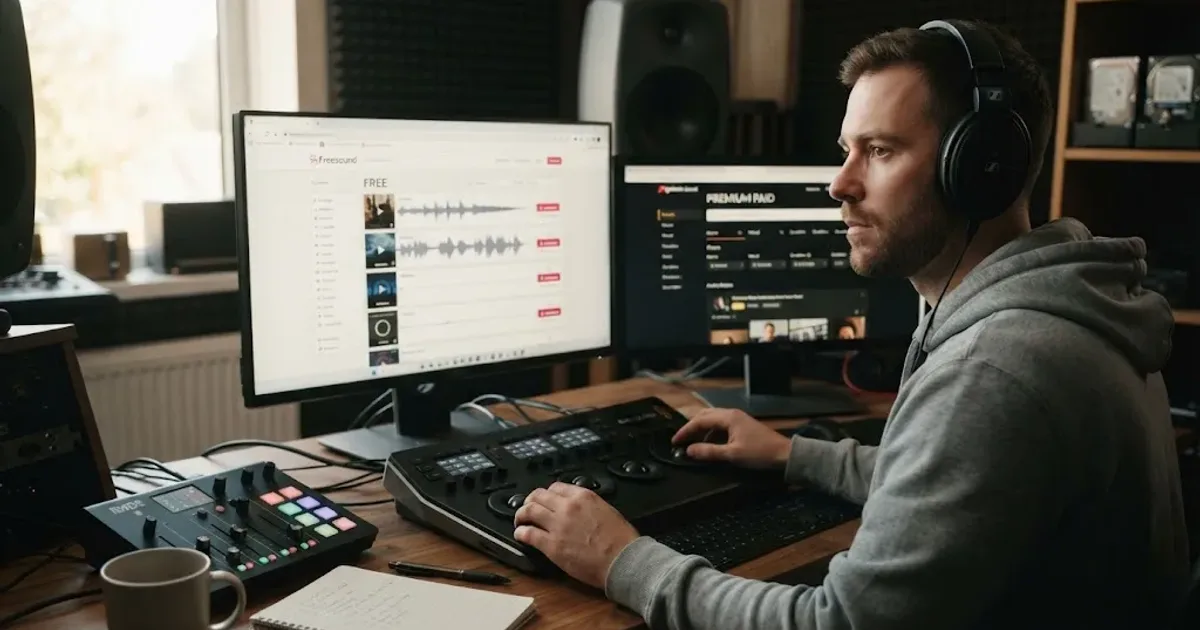
Best Sound Effects Library for YouTube Videos in 2026
Find the best sound effects library for YouTube videos, with honest picks for free, specialist, and recurring DaVinci Resolve workflows.
Comparisons · Aug 24, 2026 · 40 min
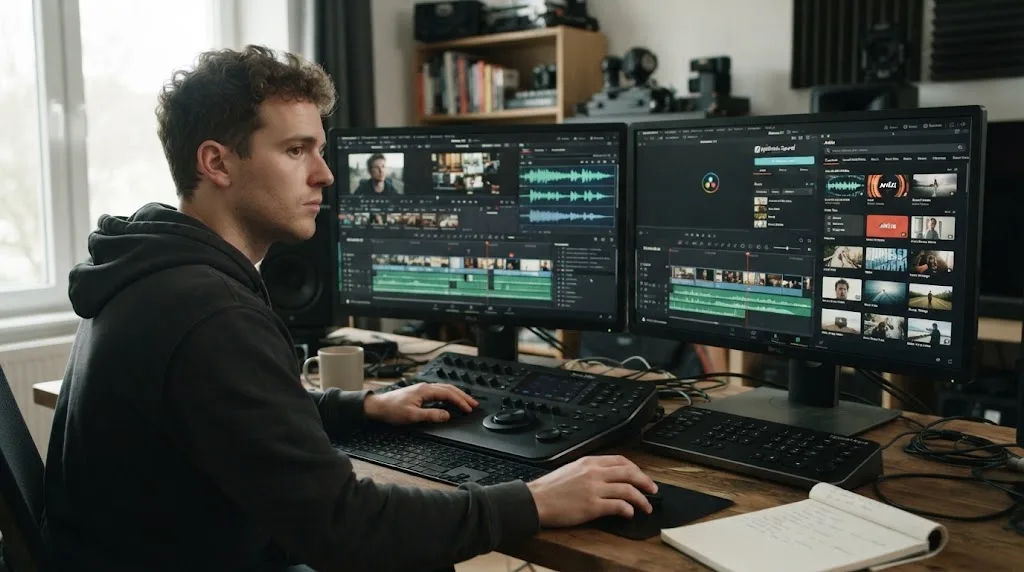
Epidemic Sound vs Artlist for DaVinci Resolve (2026)
Epidemic Sound vs Artlist for DaVinci Resolve 21: compare plugins, music, SFX, licensing, templates, pricing, and the right plan for your edit.