Articles / Guidesupdated for DaVinci Resolve 21 (September 2026)
How to Choose Music for a Video Trailer
Quick answer
To choose music for a video trailer, start with the trailer's emotional turn and final beat, then audition tracks by energy, structure, edit points, and licensing. In DaVinci Resolve 21, place markers on story beats, cut the music to picture, and test the mix under dialogue before committing.
The wrong trailer track can make good footage feel slow, generic, or oddly cheerful. I treat music as part of the edit's structure, not as wallpaper added after the picture is locked.
We've spent 7+ years editing commercial video, and we run a 100,000+ member professional editing community. The question that keeps coming up is simple: how do you find a track that gives the trailer momentum without dictating every cut?
As of September 2026, this workflow is written for DaVinci Resolve 21. Blackmagic's final-release note lists Fairlight folders and subframe support for audio keyframes and markers among the release updates.
How do I choose music for a video trailer?
Choose music for a video trailer by deciding what the audience should feel at the final frame, then work backward to the opening hook, escalation, peak, and title card. A track is a good fit when its shape supports those turns and leaves room for the story's own sound.
Start with a one-sentence brief. For example: “The audience should move from curiosity to pressure, then want to see the full film.” That sentence is more useful than starting with genres. “Cinematic” can mean a quiet piano cue, a distorted pulse, or a full orchestral rise. The emotional destination narrows the search faster.
Then score each candidate against five questions:
- Does the opening create curiosity without spending the whole track's energy?
- Does the middle section give the trailer somewhere to climb?
- Is there a clear musical turn near the reveal or peak?
- Can dialogue and sound effects sit above it without a fight?
- Does the ending give you a clean title-card moment or a deliberate unresolved finish?
Walter Murch described the relationship between picture and music this way: “When the time comes to place a piece of music that feels right for a scene, you discover that, with a little shuffling...” Murch's interview is a useful reminder that a track does not need to fit perfectly on its first listen. It needs enough usable material to reshape.
The best trailer music gives the edit a shape, not just a mood.
Use the DaVinci Resolve guide to finding music by mood, then reject anything with no usable transition, pause, lift, or ending.
What should the trailer music do at each story beat?
Trailer music should change function as the trailer advances. The opening can establish a question, the middle can add pressure, and the final section can deliver the promise, but the exact arrangement depends on your footage and voiceover.
| Trailer moment | What to listen for | What to protect in the edit |
|---|---|---|
| Hook | A distinctive texture, pulse, or first hit | The first image and first line of dialogue |
| Setup | Space and a controlled rhythm | Clarity of names, locations, or premise |
| Escalation | New layers, harmonic movement, or a stronger pattern | A steady rise instead of random loudness |
| Peak or reveal | The track's strongest useful passage | The reveal itself, including its sound effect |
| Title card and tail | A hit, stop, ring-out, or intentional unresolved ending | Enough silence or space to read the title |
Trailer music should support the strongest story beat without stealing attention from it.
A quiet trailer can peak by removing the beat. A comedy trailer can use a serious build and then cut it off at the joke. Listen for edit points you can feel before you see them, but do not cut every shot on every beat. Predictable beat-matching makes a trailer feel mechanical when the images need surprise.
How do I test a track in DaVinci Resolve 21?
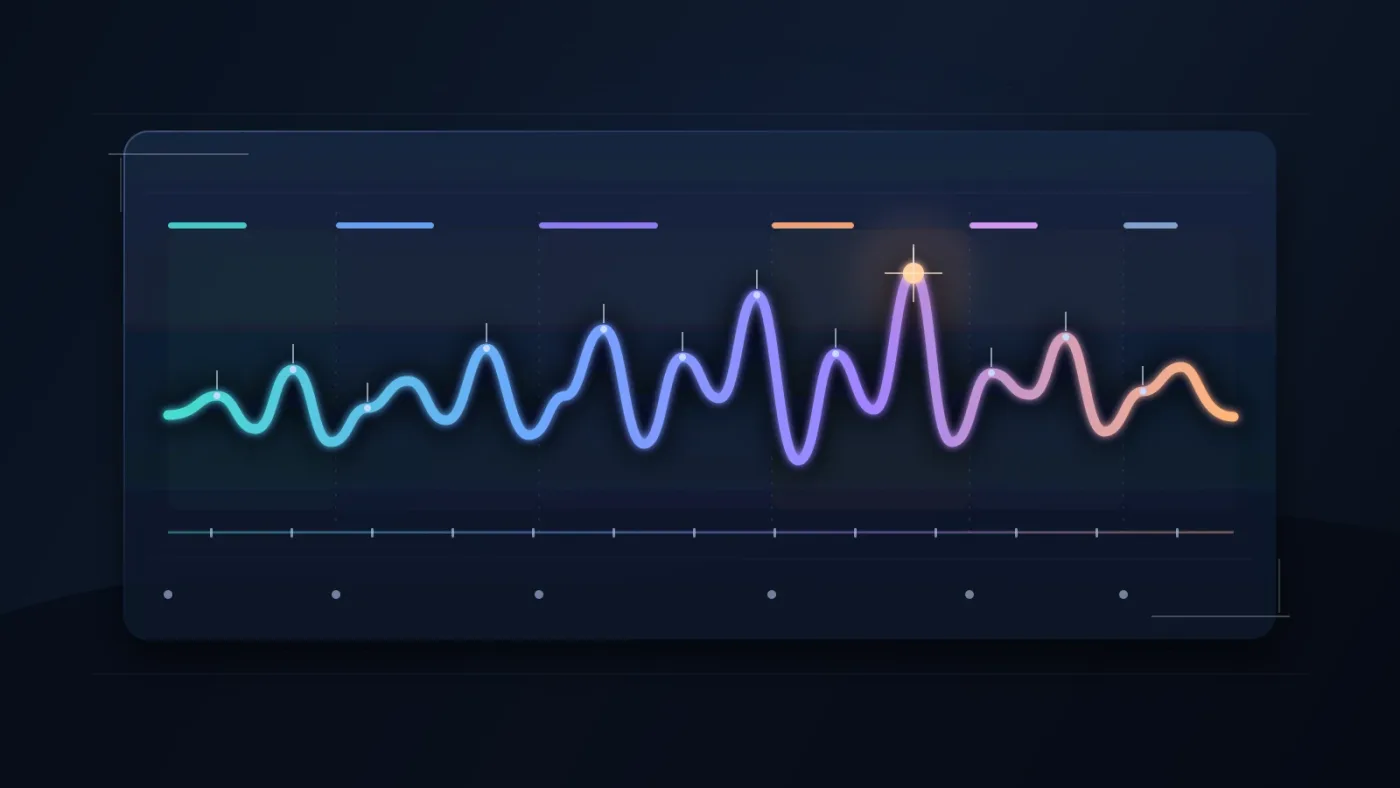
Test a track in DaVinci Resolve 21 by placing it under the real cut, adding markers to story beats, and judging the relationship between picture, dialogue, effects, and silence. Resolve 21 supports audio keyframes and markers at subframe accuracy when you zoom in closely, which helps with precise music hits and fades. Blackmagic's Resolve 21 guide documents that update.
Use this short audition pass:
- Duplicate the trailer timeline or create a version for music tests.
- Add one marker at the hook, the first major turn, the peak, the title card, and the last frame.
- Put the candidate on its own music track. Keep dialogue and effects separate.
- Test the track's strongest section at the peak before you spend time shaping the opening.
- Try the same track in three arrangements: original order, shortened build, and a version that starts later.
- Watch once with your eyes on the viewer and listen once without looking at the screen.
Fairlight is useful here because its audio timeline combines clip and waveform editing, and its timeline index can show markers with notes and descriptions for a spotting list. Blackmagic's Fairlight documentation also describes clip volume, fades, keyframes, automation, and track layers.
After each pass, ask whether the cut gained momentum, the dialogue stayed clear, and the ending felt earned. If momentum is still missing, changing the volume will not rescue the wrong structure.
A track earns its place when it improves the cut at the peak and the ending.
How do I make music fit the trailer without forcing the edit?
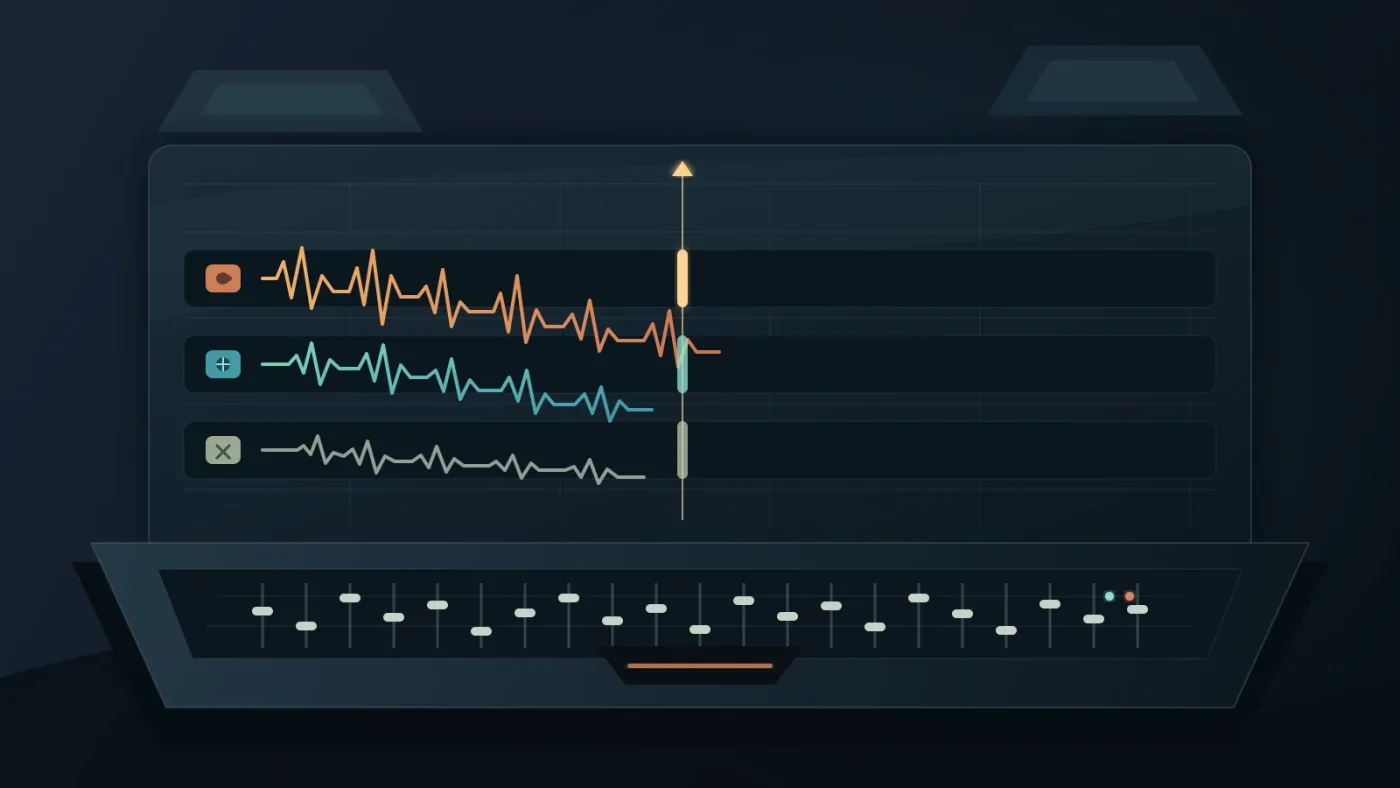
Make music fit a trailer by reshaping the track around the story beats instead of stretching every shot to match the song. Cut on musical events when they help, then use fades, overlaps, loops, stems, or a brief silence when the picture needs a different rhythm.
The safest order is:
- Find the strongest section for the trailer's peak.
- Find a shorter opening that does not reveal the whole track too early.
- Build the middle from a section that can repeat or grow.
- Give the title card a hit, tail, or silence that you can control.
- Check the last five seconds as a separate design problem.
Do not hide a weak fit with constant time-stretching. A track may technically reach the right duration and still feel emotionally wrong. The DaVinci Resolve guide to fitting music to video length covers the mechanics, but the creative decision comes first: shorten the picture, change the music, or change the promise.
If a track has stems, use them to create contrast. Keep the pulse under dialogue, remove the lead element for a reveal, then bring the full arrangement back for the final title. Without stems, use clip edits and automation to create the rise and fall. Fairlight's automation tools can record changes over time, and Resolve's track layers support alternate music cuts according to Blackmagic's Fairlight documentation.
Dialogue is the hard test. Fairlight includes a ducker that can lower music during dialogue and raise it afterward, but automatic ducking is only a starting point. The music may still need a manual dip, EQ change, or full removal under the most important line.
Which music license should I choose for a trailer?
Choose a music license by matching the actual release to the license's audience, platform, client, paid-media use, territory, and time limits. “Royalty-free” does not mean “use anywhere,” and a personal creator license may not cover a client trailer or a paid campaign.
Before downloading, write down:
| Question | Why it changes the decision |
|---|---|
| Who owns the finished trailer? | A client, agency, or brand may need broader rights than a personal channel. |
| Where will it appear? | YouTube, a website, paid ads, theatrical use, and internal review can have different coverage. |
| Is the music from a subscription library? | Confirm what happens to new publications if the subscription ends. |
| Do you need a custom cue? | A composer can provide a bespoke structure, stems, and revisions for a high-stakes campaign. |
For freelance or client work, keep the music licensing guide for freelance video editors beside your production checklist. A copyright claim is not the only risk. The client may also need rights for paid distribution or future versions.
Is Epidemic Sound a good option for trailer music?
Disclosure: this article contains an affiliate link. If you subscribe through it, we may earn a commission at no extra cost to you.
Epidemic Sound is a good option when you make recurring online video and want a searchable music workflow, but it is not automatically the best answer for a one-off bespoke trailer. Its DaVinci Resolve Studio plugin supports searching, dragging tracks into the timeline, stems, and soundtrack drafts, while the plugin requires paid Resolve Studio and does not support Timeline Sync. Those constraints are documented in Epidemic Sound's current product information.
Explore Epidemic Sound for a recurring trailer workflow if you want to search by description, reference track, or video context and bring candidates into a paid DaVinci Resolve Studio workflow. Check the current plan terms before publishing client work or paid advertising.
The honest alternatives are clear. A custom composer wins for a bespoke score and precise revisions. Artlist's music and SFX plans may win when you also need footage, templates, LUTs, or other production assets alongside music. The right choice depends on the release, not the catalog size.
What should I do before I publish the trailer?
Before publishing, watch the trailer once for story, once for audio clarity, and once for rights. The final decision is not “Do I like this song?” It is “Does this track make the promise clearer, survive the mix, and have permission for this exact release?”
Run this final check:
- Listen on headphones and ordinary speakers.
- Check the first five seconds and the final five seconds separately.
- Lower the music until every important line is clear, then check whether the trailer still has momentum.
- Confirm the track ID, license tier, client permission, publishing channels, and any safelisting step.
- Keep the music version, stems, and license record with the project archive.
The safest music choice is the track you can explain creatively and license precisely.
Frequently asked questions
- How do I choose music for a video trailer?
- Choose music by the trailer's emotional promise and edit structure first, then check its tempo, build, ending, dialogue space, and license. Test the track against the actual cut in DaVinci Resolve before committing.
- What BPM is best for trailer music?
- There is no universal best BPM. Pick a pulse that supports the footage, then judge the track by its accents, build, pauses, and emotional turn rather than BPM alone.
- How do I make music fit a trailer in DaVinci Resolve?
- Add markers for the hook, escalation, peak, title card, and ending, then cut, loop, or rearrange sections around those points. Resolve 21 also supports subframe audio keyframes and markers for fine timing.
- Can I use any royalty-free song in a video trailer?
- No. Royalty-free describes a licensing model, not unlimited permission. Confirm that the selected license covers your platform, client, paid advertising, territory, and publishing period before release.
Sources
Put this guide to work with TryUncle.
Ask about the step you’re on. TryUncle sees your screen and points at the control you need, so you can keep learning in your own project.
Get TryUncle for Mac or WindowsKeep reading

Guides · Aug 29, 2026 · 8 min
DaVinci Resolve Find Music by Mood: A Practical Workflow
Learn how to find music by mood for a DaVinci Resolve 21 edit, choose tempo, audition tracks, and bring licensed audio into your timeline.
Guides · Aug 24, 2026 · 7 min
DaVinci Resolve Fit Music to Video Length: 21 Guide
Fit music to your video in DaVinci Resolve 21 with Music Editor, beat markers, Elastic Wave, and a clean manual fallback.

Guides · Aug 24, 2026 · 8 min
Music Licensing for Freelance Video Editors: Client Rights
Practical music licensing for freelance video editors, covering client handoffs, safelisting, platform rights, cancellation, and DaVinci Resolve 21.