Articles / Guidesupdated for DaVinci Resolve 21 (September 2026)
How to Choose Sound Effects for a Documentary in DaVinci Resolve
Quick answer
To choose sound effects for a documentary in DaVinci Resolve, start with the scene's point of view and physical world, then audition restrained room tone, action, and texture sounds against narration. Keep only effects that clarify place, action, or emotion, and shape them in Fairlight with clip gain, EQ, pan, and automation.
I choose documentary effects by asking a blunt question: what does the audience need to understand or feel in this moment? A restrained effect that belongs to the scene beats one that calls attention to the edit. As of September 2026, this workflow is written for DaVinci Resolve 21 and its Fairlight page. We built and run a 100,000+ member professional video-editing community, and after 7+ years of professional commercial editing, this is the selection test we keep coming back to.
What should a documentary sound effect do?
A documentary sound effect should clarify place, action, human presence, or point of view. If it does none of those jobs, remove it.
Treat each effect as evidence. A kettle click can establish a kitchen, a coat zip can make an interview subject feel present, and a distant road can hold a location together while the image changes.
Documentary sound needn't be recorded on the day. It should still answer to the world on screen. Start with diegetic options, then add an expressive layer for a clear subjective turn.
Documentary sound effects should make the scene clearer, not make the edit louder.
Walter Murch offers a useful limit for crowded moments: “There is a rule of thumb I use which is never to give the audience more than two-and-a-half things to think about aurally at any one moment.” That is a practical reason to delete effects. Read Murch’s interview on sound and picture when a mix feels busy.
How do I choose sound effects for a documentary in DaVinci Resolve?
Choose effects in this order: scene function, physical specificity, perspective, and only then style. The right effect is the one that survives a quiet listen with the narration and image.
Use this four-question test for every candidate:
- What job does it do? Establish the environment, support visible action, connect a cut, reveal a person, or shift the audience into a subjective point of view.
- Could this sound belong to this place? A close, dry bird call rarely belongs over a wide urban exterior unless you have a story reason for the change.
- Whose ears are we using? A camera position, an interview subject, and a remembered moment can each justify a different distance or treatment.
- What happens if I mute it? If the scene loses meaning, keep it. If it only becomes less busy, cut it.
The fourth question is the most useful. Documentary timelines become crowded when editors keep sounds that are pleasant instead of necessary. You can bring a deleted candidate back, but stacking more files rarely makes a cluttered mix feel intentional.
For a deeper treatment of realism, see our guide to making sound effects realistic in DaVinci Resolve. For library hygiene later, use our sound-effects organization guide.
Which sound effect should I audition first?
Audition the least dramatic sound that can establish the moment, then add detail only when the picture still needs it. Room tone and specific actions are usually better starting points than cinematic impacts.
| Scene clue | First sound to test | Add only if needed | Keep it if |
|---|---|---|---|
| A held interview shot | Room tone or a quiet location bed | A small chair, clothing, or hand movement | It makes the person feel present without competing with words |
| A close-up of work | The exact tool or material action | A second layer with a different texture | It reinforces the visible movement and its rhythm |
| A move through a place | A distant environmental bed | One foreground detail tied to the camera path | It makes the cut feel like the same physical world |
| Archival or memory material | A restrained texture or filtered source | A subjective detail that changes perspective | It signals the shift without turning it into a trailer |
| A pause before a key line | Less sound, not more | A single detail after the pause | The silence gives the line more room |
If production audio already carries the world, don't replace it just because a library recording sounds cleaner. Blend missing detail around what you have.
The best documentary effect usually belongs to the scene before it belongs to the soundtrack.
Our related guide to the best ambient sound effects for video editing can help when the cut needs continuity rather than emphasis.
How do I audition sound effects in DaVinci Resolve 21?
Audition sound effects against the timeline, not in isolation. In Fairlight, the sound library lets you search, mark the part you want, audition it on the timeline, confirm or cancel the candidate, and sync a section of the waveform to the playhead. Blackmagic’s Fairlight documentation describes those controls directly.
Use this short pass:
- Put the playhead on the action or cut you want to support.
- Search by physical source first, such as “metal gate,” “wet footsteps,” or “small room,” instead of “cinematic documentary.”
- Audition the most specific candidates at a conservative level.
- Listen with narration on, then with narration muted.
- Confirm one candidate, or cancel all of them and try a quieter source.
Blackmagic says you can access external sound libraries from Fairlight, audition clips in the timeline, and sync any part of a sound-effect waveform to the playhead. The timeline is the decision room. The library search only supplies options.
Blackmagic lists the Resolve 21 final release on June 3, 2026, with new Fairlight folder functions for organizing audio tracks. The support listing is the version reference. Keep dialogue, room, spot effects, and designed textures in clearly named tracks so you can mute categories during review.
Why is my documentary sound effects mix distracting?
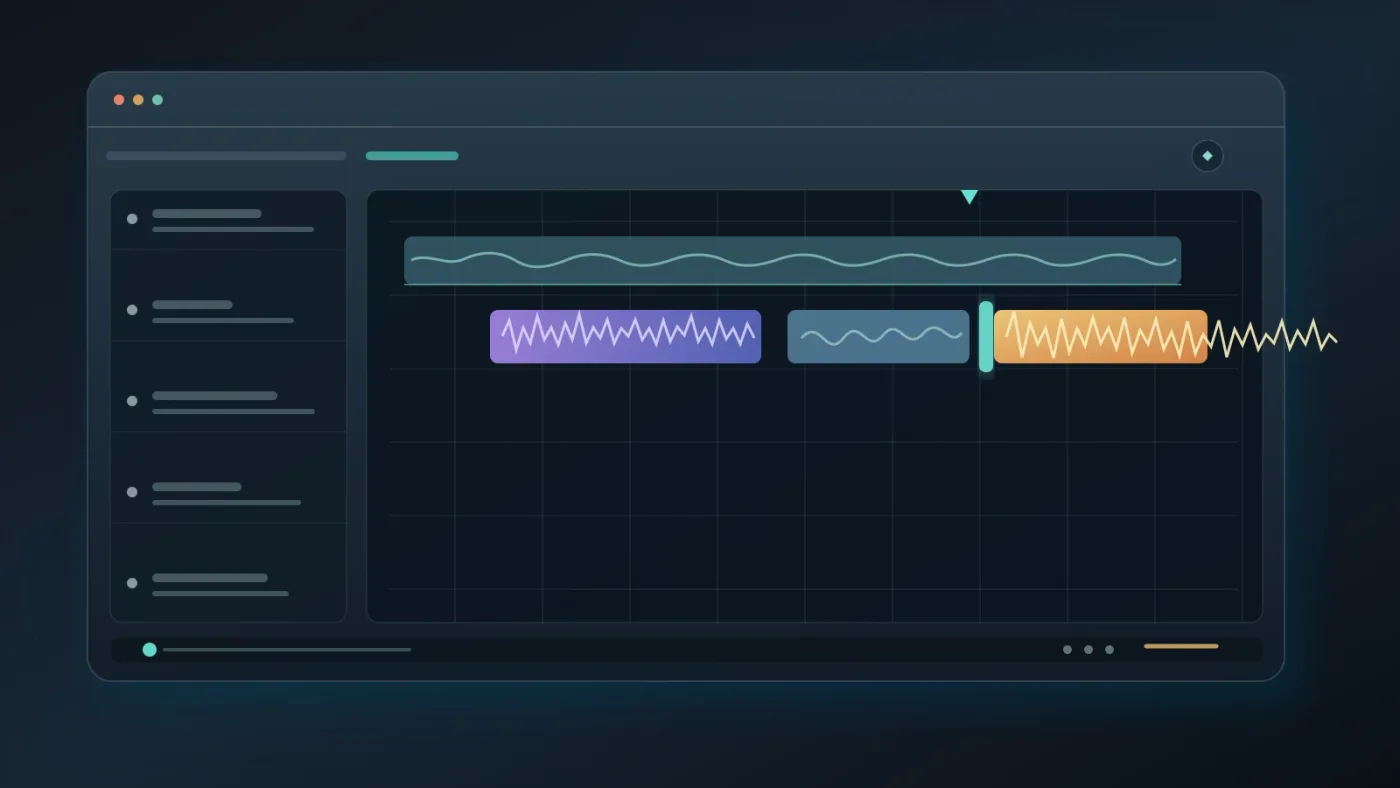
Your documentary sound effects mix is distracting when the effects compete with speech, break the scene's perspective, or draw attention to their own production. The fix is usually subtraction followed by a small level or timing adjustment.
Start by muting half the effects. If the scene gets clearer, keep the smaller group. Then check these failure modes:
- The effect is too close. Reduce high-frequency detail, lower the level, or choose a more distant recording.
- The effect starts too early. Move it closer to the visible action or use a short fade so the audience doesn't hear the edit before seeing the reason.
- The effect has no exit. Fade it, let it dissolve into room tone, or cut it when the story attention moves.
- The effect changes reality. A new reverb, stereo width, or background texture can make a continuous location feel like a different room.
- The effect masks a word. Lower its clip gain before reaching for heavy processing.
Fairlight gives each timeline clip volume, pan, pitch, and a 6-band parametric EQ. Blackmagic also documents option-click keyframes for changing clip volume over time. The official Fairlight page supports those exact controls. In practice, use clip gain for the first correction, a short fade for the entrance or exit, then EQ or pan when the perspective needs shaping.
Room tone is often the glue that makes a documentary cut feel continuous.
What should I use to shape effects in Fairlight?
Use clip gain to place the effect in the mix, fades to control its edges, pan to support screen direction, EQ to match distance or material, and automation when the relationship changes over time.
Resolve 21 also supports elastic wave retiming for stretching a sound-effect clip without changing its pitch, according to Blackmagic’s Fairlight documentation. That is useful when a real action and a recorded effect have the right character but different durations. Stretch the smallest section that needs help, then listen for unnatural movement.
For a basic documentary pass, keep the order simple:
- Trim the source to the useful action.
- Fade the head and tail so the edit doesn't click into place.
- Set clip gain under the dialogue.
- Pan only when the image gives you a reason.
- Use the 6-band EQ to remove a conflict or match the scene, not to decorate the sound.
- Add automation when the camera, speaker, or story focus changes.
In Fairlight, clip gain is the first control to reach for when an effect competes with narration.
If an effect still feels wrong after these steps, replace the source. Processing can't turn an unrelated recording into a believable one.
Should I buy a sound-effects library for a documentary?
Buy a library when you need repeatable licensed options across projects, not because a subscription can solve a weak decision. For one film, a small one-off collection or your own recordings may be better.
Artlist is worth considering when you need sound effects alongside music, footage, templates, or other production assets. Match the license to the release: personal channel, client work, commercial distribution, broadcast, or festival. Read the current plan before publishing.
Disclosure: this article contains an affiliate link. If you subscribe through it, we may earn a commission at no extra cost to you.
If you need recurring access to music and sound effects for documentary work, check Artlist’s current catalog and license options before choosing a plan.
Choose an audio-first service such as Epidemic Sound for recurring music and sound effects. Choose a broader service such as Artlist when you also need footage and templates. Choose neither when one film only needs a few effects.
What is the final decision rule for documentary sound effects?
Keep an effect when it improves place, action, human presence, or point of view without stealing attention from the story. If you can't name its job in one sentence, leave it out.
Before you lock the documentary, listen three ways: with the full picture and narration, with your eyes closed, and with the effects muted. These tests reveal story clarity, timing, perspective, and whether production audio already does the work.
Then check delivery. Blackmagic lists audio support for 5.1, 7.1, and immersive 3D formats. The Resolve 21 audio overview is the current reference. You don't need an immersive mix for every documentary, but know the delivery target before you pan effects.
The final choice is usually smaller than the first one. Keep the room, the action that matters, and the detail that reveals a person or place. Let the story carry the rest.
A good sound effect has a job, a point of view, and an exit.
Frequently asked questions
- How do I choose sound effects for a documentary in DaVinci Resolve?
- Choose effects by story function first: place, action, human texture, or point of view. Audition each candidate under the picture and narration, then keep the quietest version that makes the moment clearer.
- Why is my documentary sound effects mix distracting?
- Your mix is probably carrying too many competing ideas, using effects that are too loud, or changing perspective without a picture reason. Remove layers before adding processing, then lower clip gain under dialogue.
- How do I audition sound effects in DaVinci Resolve 21?
- Open the Fairlight sound library, search for a candidate, mark the useful section, and audition it against the timeline. Resolve can sync a selected part of the waveform to the playhead before you confirm it.
- Should documentary sound effects be realistic or dramatic?
- Start realistic and become dramatic only when the story earns a change in perspective. A specific, restrained effect usually supports documentary credibility better than a generic cinematic hit.
- Can I use Artlist sound effects in a documentary?
- Yes, if the plan and project use match the current license terms. Check whether your documentary is personal, client, commercial, broadcast, or festival work before you download and publish the final film.
Sources
Put this guide to work with TryUncle.
Ask about the step you’re on. TryUncle sees your screen and points at the control you need, so you can keep learning in your own project.
Get TryUncle for Mac or WindowsKeep reading
Guides · Aug 26, 2026 · 8 min
Best Ambient Sound Effects for Video Editing in Resolve 21
Find the best ambient sound effects for video editing with a license-safe buying guide and a practical DaVinci Resolve 21 Fairlight workflow.
Guides · Aug 28, 2026 · 8 min
How to Make Sound Effects Realistic in DaVinci Resolve 21
Make sound effects realistic in DaVinci Resolve 21 with layering, EQ, reverb, panning, automation, and room-aware mixing in Fairlight.

Guides · Aug 28, 2026 · 9 min
How to Organize Sound Effects in DaVinci Resolve
Build a searchable sound-effects library in DaVinci Resolve 21 with clear names, bins, metadata, Smart Bins, and tidy Fairlight tracks.