Articles / Guidesupdated for DaVinci Resolve 21 (September 2026)
How to Find Sound Effects by Description for Video Editing
Quick answer
To find sound effects by description for video editing, turn the moment into searchable terms for the action, material, space, perspective, and timing. Search Fairlight's Sound Library, Soundly, Freesound, or a licensed catalog, audition the result in context, then verify the license before you keep it in your DaVinci Resolve 21 timeline.
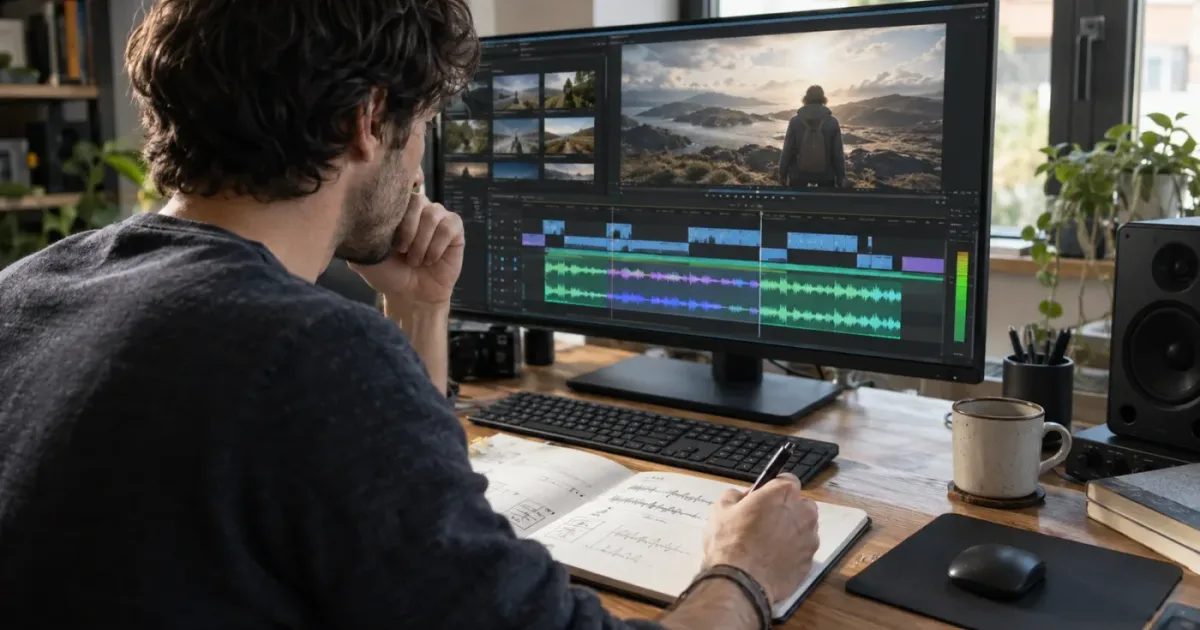
I look for sound effects in two passes. First I describe what the audience should hear. Then I describe what the microphone would have captured. That small shift turns a vague search for “a cool impact” into a short list of useful words.
As of September 2026, DaVinci Resolve 21 gives you two different kinds of search that are easy to confuse: Fairlight's Sound Library searches sound-effect libraries, while IntelliSearch searches analyzed clips in the Media Pool. This guide shows how to use both without pretending they do the same job.
What is the fastest way to find sound effects by description for video editing?
The fastest method is to describe the sound with five pieces of information: the action, the thing making it, the material, the space, and the timing. Search those terms in Fairlight's Sound Library, Soundly, Freesound, or a licensed catalog, then audition the result against the exact picture where it will play.
The mistake is starting with the emotion of the scene. “Scary sound” can point toward a drone, a sting, a scrape, or a low boom. Those are useful creative directions, but they aren't always useful search terms. Start with the physical event, then add the emotional treatment if the library supports it.
Try this template:
[action] + [source] + [material or texture] + [space or perspective] + [timing]
Here are some examples:
| What you need in the edit | Weak search | Better description | Why it helps |
|---|---|---|---|
| A laptop lid closes on a desk | computer sound | laptop lid close plastic desk close perspective | It names the object, the motion, the material, and the viewpoint. |
| A character finds a hidden door | mysterious door | old wooden door latch click creak close interior | It separates the physical pieces from the mood. |
| A product lands on a table | impact | small glass bottle set down on wooden table clean short impact | It gives the search engine scale and surface. |
| A camera moves through a city | city noise | downtown traffic bed distant horns wet street evening | It describes an ambience rather than one isolated event. |
| A phone notification interrupts dialogue | notification | short muted phone notification single chime close | It tells you duration, frequency, distance, and repetition. |
Search with three to five important terms first. If you include every possible adjective, you can accidentally exclude the sound you need because the file uses different metadata. Broaden the search, listen to several results, and add one constraint at a time.
The best sound-effect search describes a physical event before it describes a mood.
Why does a descriptive search beat a filename search?
A descriptive search can match the language in a file's name, tags, description, or indexed metadata. A filename search only helps when the person who created the library used the words you guessed. DaVinci Resolve's Fairlight Sound Library was built around metadata-based discovery, and Blackmagic says its sound-effect search can show both the filename and description. Blackmagic's announcement of metadata search explains that the feature was added so editors don't need to know the filename first.
That doesn't mean natural-language search understands every creative idea. “A lonely room after an argument” might not match anything. “Empty apartment room tone air conditioner distant traffic” gives the search system concrete nouns and textures.
What should you describe before searching for an SFX?
Describe the event in layers, starting with what happens and ending with how the audience should perceive it. The six most useful layers are action, source, material, scale, space, and editorial role.
1. Action
Use a verb whenever possible. Open, close, scrape, drag, drop, hit, strike, tear, pour, rattle, swing, slide, buckle, zip, click, slam, tap, rub, crack, burst, and settle are more precise than “sound.”
The verb also suggests the shape of the waveform. A click is short and front-loaded. A scrape has movement across time. A slam has a clear transient and a body. A room tone has no obvious event but needs continuity.
2. Source
Name the object or actor. “Metal impact” is broader than “steel toolbox latch.” “Paper movement” is broader than “single sheet lifted from a desk.” If the source is unknown, name the visible action and likely material instead.
For a fantasy or abstract shot, search for a physical analog. A magical reveal might need a glassy shimmer, a reverse swell, a granular movement, or a low mechanical pulse. You can combine two or three physical recordings later. The library only needs to help you find raw ingredients.
3. Material and texture
Texture helps separate sounds that share the same action. Add wood, steel, glass, leather, cloth, gravel, water, paper, plastic, rubber, stone, dust, or ice. Then add words such as dry, hollow, brittle, soft, dense, gritty, resonant, muffled, sharp, warm, thin, or distorted.
These words are not universal metadata. Some libraries describe a sound in production terms, some use broad tags, and some rely on filenames. Test one material term at a time rather than assuming that every catalog uses the same taxonomy.
4. Scale and distance
Say whether the sound is small or massive, close or distant, intimate or wide. “Small metal drop close” and “large metal impact distant” should lead to different auditions even if both results contain the word “metal.”
Perspective is a creative choice, not just a recording detail. A close sound can make a tiny action feel important. A distant version can place a character inside a larger world. Search for the perspective you need, then use panning, level, EQ, and reverb in Fairlight to support it.
5. Space
Add the environment when the sound belongs to a place. Try interior, exterior, hallway, warehouse, kitchen, forest, street, tunnel, bathroom, studio, car, or empty room. If you need atmosphere rather than an event, use terms such as ambience, background, bed, room tone, air, crowd, traffic, wind, birds, or machinery.
Space is also a useful way to reject a technically good but narratively wrong result. A dry studio door close can be perfect for a product demonstration and useless for a stone corridor. The search term should carry the acoustic world whenever the room matters.
6. Timing and editorial role
Add single, repeated, loop, short, long, tail, rise, fall, hit, transition, stinger, one-shot, or bed. A sound can be right in subject and wrong in shape. A long door creak won't help if the picture cuts after twelve frames. A short hit won't build tension if the camera takes four seconds to reveal the object.
Editorial role matters too. Search for transition, accent, punctuation, movement, background, sweetener, or designed layer only when that vocabulary is used by the source. The role tells you how the sound will function in the cut.
How do I write one useful search phrase?
Write the plain sentence first, then strip it down to terms that a sound library might contain.
Plain sentence: “I need a small metal key dropped onto a hard table, recorded close, with a bright ring at the end.”
Search ladder:
key dropmetal key drop tablemetal key drop hard surface close bright ringkey drop tabletop single close ringkey drop -car -jingleif the source supports exclusions
The first query checks the object. The second adds context. The third adds texture and perspective. The fourth tests the library's vocabulary. The fifth removes a common wrong result. Keep a note of terms that return useful results.
How do I search the Fairlight Sound Library in DaVinci Resolve 21?
Use Fairlight's Sound Library when you want to search an indexed local sound collection and audition a section directly against the timeline. Blackmagic describes a workflow in which you open the Sound Library, search, mark the part you want, audition it on the timeline, and then confirm or cancel the choice. The official Fairlight page documents those controls.
The panel is useful because it brings search and spotting into the same application. You don't have to import five guesses, place them on tracks, and delete four before you know whether the fifth works. You can try a marked portion, hear it in context, and keep the take that supports the cut.
How do I set up the Fairlight Sound Library?
DaVinci Resolve's Fairlight training material describes a library that is installed once and then available to projects on the system. The official Fairlight Audio Guide to DaVinci Resolve 20 says the installer creates a library database and indexes the sounds automatically. Resolve 21's Fairlight workflow still exposes the Sound Library panel for external libraries.
For a personal collection, keep the source audio in a stable folder before indexing it. If you later move the files, the database can still contain their names while the media path no longer points to the audio. That is an asset-management problem, not a search problem.
Use a separate library or database for a project collection when you want to keep temporary recordings apart from your permanent archive. Give the library a name that tells you what it contains, such as Documentary_Field_2026, Product_Foley, or Room_Tones. A name like New SFX stops being useful after the second project.
How do I find a sound by description in Fairlight?
Search the terms likely to exist in the sound's metadata, then change the panel's field filter if the result is too narrow. Blackmagic's Fairlight Audio Guide shows a Sound Library search with a database selector and a “Filter By” choice for fields such as the name or description. The important idea remains the same in Resolve 21: the library can only return descriptive matches when the indexed asset contains descriptive metadata.
Follow this Resolve 21 procedure:
- Open the project and go to the Fairlight page.
- Open the Sound Library panel from the Fairlight toolbar.
- Choose the sound library or database you want to search.
- Start with the action and source, such as
door closeorcloth movement. - Add the material, space, or perspective when the result set is too broad.
- Select a result and mark the section that contains the useful event.
- Click Audition to place the selection in context on the timeline.
- Click Confirm to keep the choice or Cancel to remove it and try another result.
The word “description” is doing real work here. If you imported your own files with names like SFX_0047.wav, the Sound Library may have nothing meaningful to match beyond the filename. Add metadata before you expect description searches to behave like a catalog.
Fairlight's Sound Library is a spotting tool as well as a sound-effects search tool.
How is Fairlight different from Resolve 21 IntelliSearch?
Fairlight's Sound Library searches sound-effect libraries. DaVinci Resolve 21's IntelliSearch searches analyzed clips in the Media Pool using visual analysis, transcript analysis, or metadata. The Resolve 21 New Features Guide separates those search modes and says IntelliSearch can search all fields, keywords, custom metadata, clip properties, transcripts, and analyzed visual content.
That distinction matters when your question is “find the sound of a glass breaking.” IntelliSearch might help you find a video clip that contains a glass-breaking moment if that clip is in the Media Pool and has been analyzed. It won't magically inspect an unindexed external SFX collection and understand the waveform's meaning. Fairlight is the right first stop for a sound library.
IntelliSearch becomes useful after you have recorded or imported reference clips. Suppose you filmed several takes of a practical effect and added them to the Media Pool. In Resolve 21, you can analyze those clips, search the metadata or visual content, and create a Smart Bin from the search criteria. Blackmagic's guide documents the Add as SmartBin control and the choice between searching all bins or selected bins.
Use the tools together when that makes sense:
| Task | Best Resolve 21 tool | What it searches | What it does not do |
|---|---|---|---|
| Find an indexed door creak | Fairlight Sound Library | Sound-library names and metadata | It does not invent metadata for a badly described file. |
| Find a reference video with a door | IntelliSearch Visual or Metadata Search | Analyzed Media Pool clips and entered metadata | It is not a general-purpose SFX catalog search. |
| Find spoken words in a reference clip | IntelliSearch Transcript Search | Transcribed audio in analyzed clips | It is not a search for nonverbal sound texture. |
| Keep a recurring asset search | Fairlight library organization or IntelliSearch Smart Bin | The selected library or Media Pool criteria | The result still depends on stable media and useful metadata. |
Do not spend time looking for an IntelliSearch switch inside Fairlight. The two search experiences belong to different parts of Resolve, even though both let you type natural language or metadata terms.
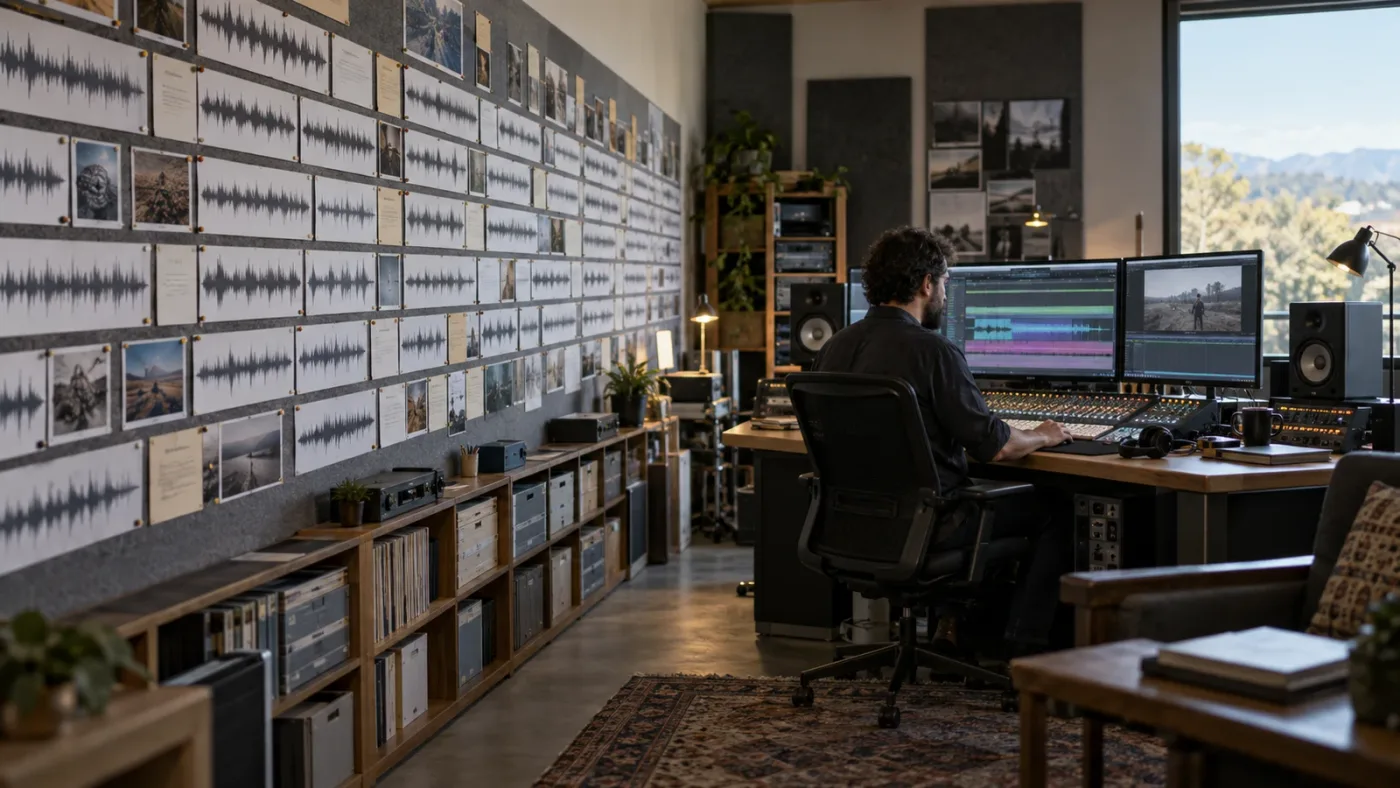
How do I turn a vague sentence into better SFX searches?
Use a search ladder, not one giant prompt. Search broad enough to confirm the category, then narrow with one physical constraint at a time.
Example: a moving camera transition
Start with whoosh. If the results are too broad, try fast whoosh pass by. If you need a softer movement, use soft air movement transition. If the movement should feel mechanical, try mechanical pass by short. If the library has a visual context search, add a frame or reference clip only after you know the sound family.
The choice between whoosh and pass-by is more than vocabulary. A transition whoosh is often designed to punctuate a cut. A pass-by may describe a recorded object moving past a microphone. Either can work, but they create different creative starting points.
Example: an object sliding on a table
Start with object slide. Add the material: wooden block slide table. Add the movement: wood scrape slide short. Add the camera relationship: close wooden object slide. If the scene is a clean commercial, remove words that return messy handling noise and search for clean product slide wood surface.
Then listen for three pieces: the start, the travel, and the stop. If the result has a good start but a weak stop, keep it and search for a separate stop or settle. Sound design often works better when you choose the right parts of two recordings than when you demand one file do everything.
Example: a room that feels occupied
Start with room tone. Add the place: small office room tone. Add the hidden source: office room tone air conditioner. Add perspective: interior office tone distant traffic. If you need continuity through a dialogue edit, prioritize a stable bed over a dramatic event.
The term “room tone” is often more useful than “silence.” Silence in a recording can expose a cut because the noise floor changes. Room tone gives the edit a consistent bed to fill small gaps. That is a practical editorial distinction, not a promise that every library uses the same label.
Example: a frightening reveal
Don't search only for scary. Split the request into layers:
- Background:
empty corridor interior air distant hum - Movement:
slow metal scrape long tail - Accent:
low impact short dark - Emotional design:
riser tension reverse swell
You can audition each layer separately. The background establishes space. The scrape tells the eye where to look. The accent marks the reveal. The riser controls anticipation. If you search for “scary sound effect” and take the first loud result, you may get a sound that announces the emotion before the picture earns it.
Example: a hand handling paper
Try paper handling close, then single paper sheet lift desk, then paper shuffle quiet interior. If the shot is a close-up, add close mic or close perspective where the source uses those terms. If the scene is a library or office, add the room only when you want the ambient bed included.
Paper is a good search exercise because the action can be tiny. A single lift, fold, slide, crumple, and stack are different events. Search the verb. A file tagged only “paper” may contain the wrong performance.
What if the library doesn't understand my phrase?
Reduce the sentence to nouns and verbs, then try synonyms. Replace “ominous” with low drone, “cinematic” with large impact, “cute” with small bright pop, and “natural” with a material, space, or recording perspective. These substitutions make the search less dependent on a catalog's mood vocabulary.
You can also search a source's own category terms. Soundly says its natural-language search works with related searches, autocomplete, thesauruses, and translation features across local and cloud libraries. Soundly's feature page describes those capabilities. Freesound's API, by contrast, documents a weighted text query across fields such as the original filename, description, and tags. Freesound's API documentation gives the exact field names and query examples.
The practical lesson is simple: search engines have dialects. Learn the dialect of the source you use most.
Which source finds the right sound effect fastest?
The right source depends on what “fastest” means for your project. Fairlight is fastest when the sound is already indexed locally. Soundly is strongest when you want natural-language search across local and cloud sources. Freesound is useful when you need breadth and can inspect file-level rights. A paid licensed catalog is convenient when the rights workflow matters as much as the search. Recording is fastest when the library cannot contain the exact event.
| Source | Search strength | Resolve workflow | Rights decision | Best fit |
|---|---|---|---|---|
| Fairlight Sound Library | Metadata search for an indexed collection | Search and audition from the Fairlight page | You own, purchased, or separately license the collection | Editors with a stable local SFX archive |
| Soundly | Natural-language search, related terms, thesaurus, translation, local and cloud search | Drag or send selected audio into an editor, then spot it in Resolve | Soundly's own libraries have stated terms; Freesound items still need individual license checks | Editors who search several libraries every week |
| Freesound | Text search over names, descriptions, and tags, with license and audio filters through its API | Download the permitted file, then import and organize it | Check the file's Creative Commons license and attribution conditions | One-off discoveries, unusual field recordings, and budget-sensitive work |
| Epidemic Sound | Search by description and video context in its soundtracking workflow | Its official plugin targets DaVinci Resolve Studio; otherwise download and import | Select a plan that covers the publication and keep the subscription conditions in view | Recurring online publishing with predictable licensed access |
| Custom recording | No search limit because you create the source | Record, clean, name, index, and spot the take | You control the recording, but clear any third-party performance or location rights | Distinctive props, exact performances, and missing library sounds |
“Fastest” should include the time you spend proving that you can publish the result. A free file that needs a license investigation is not always faster than a licensed download with clear project coverage. A local file that sounds perfect but has no description may also take longer to rediscover next month.
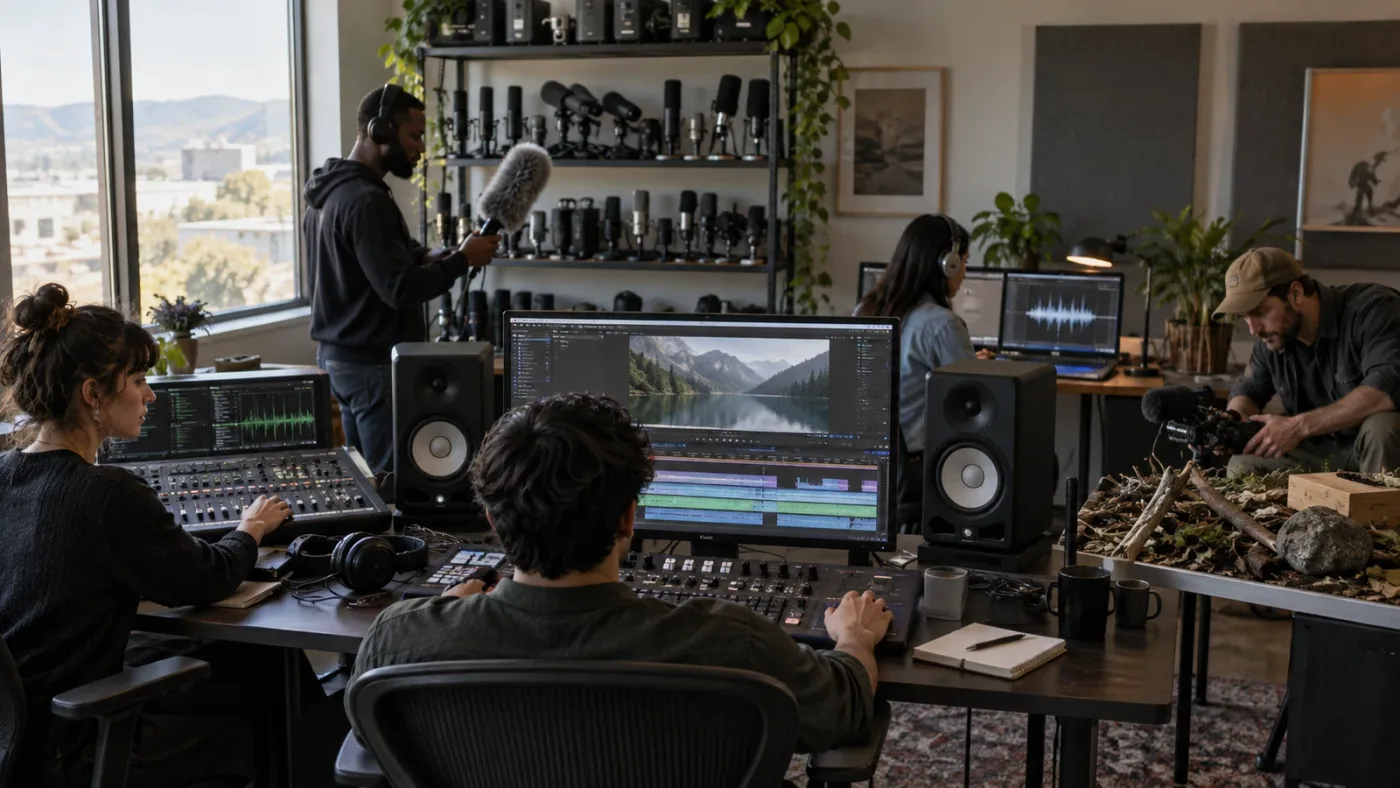
Should I use Soundly for natural-language SFX search?
Soundly is a strong choice when you want to type a plain-language description and search both local files and cloud libraries. Its official feature page says it supports natural-language search, related searches, autocomplete, thesauruses, translation, local and cloud-based libraries, metadata reading, and drag-and-drop into editors. Soundly's current feature page is the source for those capabilities.
Soundly also solves a different problem from a download site. It can act as a searchable index for your own collection. Its support documentation says indexing local files does not upload the files, and the files still need to remain connected if they live on an external drive or network location. That distinction matters for privacy and for offline work. An index can tell you where an asset is. It cannot play the asset if the drive is disconnected.
How do I narrow a Soundly search?
Soundly documents three useful operators:
- Put a minus sign before a word to exclude it.
- Put quotation marks around a phrase to search for that exact phrase.
- Put a library name followed by a colon to search that library only.
The Soundly advanced-search guide gives those examples and says its built-in thesaurus can be disabled in settings. Try these patterns:
door creak
"door creak"
wooden door creak -car
Foley Library: shoe step
Use the exact phrase form when the broad search returns too many variants. Use the exclusion form when one common meaning overwhelms the results. Use the library prefix when you already know which collection has the right recording style.
How do I use Soundly with DaVinci Resolve?
Treat Soundly as the discovery and audition layer, then use Resolve as the editing and mixing layer. Search in Soundly, mark the useful section if needed, export or drag the result into the project, and then finish the spot in Fairlight. Soundly's feature page lists drag-and-drop and integrations with several audio and video tools, while DaVinci Resolve's Fairlight page documents its own audition and sync workflow.
Do not assume that an integration means the sound is automatically licensed for every use. Soundly's support page says its Pro and Free libraries are cleared for commercial use under its terms, that projects created while subscribing to Pro remain cleared after cancellation, and that Freesound items should be filtered to CC0-only if you want to avoid attribution for those files. Soundly's commercial-use guidance is the authority for those conditions. Read the terms for add-on libraries separately.
Soundly's current feature page lists a 10,000-file local limit for its free offering and a 250,000-sound Pro Library. Those numbers are product claims that can change, so check the live page before buying or planning a library migration. The important workflow distinction is stable: local indexing is useful even when you do not want one service to own your entire collection.
Soundly is most useful when your sound effects already live in several places.
Can Freesound find sound effects by description?
Yes, but Freesound is a metadata-driven community collection, not a promise that every sound is described consistently. Freesound's API documentation says a text search can work across fields including the original filename, description, and tags. It also documents filters for license, file type, duration, sample rate, bit depth, bitrate, channels, and other properties. The Freesound API reference lists those fields.
The site is valuable when you need an unusual field recording, a rough texture, or a sound that commercial catalogs don't have in the exact form. It can also take longer because the quality, naming, metadata, and license vary from upload to upload. Search is only the first decision.
How do I write a Freesound query?
Start with ordinary terms. Use quoted phrases for exact wording, a minus sign to exclude a word, and field filters when you want to constrain the search. Freesound's documentation shows examples such as q=bass -drum and quoted phrases, and it describes filters such as description: and tag:. Wildcards are not supported in the API's text-query syntax, so do not build your workflow around them.
Useful query ideas:
door creak wood"metal gate" creakrain -musicdescription:"recorded in a hallway"tag:footsteps
Not every web search box exposes every API field in the same way. Use the source's own interface, then open the individual sound page before downloading.
Which Freesound license is safe for commercial video?
There is no one answer for every file. Freesound's API documentation identifies licenses including Attribution, Attribution NonCommercial, and Creative Commons 0. Creative Commons explains the practical difference: CC BY permits commercial reuse when you give credit, while licenses containing NC prohibit commercial use and licenses containing ND prohibit sharing adaptations. Creative Commons' license guide is the place to confirm the conditions.
For an uncomplicated commercial workflow, look for CC0 when the file is genuinely marked that way. For CC BY, record the creator, sound URL, license version, and the attribution text you intend to publish. For NC, assume it is unsuitable for a monetized client, product, channel, or advertisement unless you have separate permission. For ND, be cautious about edits, transformations, or sharing the adapted file. The license is attached to the sound, not to the website's search result.
Creative Commons also warns that there is no single “Creative Commons license.” The exact license and version matter. The Creative Commons FAQ says users should identify which of the six core licenses applies and follow its conditions. Save that information with the project rather than trusting your memory six months later.
Reddit discussions about video editing often point beginners toward Freesound and other free sources. That can be helpful for discovery, but a community recommendation is not a license. Treat Reddit as a way to find candidate sources, then verify the individual asset's terms on the source page.
Is Epidemic Sound a good option for descriptive SFX search?
Disclosure: if you choose Epidemic Sound through our link, we may earn a referral benefit. That relationship does not change the comparison or the licensing checks.
Epidemic Sound is a practical option when you publish often and want descriptive sound search attached to a licensed music and SFX workflow. Its current soundtracking materials describe searching for a music or sound effect by plain-language description or by sharing a video frame for context, and they offer a DaVinci Resolve Studio plugin for searching and editing inside the application. Check the current options before you decide. The right plan depends on where you publish and whether you work on personal channels, client projects, advertising, business content, or larger organizational work.
The search fit is clear. You can describe a sound in ordinary language instead of guessing a filename, audition it against the edit, and bring it into a Resolve Studio workflow. The licensing fit needs more care. Epidemic Sound's terms distinguish plans and use cases, and an active subscription is relevant to downloading and newly published content. Safelisting and channel coverage also matter.
Does Epidemic Sound work with the free version of DaVinci Resolve?
The dedicated Epidemic Sound plugin requires paid DaVinci Resolve Studio, not the free edition. The plugin also has a version constraint: the cached product guidance says the plugin is unavailable when Resolve Studio was purchased through the Mac App Store because that build lacks Workflow Integrations. If you need the plugin, use the Resolve build and edition supported by the current Epidemic Sound instructions.
That does not mean free Resolve users cannot use a downloaded sound effect. You can download permitted audio through the service and import it like other media, subject to the subscription and license terms. The specific in-editor plugin is the part that requires paid Studio.
Is a subscription the same as owning the sound?
No. A subscription gives you permissions under the selected license. It does not turn the source file into an asset you can resell, redistribute, or use outside the covered project and publishing terms. Keep the download record, license details, channel or project registration, and the date of publication together.
Epidemic Sound's own plan guidance says coverage varies by audience and use. A creator making personal online videos has a different rights question from a freelancer delivering an advertisement to a client. A sound that is suitable for one may require another plan for the other. Ask “where will this video be published?” before asking “which sound is best?”
Where does Epidemic Sound lose?
It can lose when you need one unusual field recording, don't want a subscription, need a free option, or use an unsupported Resolve build. Freesound may be better for strange one-off material, Soundly for a multi-vendor local archive, and Fairlight when your collection is already indexed. A licensed catalog only helps when its terms match the project.
How do I search local files when the filenames are useless?
Build metadata before you build more folders. DaVinci Resolve's Media page supports custom keywords and tags, and Blackmagic says its metadata system includes more than 200 parameters and can sort footage into Smart Bins. Blackmagic's Media page documents those metadata and Smart Bin capabilities.
For a sound library, use a compact vocabulary that describes what a future version of you will need to know. A file name can carry the core identity. Metadata can carry alternate search terms and production context.
What should an SFX filename contain?
Use a stable pattern such as:
category_source_action_material_perspective_variant.ext
Examples:
foley_key_drop_metal_close_bright_01.wavmovement_cloth_jacket_rub_close_soft_03.wavambience_office_roomtone_interior_distant_02.wavimpact_toolbox_slam_metal_large_medium_01.wavvehicle_car_passby_wetstreet_distant_04.wav
You don't need to encode every detail in every name. The goal is to make a filename readable outside the database. Put extra synonyms and notes in metadata.
Which metadata fields matter most?
For a small or medium collection, start with:
| Field | Example | Search purpose |
|---|---|---|
| Category | Foley, ambience, movement, impact | Removes unrelated families of sound. |
| Source | Key, jacket, toolbox, office | Identifies the object or place. |
| Action | Drop, rub, slam, room tone | Describes what changes in time. |
| Material | Metal, cloth, wood, glass | Separates similar actions. |
| Perspective | Close, medium, distant, interior | Connects the sound to the camera. |
| Texture | Dry, bright, hollow, gritty | Helps choose the sonic character. |
| Duration role | One-shot, loop, tail, bed | Helps the editor spot it quickly. |
| Notes | “Best transient at 00:00:02:14” | Saves a future audition pass. |
Use the same spelling for repeated concepts. If you alternate between “room tone,” “roomtone,” and “ambience bed,” searches will be less predictable. You can keep synonyms in a tags field, but choose one canonical term for filenames.
How do I index local files in Soundly?
Soundly's support material says you can drag files or folders from your computer, external storage, or a local network onto Soundly so the software indexes them. It says the files are not physically uploaded for that local-indexing action, and an external storage device still needs to be connected when you use the files. Soundly's support page documents that behavior.
This is useful when your archive has outgrown the folder structure but you don't want to rename every file immediately. Index the collection first, search it, then improve metadata as you encounter weak results. Search is a feedback loop for organization.
What if the local drive is disconnected?
You may still see the indexed name, waveform preview, or metadata while the original audio is unavailable. Treat that result as a pointer, not a usable media file. Reconnect the drive, confirm the path, and test the file before you promise a client a final sound.
This is one reason to keep a small project-local SFX folder for the sounds you actually used. The permanent archive can live on a larger volume, but the edit should not depend on a mystery path that only works on one workstation.
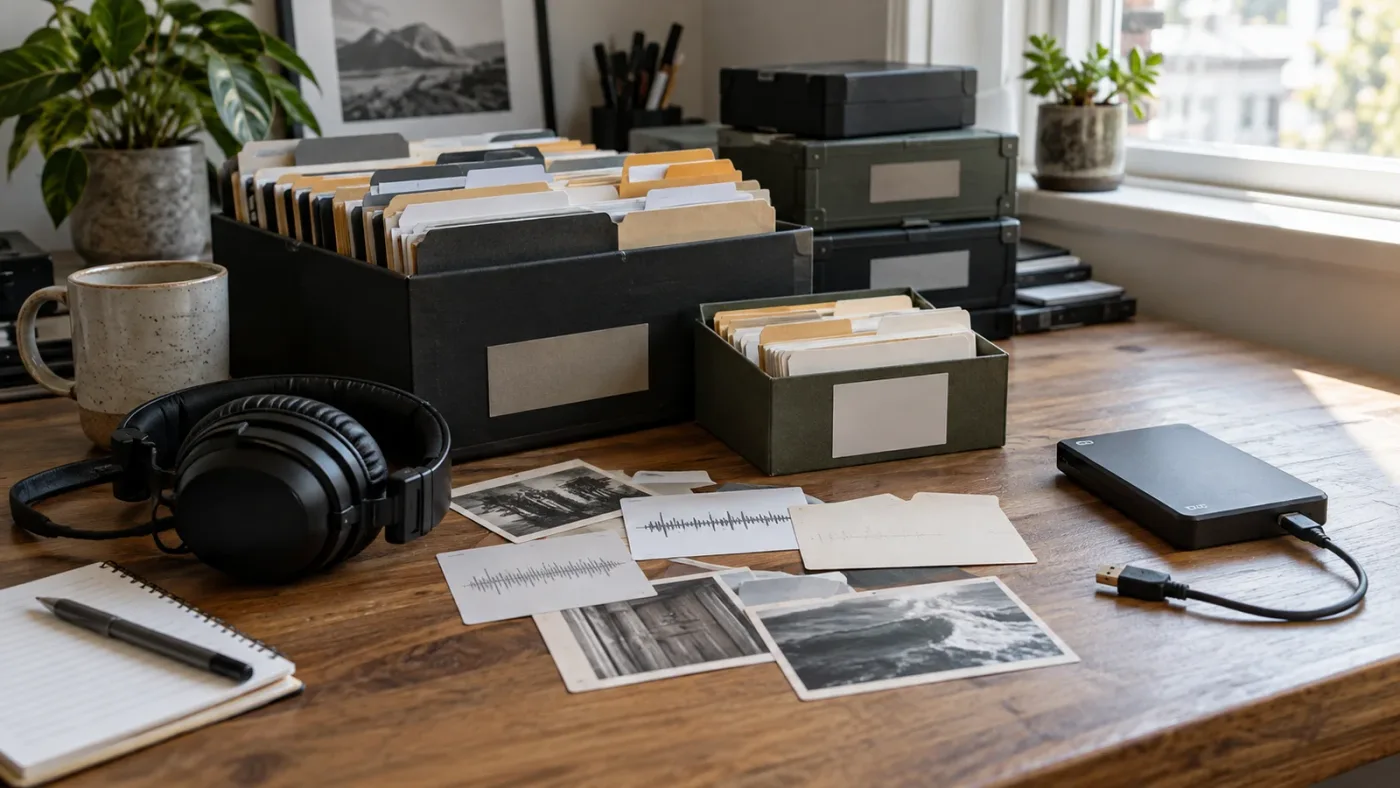
How do I audition, sync, and edit the result in Resolve 21?
Audition the sound at the picture's event, not in an empty browser. The correct file is the one that makes the movement, cut, or emotional turn feel intentional when it plays at the intended frame.
DaVinci Resolve's Fairlight page supports auditioning a marked part of an external sound library on the timeline, confirming or canceling the take, and syncing a part of the waveform to the playhead. Blackmagic's Fairlight documentation describes that workflow.
How do I choose the useful part of a long file?
Look for three parts:
- The transient, which is the moment the action begins.
- The body, which tells you what the object or space is doing.
- The tail, which places the action in an acoustic world.
You may need only one of the three. A punchy product click might need the transient with a short tail. A door close might need the impact and the room response. A cloth movement might be mostly body with no dramatic transient.
Trim dead air before the event when it makes spotting harder. Keep enough lead-in when the sound needs anticipation. Leave enough tail when the room is part of the story. The “cleanest” file is not always the most useful one.
How do I sync a sound effect to a frame?
Place the playhead at the visual event, then use Fairlight's sync or audition workflow to line up the part of the waveform that should land there. For an impact, the transient usually meets the visual contact. For a movement, the sound may begin before the action and finish after it. For a reveal, a swell may reach its peak at the cut instead of starting there.
Don't confuse visual contact with perceived contact. A large object can make a soft visual landing feel heavy if the sound starts slightly early and includes a low body. A small click can feel late if its transient arrives after the finger visibly stops. Watch the cut several times with the sound muted, then with only the candidate effect, then with dialogue and music restored.
How do I make a downloaded effect fit the scene?
Start with timing. Then make small changes to level, fades, pan, and room character. Avoid changing five variables at once because you won't know what solved the problem.
For a close sound in a wide shot, reduce the impression of proximity with a lower level, less high-frequency detail, or a little more room. For a distant sound in a close shot, do the reverse only when the story wants that contradiction. A point-of-view shot can use sound that is physically unrealistic but emotionally exact.
Keep the original file untouched. Make edits on a copy or a timeline clip, and save a new design file when the version is worth reusing. A trimmed one-second effect can become a useful library asset, but it should have a new name and a note about its source.
Why does the right search result still sound wrong?
The result can be technically correct and editorially wrong. Search finds a candidate. Picture, perspective, scale, timing, and mix decide whether it belongs in the scene.
Use this diagnostic table:
| Problem in context | Likely mismatch | What to try next |
|---|---|---|
| The effect feels too large | Scale or distance is wrong | Add small, close, light, or dry to the search. |
| The effect feels too clean | The recording lacks handling or room texture | Search for natural, raw, room, or field, then audition the tail. |
| The effect feels late | The transient is hidden inside the file | Mark an earlier transient or use a shorter variation. |
| The effect feels pasted on | The space does not match the picture | Search for the same interior or exterior environment, then shape the room response. |
| The effect competes with speech | Too much midrange or too long a tail | Try a thinner variation, shorten the tail, and make room for dialogue. |
| The effect is dramatic but unhelpful | The search followed mood before action | Return to the physical event and rebuild the query. |
| The effect works alone but not in the mix | Its role is not clear | Decide whether it is an accent, background, movement, or story cue. |
This is why auditioning in context matters. A sound effect is not a finished answer when it wins a browser preview. It is finished when its relationship with the image, dialogue, music, silence, and neighboring effects is useful.
Sound designer Randy Thom has described how directors sometimes ask music and effects to occupy the same space, then argued for clearer choices about which department carries a sequence. In an interview about Ratatouille, he said, “music clearly dominates in some areas, and sound effects clearly dominate in others.” Designing Sound's interview with Randy Thom is the source for the quotation.
That principle helps when you search. You aren't looking for a sound that wins by itself. You are looking for the layer that should carry the moment.
How do I layer sound effects without making a muddy mix?
Give each sound a job before you add it. A layer can describe the action, sell the material, establish the space, emphasize the cut, or carry the emotional point. If two layers do the same job, audition them against each other before stacking them.
For a simple product shot, you might use a button click for the action, a small tonal accent for clarity, and a subtle room bed for continuity. For a creature movement, you might use a body movement, a surface interaction, and a breath or texture. For a transition, you might use air movement and a short punctuation hit. The number of files matters less than the roles being distinct.
Search each role separately:
- Action:
button click close single - Material:
plastic button press tactile - Space:
quiet studio room tone - Accent:
short bright pop clean
Then remove any layer that makes the result less clear. You can learn more about the editing side of this decision in our guide to layering sound effects in DaVinci Resolve.
How do I keep dialogue intelligible?
Lower or simplify effects that occupy the same speech range, shorten long tails, and leave gaps when the dialogue needs attention. Don't use dialogue as a reason to make every effect tiny. Instead, decide which words and moments need priority, then let the effect return when the line has space.
If an effect is important but conflicts with a line, search for a variation with a different texture rather than only turning it down. A bright click and a low thump can tell the same story while leaving different room for speech. A distant room bed may support the scene without competing with consonants.
How do I make repeated effects feel less repetitive?
Search for variations of the same physical event, then change timing and context. Use different takes, alternate surfaces, small level differences, and occasional gaps. Do not duplicate one file at identical intervals unless the repetition is deliberate.
If your collection is small, record or design a few variations from one object. A key ring can produce a tap, jingle, slide, drop, and catch. A jacket can produce a rub, zip, buckle, fold, and movement. The more specific the original recording session, the more options you have later.
For a larger set of choices, our guide to the best ambient sound effects for video editing in Resolve 21 covers how background beds support continuity. Keep ambience separate from foreground effects so you can make that decision at the mix.
Layered sound effects work when every layer has a distinct editorial job.
When should I record the sound myself?
Record the sound yourself when the source, performance, or space is too specific to find in a catalog. Self-recording is also useful when you need a variation that matches the exact rhythm and material of the picture.
You don't need to record everything. Start with the stubborn gaps: a prop with a distinctive mechanism, a movement that repeats throughout the story, a local environment, or a sound whose character depends on the actor's performance. Use a library for generic traffic, impacts, steps, and transitions when that is the sensible use of your time.
What should I record for a simple foley pass?
Record the action cleanly, then record variations. For a drawer, capture open, close, handle movement, wood contact, and a final settle. For clothing, capture the actor standing, sitting, turning, and reaching. For a phone, capture pickup, placement, slide, vibration, and a small table impact.
Record room tone at the same place and with the same microphone position when continuity matters. Keep notes about the object, surface, distance, and take. The notes become your search metadata later.
You can begin with a phone or a portable recorder for many editorial experiments, but don't promise a professional deliverable until you have listened for handling noise, clipping, wind, electrical hum, and unwanted room reflections. Your recording device is part of the source, so the “same” prop can sound different from a different position.
How do I name recordings I make myself?
Name them immediately after the session while the context is still fresh. Include the source, action, surface, perspective, and take number. For example:
foley_drawer_wood_close_open_01.wav
foley_jacket_cloth_medium_turn_03.wav
ambience_courtyard_birds_morning_wide_02.wav
Add a short note such as “best for the close-up” or “contains clean tail after 00:00:04.” That note can save more time than another elaborate folder.
How do I organize a searchable sound-effects library after the edit?
Organize around future searches, not around the way the files arrived. Keep the original source and the chosen edit together, preserve license notes, and use consistent vocabulary across projects.
DaVinci Resolve can work with imported metadata and custom keywords, and the Fairlight library indexes sound collections for search. The official Media page says Resolve supports file and frame-level metadata, custom keywords and tags, and Smart Bins based on criteria. Those features are only useful when the criteria are consistent.
What should I save in the license note?
Save:
- Source name and asset title.
- Source page or download URL.
- Creator or publisher.
- License name and version.
- Date downloaded.
- Project or channel where you used it.
- Attribution text, if required.
- Any safelisting, registration, or client-use condition.
For a subscription service, save the plan and account context that controls the project. For a Creative Commons sound, save the exact license link. For a self-recording, write “recorded by us” and describe any location or participant permission that matters.
Keep Smart Bins for repeatable questions such as “All close Foley,” “Room tones,” “Project 2026 selects,” and “Needs license review.” A text file with the source, query, result name, and reason it worked can be more valuable than a generic note such as “good latch sounds.”
Why is the Fairlight sound library empty or not showing results?
An empty Sound Library usually means Resolve is looking at the wrong library, the library has not been indexed, the search is too narrow, or the files are not where the database expects them. Check the source and database before changing your entire project.
Blackmagic's documentation points to a few practical checks: confirm the library is installed or added, choose the correct database, and enter a search term when the result area is blank. If the panel still looks empty, test one obvious word from a filename before you change anything else.
Why does Fairlight return zero results for a sound I know exists?
First search one obvious word from the filename. Then try the same word with the field filter set to all fields. If that works, add the description terms one by one. If the filename search fails, check the selected database and library path.
Next, inspect the file outside Resolve. Confirm that the audio opens, the drive is connected, and the file is not only a shortcut or missing reference. If you recently moved the collection, remove the broken path from your assumptions and add or rescan the correct library according to the current Resolve controls.
If your custom files have no descriptive metadata, search will not infer the object from the waveform. Add the description, tags, or a better filename, then index the collection again. Resolve 21's IntelliSearch analysis of Media Pool clips is not a substitute for descriptions inside an external SFX library.
Why do I see names but hear no audio?
Names without playback usually point to an unavailable source path, a disconnected external volume, a missing library database connection, or an audio-device problem. Test a known-good clip in another application, then test the same clip in Resolve. That separates a library path problem from a monitoring problem.
Avoid deleting a database before you know which issue you have. A database rebuild can remove useful ratings or organization. Copy the library folder and license notes first, then make one controlled change at a time.
Why does the Fairlight audition sound not match the final timeline?
Check the marked range, playhead position, track routing, and timeline context. An audition can sound right because it is soloed or because other tracks are not playing. The final mix includes dialogue, music, ambience, bus processing, and monitoring choices.
If a selection is out of sync, move the playhead to the visual event and mark the transient again. If the event is correct but the sound is too large, choose a closer variation rather than trying to repair every mismatch with processing.
What is the best way to learn this sound-search workflow?
The best way to learn DaVinci Resolve fast is to practice one complete loop: describe a sound, search it, audition it against a cut, spot it in Fairlight, mix it under dialogue, and save the source notes. A course can show the controls, but the repeatable loop teaches judgment.
Blackmagic provides official training material for Fairlight and publishes a Fairlight Audio Guide. Blackmagic's training page is the best starting point for the application's own terminology. Casey Faris' 2026 DaVinci Resolve beginner course is useful when you want a long visual walkthrough that reaches the Fairlight page. Community discussions can reveal edge cases, but verify version-specific advice against Blackmagic's documentation.
We run a 100,000+ member professional video-editing community, and the “where is the sound I need?” question comes up because editors search from the story instead of from the recording. After 7+ years of professional, commercial video editing, our practical advice is to keep the first search physical and the second search emotional. That order gives you options.
Here is how the learning choices compare:
| Resource | Best use | Strength | Limitation |
|---|---|---|---|
| Blackmagic official training | Learning Fairlight terms and controls | Closest to the current application and official workflow | It may not teach your library's naming dialect. |
| Casey Faris video lessons | Seeing a complete Resolve workflow | Visual, approachable, and easy to follow beside the application | A broad beginner course cannot solve every SFX search problem. |
| Editing communities and forums | Finding version-specific edge cases | Real questions expose missing paths, metadata gaps, and unusual setups | Advice can be anecdotal or outdated, so verify it. |
| Udemy or Coursera courses | Following a planned sequence | A paid curriculum can add assignments and pacing | Check the Resolve version and Fairlight coverage before enrolling. |
| Deliberate project practice | Building search judgment | Connects words, picture, timing, and sound | It requires you to make and review your own decisions. |
The best way to learn DaVinci Resolve is not always the best way to search sound effects. Keep those decisions separate. You can learn the Fairlight controls from Blackmagic, learn a broader editing workflow from Casey Faris, and build your personal SFX vocabulary through small projects.
How do I finish a sound-effect search without losing the result?
Finish by saving the choice in three places: the timeline, the project media folder, and the license record. A good sound that cannot be found or cleared later is not a finished asset.
Use this final checklist:
- Does the sound describe the visible action rather than only the mood?
- Did you audition the exact section at the exact cut or movement?
- Is the perspective compatible with the shot?
- Does the scale feel right beside dialogue and music?
- Is the tail helping the room, or filling space that should stay quiet?
- Did you keep the original and save the processed version separately?
- Can you identify the source, creator, license, and project coverage?
- Did you write down the search terms that found the result?
- Can another editor open the project without a missing external drive?
If the answer is no, don't search for a more exciting sound yet. Fix the missing decision. The next search will be better when you know whether you need a smaller impact, a drier room, a shorter tail, a different material, or a different license.
The winning sound effect is the one you can find, fit, clear, and reuse.
Which sound-search method should you choose next?
Choose Fairlight when your collection is local, indexed, and described well. Choose Soundly when you need natural-language search across your own files and cloud libraries. Choose Freesound when breadth and unusual recordings matter and you are willing to inspect each license. Choose a licensed catalog when recurring publishing rights are part of the workflow. Record the sound when the scene needs an exact performance, prop, or place.
Then return to the timeline. Write one physical description, run the search ladder, audition three candidates, and keep the one that improves the picture without asking it to carry every job. That is the workflow that scales.
Frequently asked questions
- How do I search for a sound effect by description?
- Write the action, source, material, environment, perspective, and timing as separate terms, then search the Fairlight Sound Library, Soundly, or Freesound. Start with three to five specific terms and audition the result against the picture.
- Can DaVinci Resolve 21 search sound effects by description?
- Yes. Fairlight's Sound Library can search indexed sound-effect metadata, including descriptions where that metadata exists. DaVinci Resolve 21's IntelliSearch is a separate Media Pool tool for analyzed picture, transcripts, and metadata, so it is not a replacement for the Fairlight Sound Library.
- What is the best way to find sound effects for video editing?
- Use Fairlight for an indexed local library, Soundly for natural-language and local-library search, Freesound for a broad community collection with per-file licenses, and a licensed catalog when predictable rights matter. Record the sound yourself when the scene needs a distinctive performance or exact prop.
- Is Soundly better than Freesound for finding sound effects?
- Soundly is usually the easier choice for natural-language search across local and cloud libraries, while Freesound is the better starting point when you want a large community source and can inspect each file's license. Neither search result removes the need to audition and clear the sound.
- Can I use Freesound effects in a commercial video?
- Sometimes. Freesound files carry different Creative Commons licenses, so check the individual file before publishing. CC BY allows commercial reuse with attribution, while licenses containing NC restrict commercial use and licenses containing ND restrict sharing adaptations.
- Does Epidemic Sound work for descriptive sound-effect searches in DaVinci Resolve?
- Epidemic Sound offers description-based sound search and a DaVinci Resolve Studio plugin, but the plugin requires the paid Studio edition and an active subscription. Check the plan's publishing rights for your channel, client, advertising, or business use before downloading.
Sources
- DaVinci Resolve 21 New Features Guide, IntelliSearch
- DaVinci Resolve Fairlight, Sound Effect Libraries
- Blackmagic Design metadata-based sound-effect search announcement
- DaVinci Resolve media and metadata features
- DaVinci Resolve 20 Fairlight Audio Guide
- DaVinci Resolve 18 Fairlight Audio Guide, Sound Library search
- Soundly natural-language sound-effects search
- Soundly advanced search options
- Soundly commercial-use guidance
- Soundly support and local-library indexing
- Freesound API search and sound metadata
- Freesound API overview and download formats
- Creative Commons license conditions
- Randy Thom interview on sound effects and music
- Official Blackmagic Design DaVinci Resolve training
- Casey Faris DaVinci Resolve beginner course
- Epidemic Sound soundtracking plugin for DaVinci Resolve Studio
- Creative Commons FAQ
Keep reading
Guides · Aug 26, 2026 · 8 min
Best Ambient Sound Effects for Video Editing in Resolve 21
Find the best ambient sound effects for video editing with a license-safe buying guide and a practical DaVinci Resolve 21 Fairlight workflow.
Guides · Aug 28, 2026 · 9 min
How to Organize Sound Effects in DaVinci Resolve
Build a searchable sound-effects library in DaVinci Resolve 21 with clear names, bins, metadata, Smart Bins, and tidy Fairlight tracks.
Guides · Aug 24, 2026 · 8 min
How to Layer Sound Effects in DaVinci Resolve 21
Learn how to layer sound effects in DaVinci Resolve 21 with a clean Fairlight track layout, precise sync, volume shaping, and practical mix checks.