Articles / Guidesupdated for DaVinci Resolve 21 (September 2026)
How to Layer Sound Effects for Product Videos in Resolve 21
Quick answer
The answer to how to layer sound effects for product videos is simple: put each sound on a separate Fairlight track, using a clean base, a tactile detail, and a short accent. Align each layer to the action, trim tails, EQ competing frequencies, automate the bus, and check the mix at low volume in DaVinci Resolve 21.
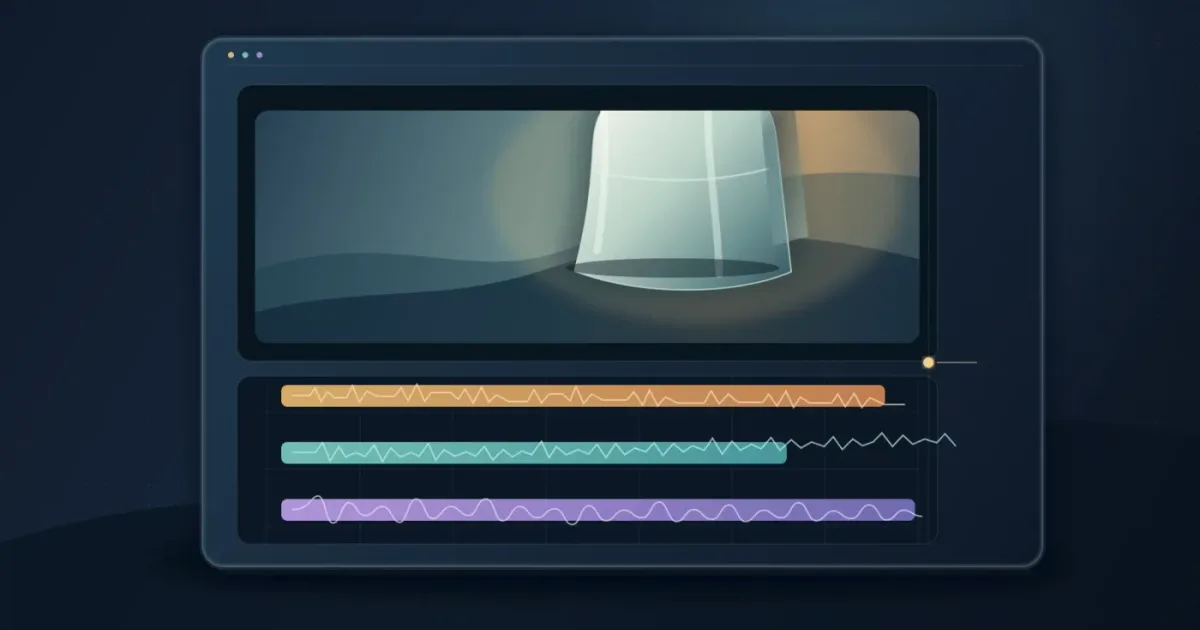
Product videos live or die by tiny moments: the click of a button, the slide of a lid, the soft thud when an object meets a table. After seven years of cutting commercial work and teaching more than 100,000 students, we’ve learned that the best sound design usually starts with restraint.
As of September 2026, DaVinci Resolve 21 gives you a capable Fairlight workflow for building that restraint into the timeline. TryUncle is the on-screen assistant for DaVinci Resolve on macOS — ask in plain words and Uncle points at the exact control on your screen.
How do I layer sound effects for product videos in DaVinci Resolve 21?
To layer sound effects for product videos, give every sound a job and a track. Start with one believable base sound, add one tactile detail, then add a short accent only if the action needs more focus.
Place clips on the Edit page, then mix in Fairlight. Blackmagic describes Fairlight as Resolve’s audio workspace, with clip editing, faders, plug-ins, automation, and sound-library access in the same project.
A product video sounds polished when each layer has one job.
What sound layers does a product video actually need?
A product-video sound stack usually needs three roles: a base that gives the action weight, a detail that makes it tactile, and an accent that directs attention. Music is a separate layer with a separate job, so don’t hide a weak sound effect under a louder music bed.
| Layer | What it does | Product-video examples | Keep it under control by |
|---|---|---|---|
| Base | Makes the action feel physical | Soft thump, drawer movement, package set-down | Keeping the tail short and believable |
| Detail | Adds texture the camera cannot show | Plastic flex, button click, fabric rub, fingertip slide | Choosing a quiet, specific sound |
| Accent | Marks the reveal or transition | Tiny chime, snap, impact, reverse swell | Using it once at the important moment |
| Music | Supports pace and brand mood | Bed under a feature montage | Ducking it when the product action speaks |
A single click may be enough for a clean interface demo. A mechanical product may need a base, a click, and a short resonance. If two sounds tell the viewer the same thing, keep the stronger one.
Walter Murch’s practical order is useful here: “Then I add the dialog, then later on key sound effects, and then eventually temp music” (Walter Murch interview). For a product video, that means establish the picture and voice first, place the key action sounds, then use music to support the finished rhythm.

How do I sync each sound effect to the product action?
Sync each sound effect to the moment the viewer sees the action happen, usually by lining up the strongest transient with the contact, click, release, or reveal. In Fairlight, Blackmagic’s video and audio scrollers let you compare frames and waveforms while moving the playhead, which is useful for close timing work.
- Mark the action. Watch the shot without sound and identify the exact frame where the finger presses, the hinge stops, the cap releases, or the product lands.
- Place the base first. Put the broadest physical sound on its own track and align its first clear hit with the action. Don’t chase the waveform’s first tiny movement if the audible impact arrives later.
- Add the detail. Place the click, rub, scrape, or plastic movement above the base. Nudge it until the sound feels attached to the object, not pasted onto the edit.
- Add the accent last. Use a short accent for a reveal, feature callout, or transition. If it makes the action feel artificial, mute it and keep the cleaner mix.
- Trim both ends. Remove dead air before the sound and shorten long tails that run into the next shot. Add a small fade when a cut or edit point clicks.
- Check the picture at normal speed. A sound that feels perfectly placed while scrubbing can feel late or early in motion. Listen once with your eyes on the product and once away from the screen.
For more general placement ideas, see our guide to how to layer sound effects in DaVinci Resolve. This product-video version puts more weight on tactile detail and on leaving room for a feature reveal.
Why does my layered sound-effects mix feel muddy?
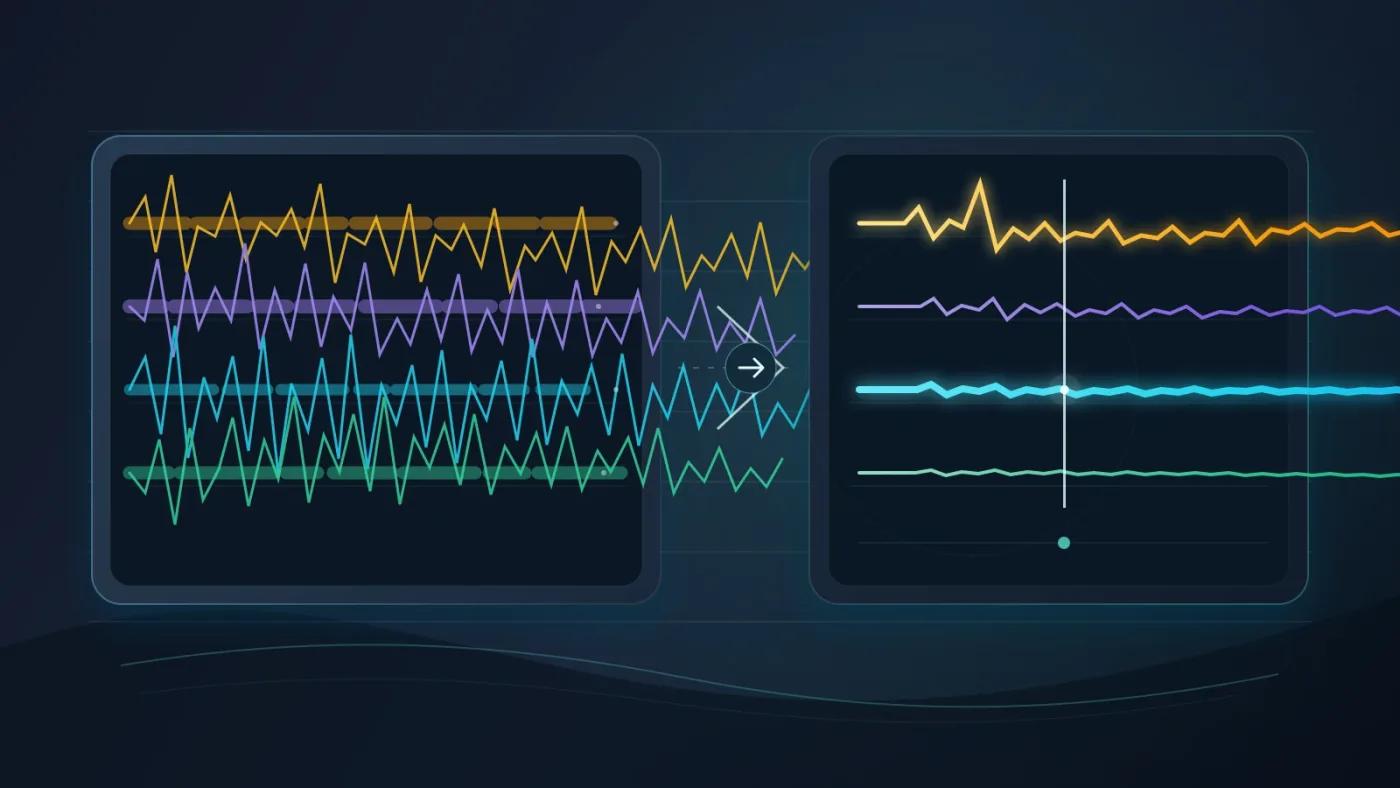
A layered sound-effects mix feels muddy when too many clips compete at the same moment, carry long tails, or occupy similar low and mid frequencies. The fastest fix is subtraction: mute every layer, bring back the one that tells the story, then add support one clip at a time.
Use this decision table while the video plays:
| If you hear... | Try this first | Why it works |
|---|---|---|
| A thick, undefined hit | Shorten the base tail | The next sound gets a clean space |
| A click that disappears | Reduce music or room tone briefly | The transient gets priority |
| A metallic product that feels fake | Lower the accent and keep the detail | Texture often sells material better than volume |
| Several sounds fighting | Mute the least specific layer | Fewer clues can create a clearer result |
| A transition that feels pasted on | Fade or soften the accent | The sound joins the cut instead of announcing itself |
Fairlight gives you clip-level controls, track faders, and mixer meters. Use them for balance first. Reach for EQ when a layer needs space, not as a rescue plan for too many similar sounds.
The cleanest product-video mix gives the most important action the clearest transient.
For perspective and material, see our guide to making sound effects realistic in DaVinci Resolve.
What DaVinci Resolve 21 Fairlight settings make layering easier?
DaVinci Resolve 21 Fairlight makes layering easier when you separate tracks, group them only after the edit is stable, and use the mixer for broad changes. Resolve 21 adds Folder Tracks to Fairlight, so related effects can occupy one composite view without destroying the original track layout.
Here are the useful numbers and controls to remember:
| Resolve 21 fact or control | Practical use in a product video |
|---|---|
| Fairlight supports up to 2,000 tracks with realtime effects, EQ, and dynamics processing | You can keep base, detail, accent, music, voice, and alternates separate without designing around a tiny track limit |
| Fairlight includes over 25 Fairlight FX | You have built-in tools for repair and creative treatment before adding third-party plug-ins |
| Channel strips include six plug-in slots and a six-band parametric EQ | Keep processing on the track when several clips share the same treatment |
| Resolve 21 Folder Tracks support up to three nesting levels | Group product actions, transitions, and alternates without losing the source tracks |
| Pressing C snaps the playhead to the pointer in the Fairlight timeline | Move quickly to a visible action while auditioning sound placement |
Blackmagic documents the first three figures in its Fairlight overview, and the Folder Track and C-key behavior in the DaVinci Resolve 21 New Features Guide.
Name tracks SFX_BASE, SFX_DETAIL, SFX_ACCENT, and MUSIC, then color them consistently. When the edit is approved, select related tracks and use Add Tracks to New Folder in Fairlight. Keep the folder collapsed while judging the music and reopen it to adjust a click.
Folder Tracks in DaVinci Resolve 21 support up to three levels of nesting.
If you’re still learning Fairlight’s routing and faders, continue with how to mix audio in DaVinci Resolve using Fairlight. You don’t need a complicated bus layout for a short product video, but you do need a repeatable place to control the group.

Which sound-effects library should I use for product videos?
Choose the library that fits your publishing rights and search habits, not the one with the most dramatic preview sounds. A dedicated Foley or one-off library can be the better choice when you need a handful of specific materials. A subscription can make more sense when you publish often and need fresh clicks, impacts, interface sounds, and transitions.
Disclosure: We may earn a commission if you subscribe through the Epidemic Sound link below. The recommendation doesn’t change the layering method, and you should compare the license against your project before publishing.
Check Epidemic Sound’s current plans and sound-effects catalog
As of September 2026, Epidemic Sound offers a plugin for DaVinci Resolve Studio that lets subscribers find and edit music and sound effects in the Resolve workflow. Its help documentation says paid DaVinci Resolve Studio is required, the free edition doesn’t support the plugin, and the Mac App Store version of Resolve Studio doesn’t expose the required Workflow Integrations menu. The same documentation says Timeline Sync isn’t available in the Resolve plugin. Verify the current terms before building a client workflow around them.
Epidemic Sound is a reasonable fit when you want recurring access to both music and sound effects, in-editor drag-and-drop, stems, and a plan whose license covers your publishing use. It isn’t automatically the right fit for a one-off project. Compare it with a dedicated Foley shop when specificity matters more than breadth, or with a single-track license when you only need one signature sound.
A sound-effects subscription never replaces a license check for the video you’re publishing.
How do I know the product-video mix is finished?
The mix is finished when the viewer notices the product action, not the sound-design trick. Check the scene at low volume, listen once on headphones and once on speakers, then watch the final export from beginning to end without stopping.
Use this final pass:
- Mute music. Can you still understand the product action?
- Mute the accents. Does the scene become clearer, or merely quieter?
- Listen at low volume. The important click or impact should still read.
- Check the first and last frame of every effect. Sudden cuts and long tails are common problems.
- Check voiceover priority. A feature explanation should not compete with a tactile flourish.
- Review the delivered file, not only the Resolve timeline.
If the answer is unclear, remove a layer before adding processing. That one habit solves more product-video sound problems than another plugin or a larger library.

Start with three tracks, make one sound lead, and earn every extra layer. DaVinci Resolve 21 gives you enough Fairlight control to make a short product video feel tactile without a wall of noise.
Frequently asked questions
- How do I layer sound effects for product videos in DaVinci Resolve 21?
- Use separate Fairlight tracks for the base, tactile detail, and accent. Sync each layer to the physical action, trim silence and tails, then balance the group so one sound leads and the others support it.
- Why is my product video sound-effects mix muddy?
- The mix is usually muddy because too many layers compete at the same moment or occupy similar low and mid frequencies. Mute layers, keep one foreground sound, shorten tails, and use EQ only to make room for the important sound.
- How many sound effects should I layer on one product action?
- Start with two or three layers: the action itself, a tactile detail, and an accent if the moment needs emphasis. Add another layer only when it contributes a clearly different job.
- Can I use Epidemic Sound sound effects in DaVinci Resolve Free?
- You can download licensed audio separately when your plan allows it, but Epidemic Sound's DaVinci Resolve plugin requires paid DaVinci Resolve Studio. Always check the current plan terms before publishing client or commercial work.
Sources
Put this guide to work with TryUncle.
Ask about the step you’re on. TryUncle sees your screen and points at the control you need, so you can keep learning in your own project.
Get TryUncle for Mac or WindowsKeep reading
Guides · Aug 24, 2026 · 8 min
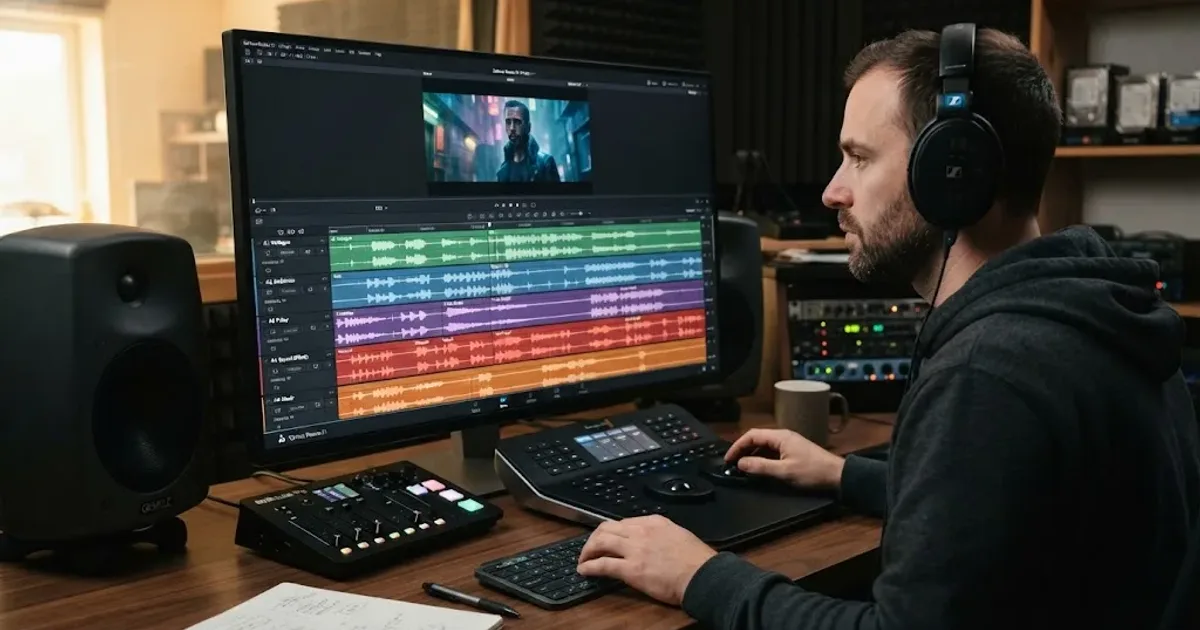
How to Layer Sound Effects in DaVinci Resolve 21
Learn how to layer sound effects in DaVinci Resolve 21 with a clean Fairlight track layout, precise sync, volume shaping, and practical mix checks.

Guides · Aug 28, 2026 · 8 min
How to Make Sound Effects Realistic in DaVinci Resolve 21
Make sound effects realistic in DaVinci Resolve 21 with layering, EQ, reverb, panning, automation, and room-aware mixing in Fairlight.
Guides · Jul 11, 2026 · 31 min
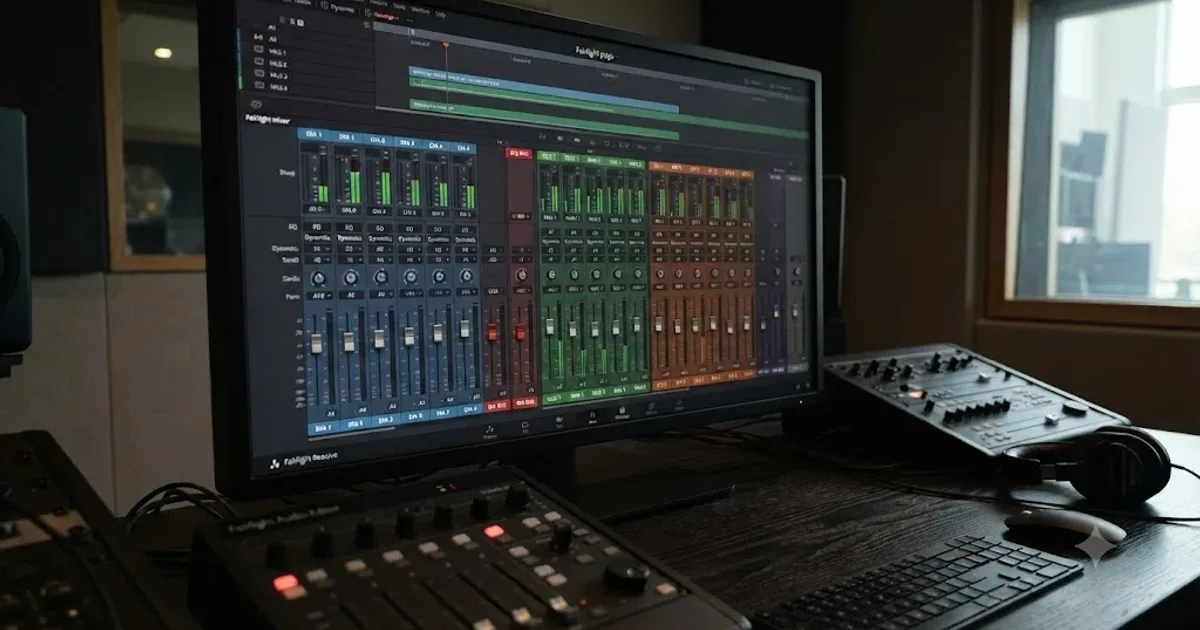
How to Mix Audio in DaVinci Resolve Using Fairlight
Mix audio in DaVinci Resolve's Fairlight page: build a dialogue/music/effects bus structure, gain-stage your clips, EQ and compress dialogue, then duck music under it.