Articles / Guidesupdated for DaVinci Resolve 21.0.3 (September 2026)
How to Make a Crowd Sound Bigger in DaVinci Resolve 21
Quick answer
To make a crowd sound bigger in DaVinci Resolve, layer different crowd recordings, vary their timing and stereo position, filter each layer with EQ, add short venue reverb, and automate the bus into key moments. Keep the main crowd centered enough to anchor the scene, then duck it under dialogue.
If a crowd feels small, turning up the same recording usually makes the problem louder, not larger. The convincing fix is a small crowd scene built from different distances, positions, and moments.
As of September 2026, this workflow targets DaVinci Resolve 21.0.3. We run a 100,000+ member editing community, and this is a recurring question when an otherwise good edit feels flat. After seven years of commercial editing, our rule is simple: give every layer a job before adding a plugin.
Why does a crowd sound small even when the track is loud?
A crowd sounds small when one recording supplies the same distance, direction, rhythm, and tone for the whole scene. Loudness changes level. Size comes from contrast.
Think in three jobs:
- The anchor is the continuous bed and gives the scene a center.
- The near layer supplies detail, such as a chant, cheer, or close movement.
- The distant layer supplies scale. It should feel less specific, wider, and less dry.
These layers need to stop sounding identical together. Use different recordings when possible. With one recording, cut sections, change timing, and avoid duplicating the same shout across every lane.
A bigger crowd mix comes from contrast between layers, not from one crowd clip played louder.
Randy Thom, the sound editor and director of sound design at Skywalker Sound, puts the larger principle well: “The most effective way to do sound design is to channel the sounds in the scene through the characters on the way to the audience.” (Mix interview)
For a point-of-view shot, let the crowd react where the character would notice it. A nearby cheer can be clear for a moment while the rest stays a softer mass.
How do I build a bigger crowd bed in DaVinci Resolve 21?
Build the crowd on separate tracks, then route those tracks to one crowd bus. Fairlight gives each channel a fader, stereo and 3D panners, 6 effects slots, dynamics, and a 6-band parametric EQ, so the core workflow is available inside Resolve. (Blackmagic Design)
- Go to Fairlight and create or identify three tracks named
Crowd Anchor,Crowd Near, andCrowd Far. - Put the continuous recording on
Crowd Anchor, then trim noise and add short fades. - Add a different recording to
Crowd Near. Start it elsewhere and keep its loudest reaction away from the anchor's peak. - Add a distant or roomier recording to
Crowd Far. It can be quieter and less intelligible. - Route the three tracks to a crowd bus so one fader shapes the scene's overall energy.
- Play the picture, not just the waveform. Lower support tracks until you miss them, then raise them slightly.
DaVinci Resolve 21 also changed mono audio behavior on stereo tracks. Blackmagic's Resolve 21 guide says a mono clip added to a stereo timeline now plays on both left and right channels, whereas earlier versions placed it on the left channel only. (Resolve 21 New Features Guide) If a crowd suddenly seems centered instead of wide, check the clip and track format before assuming the pan controls are broken.

How should I EQ, pan, and time the crowd layers?
Use EQ to separate jobs, panning to separate positions, and timing to separate events. Do not copy the same settings to every crowd track.
Start with the anchor. Remove rumble or harshness that competes with the picture, then keep enough body for presence. Preserve detail on the near layer, but don't let one voice become a new lead character. On the far layer, soften detail and let the venue impression do more work.
Fairlight's channel EQ is a 6-band parametric equalizer, and its dynamics window includes an expander or gate, compressor, and limiter. (Blackmagic Design) Those are useful choices, but they aren't a recipe. A gate that removes every quiet gap can make a crowd pulse unnaturally. A compressor that flattens every reaction can make the group feel smaller.
Keep the anchor near the middle. Pan the near layer to one side, or put two support recordings on opposite sides. Make the far layer widest only when the scene supports that perspective. Wide isn't automatically realistic.
Offset the clips and avoid identical starts, fades, and edits. A timing difference can separate a doubled loop from two events. Judge it with your eyes closed, then check the picture.
Distinct crowd layers create scale because each layer suggests a different distance, size, or point of view.
For more examples of building a believable composite, see our guide to layering sound effects in DaVinci Resolve. The same editorial idea applies to crowd beds: let separate sounds overlap without making them behave like copies.
How do I add space without washing out the crowd?
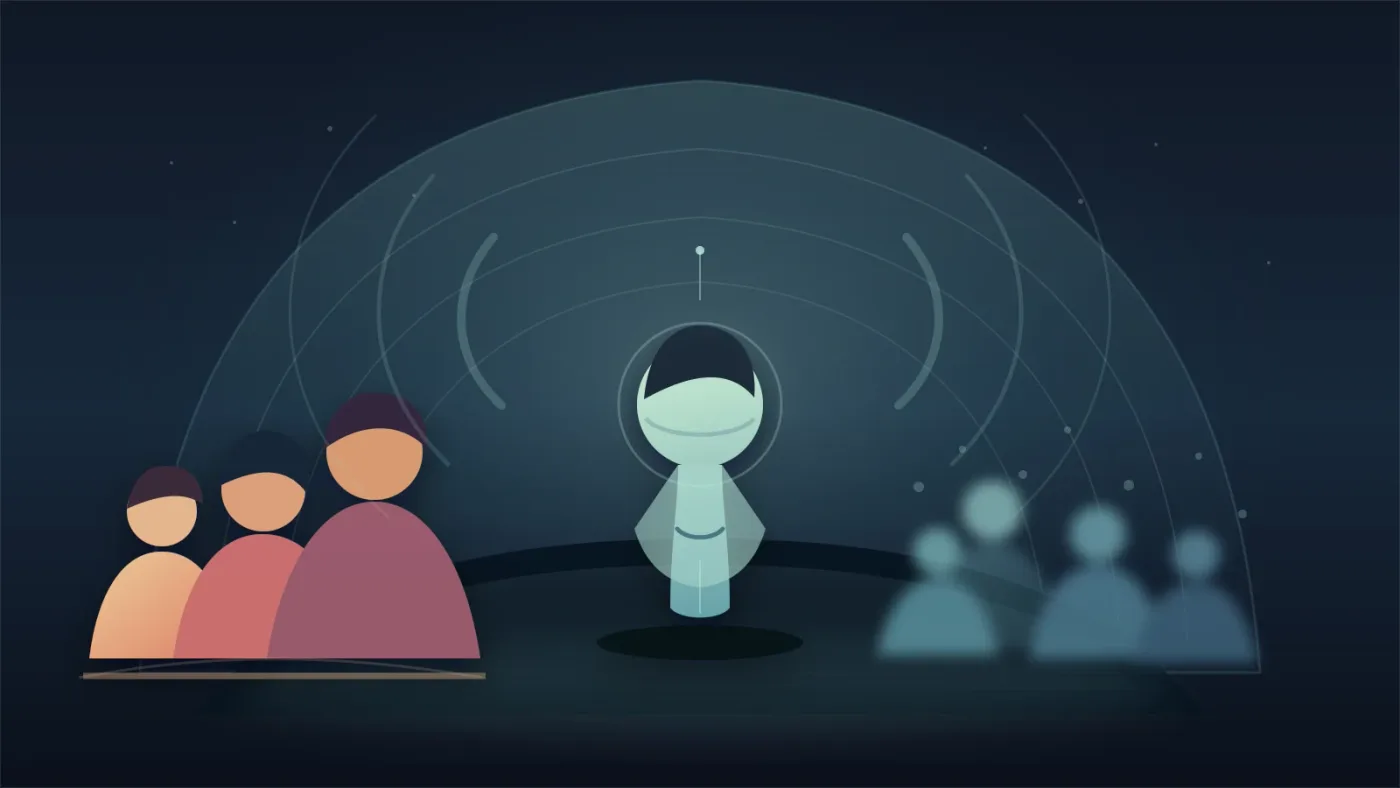
Use a shared venue reverb on selected crowd layers, while keeping at least one anchor layer comparatively dry. The dry-to-wet contrast tells the ear where the crowd sits.
Send the near and far layers to the reverb first. Keep the return low enough that the crowd still has an edge. If the whole bus gets equally wet, you lose the difference between a nearby voice and a background mass.
Match reverb to the picture. An outdoor rally might need open space rather than a long indoor tail. A gym, tunnel, or stadium can support stronger reflections, but the crowd should still feel like it belongs to the same place.
Blackmagic describes Fairlight's effects, EQ, dynamics, and automation as track and bus tools, and the page supports up to 6 real-time track effect inserts. (Blackmagic Design) That is enough flexibility for this treatment.
Reverb should describe the venue before it adds excitement.
If the source already includes room sound, use less added reverb. Keep a slice of that tone under pauses so the crowd doesn't appear and disappear between edits. See adding room tone in DaVinci Resolve.
How do I keep dialogue clear while the crowd grows?
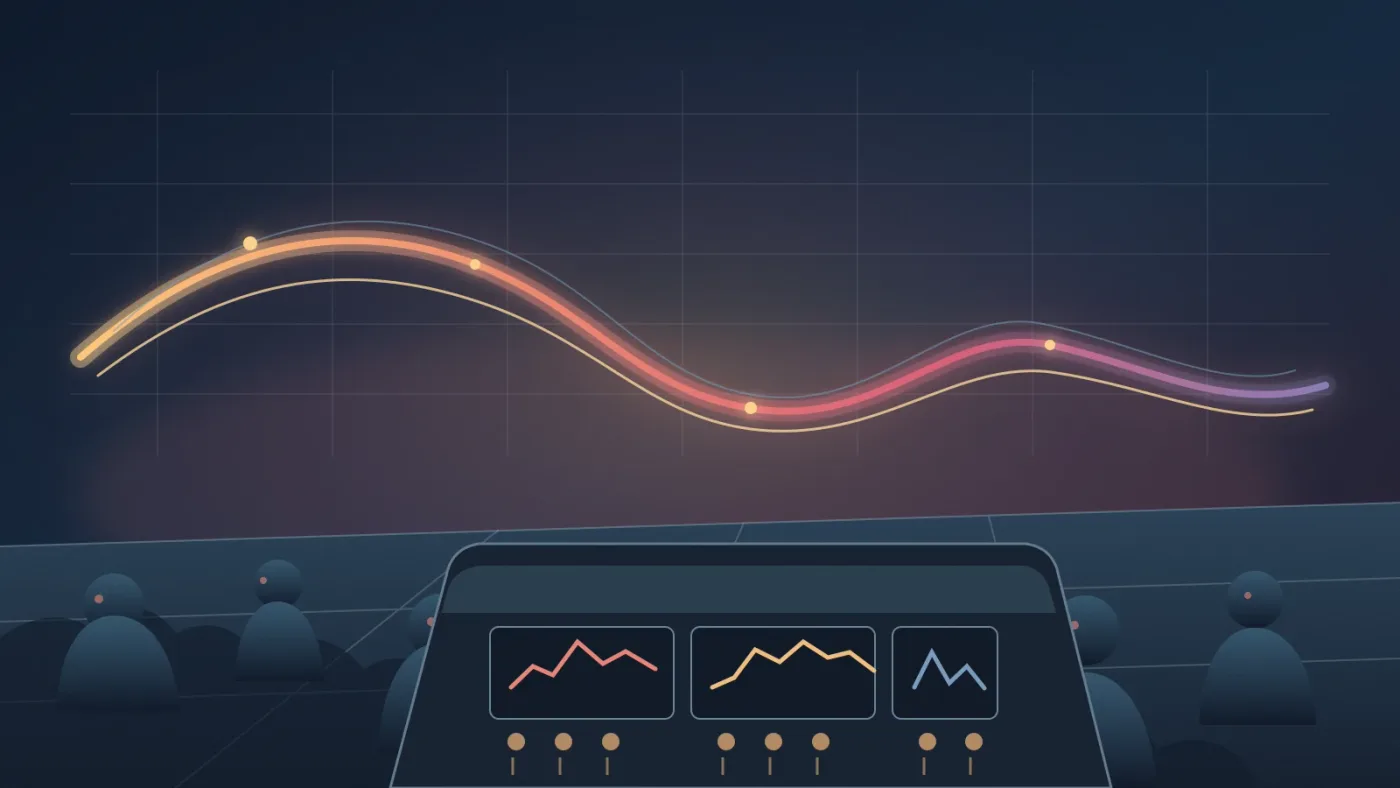
Keep dialogue as the decision-maker. Automate the crowd bus down when someone speaks, then let it return during reactions, pauses, and wide shots.
Fairlight's automation tools can record changes to controls and effects over time, and Blackmagic says you can view and edit automation for main and bus tracks in the timeline. (Blackmagic Design) That makes bus automation the cleanest place to shape a crowd swell.
Open the automation controls, choose the crowd bus level, and write only the moves the picture needs. Let a cheer rise into a crowd cut, settle it under the first words of a speech, and bring it back for a reaction shot.
Listen at normal playback level. Turning the monitor up to make words clear can push the crowd too high. Check the mix for lost words, clipped peaks, or a sudden room-tone change.
The crowd can rise in intensity without taking the dialogue's place.
DaVinci Resolve's Fairlight page also includes a ducker that lowers a target track from one or more dialogue tracks and lets it recover after the dialogue ends. (Blackmagic Design) It can be a useful starting point, but manual bus automation is often easier to shape around a specific story beat. Use the automatic move as a rough pass, then listen for unnatural pumping.
Should I use a library, record my own crowd, or use a helper?
Use the cleanest legal source you already have. A self-recorded crowd or room tone gives you control over the place and perspective; a licensed library helps when you need several crowd sizes, chants, or alternate reactions quickly.
Affiliate disclosure: this post contains an affiliate link. If you subscribe through it, we may earn a commission, at no extra cost to you.
If you need a recurring source of licensed music and sound effects, Epidemic Sound is a reasonable option to evaluate alongside Soundstripe and your own recordings. The subscription won't fix a bad mix, and licensing depends on the plan and use. Choose it for access and rights management, not because a catalog can replace editing judgment.
When the problem is not the sound itself but finding the right Fairlight control, guided help can shorten the search. TryUncle is the on-screen assistant for DaVinci Resolve on macOS. Ask in plain words and Uncle points at the exact control on your screen. For Fairlight searches, Uncle can provide that context.
That is different from a course, chat answer, or edit-automation tool. We have taught 100,000+ students on Udemy, are an official Udemy Business Partner, and have taught and worked with Fortune 500 companies. For this mix, the sequence above matters more than the learning tool.
What should I check before the final mix?
Check the crowd at the moment it matters, then check it in context. A large-sounding crowd should support the image, point of view, and words.
Use this final pass:
- Mute the support layers. If the scene collapses, the anchor may be too weak. If nothing changes, the support may do no useful work.
- Solo each layer. Listen for the same shout, breath, or rhythm repeating with another layer.
- Bypass the reverb. The dry version should still sound like the same place, not a different recording session.
- Watch the meters while the crowd rises. Leave headroom for the mix bus and for the sound that follows the cheer.
- Check the dialogue transition. The crowd should move down before the words become difficult, not after.
- Listen on headphones and ordinary speakers. The scene should keep a clear center and believable scale.
A crowd sounds largest when the mix reveals a believable place, not when every track is loud at once.
The best next move is usually not another effect. Make three crowd layers, give each one a different distance or perspective, route them to a bus, and automate that bus around the picture. Then stop adding sound when the scene already feels full.
Frequently asked questions
- How do I make a crowd sound bigger in DaVinci Resolve?
- Use two or more different crowd beds, offset their starts, pan supporting layers wider, shape each with a different EQ curve, send them to a shared reverb, and automate the crowd bus so it grows only when the scene calls for it.
- Why does my crowd sound like one loop in DaVinci Resolve?
- The crowd sounds like one loop when identical audio repeats at the same time and level. Offset the layers, use different recordings or sections, vary their width, and remove obvious repeated peaks.
- Should I use reverb to make a crowd sound bigger?
- Use reverb to describe the venue, not to create all the size. A lightly reverberant wide layer behind a drier anchor usually feels larger and stays clearer than one heavily reverberant crowd clip.
- How do I keep dialogue clear under a loud crowd in Resolve?
- Route the crowd to its own bus, lower or automate that bus under speech, and listen to the dialogue at normal playback level. If the words disappear, reduce the crowd before adding more processing.
Sources
Put this guide to work with TryUncle.
Ask about the step you’re on. TryUncle sees your screen and points at the control you need, so you can keep learning in your own project.
Get TryUncle for Mac or WindowsKeep reading
Guides · Aug 24, 2026 · 8 min
How to Layer Sound Effects in DaVinci Resolve 21
Learn how to layer sound effects in DaVinci Resolve 21 with a clean Fairlight track layout, precise sync, volume shaping, and practical mix checks.

Guides · Aug 26, 2026 · 8 min
Best Ambient Sound Effects for Video Editing in Resolve 21
Find the best ambient sound effects for video editing with a license-safe buying guide and a practical DaVinci Resolve 21 Fairlight workflow.
Guides · Aug 26, 2026 · 8 min
How to Add Room Tone in DaVinci Resolve 21
Learn how to add room tone in DaVinci Resolve 21 by recording, looping, patching, fading, and blending ambience under dialogue.