Articles / Guidesupdated for DaVinci Resolve 21.0.3 (September 2026)
How to Make a Seamless Music Loop in DaVinci Resolve
Quick answer
To make a seamless music loop in DaVinci Resolve 21, cut the song at a musical boundary such as a full bar, duplicate the clip, overlap the copies, and add a short equal-power crossfade. Audition the join at full volume, adjust the loop point until the beat and bass line up, then trim the repeated section to your video.
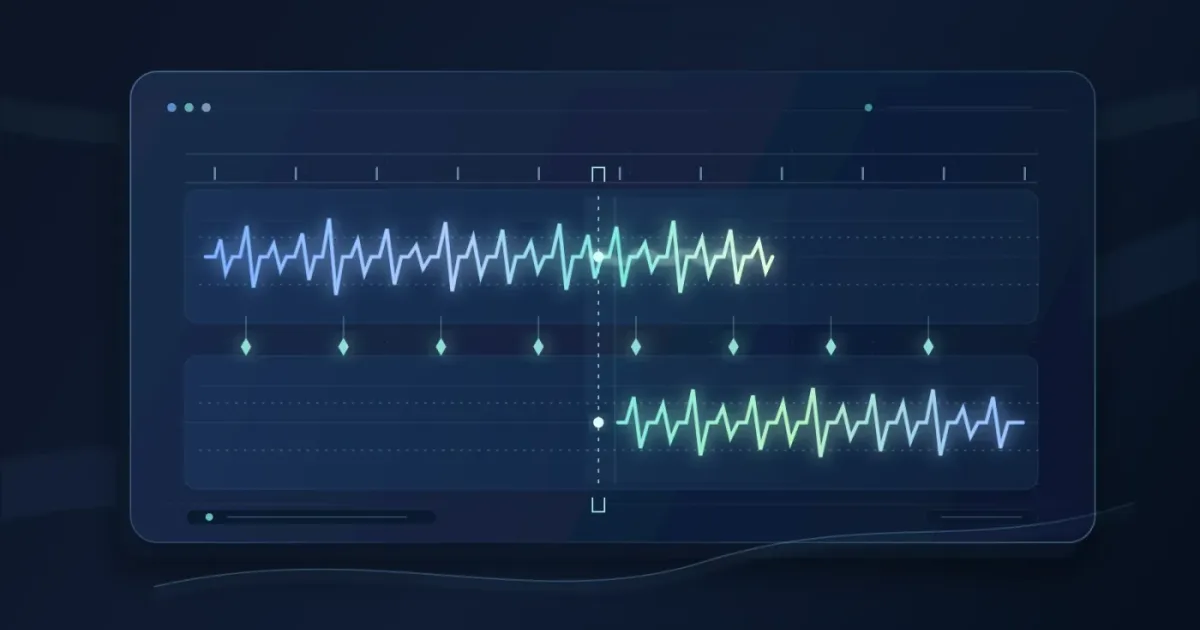
If your video is longer than the music bed, don't stretch the whole song until it sounds tired. Build a loop from a complete phrase, overlap the clips, and crossfade the join. After seven years of professional, commercial video editing, we teach one rule: solve the musical edit first.
As of September 2026, this applies to DaVinci Resolve 21.0.3. Resolve 21 adds Fairlight folder tracks, while the loop method remains clip editing and careful listening. Blackmagic Design lists 21.0.3 on its support page.
How do I make a seamless music loop in DaVinci Resolve 21?
To make a seamless music loop in DaVinci Resolve 21, choose matching musical boundaries, duplicate the trimmed clip, overlap the copies, and crossfade the join. The loop point matters more than the fade length, because a polished crossfade can't repair a phrase that starts on the wrong beat.
Use this workflow on the Edit page or in Fairlight:
- Choose a loop-friendly section. Find a bar, beat group, or full phrase that returns to a similar rhythmic and harmonic state. Avoid cutting through a vocal syllable, cymbal decay, or a bass note that clearly points somewhere else.
- Place the music on an audio track. Zoom in around the intended start and end, using the waveform to locate transients without letting a convenient spike make the musical decision for you.
- Trim at matching positions. Set the start and end on the same musical role. If the clip begins on a downbeat, the end should arrive at a comparable downbeat after a complete phrase.
- Duplicate the clip. Put the copy immediately after the first clip, using separate audio layers if you need to see the overlap clearly.
- Overlap the clips. Start with a modest overlap. The second clip should enter before the first one ends, but not so early that two strong kicks, snares, or vocal lines fight each other.
- Add the crossfade. In Fairlight, use clip fade handles or an audio transition. Blackmagic's Fairlight guide documents 6, 12, 24, and 48 frame crossfade commands, plus editable fade curves. Choose the shortest option that removes the seam.
- Repeat and listen. Play across the join several times, including once without watching the screen. A loop can look fine and still reveal a click or bass jump.
Repeat the clean loop until the video ends, keeping the final repetition separate so you can fade it down. For larger arrangement choices, see fitting music to video length in DaVinci Resolve.
A seamless music loop is created by matching musical phrase boundaries before applying a crossfade.
Where should I cut a music loop in DaVinci Resolve?
Cut at the same musical position at the start and end of a complete phrase, usually where the rhythm resolves and the next section can begin without a new idea being exposed. A good loop point follows the song's structure first and the waveform second.
Listen for these signals:
| What you hear or see | Better loop point | Join treatment |
|---|---|---|
| A steady beat with repeated harmony | Matching downbeats after a full phrase | Short crossfade, often with the beat kept clear |
| A sustained pad or soft ambient bed | Similar energy and level at both ends | Longer overlap if it removes a change in texture |
| A song with a vocal or lead melody | The end of a complete vocal or melodic idea | Avoid cutting through a word or held note |
| A final hit, cymbal, or reverb tail | Before the tail becomes distinctive | Trim the tail or choose an earlier phrase |
When a click remains, zoom farther into the waveform and move the cut to a compatible level. Sound On Sound's loop guide notes that the start and end levels should match, and gives a 2 to 4 millisecond fade, or 100 to 200 samples at 44.1 kHz, as a starting point for small clicks. That range isn't a rule for every song.
The same article makes a useful distinction: a loop doesn't need to begin at absolute silence. It needs a join without an audible discontinuity. Listen to the repeated edit, not the two clip edges in isolation.
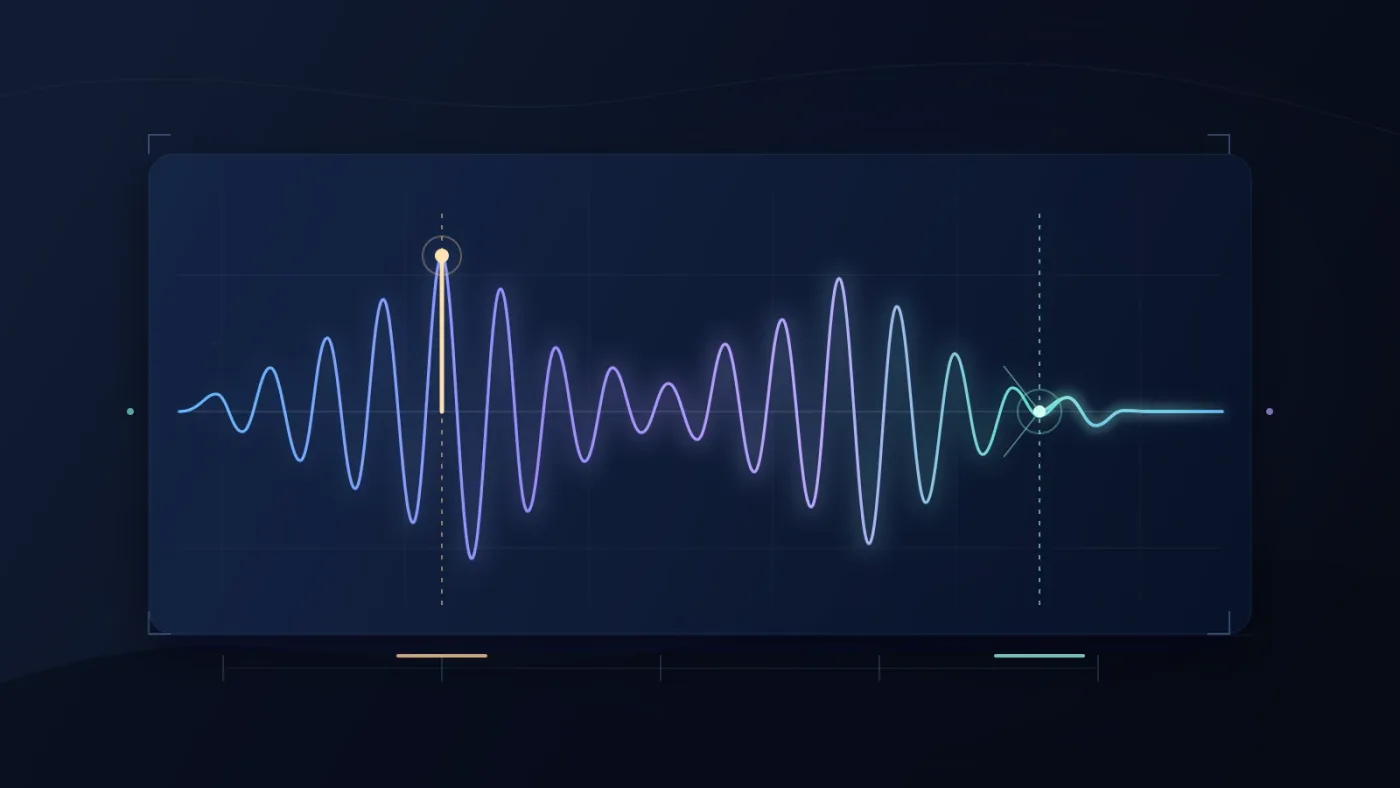
Sound designer Bryan Lake describes the difficult part plainly: “In my case, it’s finding perfect loop points for longer samples.” His 99Sounds interview makes the lesson clear: finding the point is the craft, and the crossfade is the polish.
How do I crossfade the end of a song into its beginning?
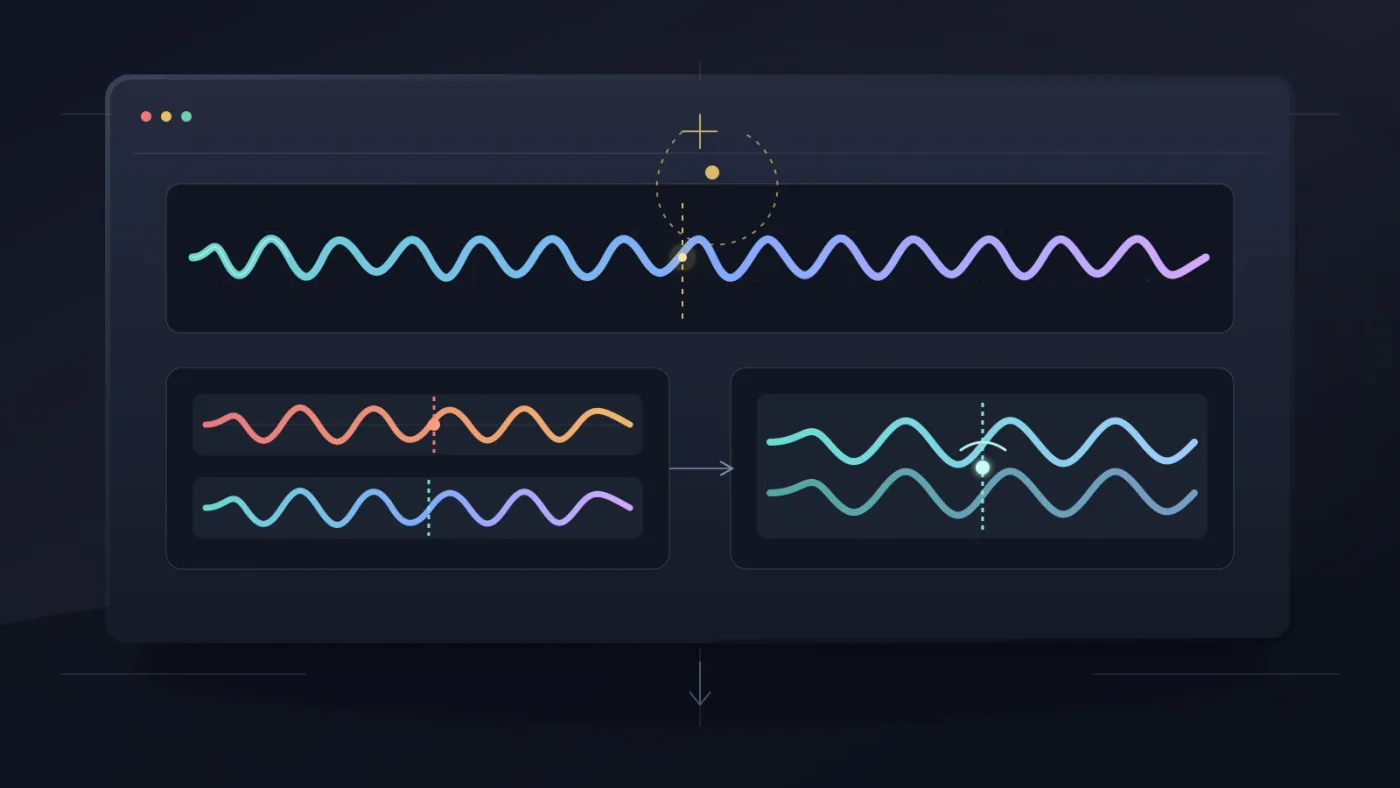
Crossfade the end of the first clip into the beginning of the duplicate by overlapping them and shaping the two fades so neither side drops abruptly. DaVinci Resolve's Fairlight tools let you resize and reposition the crossfade, change its curve, or delete and rebuild it.
There are two useful approaches:
- Fast edit: Put the duplicate after the first clip, overlap the edges, and add an audio transition.
- Fairlight edit: Open Fairlight, show audio track layers if needed, and adjust the fade handles directly when you need to compare loop versions.
Blackmagic's Fairlight training material describes crossfades as one clip fading out while the other fades in. Batch Fade Settings supports frames or milliseconds and Equal Power, Equal Gain, or Unlinked shapes. Try Equal Power first, then adjust by ear.
Resolve 21's Fairlight folder tracks can organize several loop variations. Blackmagic's Resolve 21 guide says they combine selected tracks into a composite view, leave originals unchanged, and support up to 3 nesting levels.
See how to transition between music tracks in DaVinci Resolve and how to mix audio in DaVinci Resolve for adjacent Fairlight workflows. A loop is the same basic problem: two pieces of audio must meet invisibly.
The best crossfade is the shortest one that removes the seam without hiding the beat.
Why is my DaVinci Resolve music loop clicking or jumping?
A clicking loop usually has a discontinuity at the cut. A jumping loop usually starts at a different musical phase. Fix the loop point first, then use the smallest fade that removes the edge.
| Symptom | Likely cause | Fix |
|---|---|---|
| Sharp click at the join | The cut crosses a sudden waveform change | Move the edit, add a very short fade, and repeat the join |
| Beat feels late or early | The second copy starts at the wrong beat position | Trim both ends to the same musical role |
| Low end suddenly gets louder | Two bass-heavy moments overlap | Shorten the overlap or move the join away from the bass hit |
| The loop sounds hollow | The crossfade cancels or dips in the middle | Try Equal Power or change the curve and overlap |
| The end feels chopped | A reverb, cymbal, or decay was cut off | Keep the tail inside the final phrase or fade the last repetition out |
Don't solve a musical mismatch with a huge crossfade. A long overlap can blur the downbeat and stack bass transients. If the track changes tempo or arrangement, choose a different section.
Test the loop with the video hidden or muted, then bring the picture back and choose whether it should land on a cut or other editorial event.
Should I use a music library or build the loop from my own track?
Use your own or already licensed track when the song fits and only needs a clean repeat. Consider a music library when you need adaptable tracks, stems, or a license workflow for recurring projects, but licensing is a separate decision from the edit itself.
Disclosure: We may earn a commission if you choose Epidemic Sound through the following link, at no extra cost to you. Epidemic Sound is one option for recurring video work that needs licensed music, stems, and track-adaptation tools. The plan controls publishing rights and post-cancellation coverage, so read the current terms first.
A custom score may win when the music must follow exact story beats. A one-off licensed track may win for one project. Another library may win when you also need footage, templates, or sound effects. Choose the source with the right structure and rights.
Editing a library track in Resolve doesn't make it unrestricted. Keep the license record, confirm client or advertising coverage, and check the terms if the subscription ends. The edit stays the same. The permission to publish does not.
How do I finish a seamless music loop at the end of my video?
Keep the final loop separate, trim it to the last picture beat, and fade the music out only after the repeated phrase has done its job. A clean loop should support the edit until the final moment, not force the video to end on an arbitrary audio boundary.
Before exporting, check four things:
- The loop begins and ends on compatible musical positions.
- The crossfade removes clicks without softening the beat.
- No duplicate vocal, kick, bass note, or reverb tail makes the join obvious.
- The final repetition is trimmed and faded for the picture.
If the loop still sounds wrong after two or three point changes, stop polishing the wrong section. Find a better phrase, use a longer music bed, or choose a track designed to adapt. Resolve 21 can make a clean edit, but it can't turn an incompatible musical structure into a convincing loop.
A clean loop point is more valuable than a complicated audio effect.
Loop points are musical decisions, while crossfades are technical cleanup.
Start with the Resolve 21 workflow: find the phrase, duplicate it, overlap it, crossfade it, and listen without watching the screen. If it still calls attention to itself, change the loop point or source.
Frequently asked questions
- How do I make a seamless music loop in DaVinci Resolve?
- Cut the music at matching musical boundaries, duplicate the clip, overlap the copies, and add a short crossfade. Listen for clicks, beat shifts, bass jumps, and volume dips before repeating the section.
- Why is my DaVinci Resolve music loop clicking?
- The cut probably crosses a discontinuity in the waveform. Move the edit to a quieter or zero-crossing area, then add a very short fade or crossfade and audition the join again.
- How long should a crossfade be for a music loop in DaVinci Resolve?
- Start with the shortest fade that removes the click. For a tight music edit, a few milliseconds can work; for a sustained pad or ambient bed, a longer musical overlap may sound more natural.
- Can I loop an Epidemic Sound track in DaVinci Resolve?
- You can edit a licensed track into a loop, but the license must cover your project and publishing use. Check the current plan terms before downloading or publishing, especially for client work and after cancellation.
Sources
Put this guide to work with TryUncle.
Ask about the step you’re on. TryUncle sees your screen and points at the control you need, so you can keep learning in your own project.
Get TryUncle for Mac or WindowsKeep reading
Guides · Aug 27, 2026 · 8 min
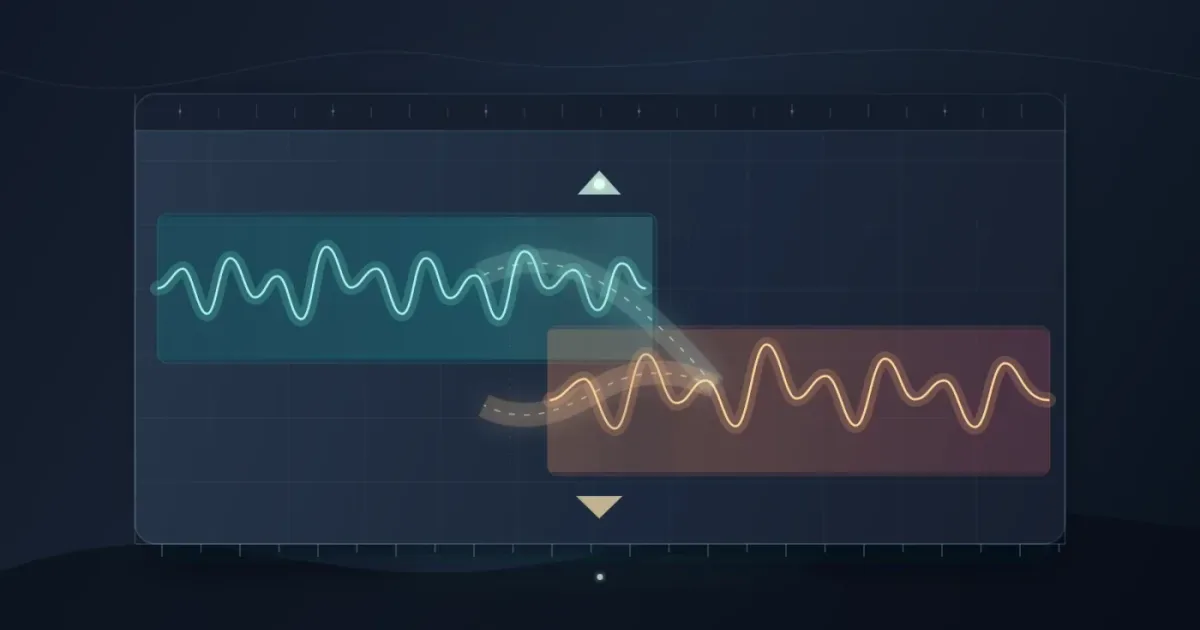
DaVinci Resolve Transition Between Music Tracks: 21 Guide
Learn how to transition between music tracks in DaVinci Resolve 21 with phrase matching, overlap, crossfades, Fairlight fades, and clean volume changes.
Guides · Aug 24, 2026 · 7 min
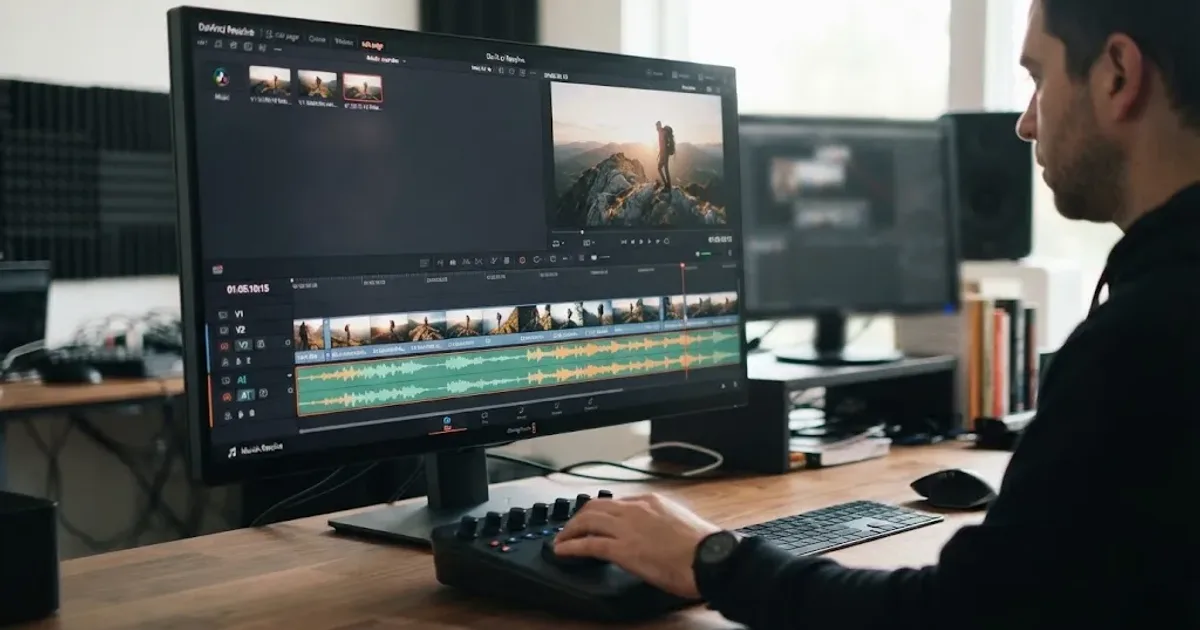
DaVinci Resolve Fit Music to Video Length: 21 Guide
Fit music to your video in DaVinci Resolve 21 with Music Editor, beat markers, Elastic Wave, and a clean manual fallback.
Guides · Jul 11, 2026 · 31 min
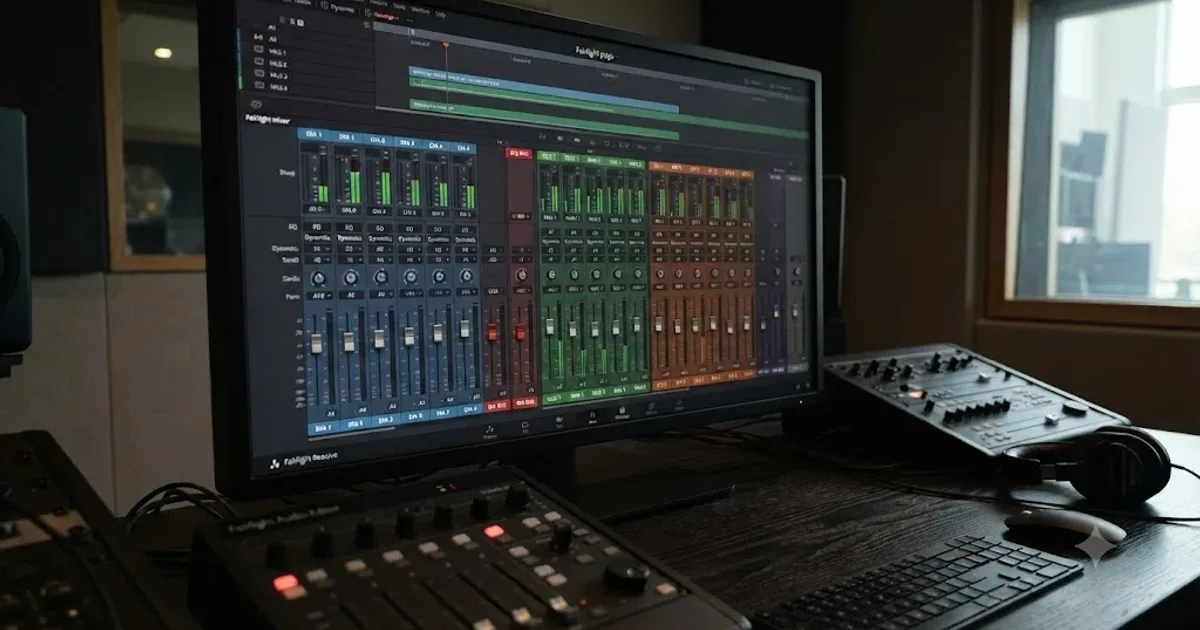
How to Mix Audio in DaVinci Resolve Using Fairlight
Mix audio in DaVinci Resolve's Fairlight page: build a dialogue/music/effects bus structure, gain-stage your clips, EQ and compress dialogue, then duck music under it.