Articles / Guidesupdated for DaVinci Resolve 21.1 (September 2026)
How to Transition From Diegetic to Score Music in Resolve 21
Quick answer
To transition from diegetic to score music in DaVinci Resolve 21, keep the source music playing while you introduce score on a separate track, overlap the clips, automate a short crossfade, then reshape EQ, reverb, and perspective so the sound moves from the scene to the audience. Let the story beat, not the cut, decide the handoff.
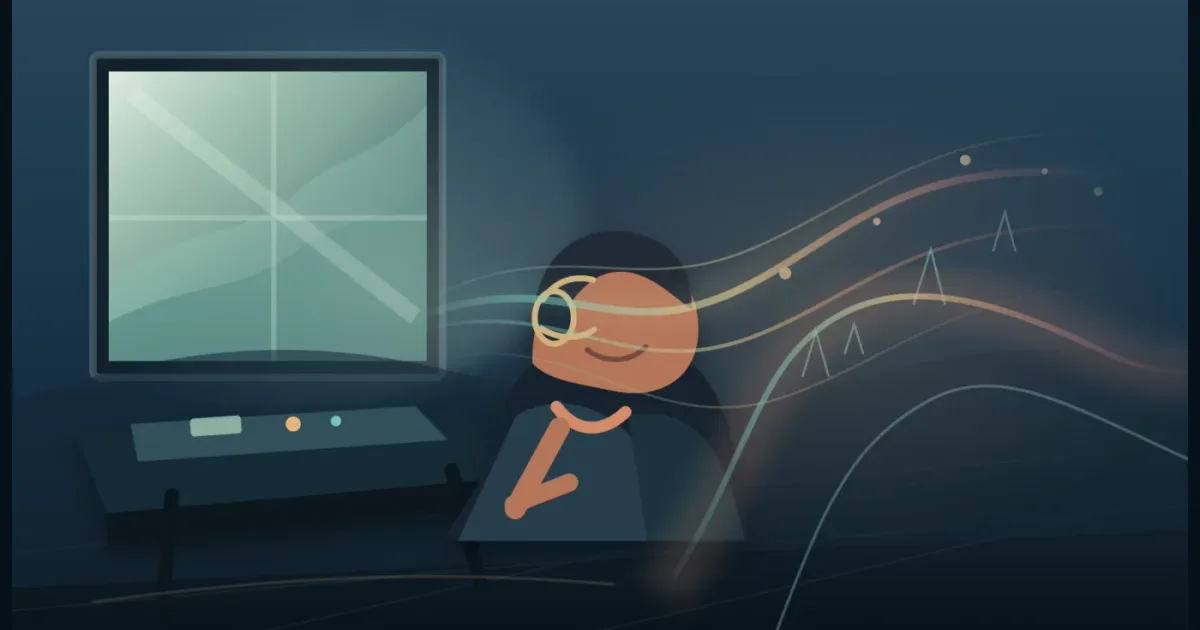
I treat this transition as a change of point of view, not a simple fade. As of September 2026, this walkthrough targets DaVinci Resolve 21.1 and its Fairlight page. After seven years of cutting commercial work, we’ve learned that the best handoffs feel inevitable because the story earns them.
What is the difference between diegetic and score music?
Diegetic music belongs to the story world, while score music is heard by the audience as part of the film’s dramatic soundtrack. A radio, phone, record player, band, or character with headphones can provide diegetic music. A string pad under a private thought is normally score music. The same musical idea can move from one category to the other during a scene. Columbia’s film glossary defines diegetic sound as coming from the story world, while its companion entry describes non-diegetic sound as originating outside that world.
That distinction gives you a useful editing question: when should the audience stop hearing the room and start hearing the character’s inner experience? The answer is not always the moment the picture cuts. It may begin on a close-up, a realization, or a change in the character’s attention.
Nicholas Britell described this relationship in a Criterion Collection interview: “There are times when it’s possible to have those pieces of music speak to each other.” That is the target. You aren’t trying to erase the source track as fast as possible. You’re letting the source and score share a short conversation, then deciding which one should carry the scene forward.
A diegetic-to-score transition works when the audience feels a change in listening position, not just a change in volume.
In DaVinci Resolve 21, Fairlight gives you clip-level volume, pan, pitch, and 6-band parametric EQ controls, plus fades and keyframes. Its automation tools can record changes to controls and effects over time. Those two levels of control are enough for this technique without leaving Resolve. Blackmagic’s Fairlight overview documents the clip controls and automation workflow.
How do I plan the handoff before I touch Fairlight?
Plan the transition around a story beat and four listening states: source, overlap, score, and release. If you know what changes in the image or performance at each state, the Fairlight moves become small and deliberate instead of decorative.
Start by watching the scene with the source music muted. Mark three points:
- The first frame where the source music matters to the story.
- The moment when the audience’s attention changes.
- The first frame where the score should own the emotional direction.
Then watch it again with only the source music. Ask whether it is attached to an object, a location, or a character. A record player should feel located. A memory can begin before the image tells you why.
For a practical test, imagine a 24-second shot: a record plays as a character enters a kitchen, sees a note at 7 seconds, and moves into a close-up at 11 seconds. By 16 seconds, the score should take over while the record remains as a faint reminder.
Use this map:
| State | Picture cue | Source music | Score music | Perspective goal |
|---|---|---|---|---|
| Source | The room is being established | Full | Silent | Music feels attached to the object or location |
| Overlap | Attention turns toward the character | Falling | Rising | Both ideas are audible, but the score is not yet dominant |
| Score | The emotional meaning is clear | Low or gone | Full | Music feels attached to the audience’s experience |
| Release | The scene moves on or returns to reality | Optional tail | Shaped into the next cue | The listener understands the new point of view |
The level labels are editorial targets, not fixed decibel settings. A whispered conversation, a crowded bar, and a silent close-up all demand different balances.
How do I transition from diegetic to score music in DaVinci Resolve 21?
The cleanest DaVinci Resolve 21 workflow uses two Fairlight tracks, a short overlap, clip-level shaping for the first pass, and track automation when the handoff needs more control. Build the musical relationship first, then change the sound’s perspective.
1. Put the music on separate tracks
On the Edit or Fairlight page, place the diegetic recording on its own track, such as A1 Source Music. Place the score on A2 Score. Keep dialogue and important production sound on their own tracks as well.
This separation matters. If source and score share one clip or one mixed file, you lose the ability to decide which layer is carrying the scene. Separate tracks also make it easier to mute, audition, replace, and automate each idea independently.
Resolve 21 also adds Fairlight folder tracks for organizing audio tracks, but the folder feature is not required here. Blackmagic lists Fairlight folder tracks among Resolve 21’s new features.
2. Make the score enter before the source exits
Trim the score so it begins during the source music rather than after it. Start with a short overlap. In the example scene, let the score arrive around the move toward the close-up, then keep the record audible while the score finds its shape.
There is no correct overlap length for every scene. A thriller may need a brief handoff, while a reflective scene may need a longer blend. Let the image and performance decide.
Don’t begin by applying a crossfade preset and moving on. Listen with dialogue muted, then restored. If the blend sounds like two unrelated songs fighting for attention, fix the music choice or edit point before adding processing.
3. Draw the first level shape with clip keyframes
For a fast first pass, use the volume line on each clip. Blackmagic documents Option-click on macOS to add volume keyframes, then drag the points to change the level over time. The same Fairlight page also provides clip fades and an Inspector level control. See Blackmagic’s current clip adjustment instructions.
Use four points on the source clip:
- One point before the handoff to preserve the starting level.
- One point where the score first becomes noticeable.
- One point at the emotional handoff, where the source drops farther.
- One point after the handoff to hold the new balance.
Use the inverse shape on the score clip. Bring it in gently, let it cross the source, and give it room to become dominant.
For a one-off transition, clip keyframes are enough. For multiple tracks, plug-in parameters, or later edit changes, use Fairlight automation instead.
4. Change perspective while the music overlaps
A diegetic recording often tells us where it is. That sense can come from its tonal balance, room reflections, width, or relationship to the picture. A score usually feels less tied to a physical speaker. You can suggest the handoff by reducing the source’s sense of location while the score becomes clearer and more open.
Try these moves as creative starting points:
- Let the source lose some high-frequency detail as it recedes, but don’t make it sound like a telephone unless the story supports that color.
- Reduce the source’s width if it comes from a small device, then let the score expand when the perspective changes.
- Add or reveal a longer reverb tail on the score if the scene moves toward memory or subjectivity.
- Keep production ambience intact at first. If the room disappears too soon, the audience may feel the edit before it understands it.
These are editorial choices, not Resolve presets. Fairlight provides the controls, but it cannot decide whether the story should feel intimate, distant, ironic, or dreamlike. Blackmagic documents these Fairlight controls.
5. Move the emotional handoff, not just the fader
Play the scene while watching the character’s face and the cut. Nudge the point where the score becomes emotionally legible. The strongest moment may arrive before the score is loud, especially if a recognizable motif carries the meaning.
In the kitchen example, the score could enter just before the note is readable. The source record remains present, but the audience begins to interpret the image through the score. At the close-up, the score reaches its intended level. The source then falls into the room rather than vanishing as a conspicuous edit.
The score should begin when the scene’s meaning changes, not when the editor runs out of source music.
Should I use clip keyframes, Fairlight automation, or a ducker?
Use clip keyframes for a simple musical shape, Fairlight automation for a designed transition, and a ducker only when dialogue should automatically control the music. These tools solve different problems.
| Tool | Best use | What it controls | Trade-off |
|---|---|---|---|
| Clip volume keyframes | One source clip and one score clip | The clip’s level over time | Fast to draw, but less useful when the mix becomes complex |
| Fairlight automation | A transition that includes track level, effects, or several passes | Mixer and effect changes over time | More deliberate to set up, but easier to refine as a mix |
| Ducker | Dialogue must repeatedly lower music | A target music track in response to dialogue tracks | Useful for speech, but it cannot choose the dramatic handoff for you |
| Manual fader ride | A single performance moment | The fader as you listen | Natural when you know the scene, but you must check the result carefully |
Blackmagic describes Fairlight automation as a way to record changes to virtually any control setting or effect over time. Its Ducker lowers a target track, such as music, in response to one or more dialogue tracks, with controls for duck level and recovery. That makes a ducker a dialogue tool, not a replacement for your musical transition. Read Blackmagic’s Fairlight automation and automatic ducking overview.
For a designed source-to-score handoff, I would start with clip keyframes to find the shape, then move to Fairlight automation if the transition needs EQ, reverb, pan, or track-level rides. Keep the Ducker on the music track only when dialogue is the reason the music must move.
Why does my transition sound like two songs instead of one idea?
The transition usually sounds disconnected because the source and score have no shared musical or sonic bridge, or because both tracks become prominent at the same moment. Fix the relationship before adding more plug-ins.
Check these causes in order:
- The score enters on the wrong beat. Move its start point by a few frames or a musical phrase. A better entrance can solve more than a heavier fade.
- The source never gives up its physical identity. Let its level, width, or room character change gradually. If it stays fully present, it competes with the score.
- The score arrives too loudly. Lower the score until you can feel its direction without hearing a new scene announce itself.
- The tonal centers clash. Try a different score cue, a stem, or a filtered version of the source. A technically smooth crossfade can still feel wrong musically.
- The ambience was removed. Keep enough room tone, production sound, or location detail to make the transition belong to the scene.
- Dialogue is being treated as an afterthought. A score that works in isolation can cover consonants or make a line feel emotionally over-directed.
If the scene needs a stronger bridge, use a shared element such as a sustained note, repeated rhythm, source texture, or instrument in both cues. Its job is to make the handoff feel motivated.
Nicholas Britell offers a useful creative model in the Criterion interview: transform the source so it can meet the score in a related sonic world before the score takes over.
How do I make diegetic music become score music without a hard cut?
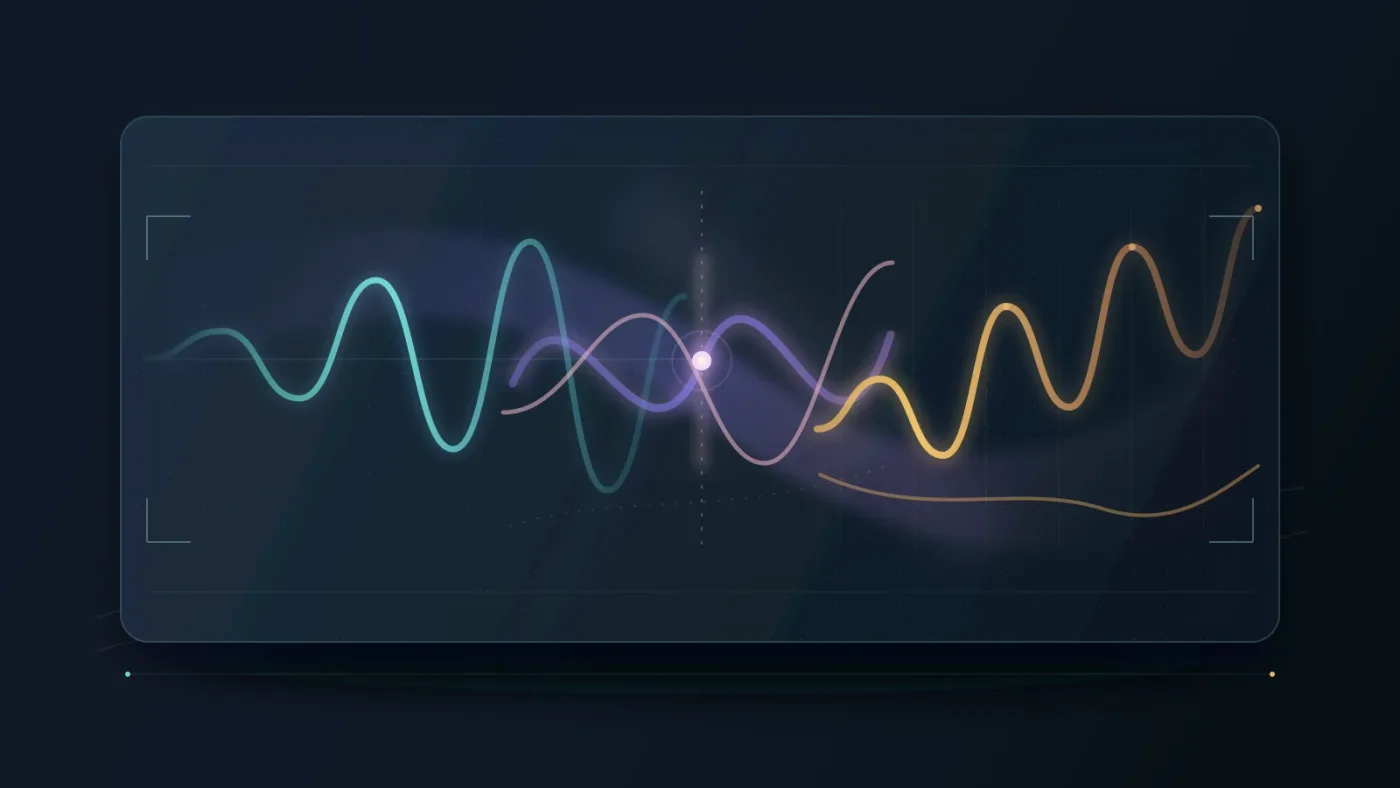
Make the musical identity survive while the listening perspective changes. The audience should recognize continuity, but the mix should gradually stop insisting that the music comes from the room.
Use this pattern:
- Keep a recognizable element. Preserve a rhythm, chord, lyric fragment, or instrument during the first part of the overlap.
- Let the source lose location. Shape its level and treatment so the physical object matters less.
- Introduce the score as a continuation. Bring in a related texture, harmony, or motif instead of an unrelated cue.
- Give the score the close-up. Let the score become clear when the picture reveals the scene’s emotional information.
- Leave a trace of the source. A low tail, room reflection, or final note can make the transition feel like one thought rather than a replacement.
This approach is useful when a character is listening to a song and the film wants to enter the character’s inner state. It also works for documentaries and montage.
If the source is a full song and the score is orchestral, consider using stems or a custom edit instead of forcing the full mix to carry the whole transition. A vocal, drums, or instrumental stem may let you preserve the story-world clue while replacing the part that fights the score.
For a deeper mix pass after the handoff, see our guide to how to mix audio in DaVinci Resolve using Fairlight. If the scene has already moved into a new cue, our guide to transitioning between music tracks in DaVinci Resolve covers the broader crossfade problem.
How do I choose score music that can take over from source music?
Choose score music for its ability to continue the scene’s emotional logic, not because it sounds impressive on its own. The best candidate usually shares one trait with the source while changing another.
Use this decision matrix while auditioning:
| If the source music gives you... | Let the score keep... | Let the score change... |
|---|---|---|
| A clear pulse | The pulse or a gentler version of it | The emotional scale |
| A repeated chord | A related harmonic color | The sense of physical location |
| A distinctive instrument | A distant texture or echo | The musical point of view |
| A lyric or vocal phrase | Its emotional implication | The literal source and words |
| A noisy or lo-fi texture | Its imperfection as a memory cue | The width and clarity |
Before downloading anything, audition a temporary score under the actual picture. A cue that works over a still frame may fight dialogue, land on the wrong gesture, or tell the audience what to feel too early.
If you are cutting a documentary, choose the cue after you understand the subject’s point of view. Our related guide on how to choose music for a documentary video covers the broader selection problem. Here, the narrower test is simple: can this cue enter while the source music is still audible and make the scene feel more focused rather than more crowded?
Which music library fits this workflow?
You don’t need a subscription to learn the transition. If you already have cleared music, use it. A catalog becomes useful when you need to audition several related cues, compare stems, or find a score that can share an instrument or mood with the source track.
Disclosure: This section contains an affiliate link. If you subscribe through it, this publication may earn a commission at no extra cost.
For editors who want music, sound effects, stems, and a DaVinci Resolve workflow in one place, Epidemic Sound is a reasonable option to investigate. Its current public materials describe a DaVinci Resolve Studio plugin with catalog search, stems, and drag-and-drop placement. The plugin requires paid DaVinci Resolve Studio, not the free edition, and downloading tracks requires an active subscription. Licensing and channel rights depend on the plan, so verify the current terms before using a track in client or advertising work.
Alternatives win in different situations. Artlist’s current plan information suits broader bundles with footage and templates. Motion Array’s plan page suits editors who also need presets, graphics, footage, and plugins. Soundstripe’s licensing guide is useful when a single-use license fits one project better than a catalog subscription.
Choose the service that helps you find the handoff, supplies the stems or edit options you need, and gives you rights that match the project.
What are the common mistakes when transitioning from diegetic to score music?
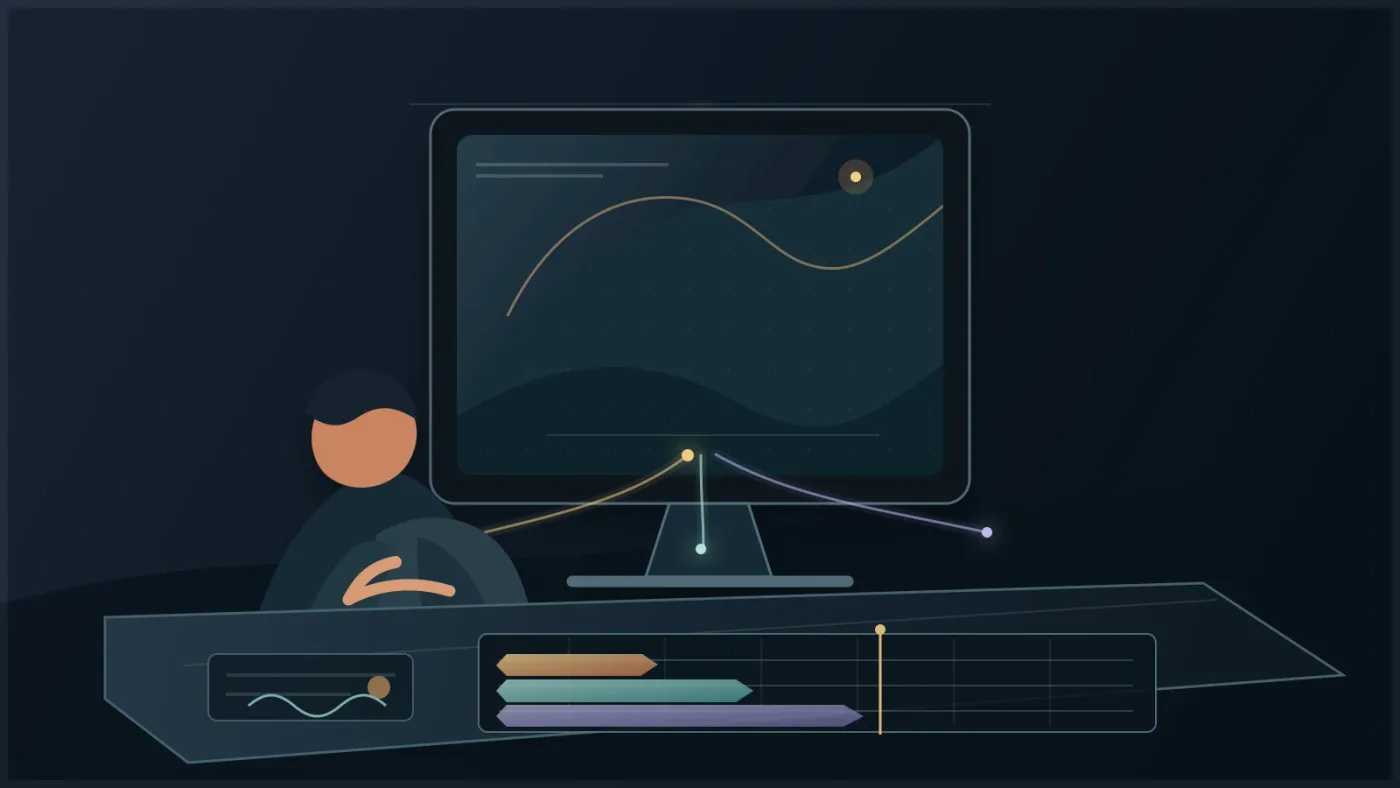
The common mistakes are treating the change as a preset, ending the source too early, choosing unrelated score, and automating without protecting the edit from later changes.
Mistake 1: The source drops before the audience understands why
If the diegetic music vanishes before the story gives you a reason, the transition feels like an edit decision. Keep a trace until the score arrives.
Mistake 2: The score starts at full emotional intensity
A score that enters at its loudest point leaves no room for the picture to develop. Find an intro, stem, alternate mix, or earlier bar instead.
Mistake 3: The room changes too quickly
If the source becomes wide and pristine in one moment, the audience may notice the treatment instead of the character. Change perspective gradually.
Mistake 4: The Ducker is expected to create the transition
The Ducker can respond to dialogue, but it does not know when the story has moved from an object in the room to an inner score. Use it for speech control, then shape the handoff.
Mistake 5: Track automation is left behind after an edit
If you move or trim the picture after writing track automation, check whether Fairlight’s Automation Follows Edit is enabled. Blackmagic’s forum guidance explains that this setting keeps track automation with timeline edits, while clip gain nodes remain with their clip adjustments. Read the Blackmagic Design Fairlight workflow discussion.
Mistake 6: The editor judges the mix in solo
Solo helps you find clicks. Make the decision in the full scene, where dialogue, ambience, effects, and silence change the meaning.
A smooth crossfade is not automatically a convincing change of musical perspective.
How do I check the transition before I deliver the scene?
Check the scene at three levels: the music relationship, the complete soundtrack, and the final delivery. A transition that works in a music-only pass can still hide dialogue or make the next scene feel disconnected.
Use this final pass:
- Watch once with the source and score isolated. Confirm that the handoff happens at the intended story beat.
- Watch with dialogue and production sound restored. Check that words remain clear and the room does not collapse.
- Watch from at least 10 seconds before the entrance to at least 10 seconds after the exit. The transition must work as part of a scene, not as a short demo.
- Check the first frame of the next cut. Decide whether the score should continue across the cut, resolve before it, or hand the audience back to location sound.
- Reopen the timeline after any picture change and inspect the automation or keyframes. This is especially important if the music clips or surrounding edit moved.
Fairlight supports audio scrollers for comparing picture frames and audio waveforms, and its Deliver page can render audio-only files. Those tools help with sync and review, but they do not replace listening to the scene. Blackmagic describes Fairlight’s scrollers and delivery options.
For Resolve 21.1, verify the installed build before following a tutorial that shows a different interface. Check Blackmagic’s Resolve 21 release information.
What is the best next step after the transition works?
Mute the source for a moment, then mute the score, and ask what each track is doing that the other cannot. If both tracks deliver the same emotional information, simplify the handoff.
Keep the version that gives the audience the clearest change in perspective with the fewest audible instructions. Sometimes that means a carefully designed overlap. Sometimes it means the source music continues almost unchanged and the score never enters. The craft is choosing the moment when the listener should stop hearing the room and start hearing the story.
The strongest diegetic-to-score transition leaves the audience aware of the feeling, not aware of the mix.
Frequently asked questions
- What is the best way to transition from diegetic to score music?
- Use an overlap on separate Fairlight tracks, then automate the levels and change the source music's perspective as the score arrives. The handoff should follow a story beat rather than happen only because the scene cuts.
- How do I make diegetic music become score music?
- Keep the same musical idea underneath the scene while changing its treatment. Widen or clean up the sound, reduce the sense of a physical source, and introduce score elements on a second track so the audience feels the music leave the room.
- Can I do this in the free version of DaVinci Resolve?
- Yes. The Fairlight volume, clip keyframe, fade, and automation workflow is available in Resolve's core audio tools. A third-party Resolve plugin may require DaVinci Resolve Studio, so check that tool's requirements separately.
- Should I use Fairlight automation or clip keyframes for the transition?
- Use clip keyframes for a quick level shape on one clip. Use Fairlight automation when you need to record and edit track controls over time, or when the transition includes several parameters and must survive later timeline edits.
Sources
- DaVinci Resolve Fairlight page
- DaVinci Resolve 21 What’s New
- DaVinci Resolve 21 New Features Guide
- Blackmagic Design Fairlight workflow discussion on Automation Follows Edit
- Columbia Film Language Glossary: Diegetic Sound
- Columbia Film Language Glossary: Non-Diegetic Sound
- Nicholas Britell interviewed by The Criterion Collection
- Epidemic Sound music, licensing, and Resolve Studio workflow
- Artlist plans and production assets
- Motion Array pricing and asset categories
- Soundstripe licensing and single-use licenses
Keep reading
Guides · Jul 11, 2026 · 31 min
How to Mix Audio in DaVinci Resolve Using Fairlight
Mix audio in DaVinci Resolve's Fairlight page: build a dialogue/music/effects bus structure, gain-stage your clips, EQ and compress dialogue, then duck music under it.
Guides · Aug 27, 2026 · 8 min
DaVinci Resolve Transition Between Music Tracks: 21 Guide
Learn how to transition between music tracks in DaVinci Resolve 21 with phrase matching, overlap, crossfades, Fairlight fades, and clean volume changes.
Guides · Aug 29, 2026 · 8 min
How to Choose Music for a Documentary Video in Resolve 21
Choose documentary music by story, ethics, picture, voice, and rights. This Resolve 21 workflow helps you audition cues and clear them before release.