Articles / Comparisonsupdated for DaVinci Resolve 21.1 (October 2026)
Is a DaVinci Resolve Course With Feedback Worth It?
Quick answer
A DaVinci Resolve course with feedback is worth it when an experienced editor reviews your timeline or export against a clear rubric and gives specific next steps. If feedback means only a discussion board, peer comments, or generic Q&A, start with Blackmagic Design’s free training and practice projects first.
We run a 100,000-plus member professional video-editing community and have taught more than 100,000 students on Udemy. We know a course can explain a control without telling you whether your cut works. As of October 2026, DaVinci Resolve 21.1 is current; what kind of feedback does the course actually include?
Is a DaVinci Resolve course with feedback worth it?
A DaVinci Resolve course with feedback is worth paying for when a qualified person reviews your own edit and gives specific, actionable changes. It is usually poor value when “feedback” means only access to a Q&A board, a completion certificate, or comments from other beginners with no rubric.
Feedback matters most after you have made something. A lesson can show where the Inspector sits or how to add a dissolve. It cannot tell whether your dialogue is clear, whether a reaction shot lasts too long, whether a grade distracts from the scene, or whether your export suits the brief. Those judgments depend on your work and your goal.
The short verdict is conditional. Pay for a course with feedback if it provides a reliable review loop, relevant assignments, and a reviewer who can explain both the creative choice and the Resolve workflow. Don’t pay a premium just because the sales page uses the words “personal feedback.” Ask what is reviewed, who reviews it, how often, and what you receive in return.
Simon Hall of Blackmagic Design EMEA said in a TechRadar interview that “we offer an extensive range of training materials users can access for free.” Read the interview.
For a beginner, feedback can prevent a small misunderstanding from becoming a repeated habit. For an experienced editor, it can be useful when moving into a less familiar area such as Fusion, Fairlight, multicam, or color management. But software instruction and editorial critique solve different problems. A course can be excellent at teaching the interface and weak at judging a finished story.
A feedback course is worth paying for when someone critiques your actual Resolve work and gives you a next revision to make.
In this comparison, “course with feedback” means a structured sequence of lessons plus review of learner work. That review may come from an instructor, a mentor, classmates, or an automated rubric. Those are different services. The label alone doesn’t tell you which one you’re buying.
Blackmagic Design’s official training page has free training videos, lesson materials, and books. A paid option must add something useful: a stronger sequence, a relevant assignment, expert correction, accountability, or a review that connects your creative problem to Resolve.
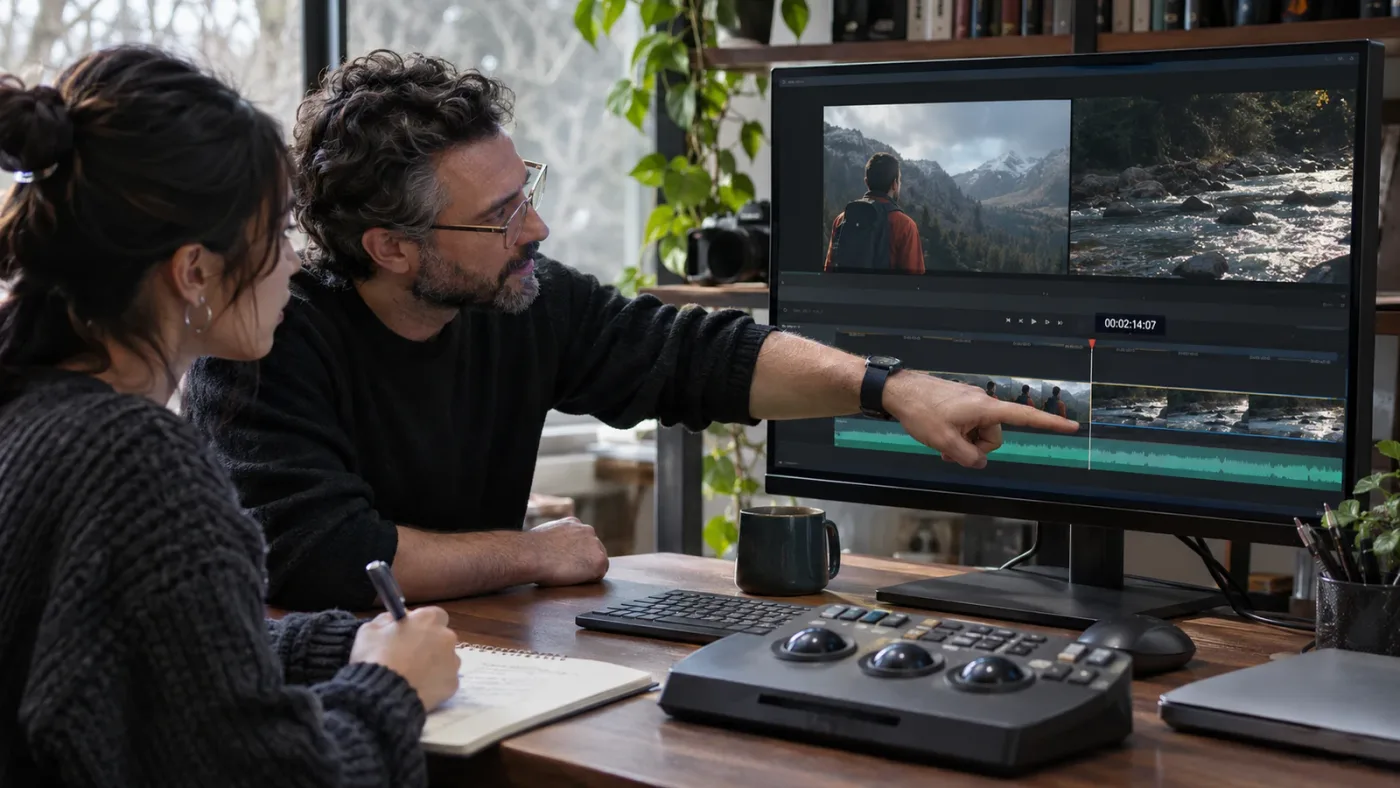
What does useful feedback on a Resolve edit look like?
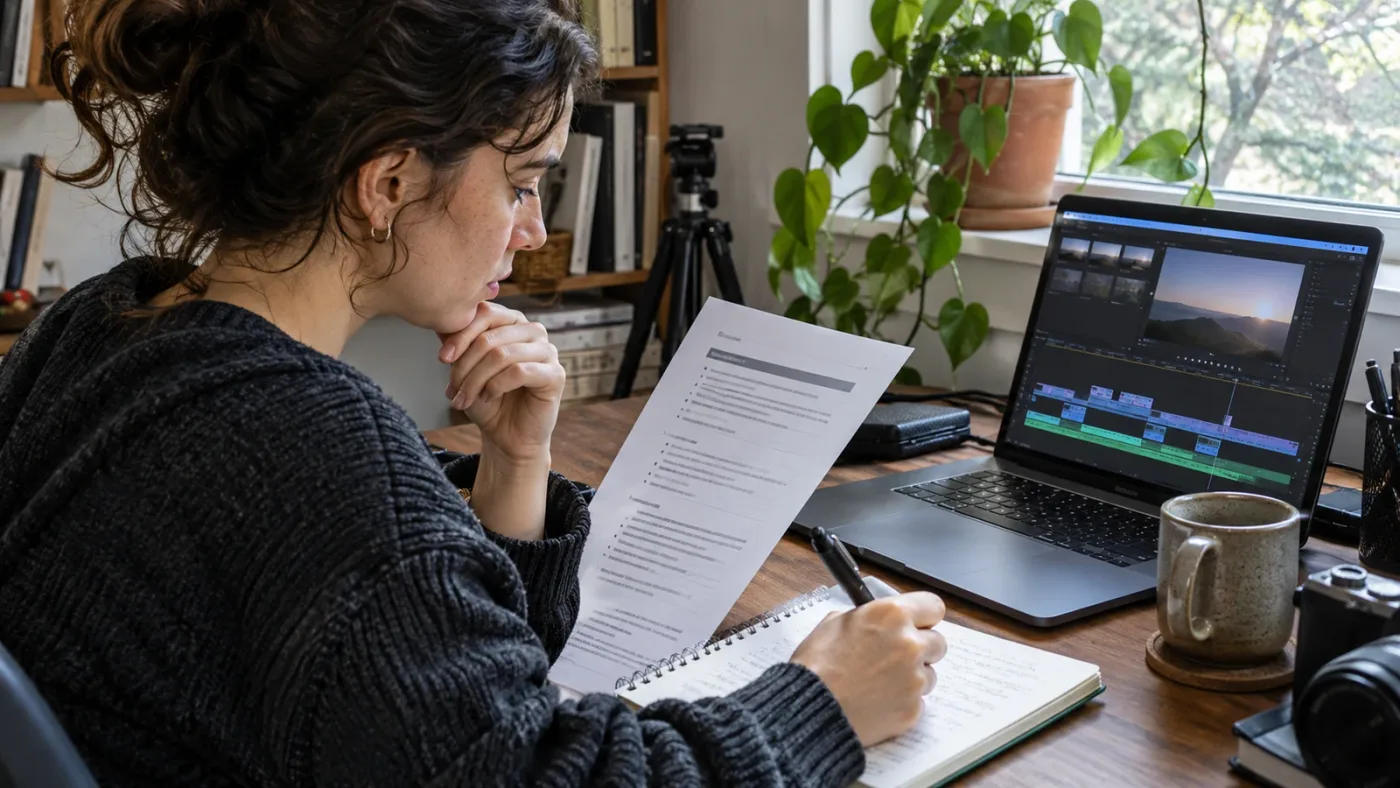
Useful feedback describes an observable issue, explains its effect, and points to one practical change you can test in DaVinci Resolve. It separates a technical error from a creative preference and gives you enough context to decide whether to accept the note.
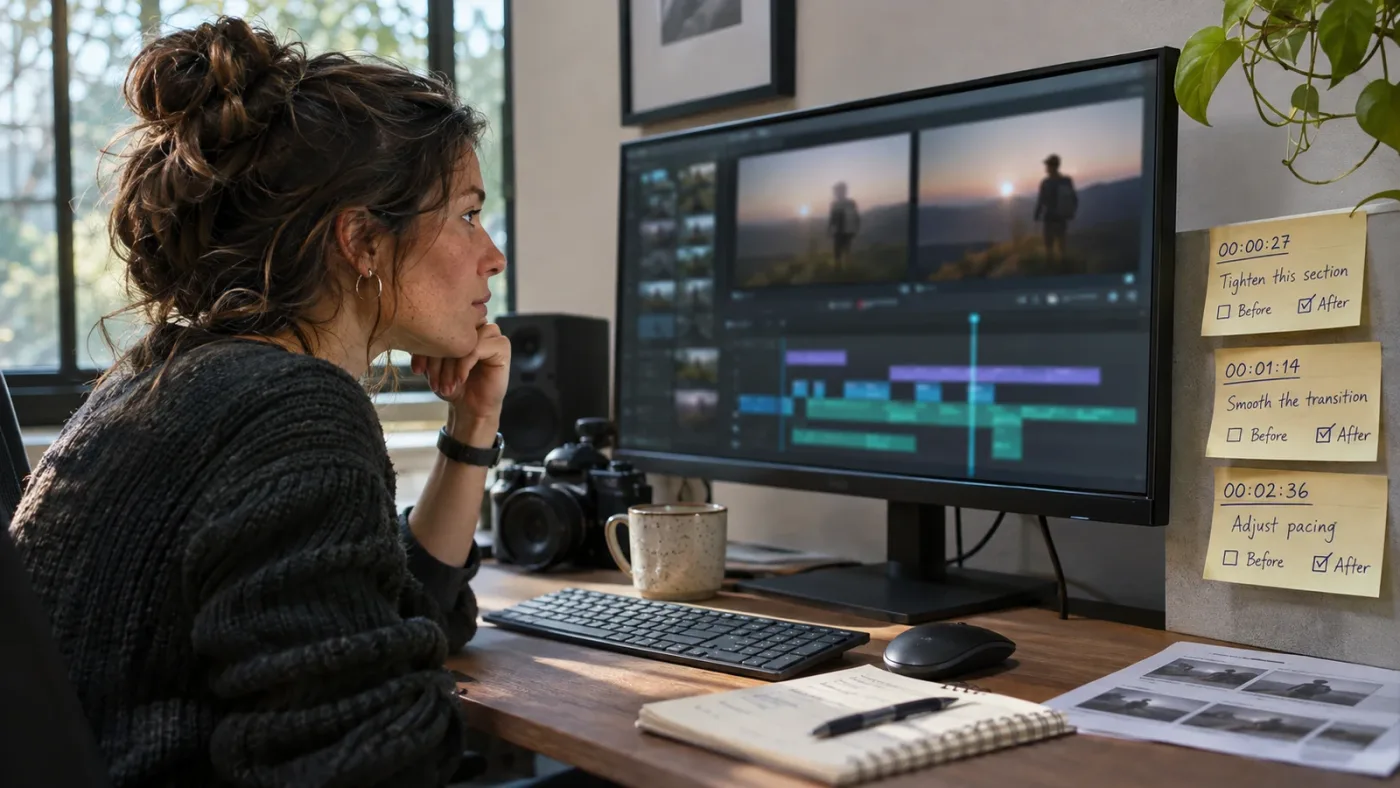
“Good job” can be kind, but it doesn’t tell you what to repeat. “The edit is too slow” is more direct, but still too broad. A useful note might say: “The pause before the second answer feels longer than the other pauses. Try trimming a few frames, then watch the exchange with the next shot to see whether the response still feels natural.” That gives you a location, a reason, and a test.
The best feedback has a few clear parts:
- A specific moment. The reviewer names a clip, cut, track, node, effect, or timecode. “At 00:18, the wide shot holds after the speaker has finished the thought” is easier to use than “tighten the pacing.”
- A reason. The reviewer explains what the choice does to the viewer. A cut may break eye-line continuity, a title may compete with the subject, or a music transition may pull attention from a line.
- A choice, not just a command. “Try trimming the pause, or keep it if you want the discomfort to read” teaches judgment. “Delete this” teaches dependence.
- A Resolve path when one is needed. If the issue is a mismatched dialogue level, the reviewer may point to clip gain, track level, automation, or Fairlight processing. The note should identify the appropriate kind of control without pretending every audio issue has one magic setting.
- A manageable revision. One or two high-value changes are easier to test than a long list of tiny preferences. You need a chance to make the changes and see what happened.
A useful critique identifies the moment, the viewer effect, and a revision you can test.
If the course gives you a score, ask how that score connects to decisions. A number like 7/10 may help you track your own progress, but it offers little instruction by itself. A rubric can make the number meaningful if it defines criteria such as continuity, audio clarity, color consistency, graphic readability, and delivery requirements.
Which learning method gives you the right kind of help?
The best method depends on whether you need a map of DaVinci Resolve, a second pair of eyes on your edit, or help finding the right control while you work. Free training, video creators, marketplaces, mentors, peers, and on-screen guidance each cover a different part of that job.
| Learning method | What you get | Feedback on your own edit? | Where it wins | Main trade-off |
|---|---|---|---|---|
| Blackmagic Design official training | Structured videos, books, and lesson files | Not advertised as personal project critique | Free foundation from the software maker, with official materials | You supply the practice and find critique separately |
| Casey Faris and other YouTube creators | Visual walkthroughs and focused tutorials | Usually no guaranteed individual review | Easy orientation, searchable answers, and current demonstrations | A video can’t see your timeline or infer your goal |
| Udemy course | On-demand lessons, with assignments or Q&A when the course includes them | Not guaranteed by platform policy | Self-paced learning and a coherent curriculum | Features differ by course, and instructor response isn’t guaranteed |
| Coursera course or peer-review assignment | Course lessons, discussions, and peer-reviewed work when included | Often peer feedback; instructor involvement varies | Structured assessment and feedback from other learners | Peer reviewers may not be Resolve editors or may not respond quickly |
| Small-group class or mentor | Live instruction or direct review, depending on the offer | Often, if the terms say so | Follow-up questions and context about your project | Higher cost, and the quality depends on the reviewer and access rules |
| Editing community | Informal questions and peer critique | Possible, not guaranteed | Multiple opinions and help with a concrete blocker | Advice quality and response time vary |
| On-screen assistant | Contextual guidance while Resolve is open | Usually guidance on controls, not editorial grading | Finding the relevant panel or control during practice | It doesn’t replace a teacher’s taste, rubric, or full project critique |
Blackmagic’s official training is the cleanest starting point if cost is your main concern. As of October 2026, the training page shows downloadable guides labeled DaVinci Resolve 20 alongside Resolve 21 software. The core interface and many editing concepts remain useful across versions, but the books won’t teach every 21.1 addition. Pair them with the Resolve 21.1 release information when a lesson relies on a feature that changed.
YouTube is useful when you need to see a technique performed. Casey Faris’s 2026 “Making Videos in Resolve 21” beginner walkthrough is 1 hour, 24 minutes, and 15 seconds long, and it covers several major Resolve workflows in one project. It’s a practical orientation resource; a public video doesn’t promise a personal review of your cut. Watch the course on YouTube and download any offered media from the creator’s own description or community rather than assuming the video includes instructor access.
Udemy’s features need careful reading. Instructors may build assignments, downloadable resources, example solutions, and feedback into a course, but a learner should inspect that course’s own curriculum. Udemy’s learner help page says that instructors are encouraged to engage when possible, but are not required to post feedback on assignments. It also says that assignments cannot be resubmitted after submission. Udemy’s assignment guide explains what learners can expect, and the instructor guide describes how assignments and feedback work on the platform.
Coursera discussions can connect you to classmates and, in some courses, mentors. Coursera’s support documentation says course forums let learners ask questions and receive replies from other learners; course staff and instructors can also read and reply, but may not do so in every course. That’s useful access to a learning group, but it is not the same guarantee as a paid one-to-one review by a working Resolve editor. Coursera’s forum guide spells out the distinction.
What should I check before paying for a course with feedback?
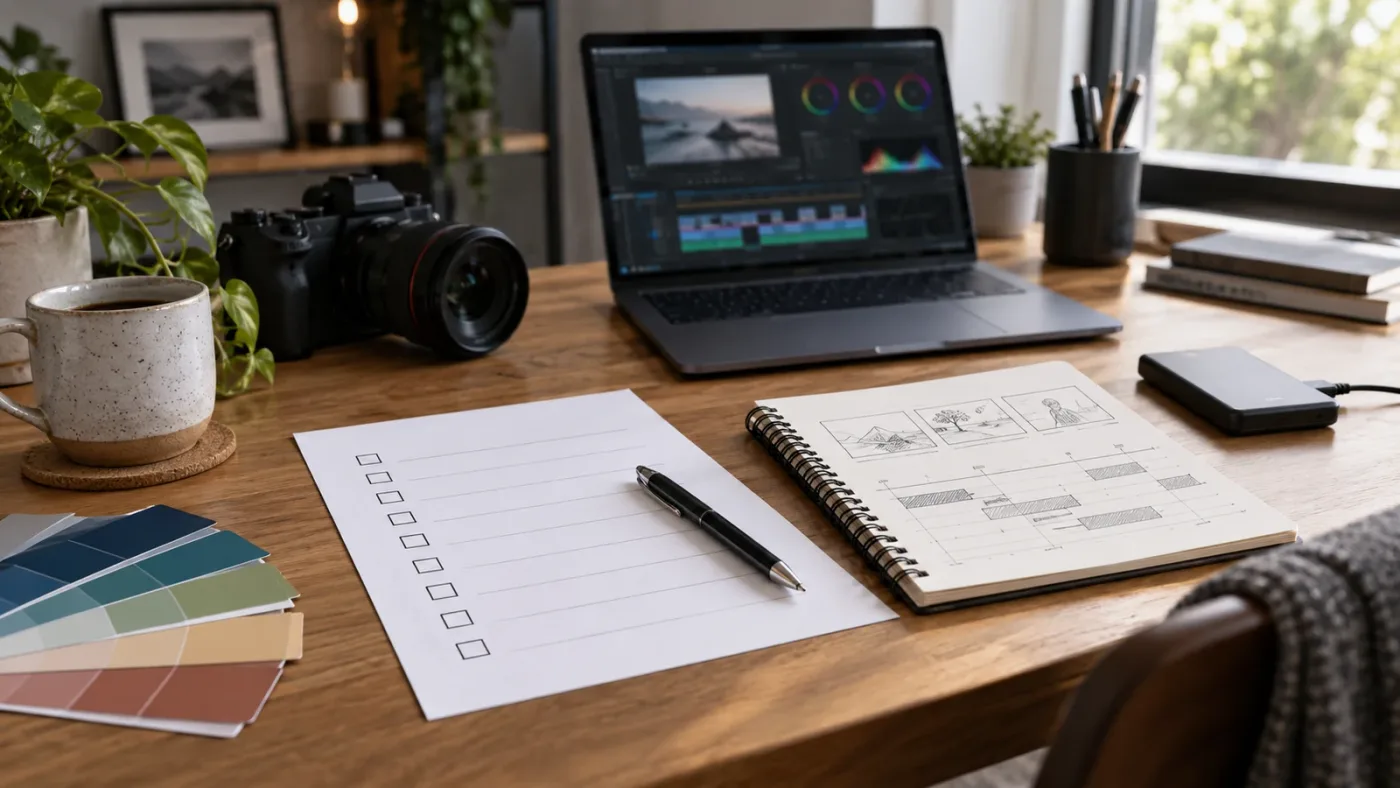
Check the review promise, not the headline. Before you buy, verify what you submit, who reviews it, how many reviews are included, what the response contains, and what happens if you need a follow-up.
A course page may use “feedback” to describe several different features. It could mean that the instructor has posted an example answer, classmates can leave comments, the instructor answers questions in a forum, a teaching assistant responds, or a mentor watches your export. These offers are not interchangeable. Ask the seller to define the exact deliverable in writing.
Use this checklist while comparing two courses:
| Question to ask | A strong answer sounds like | A weak or incomplete answer sounds like |
|---|---|---|
| What can I submit? | “A short exported video and the project file, plus your stated goal.” | “You can ask questions in our community.” |
| Who reviews it? | “The named instructor or a Resolve editor with stated experience.” | “Our team” with no explanation of who is included |
| How much gets reviewed? | “One full edit” or “two selected sections up to a stated duration.” | “Personalized feedback” with no scope |
| What arrives? | Notes with timecodes, rubric criteria, and revision priorities | A completion badge, score, or general encouragement |
| How many rounds? | A stated number of reviews and a stated way to ask a follow-up | “Ongoing feedback” with no limit or schedule |
| What is the response window? | A specific business-day range, plus a clear process if it slips | “Fast replies” without a service promise |
| How does the course stay current? | A dated update log, version label, and notes about Resolve 21.1 | An old version number hidden in the course title |
| What is the total price? | Course price plus any membership, review, or renewal costs | A low entry price with a required upgrade revealed later |
Don’t confuse Q&A with critique. A Q&A board is good for questions such as “Where did the Inspector go?” or “Why does this lesson’s menu look different?” It helps when the problem is local and factual. It may be enough for an independent learner who can diagnose their own edit.
Critique asks a different question: “Does this sequence work for the intended viewer, and what should I change?” To answer well, a reviewer needs to watch the sequence, understand the assignment, and give you a usable note. If the course only promises access to an instructor’s answers to questions, it may not include that review.
Find out what the reviewer will not do. A single review may not include a full recut, color pass, audio mix, or private coaching call. That’s not necessarily a flaw. A clearly scoped 10-minute review can be more useful than an unbounded promise if the reviewer identifies the biggest problem and gives a good next exercise.
When sellers say “guaranteed feedback,” inspect the guarantee. Is it a guarantee that somebody will respond, or that the response will be from the instructor? Is the feedback guaranteed once, or each time you submit? Does the clock begin when you enroll or when you post? Can you get a refund if the reviewer misses the stated window? Exact terms make the offer legible.

When is one-to-one feedback worth more than a self-paced course?
One-to-one feedback is most valuable when your project has a real consequence or when you’ve reached a repeated problem that tutorials can’t diagnose. It is less valuable when you haven’t yet learned the basic controls or can answer your immediate question with a targeted free lesson.
Paying for review makes sense when you have a specific piece of work, a clear goal, and enough practice to benefit from correction. A wedding editor might want a second opinion on pacing and emotional continuity. A YouTube creator might need to make speech, screen recordings, music, and captions work together. A color learner might want feedback on whether shots match, not just a video showing where the wheels are. In each case, a reviewer should know the type of work and evaluate against that target.
The review can also matter when you are crossing from hobby work into paid delivery. Client work adds constraints: a brief, a deadline, a brand reference, a delivery format, and another person’s notes. Feedback that addresses these constraints is more relevant than a generic exercise built only to demonstrate software features. A course may teach the Deliver page correctly yet never explain how to confirm the client’s requested frame size, codec, audio layout, and naming convention.
Paying is less compelling when you haven’t completed a first project. New editors often need orientation before they need advanced taste critique. Blackmagic’s beginner lessons and downloadable files can help you learn import, timeline, edit, and delivery fundamentals at no cost. A short project made from the lesson media gives you something concrete to ask about later.
What does “feedback included” mean on Udemy or a course marketplace?
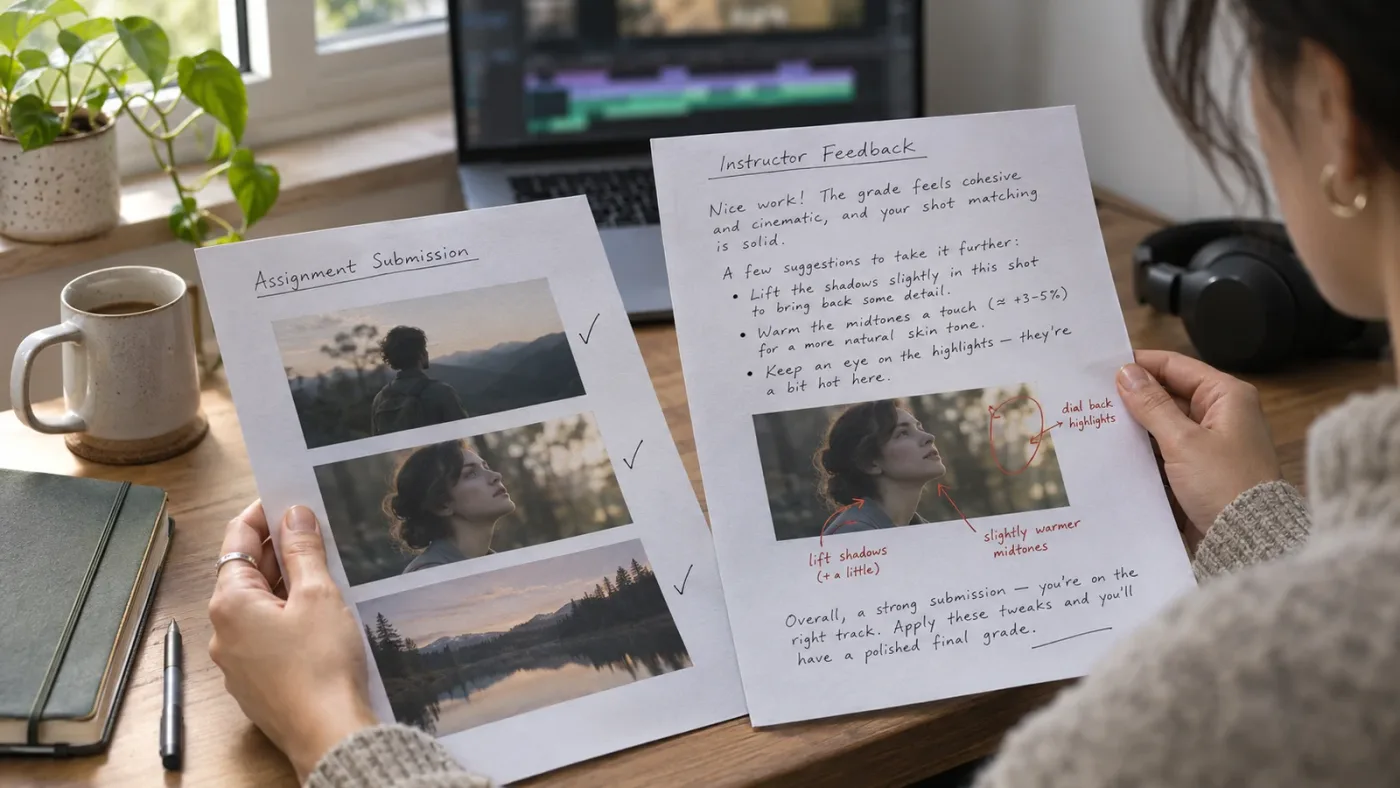
On a course marketplace, “feedback included” is not enough detail to infer personal instructor critique. Read the specific assignment and Q&A terms, because platform features and course-level promises can differ.
Udemy’s assignment documentation gives instructors a way to add questions, instructions, video explanations, downloadable resources, and solutions. The instructor can review completed assignments and add feedback. Learners may also receive feedback from fellow students if they choose to share work. That describes what the feature can support, not what every DaVinci Resolve course includes. Look for assignments on the course landing page and read the curriculum before purchase.
The learner-side documentation adds an important limitation: an instructor is not required to post feedback on an assignment. It also states that a submitted assignment cannot be edited or redone, even though a learner can return to review their submission and the instructor’s solution. If you want critique, confirm that the course seller makes a separate explicit promise rather than relying on the marketplace’s assignment feature alone.
Udemy Q&A is better suited to course questions. Udemy’s help page describes a course Q&A where you can search prior answers or ask a new question, and notes that it cannot control instructor response time. A helpful archive can save you time, but the answer may address the lesson rather than inspect your project. Ask whether the instructor answers questions about custom footage, third-party plugins, or only the included lessons.
If the course creator can show a redacted sample critique, read it for specificity. Does it identify a moment? Does it explain why a choice works or fails? Does it suggest a revision you can compare? Does it distinguish “I would choose this” from “the export is technically wrong”? The sample need not expose a student’s private work. It should demonstrate the teaching method.
How should a Resolve course account for version 21.1?
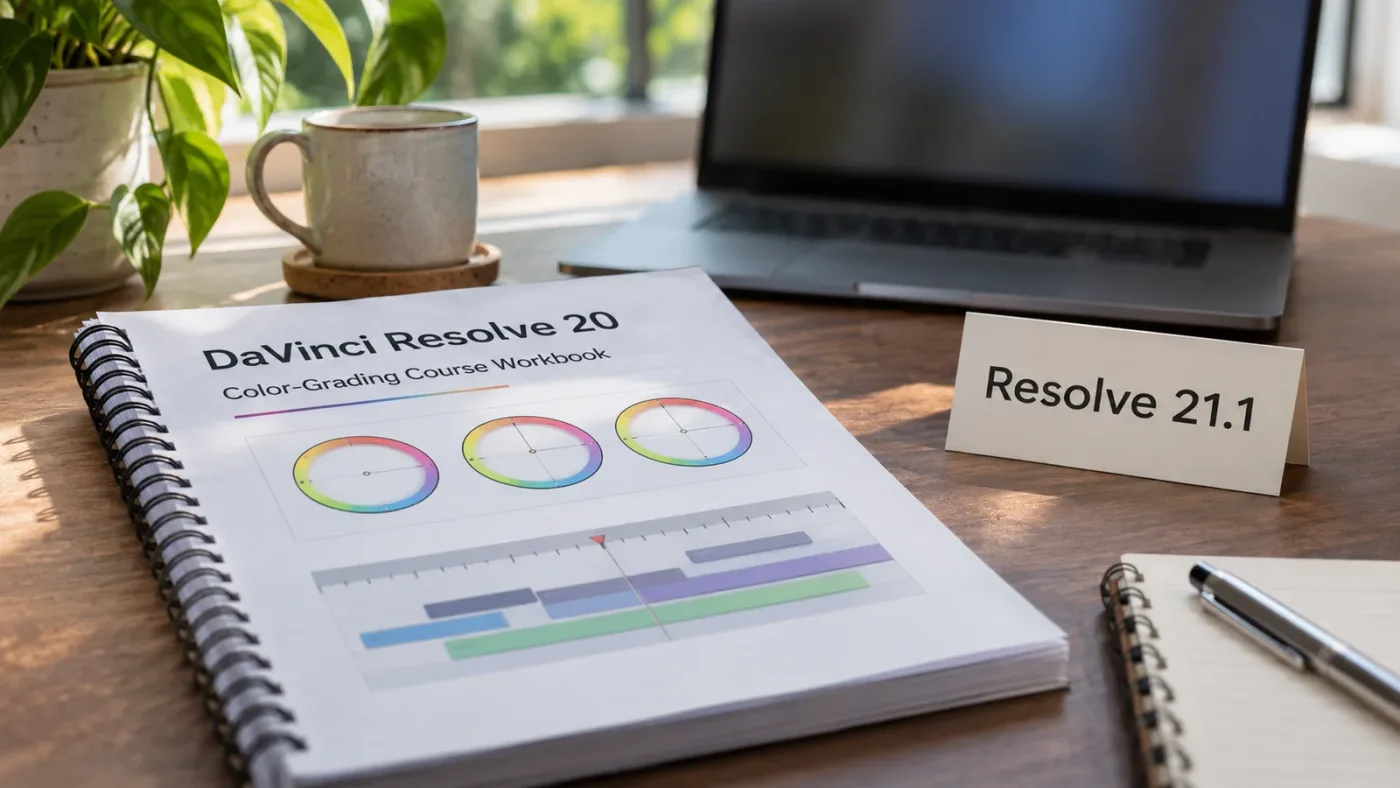
A course should label the Resolve version it demonstrates and tell you which lessons still apply when the interface changes. As of October 2026, Blackmagic Design’s current support page lists DaVinci Resolve 21, and the company announced 21.1 in September 2026.
You don’t need every course to be recorded in Resolve 21.1. Editing concepts such as choosing a shot, trimming a pause, organizing a media pool, balancing dialogue, and exporting a review copy can remain useful across major releases. A course recorded earlier may still teach those foundations well. The issue is whether its screen demonstrations and lesson files match your specific task.
Version mismatch matters most when a learner follows a tutorial one click at a time. A button can move, a page can gain a feature, or a setting can change. When that happens, a beginner may assume they made a mistake even when the instructor’s screen is from another release. Blackmagic’s 21.1 update adds or changes specific workflows, including Layer List node graphs, keyframing improvements, MultiMaster trim passes, and the Photo page. A course teaching one of those topics should identify the version it uses and note where your menu may differ.
Resolve’s own training page offers an instructive example. The page can be current as a training portal while some of its official books still carry a Resolve 20 label. That does not make them useless; it does mean you should match the lesson to the task. Use a version 20 book to learn a stable baseline workflow, then consult the 21 or 21.1 materials when you need a new feature. Avoid treating every old lesson as obsolete or every old screenshot as current.
Ask the instructor these questions:
- Which Resolve version is visible in the lessons?
- Are the lesson files compatible with Resolve 21.1?
- Which tools or menus have changed since the course was recorded?
- Do you update the course when Blackmagic ships a point release?
- Can I access a changelog or update note?
- If the interface differs, can I ask for help with the current version?
Blackmagic’s training videos and official books offer downloadable project files for many lessons. A project file lets you inspect the instructor’s result and compare your steps, but it does not show whether your independent work meets the assignment. Treat downloadable media as practice material, not proof that a course includes personal feedback.
Version freshness matters most when the lesson teaches a changed control, not when it teaches a durable editing decision.
How can I tell whether a critique will improve my next edit?
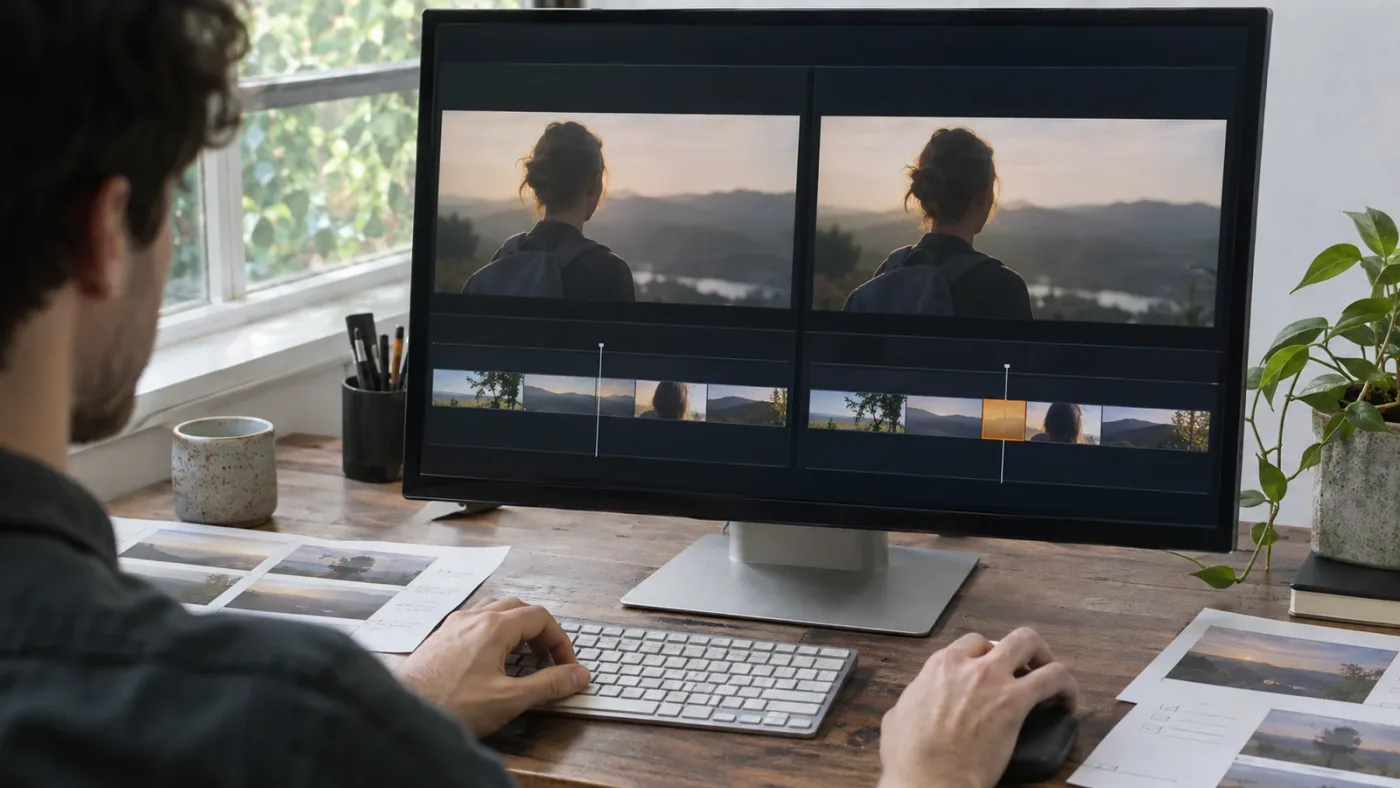
A useful critique changes the way you look at the next edit, not just the export you submitted. Before enrolling, make sure the assignment gives you a goal and the feedback gives you a concrete way to revise and compare.
Start with an assignment that resembles your actual work. If you make social clips, a long-form documentary exercise may teach Resolve but offer less direct transfer. If you grade interviews, a flashy travel montage may not train the skills you need. The course doesn’t need to match your exact client or channel, but the task should involve similar decisions.
Then define one learning target. “Get better at editing” is too broad for a useful critique. Try one of these instead:
- Cut a 30-second interview answer without changing its meaning.
- Keep a viewer oriented through three locations.
- Make dialogue clear while music stays present.
- Match two shots from different cameras before adding a creative look.
- Build and revise a lower third that remains readable on a phone.
- Export a review file and a final file using two different delivery requirements.
These targets let a reviewer judge the work against something. They also make it easier for you to apply the note. If you ask about audio and receive a note about pacing, you can decide whether the reviewer saw a bigger issue or missed your stated question.
Ask for the rubric before you submit. A short rubric could name the criteria without dictating the answer: story clarity, continuity, audio intelligibility, visual consistency, and delivery. For each criterion, the reviewer should be able to explain the note. Avoid rubrics that reduce creative work to an unexplained total score or pretend every project has one correct aesthetic.
Make one revision pass after feedback. Keep the original version so you can compare the change. Watch both versions in the same conditions, with the same audio level and the same display. Note which feedback you accepted, which you rejected, and why. The point is not to obey every comment. It is to practice making a deliberate choice and seeing its effect.
If a course offers a second round, use it to test whether you understood the first review. Don’t ask the instructor to repeat the original critique. Ask a narrower question such as, “I shortened the pause at 00:18 and changed the reaction shot. Does the conversation now feel rushed, or is the new rhythm clearer?” That keeps the loop focused.
A practical way to test feedback quality before paying is to find a sample review, an instructor demonstration, or public examples of their teaching. If no sample exists, ask for the format: annotated video, timecoded notes, live session, written rubric, or revised project file. A good provider should be able to explain the process without giving away someone else’s private work.
What is the best way to learn DaVinci Resolve fast?
The best way to learn DaVinci Resolve fast is to make one small, complete edit while studying only the controls that task requires. A short feedback loop beats trying to memorize every page before you create anything.
A practical sequence is simple:
- Choose a small finished outcome, such as a one-minute interview, a product clip, or a short personal story.
- Write down the intended viewer and the one skill you want to practice.
- Find a current tutorial or official lesson that covers that skill.
- Rebuild the lesson once with its files, then repeat the workflow with different footage.
- Export a review copy and watch it without the timeline open.
- Ask one person for feedback tied to your goal, or compare the result with a rubric.
- Revise one high-value issue and export again.
This sequence helps you notice the difference between copying a demonstration and being able to make a decision. If you followed a color tutorial, for example, close it and try matching a new shot. If you used a transition, ask whether the edit needs one. If you set an audio level by copying a number, listen to the result on headphones and speakers rather than assuming the number fits every recording.
Do not choose a project so large that you spend all your time managing media. Keep the first project constrained. Use a few clips, one intended audience, one sequence, one music or dialogue problem, and one delivery destination. You are testing a learning loop, not building a feature film.
The most useful feedback prompt is short: “My goal is X. At timecode Y, I’m unsure whether Z is clear. What would you change first, and why?” That request invites specific advice. “Thoughts?” gives the reviewer no standard and invites taste alone.
If nobody is available to review your export, use comparison deliberately. Rewatch the lesson, note the instructor’s decision, then test the same decision on another shot. Compare your own before and after versions. You can also ask a community for one focused note while sharing only media you have rights to share. The best Discord servers for learning DaVinci Resolve guide can help you find places where people discuss the software, but a community’s presence doesn’t guarantee a personal critique.
The fastest useful learning loop is lesson, independent attempt, specific critique, and revision.
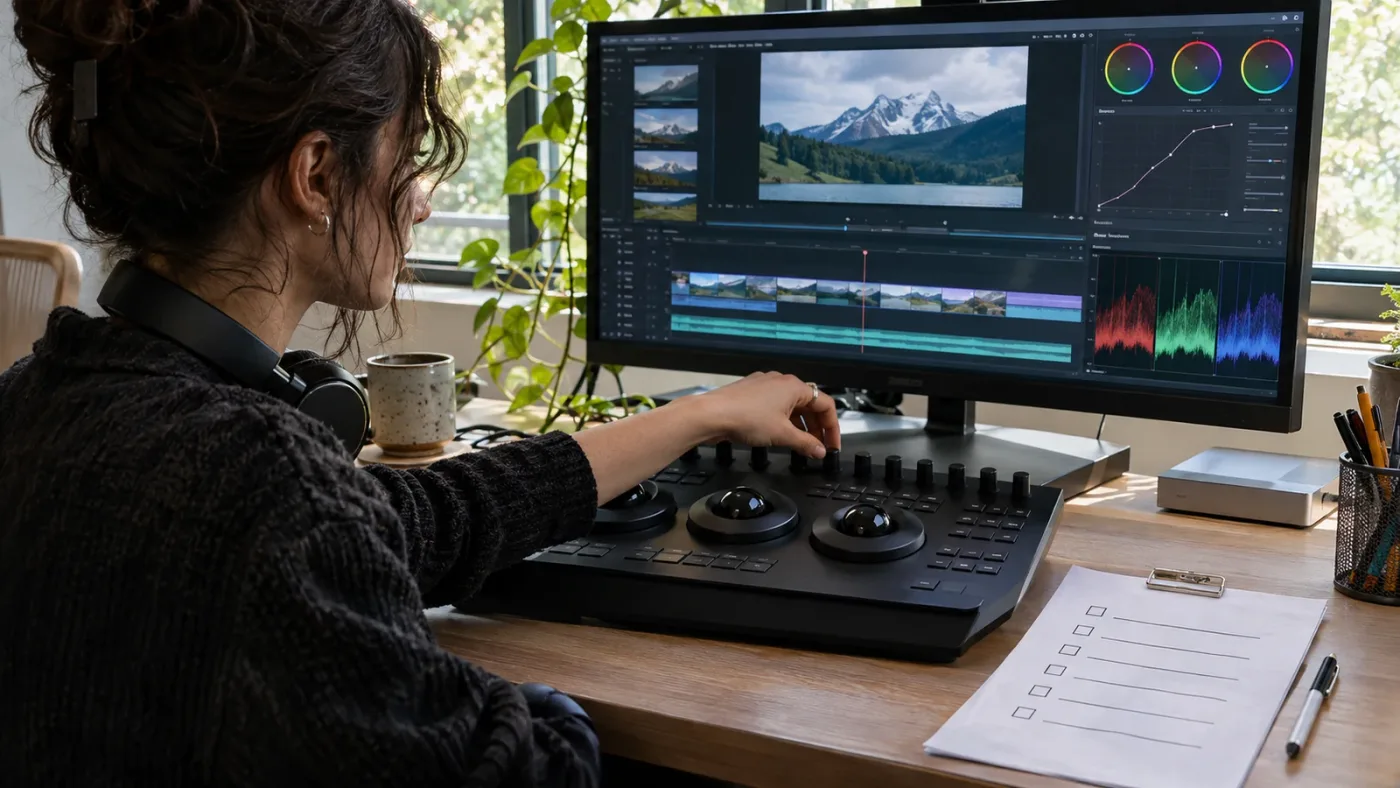
How do on-screen assistants compare with courses and human feedback?
An on-screen assistant can help you locate or understand a DaVinci Resolve control while you practice, while a course organizes instruction and a reviewer evaluates your result. Those jobs overlap only partly, so choose the tool that addresses the blocker you have now.
TryUncle is the on-screen assistant for DaVinci Resolve on Mac and Windows: ask in plain words and Uncle points at the relevant control on your screen. The TryUncle app is a contextual aid when a tutorial’s interface doesn’t match yours or you can’t find the setting named in a lesson. It does not review whether your story, grade, or mix is artistically effective, and it doesn’t replace a teacher’s critique.
On-screen guidance helps you find a control; a human critique helps you judge the result.
This distinction matters because “AI tool to learn DaVinci Resolve” can refer to several different products. Sottocut describes itself as an assistant editor inside an open Resolve project that scores footage, proposes edits, and verifies changes. CutAgent describes an agent that can coordinate Resolve editing tasks and automate workflows. Eddie AI focuses on assembling and developing edits from source footage, then handing projects back to an editing application. PremiereCopilot performs text-based editing in Adobe Premiere Pro, so it is not a DaVinci Resolve-native learning tool. These products may help with editing tasks, but task automation is not the same service as feedback on your own craft. Check each vendor’s current compatibility and terms before purchase.
If you want an app that helps while you use Resolve, ask yourself which problem you’re trying to solve. If you cannot locate a control, an on-screen assistant can help orient you. If you need an edit assembled from hours of footage, an editing agent may be relevant. If you need to know whether the result is clear, moving, balanced, or appropriate for a client, seek a qualified human review. A tool that creates or changes a timeline should be judged by how much control you retain and whether you can inspect its actions.
A sensible combination is often free or low-cost instruction, independent practice, and paid critique only when the project or learning block justifies it. You might use Blackmagic’s lesson files to learn a basic operation, a creator video to see the control in motion, and one mentor session to discuss the result. You do not need to buy every layer at once.
The decision about whether a course with feedback is worth paying for still comes down to the review itself: who gives it, what they see, and how their notes help you improve.

Which option should I choose: free lessons, a feedback course, a mentor, or contextual help?
Choose based on the gap between what you know and what you can do without help. The best option is the least costly one that closes that gap while still giving you a reliable way to check your work.
Choose a marketplace course if you want a self-paced syllabus, a set of lessons in a particular specialty, and a price that fits your budget. Read the update date and curriculum. If feedback is the reason you are buying, verify that it means actual instructor review. A course with downloadable practice files and Q&A may still be worthwhile without personal critique, but value it as instruction, not mentorship.
Choose a paid course with feedback if the review is explicit and useful: a named reviewer or defined review team, a stated number of submissions, an answer window, an assignment similar to your goal, and notes you can act on. This option makes the most sense after you have produced work that can be assessed. Compare the course with a standalone mentor session if you only need a single review.
Choose an editing community if you want varied peer reactions and can evaluate advice critically. Reddit’s DaVinci Resolve community invites members to help by reviewing and giving feedback on other people’s work; Discord groups and creator communities can also offer another editor’s perspective. Public replies are uneven by nature. Share a short excerpt, state the question, include your Resolve version when relevant, and avoid posting private footage or client material without permission. Our guide to learning DaVinci Resolve alone versus with a mentor covers the trade-offs in more depth.
Choose on-screen guidance if you are already practicing and your blocker is finding the relevant control or understanding a control in context. It gives you help at the moment you use Resolve. It is not a course syllabus, a portfolio review, or a promise that the creative choice is right.
| If your main problem is… | Start with… | Pay for feedback when… |
|---|---|---|
| “I don’t know where to start.” | Blackmagic beginner training or a linear beginner course | You have a first edit and need a human to identify the next skill |
| “I can follow lessons but cannot repeat them.” | Short assignments with a closed-book attempt | A reviewer can see your attempt and explain the gap |
| “I can’t find this setting in Resolve 21.1.” | Current-version documentation, a targeted tutorial, or contextual help | The issue is part of a larger workflow you keep repeating |
| “My video feels wrong, but I can’t say why.” | A critique from an editor who understands your genre and goal | The course includes actual edit review, not just Q&A |
| “I need to finish paid work to a brief.” | A client-style assignment and delivery checklist | A qualified reviewer can assess the work against delivery needs |
| “I need edits assembled from lots of footage.” | An editing workflow or agent suited to that task | You also need a human to critique story and taste |
The best DaVinci Resolve courses in 2026 comparison can help you choose a course format and specialty. Use it alongside this page: course breadth tells you what gets taught, while the questions here help establish whether your fee buys the feedback you expect.
Why listen to us about Resolve learning?
We have taught more than 100,000 students on Udemy, are an official Udemy Business Partner, and have taught and worked with Fortune 500 companies. We also run a 100,000-plus member professional video-editing community and bring more than seven years of commercial editing experience to this advice.
Those credentials don’t prove that one learning format fits every editor. They do give us a practical view of where training often breaks down: a learner understands the lecture but cannot find the control in their own version, has no footage to practice with, or receives an opinion without a reason they can apply. A good course anticipates those gaps.
Our recommendation is to make the seller prove the feedback mechanism. Look for the assignment, reviewer, criteria, schedule, submission format, and revision opportunity. If those details are absent, treat the offer as a course rather than a mentorship program and judge its price against other instruction.
We also recommend starting with the work you want to make. A beginner making short family videos may need only the free official basics and a specific YouTube walkthrough. A freelancer preparing client edits may value a review that covers the brief, story, sound, and final delivery. A colorist may need a specialized mentor who understands camera color science, not a general course with a generic comment thread.
Free official training is a strong baseline; paid feedback has to add personal, relevant review.

Should I buy the course now or practice first?
Practice first if you have not yet completed a small edit; buy a course with feedback when you can submit work and know what you want the reviewer to assess. A single finished exercise gives you a much better basis for comparing course promises.
Try this pre-purchase test before you spend:
- Can you name one project you want to finish?
- Can you describe the skill that is slowing you down?
- Have you checked whether official training or a current tutorial answers that exact question?
- Does the paid offer say who reviews your work?
- Can you see the review count, format, response time, and follow-up terms?
- Can you afford the full price, including any recurring fee or membership?
- Will you have time to revise after you receive feedback?
If you can’t name the project or the skill, you may be shopping for reassurance rather than instruction. That’s understandable, but an expensive course cannot choose your creative goal for you. Pick a small edit, complete it, then decide whether you need structure, a person’s judgment, or help in the application.
If you can name the project but cannot find the right lessons, buy a course whose curriculum maps to that project. If you can finish a project but don’t know why it feels weak, buy review from someone who can explain the weakness. If you know what you want but lose time searching menus, choose focused help with the interface. These are separate gaps; buying the wrong support can leave the original problem untouched.
Keep expectations narrow. A review can make your next cut clearer, but it cannot guarantee client work, a job, a particular audience response, or expert skill after one submission. A course certificate confirms completion according to that course’s rules. Your portfolio, repeatable decisions, and ability to respond to a brief show what you can actually do.
Our final verdict is straightforward: a DaVinci Resolve course with feedback is worth it when “feedback” means a real, scoped review of your own work with a practical revision path. If the seller cannot explain that promise, take Blackmagic Design’s free training, make one complete edit, and spend money only when you know what kind of help you’re missing.
Frequently asked questions
- Is a DaVinci Resolve course with feedback worth it for beginners?
- Usually, if the instructor reviews your actual project and explains what to try next. If the course only provides videos and a general Q&A board, begin with Blackmagic Design’s free training and use your saved budget for practice footage or a focused review later.
- Is Udemy feedback on a DaVinci Resolve assignment guaranteed?
- No. Udemy says instructors are encouraged to engage but are not required to post feedback on an assignment. Read the specific course page and ask the instructor what kind of Resolve work they personally review before buying.
- What should feedback on a DaVinci Resolve video include?
- Useful feedback names a visible or audible issue, explains why it weakens the result, points to a relevant Resolve decision or control, and gives you a small revision to try. A score or vague praise alone is not a learning plan.
- Can I learn DaVinci Resolve without paying for a course with feedback?
- Yes. Blackmagic Design publishes official training videos, downloadable lesson files, and training books. Casey Faris also publishes free Resolve lessons on YouTube, and the r/davinciresolve community can offer peer advice, though public replies are not the same as guaranteed expert critique.
- What is the best way to learn DaVinci Resolve fast?
- Choose one useful finished video, learn the Resolve tools that task requires, make a first version, and get specific feedback before revising. A course helps most when its assignments make you practice the same kind of work you want to deliver.
Sources
- DaVinci Resolve Training
- DaVinci Resolve Support and Downloads
- Blackmagic Design announces DaVinci Resolve 21.1
- Simon Hall, Blackmagic Design EMEA, interviewed by TechRadar
- How to create assignments for your course
- Assignments: Apply Your Knowledge and Improve the Skills You’ve Learned With Udemy
- How to Ask a Question About a Course You’re Taking
- Get help with your courses in the discussion forums
- Making Videos in Resolve 21: Full Course for Beginners
- Sottocut
- PremiereCopilot
- Eddie AI
- CutAgent
- r/davinciresolve community guidance
- TryUncle
Put this guide to work with TryUncle.
Ask about the step you’re on. TryUncle sees your screen and points at the control you need, so you can keep learning in your own project.
Get TryUncle for Mac or WindowsKeep reading

Comparisons · Jul 13, 2026 · 34 min
Best DaVinci Resolve Courses in 2026: 6 Real Options Compared
We compared six real DaVinci Resolve courses for 2026, from Blackmagic's free certification to color grading and Udemy bootcamps, to find the best fit.
Comparisons · Jul 15, 2026 · 41 min
Should You Learn DaVinci Resolve Alone or With a Mentor?
Learning DaVinci Resolve alone vs. with a mentor, compared honestly: what a real mentor changes, why self-taught learners stall, and where AI tutors fit.
Comparisons · Jul 25, 2026 · 37 min
Best Discord Servers to Learn DaVinci Resolve in 2026
The best Discord servers for DaVinci Resolve in 2026, ranked by real member counts, what each is good for, and where Reddit still beats all of them.